18

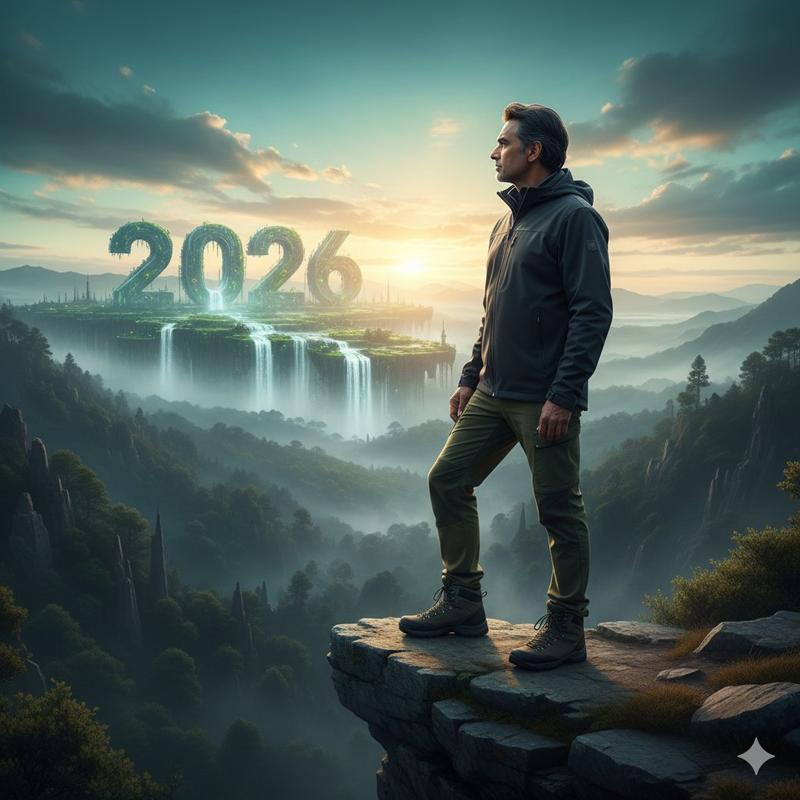
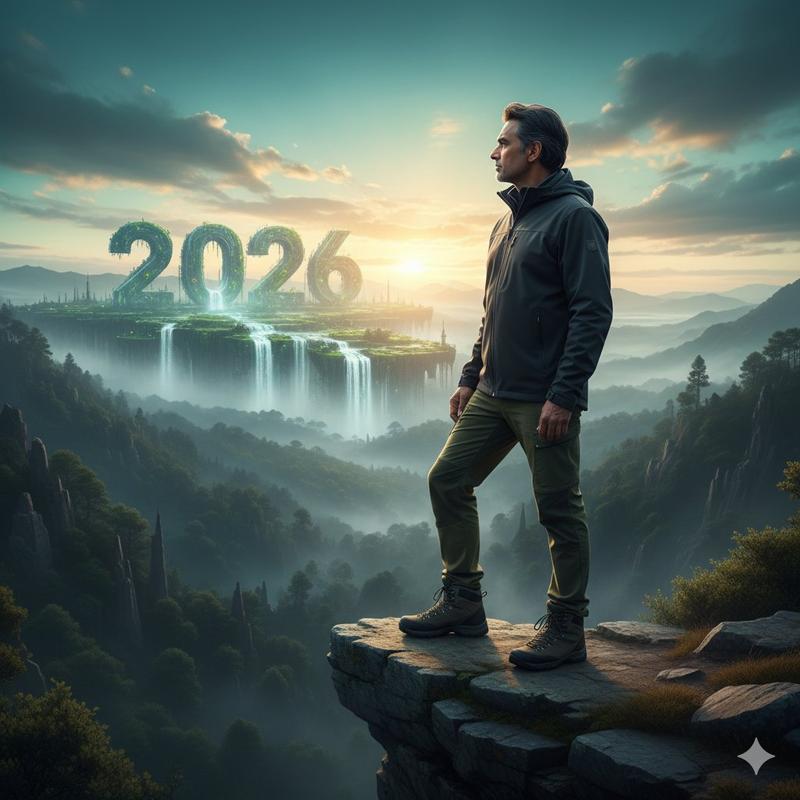
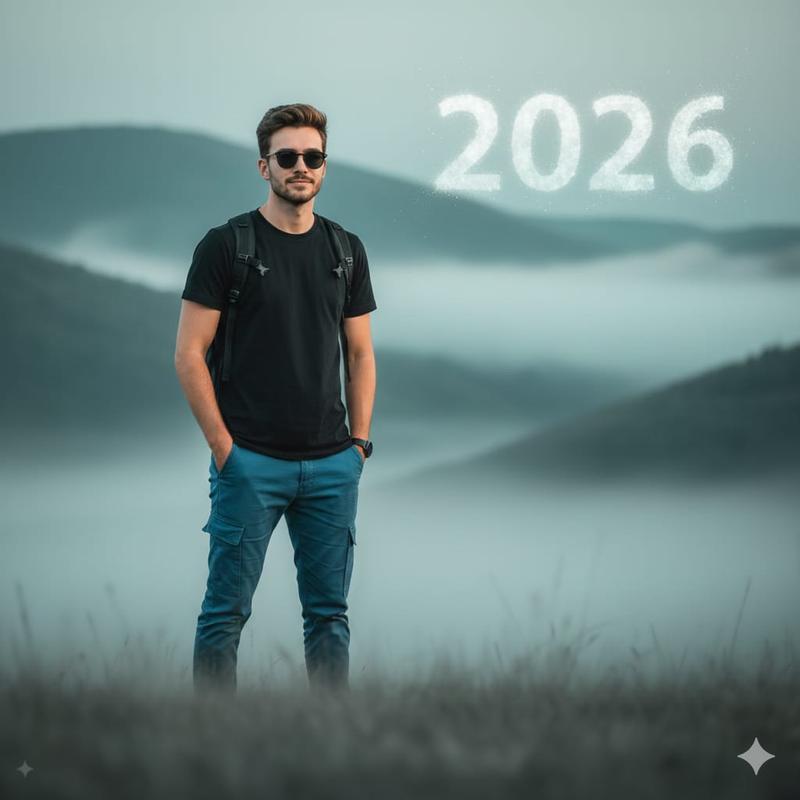
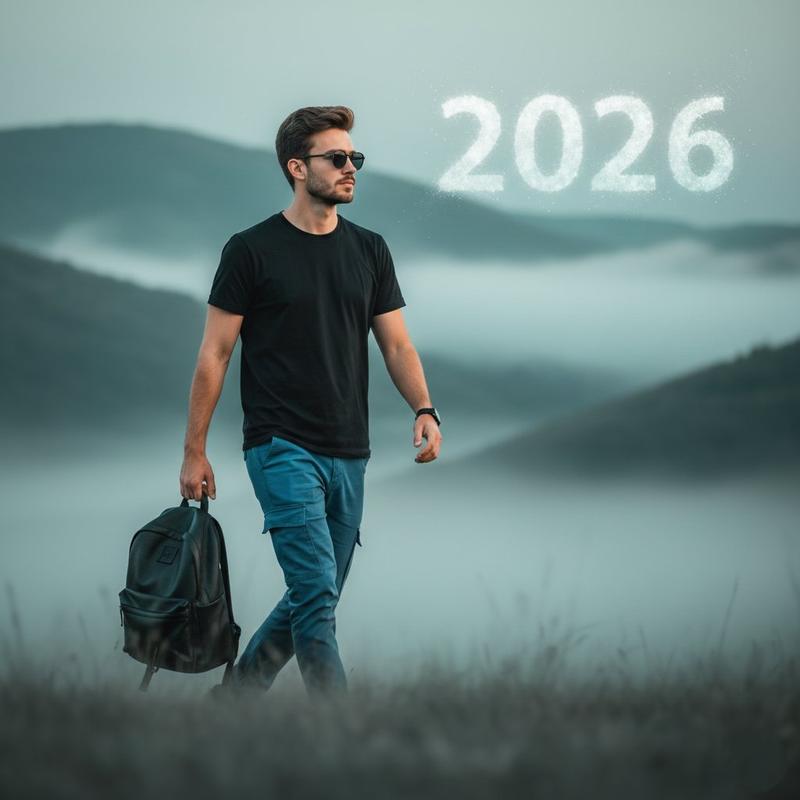
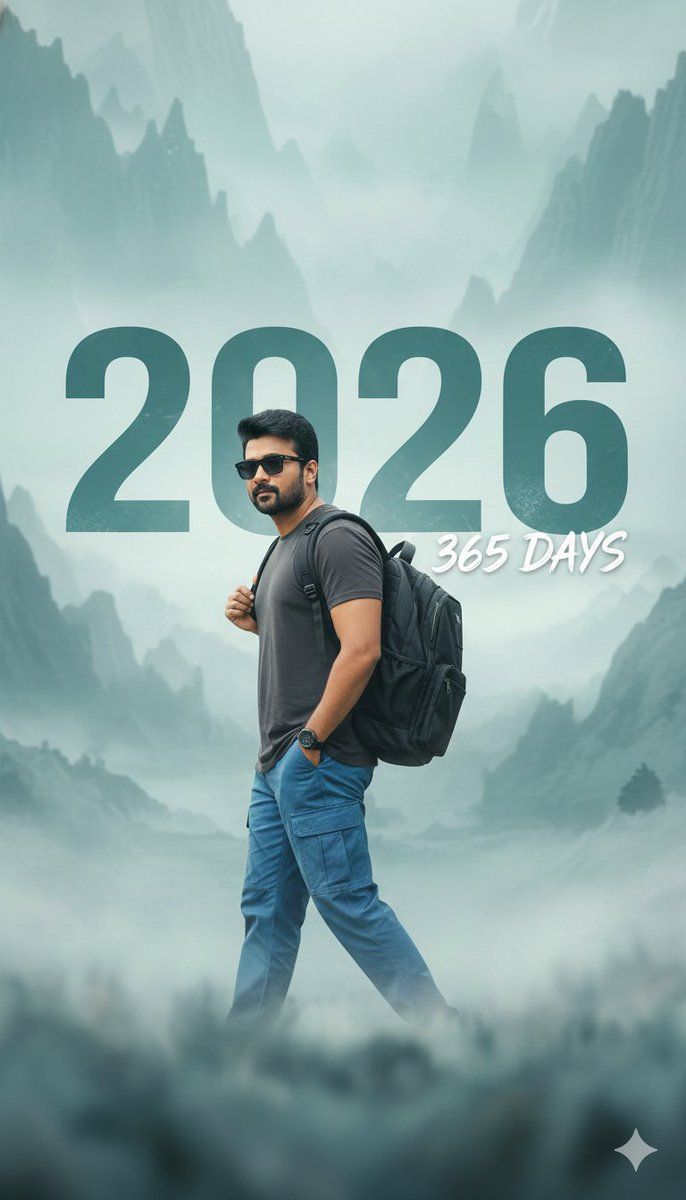
2026 新年电影感照片,带文字叠加
Enlarge

2026 新年电影感照片,带文字叠加

Prompt
{
  "prompt": "HD photo of a stylish beautiful young person wearing sunglasses, a solid black or dark charcoal shirt (replacing the white and blue batan shirt for better contrast), paired with blue cargo pants, and carrying a black backpack in the left hand while walking confidently across a soft blurred foreground. Background is a misty ethereal landscape with muted teal, blue, and light gray tones. Large bold slightly distressed teal text overlay reads '{argument name="year" default="2026"}', with smaller text below saying '{argument name="days" default="365 DAYS"}'. Cinematic, highly detailed, soft lighting, New Year aesthetic. Camera angle: left side. Keep the face same as the uploaded photo — don't change face."
}
Category
创意图片
Model
Nano Banana Pro
Views0
Source ID
b17e90e6-ea45-4e95-9373-203ee4c8dea3
Published
Mar 8, 2026

Guide

About "2026 新年电影感照片,带文字叠加"

What is this prompt for?

"2026 新年电影感照片,带文字叠加" AI image prompt for Nano Banana Pro (创意图片). 一个用于生成高清照片的提示,内容是一名时尚的年轻人在薄雾弥漫、空灵缥缈的风景中自信地行走。该提示详细说明了服装、姿势、光线,并包含一个大而醒目的青色文本叠加,上面写着“2026”和“365…

The full copyable prompt and example visuals above are ready for AI image generation or one-click recreate in Picva.

How to use this prompt

  1. Step 1

    Open the prompt detail

    Review the example visuals, category, and full prompt text for "2026 新年电影感照片,带文字叠加".

  2. Step 2

    Copy the prompt

    Copy the prompt body from this page, or load it directly in Studio.

  3. Step 3

    Pick a model (Nano Banana Pro)

    Prefer Nano Banana Pro. If you switch models, keep subject and composition and tweak style terms.

  4. Step 4

    Generate and export

    Recreate the look in Picva, or export into your workflow for editing and publishing.

FAQ

What is the "2026 新年电影感照片,带文字叠加" prompt?
It is an AI image-generation prompt for Nano Banana Pro in the 创意图片 category. This page includes the full prompt text, example visuals, and a one-click recreate path in Picva.
How do I use this prompt to generate an image?
Copy the prompt from this page, or use Generate / Studio. Paste it into a compatible image model, or recreate the look in Picva with optional reference images.
Which model is this prompt for?
This page lists Nano Banana Pro. Most descriptive prompts also transfer to nearby image models such as GPT Image, Flux, or Midjourney with light style tweaks.
Can I use the result commercially?
You can usually copy the prompt for creation, but commercial use of the final image depends on the model terms, reference-image rights, and the generated content. Follow the source author and platform rules.