17

周杰伦祝福图片整合提示词
Enlarge

周杰伦祝福图片整合提示词

Prompt
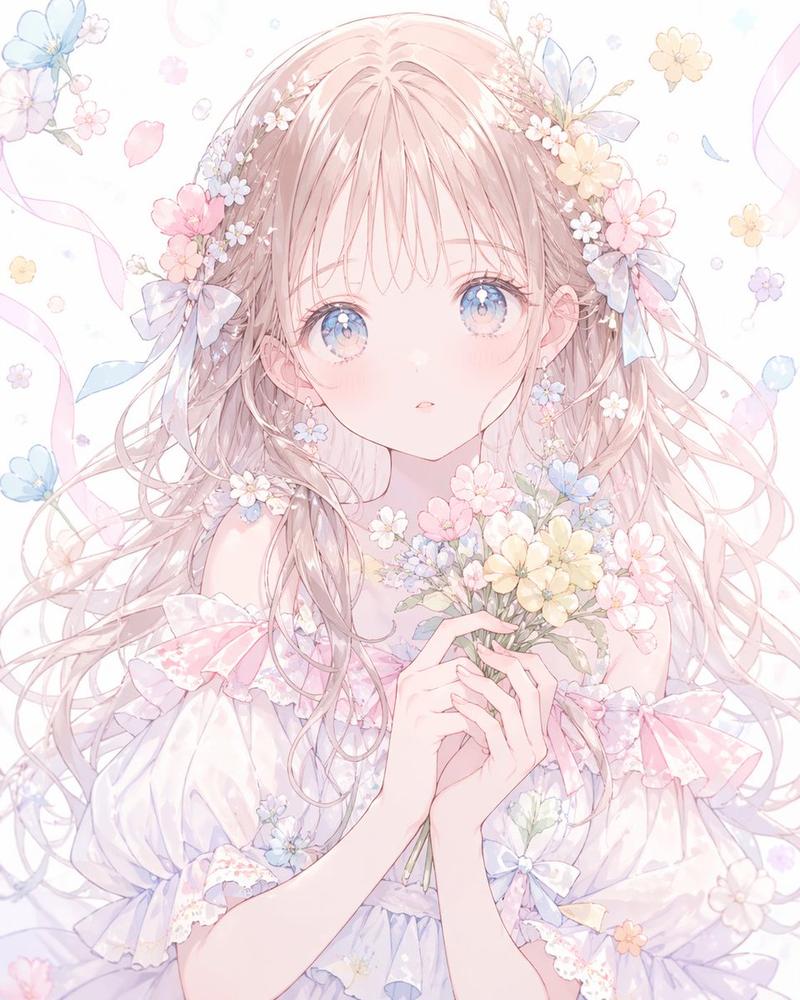
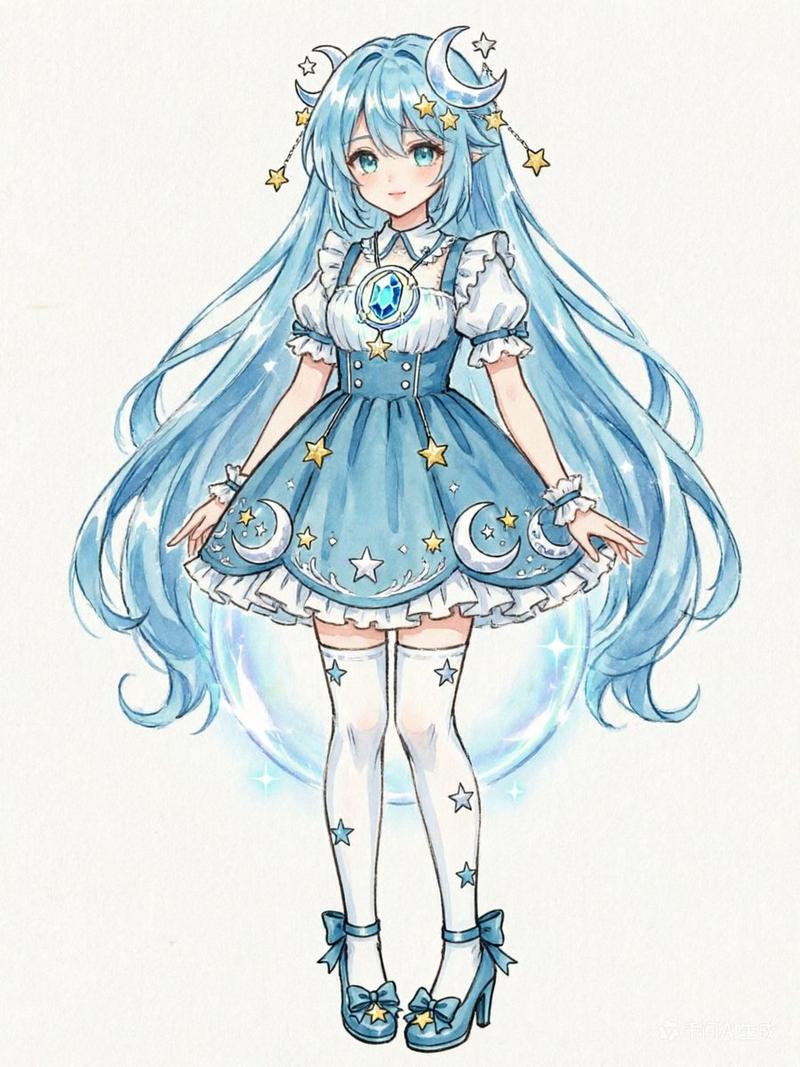
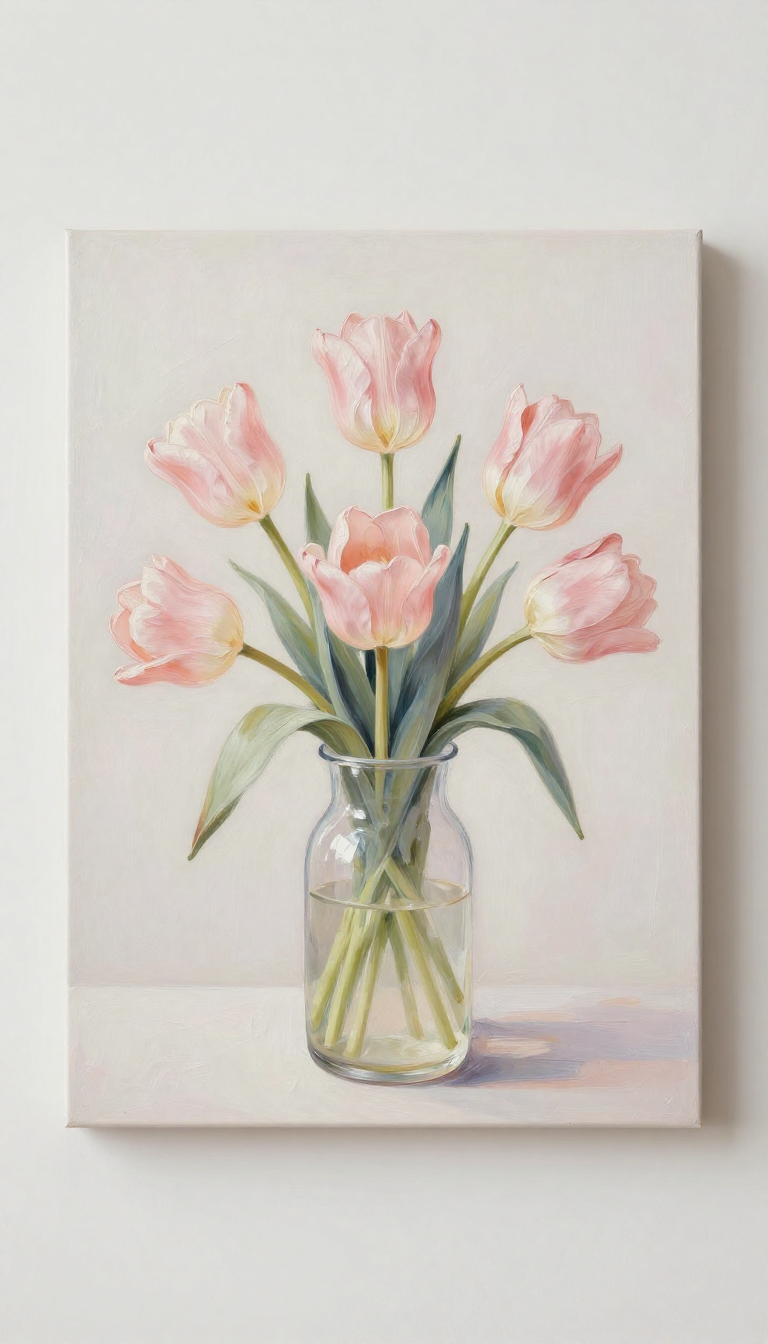
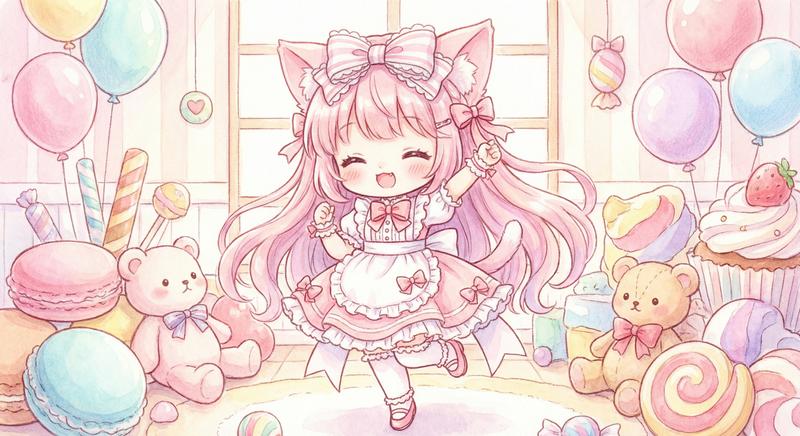
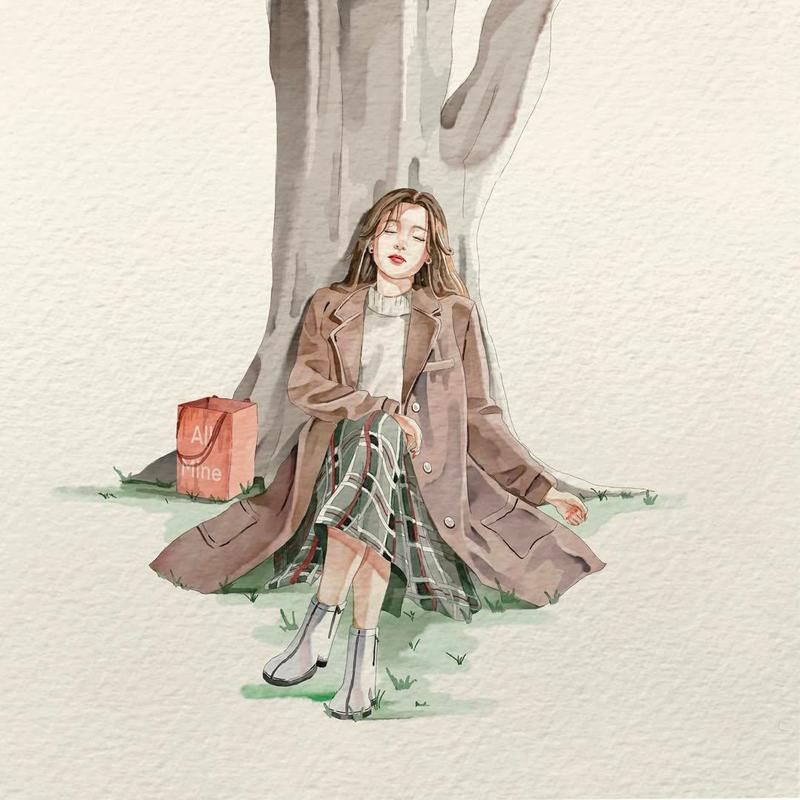
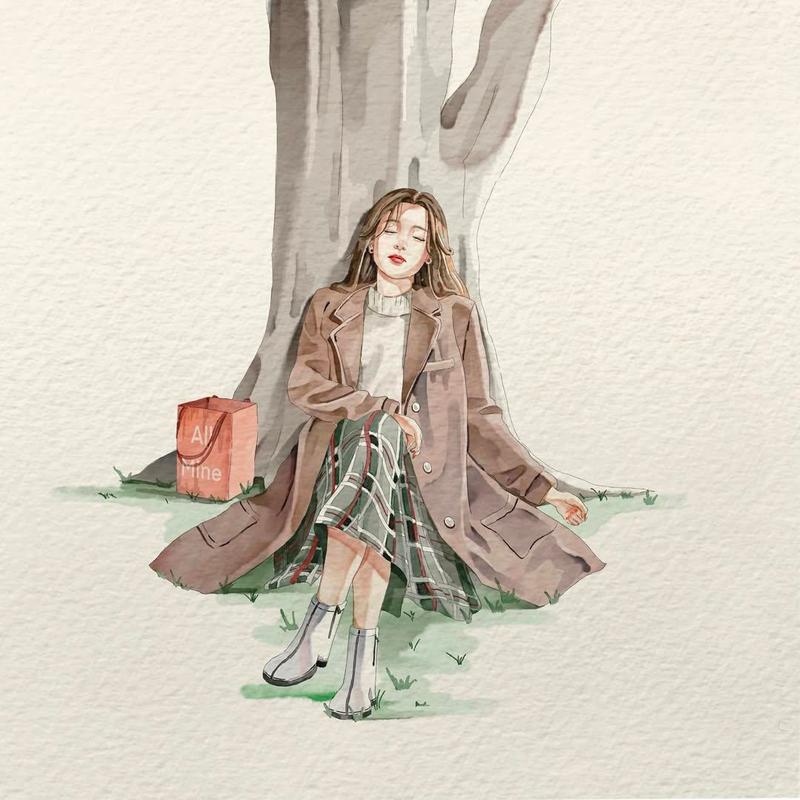
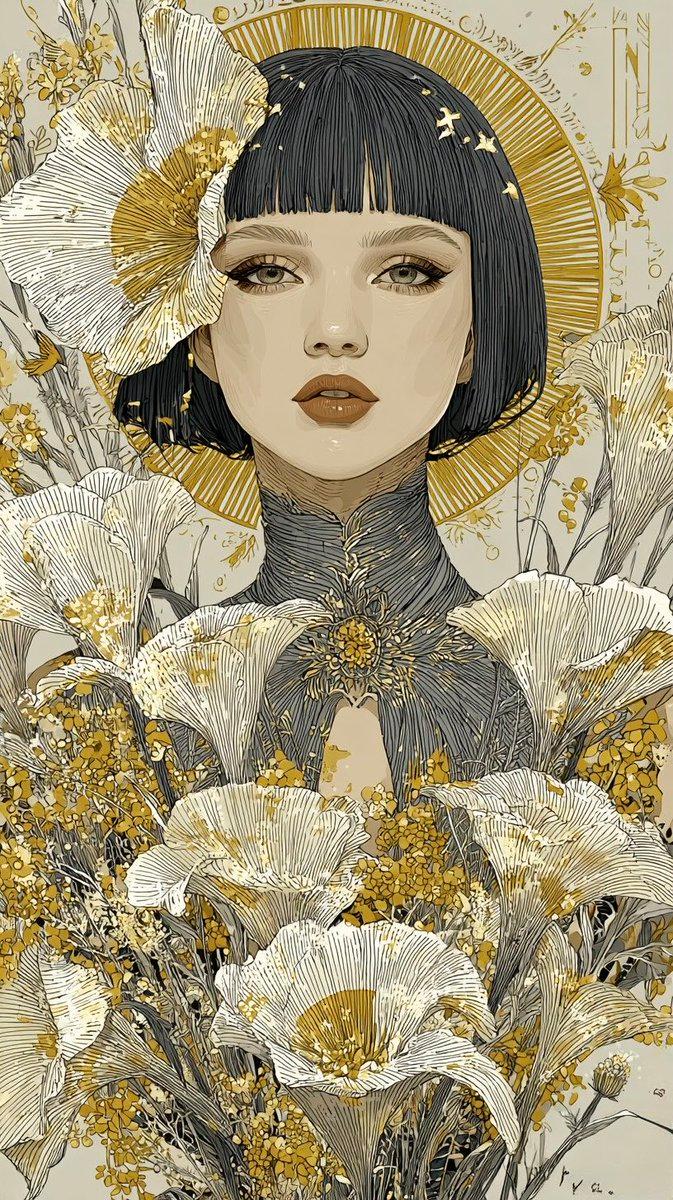
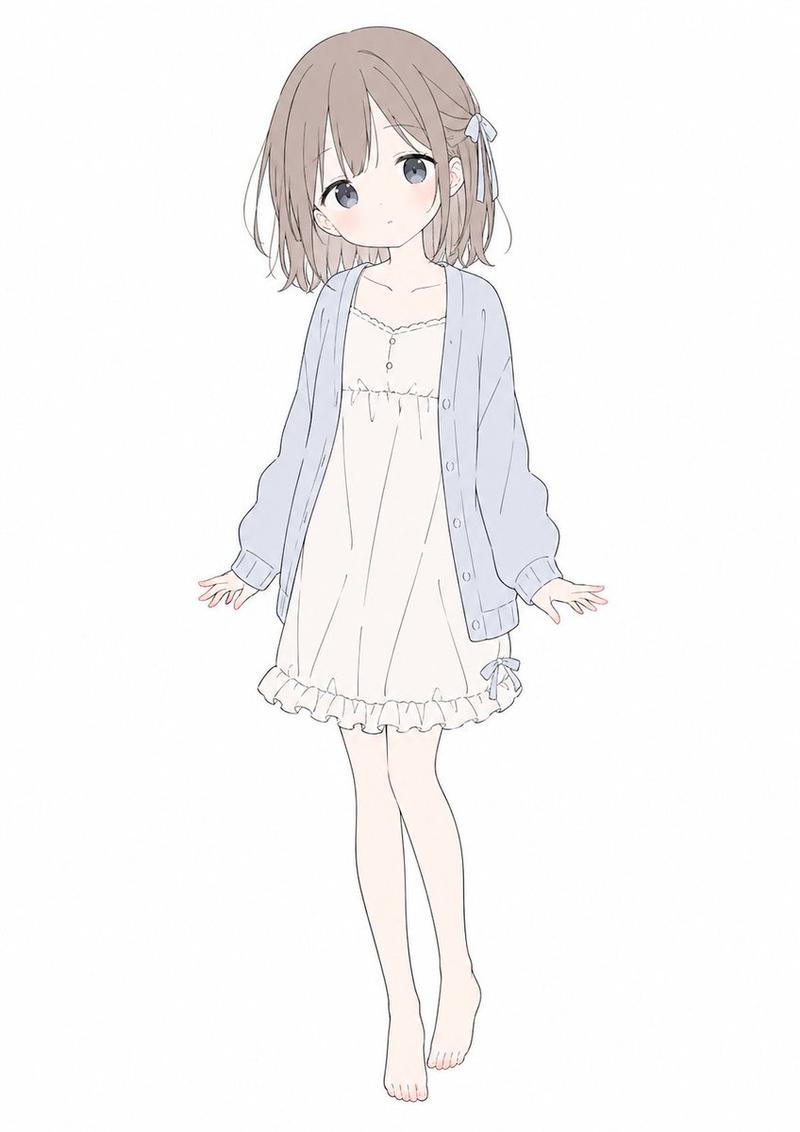
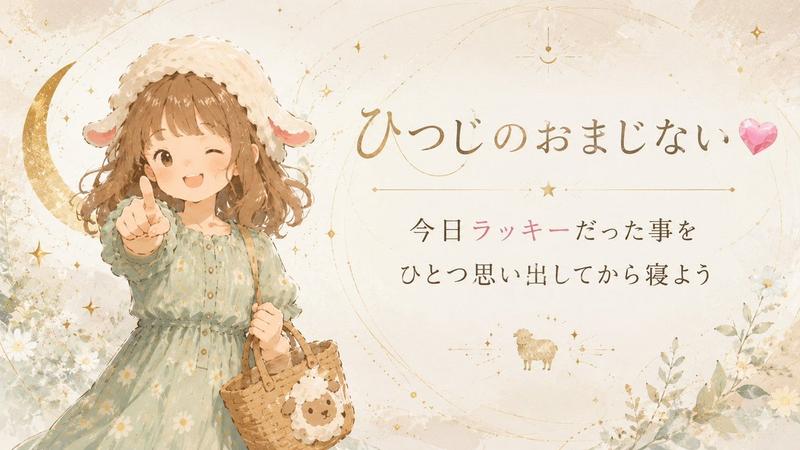
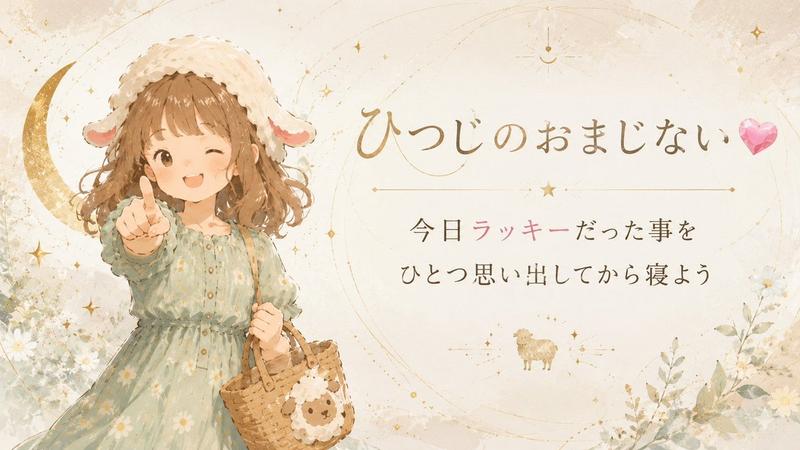
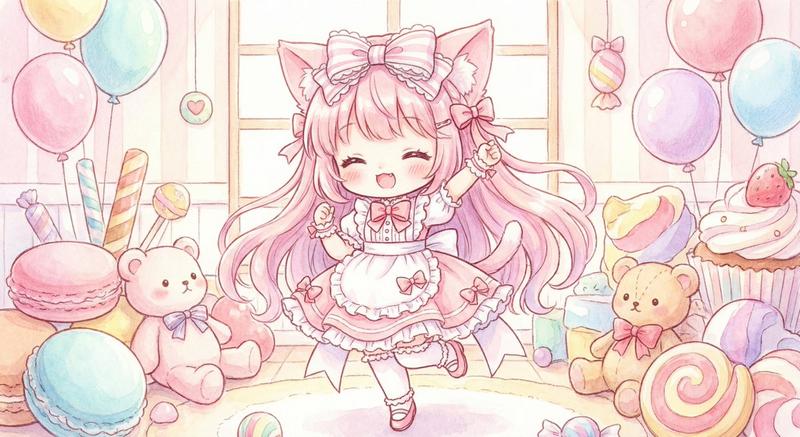
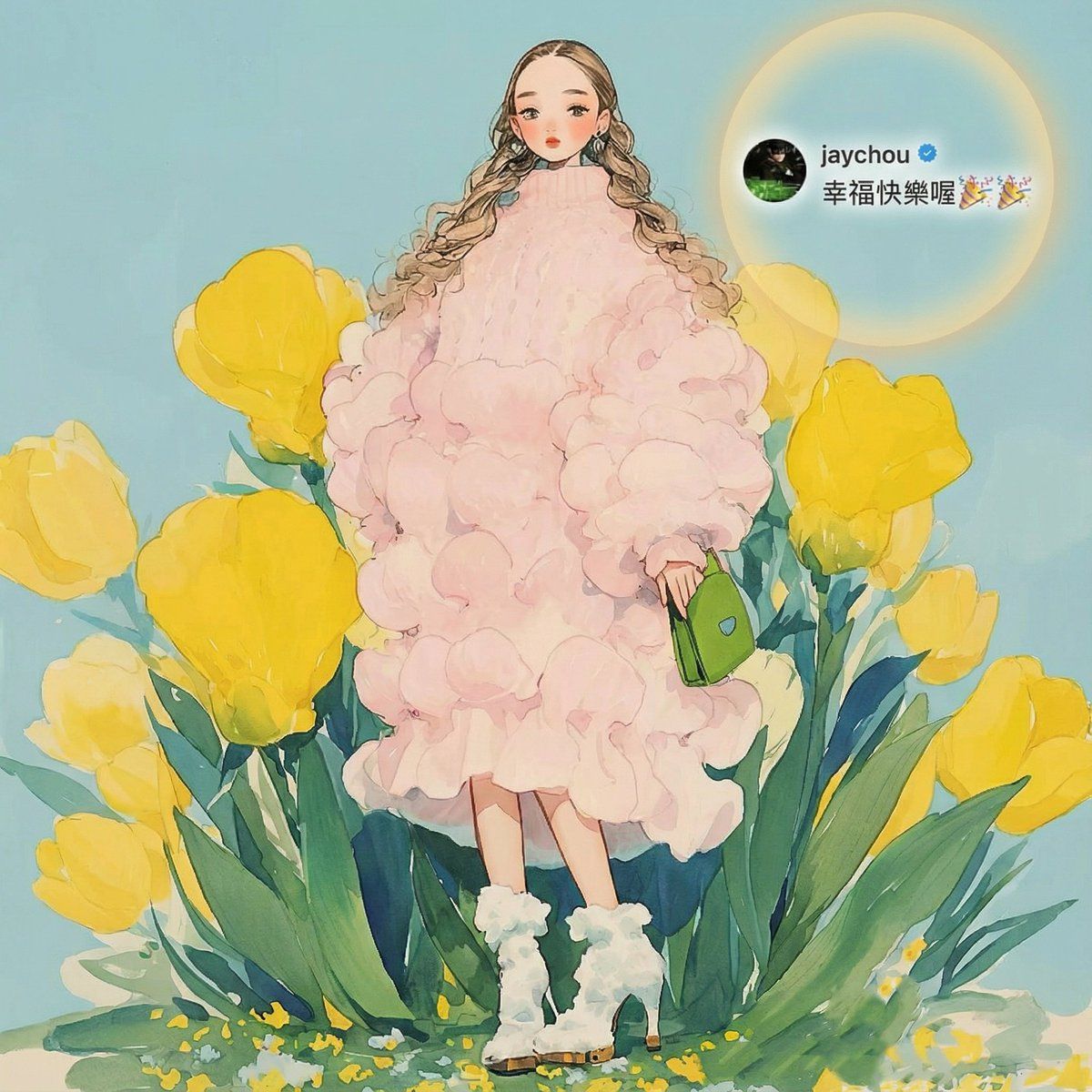
Redraw a high-quality, refined, and aesthetically pleasing cover image. Seamlessly and **completely integrate all Jay Chou–related information from Image 1 into Image 2**, placing it at a **small, delicate scale** and in a **well-balanced, appropriate position**, As if the blessing from Jay Chou were a **naturally integral part of Image 2’s composition**, with the blessing cleverly echoing the core visual elements of the main image and sharing a unified, consistent lighting design. The final cover should convey a **warm, beautiful atmosphere of blessing**.
**Important:** Ensure the blessing text is **clear and highly readable**. When necessary, use tasteful techniques such as contrasting/inverted text colors, Gaussian-blurred backgrounds, or other elegant visual enhancements to improve legibility while maintaining visual harmony.
Category
创意图片
Model
Nano Banana Pro
Views0
Source ID
8fb01c88-bde3-4678-98d3-219253791172
Published
Mar 8, 2026

Guide

About "周杰伦祝福图片整合提示词"

What is this prompt for?

"周杰伦祝福图片整合提示词" AI image prompt for Nano Banana Pro (创意图片). 这是一个专为图像到图像生成设计的 Nano Banana Pro 提示词,旨在将源图像(图像 1)中的文字(周杰伦的祝福)无缝融入新的主图像(图像 2)。该提示词强调在保持原始图像构图的同时,确保祝福…

The full copyable prompt and example visuals above are ready for AI image generation or one-click recreate in Picva.

How to use this prompt

  1. Step 1

    Open the prompt detail

    Review the example visuals, category, and full prompt text for "周杰伦祝福图片整合提示词".

  2. Step 2

    Copy the prompt

    Copy the prompt body from this page, or load it directly in Studio.

  3. Step 3

    Pick a model (Nano Banana Pro)

    Prefer Nano Banana Pro. If you switch models, keep subject and composition and tweak style terms.

  4. Step 4

    Generate and export

    Recreate the look in Picva, or export into your workflow for editing and publishing.

FAQ

What is the "周杰伦祝福图片整合提示词" prompt?
It is an AI image-generation prompt for Nano Banana Pro in the 创意图片 category. This page includes the full prompt text, example visuals, and a one-click recreate path in Picva.
How do I use this prompt to generate an image?
Copy the prompt from this page, or use Generate / Studio. Paste it into a compatible image model, or recreate the look in Picva with optional reference images.
Which model is this prompt for?
This page lists Nano Banana Pro. Most descriptive prompts also transfer to nearby image models such as GPT Image, Flux, or Midjourney with light style tweaks.
Can I use the result commercially?
You can usually copy the prompt for creation, but commercial use of the final image depends on the model terms, reference-image rights, and the generated content. Follow the source author and platform rules.