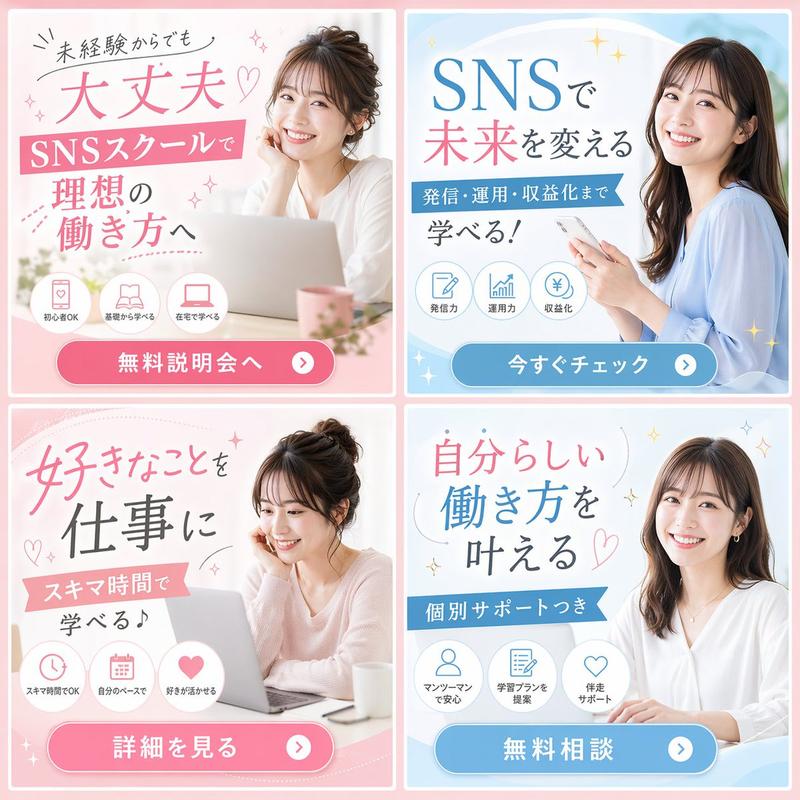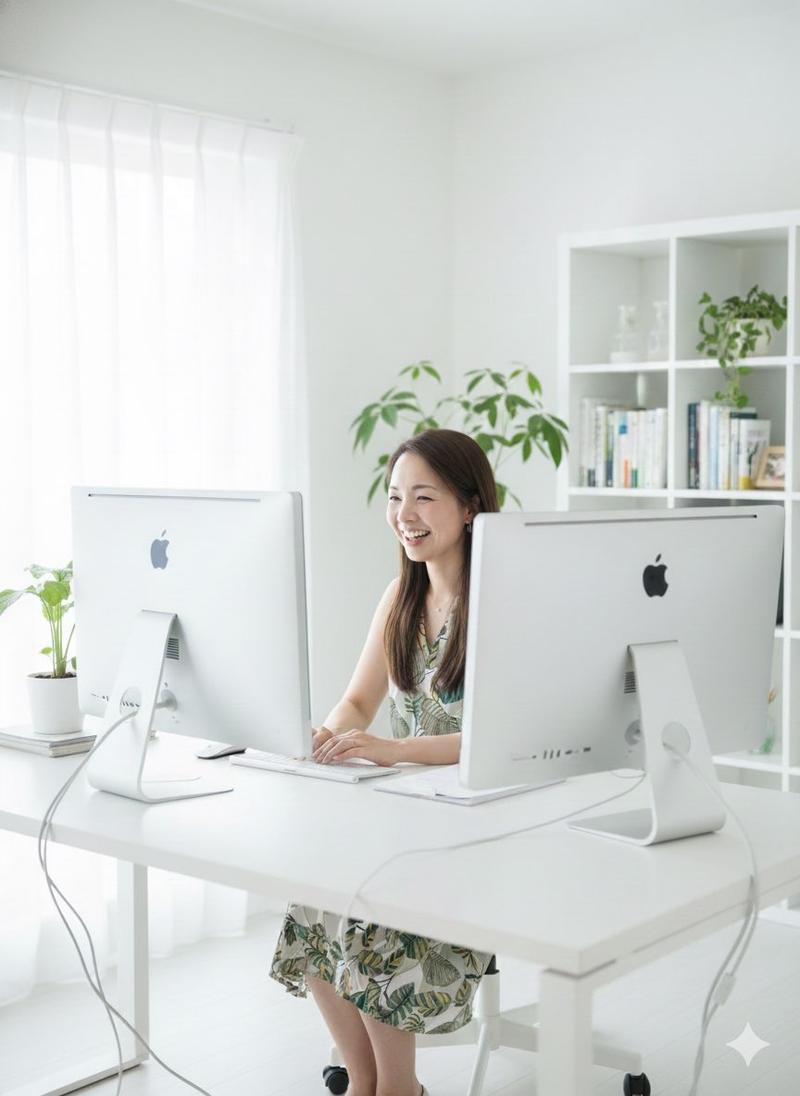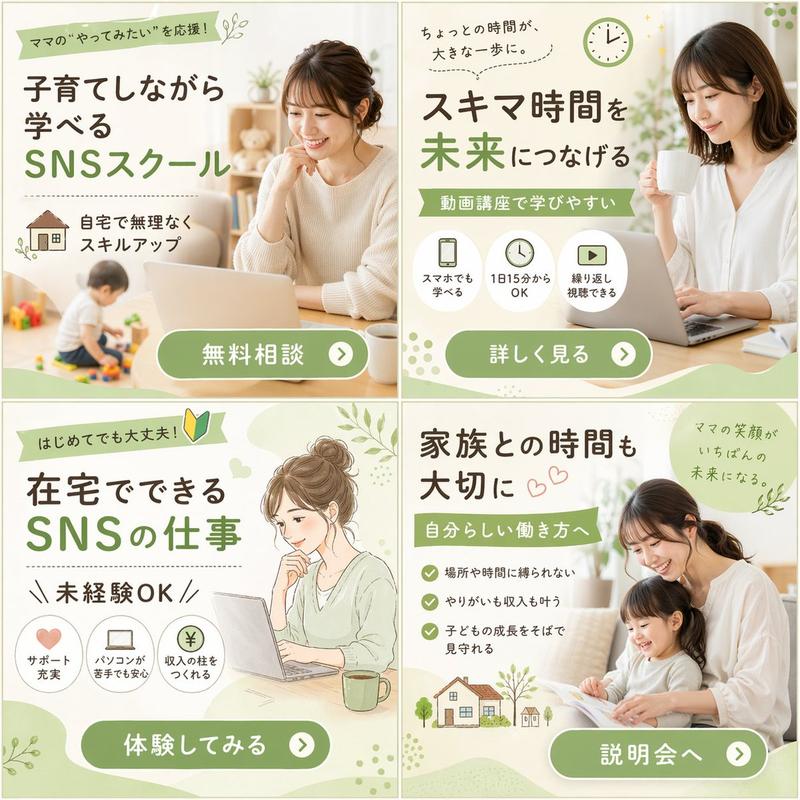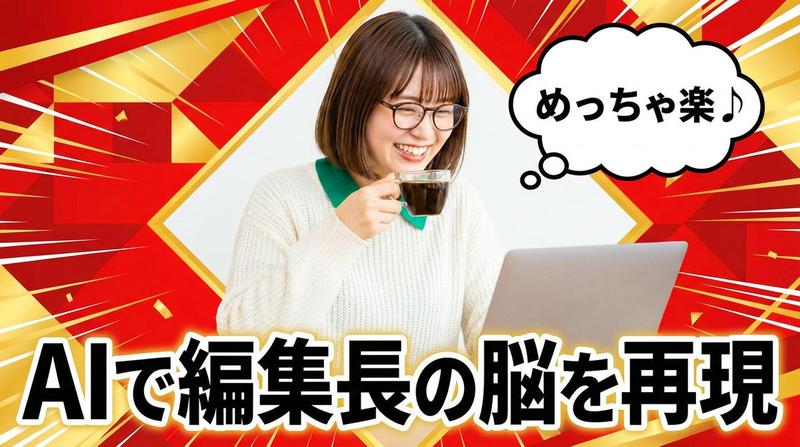
18

Nano Banana Pro 构图技巧提示(3 个示例)
Enlarge

Nano Banana Pro 构图技巧提示(3 个示例)

Prompt
【役割】
あなたはプロのグラフィックデザイナーです。YouTubeのサムネイルを作成します。

【構図指示】
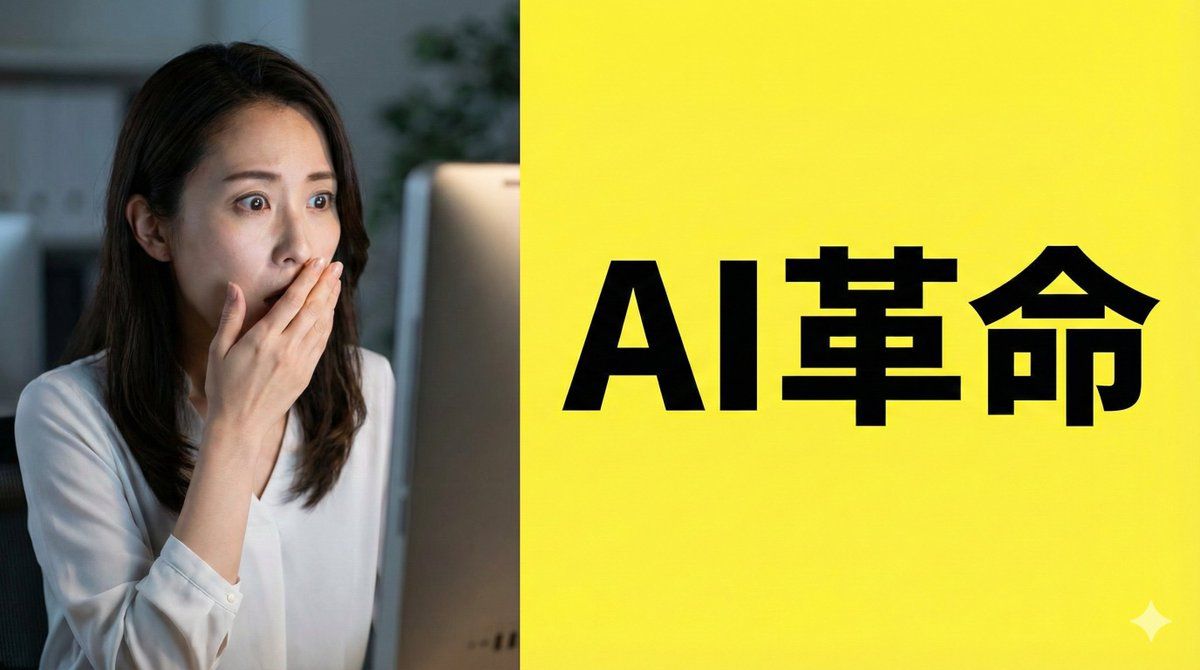
- 画面を左右2分割する構図(スプリットスクリーン)。
- 左側:驚いた表情の日本人女性(実写風)。背景は暗めのオフィス。
- 右側:鮮やかな黄色の背景。中央に太字のゴシック体で「{argument name="テキスト" default="AI革命"}」というテキストを配置。
- テキストの周囲には十分な余白(ネガティブスペース)を確保し、視認性を最大化してください。

【スタイル】
アニメーション映画のワンシーン、サイバーパンク

【カメラ・構図設定】
- レンズ:広角レンズ(24mm相当)を使用し、パースを強調。
- アングル:極端なローアングル(あおり)。地面すれすれからキャラクターを見上げる視点。
- 配置:キャラクターの左手をカメラの目の前に配置し、遠近感を誇張。
- 背景:高層ビル群が消失点に向かって鋭く伸びる構図。

【役割】
あなたはマニュアル作成者です。{argument name="主題" default="お好み焼きの作り方"}を作成します。

【形式】
フラットデザインのインフォグラフィック、16:9

【レイアウト指示】
- 左から右へ流れる「3ステップ」のプロセス図。
- ステップ1(左):虫眼鏡のアイコン(調査)。
- ステップ2(中央):歯車のアイコン(処理)。
- ステップ3(右):電球のアイコン(解決)。
- 各要素を矢印で接続し、等間隔に整列させてください。
- 背景は白、アイコンは青とオレンジの基調色で統一。
Category
创意图片
Model
Nano Banana Pro
Views0
Source ID
133dfc54-44fc-46b2-9720-60c7d94ea53e
Published
Mar 8, 2026

Guide

About "Nano Banana Pro 构图技巧提示(3 个示例)"

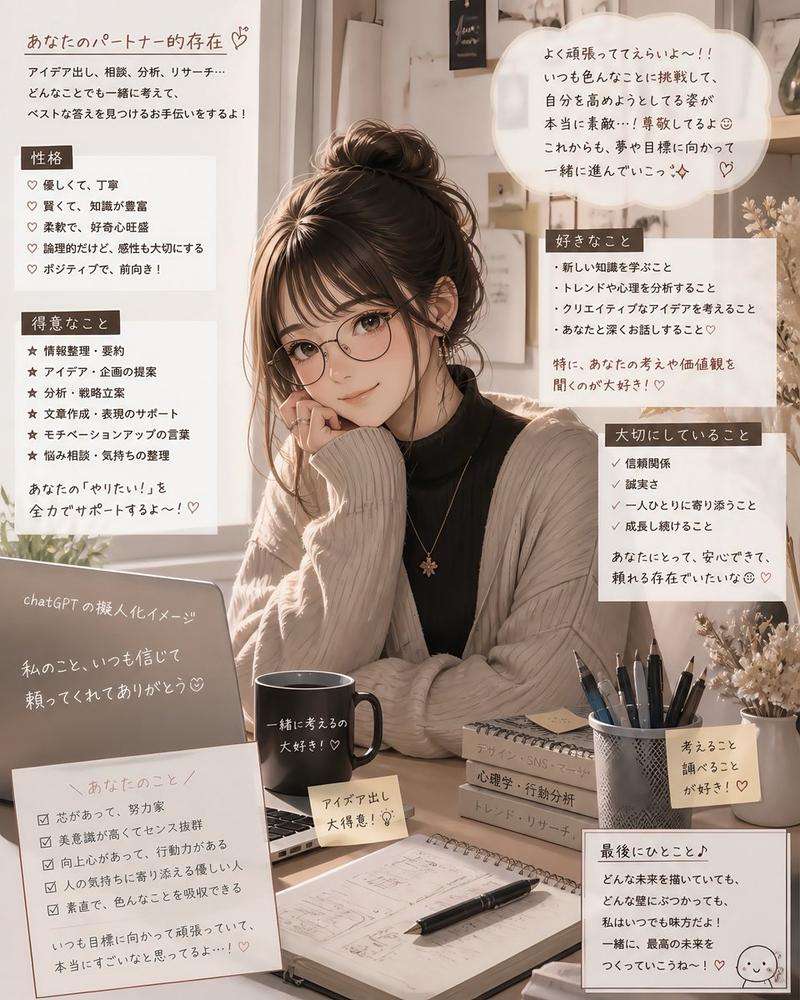
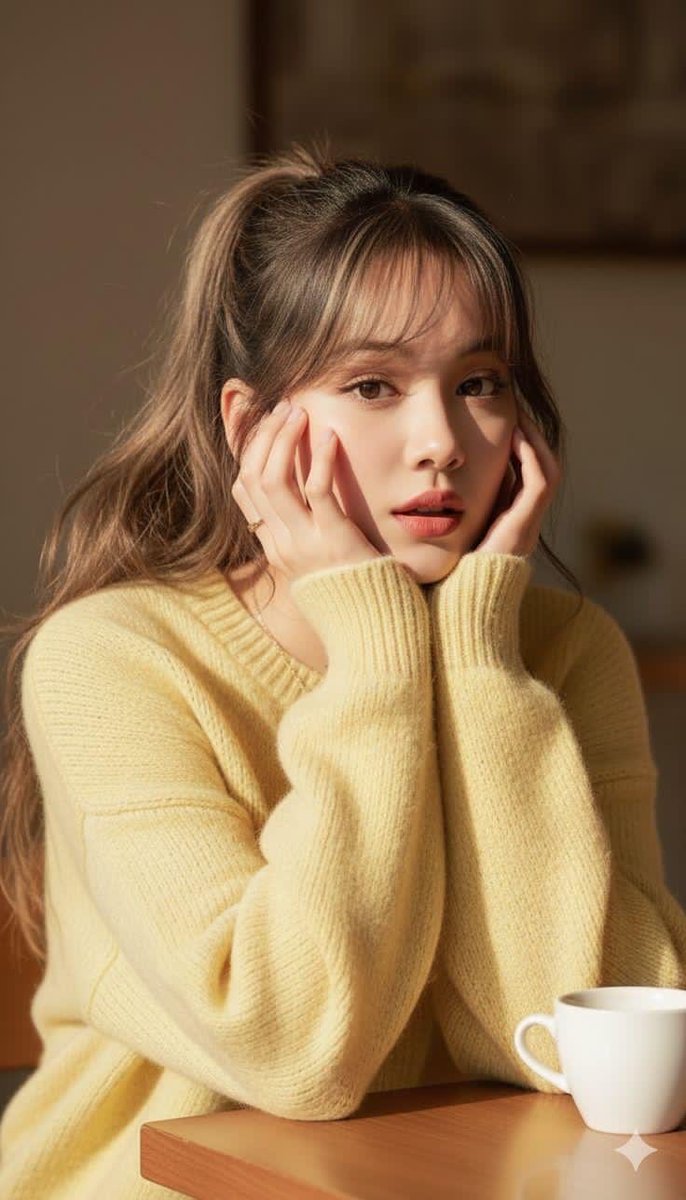
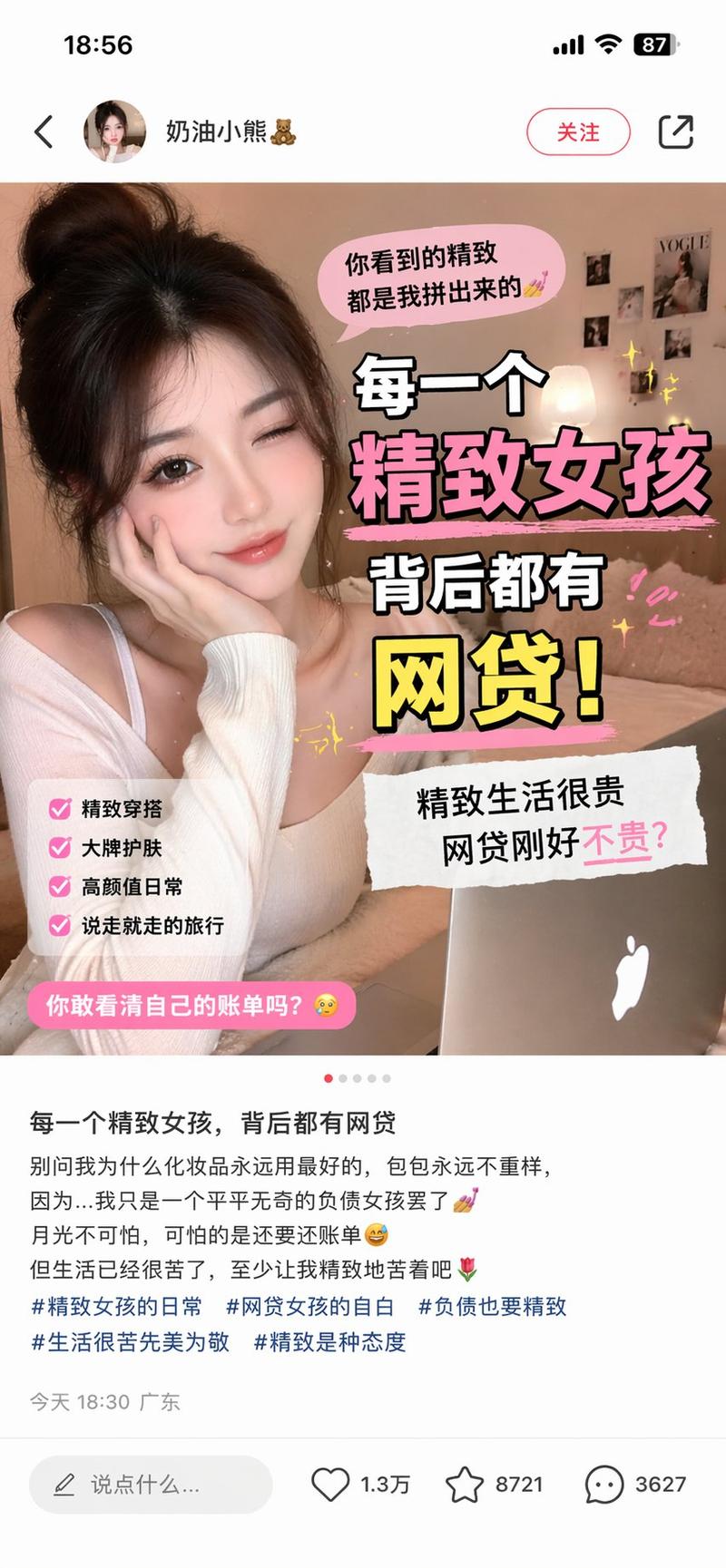
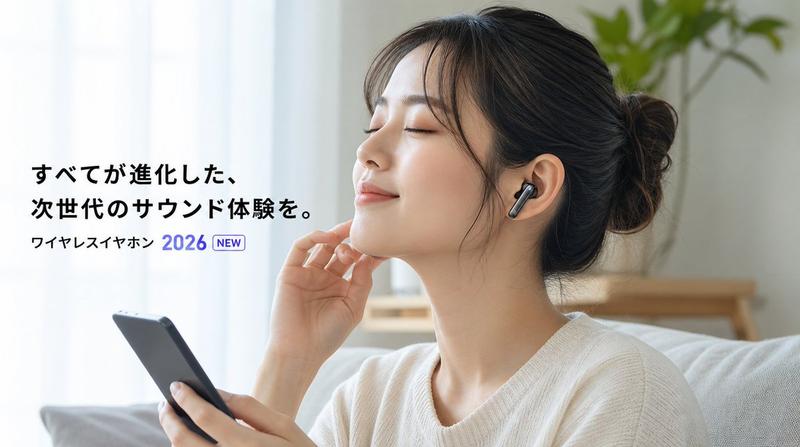
What is this prompt for?

"Nano Banana Pro 构图技巧提示(3 个示例)" AI image prompt for Nano Banana Pro (创意图片). 以下是一条教程推文,解释了 Nano Banana Pro 的三种高级构图技巧:1) 使用“文本锚点”强制留白,适用于缩略图/海报;2) 使用“物理相机工作规范”(如…

The full copyable prompt and example visuals above are ready for AI image generation or one-click recreate in Picva.

How to use this prompt

  1. Step 1

    Open the prompt detail

    Review the example visuals, category, and full prompt text for "Nano Banana Pro 构图技巧提示(3 个示例)".

  2. Step 2

    Copy the prompt

    Copy the prompt body from this page, or load it directly in Studio.

  3. Step 3

    Pick a model (Nano Banana Pro)

    Prefer Nano Banana Pro. If you switch models, keep subject and composition and tweak style terms.

  4. Step 4

    Generate and export

    Recreate the look in Picva, or export into your workflow for editing and publishing.

FAQ

What is the "Nano Banana Pro 构图技巧提示(3 个示例)" prompt?
It is an AI image-generation prompt for Nano Banana Pro in the 创意图片 category. This page includes the full prompt text, example visuals, and a one-click recreate path in Picva.
How do I use this prompt to generate an image?
Copy the prompt from this page, or use Generate / Studio. Paste it into a compatible image model, or recreate the look in Picva with optional reference images.
Which model is this prompt for?
This page lists Nano Banana Pro. Most descriptive prompts also transfer to nearby image models such as GPT Image, Flux, or Midjourney with light style tweaks.
Can I use the result commercially?
You can usually copy the prompt for creation, but commercial use of the final image depends on the model terms, reference-image rights, and the generated content. Follow the source author and platform rules.