17

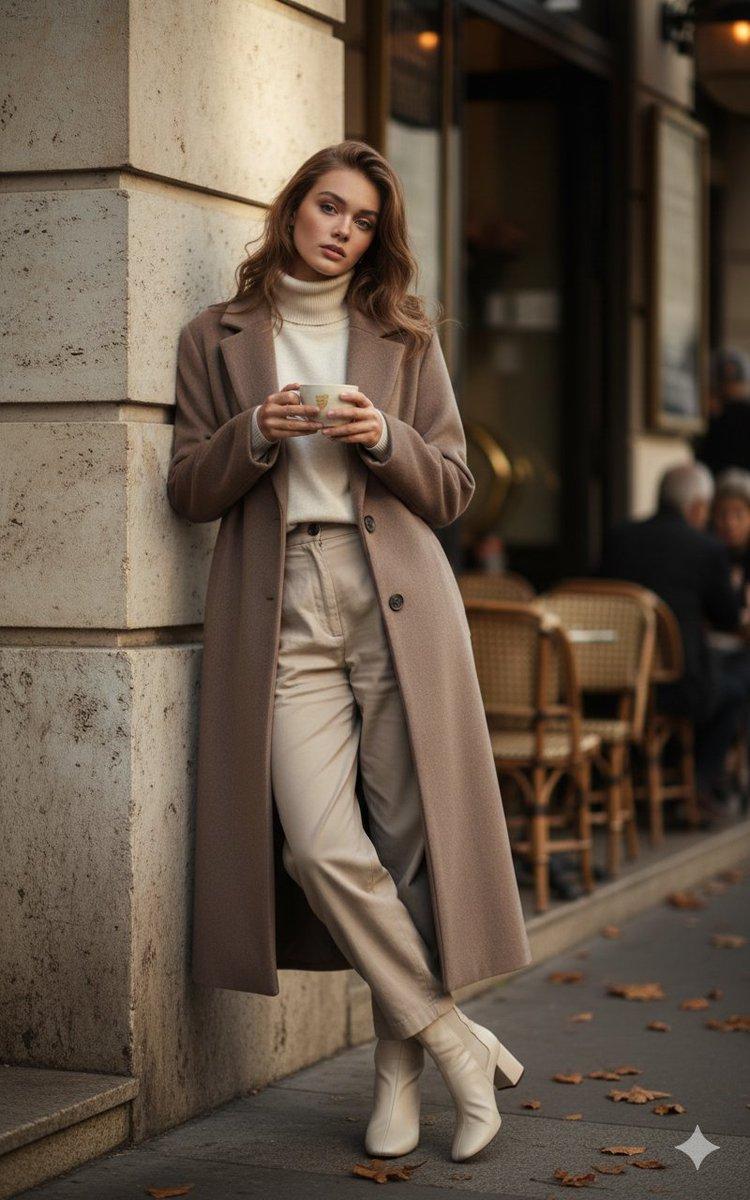
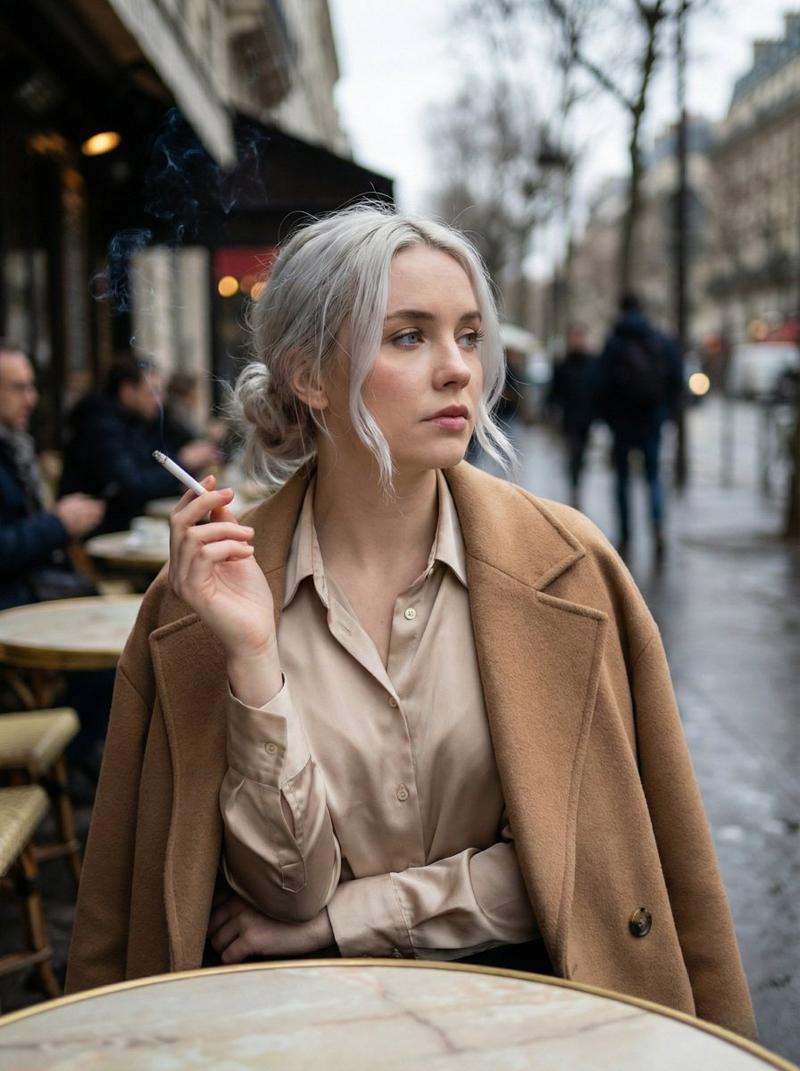
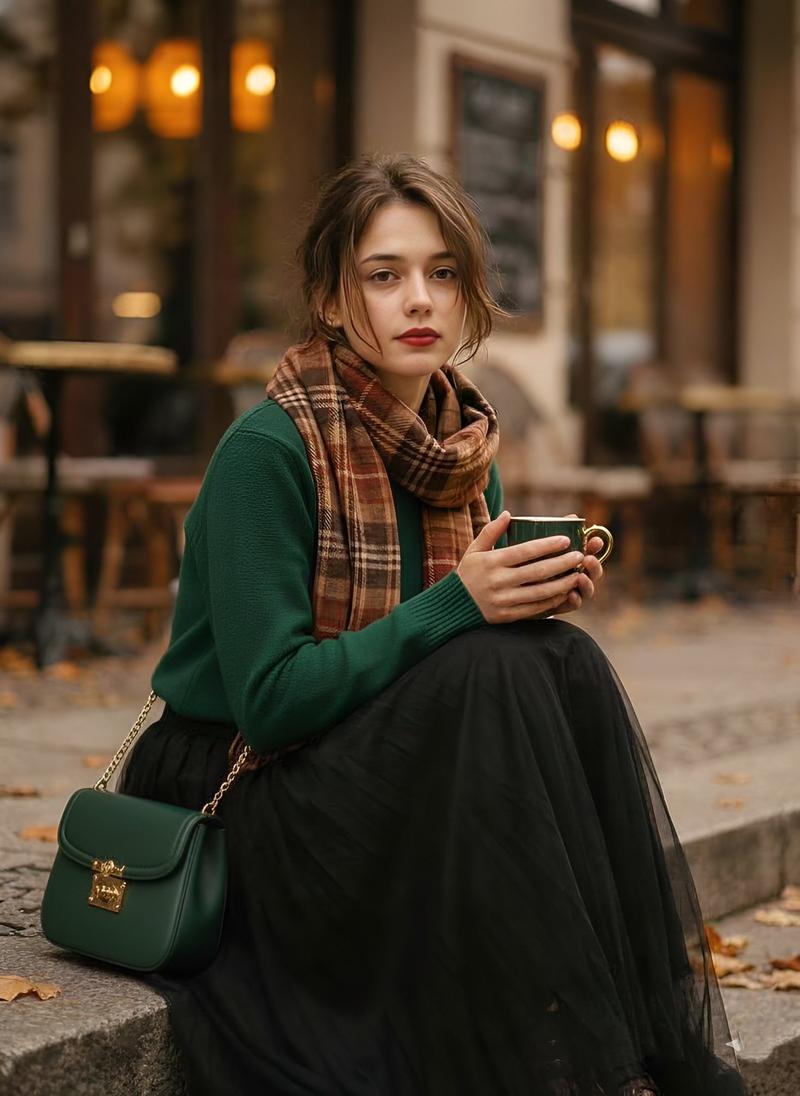
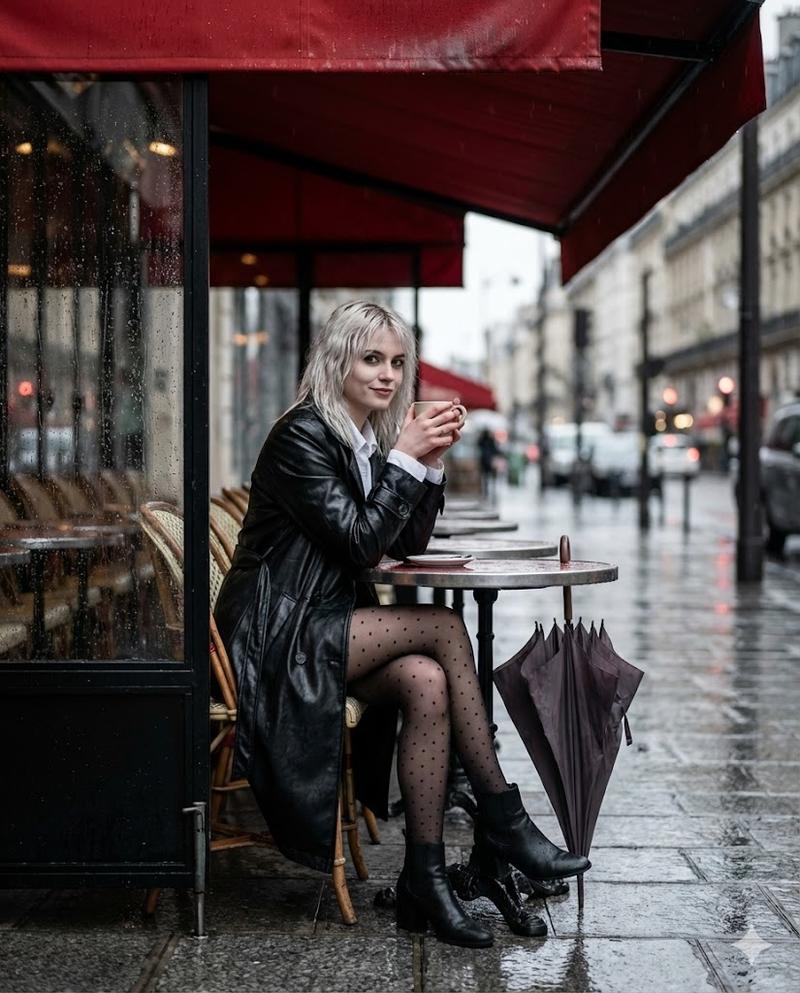
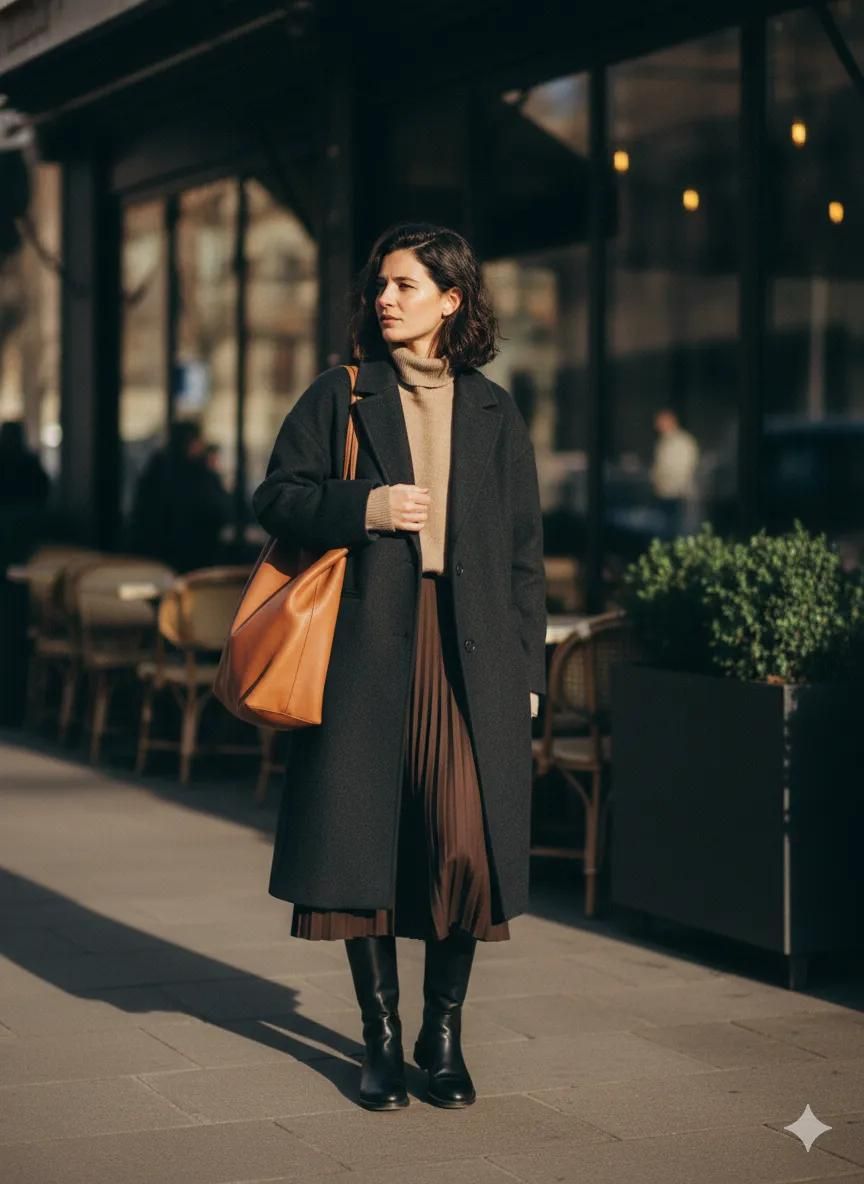
Scott Schuman Style Street Photography Portrait
Enlarge

Scott Schuman Style Street Photography Portrait

Prompt
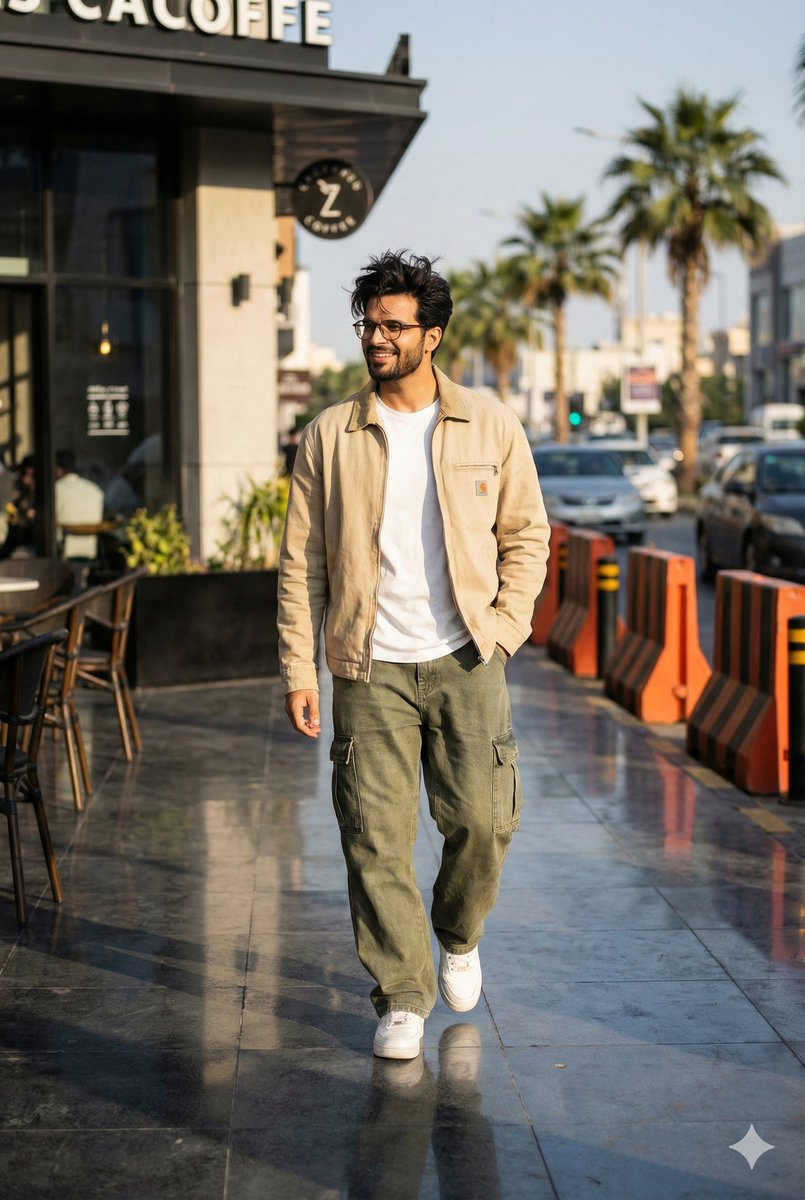
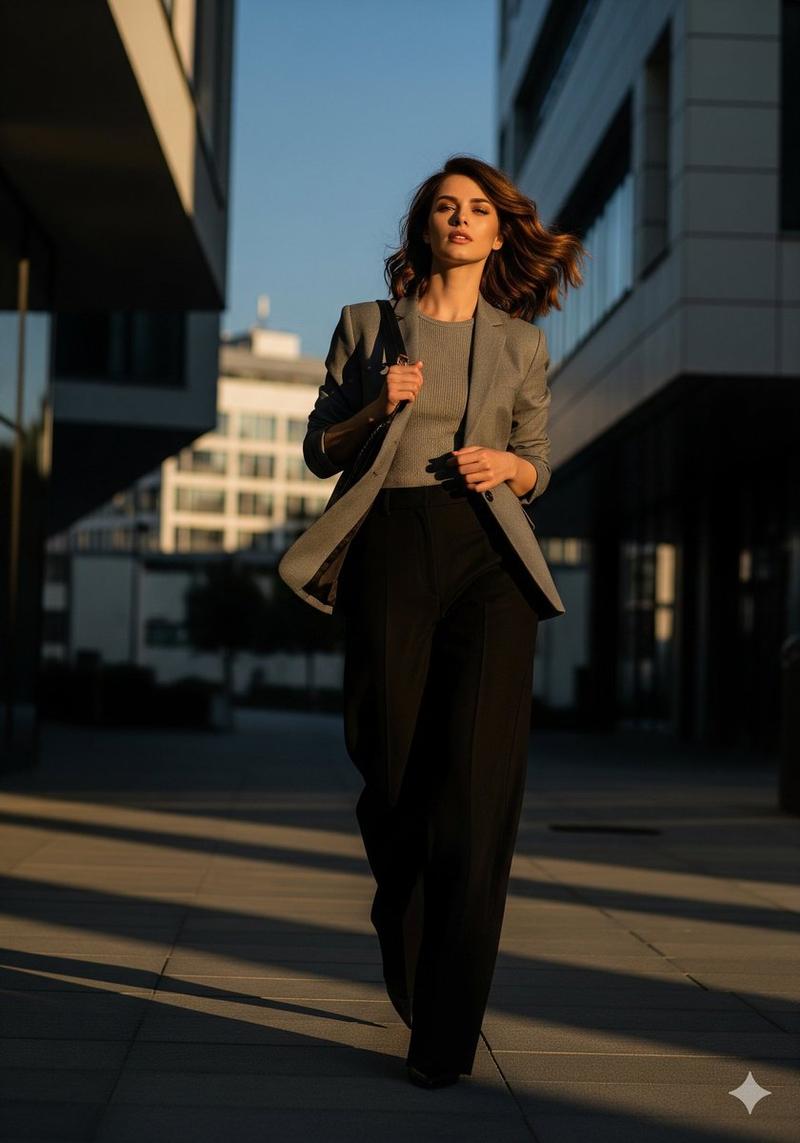
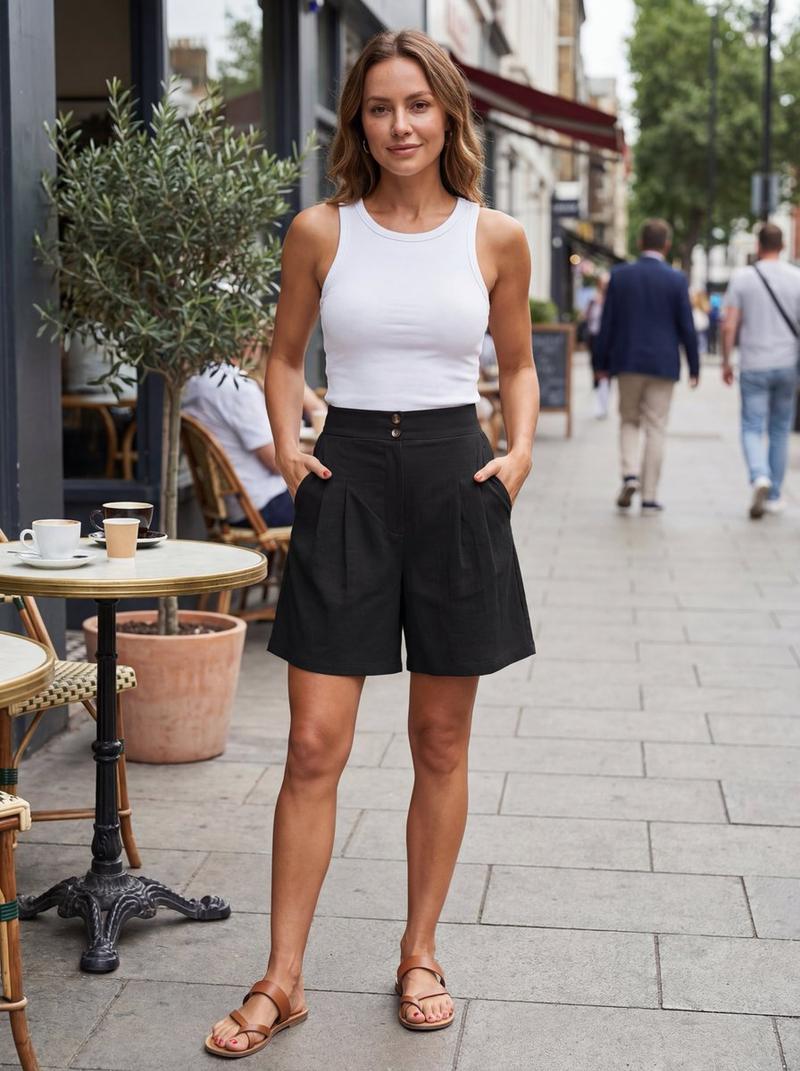
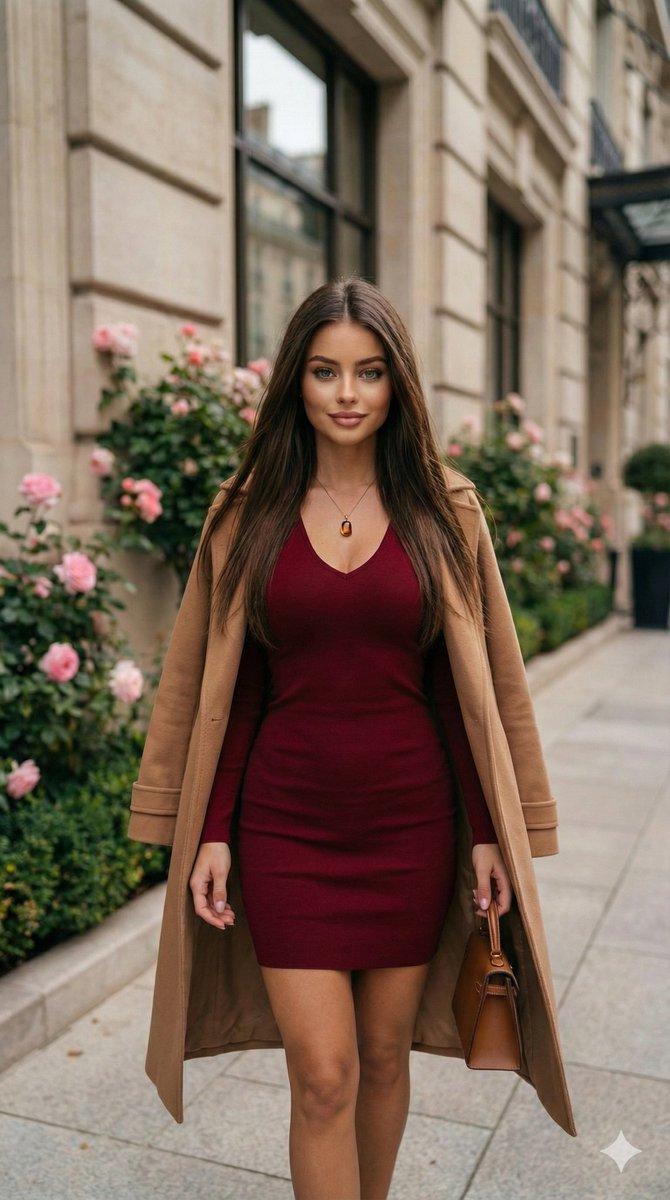
A Scott Schuman–style editorial portrait capturing a woman paused mid-walk on a city sidewalk, slight head turn, natural expression, fashion observed not staged, urban café background softly blurred, daylight realism, Vogue street minimalism. Ratio 3:4. Lens: 135mm f/2.8 zoom LUT: Portra Neutral Fade Harmony: charcoal, espresso, beige sRef: The Sartorialist Milan Tokens: authentic moment, non-performative fashion. Hidden Tokens: ultra-realistic, cinematic depth, editorial street photography, authentic fashion moment, professional color grading, subtle film grain, natural skin texture, timeless wardrobe, observational realism, zolo meta-realism optimized.
Category
创意图片
Model
Nano Banana Pro
Creator
K
Views0
Source ID
fce104ce-8f25-49ba-af22-28c3e0310784
Published
Mar 8, 2026

Guide

About "Scott Schuman Style Street Photography Portrait"

What is this prompt for?

"Scott Schuman Style Street Photography Portrait" AI image prompt for Nano Banana Pro (创意图片). A prompt designed to generate an editorial street portrait in the…

The full copyable prompt and example visuals above are ready for AI image generation or one-click recreate in Picva.

How to use this prompt

  1. Step 1

    Open the prompt detail

    Review the example visuals, category, and full prompt text for "Scott Schuman Style Street Photography Portrait".

  2. Step 2

    Copy the prompt

    Copy the prompt body from this page, or load it directly in Studio.

  3. Step 3

    Pick a model (Nano Banana Pro)

    Prefer Nano Banana Pro. If you switch models, keep subject and composition and tweak style terms.

  4. Step 4

    Generate and export

    Recreate the look in Picva, or export into your workflow for editing and publishing.

FAQ

What is the "Scott Schuman Style Street Photography Portrait" prompt?
It is an AI image-generation prompt for Nano Banana Pro in the 创意图片 category. This page includes the full prompt text, example visuals, and a one-click recreate path in Picva.
How do I use this prompt to generate an image?
Copy the prompt from this page, or use Generate / Studio. Paste it into a compatible image model, or recreate the look in Picva with optional reference images.
Which model is this prompt for?
This page lists Nano Banana Pro. Most descriptive prompts also transfer to nearby image models such as GPT Image, Flux, or Midjourney with light style tweaks.
Can I use the result commercially?
You can usually copy the prompt for creation, but commercial use of the final image depends on the model terms, reference-image rights, and the generated content. Follow the source author and platform rules.