16

Hyper-realistic smartphone flash photo prompt for AI image generation
Enlarge

Hyper-realistic smartphone flash photo prompt for AI image generation

Prompt
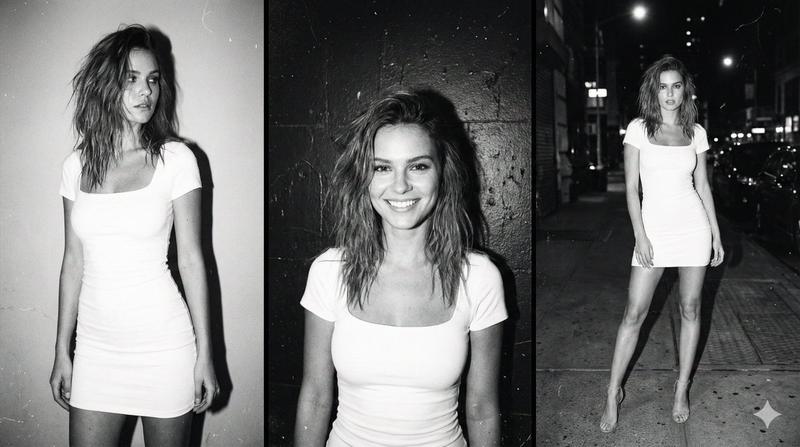
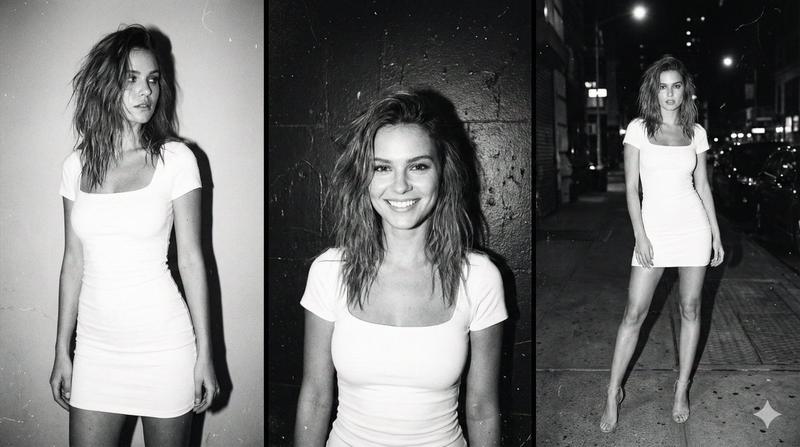
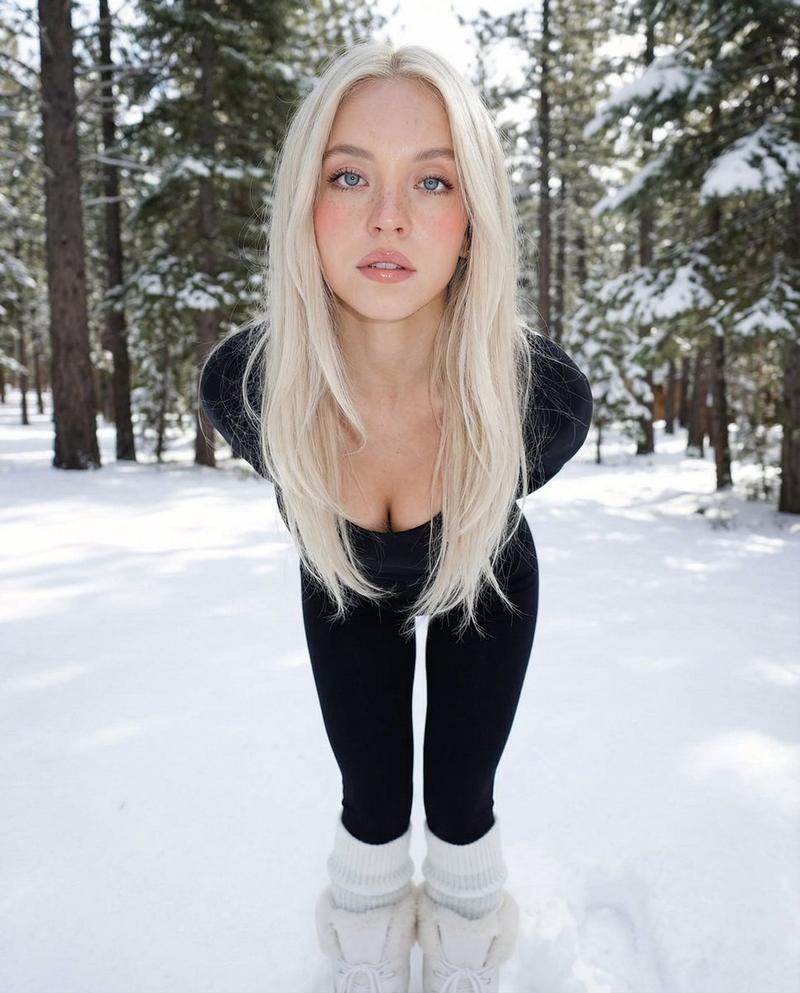
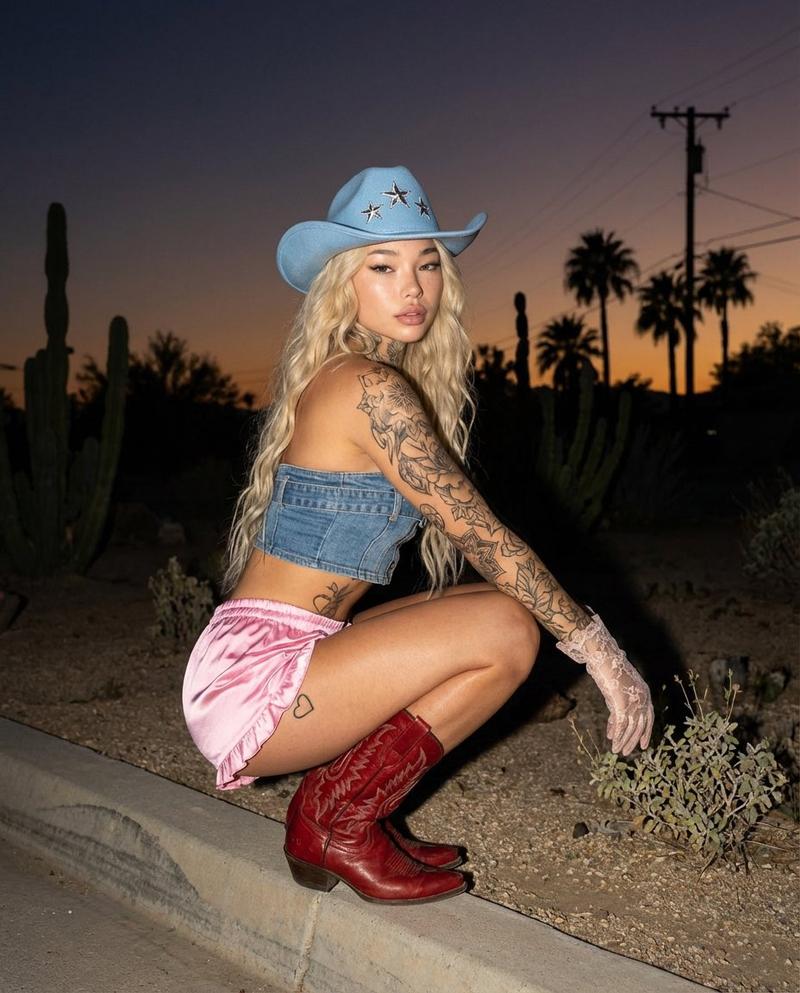
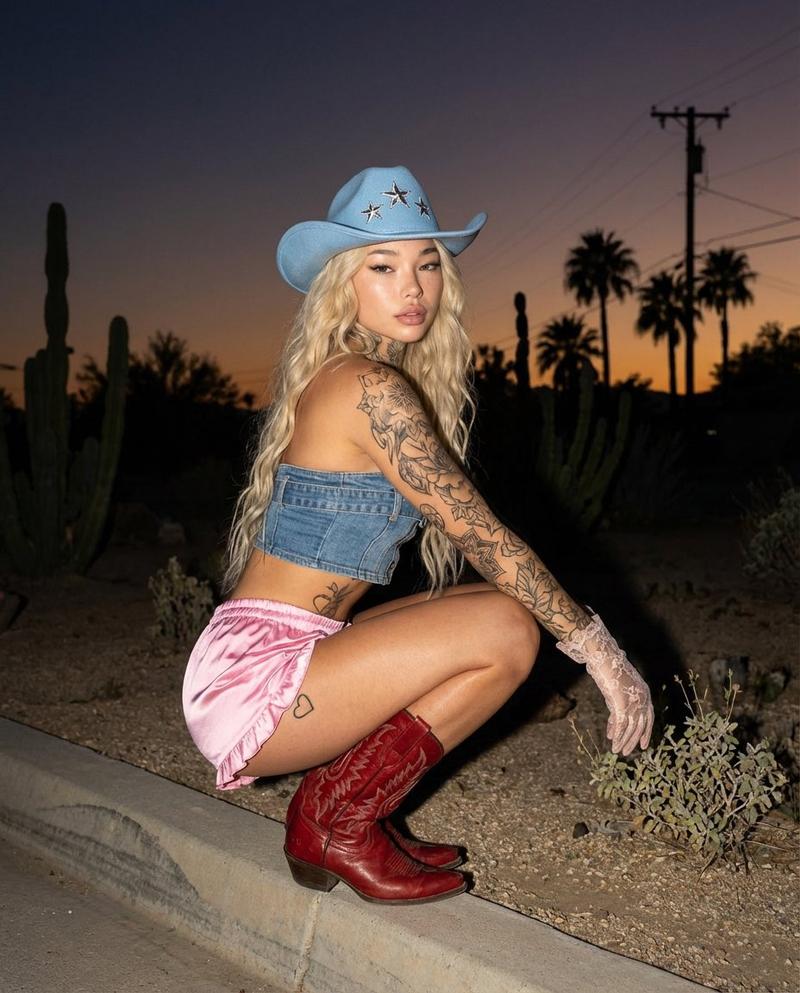
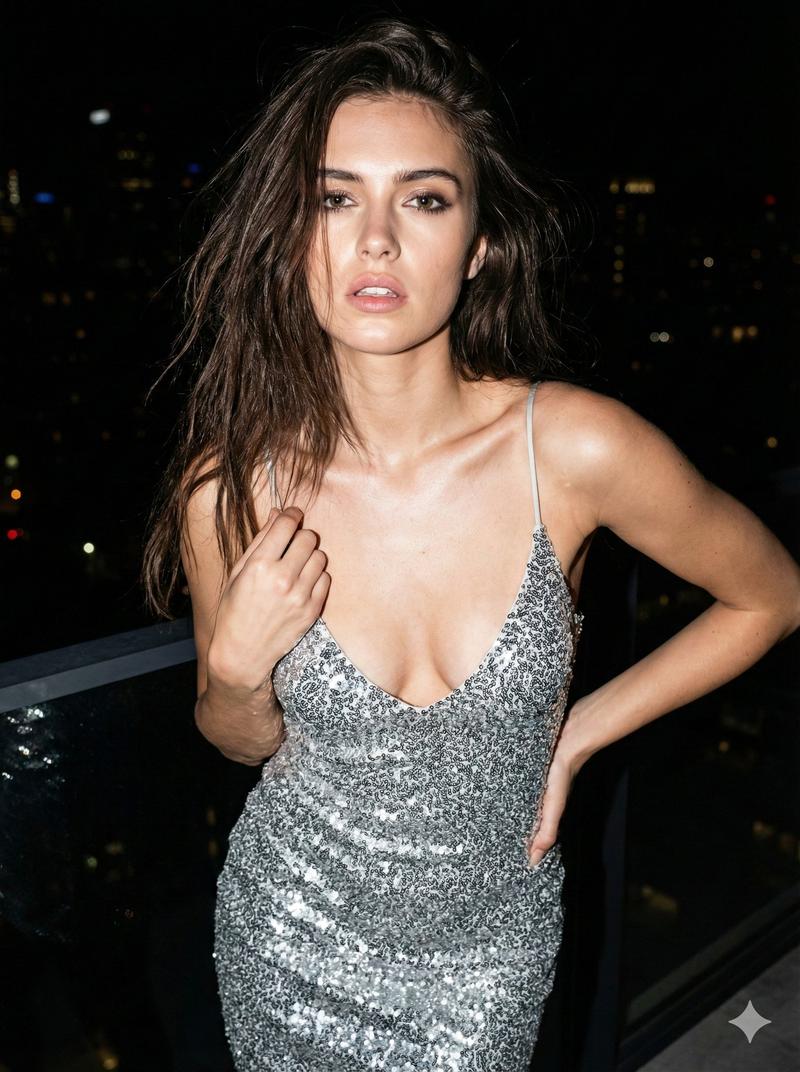
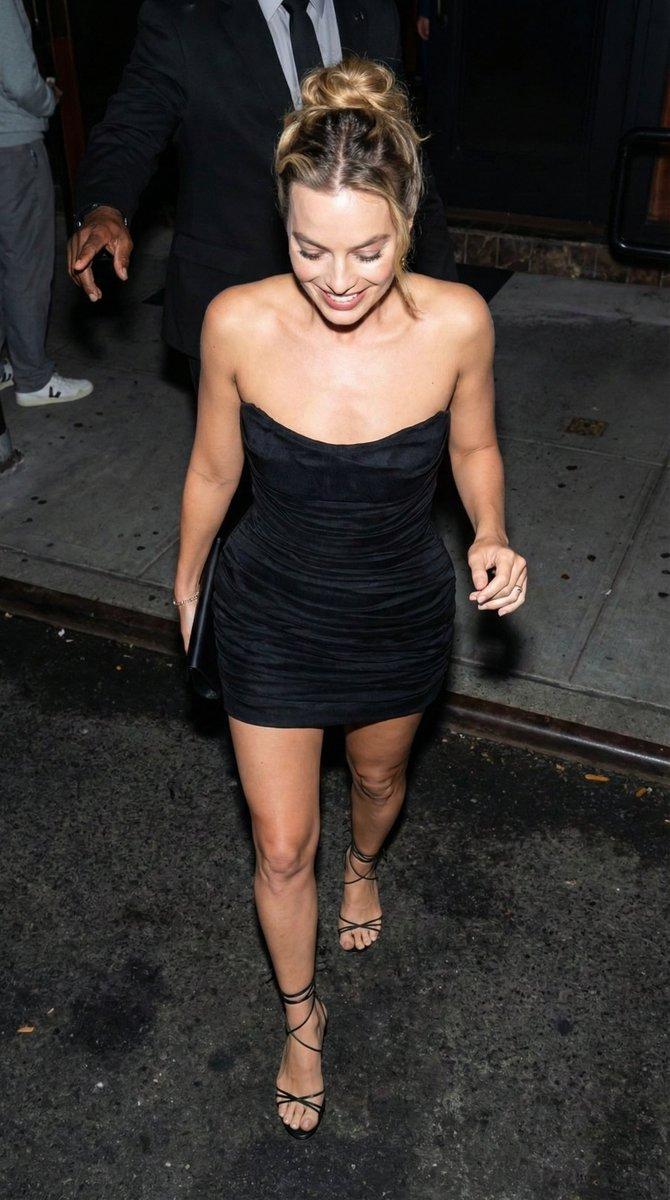
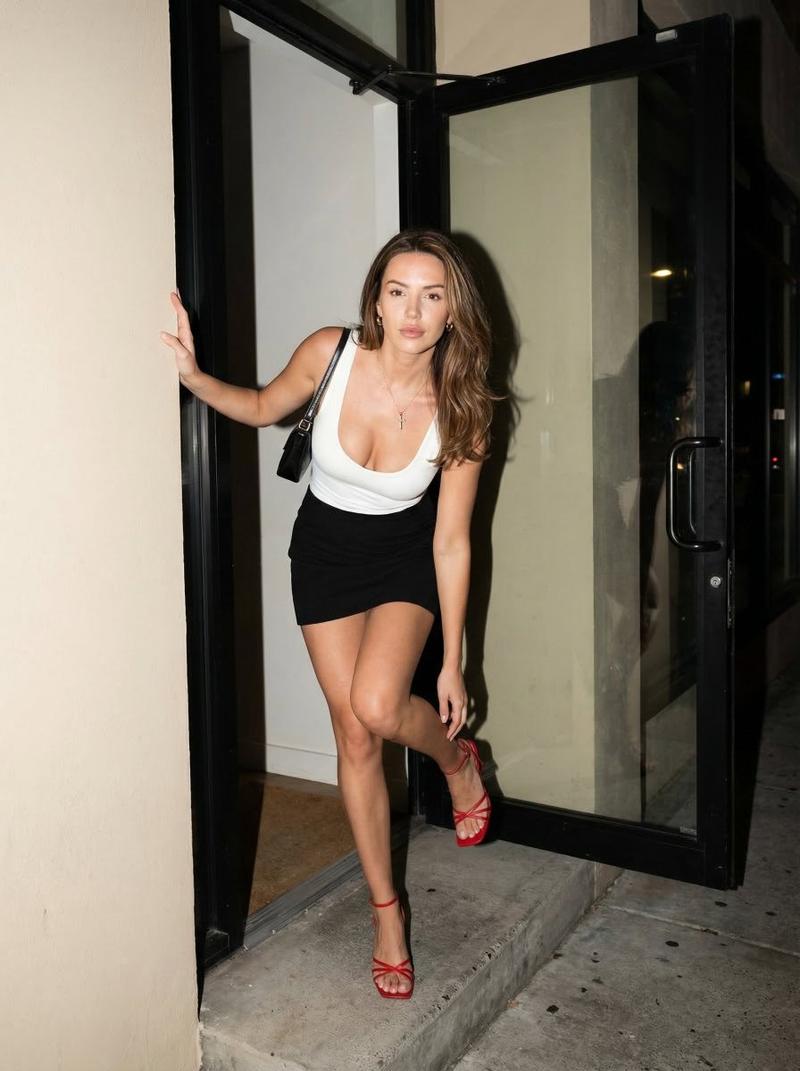
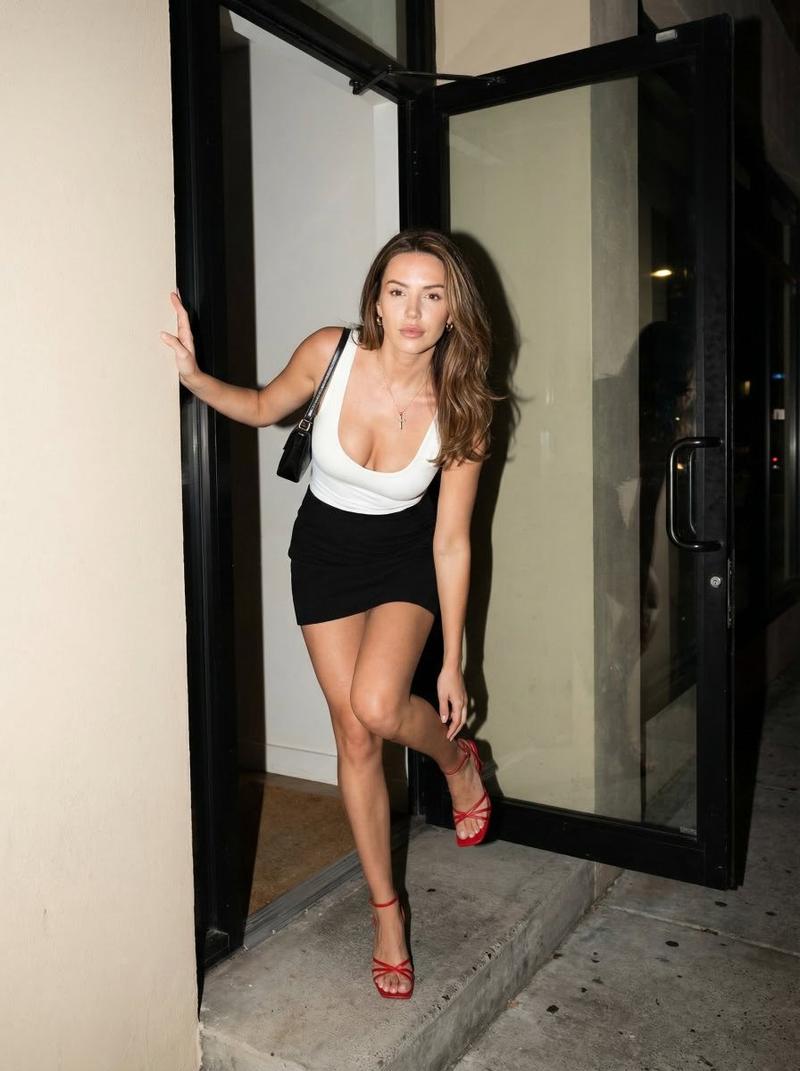
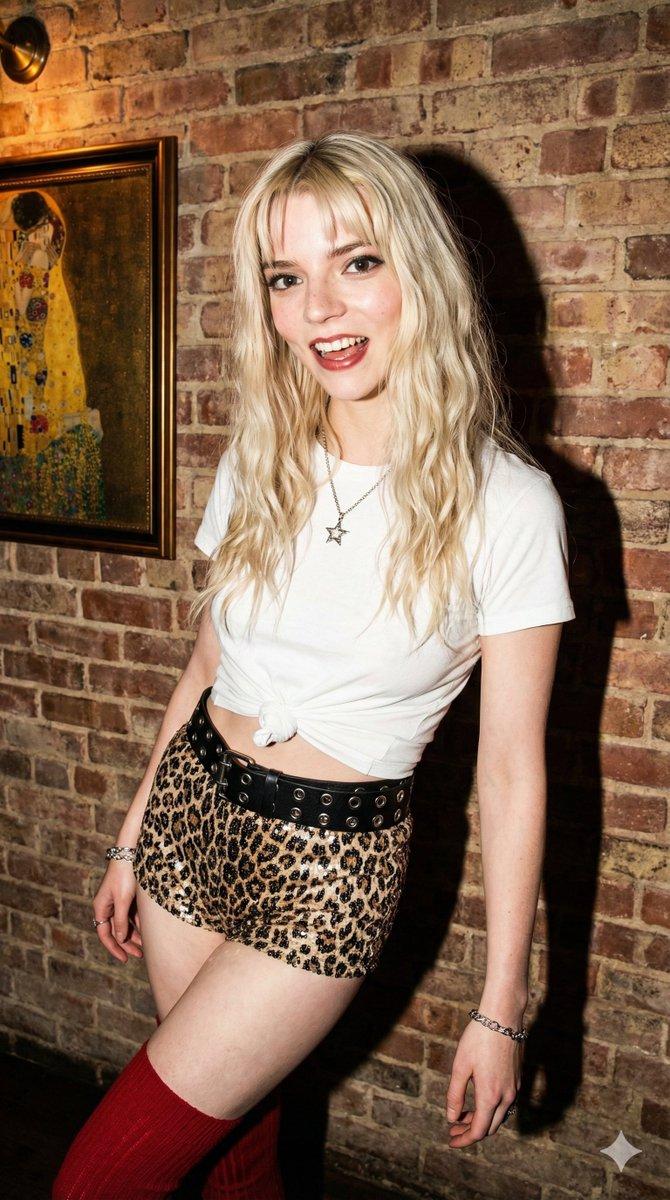
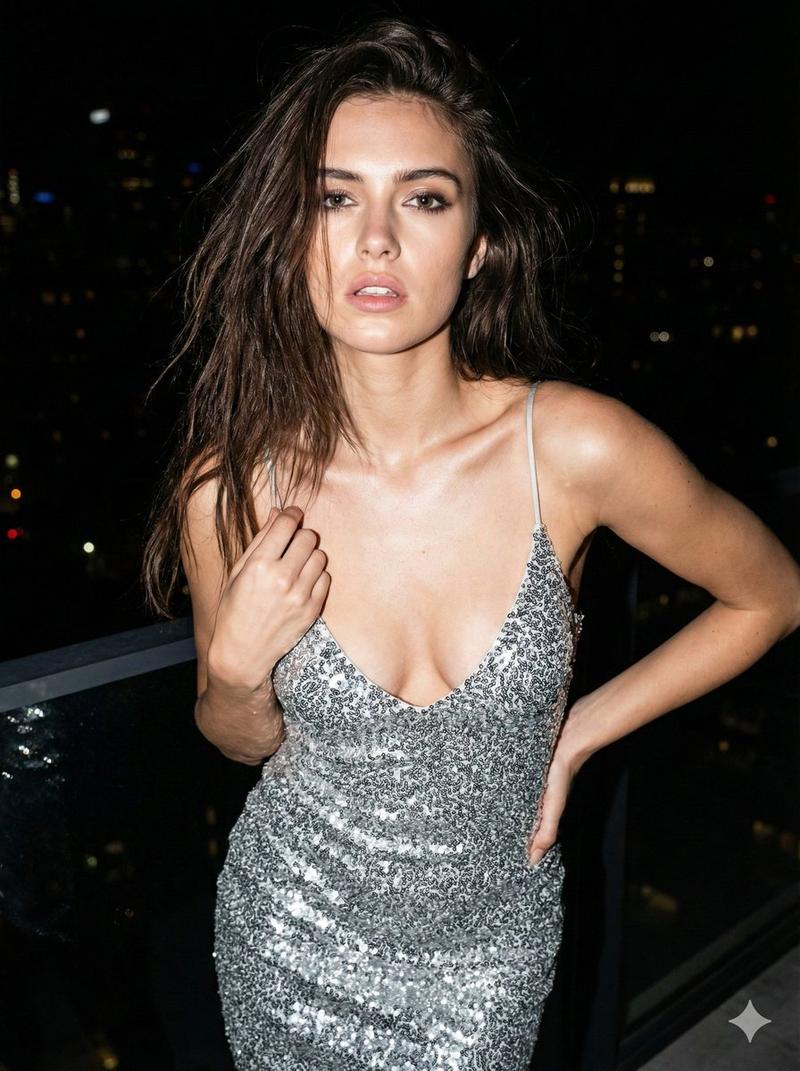
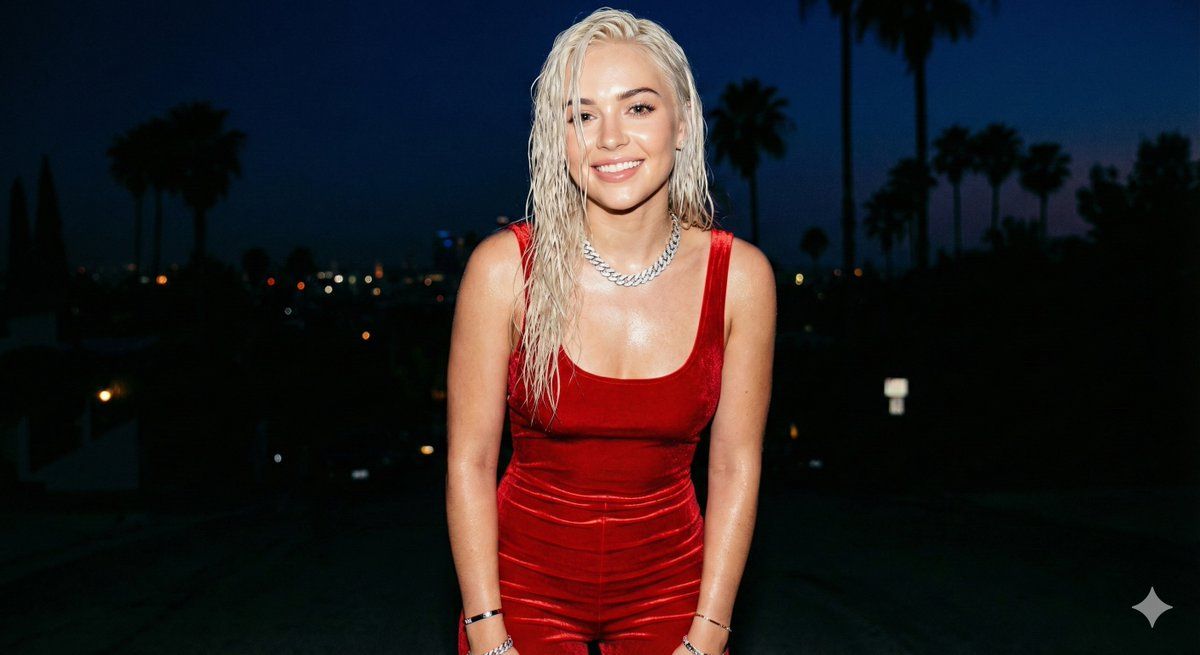
GENERAL DESCRIPTION: Amateur photo taken with a smartphone, captured in a handheld camera flash style. A young woman poses facing the camera with a smile. The harsh flash creates bright, specular highlights on her skin and clothing, with very sharp shadows and slight grain in the dark areas of the background.

SUBJECT DETAILS: Attractive young woman with {argument name="hair color" default="platinum blonde"} hair, styled loose with a wet, glossy effect under the flash. Realistic skin with visible pores, small natural imperfections, and a slight sheen from sweat or makeup.

OUTFIT: Sleeveless jumpsuit with thin straps of vibrant {argument name="outfit color" default="red"} velvet, very form-fitting. The fabric shows natural wrinkles from movement and an intense satin sheen in the areas directly hit by the flash.

ACCESSORIES: An iced-out Cuban link necklace that sparkles brightly in the flash, along with several thin bracelets.

SETTING & COMPOSITION: Background with dark palm trees and distant hills under a deep night sky.

FRAMING: Aspect ratio 4:5. Medium shot from head to calves. She looks directly at the lens, revealing the characteristic circular white reflection of the flash in her eyes.

TECHNICAL QUALITY: High-end phone camera aesthetic, with slightly warm white balance, high contrast, sharp focus on the subject, and very subtle motion blur in the background to give the impression of a quick snapshot.
Category
创意图片
Model
Nano Banana Pro
Views0
Source ID
1b884644-3fea-4b9e-8d30-afe289150e65
Published
Mar 8, 2026

Guide

About "Hyper-realistic smartphone flash photo prompt for AI image generation"

What is this prompt for?

"Hyper-realistic smartphone flash photo prompt for AI image generation" AI image prompt for Nano Banana Pro (创意图片). A detailed image generation prompt designed…

The full copyable prompt and example visuals above are ready for AI image generation or one-click recreate in Picva.

How to use this prompt

  1. Step 1

    Open the prompt detail

    Review the example visuals, category, and full prompt text for "Hyper-realistic smartphone flash photo prompt for AI image generation".

  2. Step 2

    Copy the prompt

    Copy the prompt body from this page, or load it directly in Studio.

  3. Step 3

    Pick a model (Nano Banana Pro)

    Prefer Nano Banana Pro. If you switch models, keep subject and composition and tweak style terms.

  4. Step 4

    Generate and export

    Recreate the look in Picva, or export into your workflow for editing and publishing.

FAQ

What is the "Hyper-realistic smartphone flash photo prompt for AI image generation" prompt?
It is an AI image-generation prompt for Nano Banana Pro in the 创意图片 category. This page includes the full prompt text, example visuals, and a one-click recreate path in Picva.
How do I use this prompt to generate an image?
Copy the prompt from this page, or use Generate / Studio. Paste it into a compatible image model, or recreate the look in Picva with optional reference images.
Which model is this prompt for?
This page lists Nano Banana Pro. Most descriptive prompts also transfer to nearby image models such as GPT Image, Flux, or Midjourney with light style tweaks.
Can I use the result commercially?
You can usually copy the prompt for creation, but commercial use of the final image depends on the model terms, reference-image rights, and the generated content. Follow the source author and platform rules.