20

3D Hagoita (Japanese Battledore) Image Generation Prompt
Enlarge

3D Hagoita (Japanese Battledore) Image Generation Prompt

Prompt
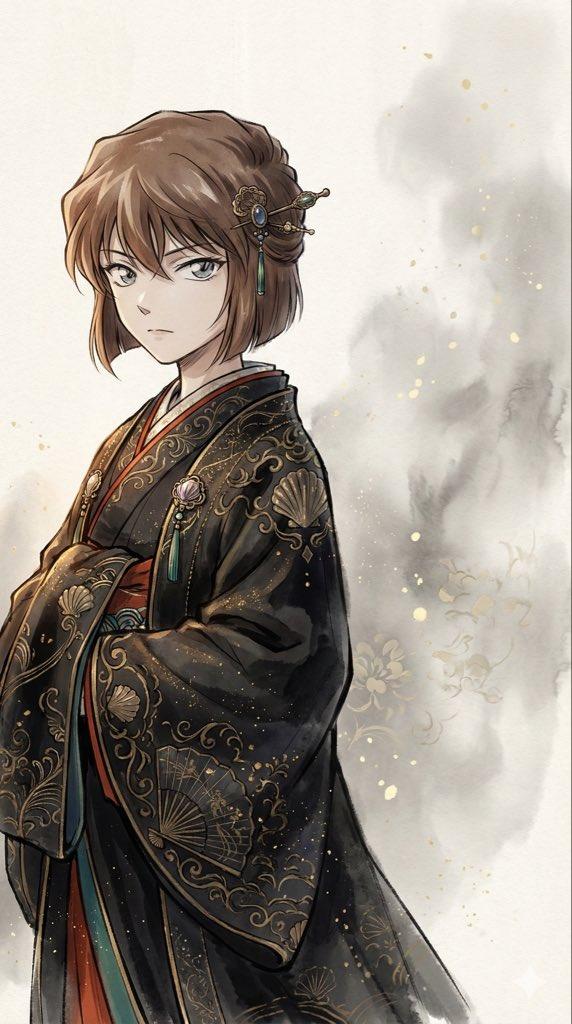
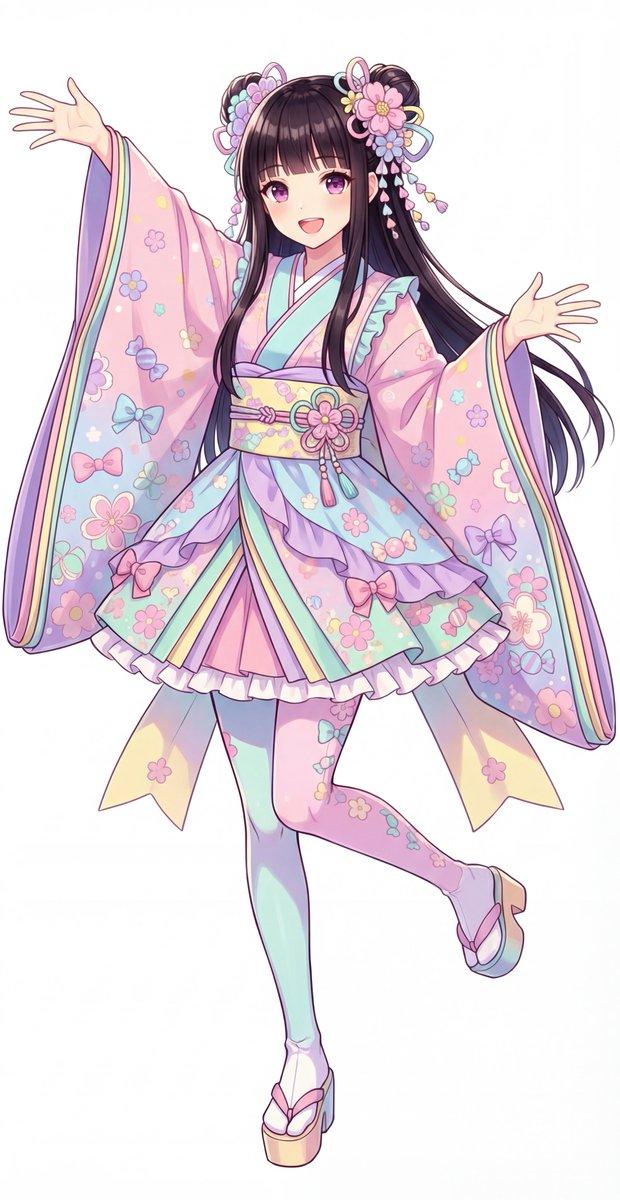
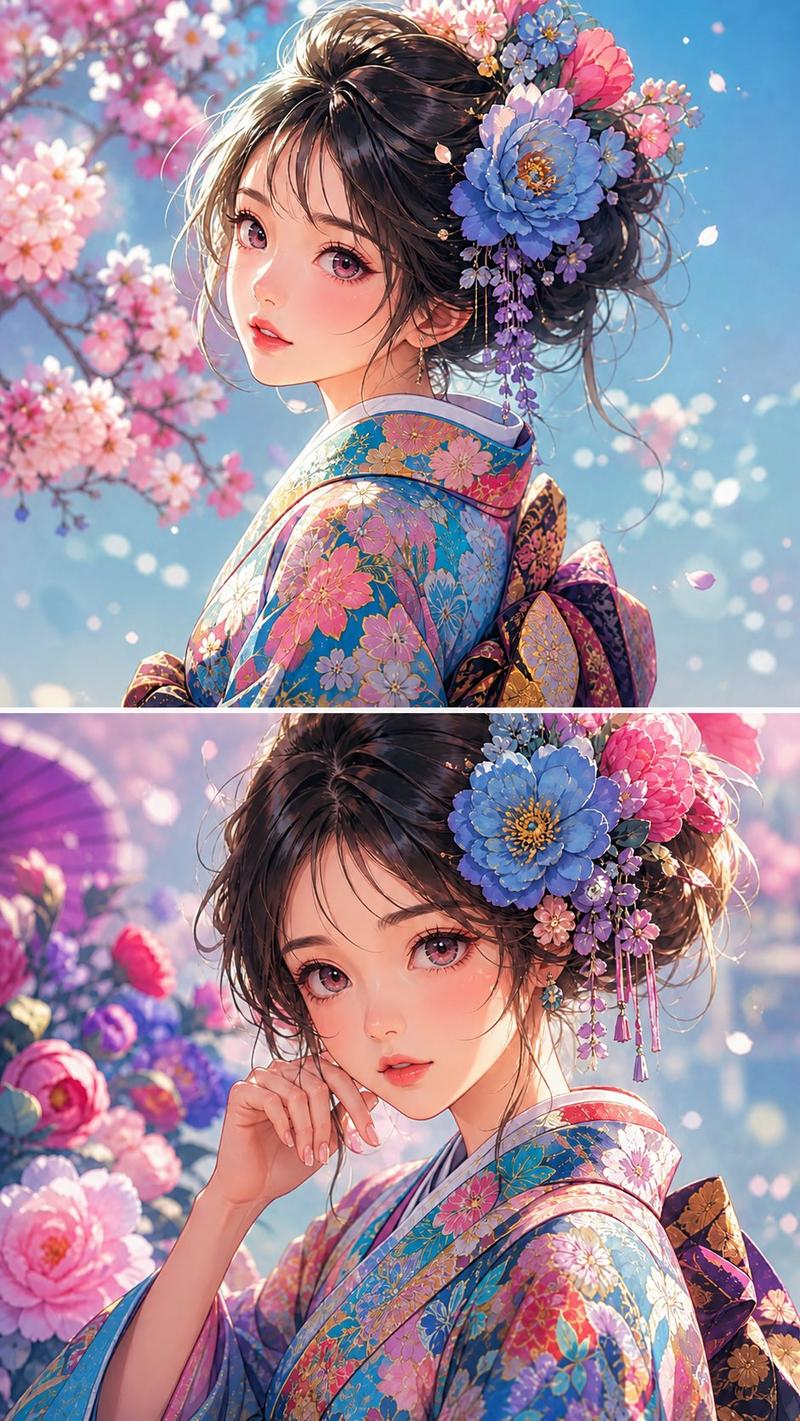
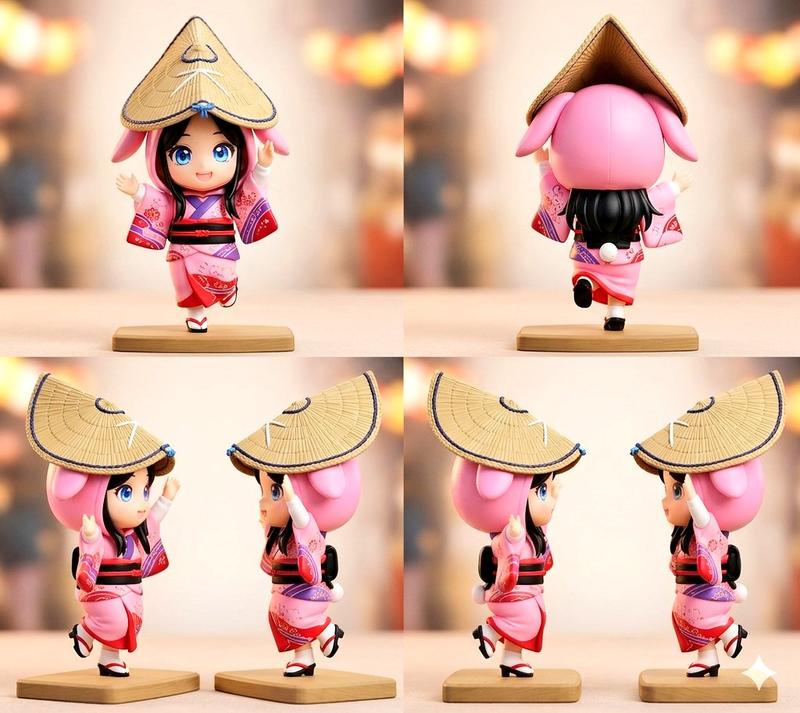
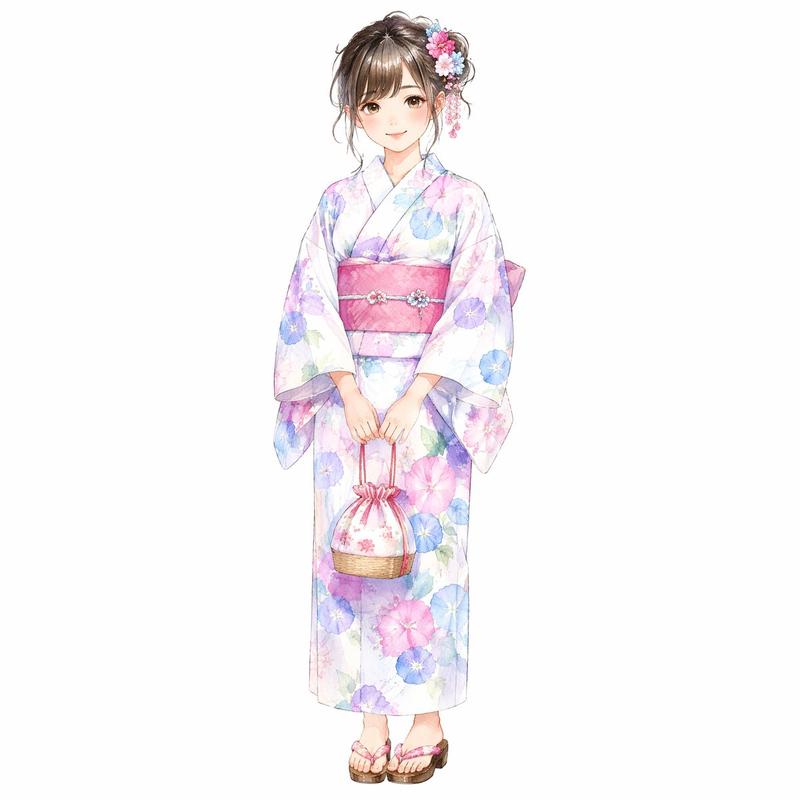
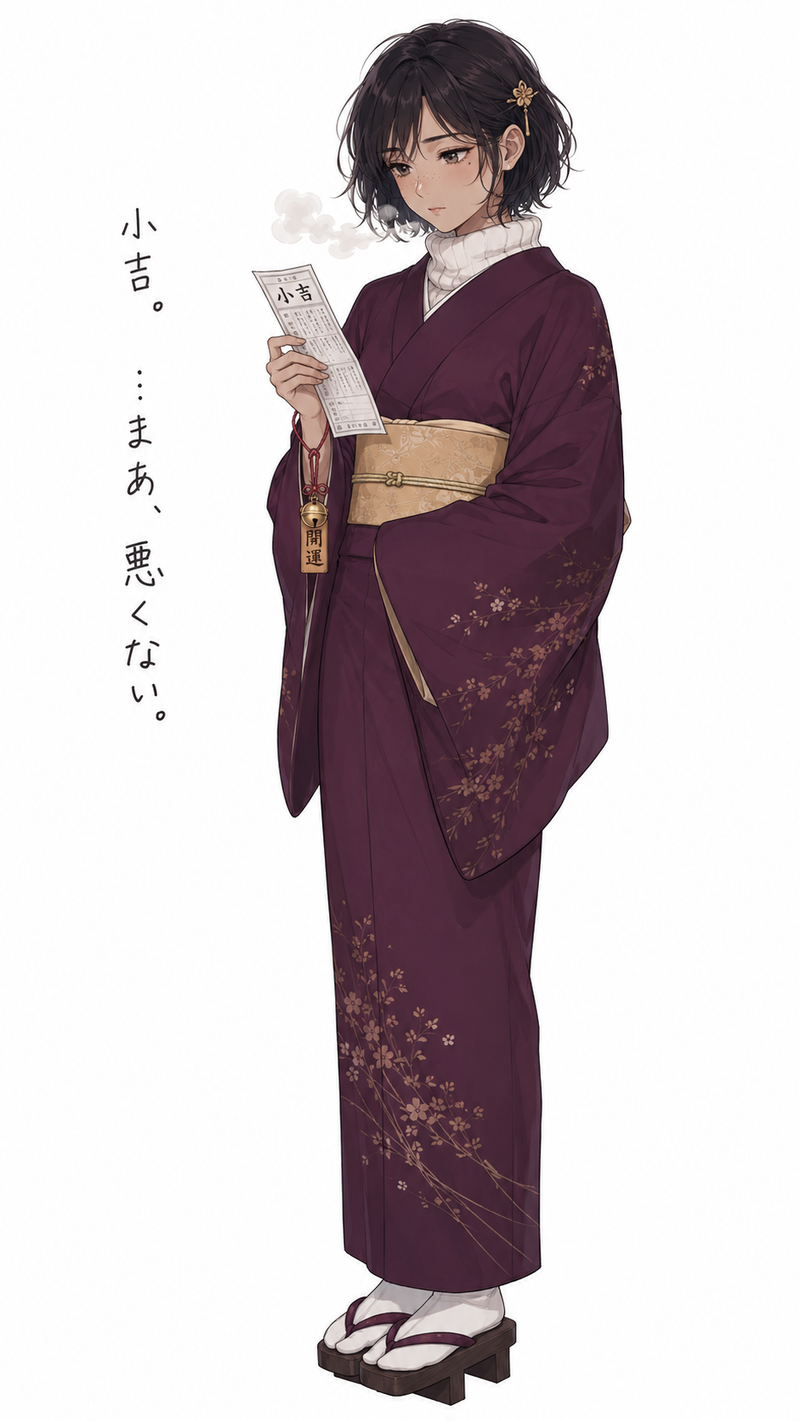
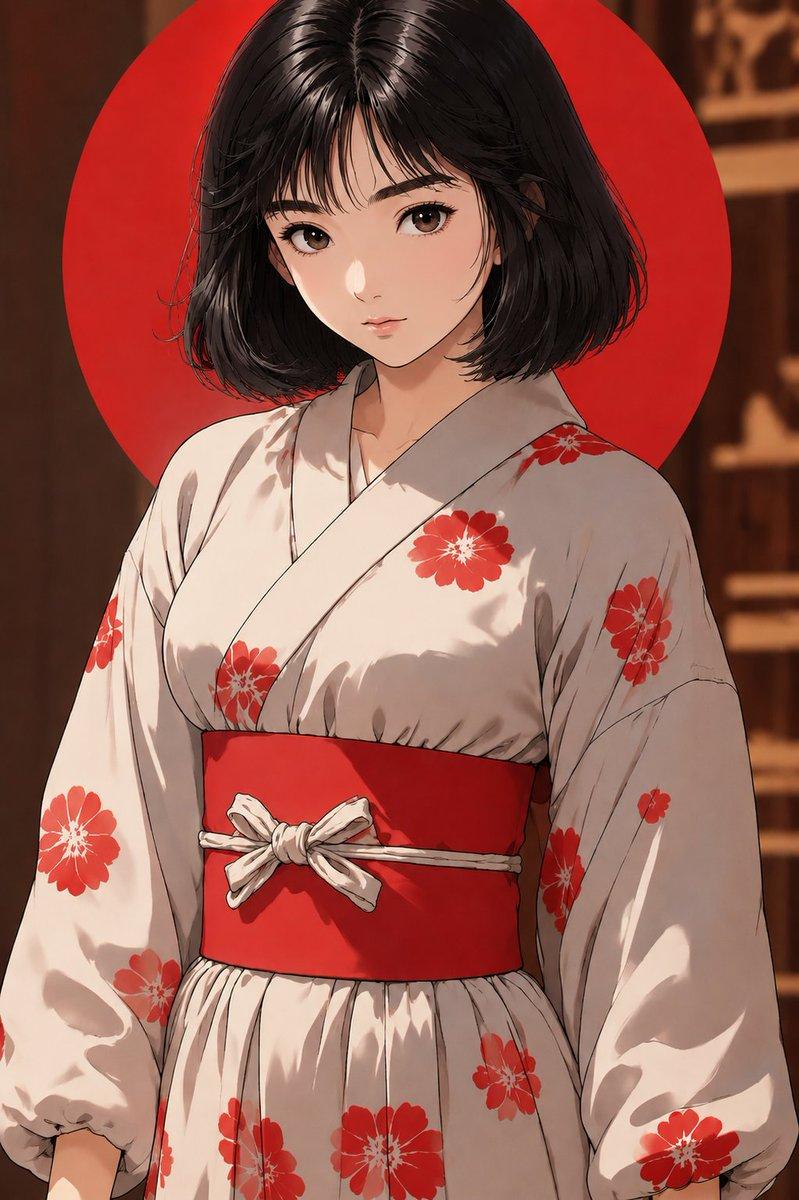
{argument name="参照画像のキャラクターの特徴" default="添付画像の女性。セクシーな感じに再生成。"}: 添付画像の女性。セクシーな感じに再生成。

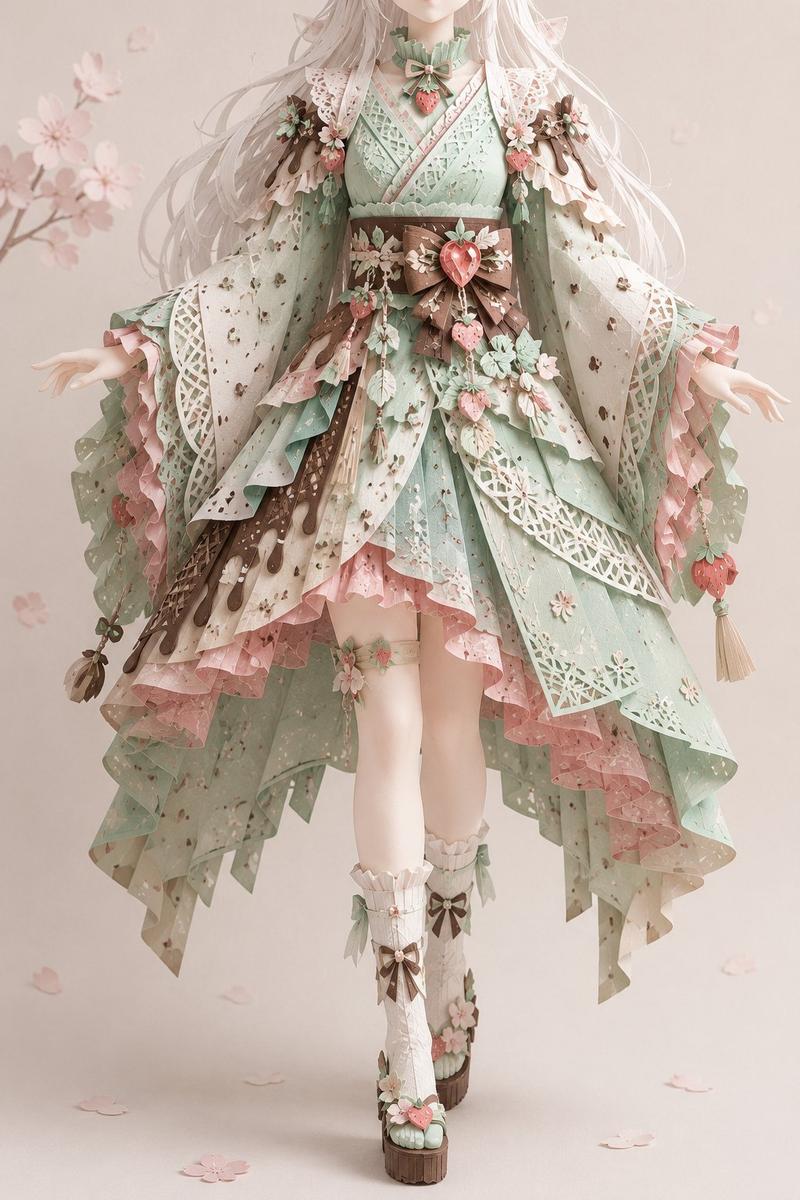
{argument name="服装" default="画像の豪華な着物"}: 画像の豪華な着物

{argument name="看板の文字" default="らいおん"}: らいおん

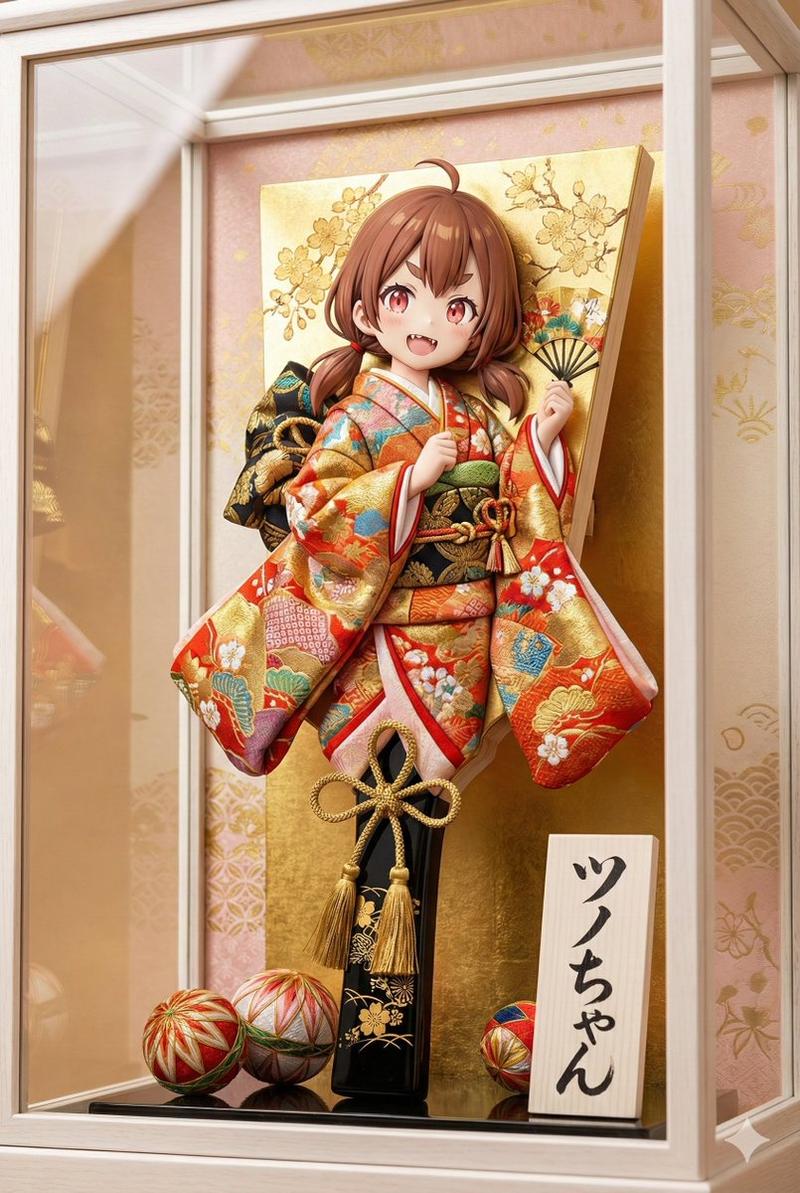
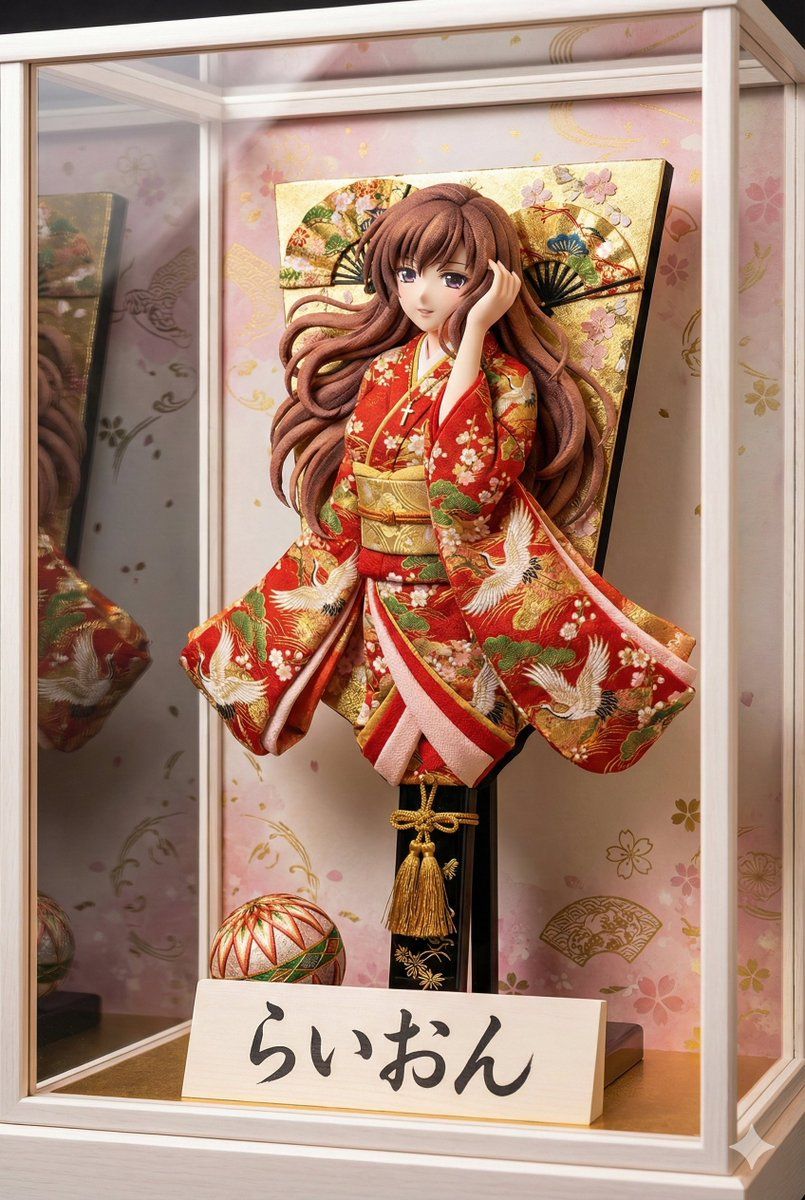
日本の伝統的な正月の飾り物である「羽子板(Hagoita)」が、高級感のある白木の枠のガラスケースの中に飾られている高品質な写真。
画像はスマートフォンの画面に適した縦長のポートレートサイズ。

アングルと構図:
羽子板を「斜め前方」から捉えたアングル。正面ではなく角度をつけることで、羽子板の厚みと、押し絵の立体的な盛り上がりが強調され、奥行きが感じられる構図になっている。

羽子板のデザイン:
羽子板の中央には、日本の伝統的な工芸技法「押し絵(Oshie)」で作られた立体的なキャラクターが配置されている。

キャラクターの特徴:{argument name="参照画像のキャラクターの特徴" default="添付画像の女性。セクシーな感じに再生成。"}キャラクターは全身ではなく、「上半身」のみが大きく造形されている。足や裾は描かれていない。

キャラクターの服装:鮮やかで質感のある日本の布地(ちりめんや金襴)で作られた{argument name="服装" default="画像の豪華な着物"}。

着物の袖(そで)や装飾が、物理的な板の端から左右に大きくはみ出し、空中に広がっているようなダイナミックなデザインである。布地が何層にも重なり、圧倒的なボリューム感と立体感がある。

背景の板面:キャラクターの背後にある板の表面は、単なる木材ではなく、「金箔」や「桜や扇の金彩画」で豪華絢爛に装飾されている。隙間なく伝統的な和柄が描かれ、非常に煌びやかである。

持ち手(柄):持ち手の部分も木の棒そのままでなく、「黒塗り」に金の模様が入っていたり、美しい「飾り紐」や「房(タッセル)」が巻かれて装飾されている。

付属品:
羽子板の足元には、装飾的な「手まり」が置かれている。
羽子板の横(手前側)には、白木の立札(立て看板)が置かれている。立札にも厚みがあり、木の質感がリアルである。

【重要】:立札の文字は、熟練の職人が書いたような「達筆な毛筆の崩し字(行書体)」で、芸術的に「{argument name="看板の文字" default="らいおん"}」と書かれている。墨のかすれや筆の勢いが感じられるスタイル。

背景と雰囲気:
ガラスケースの背景には、薄いピンクや金色の和柄(桜や流水模様)が描かれている。
ガラスケースへの光の反射があり、高級感のある照明が当たっている。

実写風、8k解像度、極めて詳細なディテール。
Category
创意图片
Model
Nano Banana Pro
Views0
Source ID
1ac4d680-6315-4843-a946-e2926cc38ed0
Published
Mar 8, 2026

Guide

About "3D Hagoita (Japanese Battledore) Image Generation Prompt"

What is this prompt for?

"3D Hagoita (Japanese Battledore) Image Generation Prompt" AI image prompt for Nano Banana Pro (创意图片). A detailed Japanese prompt designed for the Nano Banana…

The full copyable prompt and example visuals above are ready for AI image generation or one-click recreate in Picva.

How to use this prompt

  1. Step 1

    Open the prompt detail

    Review the example visuals, category, and full prompt text for "3D Hagoita (Japanese Battledore) Image Generation Prompt".

  2. Step 2

    Copy the prompt

    Copy the prompt body from this page, or load it directly in Studio.

  3. Step 3

    Pick a model (Nano Banana Pro)

    Prefer Nano Banana Pro. If you switch models, keep subject and composition and tweak style terms.

  4. Step 4

    Generate and export

    Recreate the look in Picva, or export into your workflow for editing and publishing.

FAQ

What is the "3D Hagoita (Japanese Battledore) Image Generation Prompt" prompt?
It is an AI image-generation prompt for Nano Banana Pro in the 创意图片 category. This page includes the full prompt text, example visuals, and a one-click recreate path in Picva.
How do I use this prompt to generate an image?
Copy the prompt from this page, or use Generate / Studio. Paste it into a compatible image model, or recreate the look in Picva with optional reference images.
Which model is this prompt for?
This page lists Nano Banana Pro. Most descriptive prompts also transfer to nearby image models such as GPT Image, Flux, or Midjourney with light style tweaks.
Can I use the result commercially?
You can usually copy the prompt for creation, but commercial use of the final image depends on the model terms, reference-image rights, and the generated content. Follow the source author and platform rules.