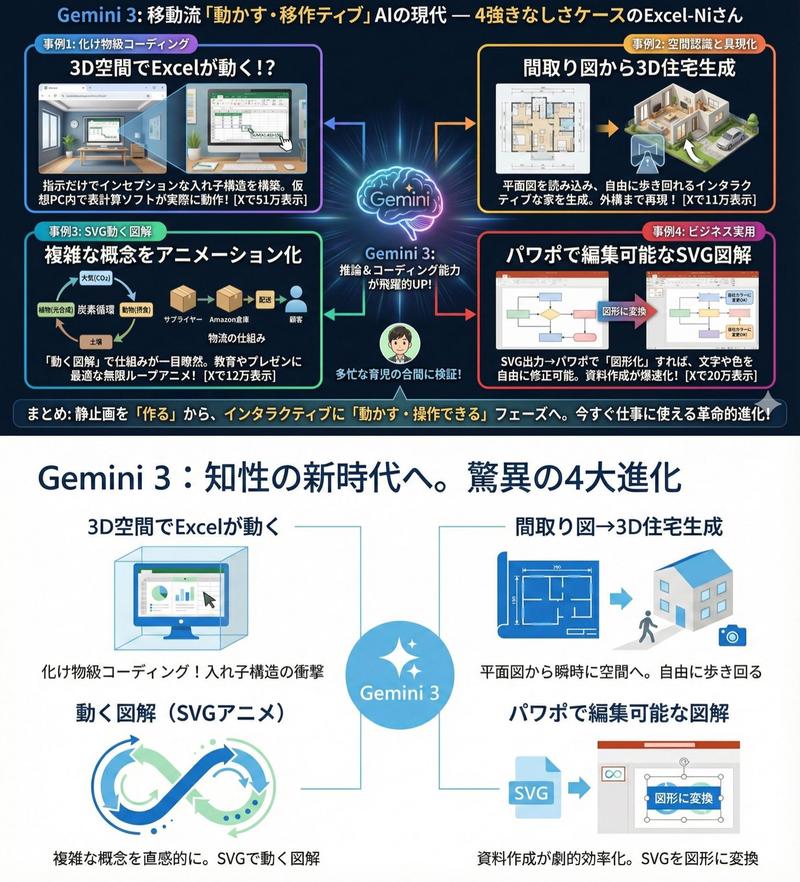
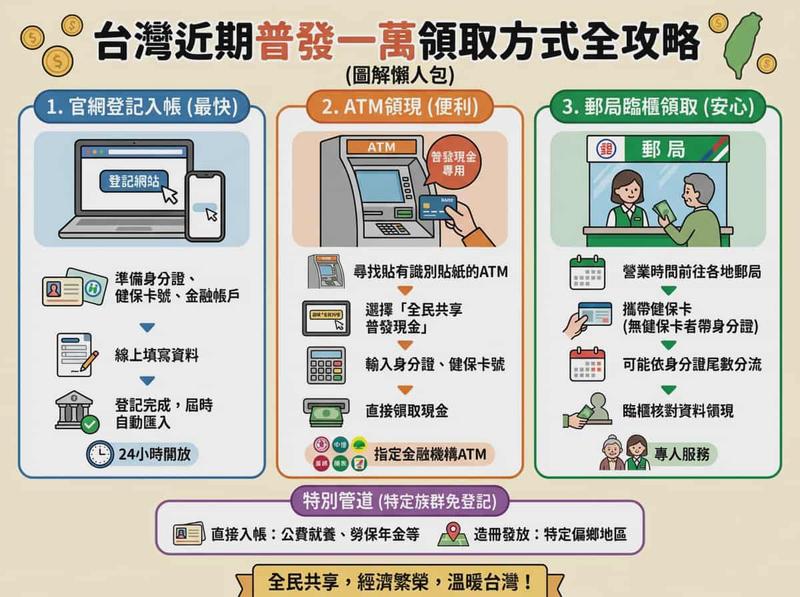
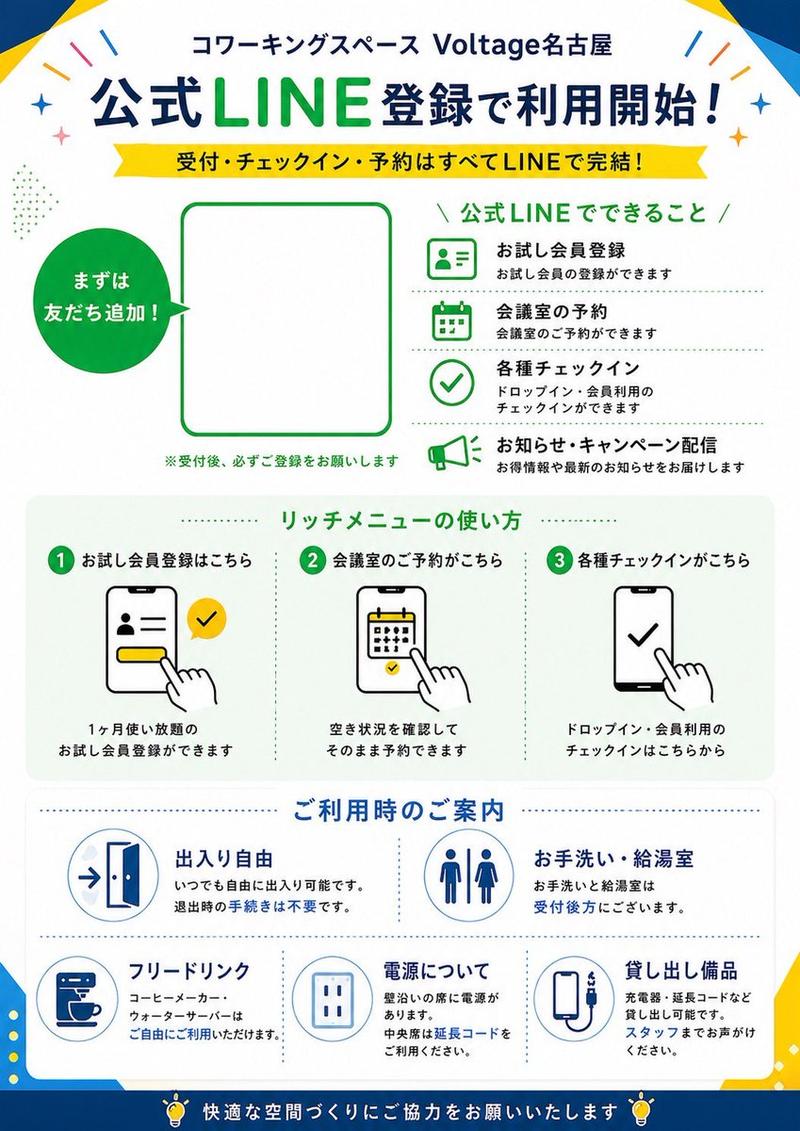
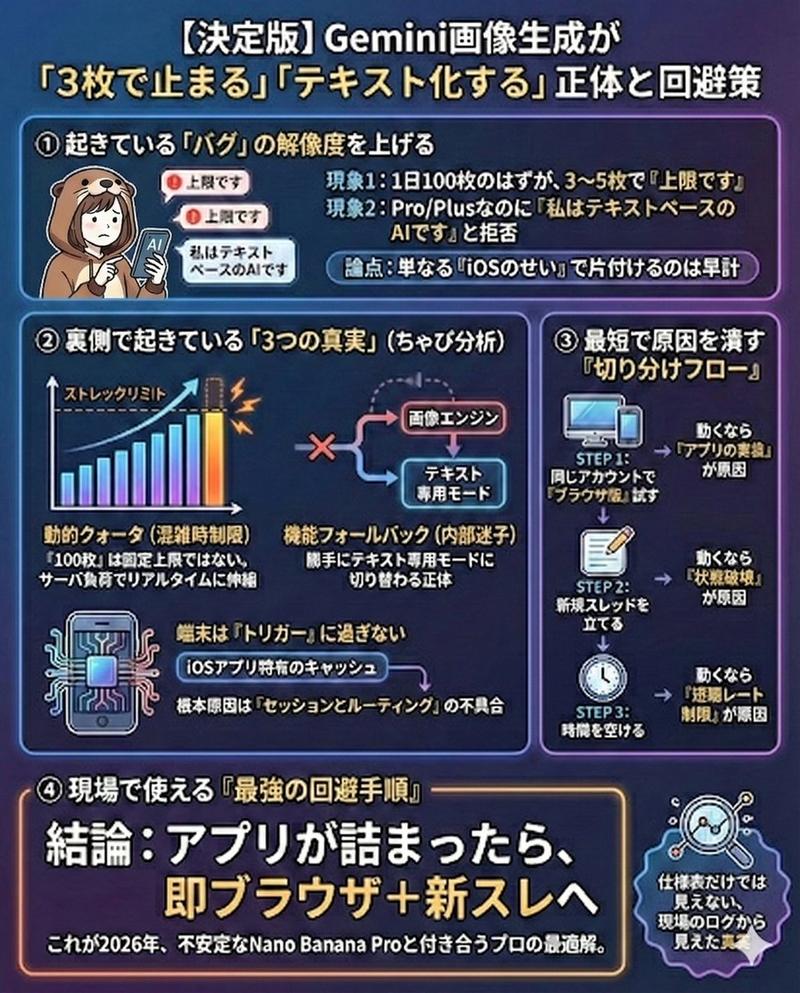
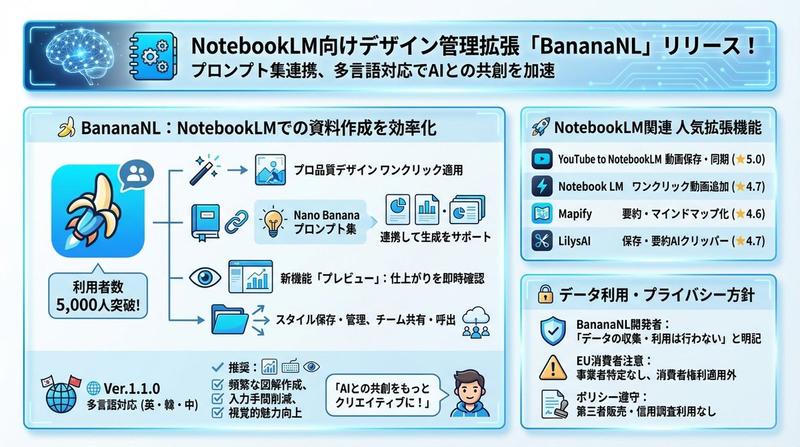
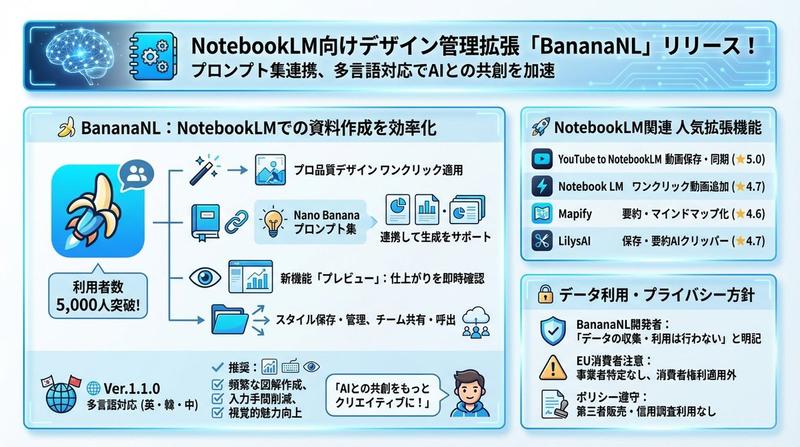
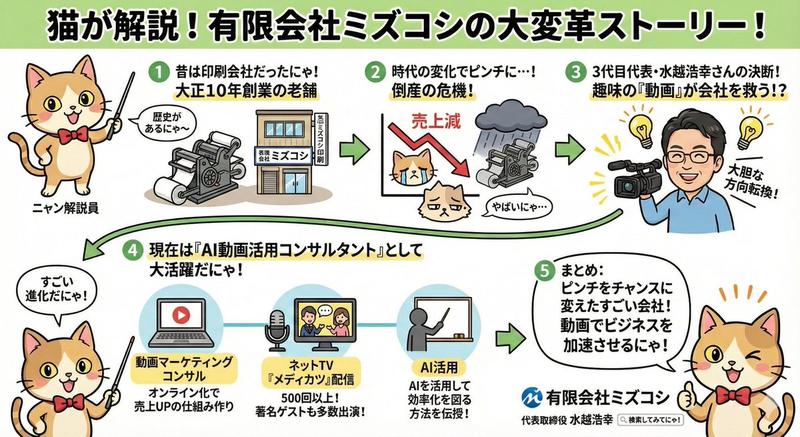
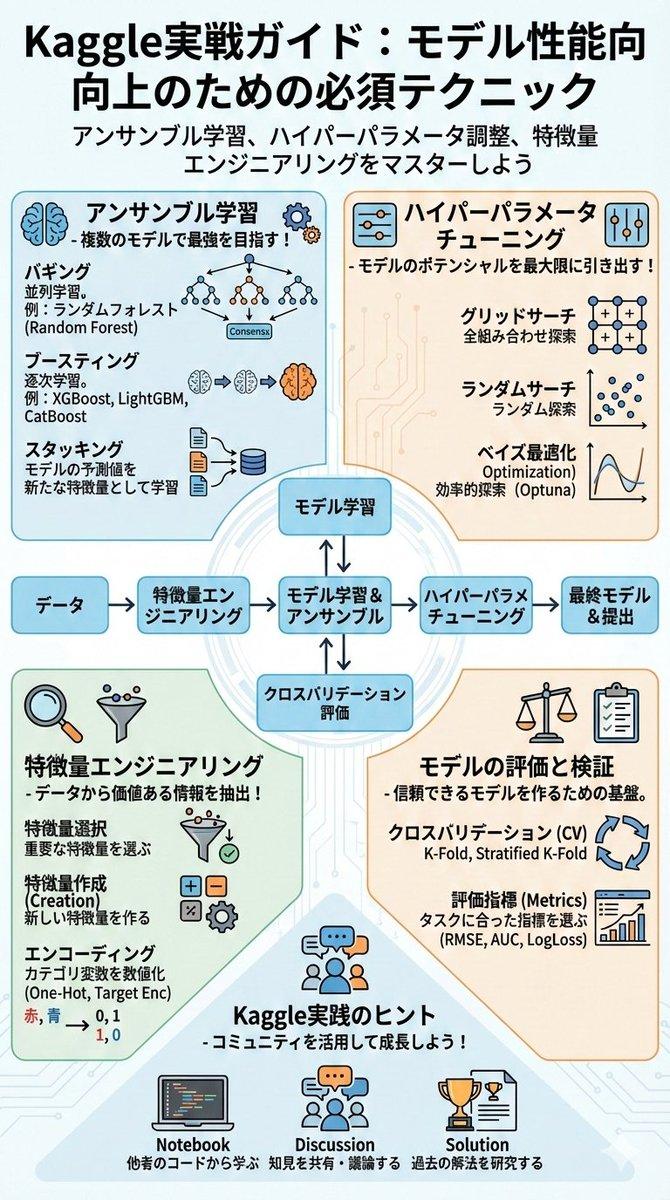
日式简洁信息图表风格限制
Prompt
テキストをきわめて少なく、グラフィカルな表現を重視。日本語の文字化けを抑える。フォントはヒラギノゴシック中心。コンテンツはそのままに配色やデザインはMicrosoft365のように。フラットデザインでシンプルに。
- Category
- 创意图片
- Model
- Nano Banana Pro
- Source ID
- 03961f1a-a47b-40ca-988f-80c83611dfc6
- Published
- Mar 8, 2026
Views0
17

テキストをきわめて少なく、グラフィカルな表現を重視。日本語の文字化けを抑える。フォントはヒラギノゴシック中心。コンテンツはそのままに配色やデザインはMicrosoft365のように。フラットデザインでシンプルに。
Guide
"日式简洁信息图表风格限制" AI image prompt for Nano Banana Pro (创意图片). 为 Nano Banana Pro 提供样式说明,以创建具有极少日文文本和类似 Microsoft 365 美学的简化扁平化信息图表,有助于呈现清晰的商业视觉效果。 --- 使用极少的文字,并侧重于图…
The full copyable prompt and example visuals above are ready for AI image generation or one-click recreate in Picva.
Step 1
Review the example visuals, category, and full prompt text for "日式简洁信息图表风格限制".
Step 2
Copy the prompt body from this page, or load it directly in Studio.
Step 3
Prefer Nano Banana Pro. If you switch models, keep subject and composition and tweak style terms.
Step 4
Recreate the look in Picva, or export into your workflow for editing and publishing.