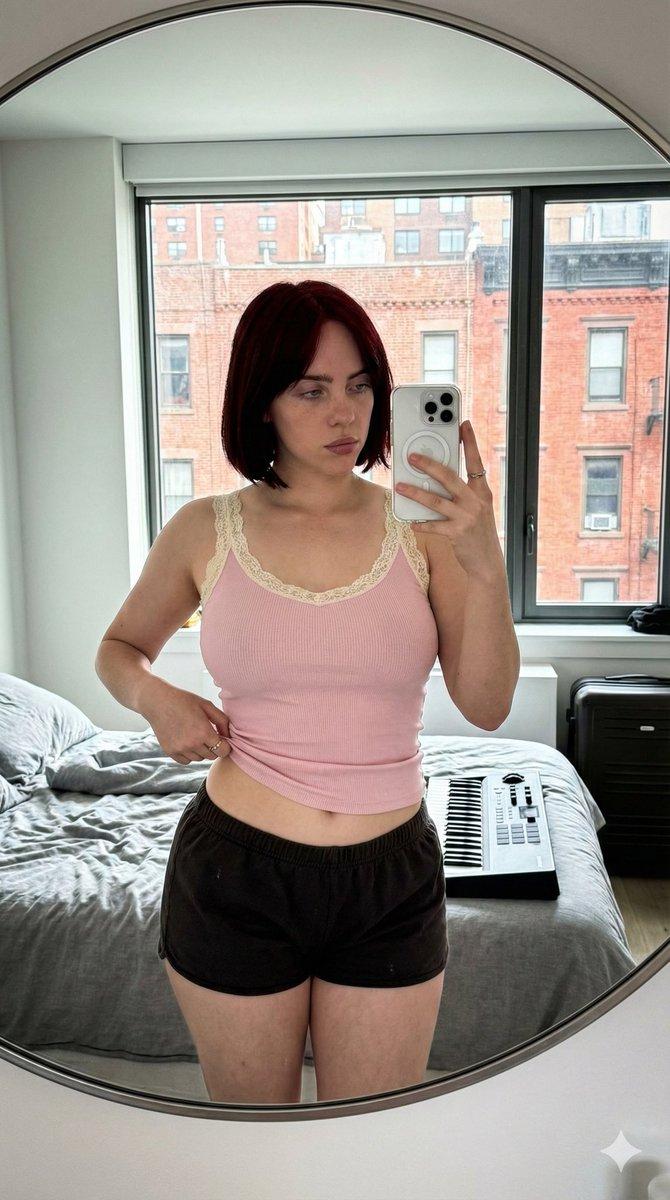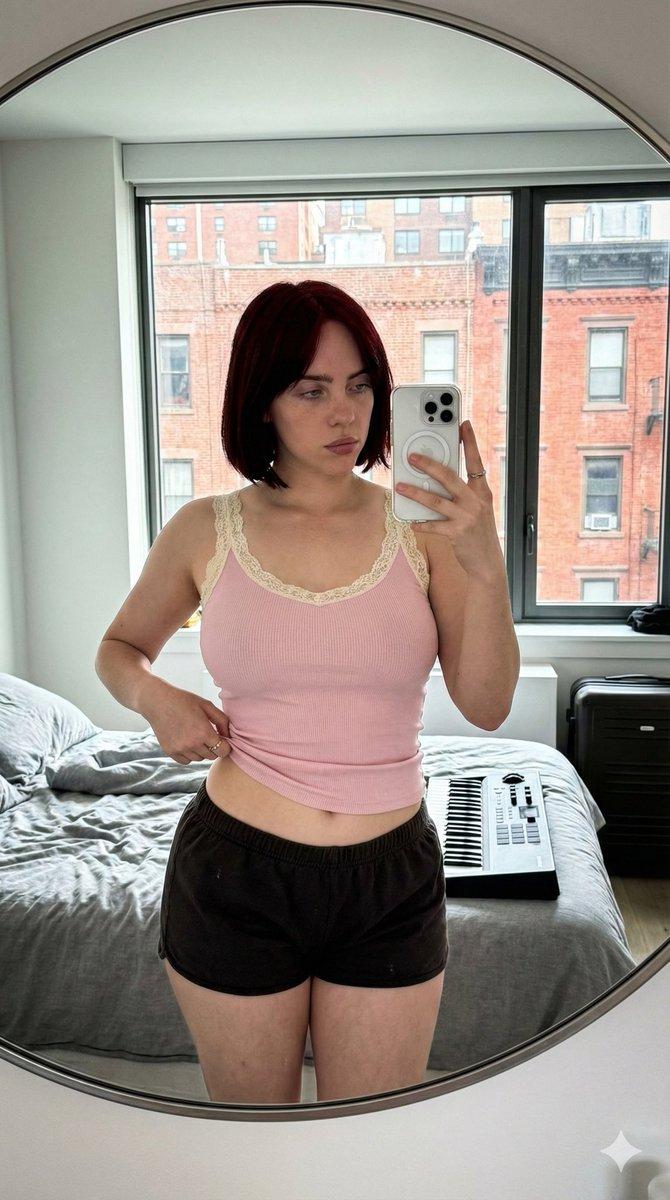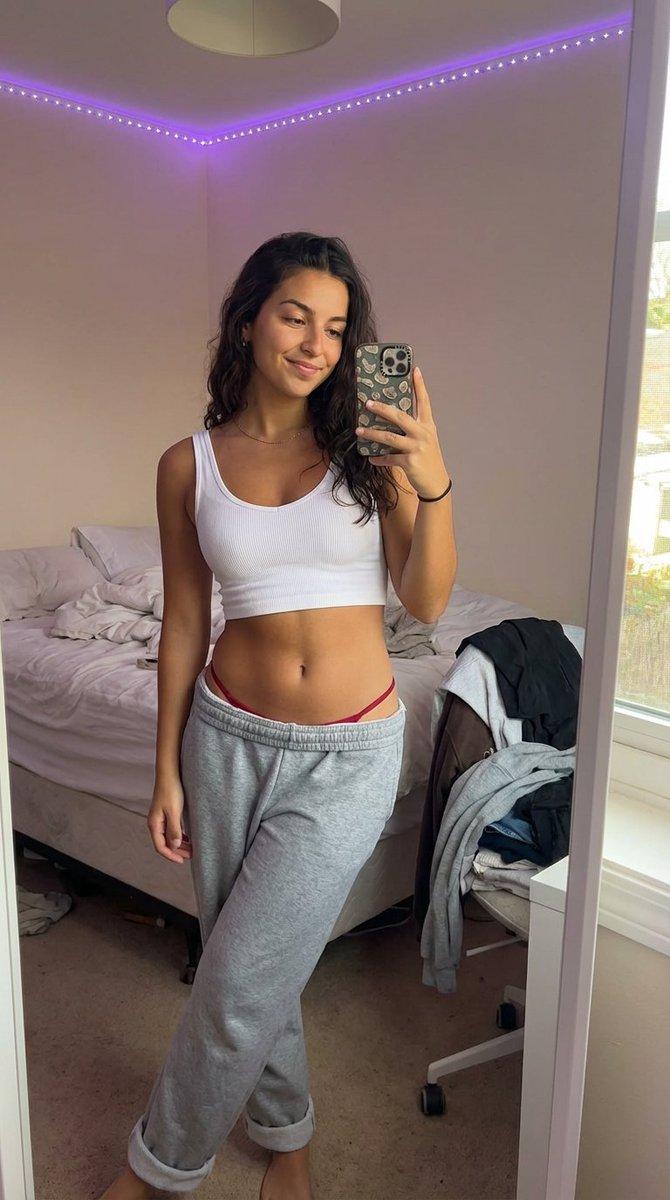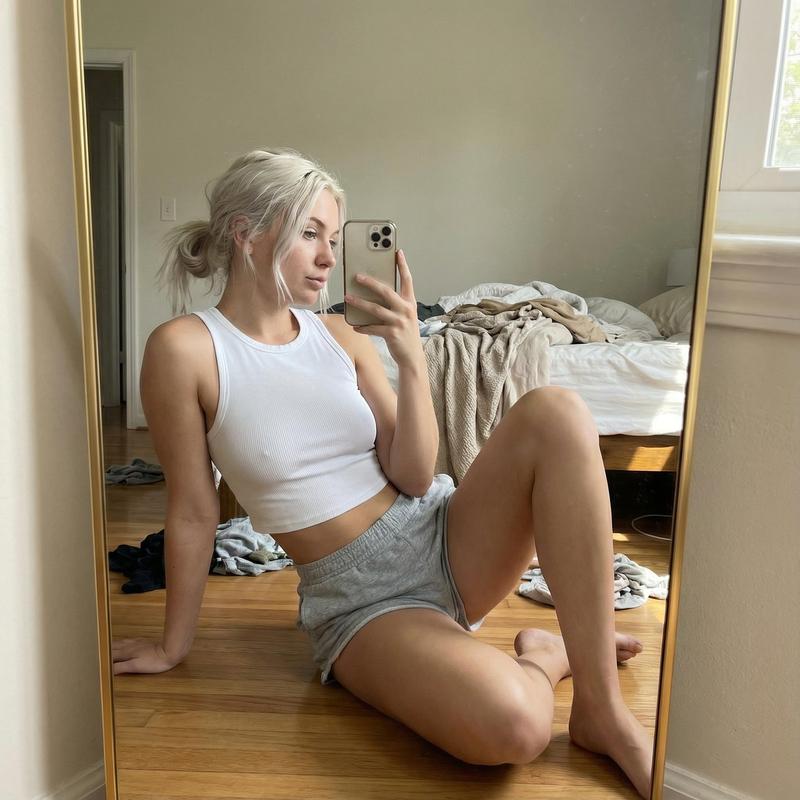
室内卧室镜子自拍生成提示
Prompt
{
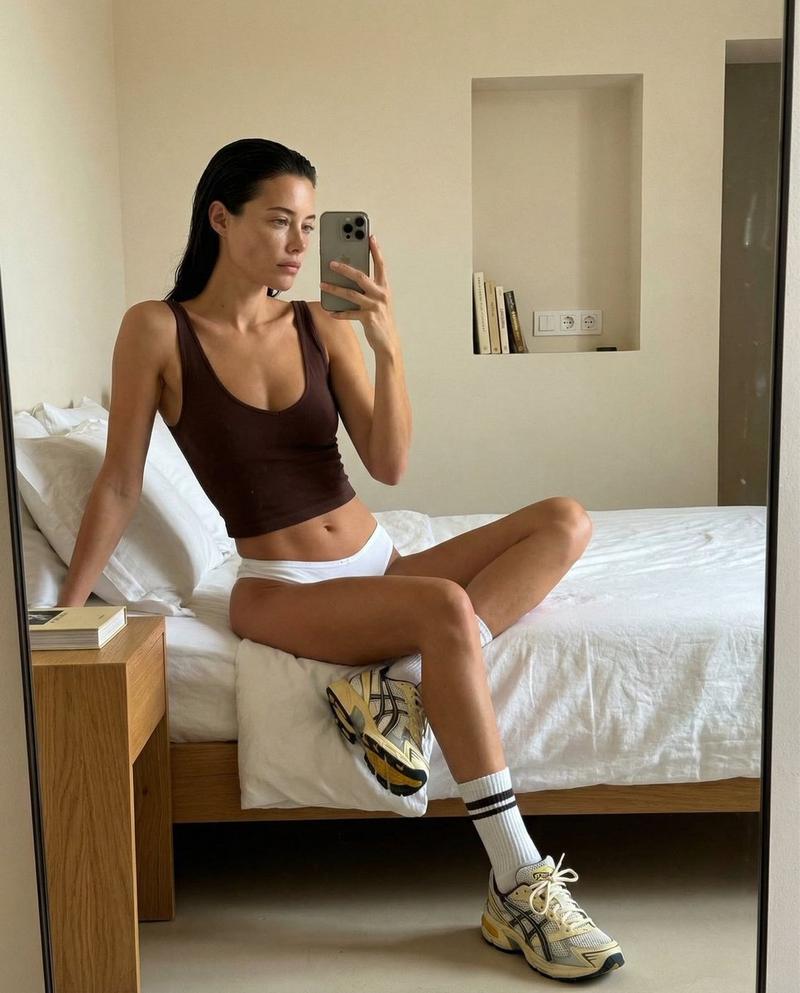
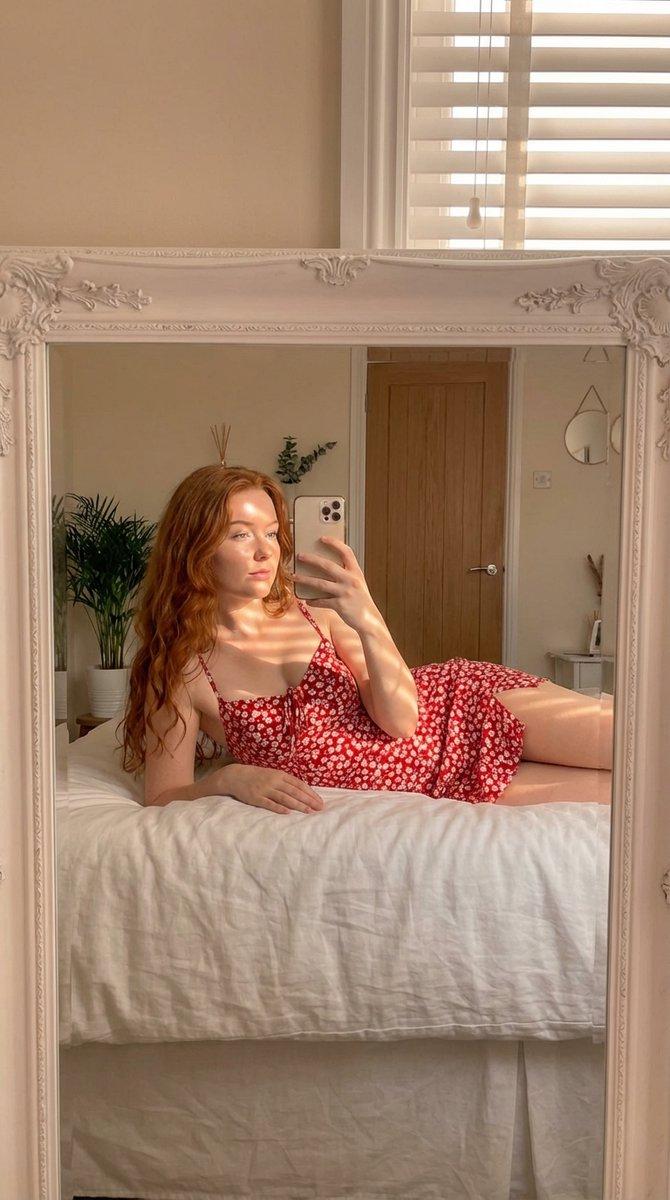
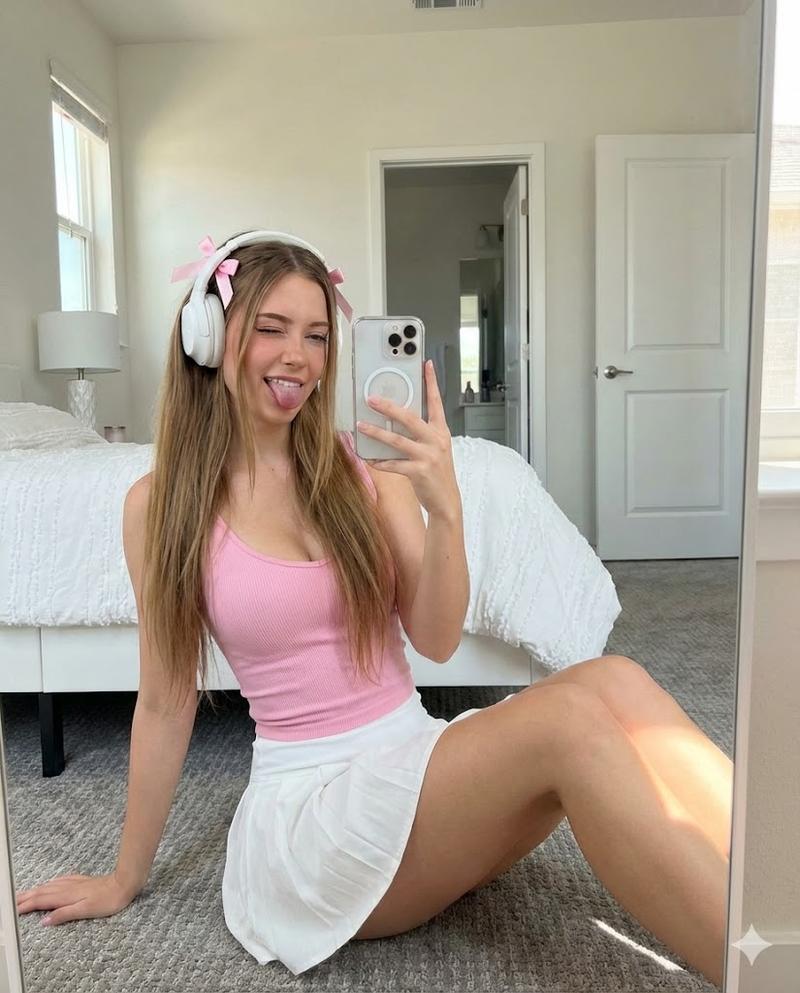
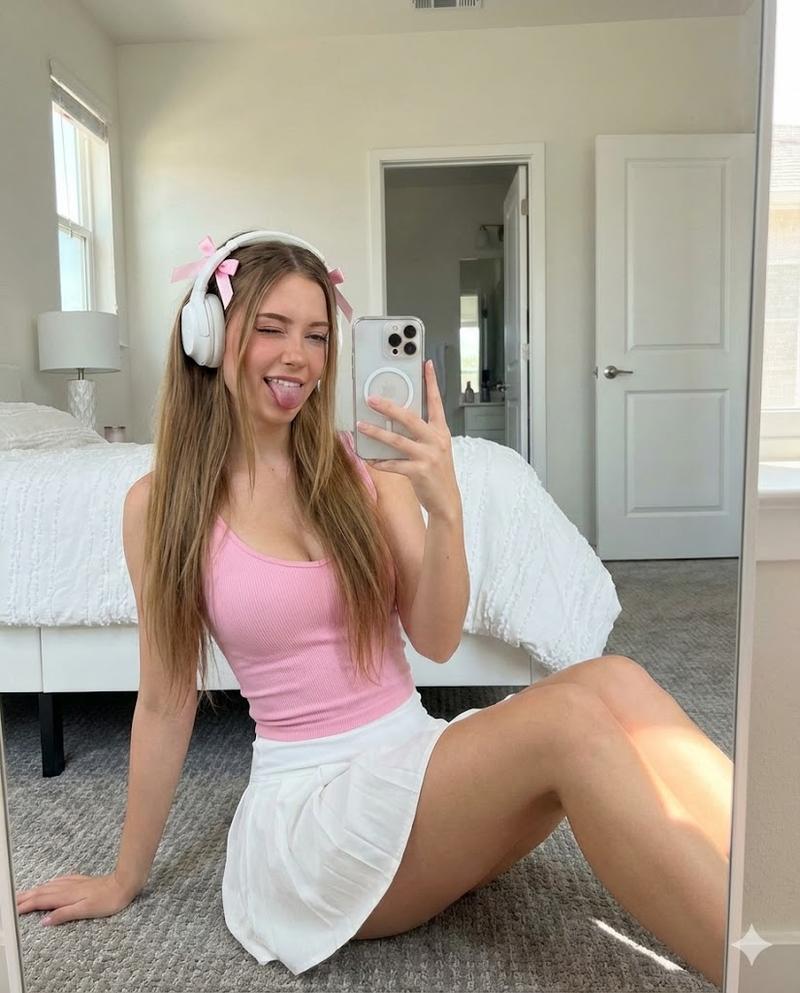
"scene": {
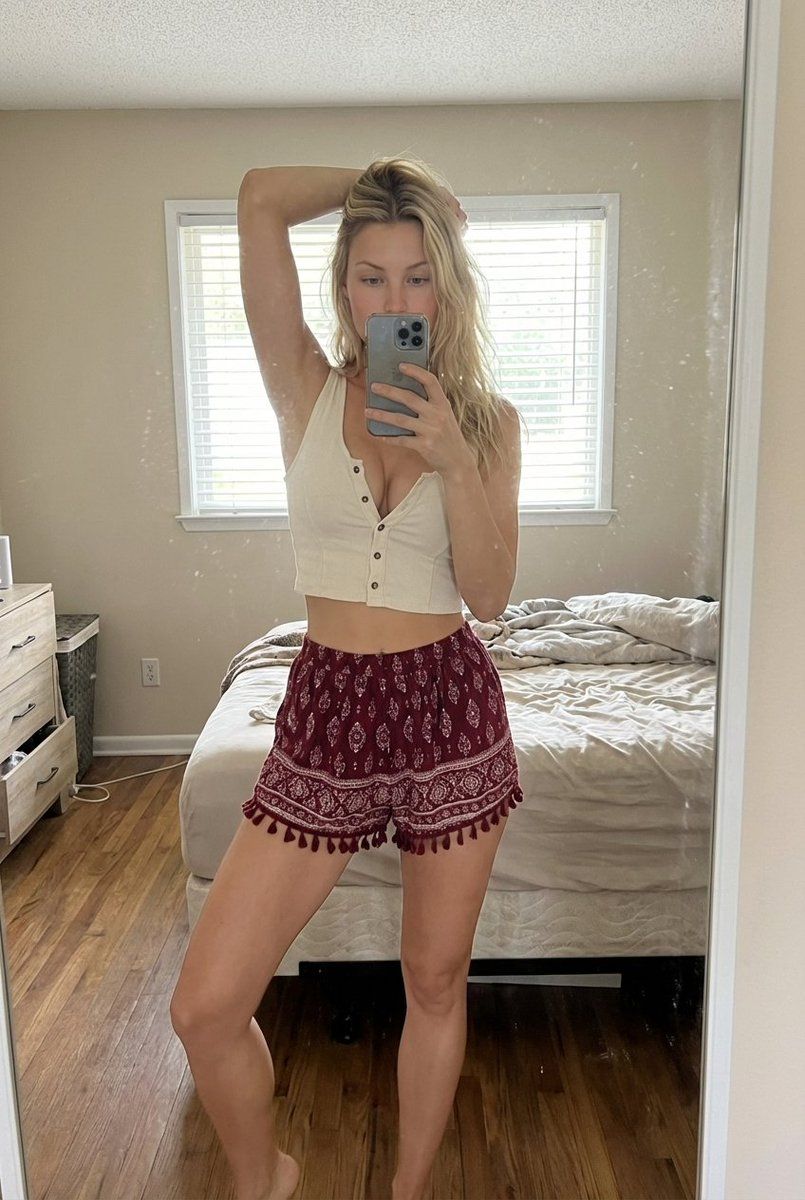
"type": "indoor bedroom mirror selfie",
"environment": {
"room_style": "simple lived-in bedroom",
"walls": "light beige walls",
"lighting_fixture": "ceiling-mounted light fixture",
"window": {
"position": "behind the subject",
"blinds": "white horizontal blinds partially closed",
"light": "soft natural daylight filtering through"
},
"bed": {
"position": "behind subject",
"condition": "slightly messy bed with white sheets"
},
"decor": {
"wall_art": "framed art print on the wall",
"dresser": "wooden dresser with mirror",
"mirror_surface": "slightly dusty mirror with small natural smudges"
}
}
},
"character": {
"gender": "female",
"age_range": "early to mid 20s",
"body": {
"build": "slim with natural curves",
"waist": "defined waistline",
"posture": "standing confidently"
},
"skin": {
"tone": "light to medium warm tone",
"texture": "natural skin texture"
},
"hair": {
"color": "dark brown",
"length": "short to medium length",
"style": "slightly messy, casual, natural"
},
"face_visibility": {
"partially_hidden": true,
"reason": "phone covering part of the face"
}
},
"pose": {
"stance": "standing in front of mirror",
"arm_position": {
"one_arm": "raised above head holding hair",
"other_arm": "holding smartphone in front of face"
},
"leg_position": "legs relaxed and slightly apart",
"vibe": "casual, confident, candid"
},
"clothing": {
"top": {
"type": "sleeveless cropped top",
"color": "off-white",
"details": "front button details",
"fit": "snug fit"
},
"bottom": {
"type": "loose patterned shorts",
"color": "deep red with white patterns",
"details": "bohemian style, tassel edges"
}
},
"camera": {
"shot_type": "full body mirror selfie",
"perspective": "eye-level mirror reflection",
"lens": "standard smartphone lens",
"focus": "subject in sharp focus",
"depth_of_field": "deep focus, room clearly visible"
},
"lighting": {
"source": "natural daylight",
"direction": "from window behind subject",
"quality": "soft and diffused",
"shadows": "minimal natural shadows",
"color_temperature": "neutral daylight"
},
"style": {
"photography_style": "casual lifestyle selfie",
"mood": "relaxed, authentic, intimate",
"aesthetic": "natural, unfiltered, realistic",
"post_processing": "minimal editing, realistic tones"
},
"quality": {
"resolution": "high resolution",
"realism": "photorealistic",
"detail_level": "high"
},
"negative_prompt": [
"extra people in background",
"any other human figures",
"stickers",
"emoji",
"stars",
"overlays",
"text",
"blurred subject",
"distorted anatomy",
"extra limbs",
"unnatural lighting",
"over-processed skin"
]
}- Category
- 创意图片
- Model
- Nano Banana Pro
- Creator
- Lina Byte
- Source ID
- 9db3af6d-77bb-48f8-ab2a-9b01e0c14bf2
- Published
- Mar 8, 2026
Views1