20

骑自行车卡通人物的电影级真实感
Enlarge

骑自行车卡通人物的电影级真实感

Prompt
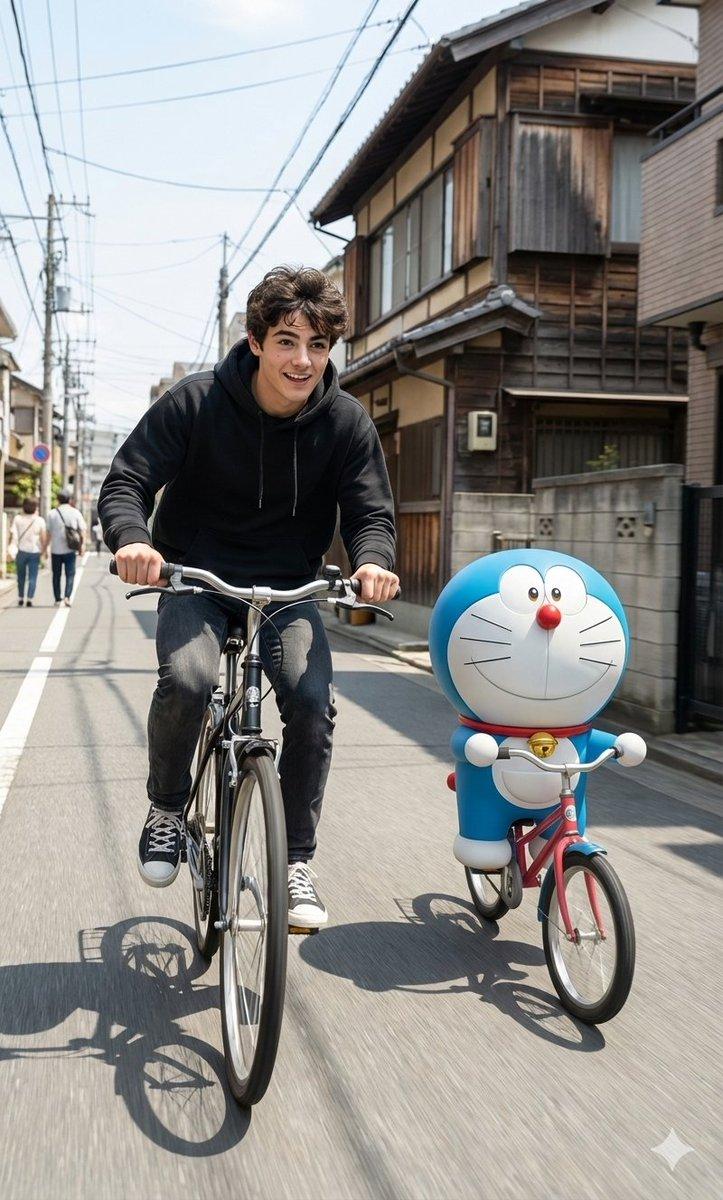
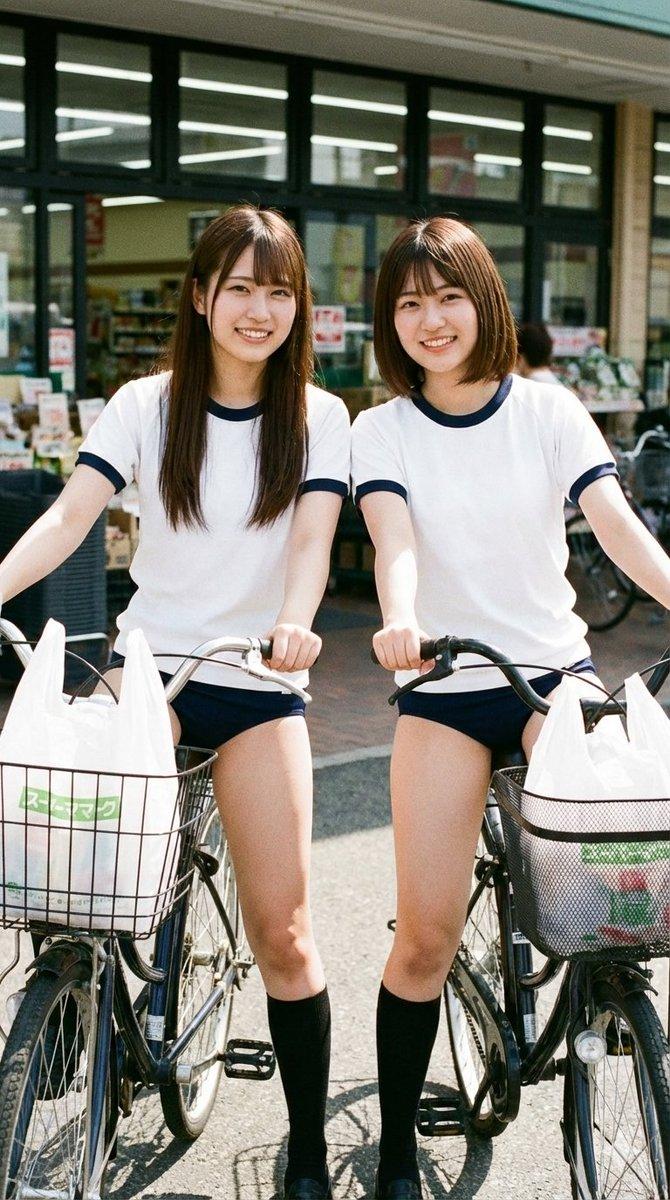
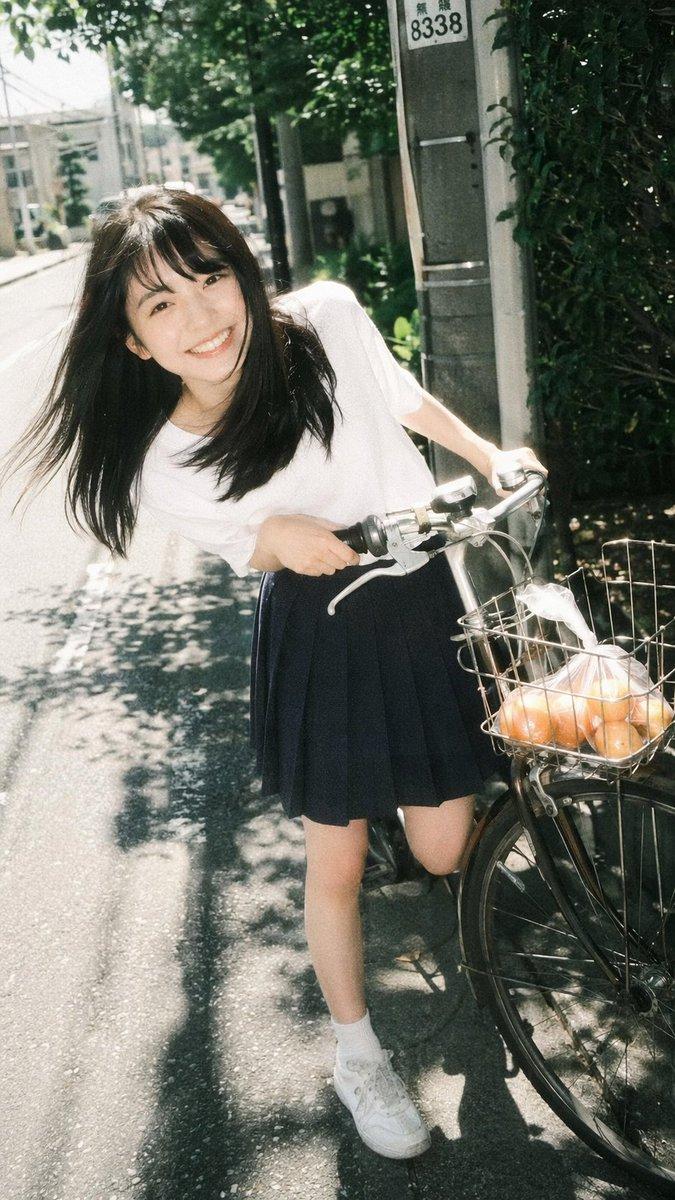
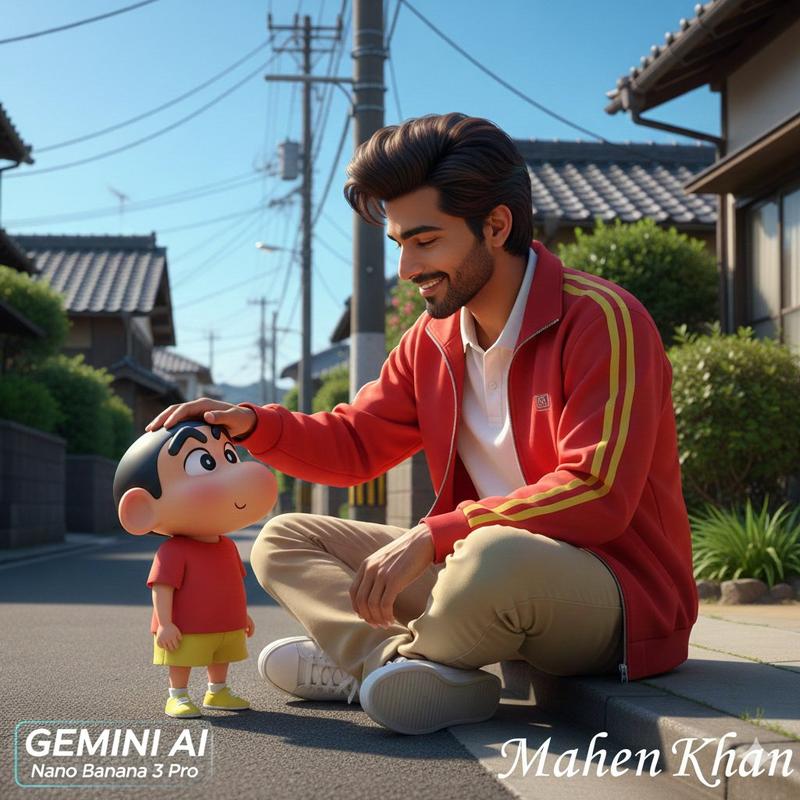
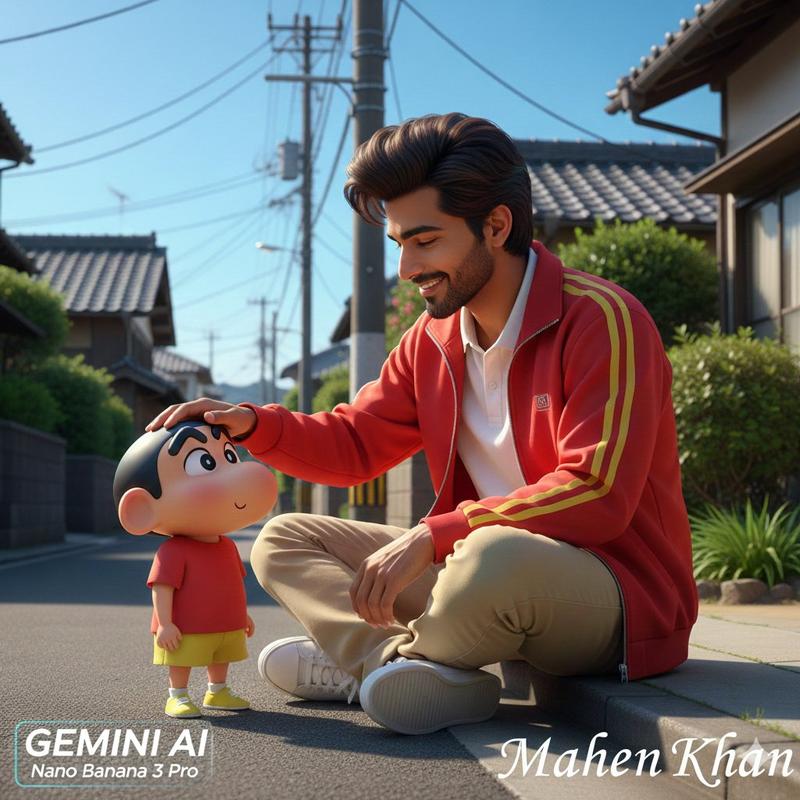
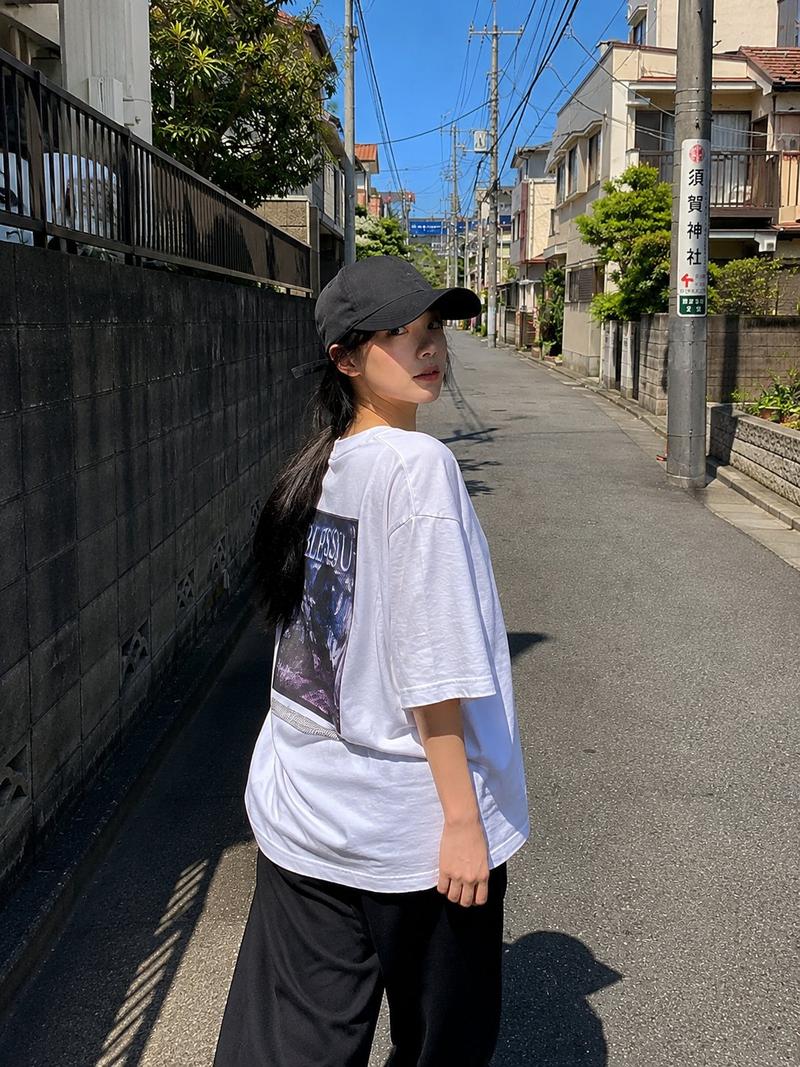
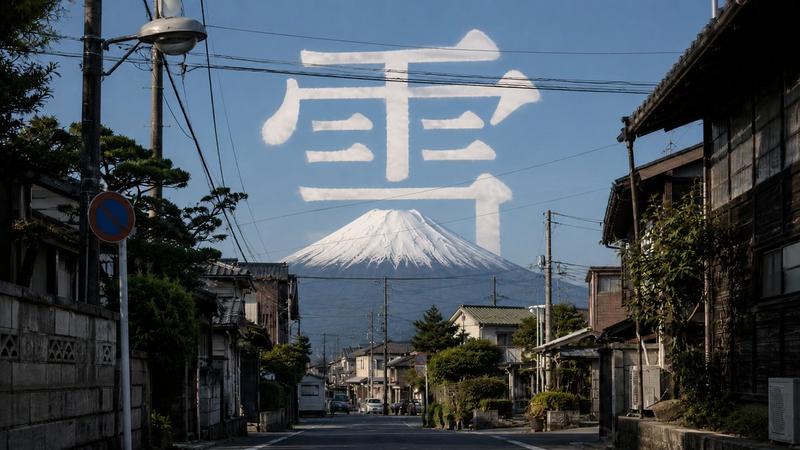
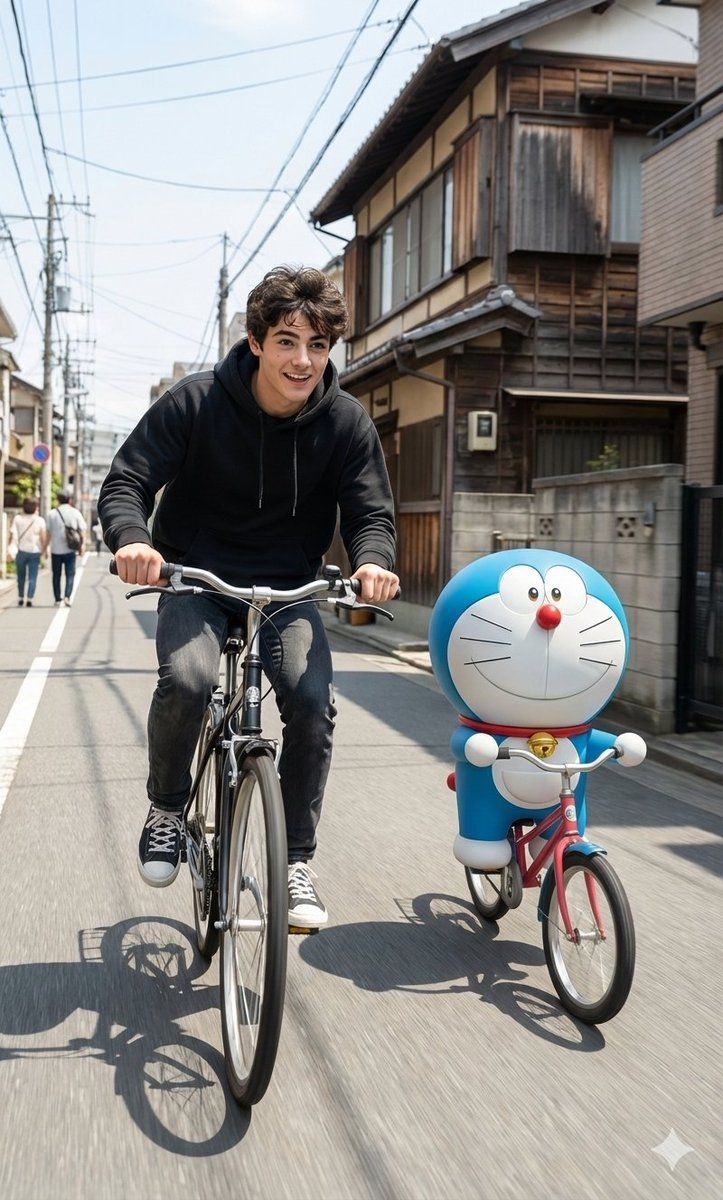
Create a hyper-realistic cinematic photo inspired by the reference scene exactly. Keep the same Japanese-style street with traditional houses, a clean road, bright sunny daylight, soft natural shadows, and subtle motion blur. Place the subject riding a bicycle in the exact same camera angle, body posture, and lighting as the reference, capturing smooth forward movement and a lively street atmosphere. Beside him, add a 3D-style cartoon character similar to Doraemon, also riding a bicycle, scaled realistically with accurate perspective, shadows, and ground contact. Both riders should share a playful, energetic mood, as if enjoying a carefree ride together. Colors should remain natural and vibrant, with crisp textures, realistic depth of field, and an ultra-HD photography look that blends cinematic realism with lighthearted charm.
Category
创意图片
Model
Nano Banana Pro
Creator
Harboriis
Views0
Source ID
60cb7e33-fbfe-4064-8921-3cd74636400e
Published
Mar 8, 2026

Guide

About "骑自行车卡通人物的电影级真实感"

What is this prompt for?

"骑自行车卡通人物的电影级真实感" AI image prompt for Nano Banana Pro (创意图片). 生成一张基于参考场景(日本街道,明亮的白天)的超现实电影感照片的提示。核心指令是将电影般的真实感与轻松的魅力融合,通过添加一个 3D 风格的卡通人物(如哆啦 A 梦)骑自行车与真人主体并排,确保…

The full copyable prompt and example visuals above are ready for AI image generation or one-click recreate in Picva.

How to use this prompt

  1. Step 1

    Open the prompt detail

    Review the example visuals, category, and full prompt text for "骑自行车卡通人物的电影级真实感".

  2. Step 2

    Copy the prompt

    Copy the prompt body from this page, or load it directly in Studio.

  3. Step 3

    Pick a model (Nano Banana Pro)

    Prefer Nano Banana Pro. If you switch models, keep subject and composition and tweak style terms.

  4. Step 4

    Generate and export

    Recreate the look in Picva, or export into your workflow for editing and publishing.

FAQ

What is the "骑自行车卡通人物的电影级真实感" prompt?
It is an AI image-generation prompt for Nano Banana Pro in the 创意图片 category. This page includes the full prompt text, example visuals, and a one-click recreate path in Picva.
How do I use this prompt to generate an image?
Copy the prompt from this page, or use Generate / Studio. Paste it into a compatible image model, or recreate the look in Picva with optional reference images.
Which model is this prompt for?
This page lists Nano Banana Pro. Most descriptive prompts also transfer to nearby image models such as GPT Image, Flux, or Midjourney with light style tweaks.
Can I use the result commercially?
You can usually copy the prompt for creation, but commercial use of the final image depends on the model terms, reference-image rights, and the generated content. Follow the source author and platform rules.