16

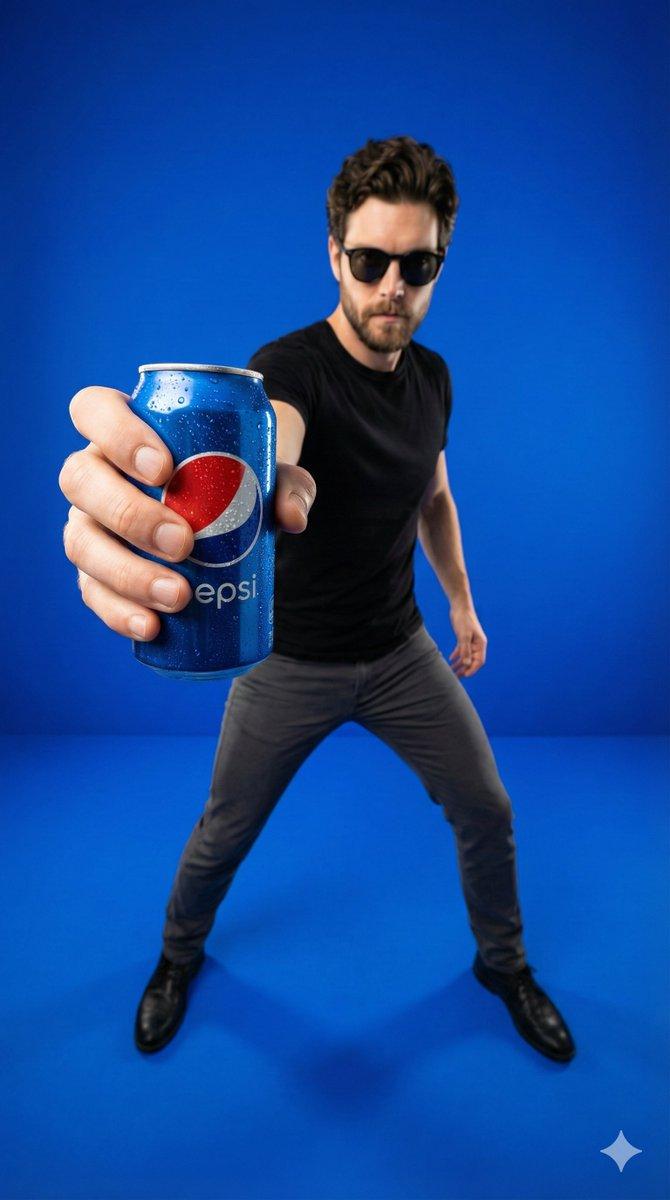
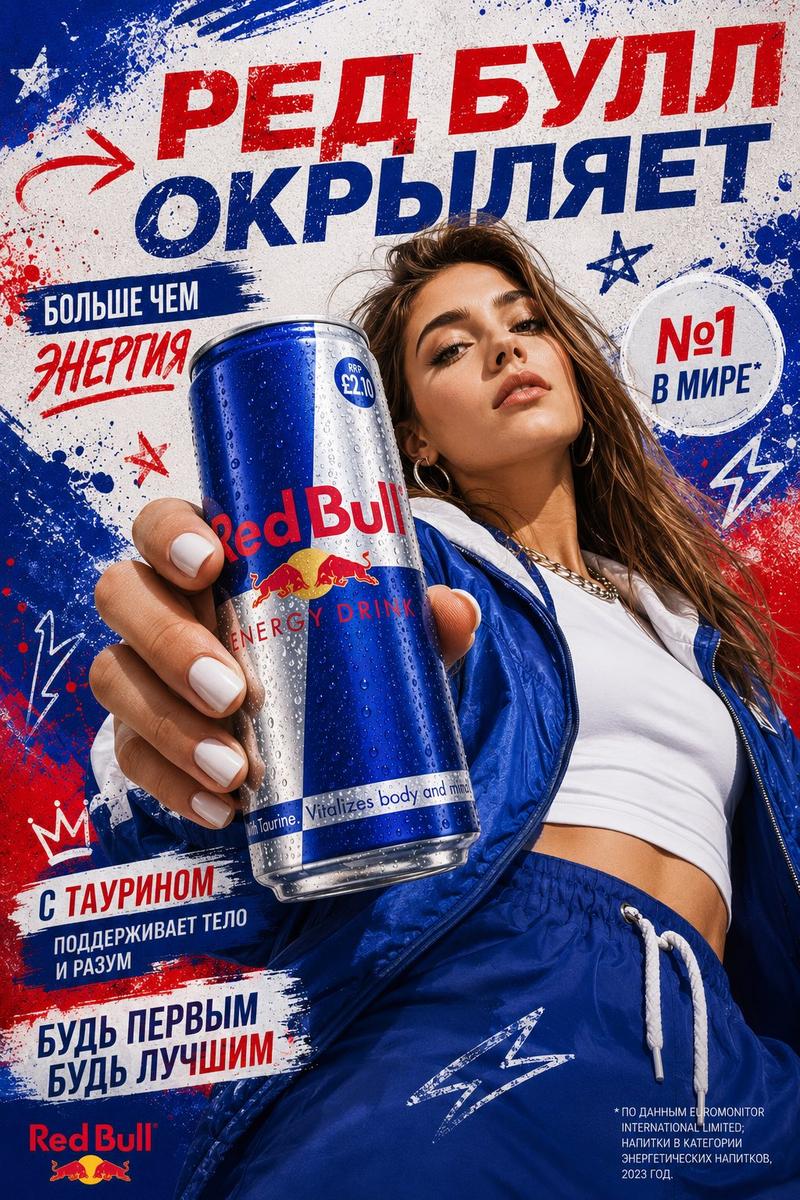
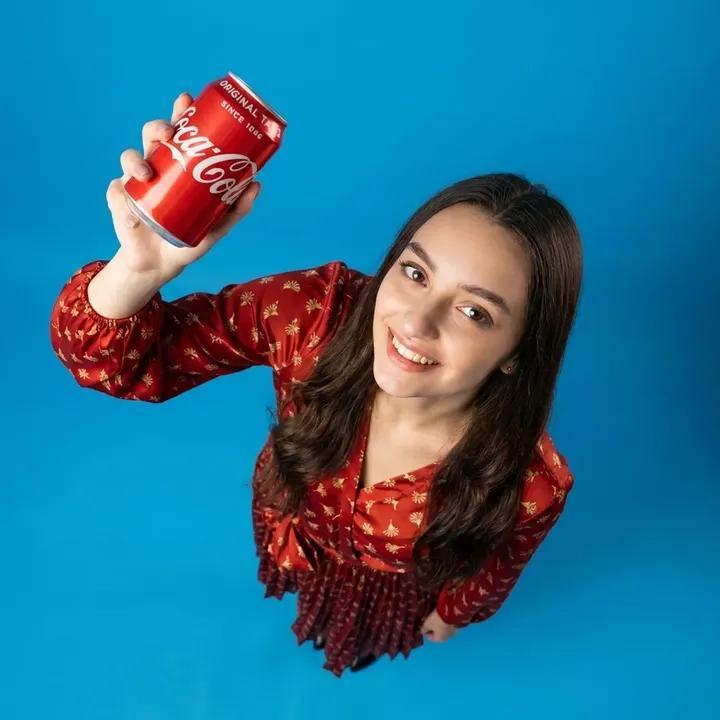
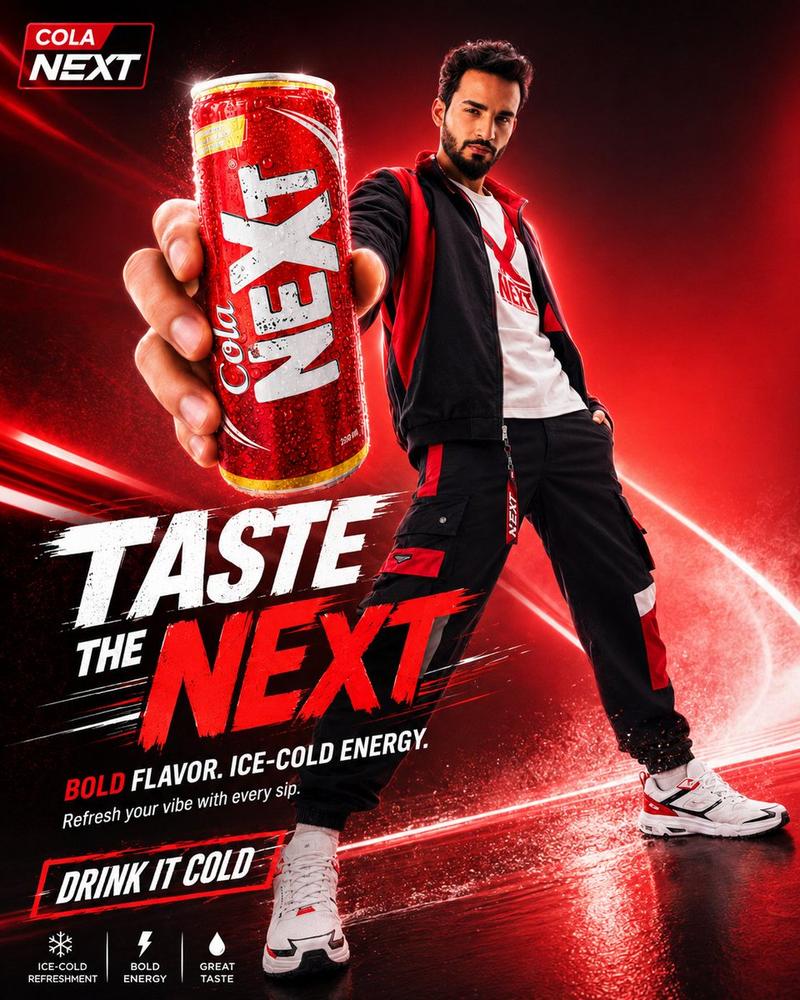
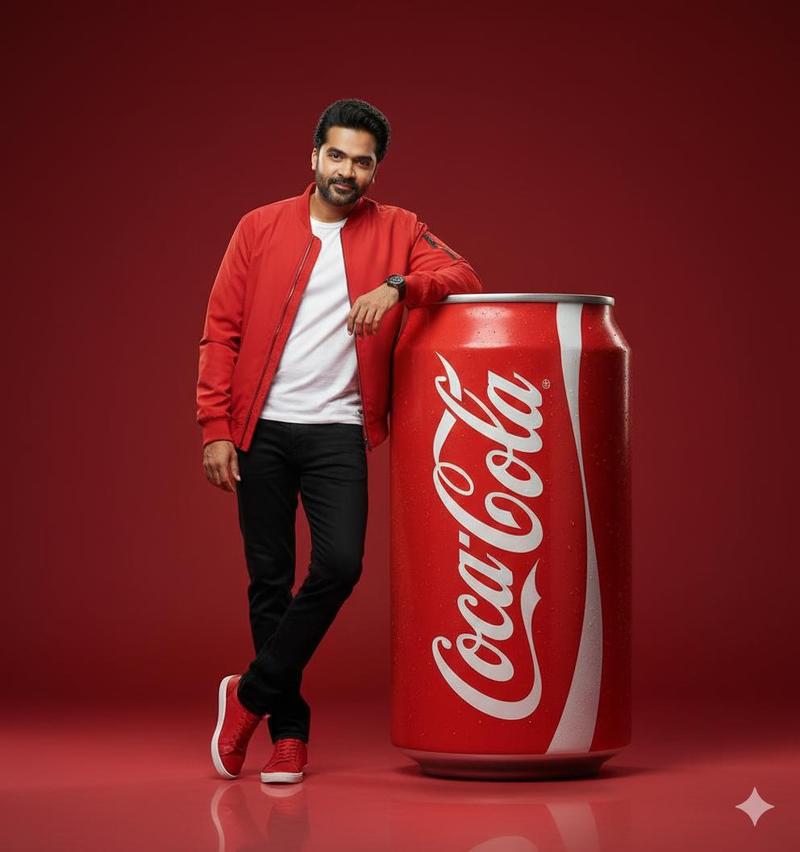
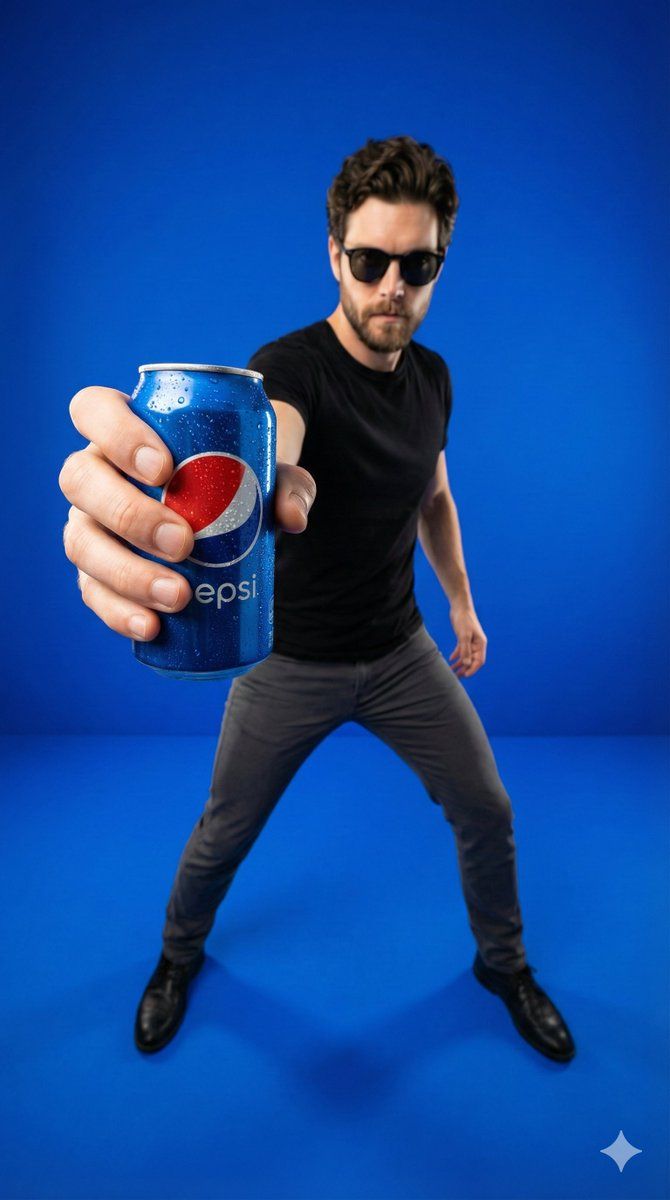
广角产品海报(百事可乐罐)
Enlarge

广角产品海报(百事可乐罐)

Prompt
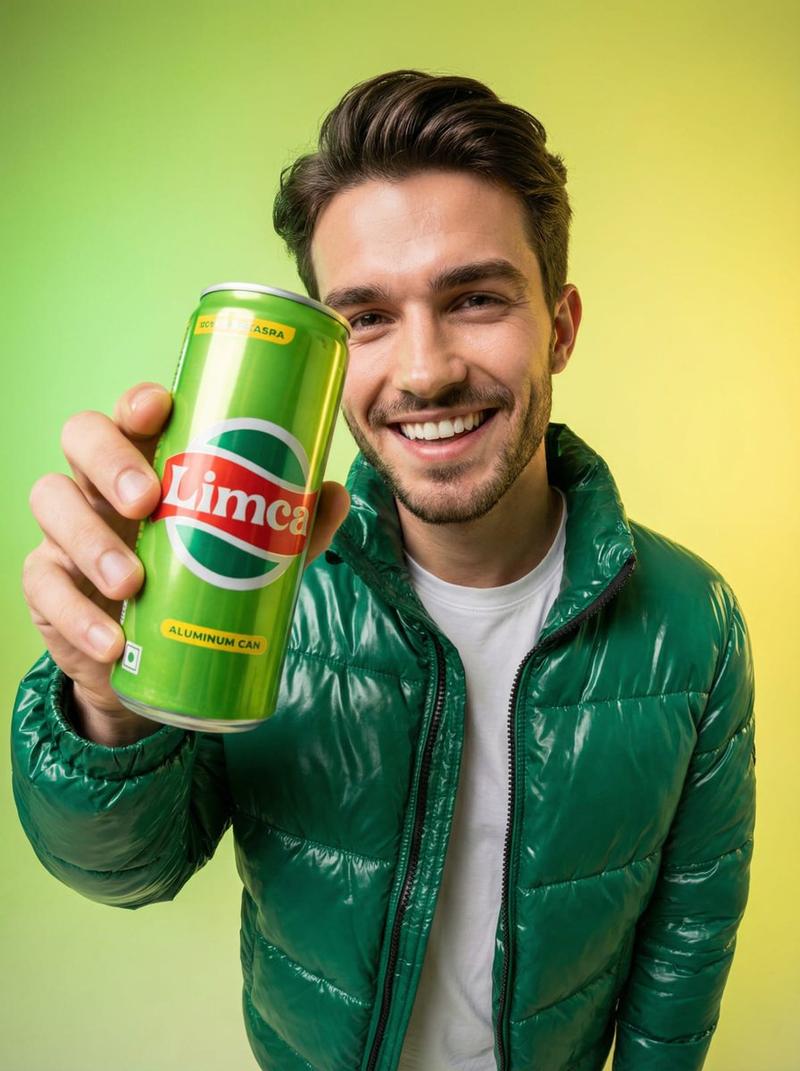
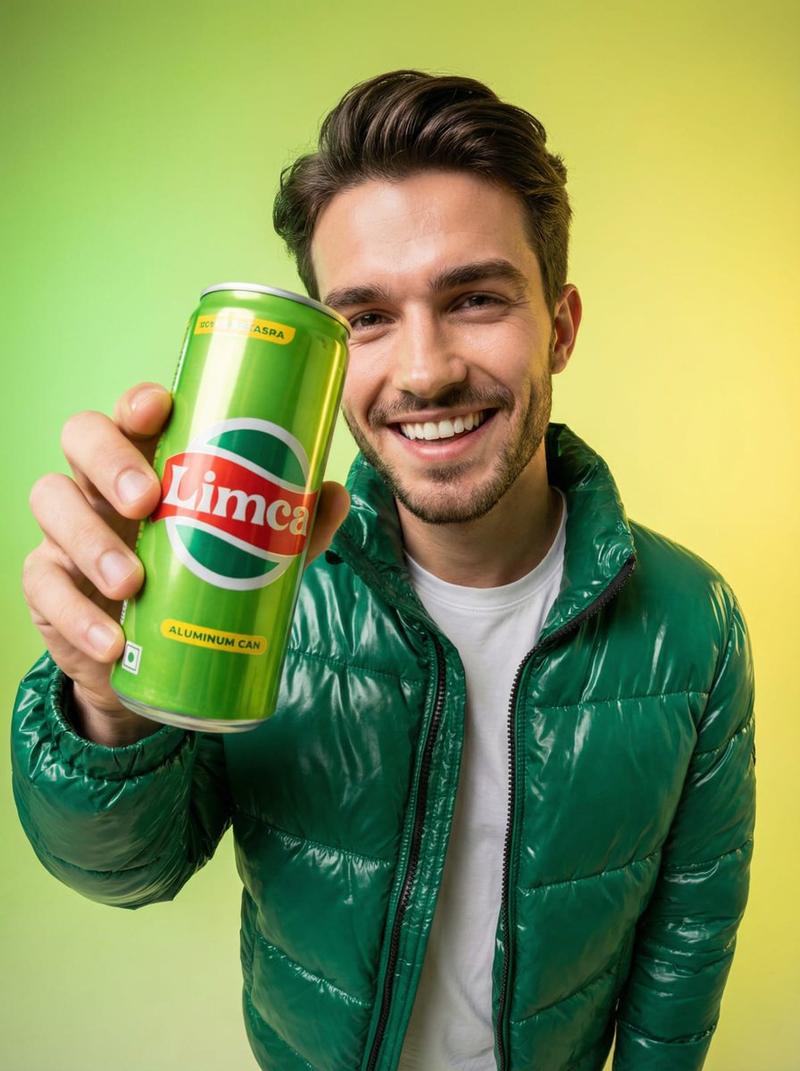
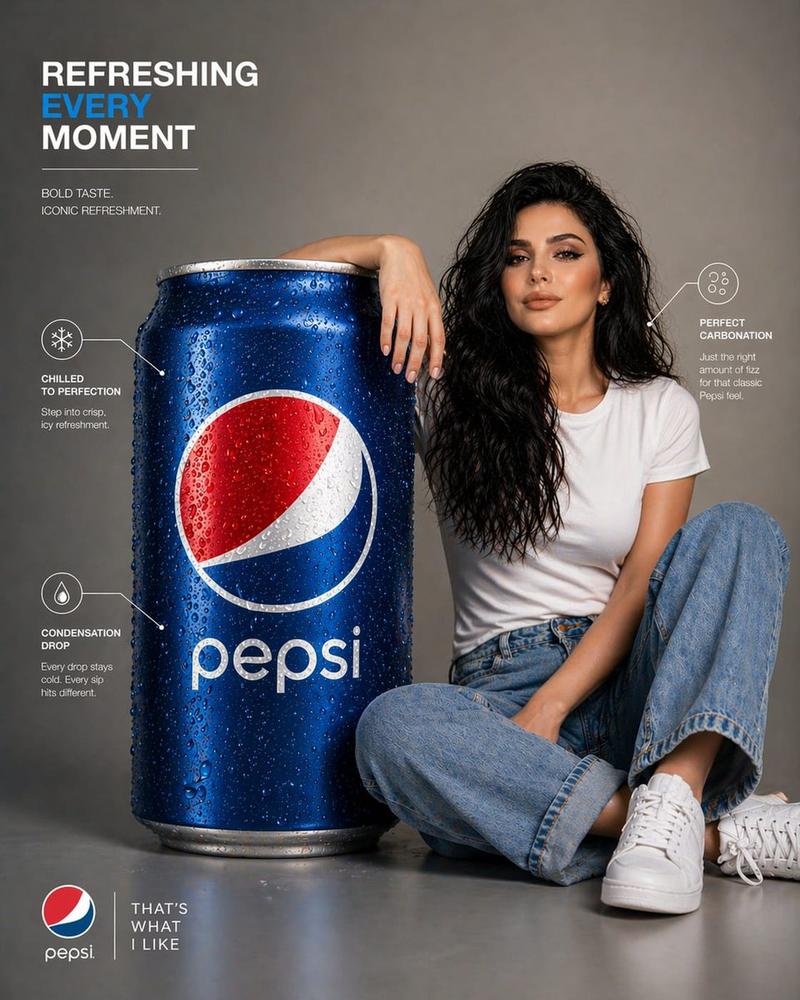
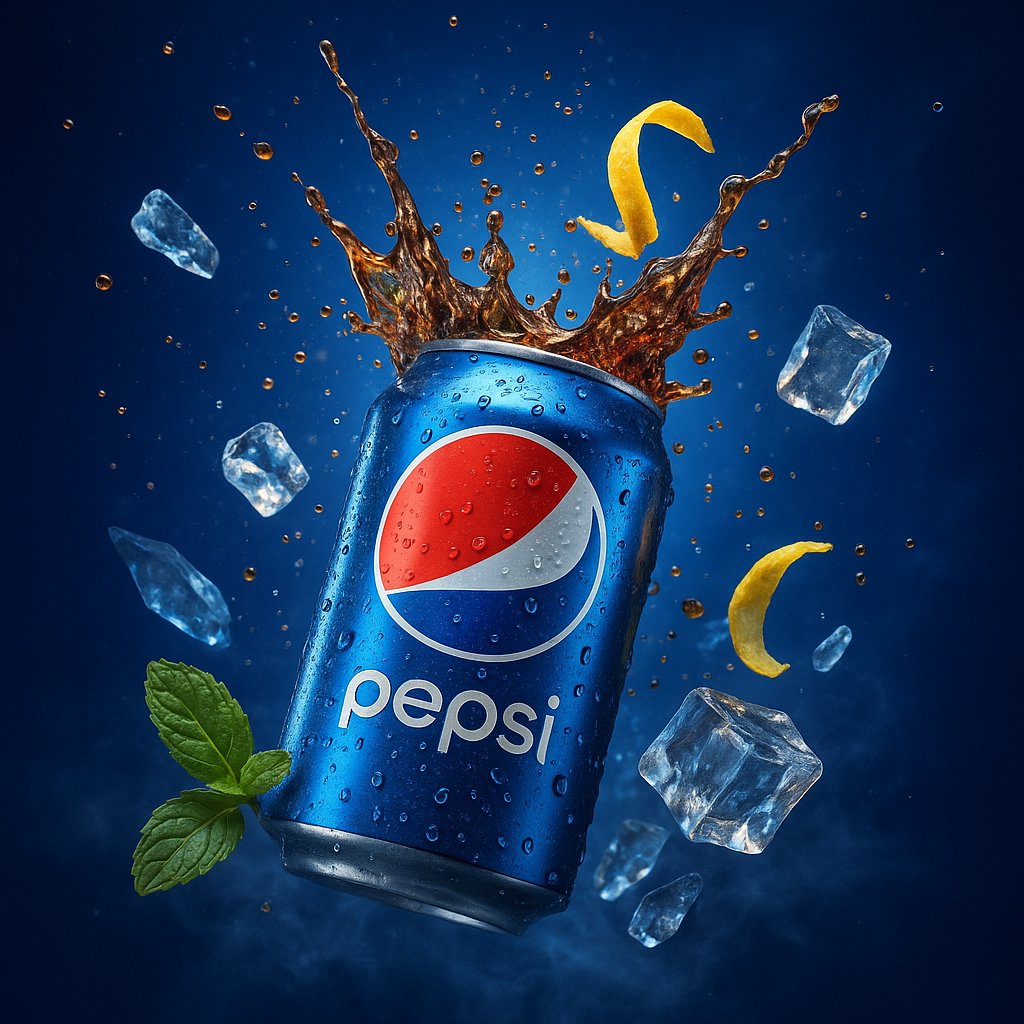
Ultra-realistic lifestyle product poster in a clean studio. Solid vibrant royal-blue seamless backdrop and floor (cyclorama). Young man standing in a wide, dynamic stance, wearing a fitted black t-shirt, dark grey slim pants, black shoes, sunglasses, slightly leaning forward. Hero foreground: his arm fully extended toward the camera, hand gripping a cold blue Pepsi can with visible water droplets/condensation, can extremely close to lens and centered-left, strong perspective distortion (hand + can large in foreground), subject face and torso slightly softer focus in the background. Lighting: crisp commercial key light from front-left, soft fill, subtle rim light, clean sharp shadows on blue floor, high contrast, premium studio look. Camera: 24-35mm wide-angle, close focus, shallow depth of field, tack sharp on can and fingers, cinematic clarity, 4K, high-end advertising photography.
Category
创意图片
Model
Nano Banana Pro
Creator
𝐌
Views0
Source ID
8bb43d65-cd9c-467e-a2b9-7a73a4eac1ee
Published
Mar 8, 2026

Guide

About "广角产品海报(百事可乐罐)"

What is this prompt for?

"广角产品海报(百事可乐罐)" AI image prompt for Nano Banana Pro (创意图片). 一个详细的提示,用于生成一张超逼真的生活方式产品海报,画面中一位年轻男士手持一罐冰镇百事可乐,置身于一个干净的摄影棚中。海报强调极致广角透视畸变(前景中的易拉罐很大)、商业主光照明以及充满活力的宝蓝…

The full copyable prompt and example visuals above are ready for AI image generation or one-click recreate in Picva.

How to use this prompt

  1. Step 1

    Open the prompt detail

    Review the example visuals, category, and full prompt text for "广角产品海报(百事可乐罐)".

  2. Step 2

    Copy the prompt

    Copy the prompt body from this page, or load it directly in Studio.

  3. Step 3

    Pick a model (Nano Banana Pro)

    Prefer Nano Banana Pro. If you switch models, keep subject and composition and tweak style terms.

  4. Step 4

    Generate and export

    Recreate the look in Picva, or export into your workflow for editing and publishing.

FAQ

What is the "广角产品海报(百事可乐罐)" prompt?
It is an AI image-generation prompt for Nano Banana Pro in the 创意图片 category. This page includes the full prompt text, example visuals, and a one-click recreate path in Picva.
How do I use this prompt to generate an image?
Copy the prompt from this page, or use Generate / Studio. Paste it into a compatible image model, or recreate the look in Picva with optional reference images.
Which model is this prompt for?
This page lists Nano Banana Pro. Most descriptive prompts also transfer to nearby image models such as GPT Image, Flux, or Midjourney with light style tweaks.
Can I use the result commercially?
You can usually copy the prompt for creation, but commercial use of the final image depends on the model terms, reference-image rights, and the generated content. Follow the source author and platform rules.