17

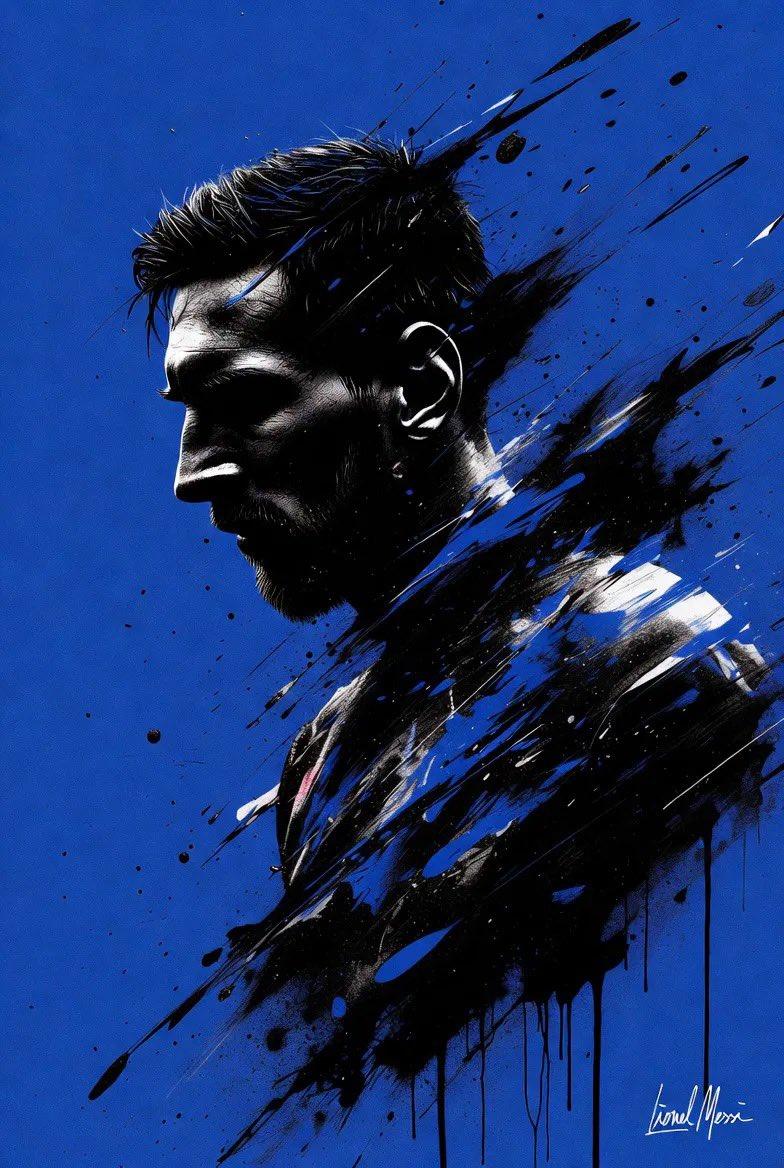
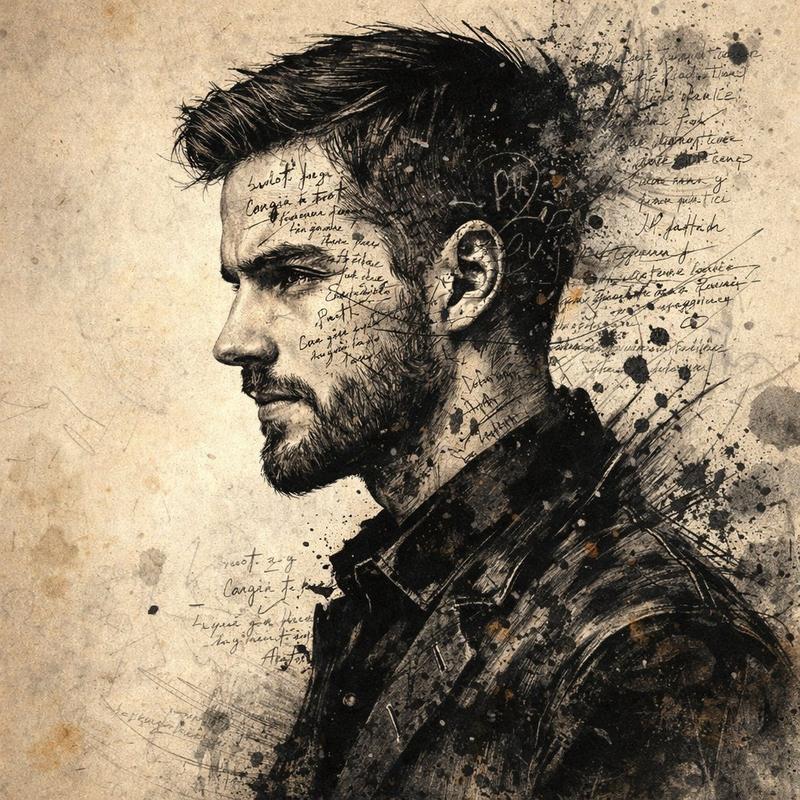
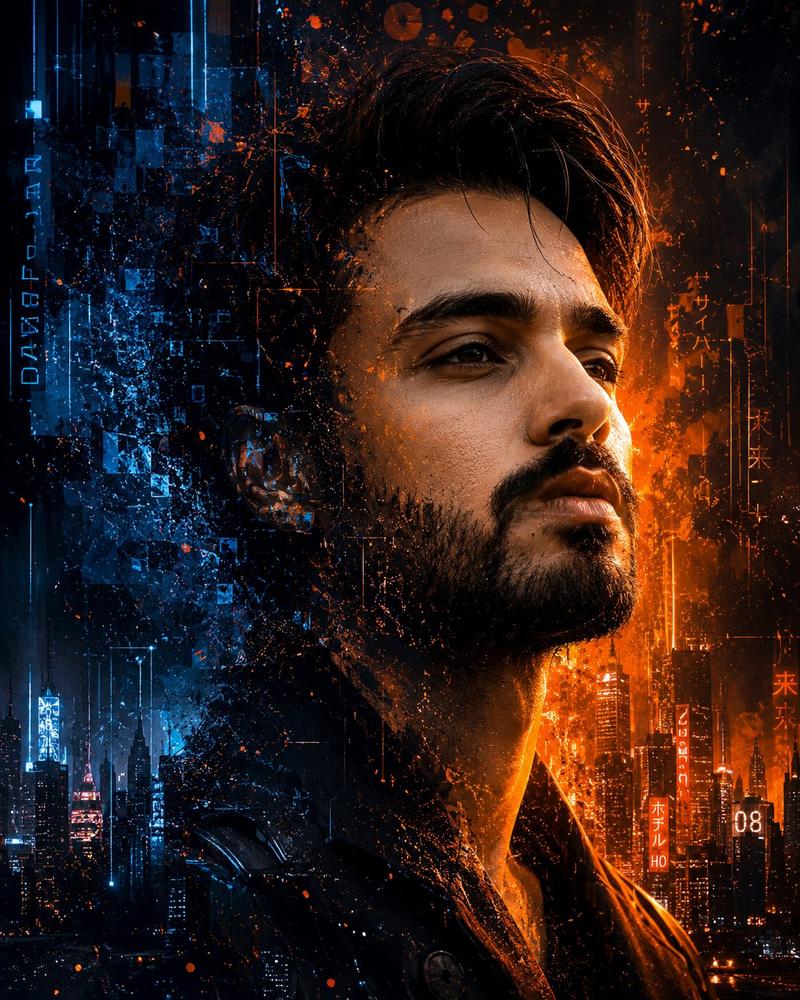
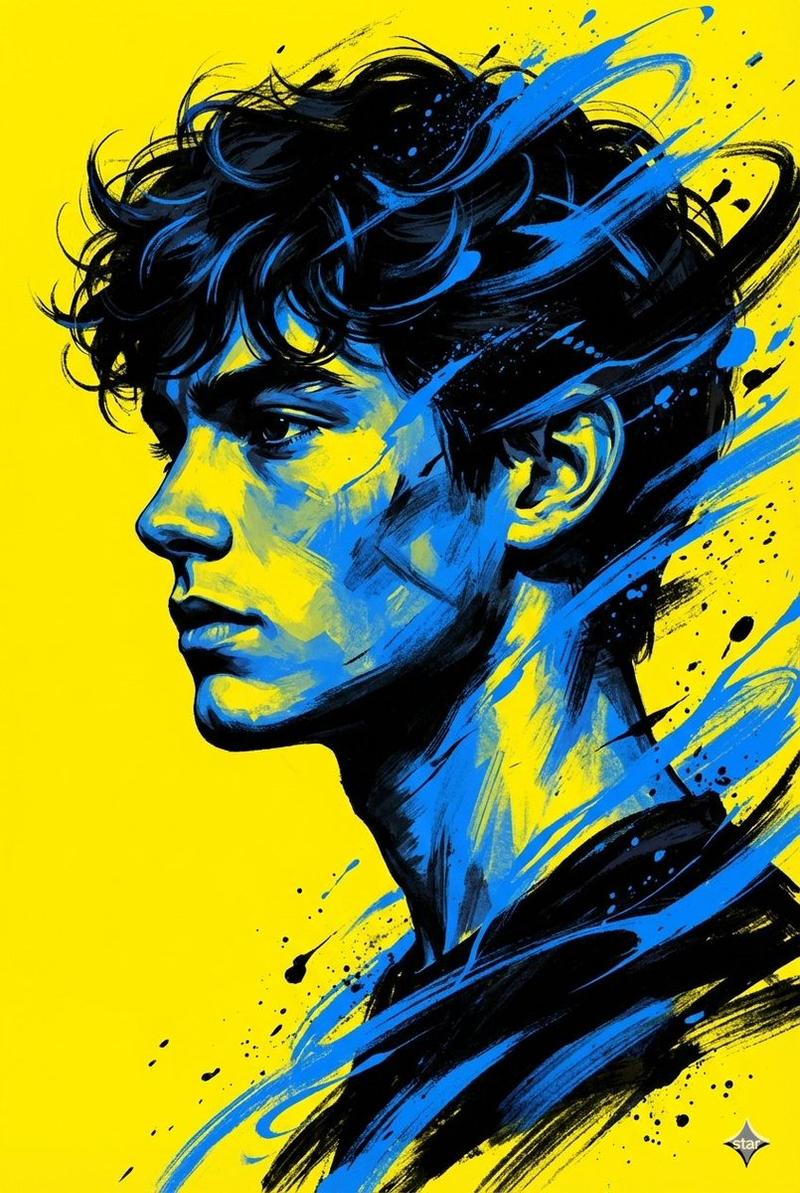
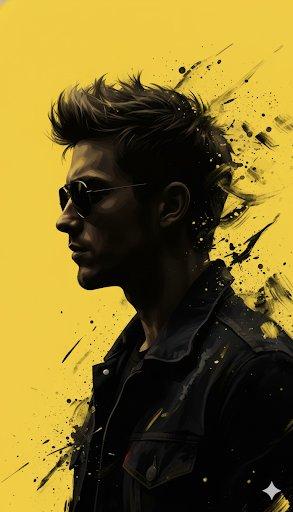
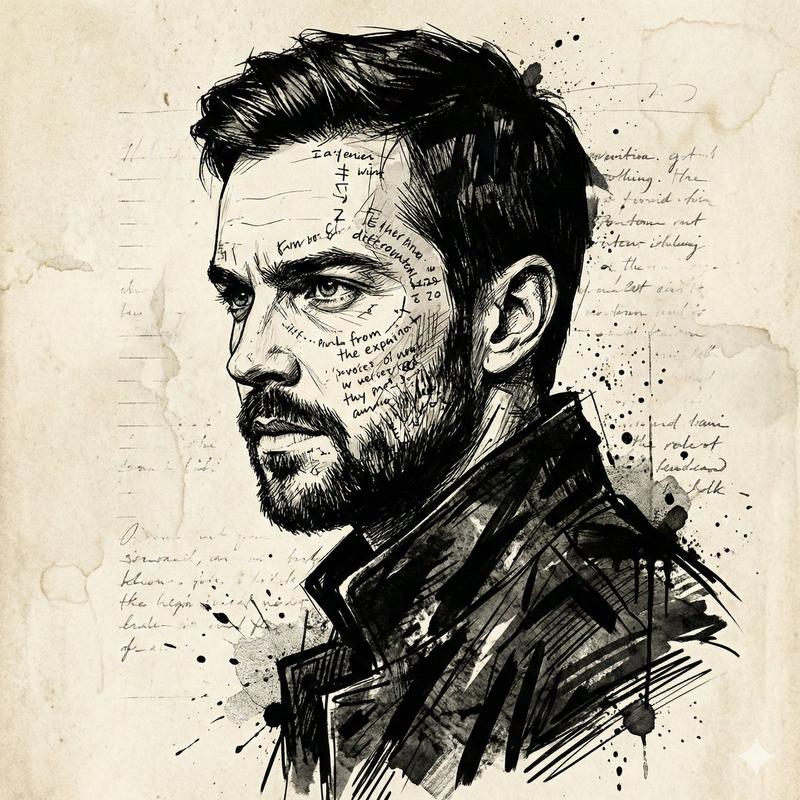
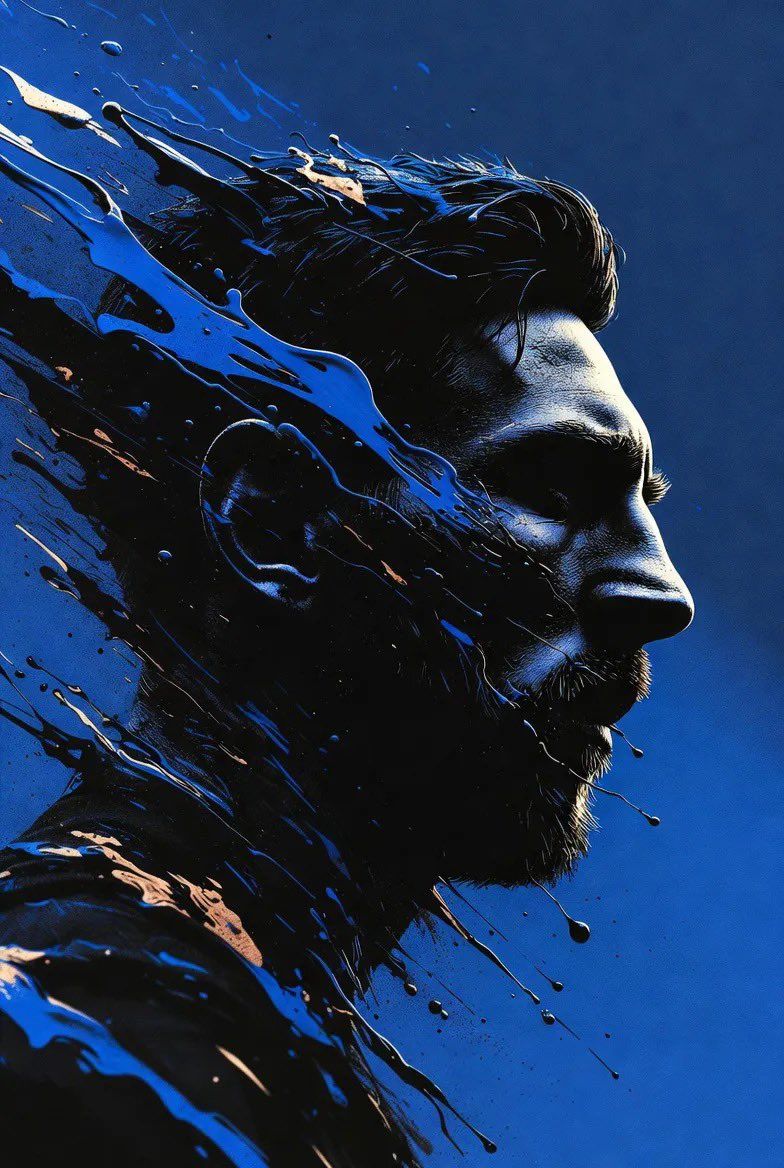
泼墨风格肖像画
Enlarge

泼墨风格肖像画

Prompt
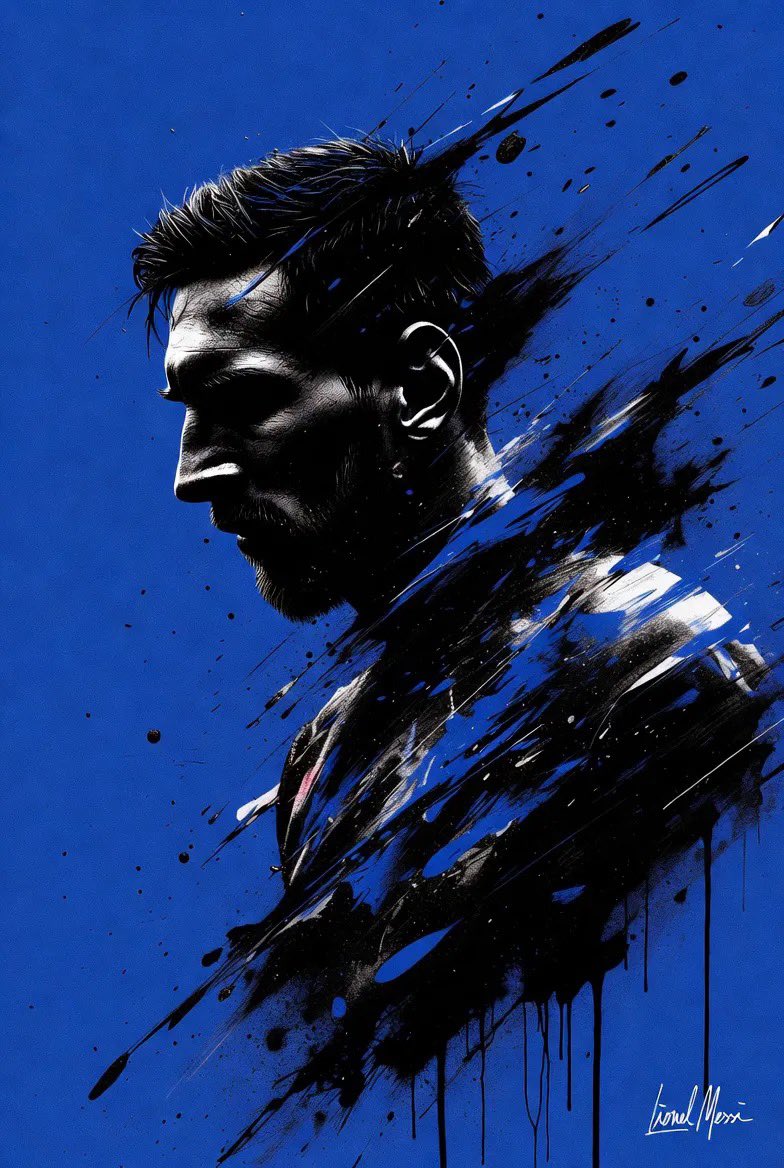
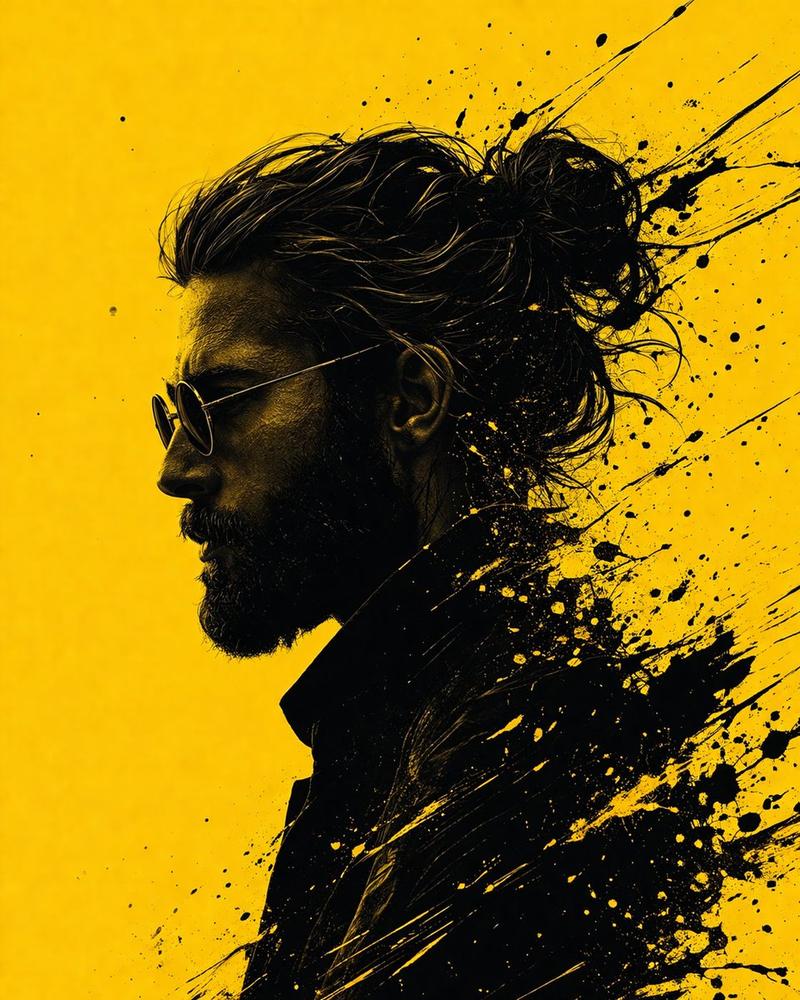
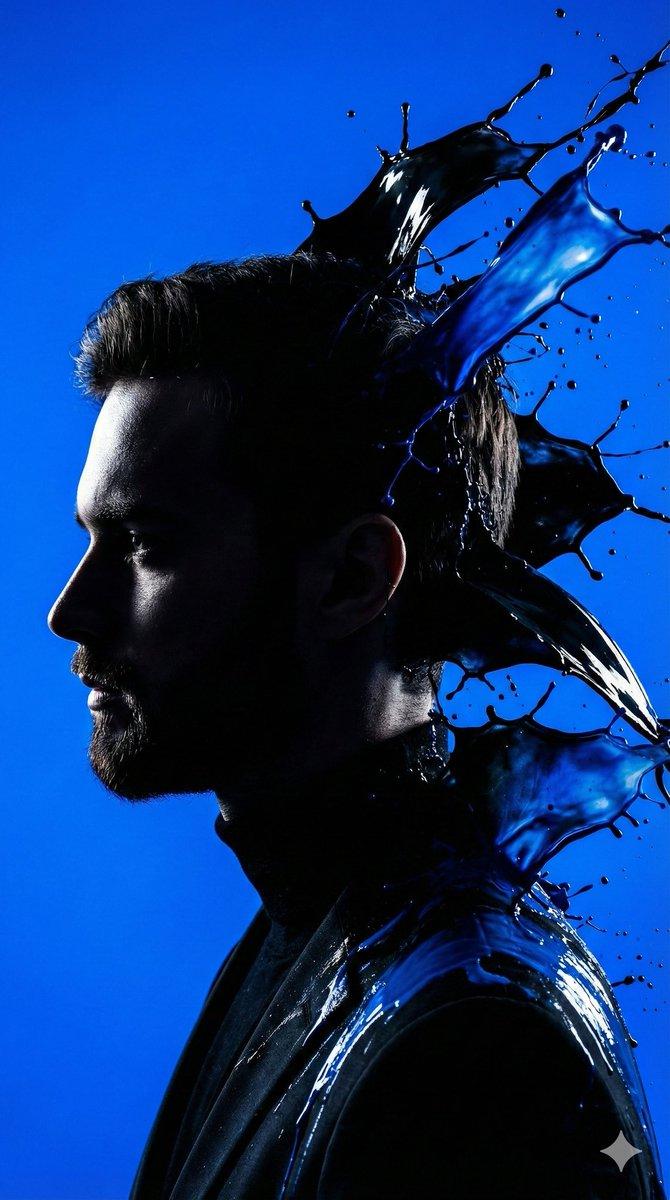
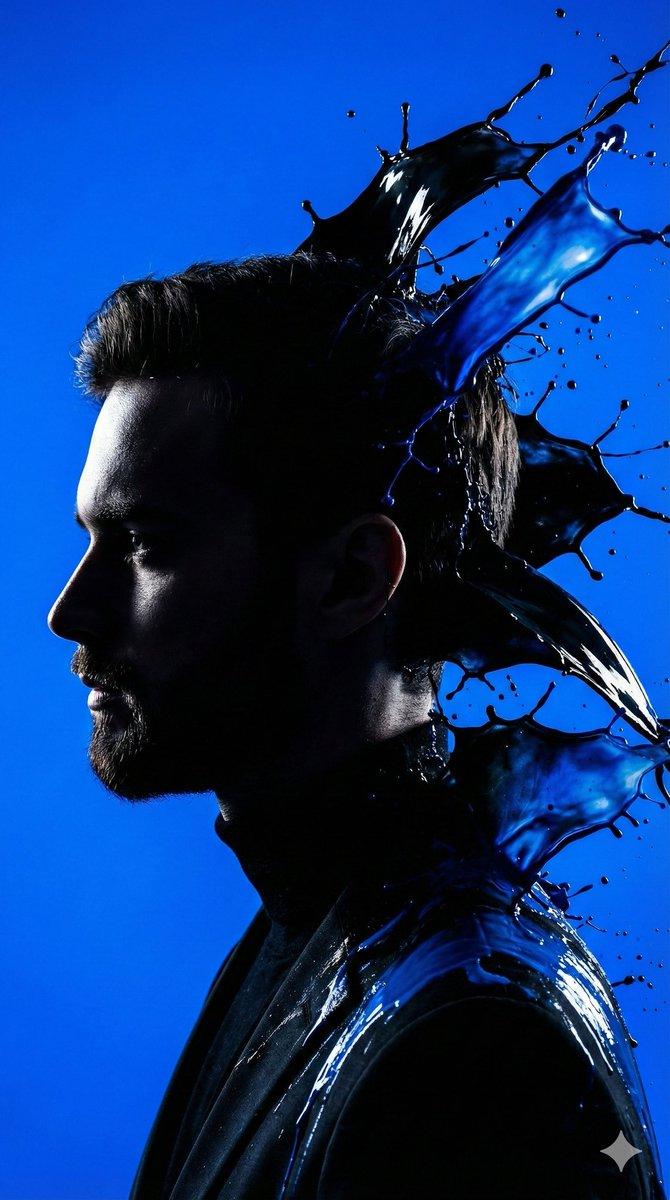
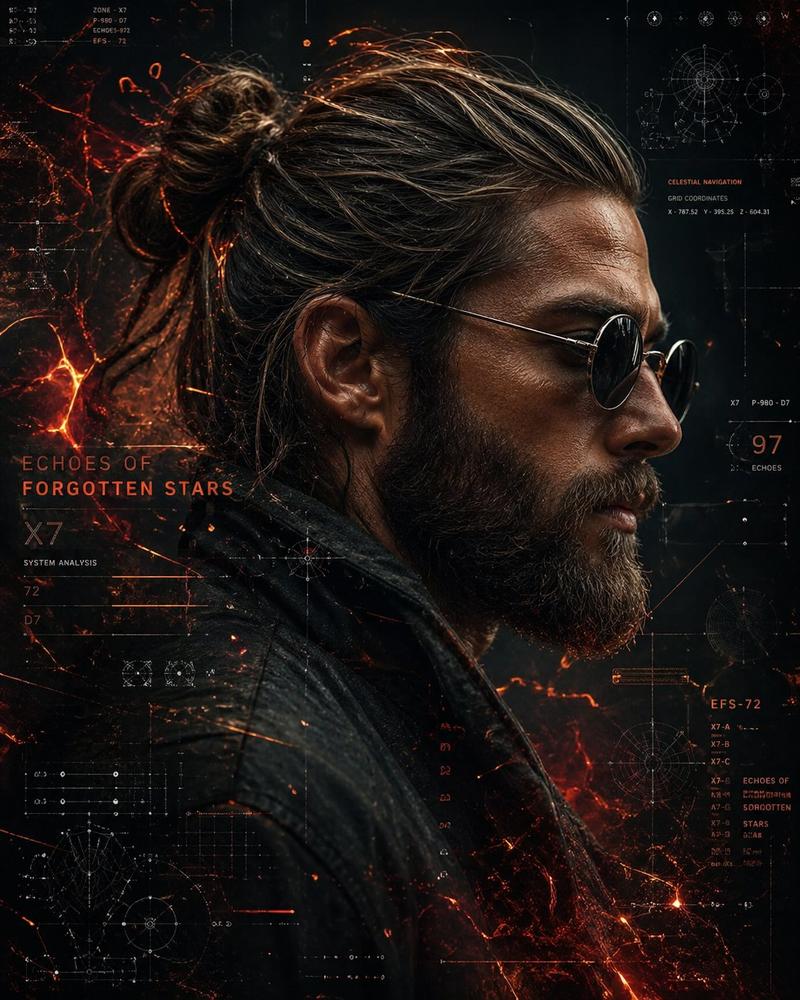
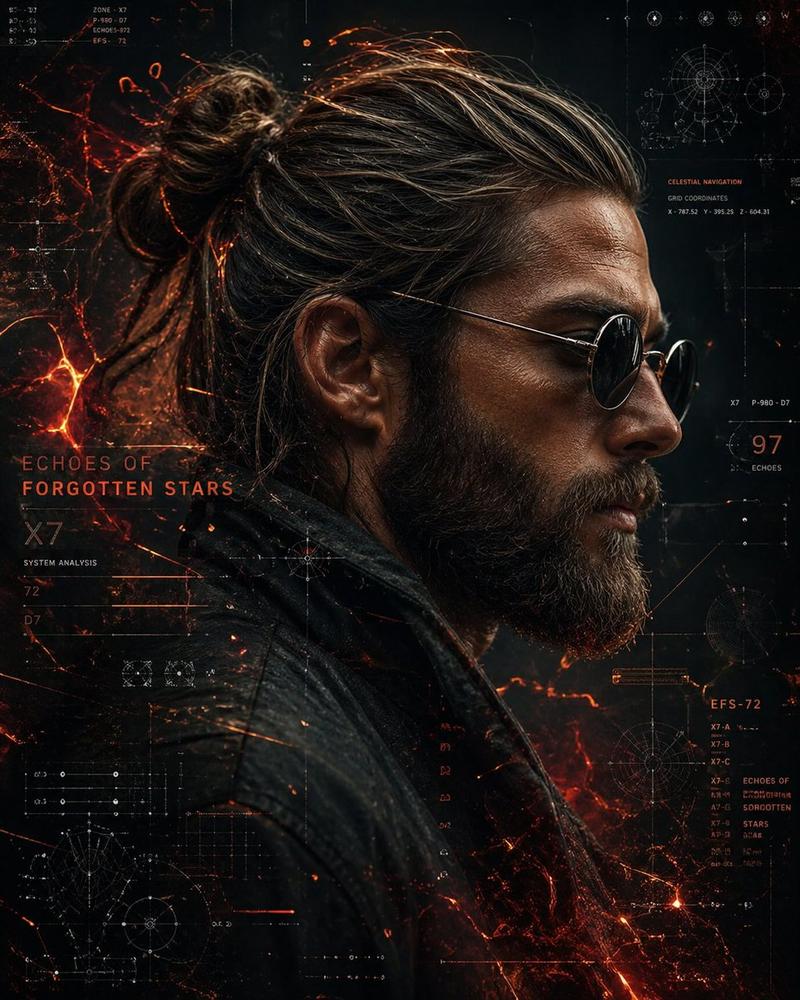
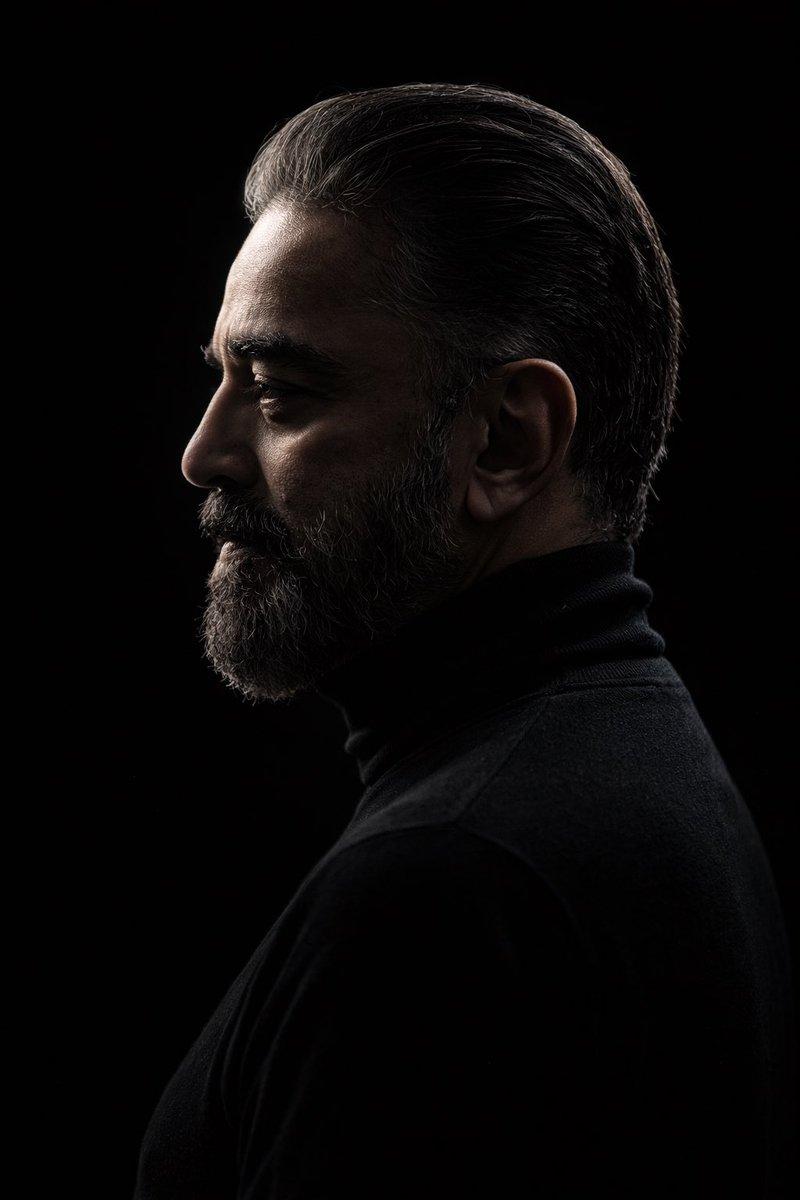
Convert this image into a dramatic, stylized portrait (use the same face as the uploaded photo), 9:16 aspect ratio, featuring a dark, almost silhouetted figure in profile looking to the left. The background is a deep {argument name="background color" default="electric blue"}. Intense black and sapphire paint splashes burst outward from the head and shoulders, creating powerful motion energy. Ultra-sharp lighting, cinematic contrast, HD photo.
Signature: {argument name="signature" default="Lionel Messi"}
Category
创意图片
Model
Nano Banana Pro
Creator
Duet | AI
Views0
Source ID
86ed8d7d-6016-484f-ad0c-6967d2f3dadd
Published
Mar 8, 2026

Guide

About "泼墨风格肖像画"

What is this prompt for?

"泼墨风格肖像画" AI image prompt for Nano Banana Pro (创意图片). 将上传图片转换为一张富有戏剧性、风格化的 9:16 肖像。画面中,一个深色剪影人物侧身面对深邃的电蓝色背景,强烈的黑色和蓝宝石色飞溅颜料营造出动感和活力。此提示要求 AI 保留上传照片的面部特征。 --- 将这…

The full copyable prompt and example visuals above are ready for AI image generation or one-click recreate in Picva.

How to use this prompt

  1. Step 1

    Open the prompt detail

    Review the example visuals, category, and full prompt text for "泼墨风格肖像画".

  2. Step 2

    Copy the prompt

    Copy the prompt body from this page, or load it directly in Studio.

  3. Step 3

    Pick a model (Nano Banana Pro)

    Prefer Nano Banana Pro. If you switch models, keep subject and composition and tweak style terms.

  4. Step 4

    Generate and export

    Recreate the look in Picva, or export into your workflow for editing and publishing.

FAQ

What is the "泼墨风格肖像画" prompt?
It is an AI image-generation prompt for Nano Banana Pro in the 创意图片 category. This page includes the full prompt text, example visuals, and a one-click recreate path in Picva.
How do I use this prompt to generate an image?
Copy the prompt from this page, or use Generate / Studio. Paste it into a compatible image model, or recreate the look in Picva with optional reference images.
Which model is this prompt for?
This page lists Nano Banana Pro. Most descriptive prompts also transfer to nearby image models such as GPT Image, Flux, or Midjourney with light style tweaks.
Can I use the result commercially?
You can usually copy the prompt for creation, but commercial use of the final image depends on the model terms, reference-image rights, and the generated content. Follow the source author and platform rules.