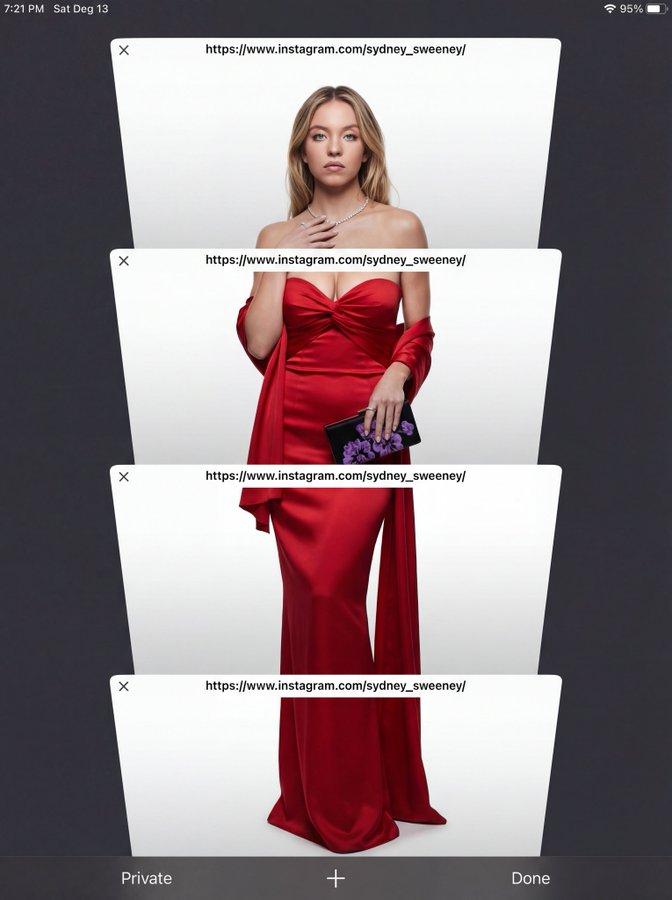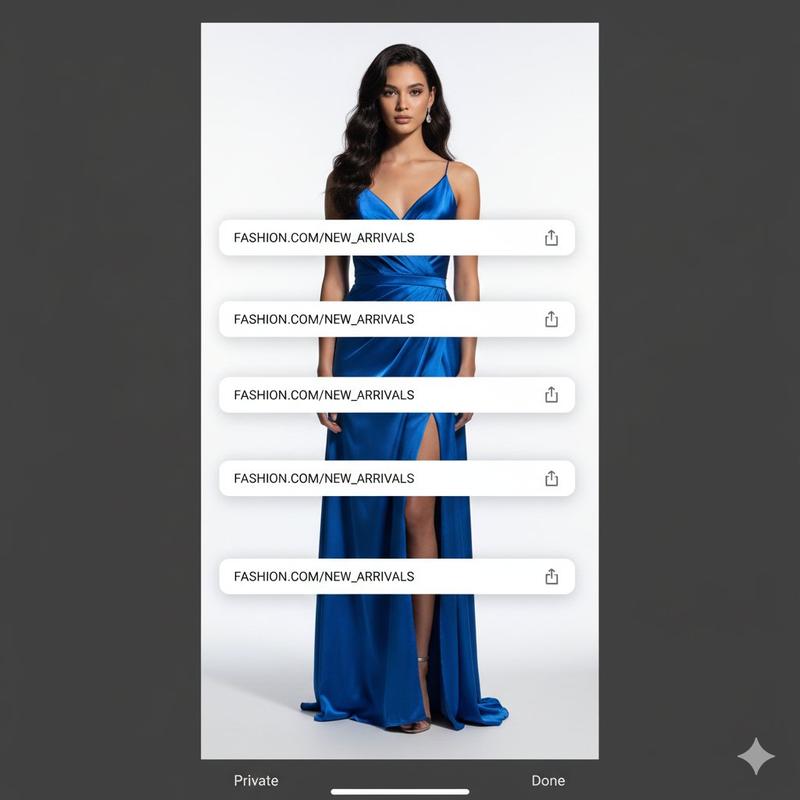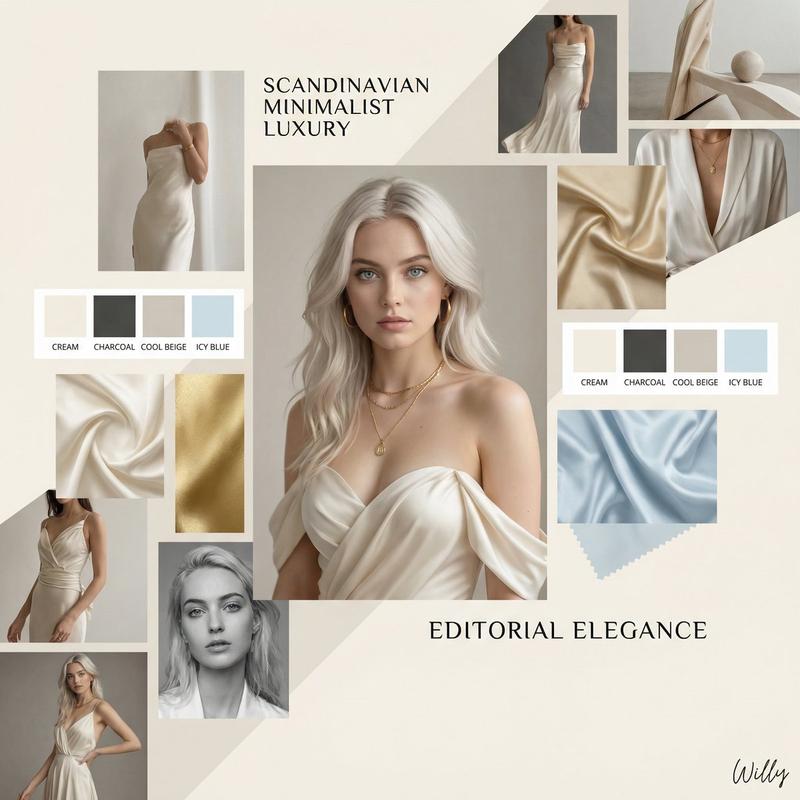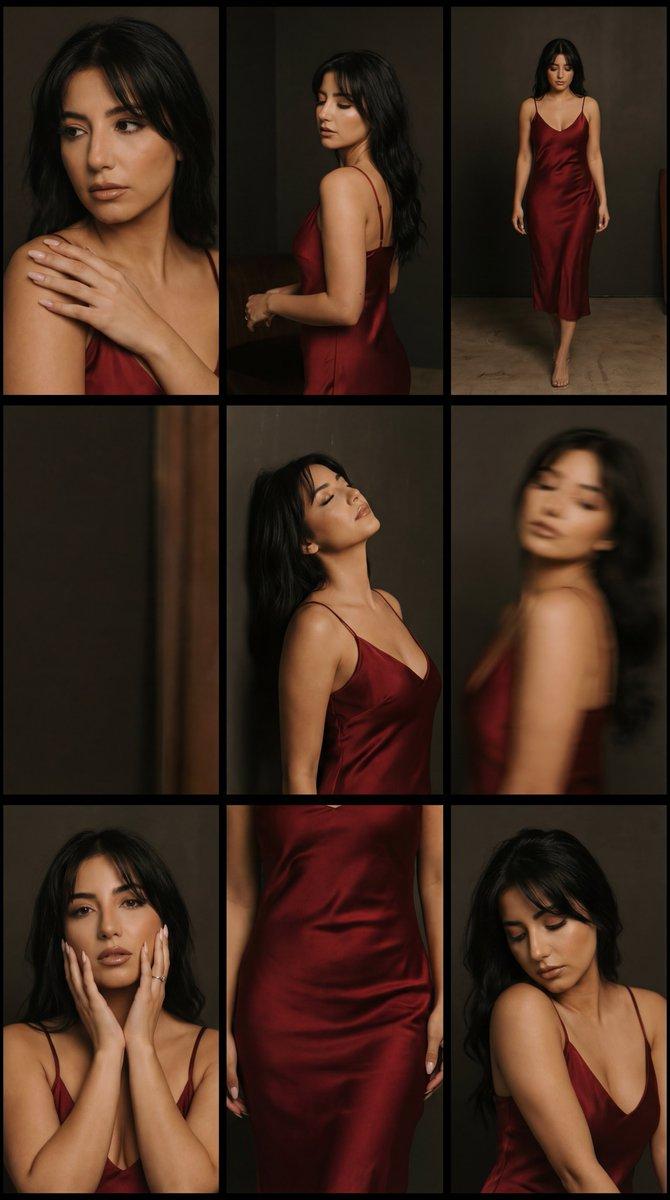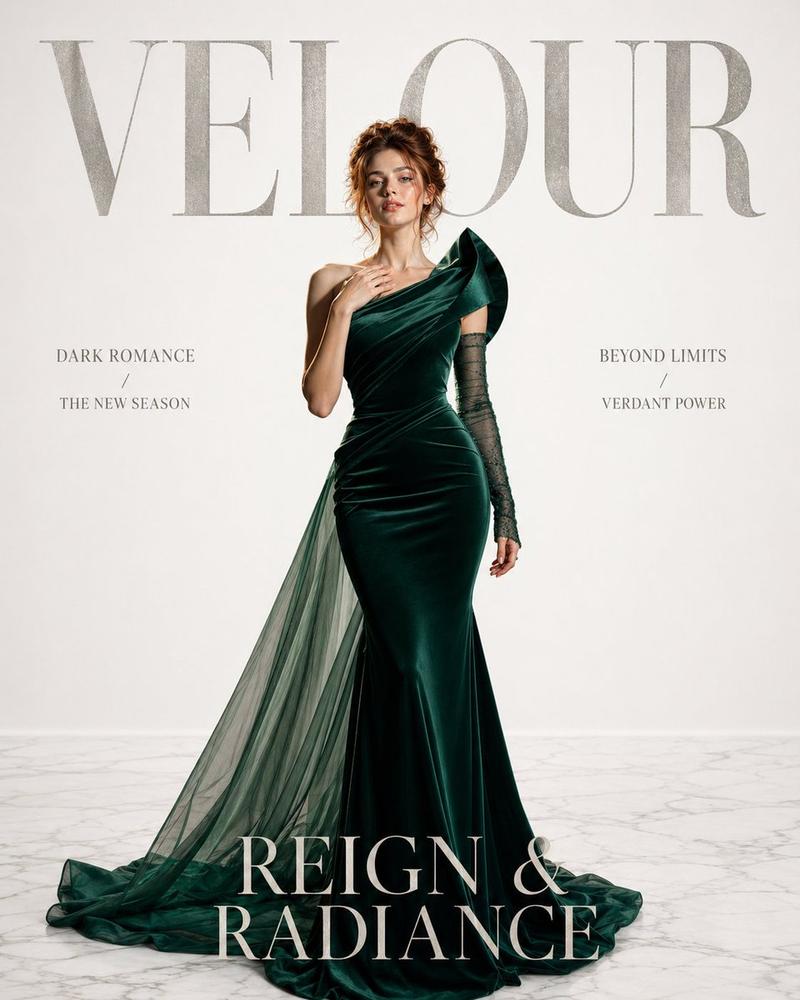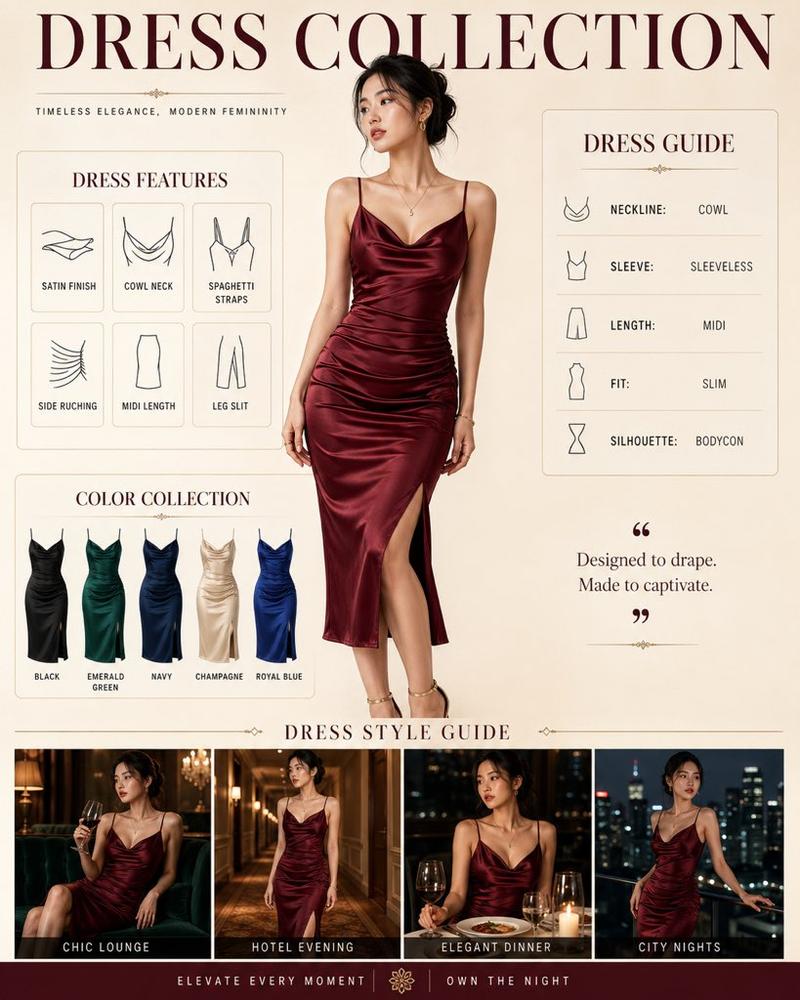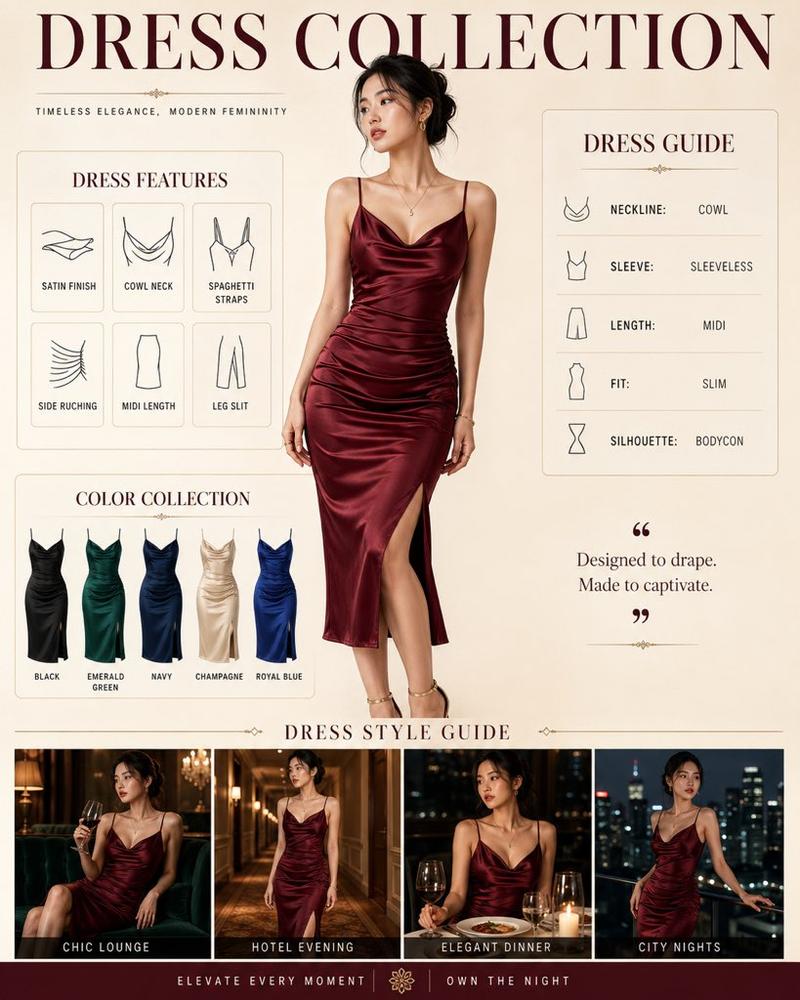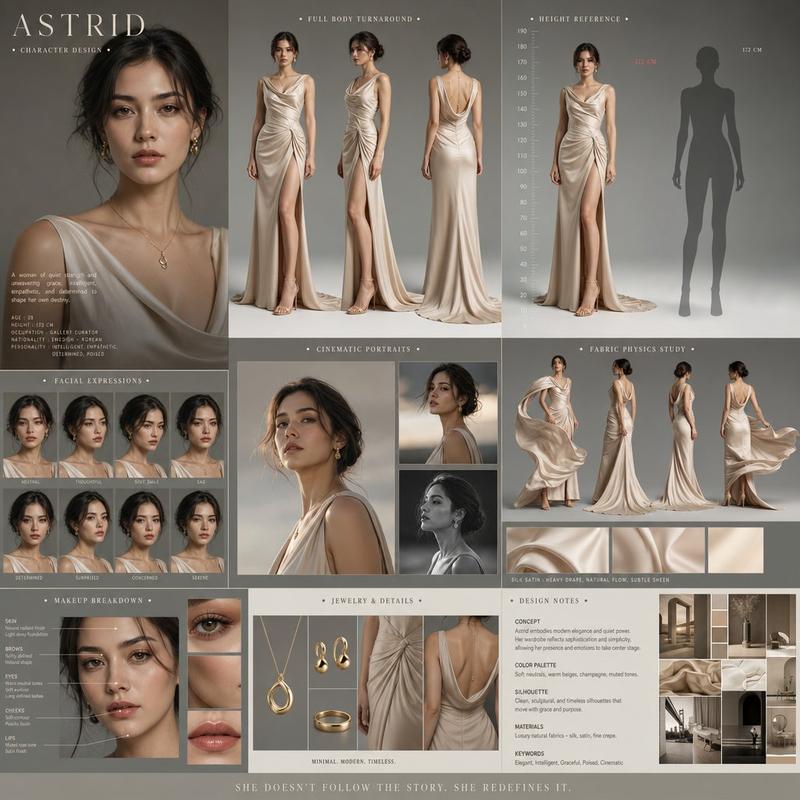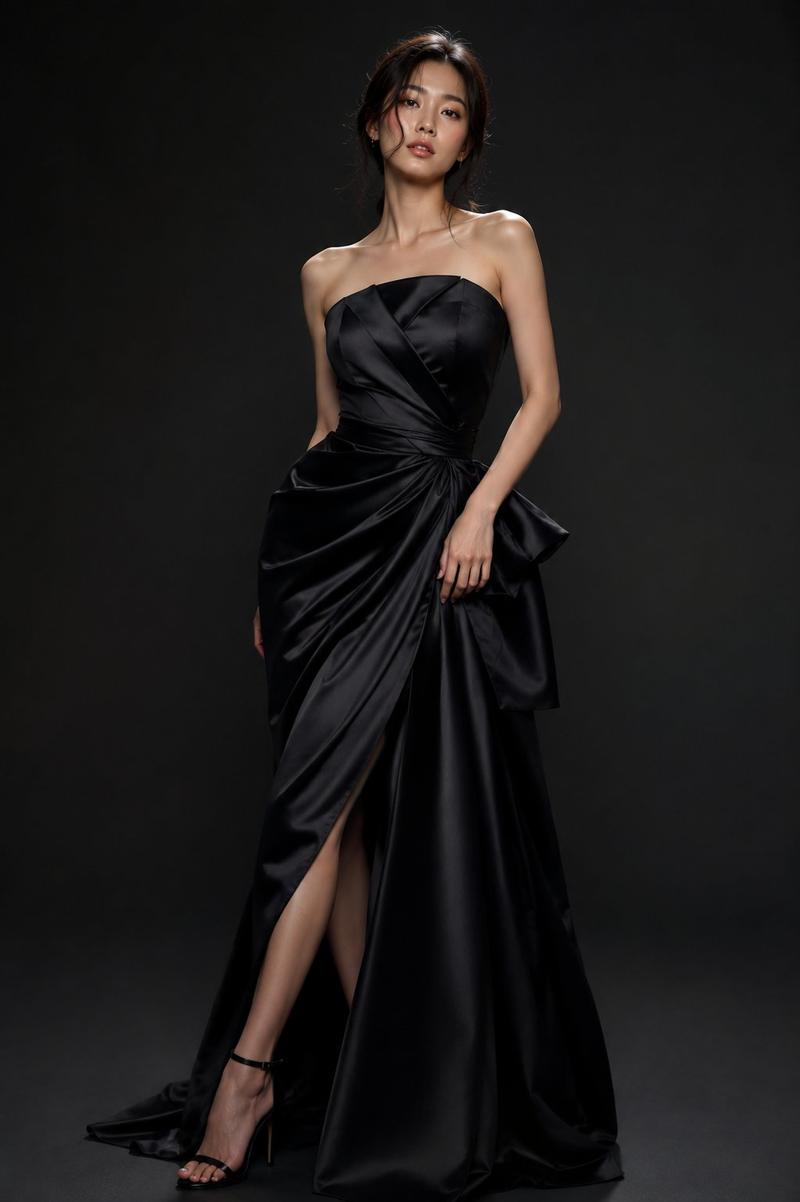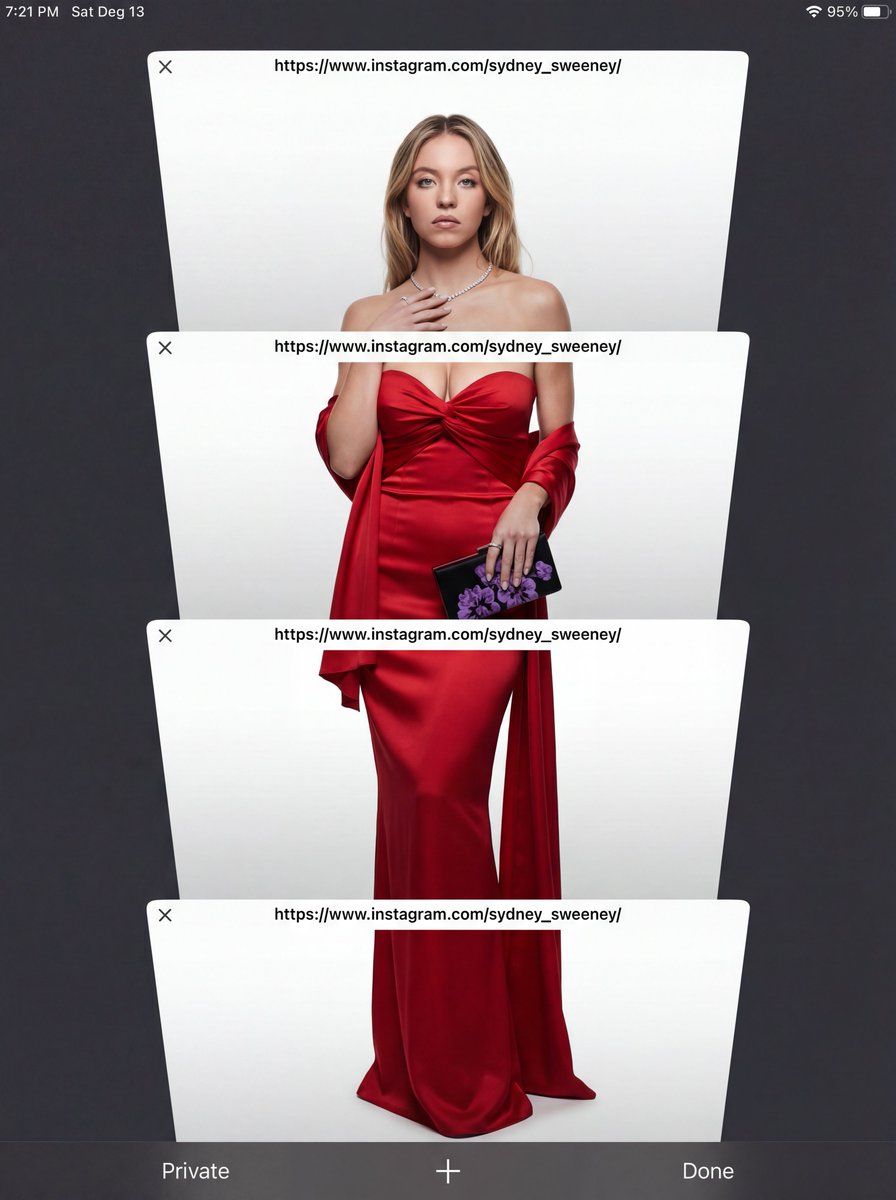
电商工作室肖像与 UI 叠加
Prompt
Subject Reference: A full-body portrait of [INSERT SUBJECT NAME].
Scene Description: A full-body, centered portrait of the subject [INSERT POSE DESCRIPTION]. The subject has [INSERT EXPRESSION], staring directly at the camera. The immediate background behind the subject is a [INSERT BACKGROUND TYPE, e.g., seamless, pure high-key white studio backdrop]. Crucially, the subject is lit with volumetric studio lighting that creates deep definitions, realistic shadows, and a strong 3D quality on her body and the folds of the outfit, distinguishing her sharply from the flat background without casting shadows on the floor.

CRITICAL DETAIL (UI Layer): The entire photographic image is digitally layered beneath a simulated mobile phone browser interface overlay. Four distinct, clean, white, rectangular browser window elements are stacked vertically and angled slightly, segmenting the subject. Each window bar contains the sharp text '[INSERT LINK OR TEXT HERE]'. The area outside the active white browser windows is a solid, uniform, dark charcoal gray/black matte UI frame, with absolutely no light bleed or color gradients.

Style: Hybrid Composition: A highly realistic, three-dimensional studio photograph with deep color depth, overlaid with flat, clean digital graphics. Lighting Quality: Specific volumetric studio lighting focused ONLY on the subject. Soft, directional light from slightly off-center to sculpt the body and the rich texture of the fabric, creating depth. The background must remain completely flat.

Color Palette: High contrast. {argument name="outfit color" default="[INSERT OUTFIT COLOR]"} outfit against {argument name="background color" default="[INSERT BACKGROUND COLOR]"} backdrop, framed by the dark matte gray UI.

Texture and Mood: Realistic skin and rich fabric texture contrasting with the smooth digital elements of the UI. Intentional inclusion of subtle digital noise/grain to mimic a screen capture. Full body, centered portrait. Ensure the head and feet are fully within the frame before segmentation. Angle: Straight eye-level view, perpendicular to the subject.

Framing Elements: Four overlapping, white browser windows/tabs. The pose is elegant and fluid. The bottom interface elements (e.g., 'Private', 'Done') must be clean and visible. Focal Length: Standard portrait lens (approx. 50mm equivalent) for realistic proportions.

Camera Type: Simulated high-quality smartphone screen capture of a professional photo. Depth of Field: Shallow enough to focus sharply on the subject, allowing the background to be soft. Post Processing: Clean digital segmentation. Contrast adjusted to enhance depth.

Avoid Keywords: Floor shadows, flat lighting, 2D look, inconsistent UI color, bleeding colors, HDR, oversharpened. Location: Simulated E-commerce studio ({argument name="background type" default="[INSERT BACKGROUND TYPE]"}).- Category
- 创意图片
- Model
- Nano Banana Pro
- Creator
- ΛRMIN | AI
- Source ID
- 3b3a4451-ac10-4cee-aa3b-2df6086c17f7
- Published
- Mar 8, 2026
Views0