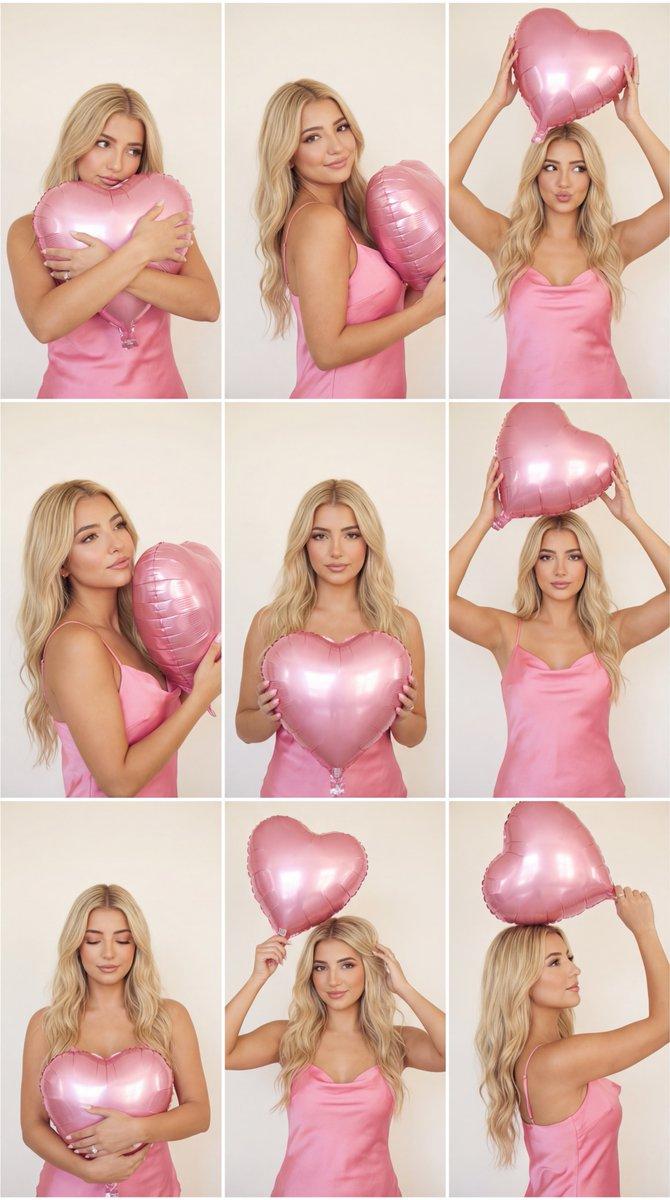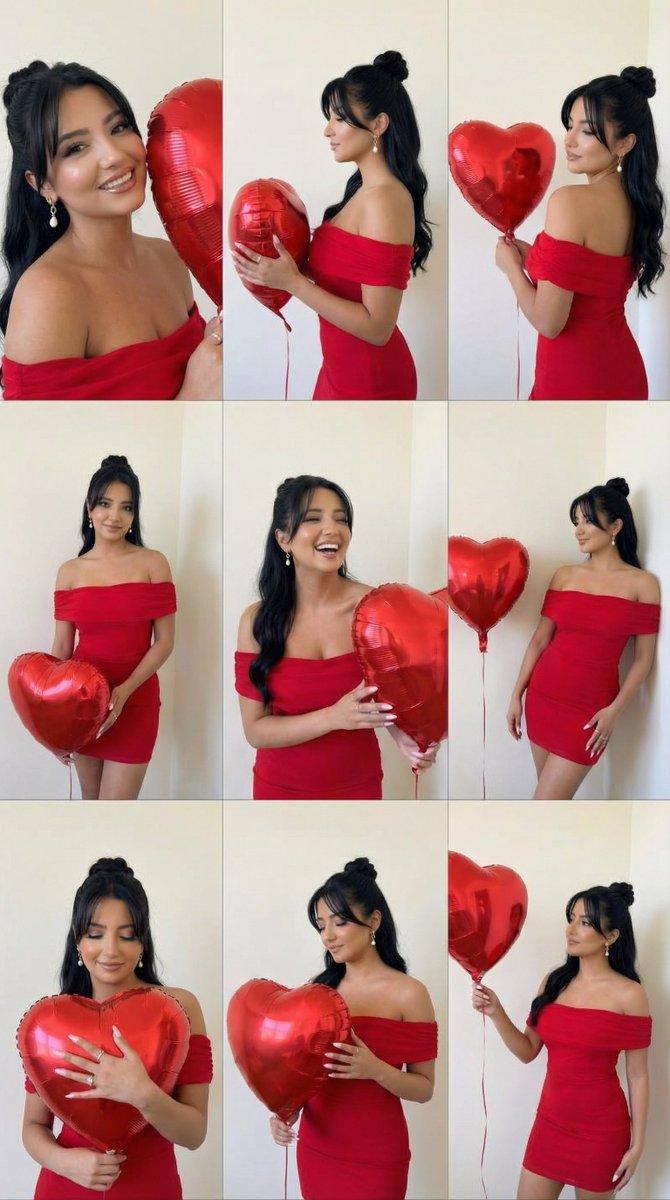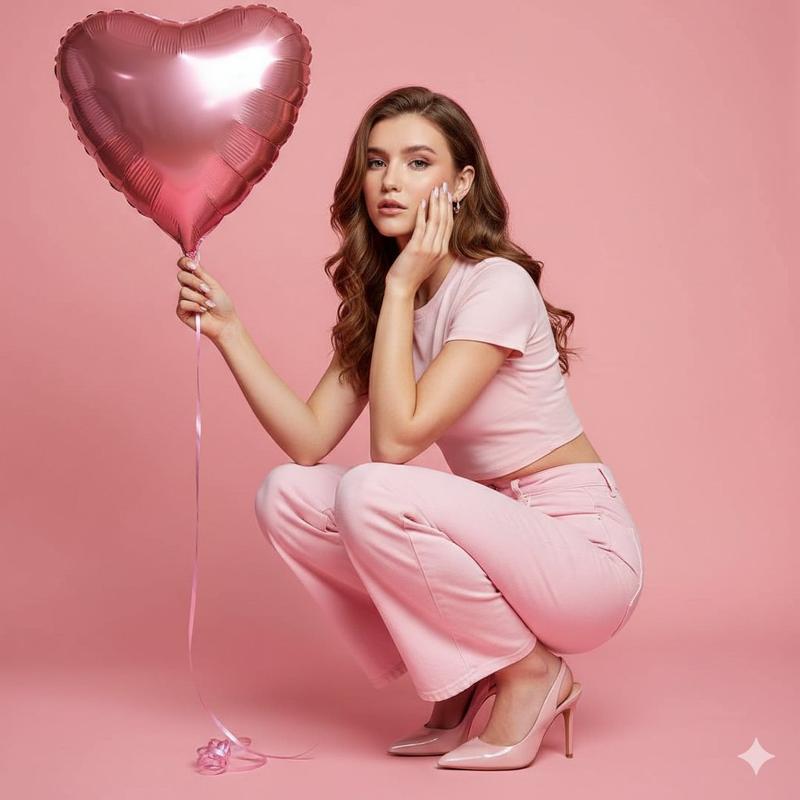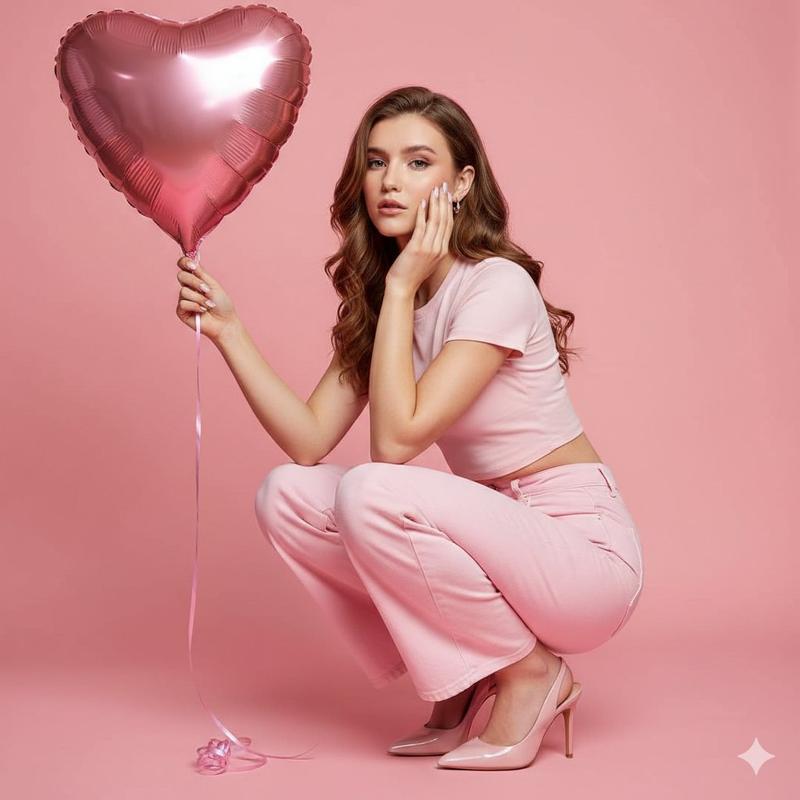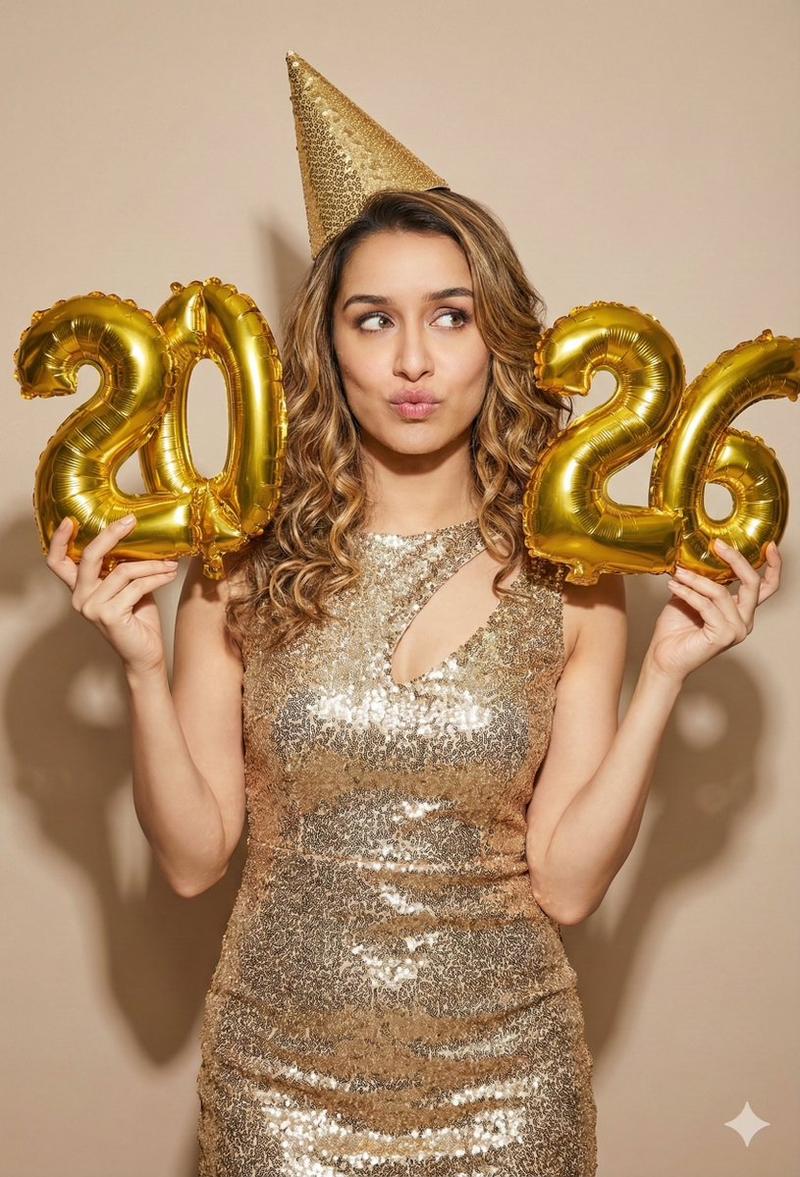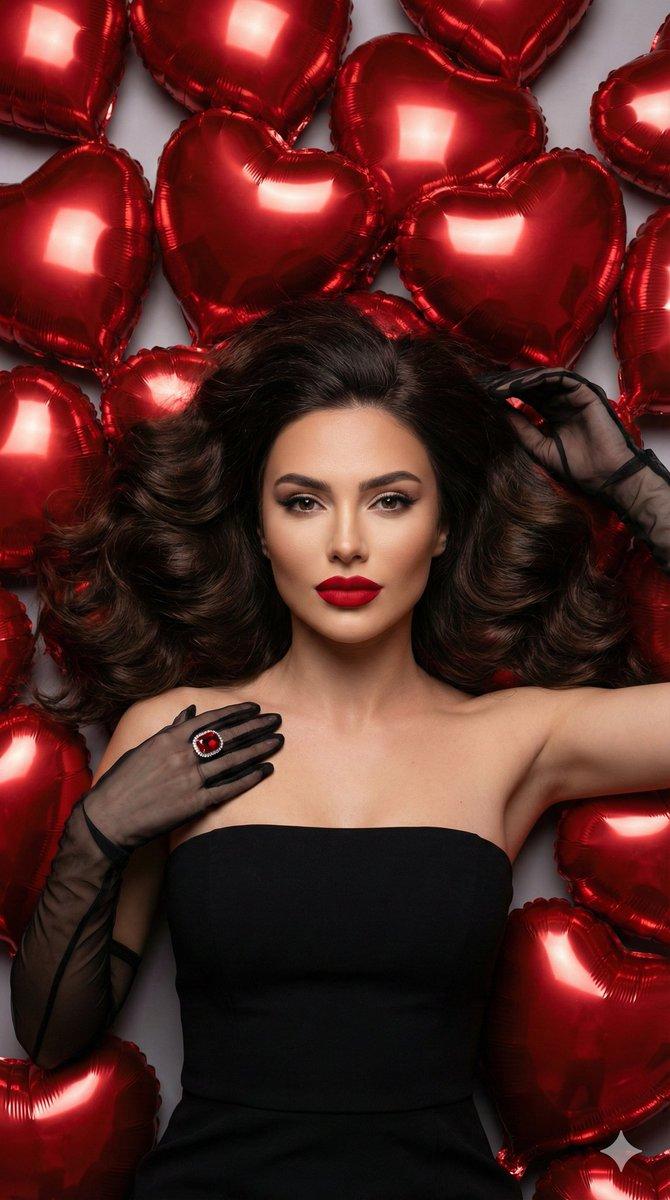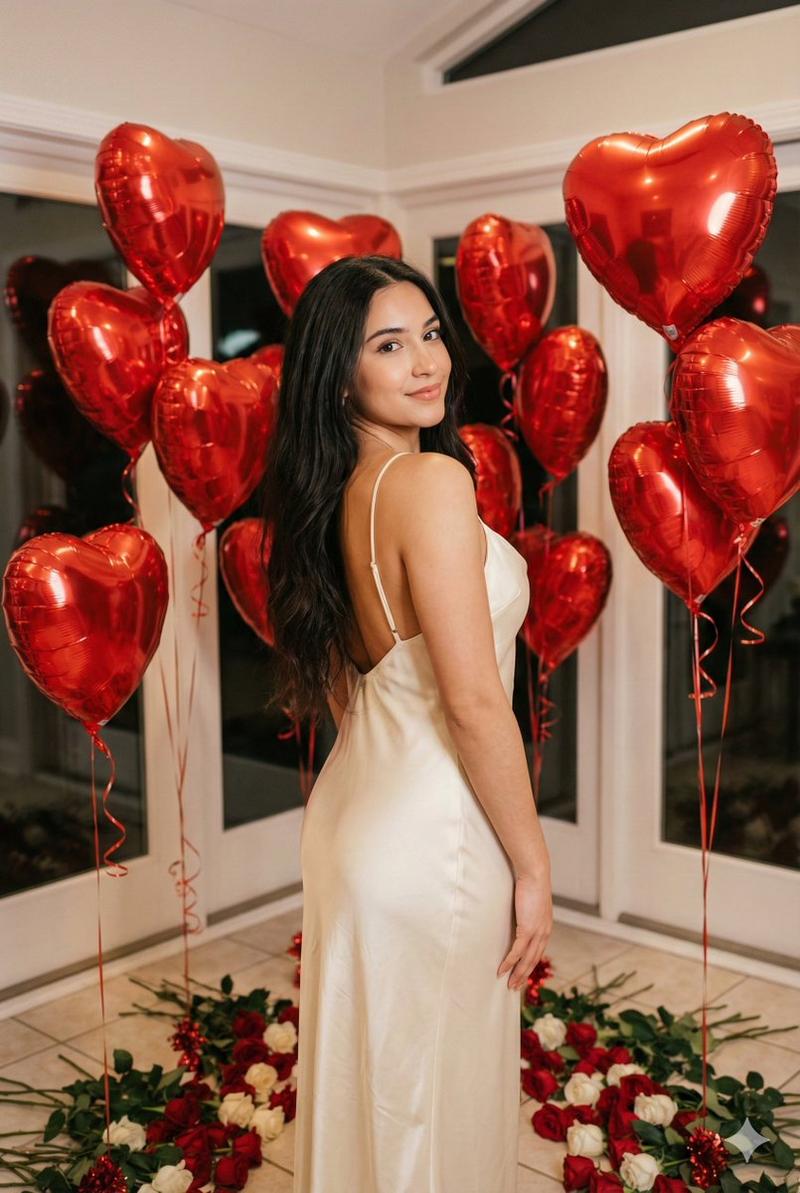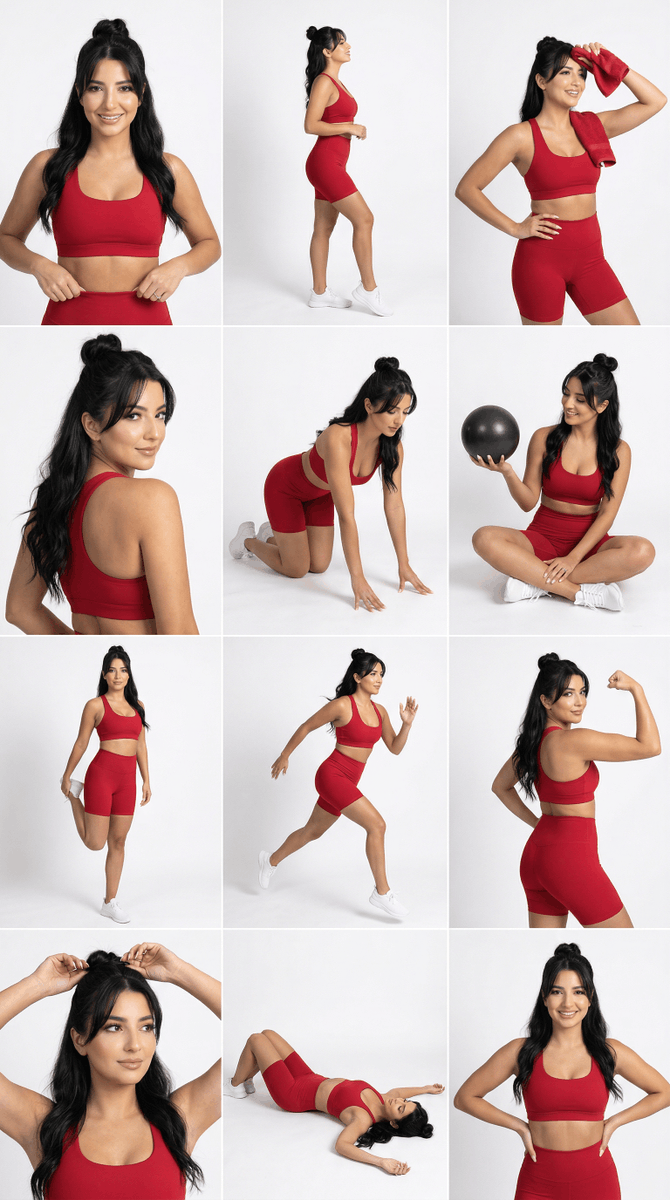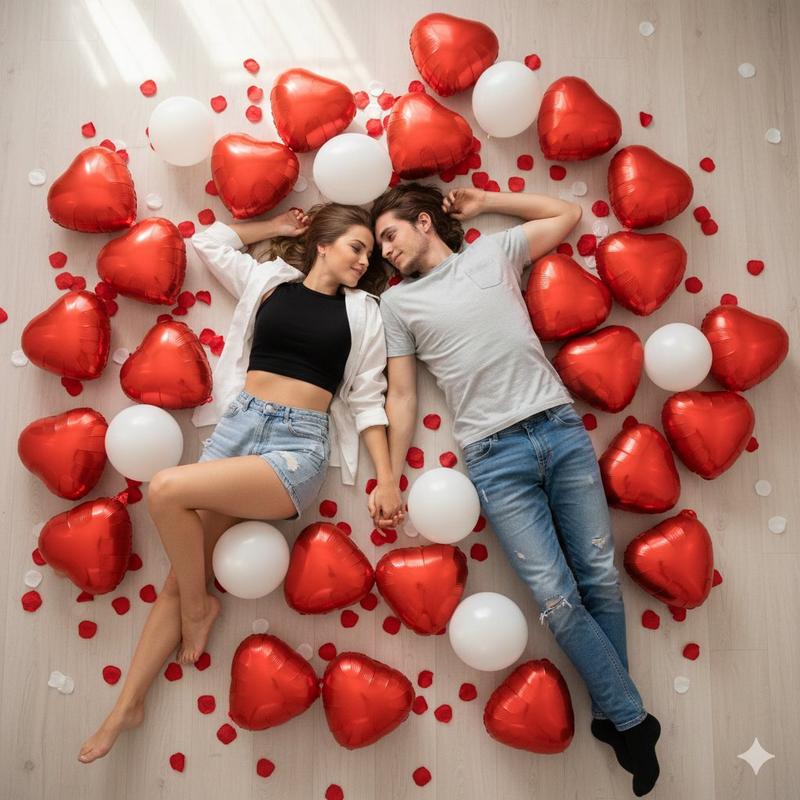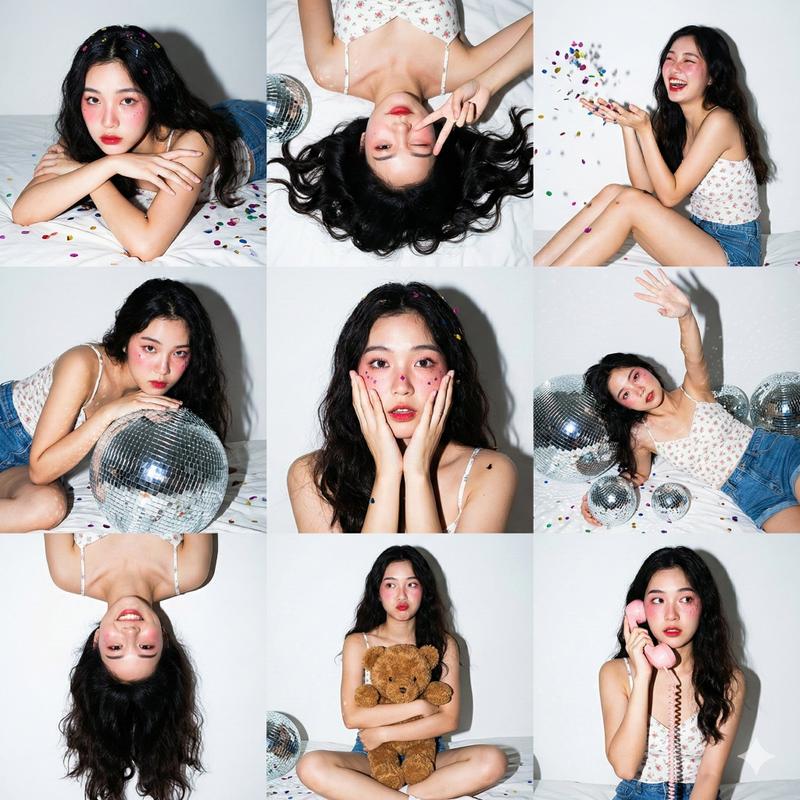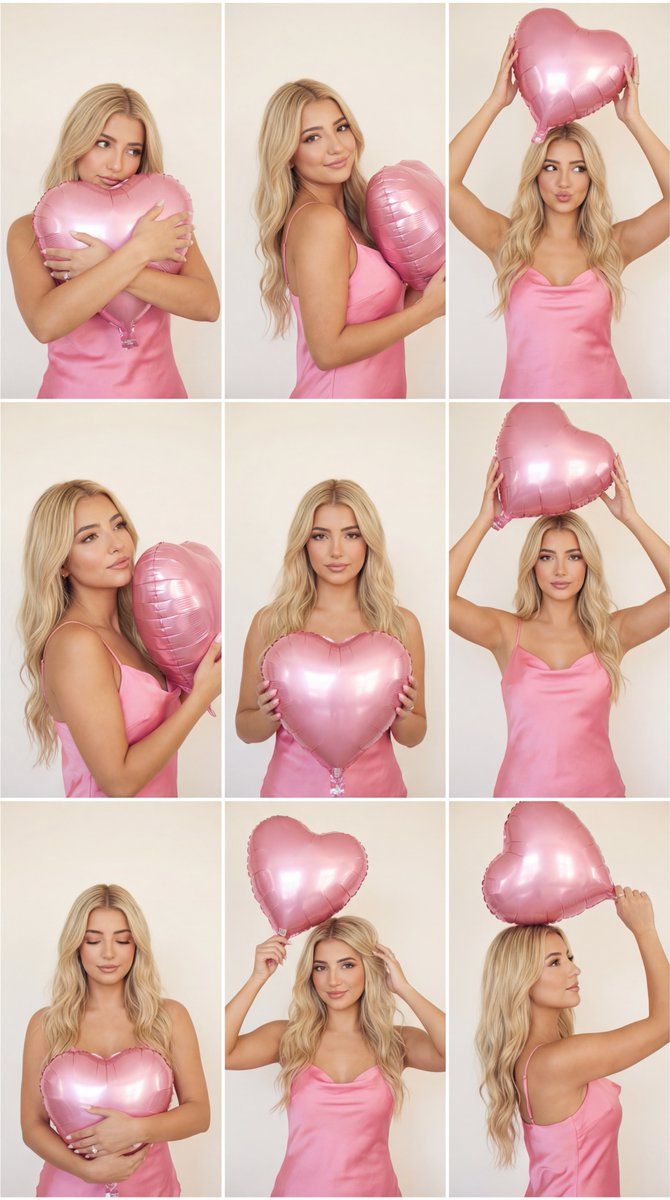
3x3 编辑网格,带粉色心形气球和身份锁
Prompt
{
  "request_metadata": {
    "model": "Nano Banana Pro",
    "content_type": "photoreal_editorial_pink_heart_balloon_3x3_grid",
    "quality_preset": "ultra",
    "format_aspect_ratio": "1:1",
    "output": "3x3_grid"
  },
  "references": {
    "reference_images": {
      "female_reference": "UPLOAD_FEMALE_REFERENCE_IMAGE (REQUIRED)"
    },
    "reference_rules": {
      "exactly_one_reference_only": true,
      "preserve_identity_female": true,
      "identity_lock_strength_female": 0.995,
      "face_similarity_priority": "MAX",
      "preserve_facial_proportions": true,
      "preserve_eye_shape_nose_lips_jawline": true,
      "no_identity_blending": true,
      "no_beautify_no_face_morph": true
    }
  },
  "layout": {
    "type": "3x3_grid",
    "description": "Same woman in all 9 frames. Same outfit, same background, same lighting, same lens/grade. Only pose, hand placement, and gaze change per frame.",
    "grid_style": {
      "borders": "thin white separators",
      "consistency_rule": "identical color grading and softness across all frames"
    },
    "frame_labels": [
      "1) Balloon hugged at chest, shy gaze",
      "2) Balloon angled near shoulder, soft smile",
      "3) Balloon raised overhead, playful look",
      "4) Balloon close to face, dreamy gaze",
      "5) Balloon centered at chest, classic editorial",
      "6) Balloon overhead, confident stance",
      "7) Balloon cradled low, eyes closed",
      "8) Balloon above head, hair touch",
      "9) Balloon overhead, profile glance"
    ]
  },
  "global_scene": {
    "environment": {
      "background": "plain warm off-white studio wall, smooth texture, no props, no text"
    },
    "lighting": {
      "type": "soft studio light",
      "setup": "large diffused key + gentle fill",
      "quality": "low contrast, flattering highlights, no harsh shadows"
    },
    "style": {
      "look": "clean editorial",
      "diffusion": "very subtle soft haze",
      "grain": "very subtle film grain",
      "retouching": "minimal; keep natural skin texture"
    },
    "camera": {
      "lens": "50mm editorial portrait feel",
      "aperture": "f/2.8 feel",
      "sharpness": "crisp subject with soft diffusion"
    },
    "consistency_locks": {
      "same_outfit": true,
      "same_background": true,
      "same_lighting": true,
      "same_color_grade": true
    }
  },
  "subject_profile": {
    "gender": "female",
    "age_group": "young_adult",
    "identity": "EXACT same face as the reference (no drift)",
    "hair": {
      "style": "long, soft waves",
      "color": "soft blonde / golden blonde, consistent across all frames (do not change face identity)"
    },
    "makeup": {
      "style": "soft glam",
      "skin": "natural texture",
      "lips": "soft rose-pink satin",
      "eyes": "defined but soft"
    },
    "wardrobe": {
      "dress": "{argument name="dress color" default="pink"} satin slip dress/top, elegant and fully opaque, thin straps, subtle sheen (satin refle"
    }
  }
}- Category
- 创意图片
- Model
- Nano Banana Pro
- Creator
- Özge
- Source ID
- e2639922-81e8-477d-9116-c911c99783be
- Published
- Mar 8, 2026
Views0