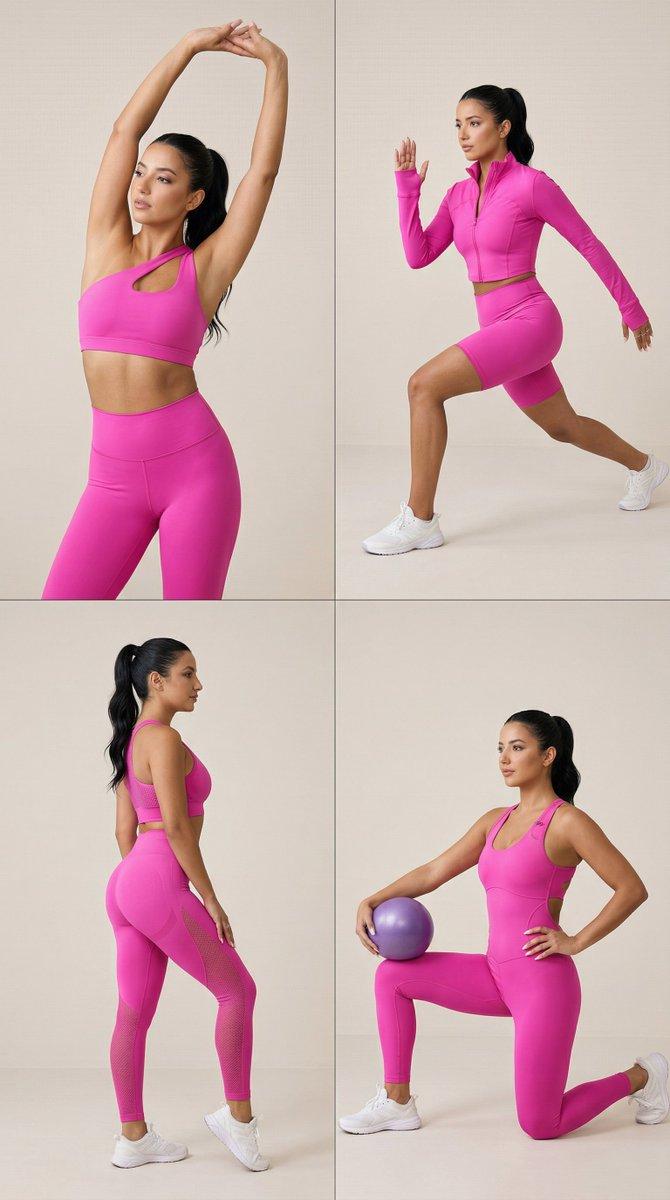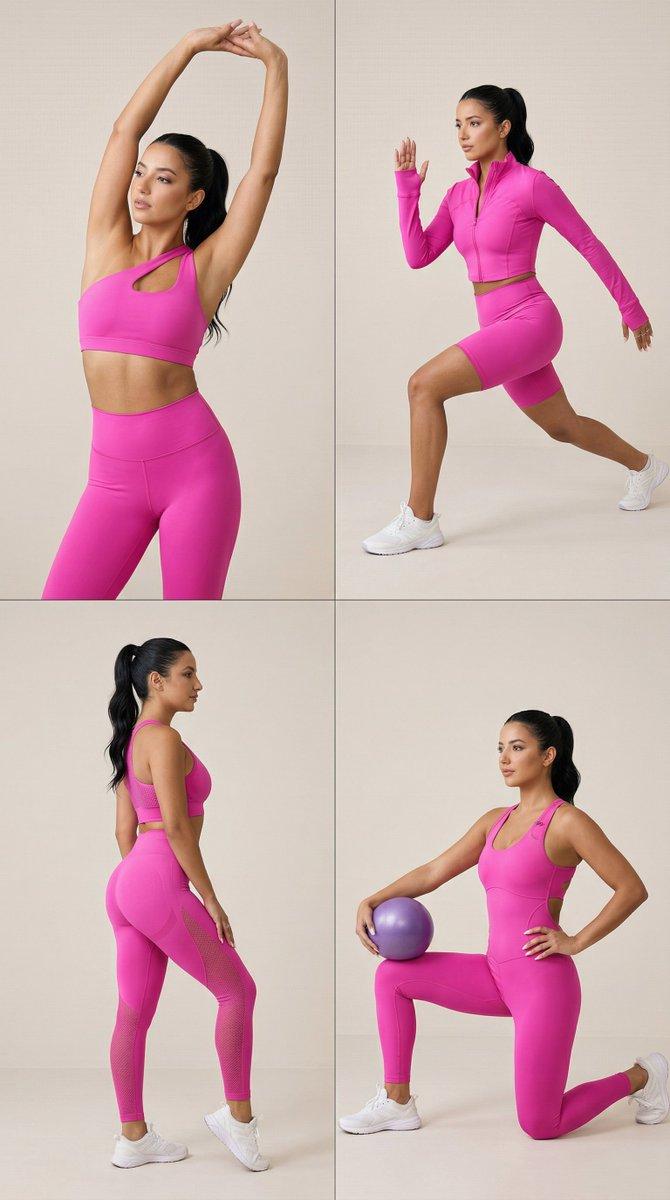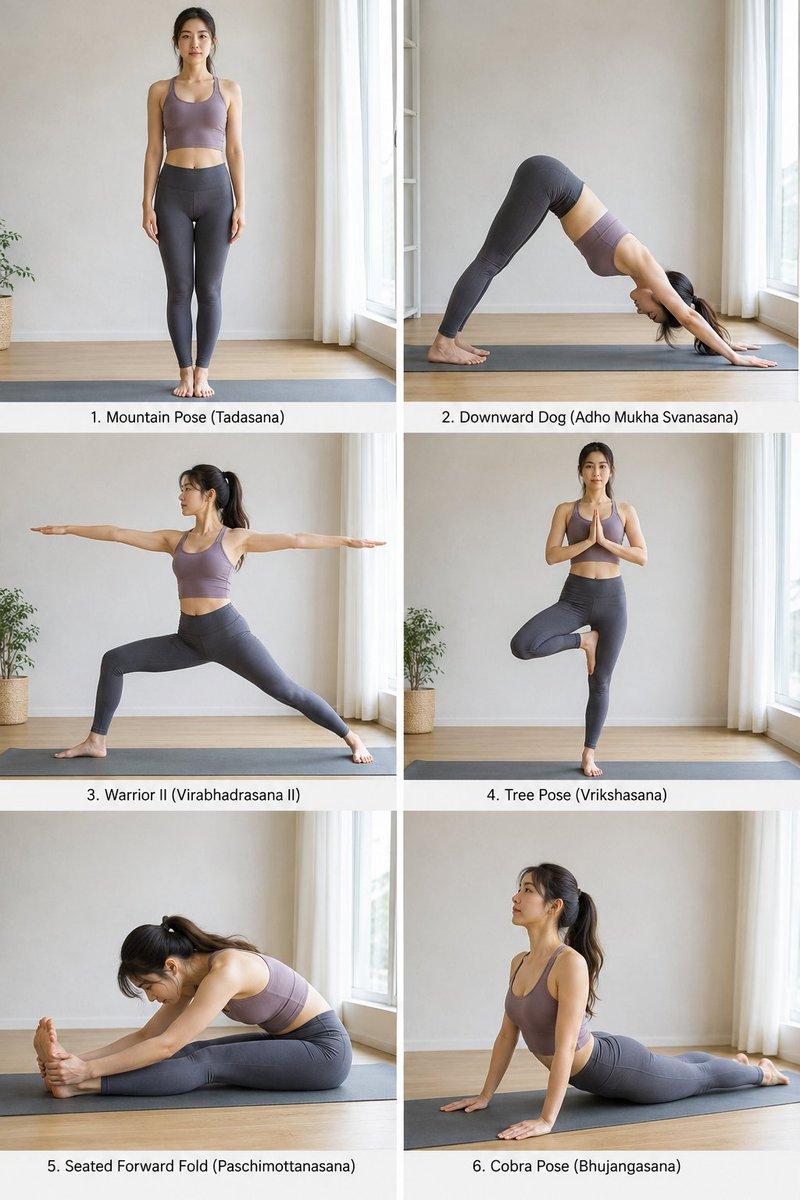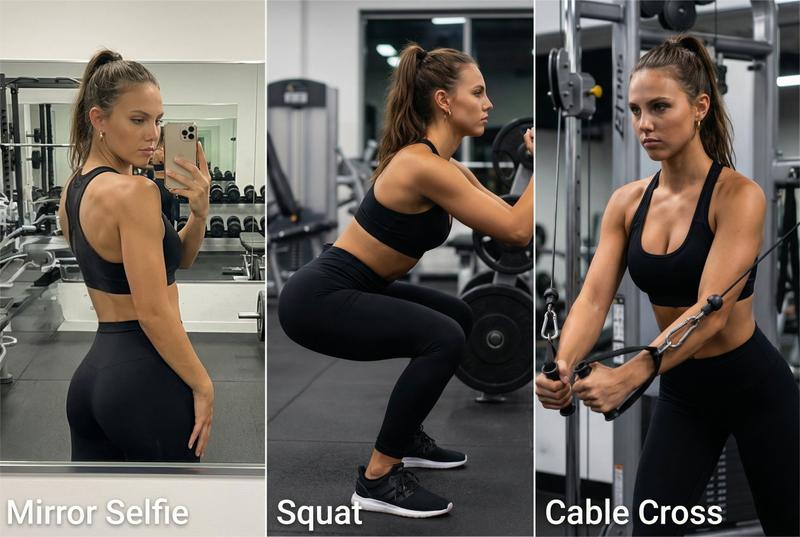
健身产品展示卡片网格提示
Prompt
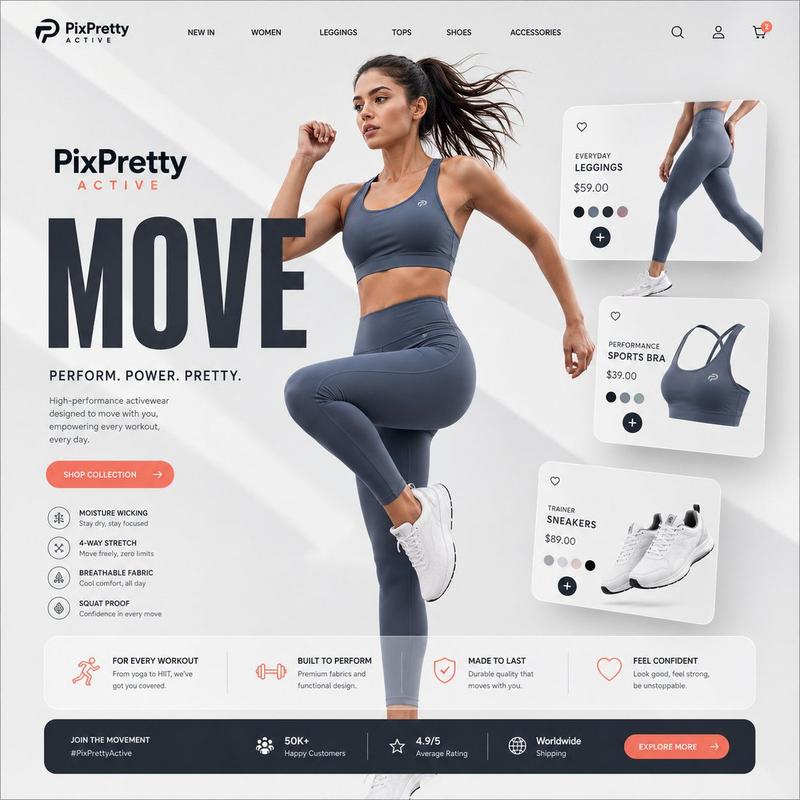
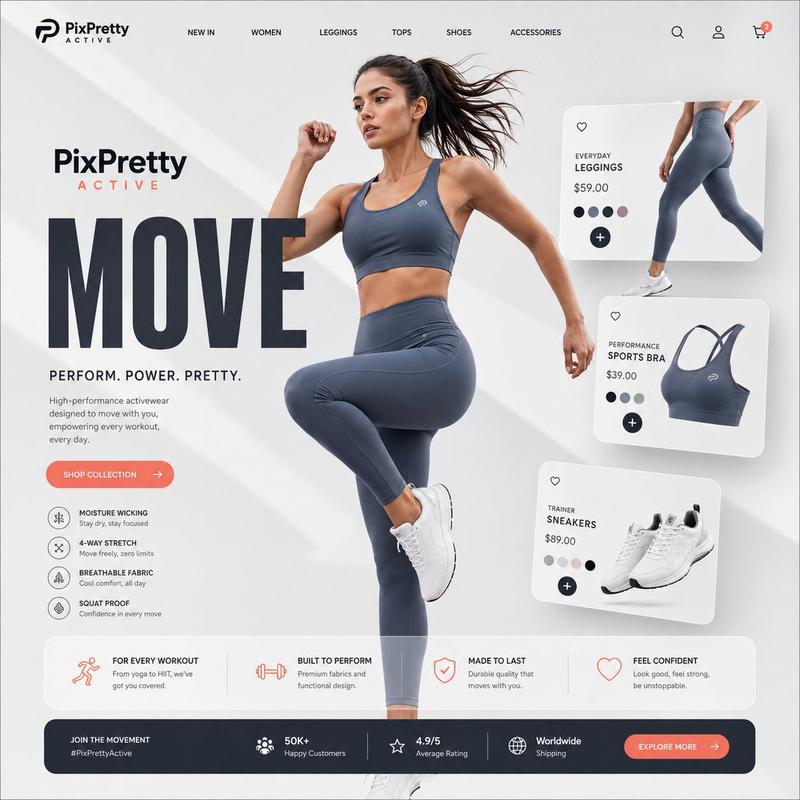
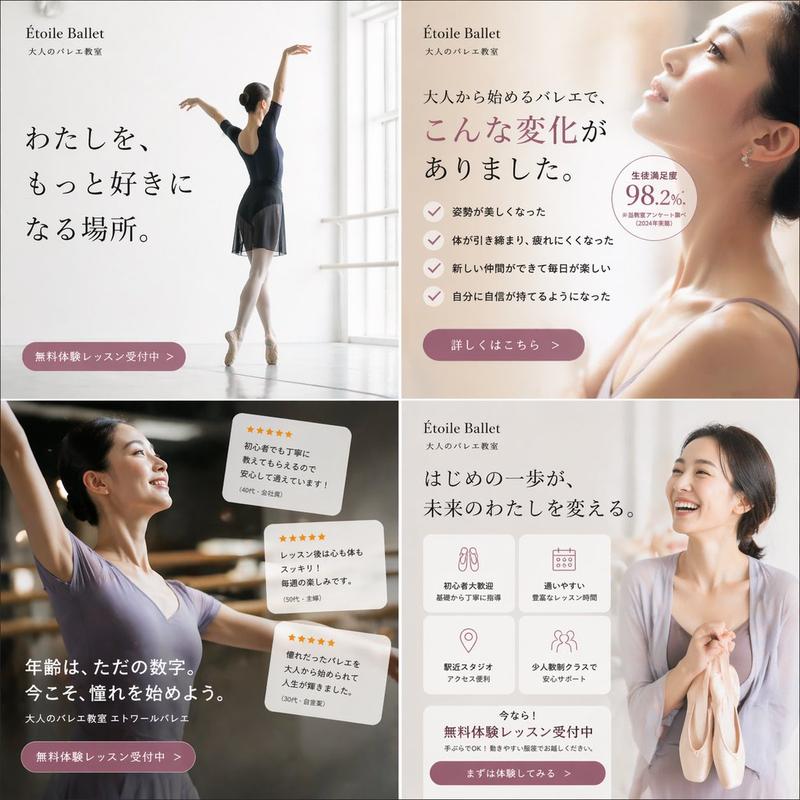
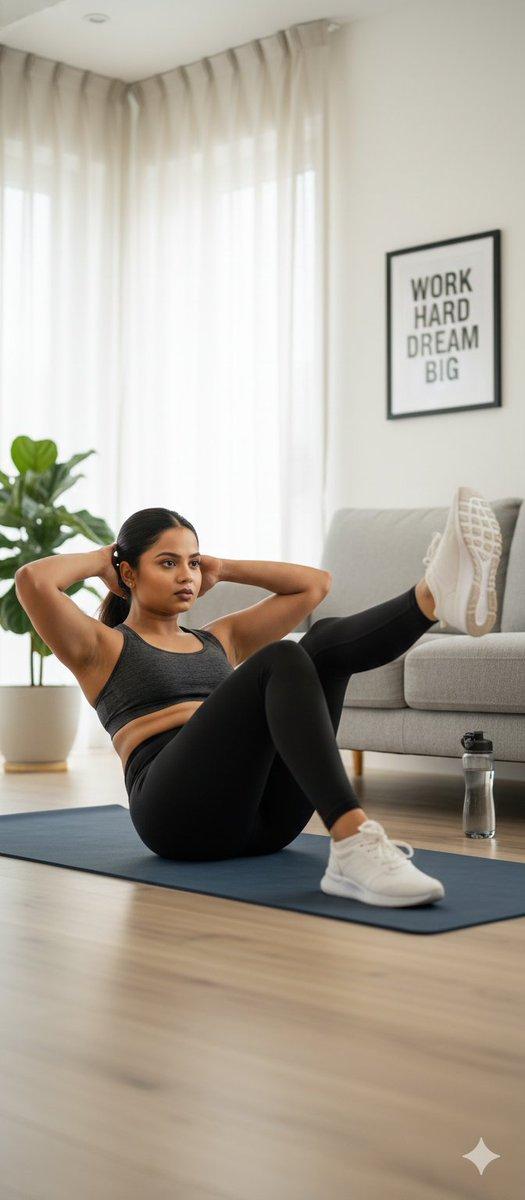
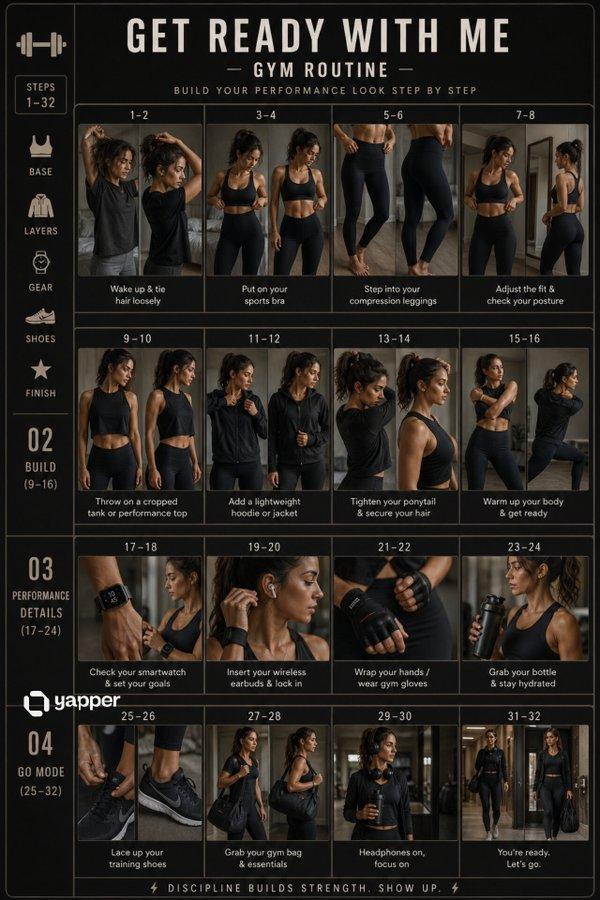
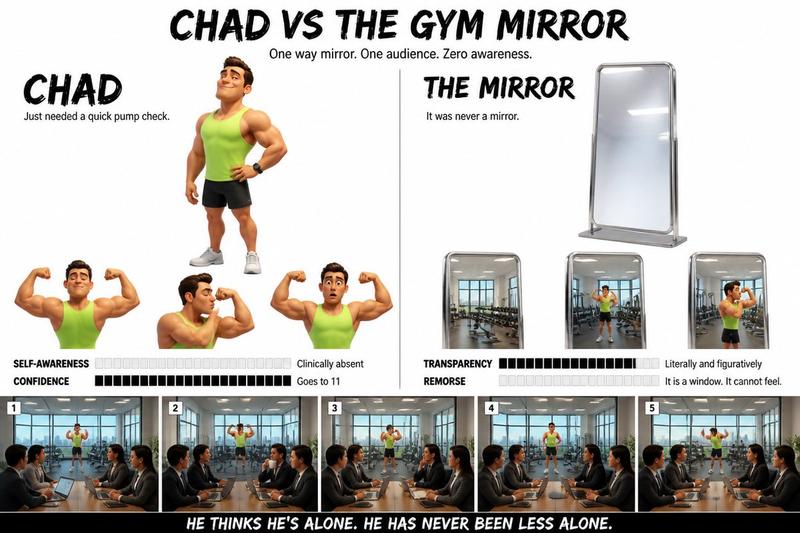
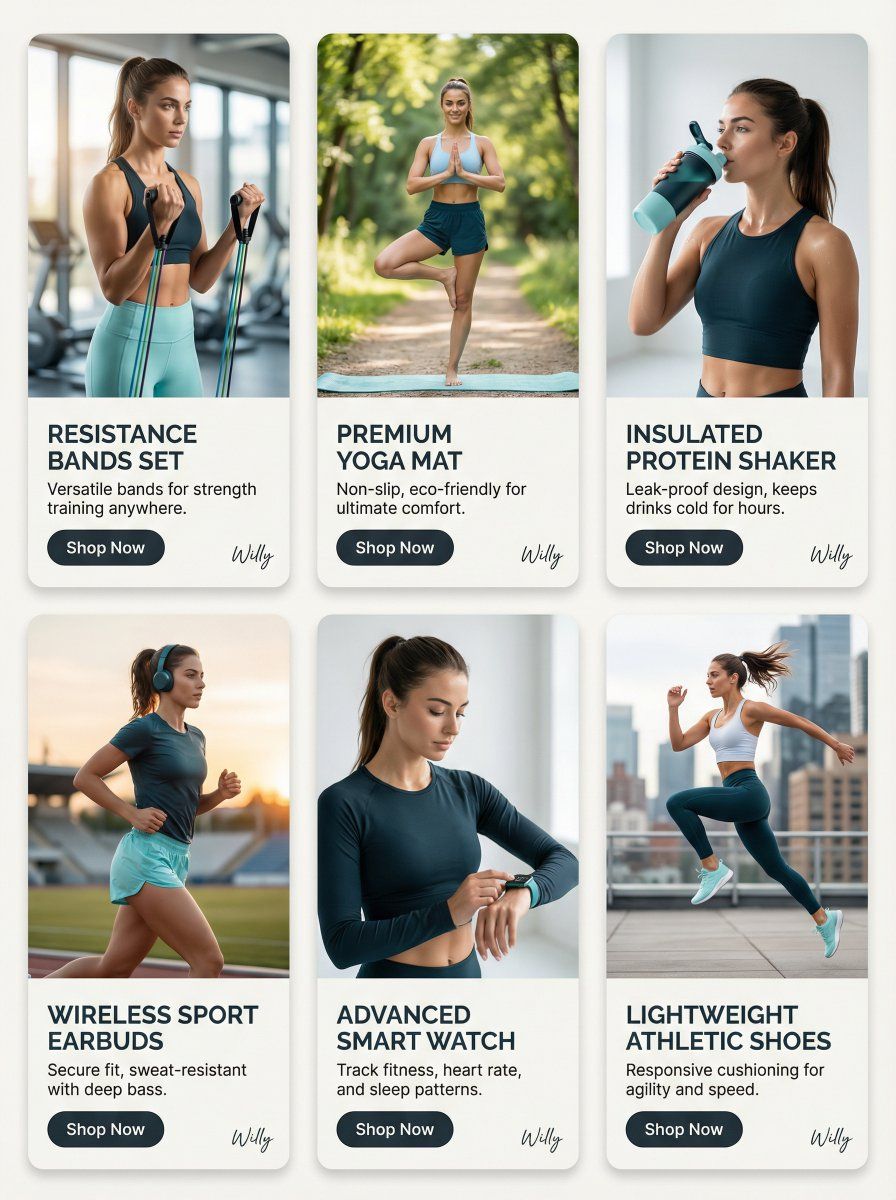
Fitness product showcase, SNS feed, 4:5 ratio,
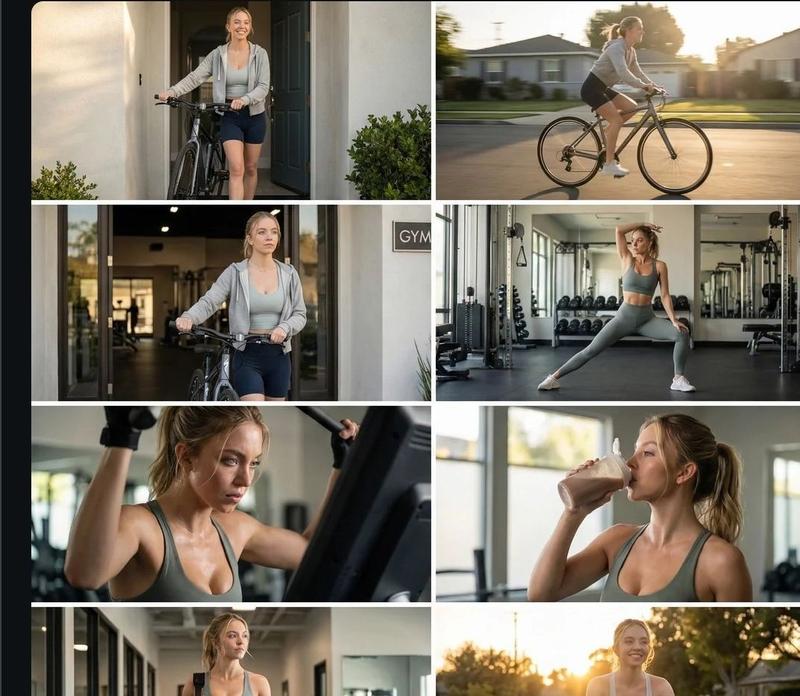
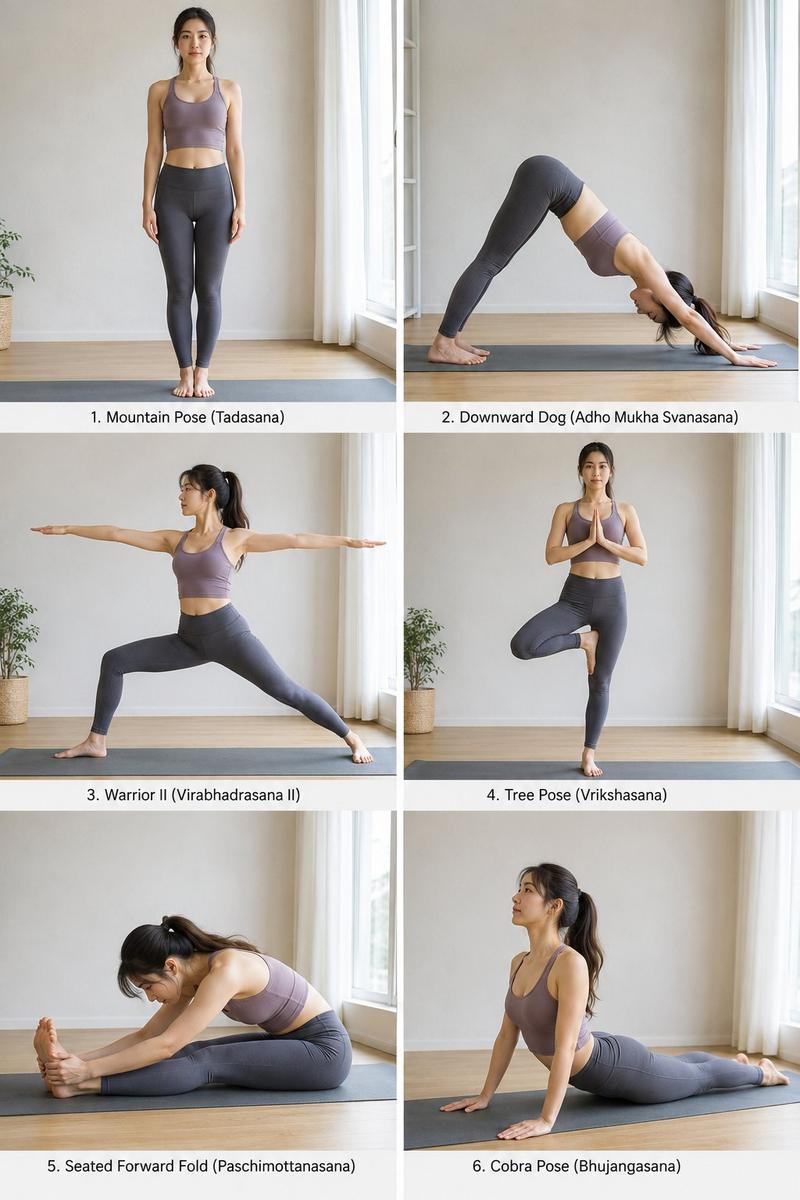
LAYOUT: Card-based design, uniform cards (3x2 grid) with image and text.
CARD STRUCTURE:
- TOP (70%): Model image, fitness product in use.
- BOTTOM (30%): Product name, brief description, call to action button ("Shop Now").
PRODUCT & MODEL:
- Eastern European woman, early 20s, fit and toned, displaying a range of fitness products across 6 cards.
- Each card showcases a different product: resistance bands, yoga mat, protein shaker, wireless headphones, smart watch, athletic shoes.
- Model poses: dynamic, engaging, reflecting different workout activities.
BACKGROUND:
- Each card features a minimalist background, showcasing the product: clean studio, blurred gym setting, natural outdoor environment.
COLOR PALETTE:
- Dominant: #F8F8F8 (off-white), #20262E (dark teal)
- Accent: #74C69D (light cyan), #B0DAFF (light blue)

COMPOSITION & TONE:
- Consistent product focus across all cards.
- Dynamic angles, emphasizing the fitness lifestyle.
- Modern, bold, athletic glamour.

CAMERA: Canon EOS R5, 35mm f/1.4, shallow depth of field, soft studio lighting, beauty retouching.

STYLE: Fitness glamour, athletic sensuality, empowering confidence, viral-worthy allure. Each card has a stylish handwritten signature "Willy" elegantly placed in small letters at the bottom right corner.

Keywords: card grid, fitness product, athletic wear, athletic glamour, tonal color palette, portrait photography.. A stylish handwritten signature Willy is elegantly and small letters placed at the Bottom Right corner- Category
- 创意图片
- Model
- Nano Banana Pro
- Creator
- Willy
- Source ID
- f2e01500-2572-4a36-8060-e66798a2a325
- Published
- Mar 8, 2026
Views0