19

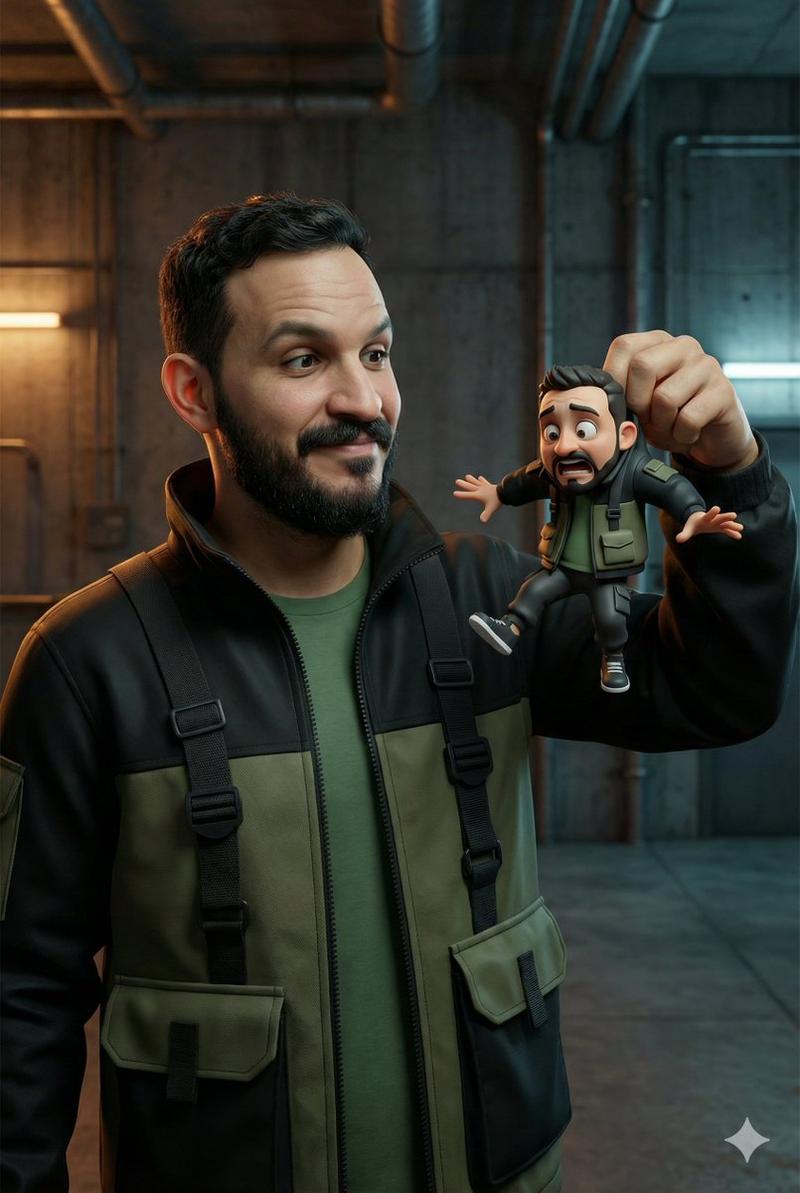
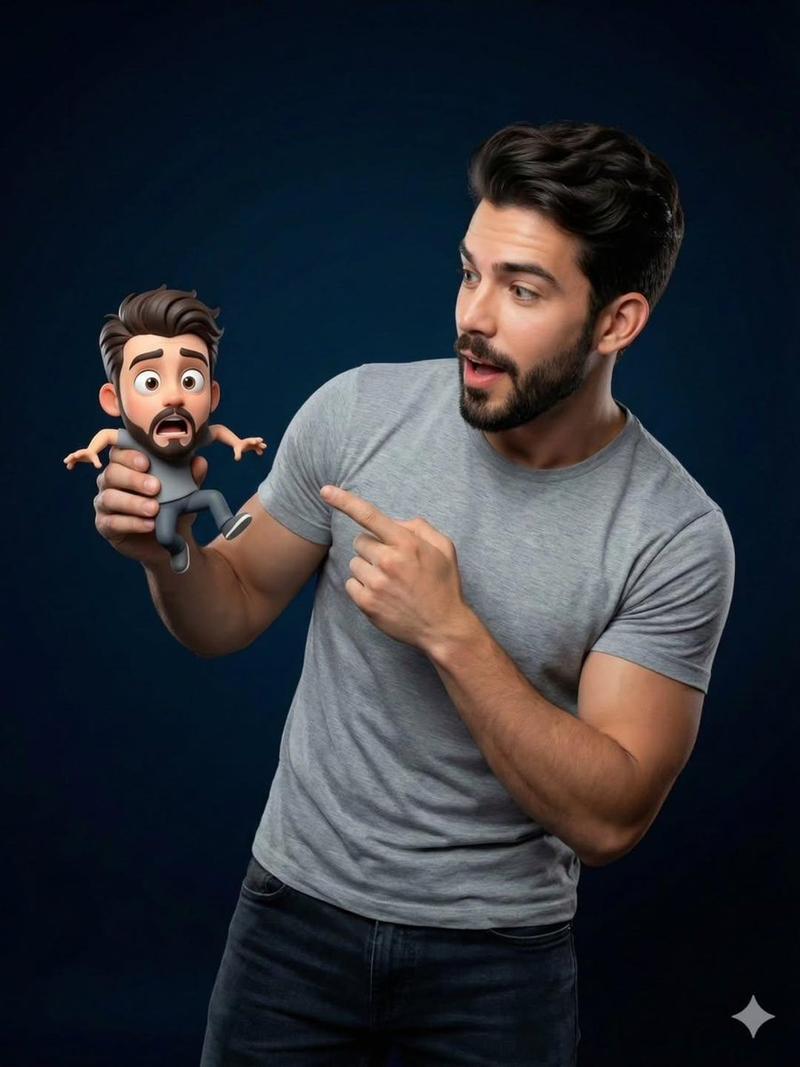
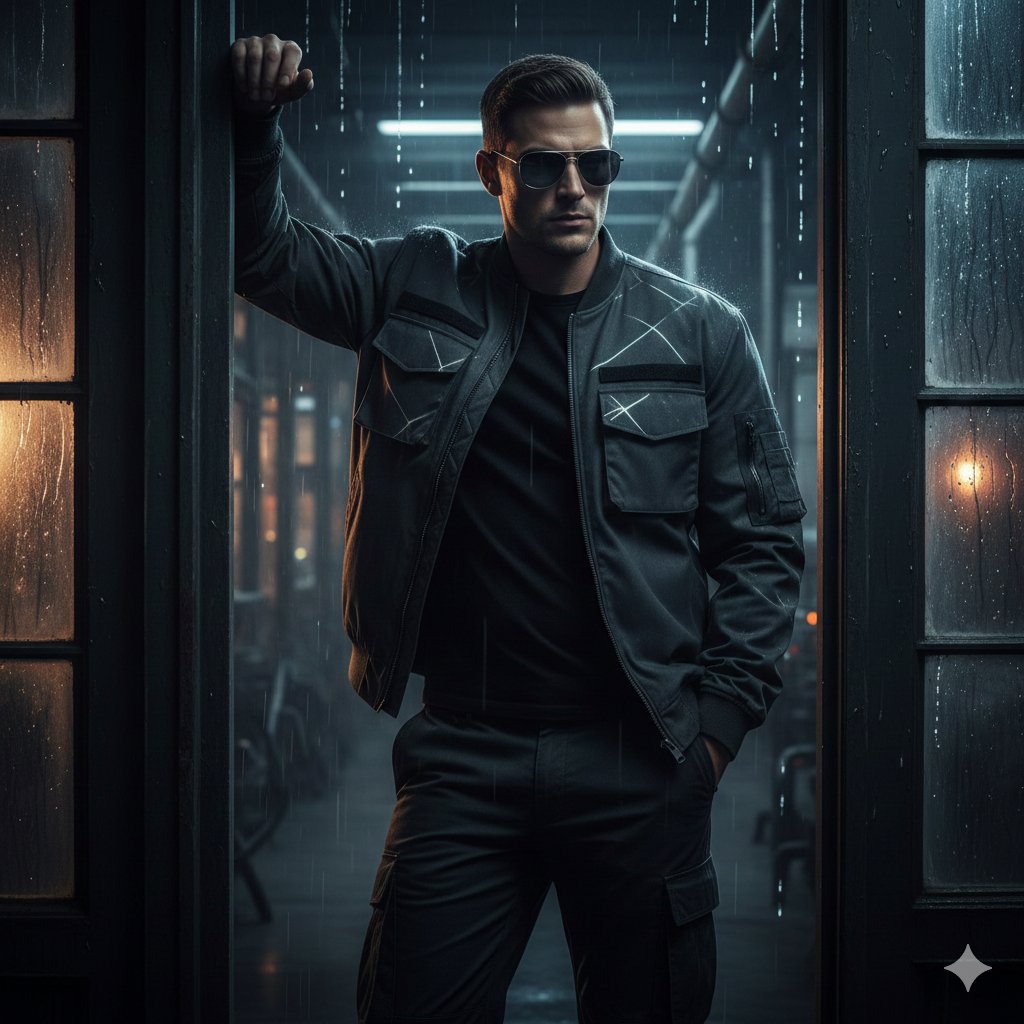
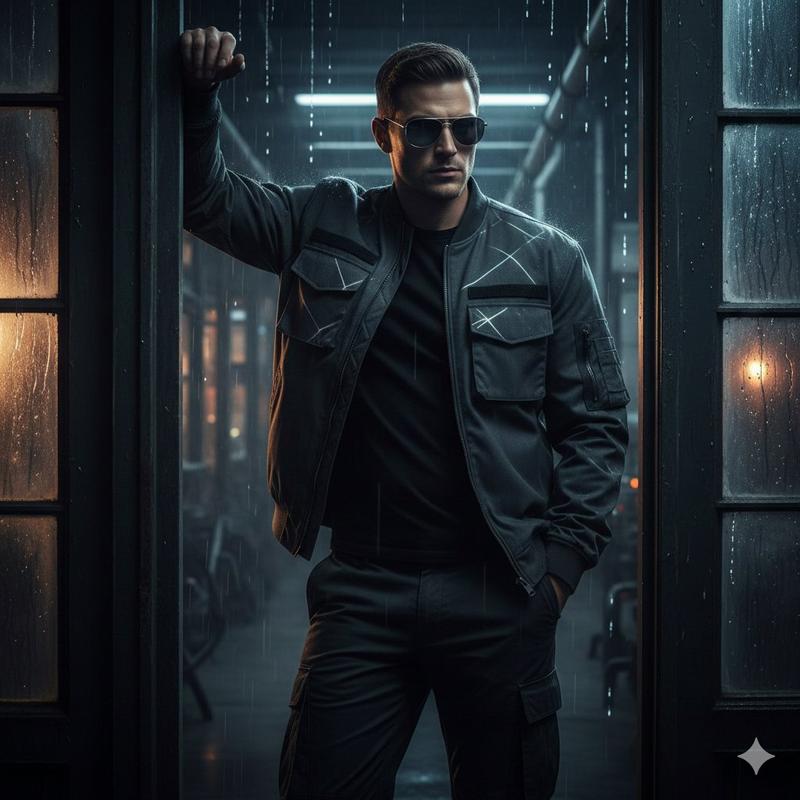
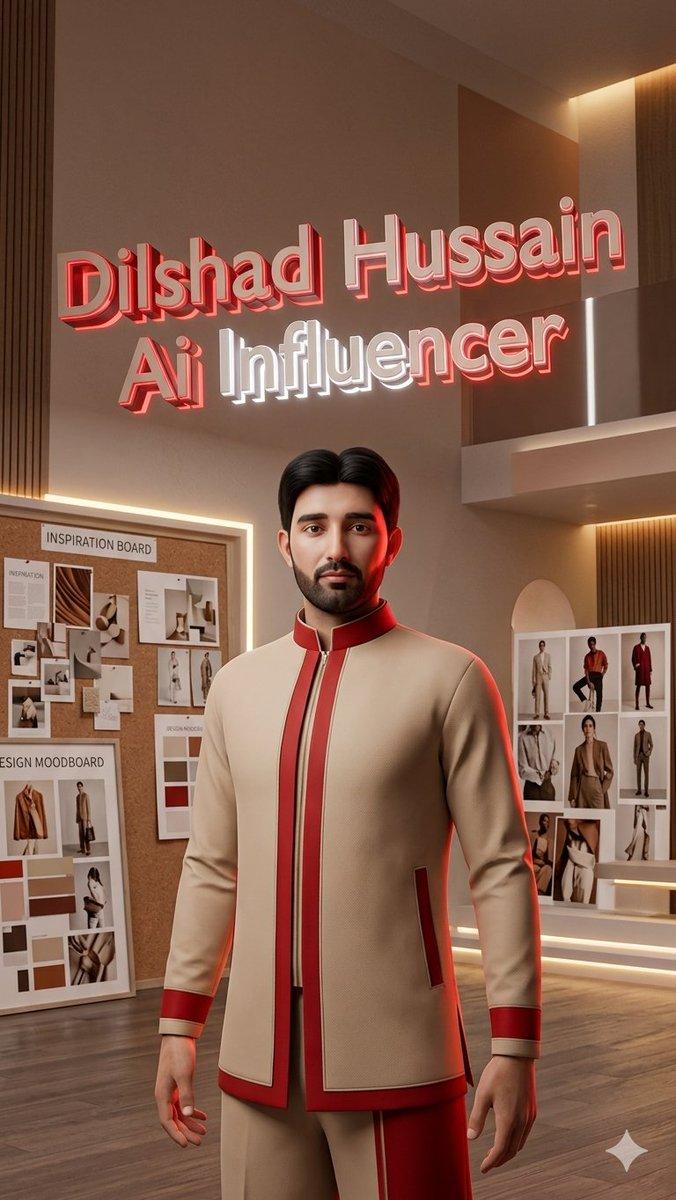
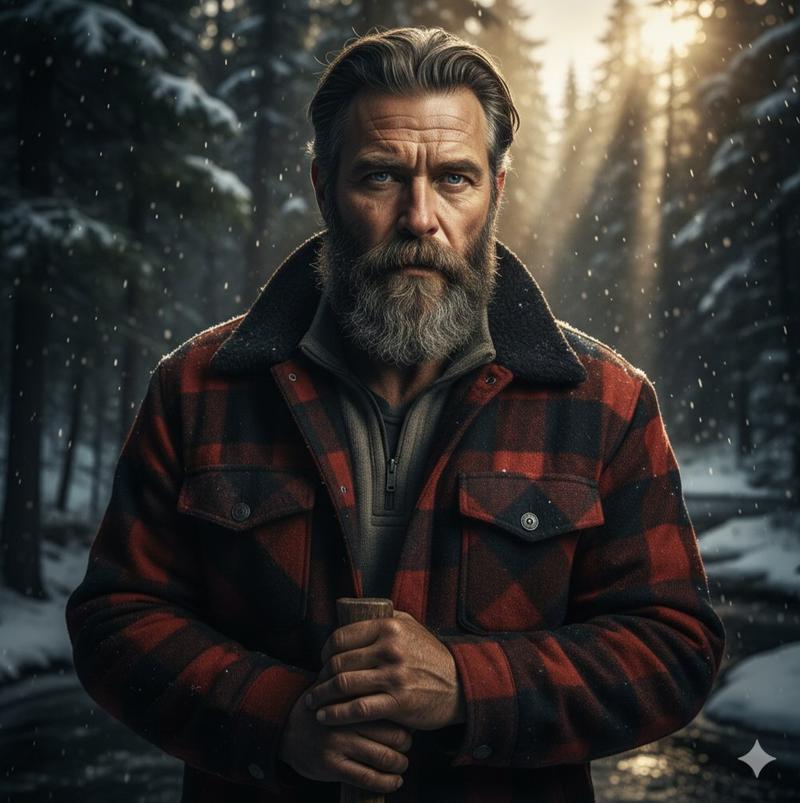
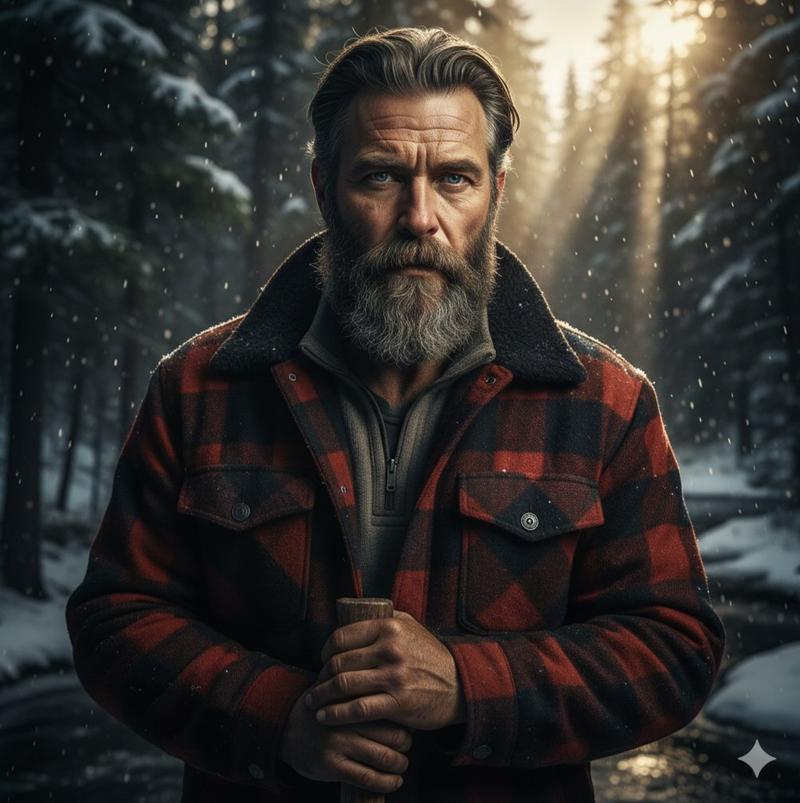
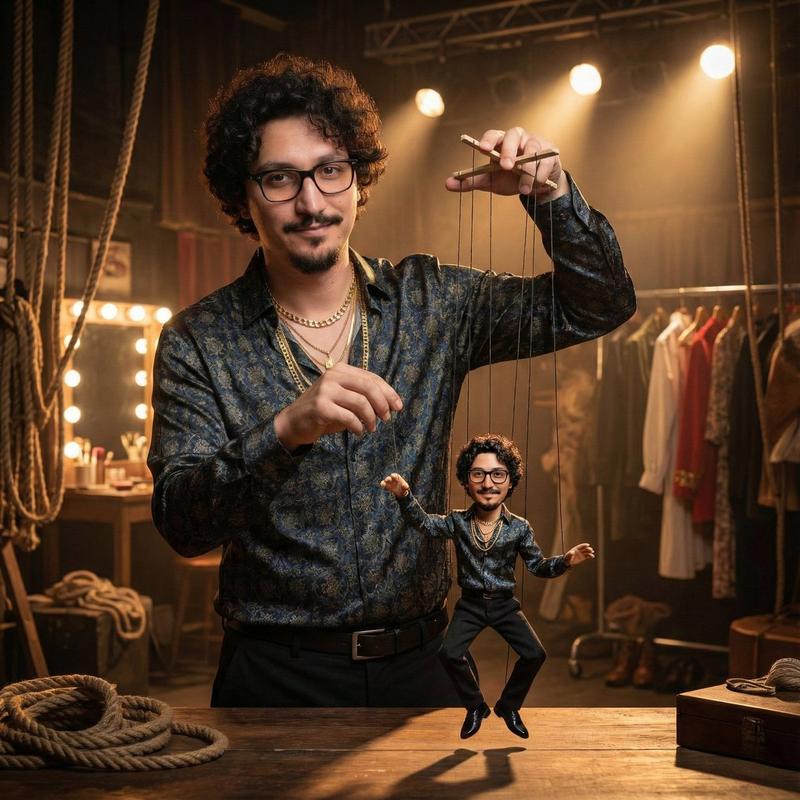
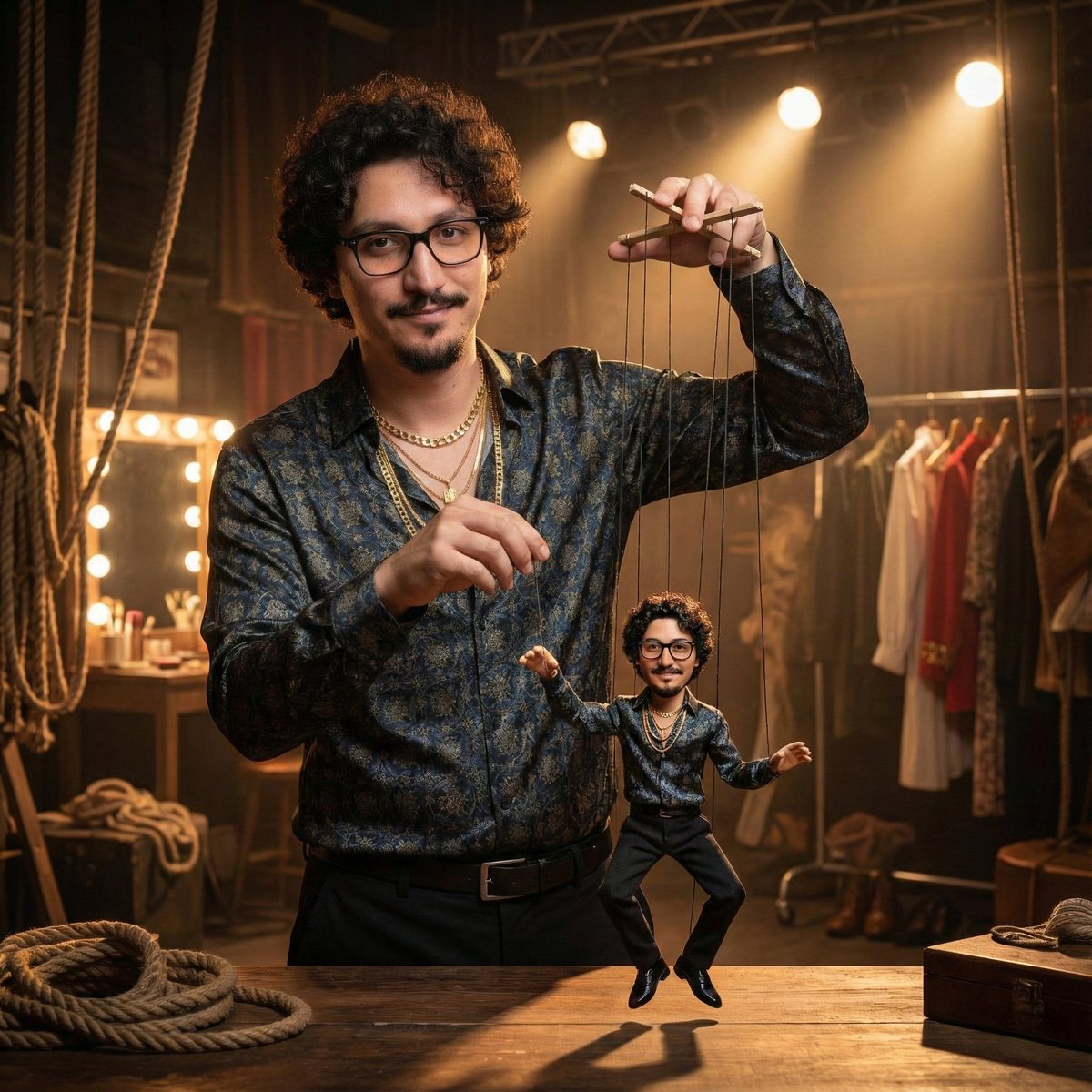
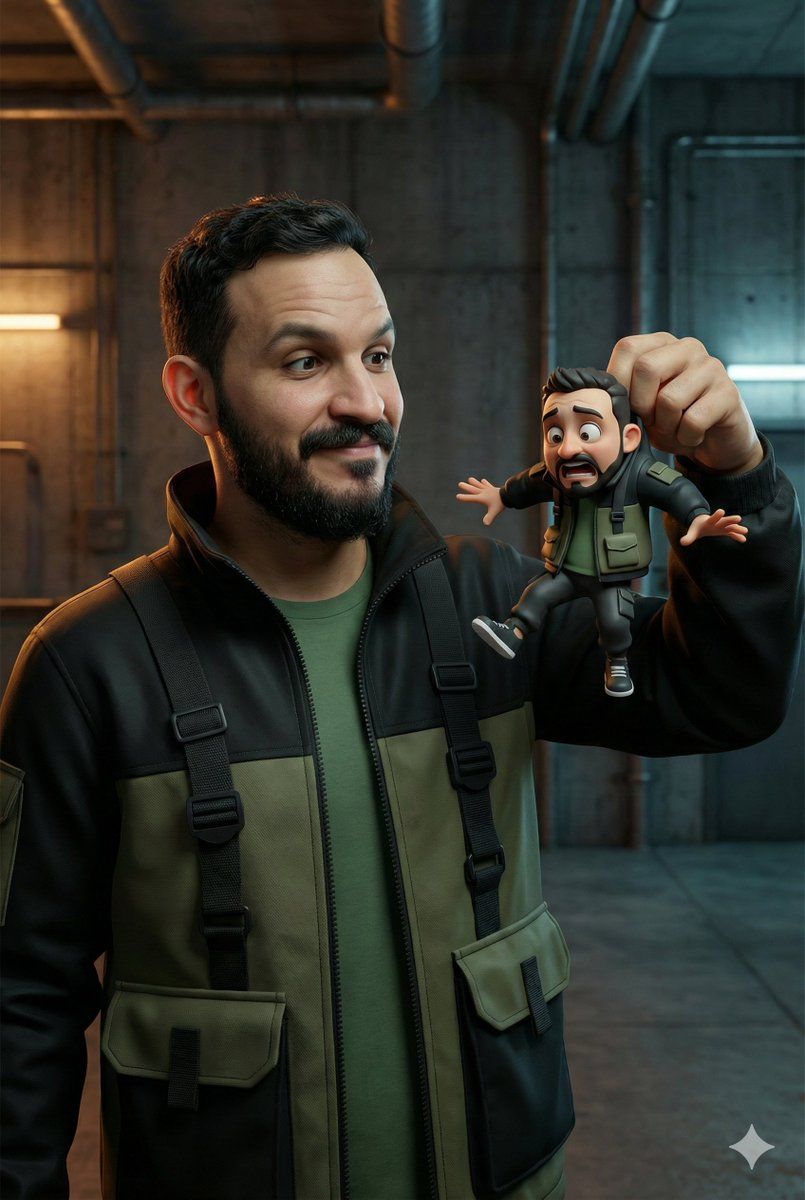
手持卡通迷你版自己的超写实男子
Enlarge

手持卡通迷你版自己的超写实男子

Prompt
Create an image using the attached photo as the reference for the man’s face. Ultra-realistic portrait of a real-life person (face fully visible, natural skin texture, realistic hair, wearing a casual fashion tech-wear outfit), holding a tiny 3D cartoon version of himself by the back, looking at it with an amazed and slightly amused expression. The tiny cartoon version closely resembles the real person, with an exaggerated funny expression, oversized cartoon head, flailing arms and legs, smooth 3D stylized look (not doll-like), wearing a matching outfit. Dramatic deep background with cinematic lighting and depth, ultra-detailed textures for the real person, highly detailed 3D cartoon miniature but realistic in style, clean and natural comedic scene, 8K quality, fun and meme-worthy. 2:3 aspect ratio
Category
创意图片
Model
Nano Banana Pro
Views0
Source ID
d2e05186-7976-484b-83e9-3dd4632f9c28
Published
Mar 8, 2026

Guide

About "手持卡通迷你版自己的超写实男子"

What is this prompt for?

"手持卡通迷你版自己的超写实男子" AI image prompt for Nano Banana Pro (创意图片). 一个提示,用于生成一张超现实的肖像,描绘一个男人手持一个微小、细节丰富的 3D 卡通版自己,重点突出写实主体与风格化微缩模型之间的对比,置于戏剧性、电影感的灯光环境中。 --- 根据所附照片中男…

The full copyable prompt and example visuals above are ready for AI image generation or one-click recreate in Picva.

How to use this prompt

  1. Step 1

    Open the prompt detail

    Review the example visuals, category, and full prompt text for "手持卡通迷你版自己的超写实男子".

  2. Step 2

    Copy the prompt

    Copy the prompt body from this page, or load it directly in Studio.

  3. Step 3

    Pick a model (Nano Banana Pro)

    Prefer Nano Banana Pro. If you switch models, keep subject and composition and tweak style terms.

  4. Step 4

    Generate and export

    Recreate the look in Picva, or export into your workflow for editing and publishing.

FAQ

What is the "手持卡通迷你版自己的超写实男子" prompt?
It is an AI image-generation prompt for Nano Banana Pro in the 创意图片 category. This page includes the full prompt text, example visuals, and a one-click recreate path in Picva.
How do I use this prompt to generate an image?
Copy the prompt from this page, or use Generate / Studio. Paste it into a compatible image model, or recreate the look in Picva with optional reference images.
Which model is this prompt for?
This page lists Nano Banana Pro. Most descriptive prompts also transfer to nearby image models such as GPT Image, Flux, or Midjourney with light style tweaks.
Can I use the result commercially?
You can usually copy the prompt for creation, but commercial use of the final image depends on the model terms, reference-image rights, and the generated content. Follow the source author and platform rules.