16

Q 版角色“吐舌眨眼”姿势生成提示词
Enlarge

Q 版角色“吐舌眨眼”姿势生成提示词

Prompt
subject:
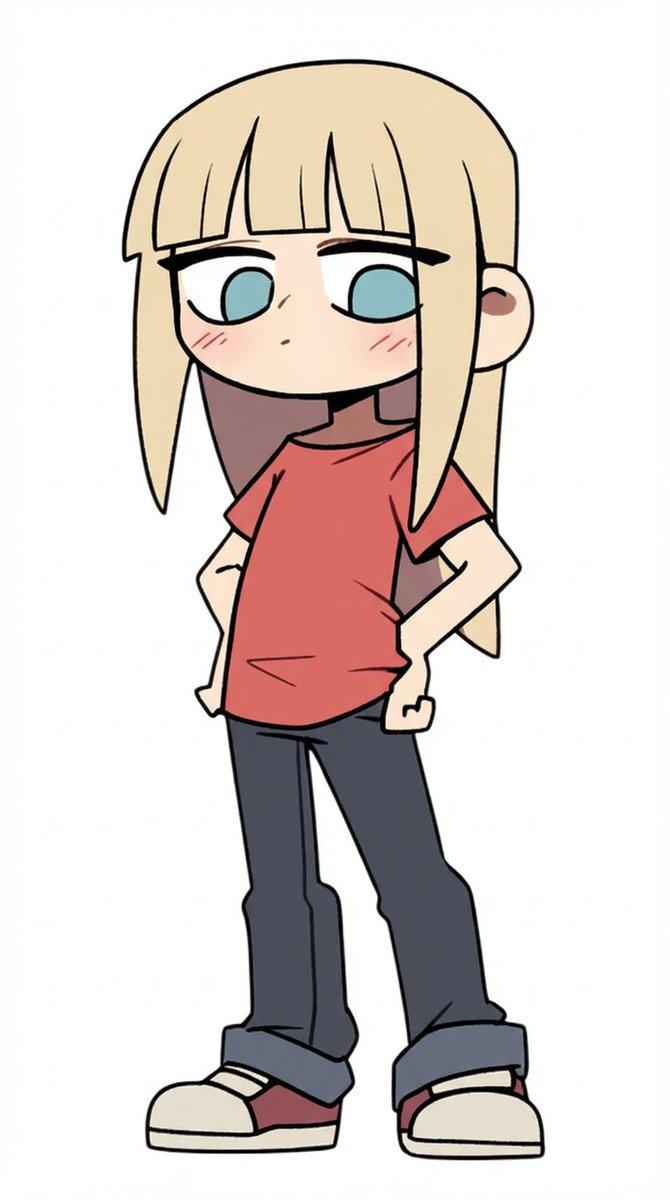
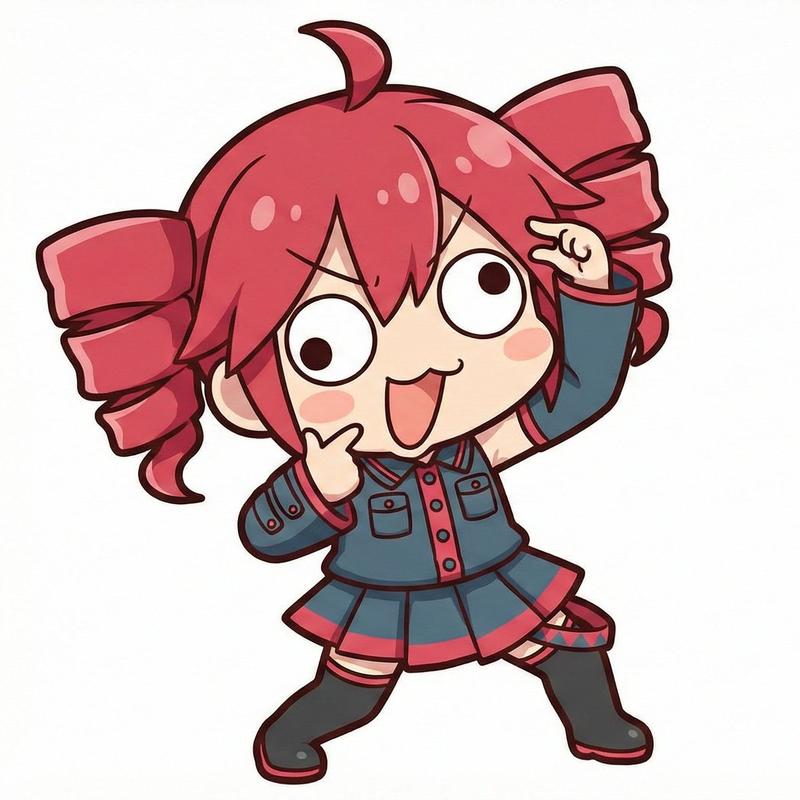
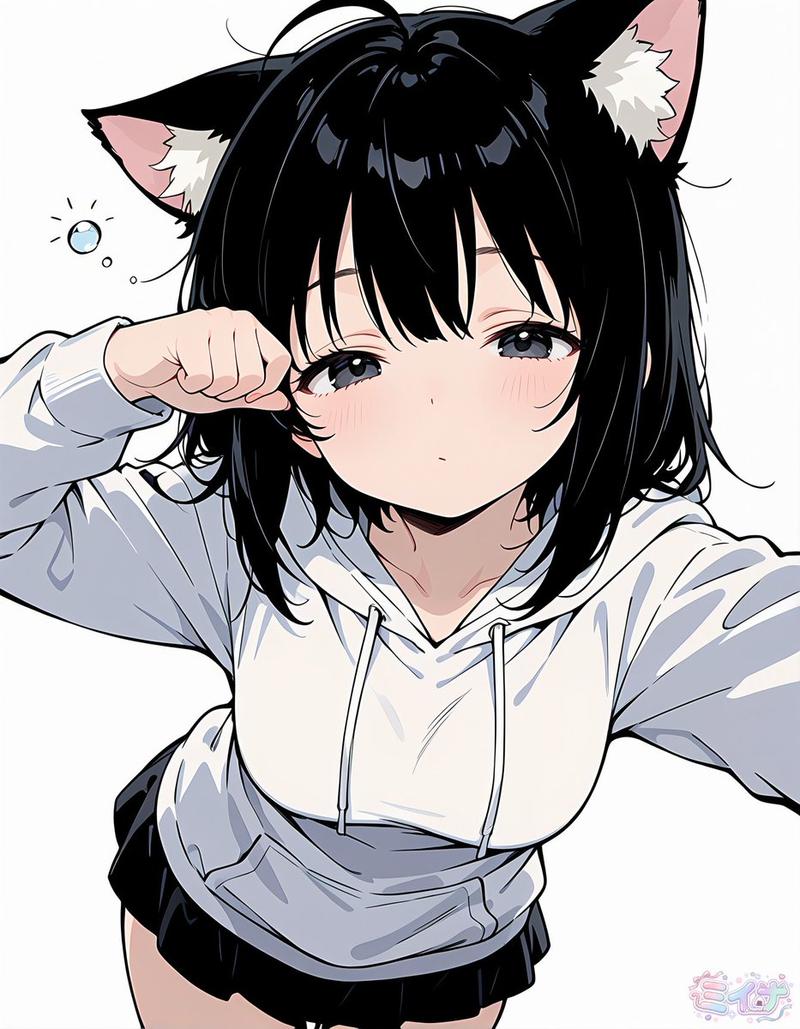
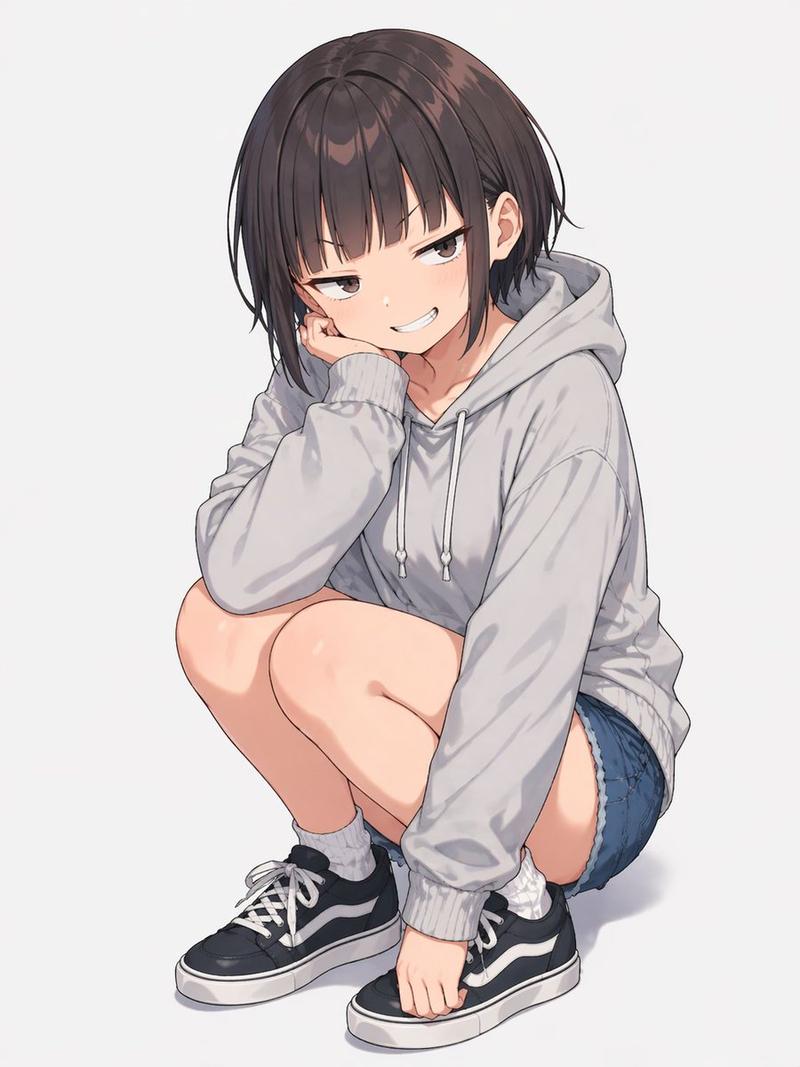
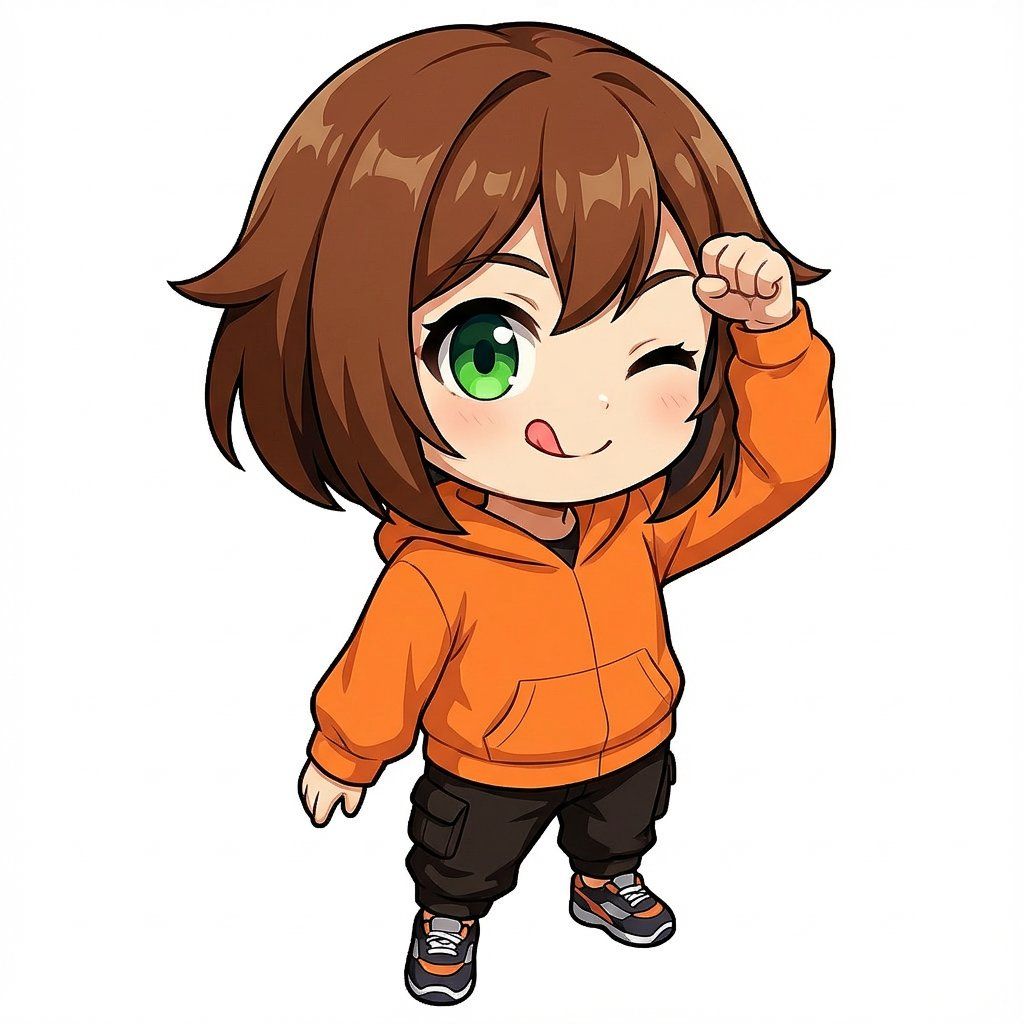
    description: "添付画像のちびキャラが、「テヘペロ」のポーズをしている"
    character_style:
      - "ちびキャラ"

  expression_and_pose:
    facial_expression:
      - "右目をウインクしている"
      - "舌は口の端から上向きに少し出ている(「てへぺろ」)"
    pose:
      - "右手の握りこぶしで、側頭部の真横の高い位置を、軽くコツンと叩く仕草をしている"
      - "左腕は下方向へまっすぐ伸ばしている"

  body_orientation:
    torso:
      - "体の正面がカメラに対して完全な正面ではなく、少し斜め(3/4気味)を向いている"

  gaze:
    direction: "カメラ目線"
    quality:
      - "やわらかい正面視線"
      - "見る人を見つめる"
      - "優しいアイコンタクト"

  camera_and_composition:
    angle:
      - "ハイアングル"
      - "上から見下ろすが、顔はしっかり見える"
    perspective:
      - "誇張した遠近感"
      - "強いフォアショートニング(手前が大きく、奥が小さく見える)"
    lens:
      focal_length_equivalent: "24mm相当"
      distance: "カメラは被写体に近い"
    framing:
      - "全身が入る"
      - "中央配置"
    background:
      - "シンプルな白背景"
Category
创意图片
Model
Nano Banana Pro
Views0
Source ID
38b1305f-57b1-4928-83b3-11b50af12e83
Published
Mar 8, 2026

Guide

About "Q 版角色“吐舌眨眼”姿势生成提示词"

What is this prompt for?

"Q 版角色“吐舌眨眼”姿势生成提示词" AI image prompt for Nano Banana Pro (创意图片). 一个详细的结构化提示,用于 Nano Banana Pro 生成一个摆出“Tehepero”姿势(眨眼并稍微伸出舌头)的 Q 版角色。它指定了面部表情、身体姿势、摄像机角度(高角度,24…

The full copyable prompt and example visuals above are ready for AI image generation or one-click recreate in Picva.

How to use this prompt

  1. Step 1

    Open the prompt detail

    Review the example visuals, category, and full prompt text for "Q 版角色“吐舌眨眼”姿势生成提示词".

  2. Step 2

    Copy the prompt

    Copy the prompt body from this page, or load it directly in Studio.

  3. Step 3

    Pick a model (Nano Banana Pro)

    Prefer Nano Banana Pro. If you switch models, keep subject and composition and tweak style terms.

  4. Step 4

    Generate and export

    Recreate the look in Picva, or export into your workflow for editing and publishing.

FAQ

What is the "Q 版角色“吐舌眨眼”姿势生成提示词" prompt?
It is an AI image-generation prompt for Nano Banana Pro in the 创意图片 category. This page includes the full prompt text, example visuals, and a one-click recreate path in Picva.
How do I use this prompt to generate an image?
Copy the prompt from this page, or use Generate / Studio. Paste it into a compatible image model, or recreate the look in Picva with optional reference images.
Which model is this prompt for?
This page lists Nano Banana Pro. Most descriptive prompts also transfer to nearby image models such as GPT Image, Flux, or Midjourney with light style tweaks.
Can I use the result commercially?
You can usually copy the prompt for creation, but commercial use of the final image depends on the model terms, reference-image rights, and the generated content. Follow the source author and platform rules.