20

狗咬胶产品摄影一致性(3 个场景)
Enlarge

狗咬胶产品摄影一致性(3 个场景)

Prompt
<prompt_1>
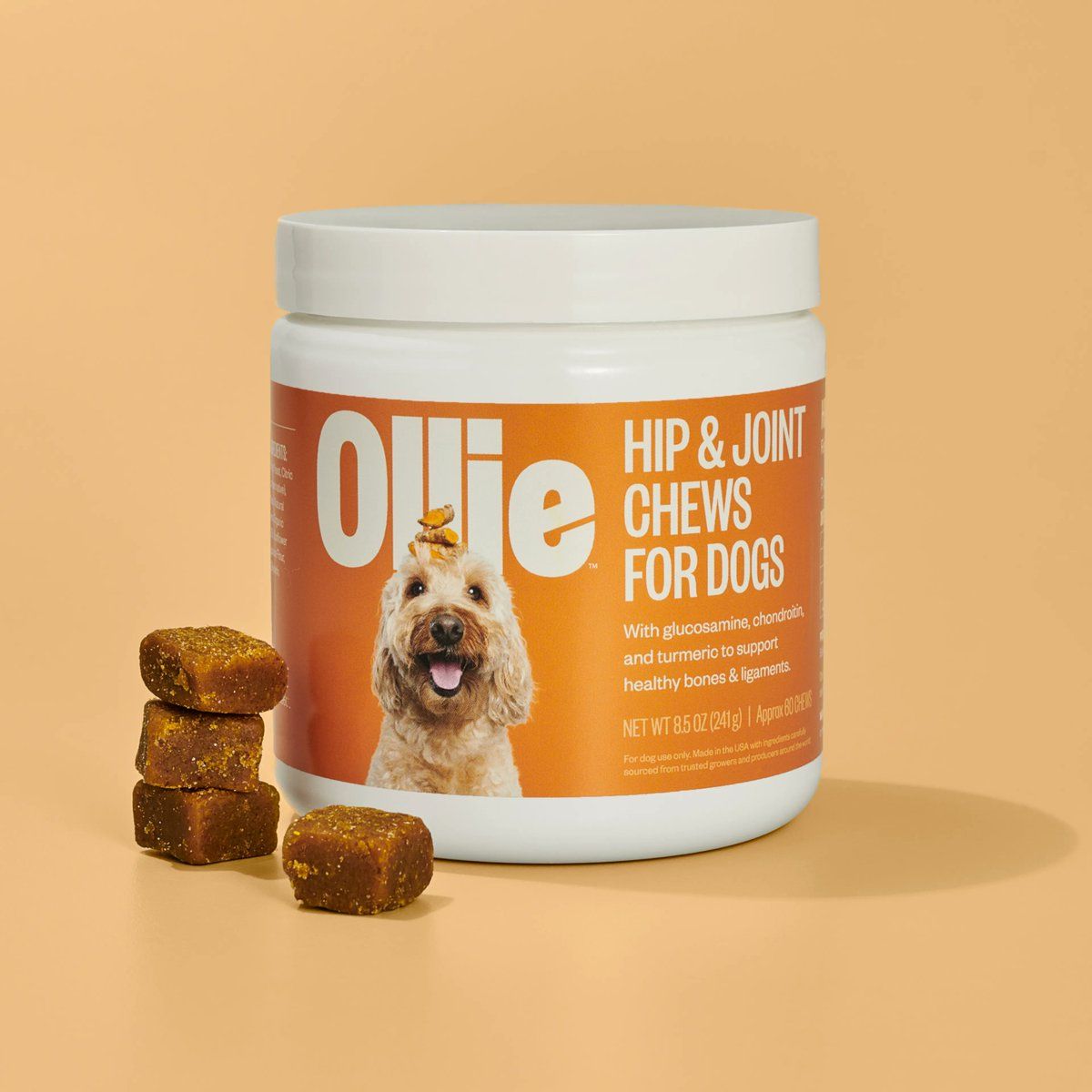
Close-up lifestyle photography, human hand offering golden brown dog chew to eager dog, white supplement jar with orange label softly blurred in background. Warm indoor setting, natural window light creating soft glow. Intimate bonding moment, shallow depth of field on treat and dog's face, warm orange and cream tones.
</prompt_1>

<prompt_2>
Lifestyle pet photography, happy dog sitting in sunny backyard grass, white supplement jar with orange label placed beside orange bowl filled with golden chews. Golden hour sunlight, warm natural tones. Healthy active lifestyle feel, shallow depth of field, authentic outdoor moment.
</prompt_2>

<prompt_3>
Lifestyle photography, hands unboxing delivery package revealing white supplement jar with orange label, excited dog sniffing curiously nearby. Kitchen counter setting, natural daylight. Authentic unboxing moment, warm tones, shallow depth of field on product reveal.
</prompt_3>
Category
创意图片
Model
Nano Banana Pro
Creator
Feliks
Views0
Source ID
37c043bf-c9ad-496b-a06d-3408217f87f4
Published
Mar 8, 2026

Guide

About "狗咬胶产品摄影一致性(3 个场景)"

What is this prompt for?

"狗咬胶产品摄影一致性(3 个场景)" AI image prompt for Nano Banana Pro (创意图片). 一组三个独特的提示,旨在为狗咬胶生成一致的生活方式产品照片,适用于产品页面。每个提示都描述了一个不同的场景(温馨的室内时刻、阳光明媚的后院、开箱展示),同时保持对产品罐的关注,并采用温暖、自…

The full copyable prompt and example visuals above are ready for AI image generation or one-click recreate in Picva.

How to use this prompt

  1. Step 1

    Open the prompt detail

    Review the example visuals, category, and full prompt text for "狗咬胶产品摄影一致性(3 个场景)".

  2. Step 2

    Copy the prompt

    Copy the prompt body from this page, or load it directly in Studio.

  3. Step 3

    Pick a model (Nano Banana Pro)

    Prefer Nano Banana Pro. If you switch models, keep subject and composition and tweak style terms.

  4. Step 4

    Generate and export

    Recreate the look in Picva, or export into your workflow for editing and publishing.

FAQ

What is the "狗咬胶产品摄影一致性(3 个场景)" prompt?
It is an AI image-generation prompt for Nano Banana Pro in the 创意图片 category. This page includes the full prompt text, example visuals, and a one-click recreate path in Picva.
How do I use this prompt to generate an image?
Copy the prompt from this page, or use Generate / Studio. Paste it into a compatible image model, or recreate the look in Picva with optional reference images.
Which model is this prompt for?
This page lists Nano Banana Pro. Most descriptive prompts also transfer to nearby image models such as GPT Image, Flux, or Midjourney with light style tweaks.
Can I use the result commercially?
You can usually copy the prompt for creation, but commercial use of the final image depends on the model terms, reference-image rights, and the generated content. Follow the source author and platform rules.