17

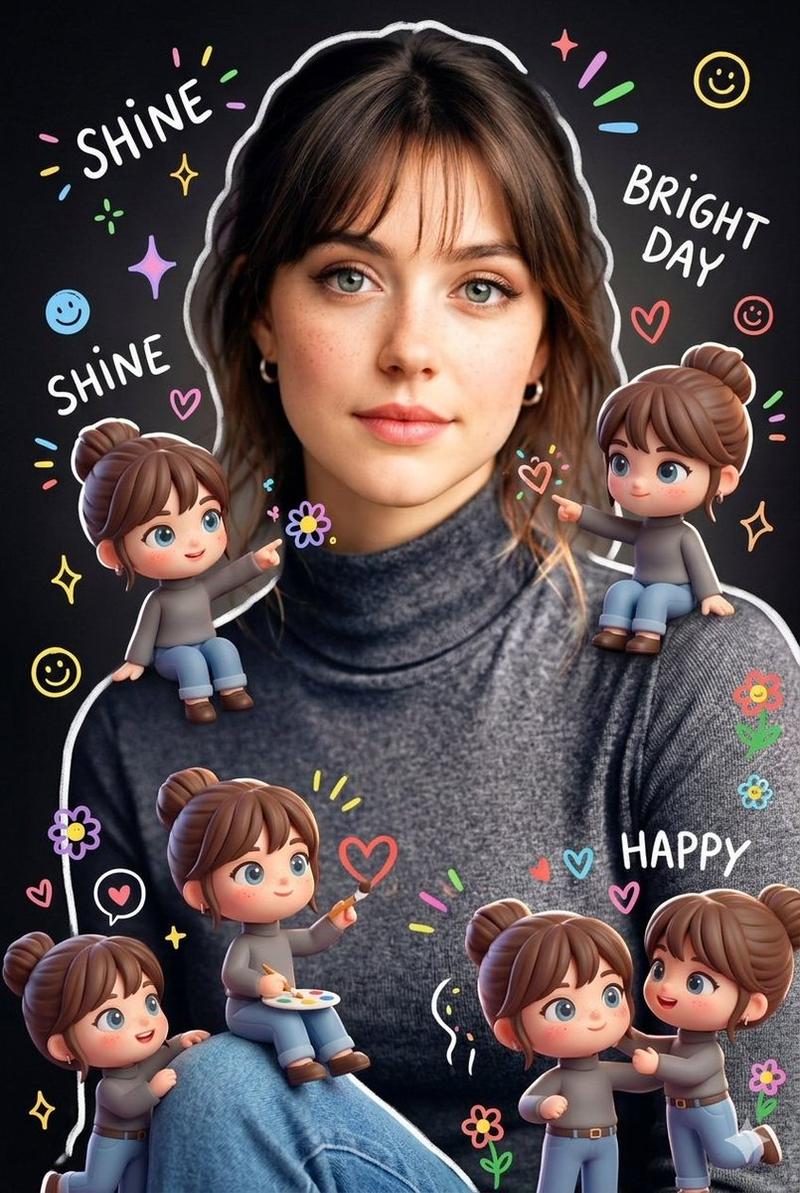
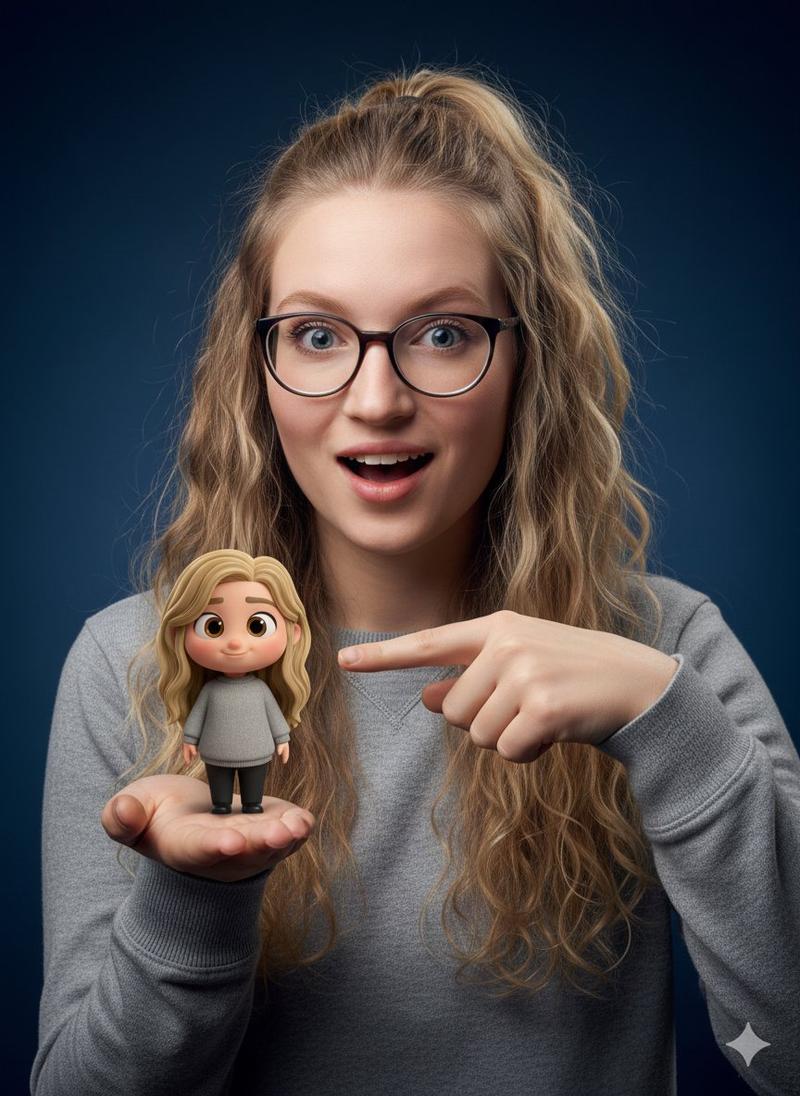
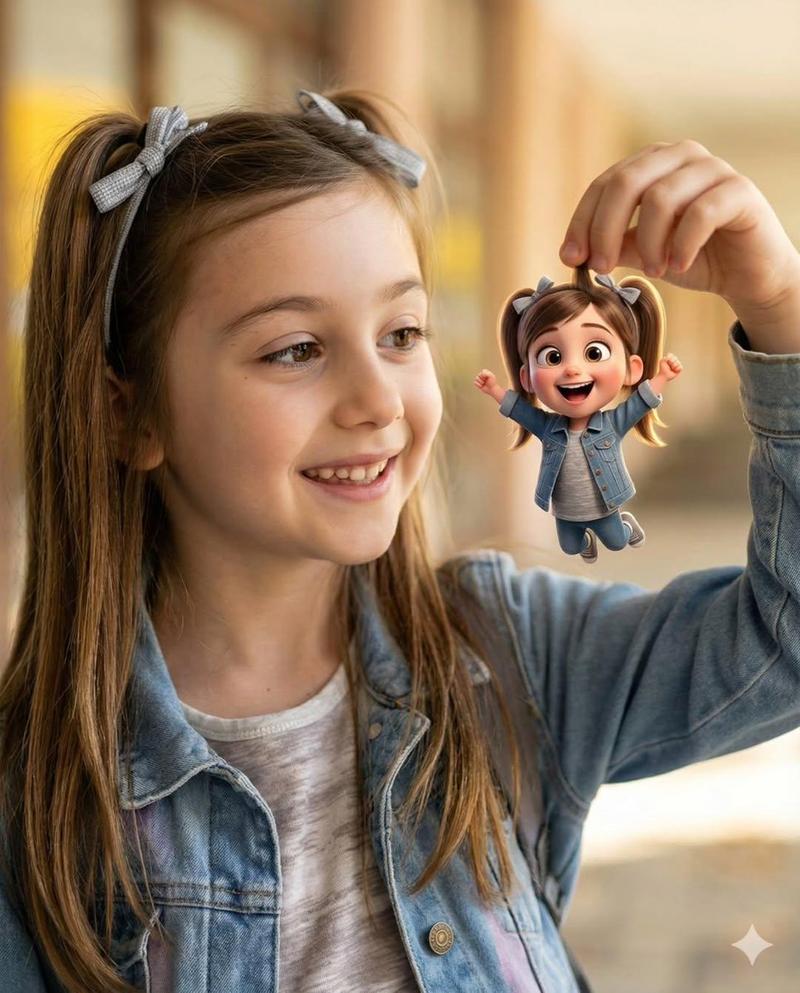
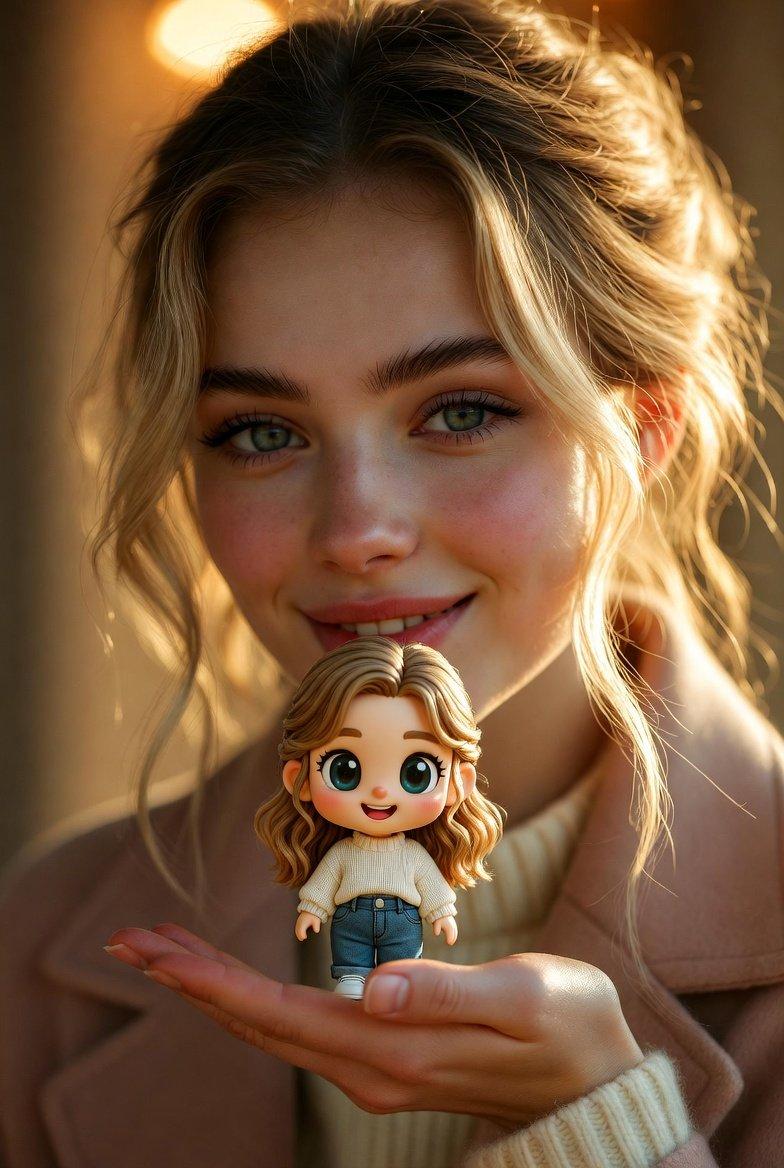
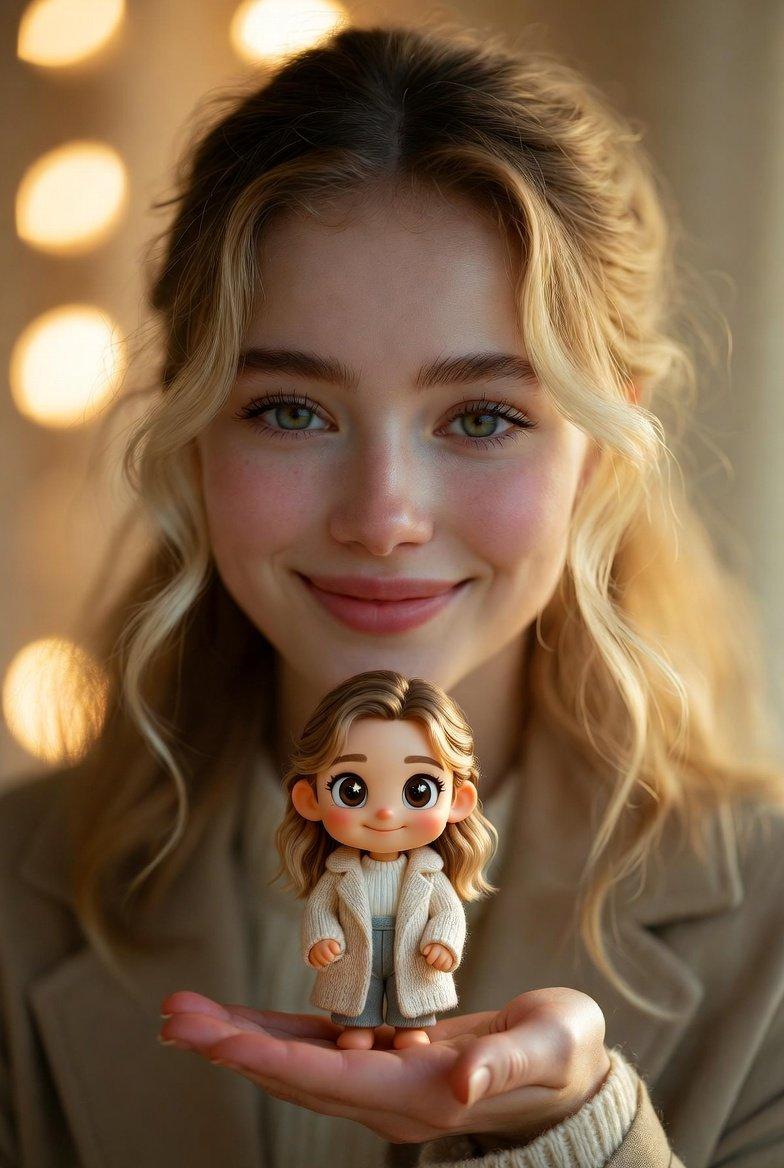
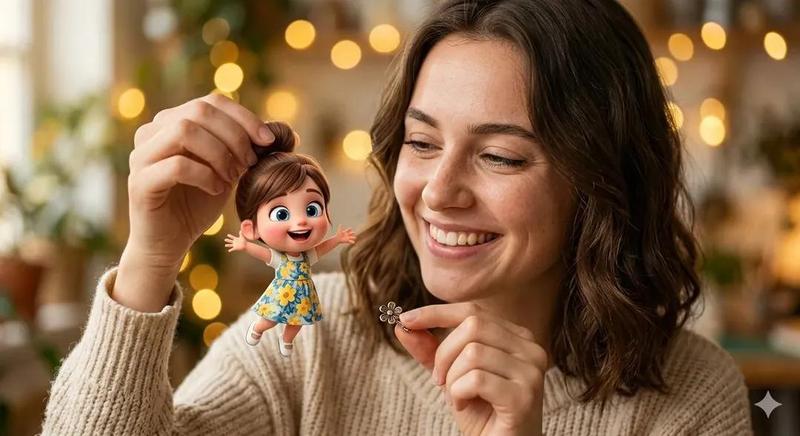
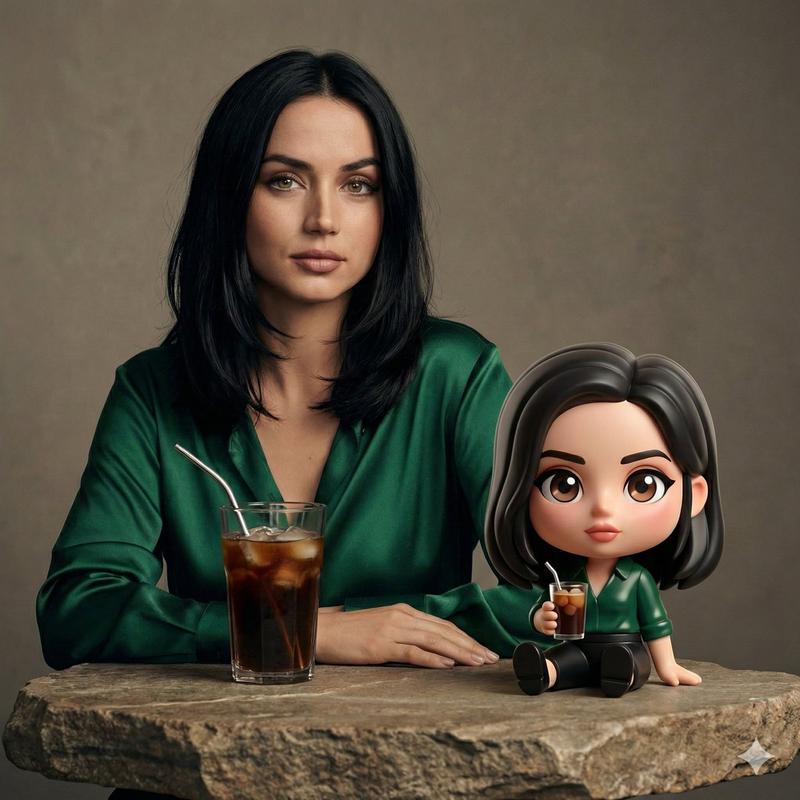
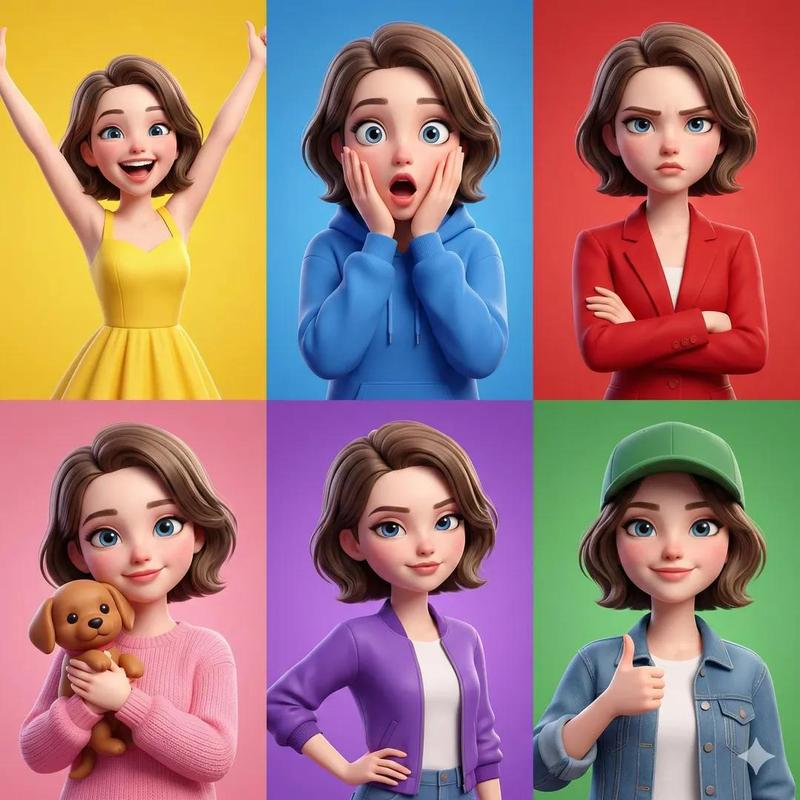
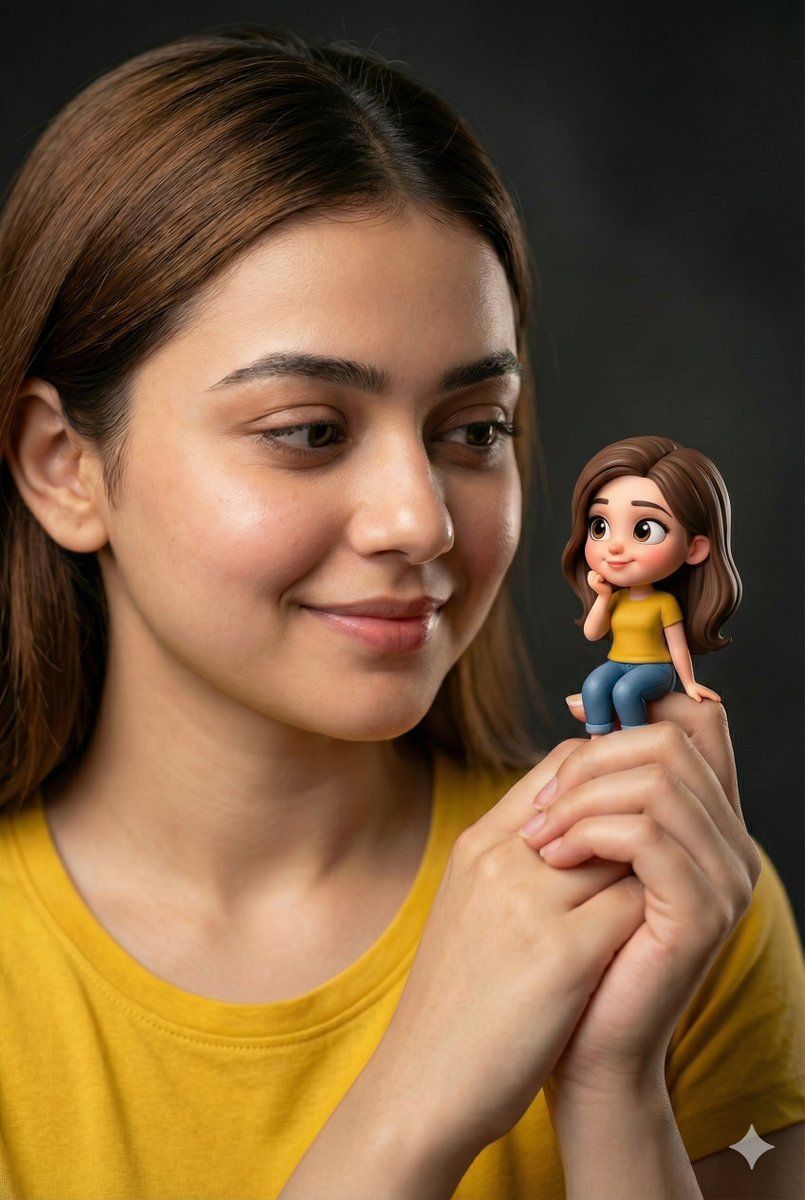
手持微型人偶的女性肖像提示
Enlarge

手持微型人偶的女性肖像提示

Prompt
{
  "subject": {
    "type": "portrait",
    "description": "Young woman with warm brown hair, natural makeup, freckles, and a gentle smile.",
    "clothing": {
      "item": "t-shirt",
      "color": "yellow"
    }
  },
  "object": {
    "type": "miniature figurine",
    "description": "Stylized, cartoon version of the woman with large, expressive eyes and brown hair.",
    "pose": "sitting with hands clasped",
    "clothing": {
      "shirt": "yellow t-shirt",
      "pants": "blue jeans"
    }
  },
  "action": {
    "description": "The woman is holding the miniature figurine in her clasped hands, looking at it with affection."
  },
  "lighting": {
    "type": "studio lighting",
    "quality": "soft, directional, highlighting textures"
  },
  "background": {
    "type": "studio backdrop",
    "color": "dark, blurred black/grey"
  }
}
Category
创意图片
Model
Nano Banana Pro
Views0
Source ID
46e94081-b0cf-4c7e-a778-6114338fec71
Published
Mar 8, 2026

Guide

About "手持微型人偶的女性肖像提示"

What is this prompt for?

"手持微型人偶的女性肖像提示" AI image prompt for Nano Banana Pro (创意图片). 一个结构化的提示,用于生成一张年轻女性的工作室肖像照,她手持一个迷你版的、卡通风格的自己的人偶。该提示详细说明了拍摄对象和人偶的外观、动作,以及工作室的灯光/背景,以营造出专注而充满爱意的画面。 -…

The full copyable prompt and example visuals above are ready for AI image generation or one-click recreate in Picva.

How to use this prompt

  1. Step 1

    Open the prompt detail

    Review the example visuals, category, and full prompt text for "手持微型人偶的女性肖像提示".

  2. Step 2

    Copy the prompt

    Copy the prompt body from this page, or load it directly in Studio.

  3. Step 3

    Pick a model (Nano Banana Pro)

    Prefer Nano Banana Pro. If you switch models, keep subject and composition and tweak style terms.

  4. Step 4

    Generate and export

    Recreate the look in Picva, or export into your workflow for editing and publishing.

FAQ

What is the "手持微型人偶的女性肖像提示" prompt?
It is an AI image-generation prompt for Nano Banana Pro in the 创意图片 category. This page includes the full prompt text, example visuals, and a one-click recreate path in Picva.
How do I use this prompt to generate an image?
Copy the prompt from this page, or use Generate / Studio. Paste it into a compatible image model, or recreate the look in Picva with optional reference images.
Which model is this prompt for?
This page lists Nano Banana Pro. Most descriptive prompts also transfer to nearby image models such as GPT Image, Flux, or Midjourney with light style tweaks.
Can I use the result commercially?
You can usually copy the prompt for creation, but commercial use of the final image depends on the model terms, reference-image rights, and the generated content. Follow the source author and platform rules.