梵高博物馆自拍提示词
Prompt
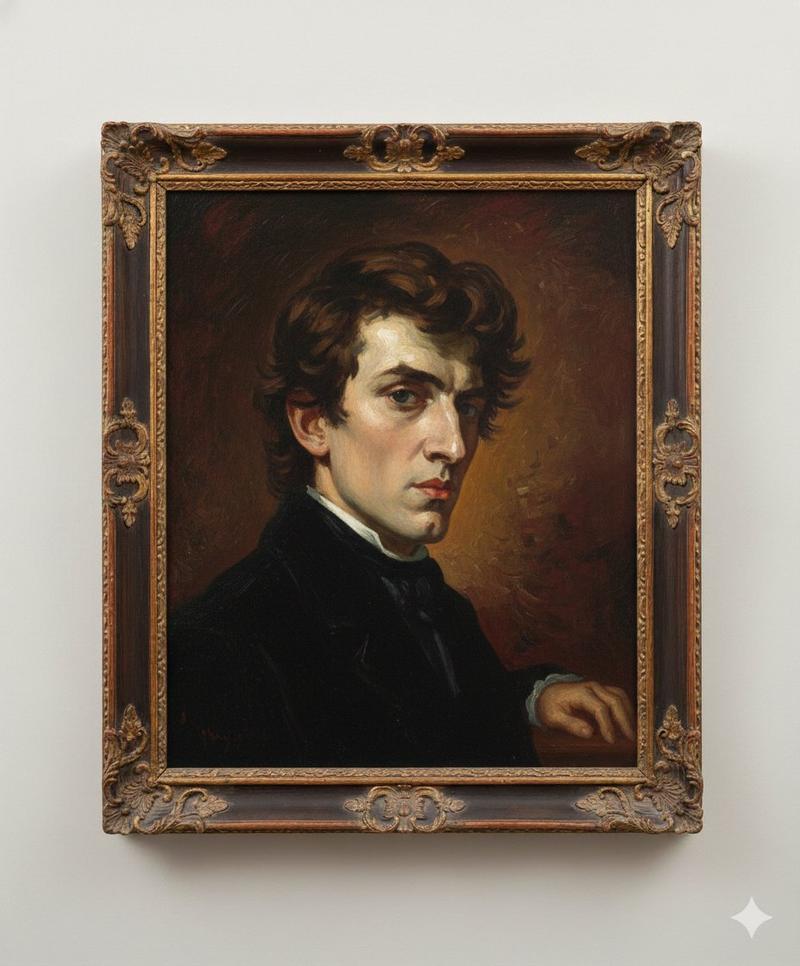
Model-ready prompt (use your uploaded image as reference for the framed painting):
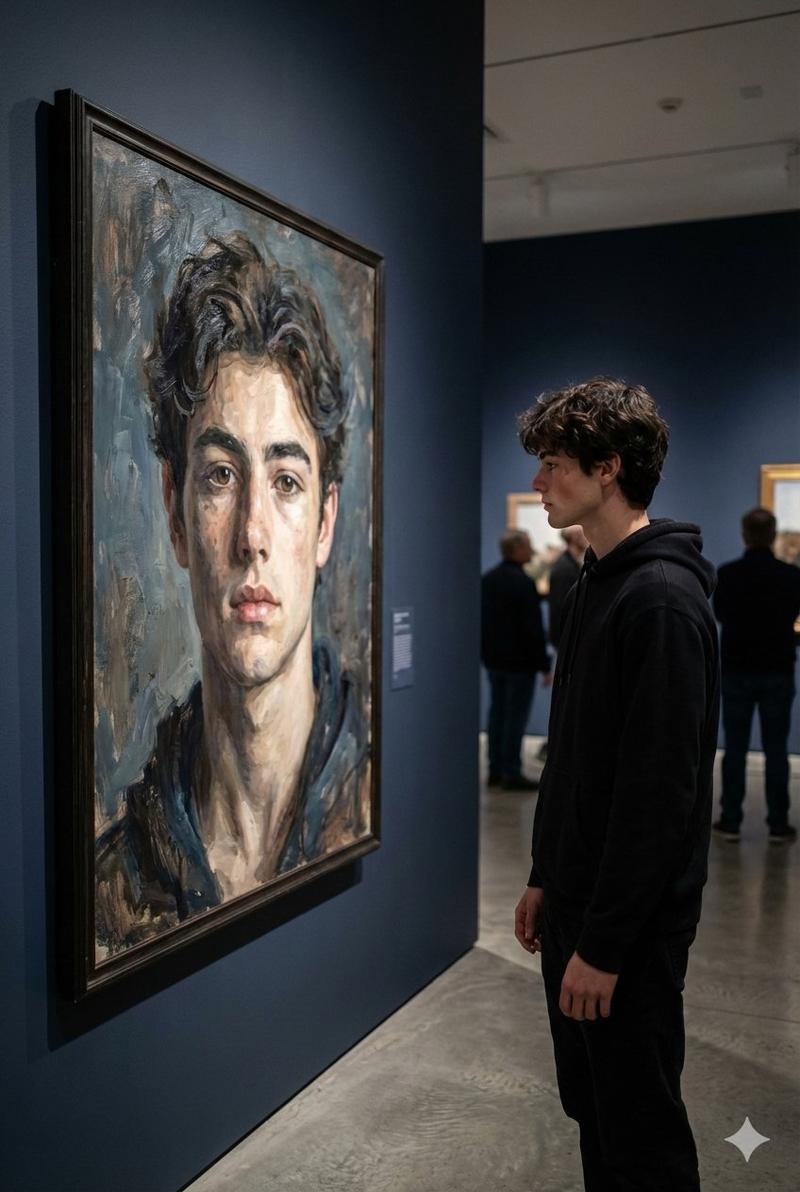
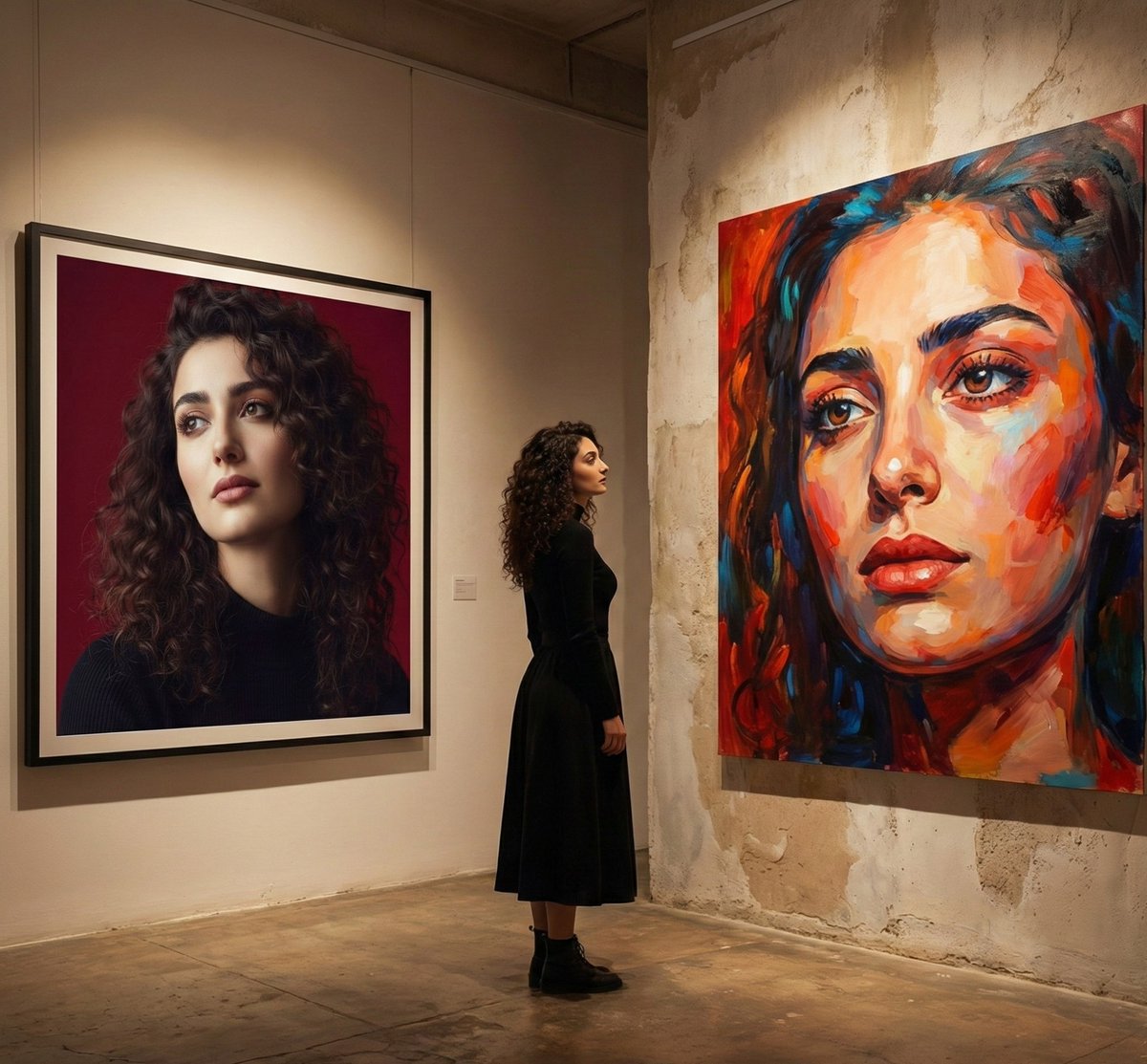
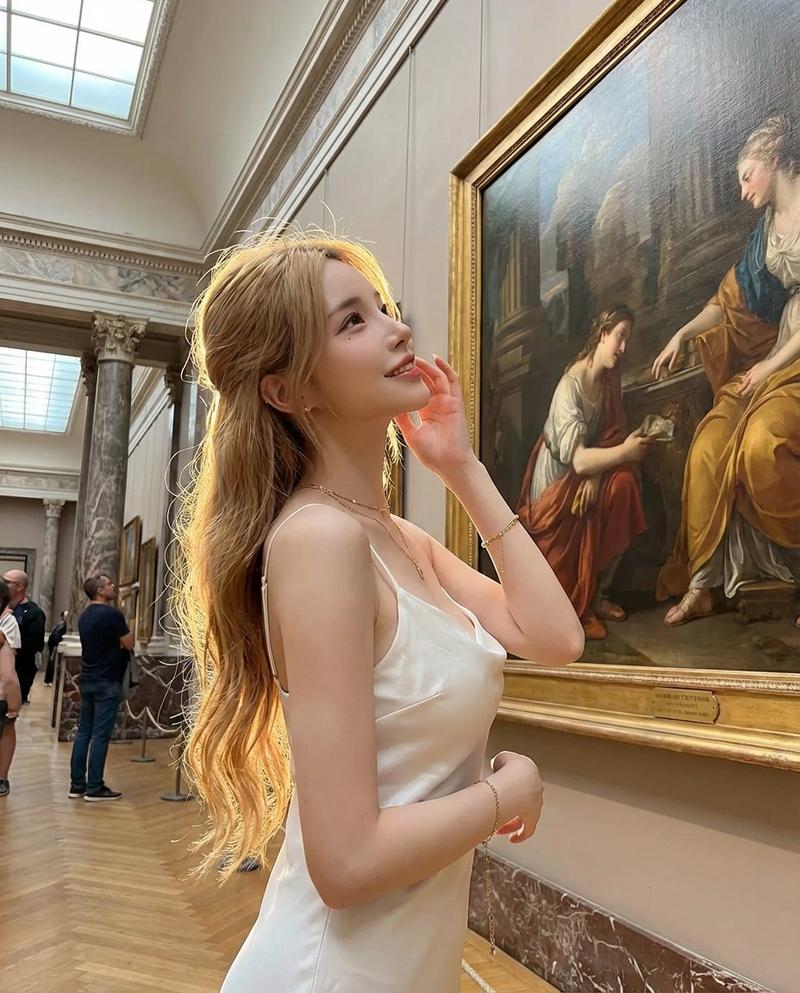
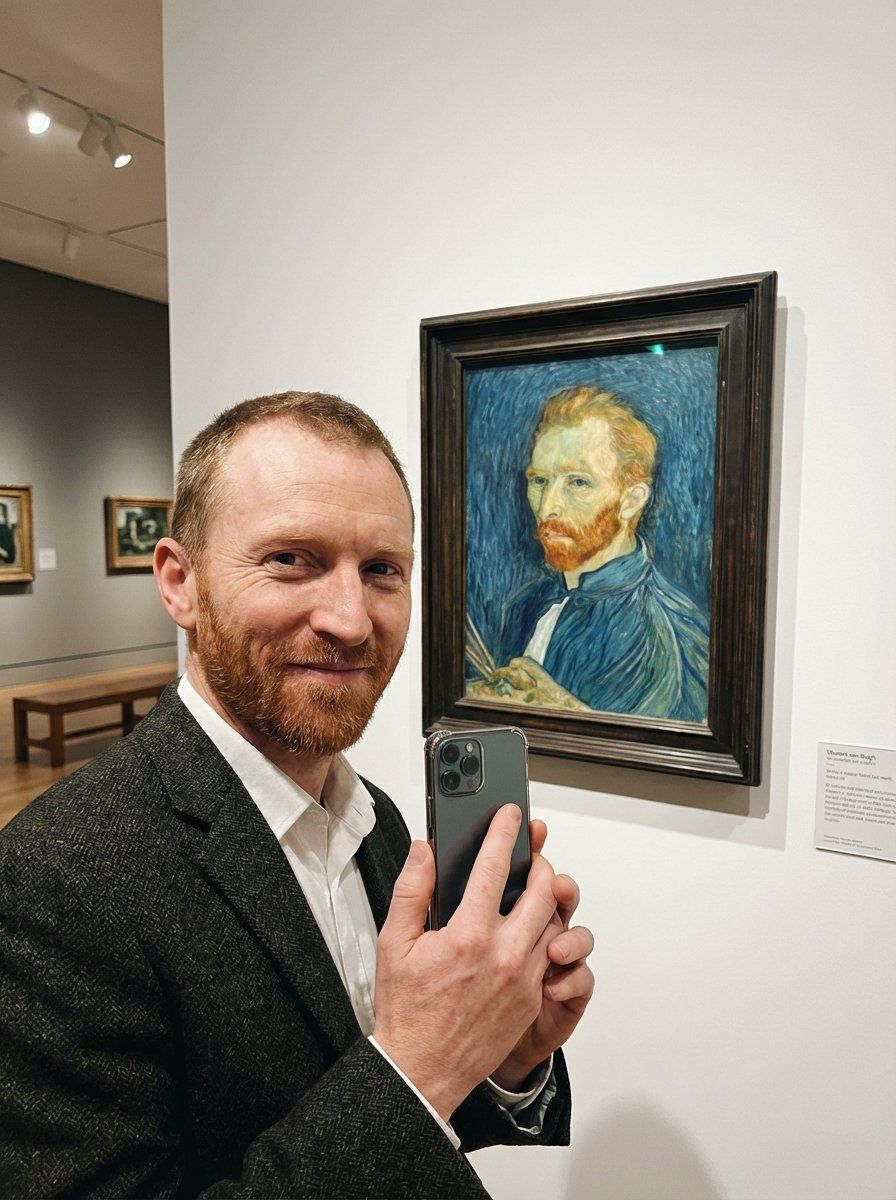
A candid smartphone selfie photo taken inside a quiet art museum gallery. Vincent van Gogh stands in the foreground at arm’s length holding a modern phone toward the camera, smiling warmly with bright eyes. He is positioned so that, right beside him on the wall, there’s a framed display of his own famous self-portrait (match the look/colors/brushwork of the reference image), clearly visible and recognizable behind glass. The museum setting includes a clean white wall, subtle placard label near the frame, soft ambient gallery lighting, and gentle reflections on the frame’s protective glass.
 Composition: vertical selfie framing, slightly wide-angle, his face close to lens, the framed painting fully in shot over his shoulder; natural perspective distortion typical of phone selfies.
 Wardrobe/appearance: 19th-century attire (simple jacket/coat), short reddish beard, neatly combed hair; expression friendly and proud.
 Lighting: soft diffused museum track lights, even exposure, mild highlight on face, realistic shadow falloff.
 Style: photorealistic modern phone photo with film grain, slight halation, subtle color noise, gentle vignette; crisp but not overly sharp, authentic candid moment.
 Camera cues: iPhone-like wide lens (≈24–26mm equivalent), f/1.8 look, shallow-to-moderate depth of field, slight motion micro-blur, realistic skin texture, accurate museum reflections.
Optional negative prompt:
painting/illustration look, heavy stylization, cartoon, warped face, extra fingers, deformed hands, duplicated phone, text artifacts, unreadable signage, watermark, logo, over-sharpening, HDR haloing, extreme blur, low-res, uncanny eyes, incorrect museum context
ar 3:4
- Category
- 创意图片
- Model
- Nano Banana Pro
- Creator
- Keskin
- Source ID
- 8e162f67-441a-42f9-8712-f7fa8697a2dd
- Published
- Mar 8, 2026
Views0