19

欧洲街头时尚镜面自拍提示词
Enlarge

欧洲街头时尚镜面自拍提示词

Prompt
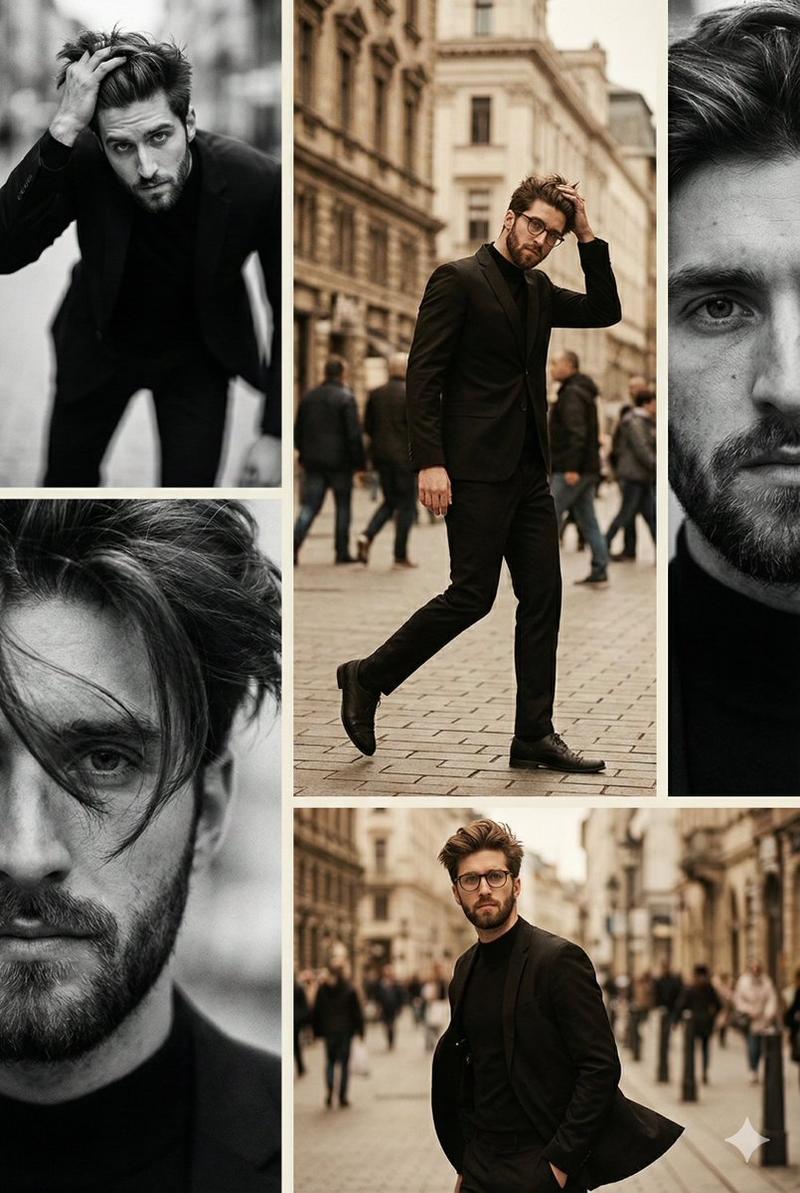
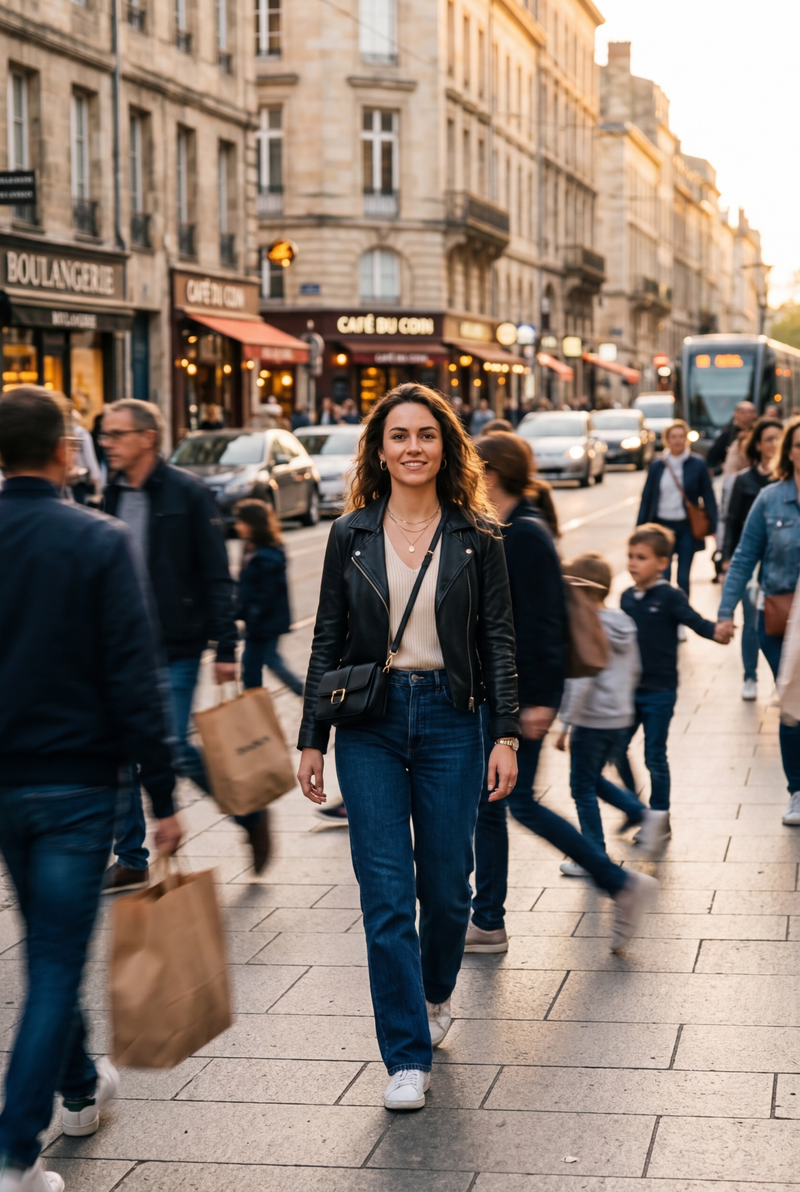
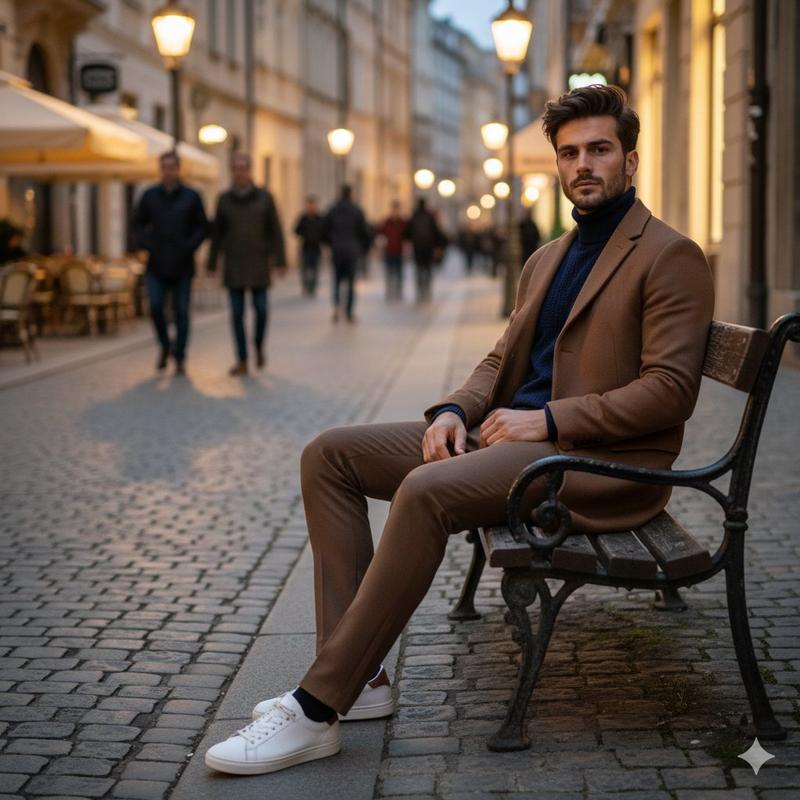
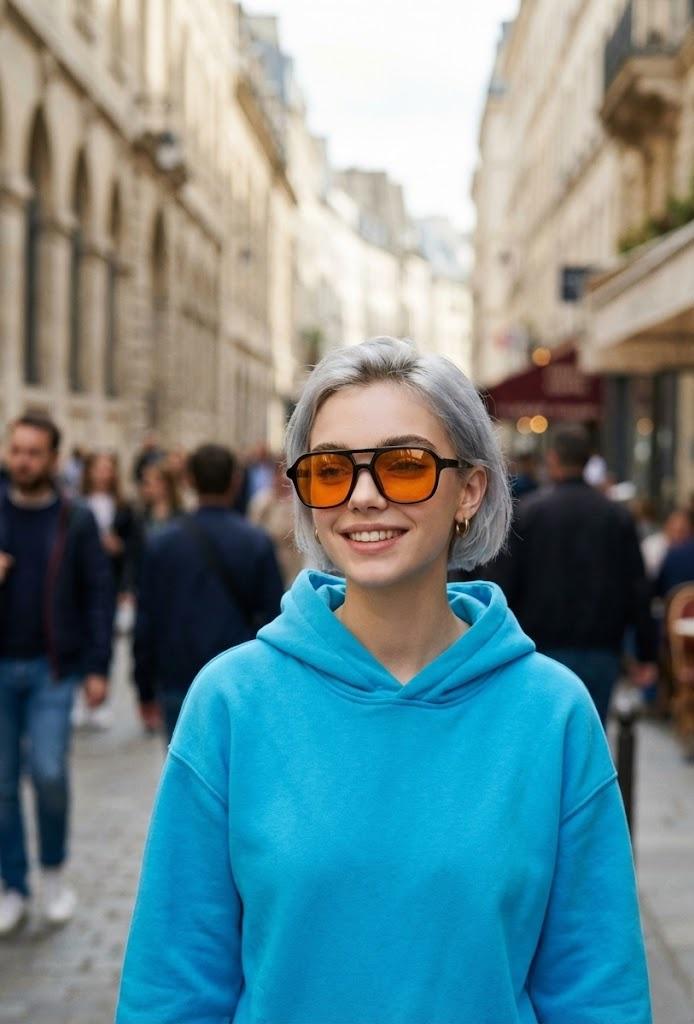
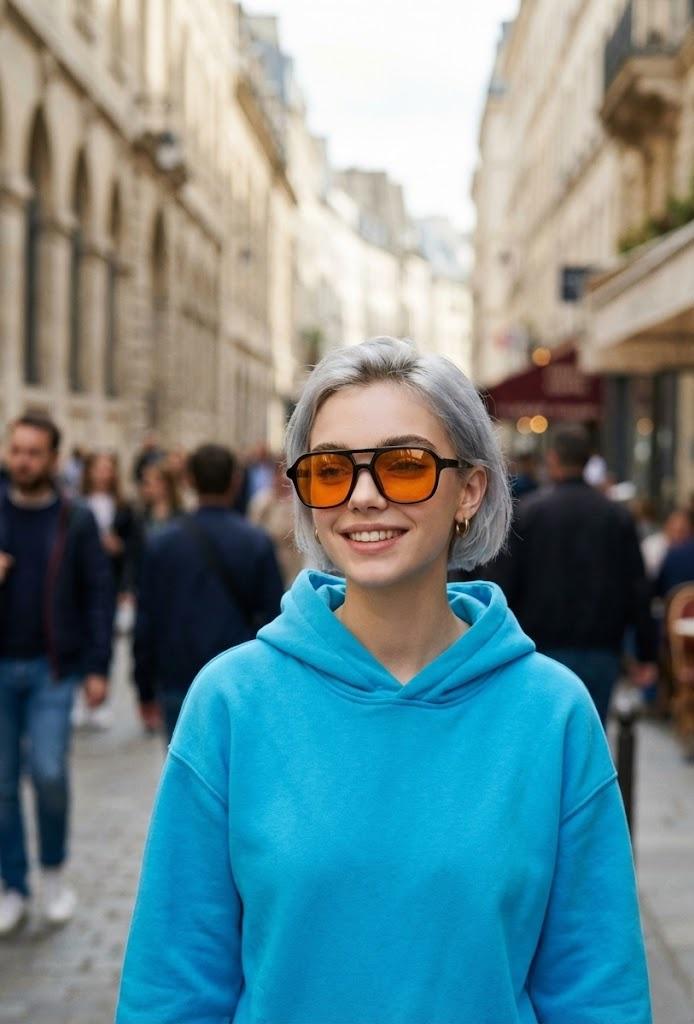
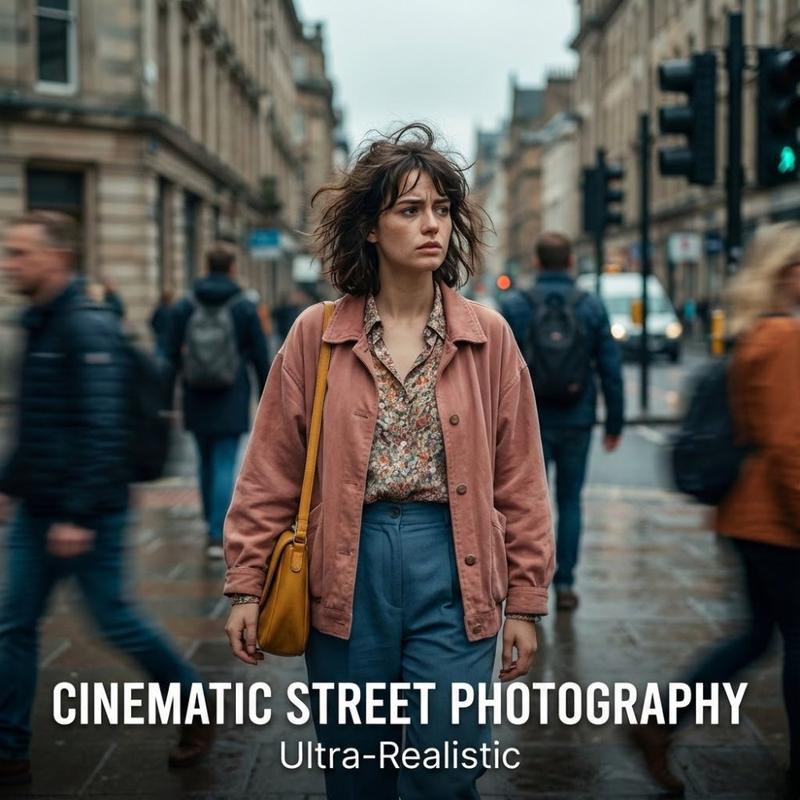
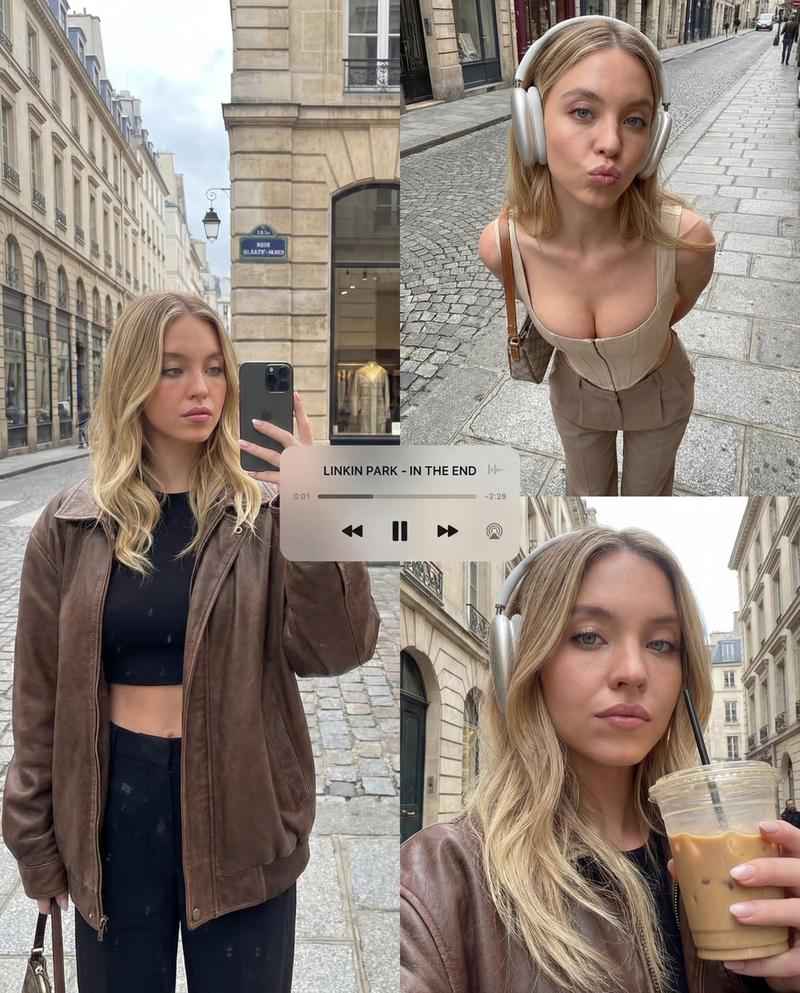
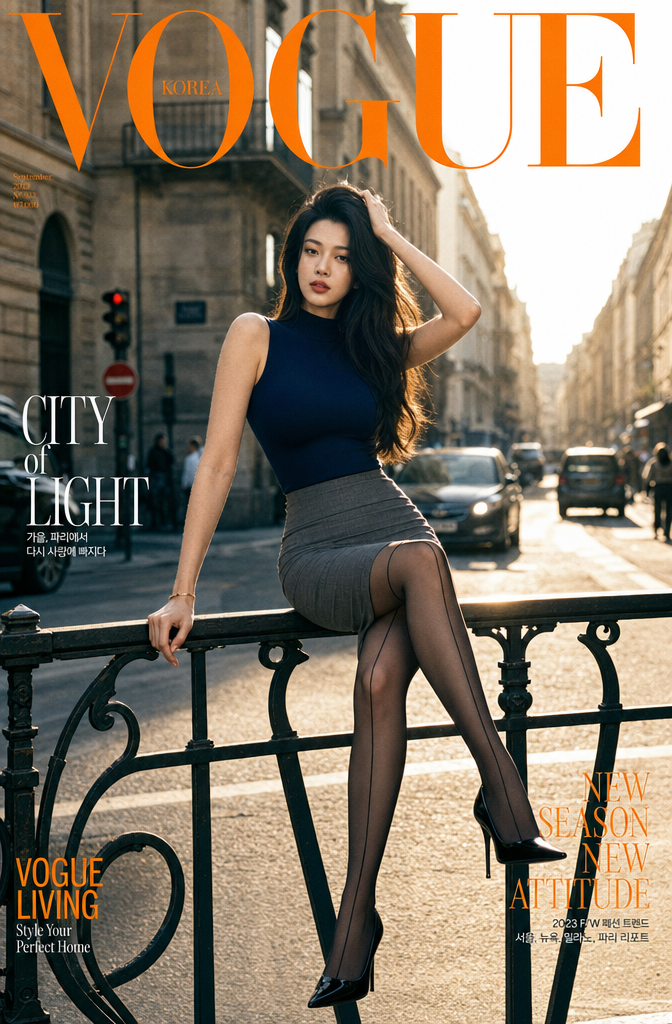
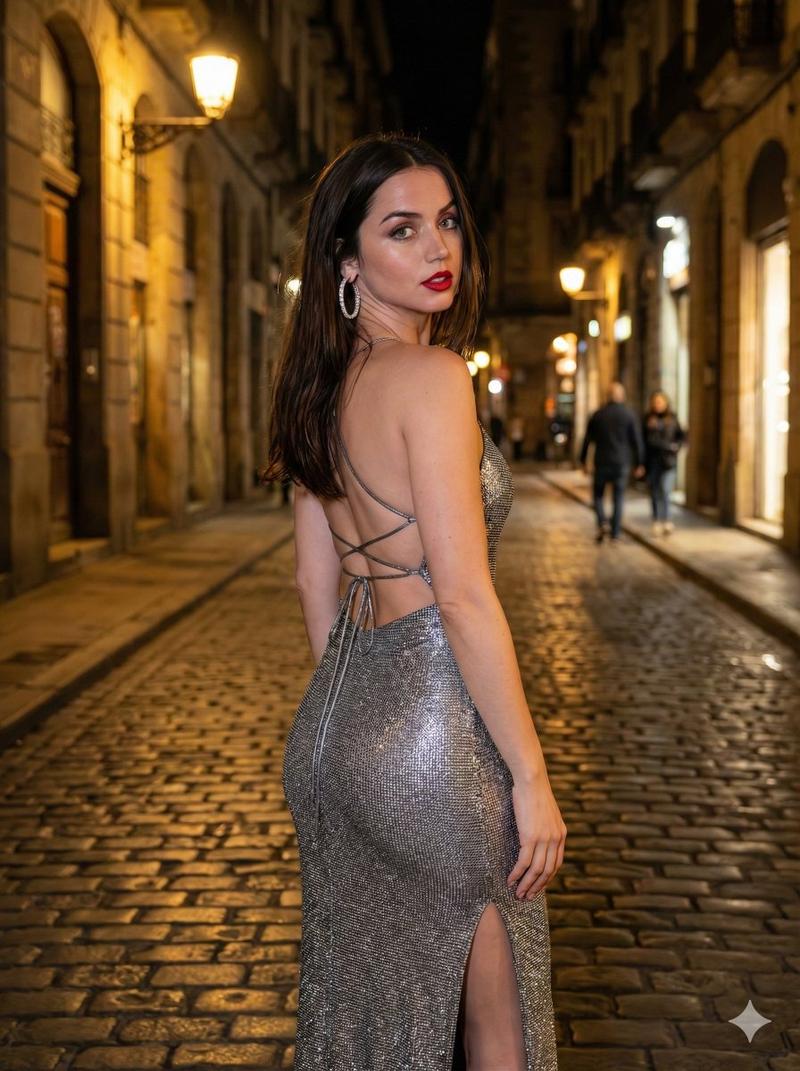
A stylish woman taking a mirror selfie on a European cobblestone street, wearing a {argument name="outerwear" default="brown tweed blazer"}, white shirt with a cream tie, wide-leg dark trousers, and brown leather shoes, accessorized with a brown newsboy cap and amber tinted aviator sunglasses, long dark wavy hair, holding a black smartphone in front of her face, vintage menswear inspired outfit, {argument name="color palette" default="autumn color palette"}, cinematic street photography, shallow depth of field, soft natural light, background of old European buildings and pedestrians slightly blurred, high fashion editorial look, {argument name="film style" default="35mm film style"}, realistic, high detail, muted tones, aesthetic composition.
Category
创意图片
Model
Nano Banana Pro
Creator
Aijaz
Views0
Source ID
de29d81d-7fe9-406d-8d64-0c78eefb8af5
Published
Mar 8, 2026

Guide

About "欧洲街头时尚镜面自拍提示词"

What is this prompt for?

"欧洲街头时尚镜面自拍提示词" AI image prompt for Nano Banana Pro (创意图片). 一个用于生成时尚大片编辑图片的提示词:一位时尚女性在欧洲鹅卵石街道上自拍镜子。提示词详细描述了复古男装风格的服装(粗花呢西装外套、领带、报童帽)、秋季调色板、35mm 胶片风格,以及浅景深以模糊旧建…

The full copyable prompt and example visuals above are ready for AI image generation or one-click recreate in Picva.

How to use this prompt

  1. Step 1

    Open the prompt detail

    Review the example visuals, category, and full prompt text for "欧洲街头时尚镜面自拍提示词".

  2. Step 2

    Copy the prompt

    Copy the prompt body from this page, or load it directly in Studio.

  3. Step 3

    Pick a model (Nano Banana Pro)

    Prefer Nano Banana Pro. If you switch models, keep subject and composition and tweak style terms.

  4. Step 4

    Generate and export

    Recreate the look in Picva, or export into your workflow for editing and publishing.

FAQ

What is the "欧洲街头时尚镜面自拍提示词" prompt?
It is an AI image-generation prompt for Nano Banana Pro in the 创意图片 category. This page includes the full prompt text, example visuals, and a one-click recreate path in Picva.
How do I use this prompt to generate an image?
Copy the prompt from this page, or use Generate / Studio. Paste it into a compatible image model, or recreate the look in Picva with optional reference images.
Which model is this prompt for?
This page lists Nano Banana Pro. Most descriptive prompts also transfer to nearby image models such as GPT Image, Flux, or Midjourney with light style tweaks.
Can I use the result commercially?
You can usually copy the prompt for creation, but commercial use of the final image depends on the model terms, reference-image rights, and the generated content. Follow the source author and platform rules.