19

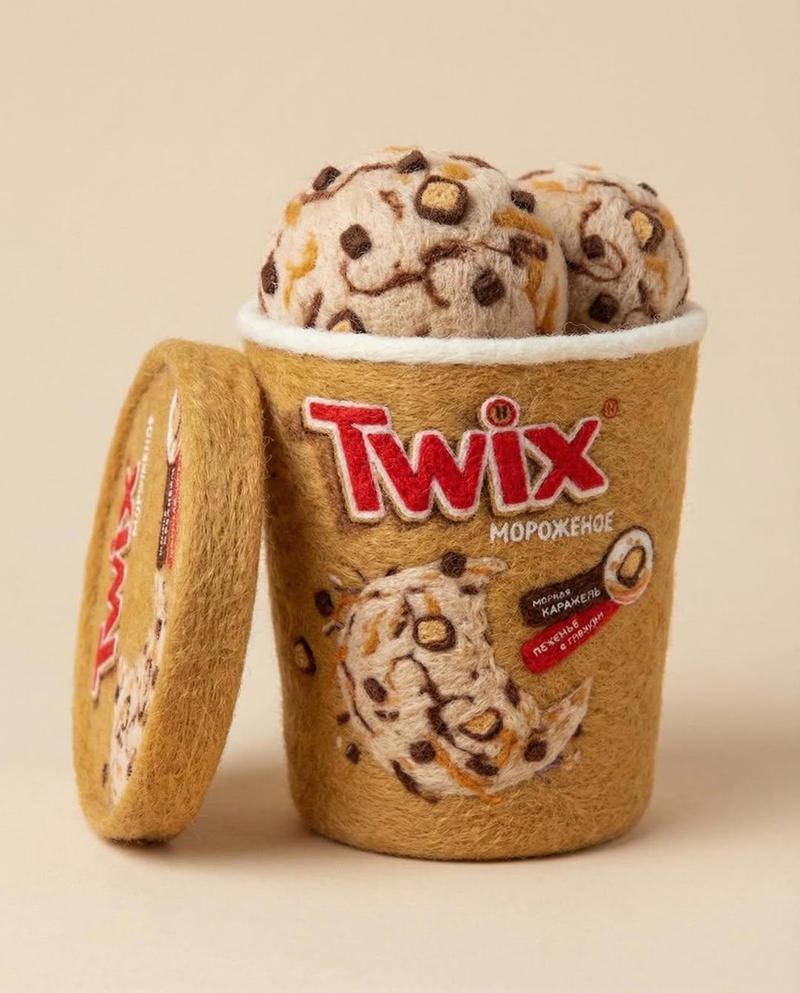
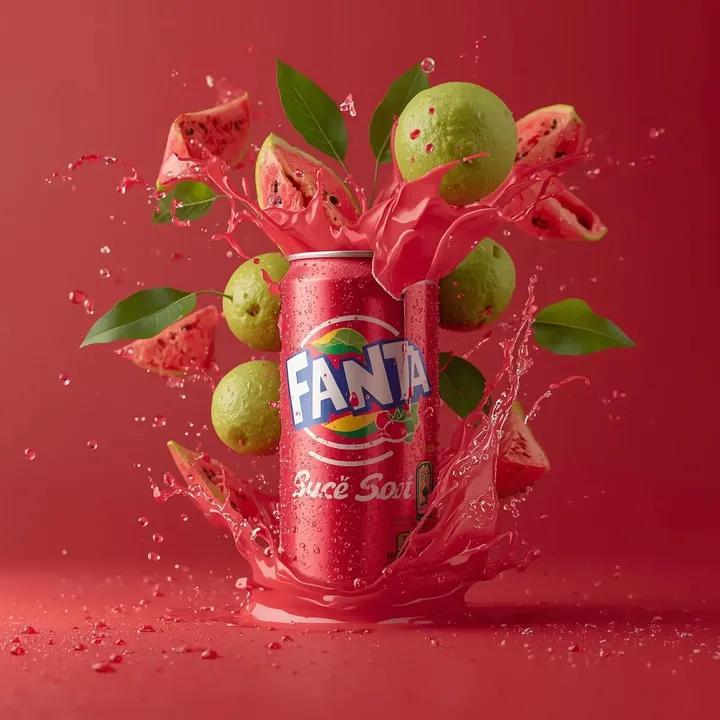
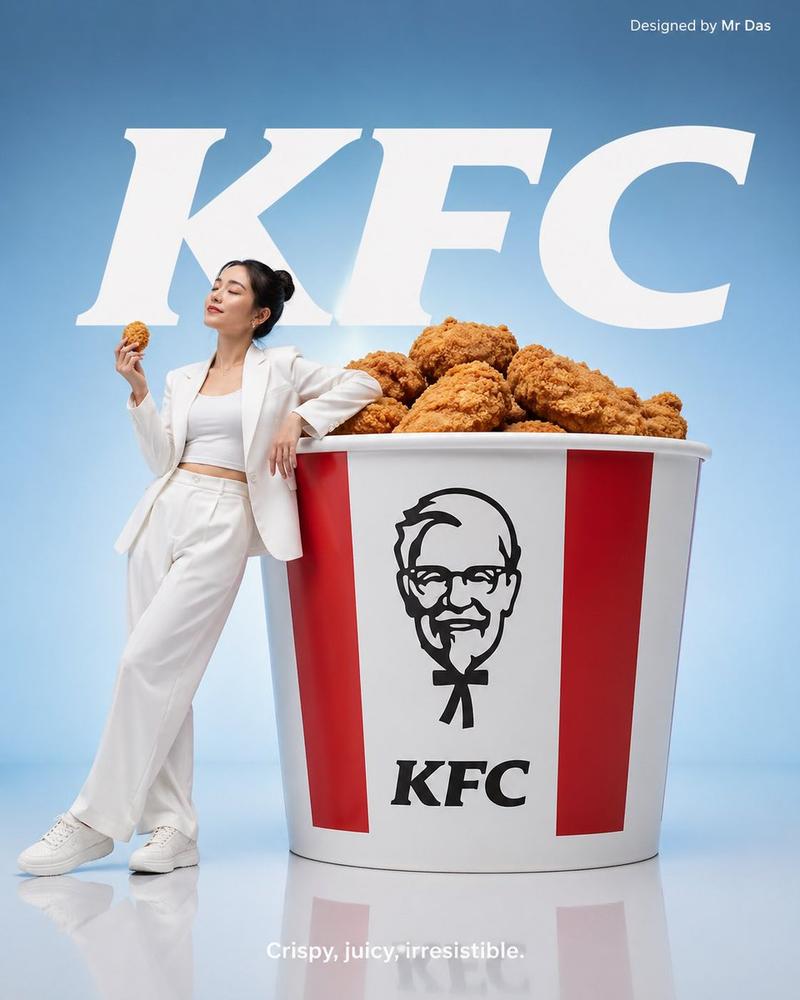
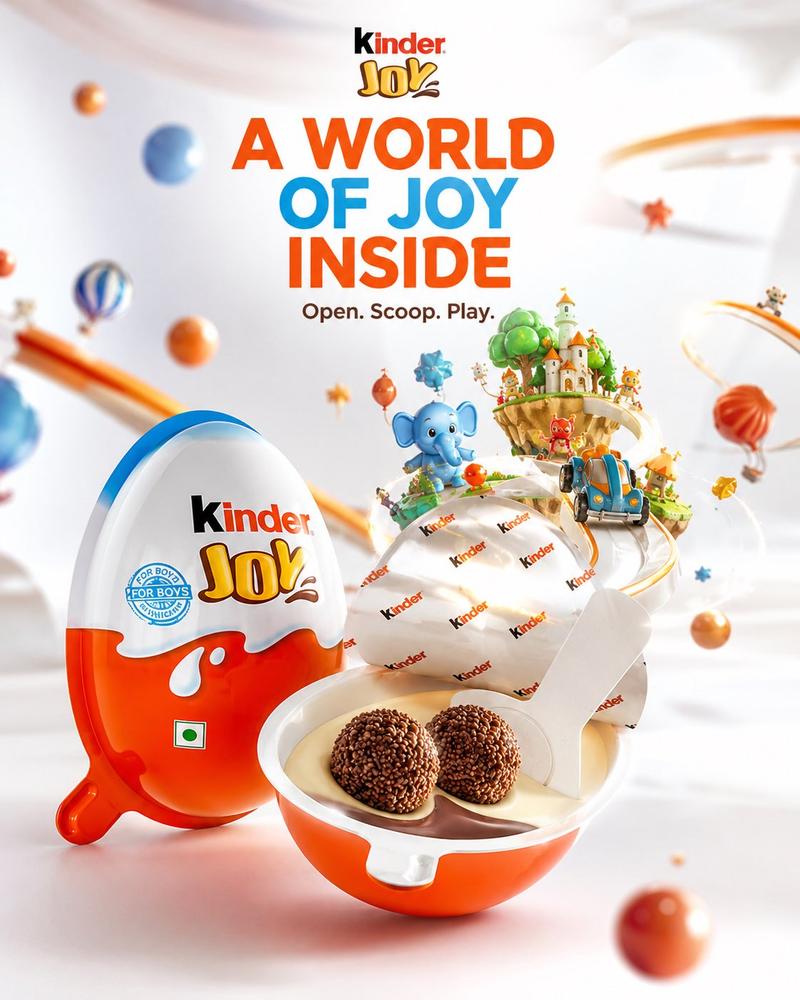
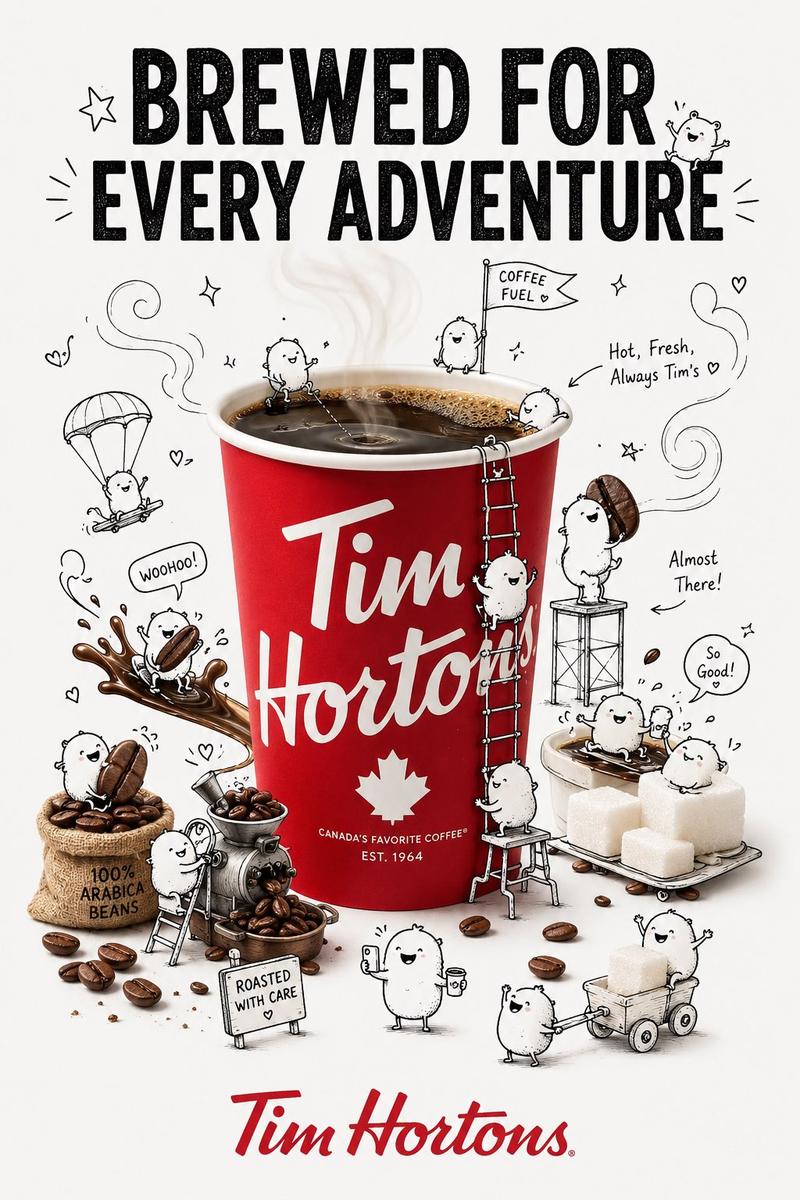
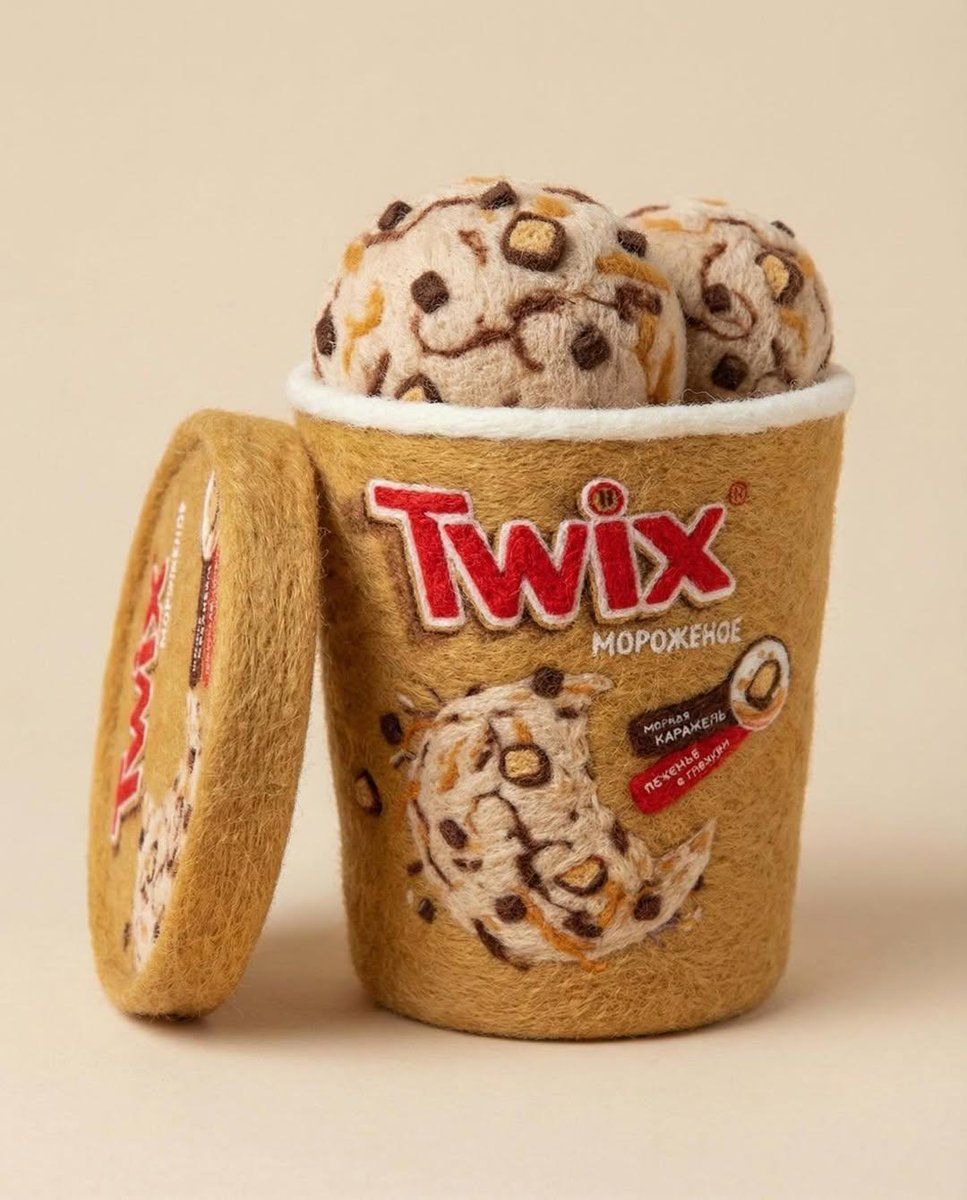
针毡产品雕塑的微距工作室照片
Enlarge

针毡产品雕塑的微距工作室照片

Prompt
{
  "prompt": "A realistic, needle-felted sculpture of a product from a photo, captured in a high-detail macro studio shot with a whimsical aesthetic.",
  "subject": {
    "type": "Needle-felted sculpture",
    "based_on": "{argument name="product source" default="User-provided product photograph"}",
    "material": "Soft wool felt",
    "attributes": [
      "Fluffy textures",
      "Hand-felted details",
      "Soft edges",
      "Cozy appearance",
      "3D look"
    ]
  },
  "photography": {
    "shot_type": "Studio shot",
    "focus": "Macro focus",
    "detail_level": "High detail"
  },
  "lighting": {
    "type": "Soft, diffused lighting",
    "mood": "Warm and gentle"
  },
  "setting": {
    "background": "Minimal, solid pastel color"
  },
  "aesthetics": {
    "overall_style": "Whimsical and charming"
  },
  "parameters": {
    "aspect_ratio": "4:5"
  }
}
Category
创意图片
Model
Nano Banana Pro
Views0
Source ID
92f67d83-1f4f-4c71-9326-faec3c1d909e
Published
Mar 8, 2026

Guide

About "针毡产品雕塑的微距工作室照片"

What is this prompt for?

"针毡产品雕塑的微距工作室照片" AI image prompt for Nano Banana Pro (创意图片). 生成逼真、异想天开的微距工作室照片的提示,内容为基于用户提供的产品照片制作的针毡雕塑,强调蓬松的质感、柔和的灯光和高细节。 --- ```json { "prompt": "一张逼真的、针毡工艺的…

The full copyable prompt and example visuals above are ready for AI image generation or one-click recreate in Picva.

How to use this prompt

  1. Step 1

    Open the prompt detail

    Review the example visuals, category, and full prompt text for "针毡产品雕塑的微距工作室照片".

  2. Step 2

    Copy the prompt

    Copy the prompt body from this page, or load it directly in Studio.

  3. Step 3

    Pick a model (Nano Banana Pro)

    Prefer Nano Banana Pro. If you switch models, keep subject and composition and tweak style terms.

  4. Step 4

    Generate and export

    Recreate the look in Picva, or export into your workflow for editing and publishing.

FAQ

What is the "针毡产品雕塑的微距工作室照片" prompt?
It is an AI image-generation prompt for Nano Banana Pro in the 创意图片 category. This page includes the full prompt text, example visuals, and a one-click recreate path in Picva.
How do I use this prompt to generate an image?
Copy the prompt from this page, or use Generate / Studio. Paste it into a compatible image model, or recreate the look in Picva with optional reference images.
Which model is this prompt for?
This page lists Nano Banana Pro. Most descriptive prompts also transfer to nearby image models such as GPT Image, Flux, or Midjourney with light style tweaks.
Can I use the result commercially?
You can usually copy the prompt for creation, but commercial use of the final image depends on the model terms, reference-image rights, and the generated content. Follow the source author and platform rules.