19

韩剧浪漫湖畔拥抱提示词
Enlarge

韩剧浪漫湖畔拥抱提示词

Prompt
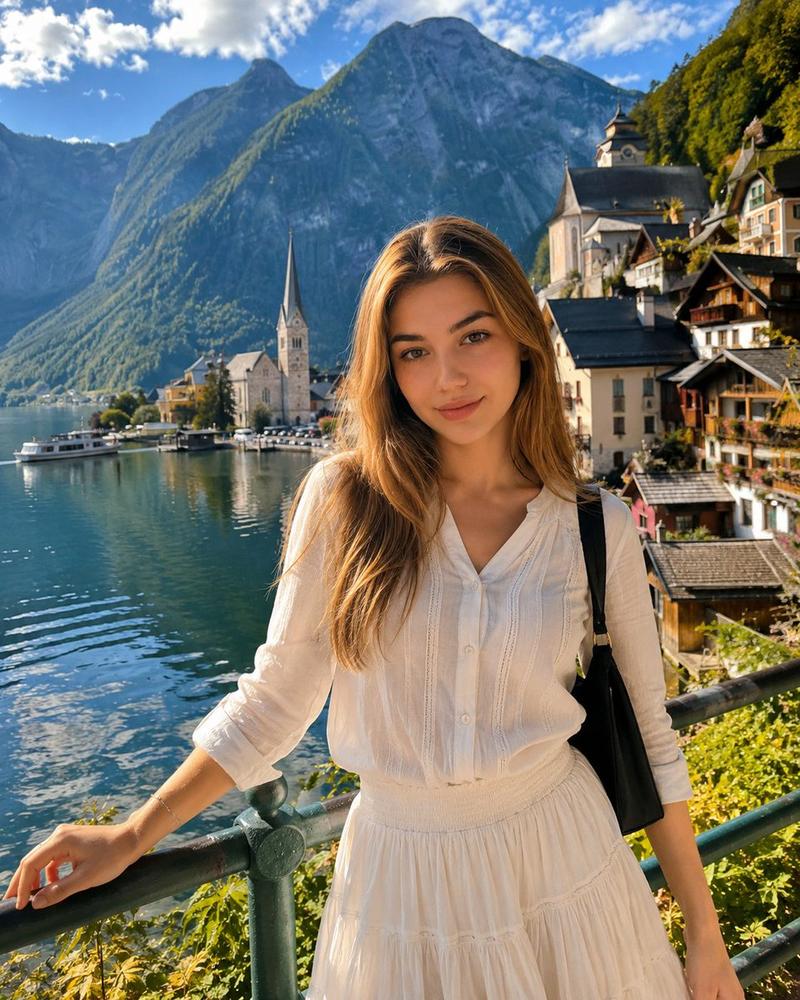
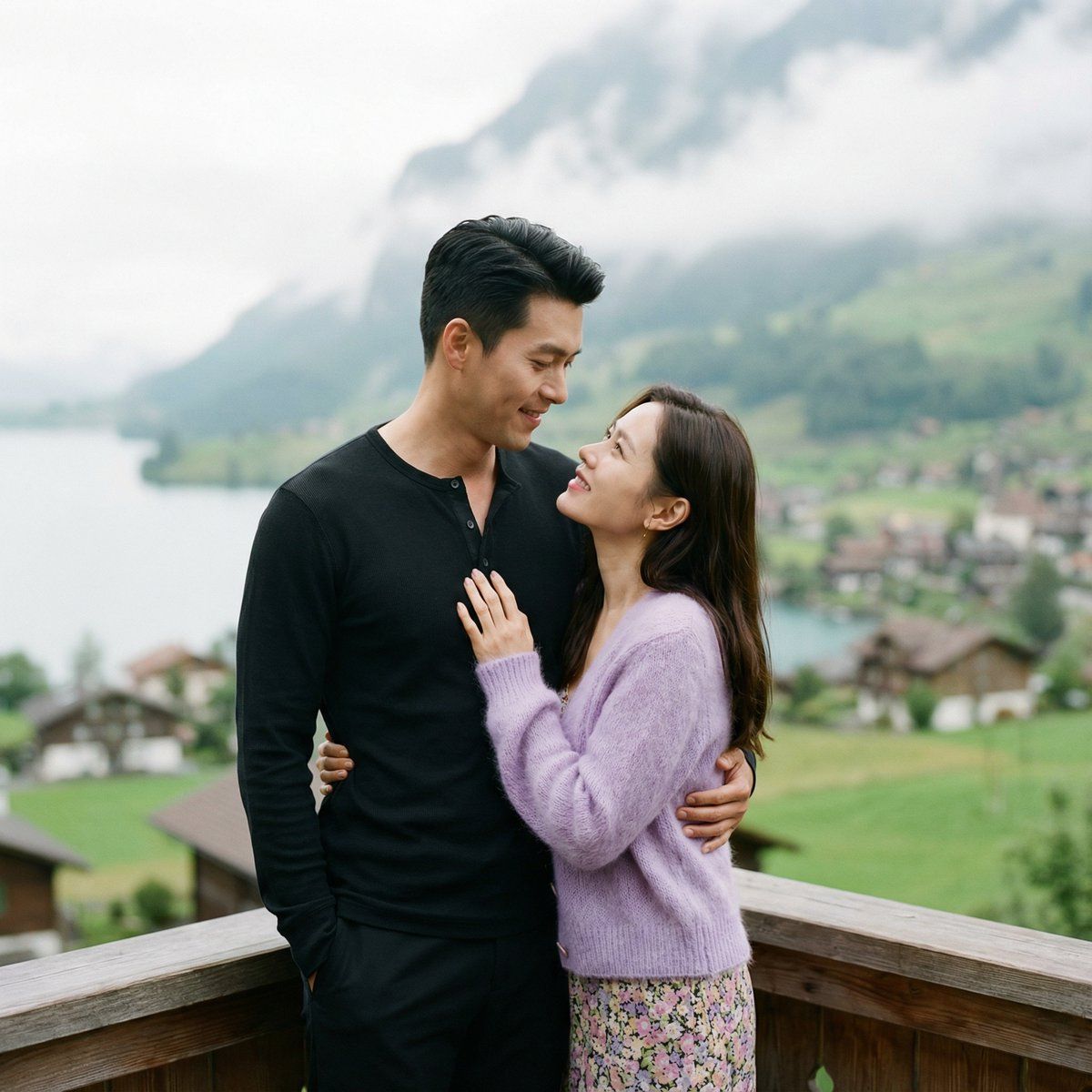
A romantic Asian couple in an intimate embrace at a scenic lakeside terrace, tall handsome Korean man with short black hair styled up, wearing black henley long-sleeve shirt and black pants, looking down lovingly at the woman, beautiful Korean woman with long brown hair, wearing {argument name="cardigan color" default="lavender purple"} fuzzy mohair cardigan over floral print dress, looking up at him with adoring smile, his arm around her waist, her hands on his chest, wooden railing in foreground, stunning Swiss lake scenery with misty mountains and green meadows in background, soft overcast natural lighting, K-drama romantic scene aesthetic, cinematic composition, shallow depth of field with bokeh background, warm emotional atmosphere, film still quality, 85mm portrait lens, natural color grading.
Category
创意图片
Model
Nano Banana Pro
Creator
Willy
Views0
Source ID
b285888b-25a1-409a-8fc9-ae07aebc37a3
Published
Mar 8, 2026

Guide

About "韩剧浪漫湖畔拥抱提示词"

What is this prompt for?

"韩剧浪漫湖畔拥抱提示词" AI image prompt for Nano Banana Pro (创意图片). 一个详细的提示,用于生成一个电影般的、浪漫的韩剧风格场景:一对韩国情侣在湖畔露台上深情拥抱,强调特定的服装、表情,以及一个带有薄雾山脉和柔和阴天光线的瑞士湖泊背景。 --- 一对浪漫的亚洲情侣在风景优美…

The full copyable prompt and example visuals above are ready for AI image generation or one-click recreate in Picva.

How to use this prompt

  1. Step 1

    Open the prompt detail

    Review the example visuals, category, and full prompt text for "韩剧浪漫湖畔拥抱提示词".

  2. Step 2

    Copy the prompt

    Copy the prompt body from this page, or load it directly in Studio.

  3. Step 3

    Pick a model (Nano Banana Pro)

    Prefer Nano Banana Pro. If you switch models, keep subject and composition and tweak style terms.

  4. Step 4

    Generate and export

    Recreate the look in Picva, or export into your workflow for editing and publishing.

FAQ

What is the "韩剧浪漫湖畔拥抱提示词" prompt?
It is an AI image-generation prompt for Nano Banana Pro in the 创意图片 category. This page includes the full prompt text, example visuals, and a one-click recreate path in Picva.
How do I use this prompt to generate an image?
Copy the prompt from this page, or use Generate / Studio. Paste it into a compatible image model, or recreate the look in Picva with optional reference images.
Which model is this prompt for?
This page lists Nano Banana Pro. Most descriptive prompts also transfer to nearby image models such as GPT Image, Flux, or Midjourney with light style tweaks.
Can I use the result commercially?
You can usually copy the prompt for creation, but commercial use of the final image depends on the model terms, reference-image rights, and the generated content. Follow the source author and platform rules.