19

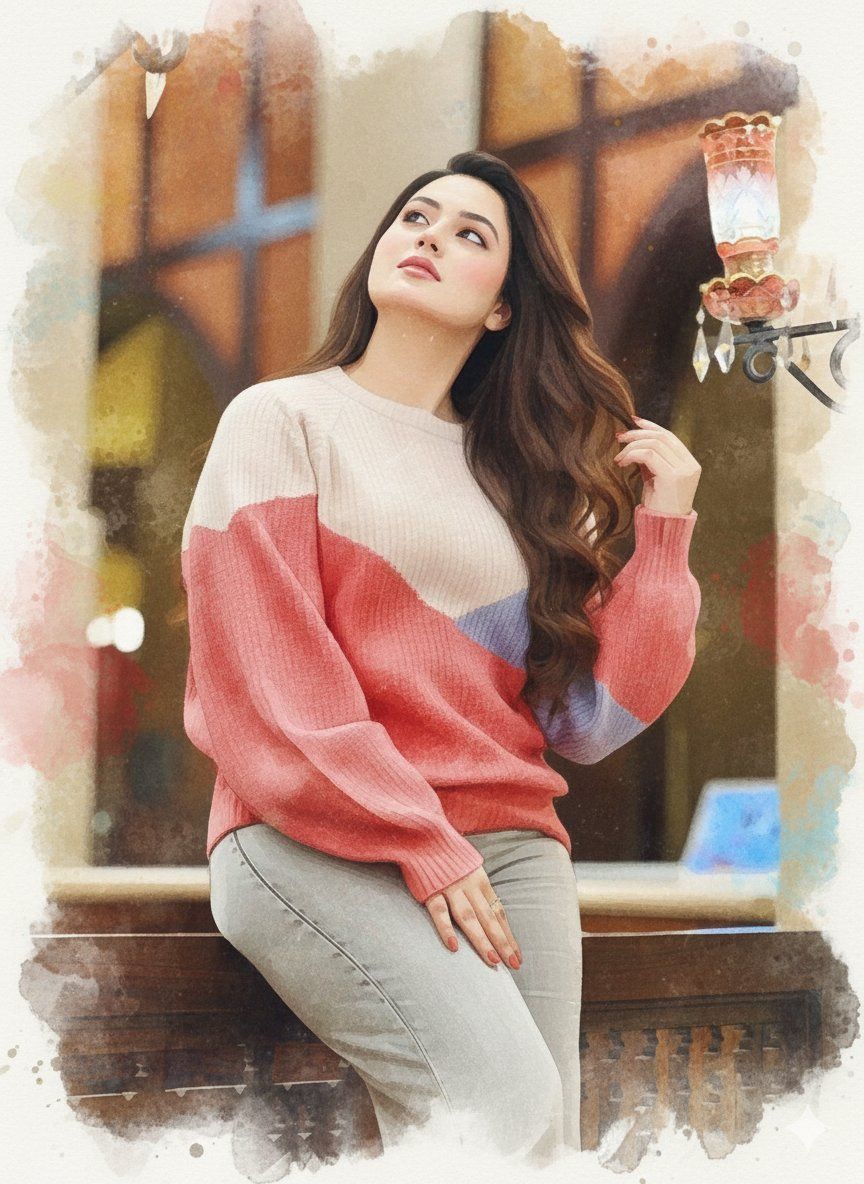
三维水彩肖像画,保留身份特征
Enlarge

三维水彩肖像画,保留身份特征

Prompt
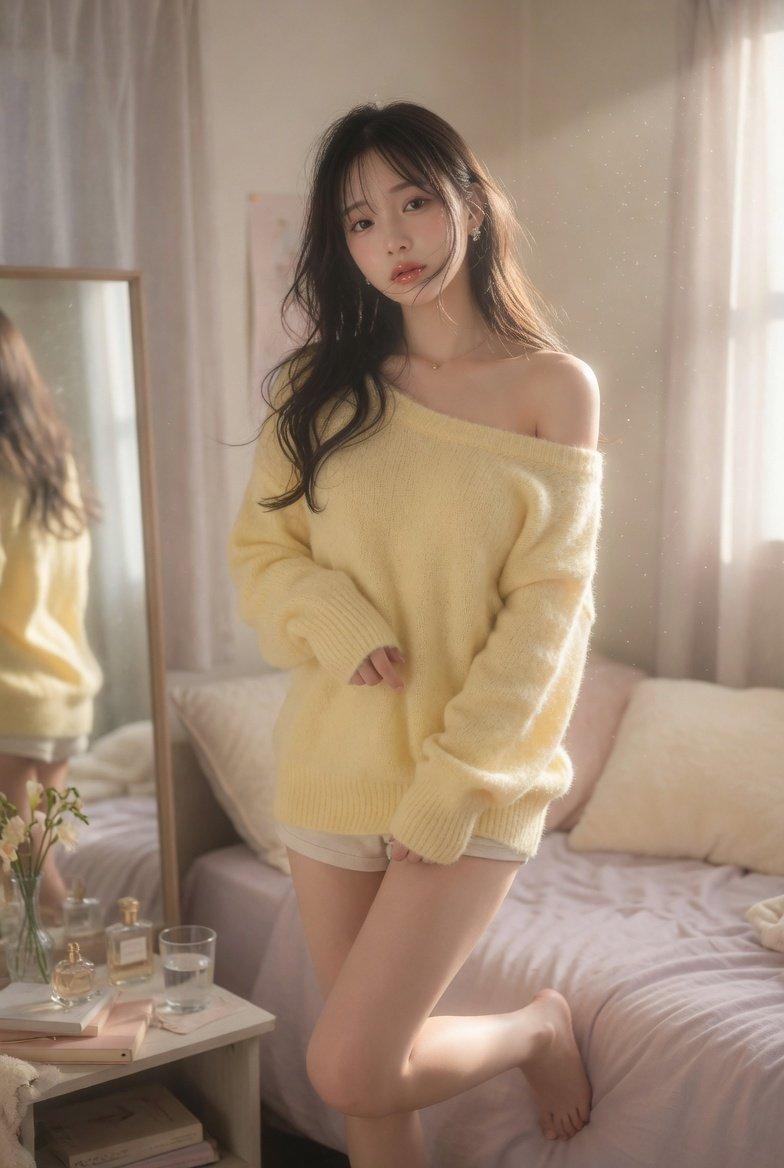
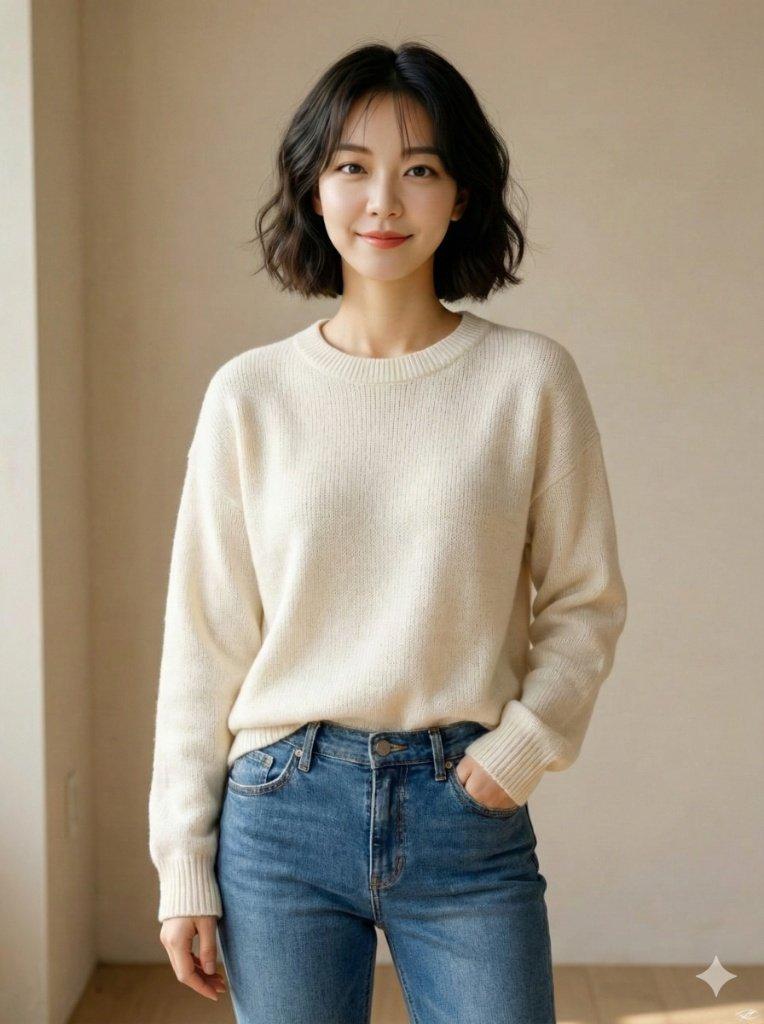
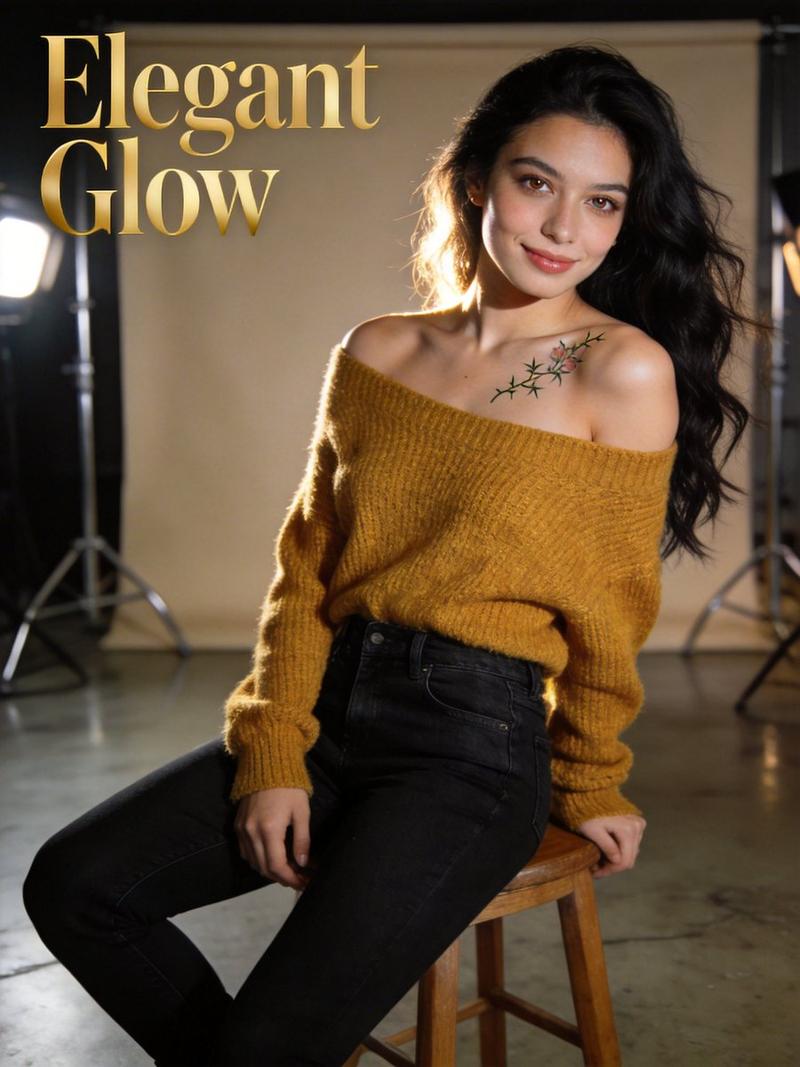
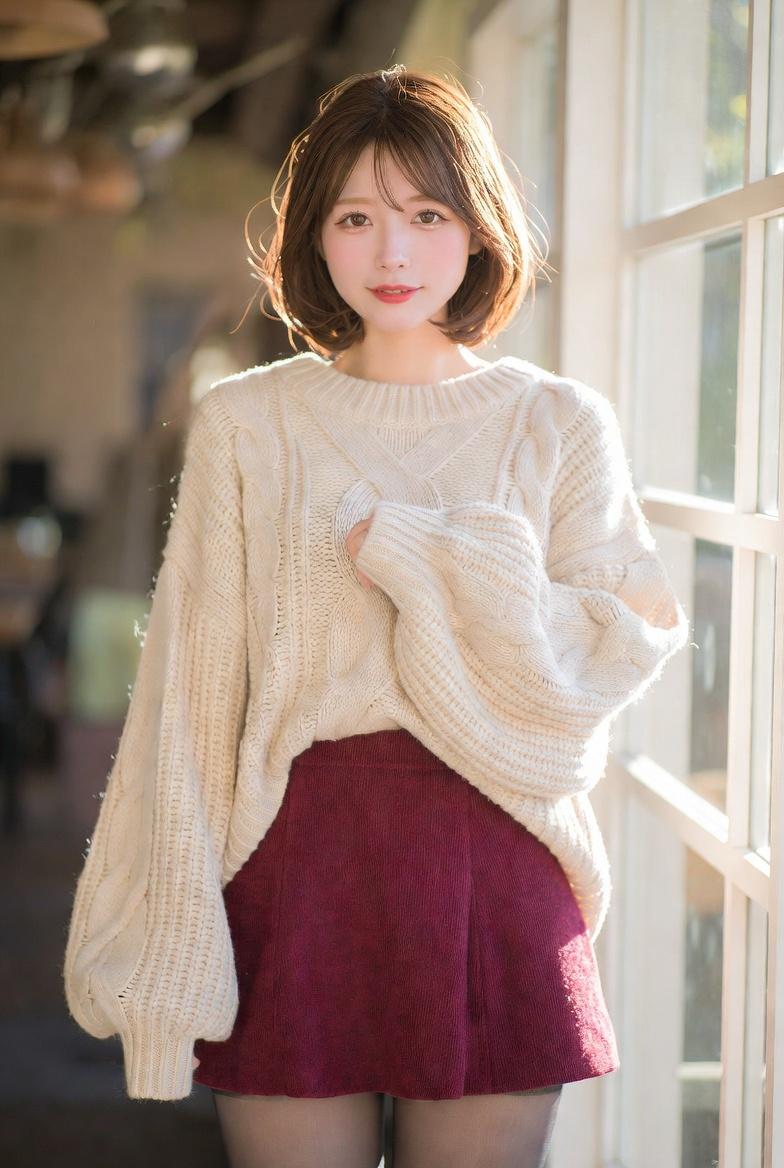
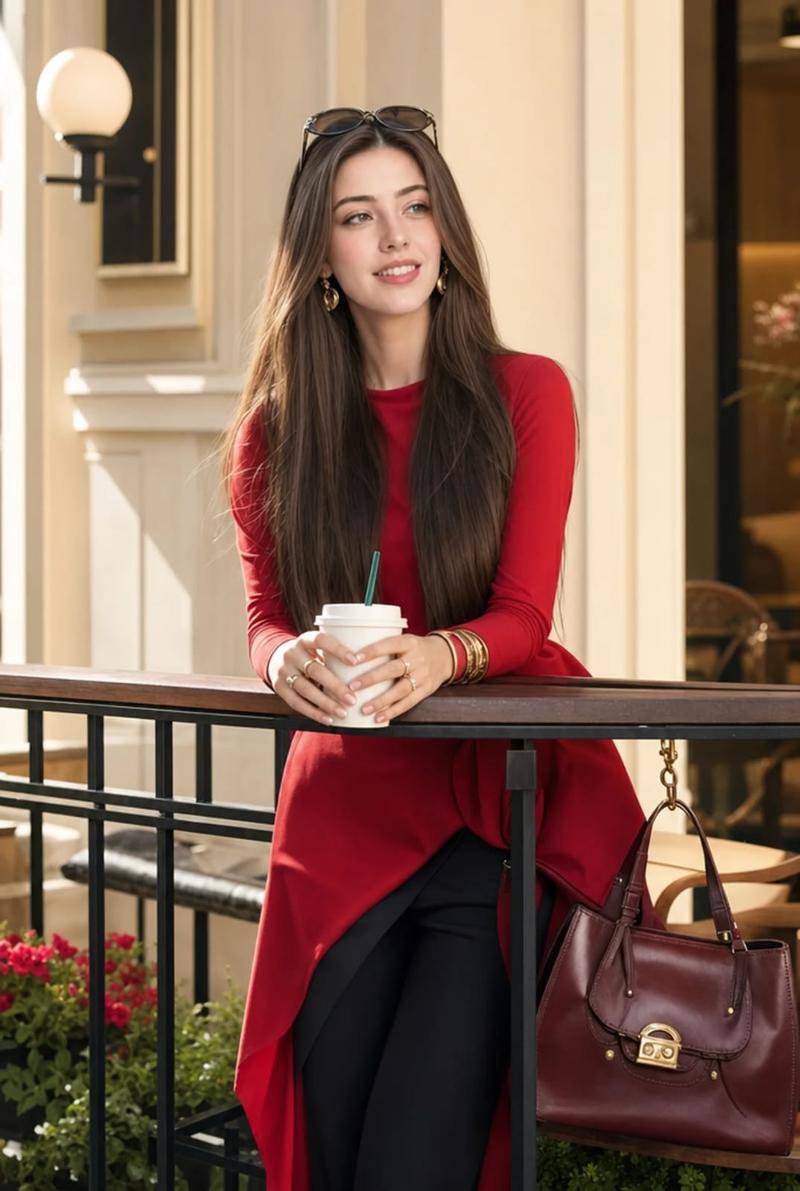
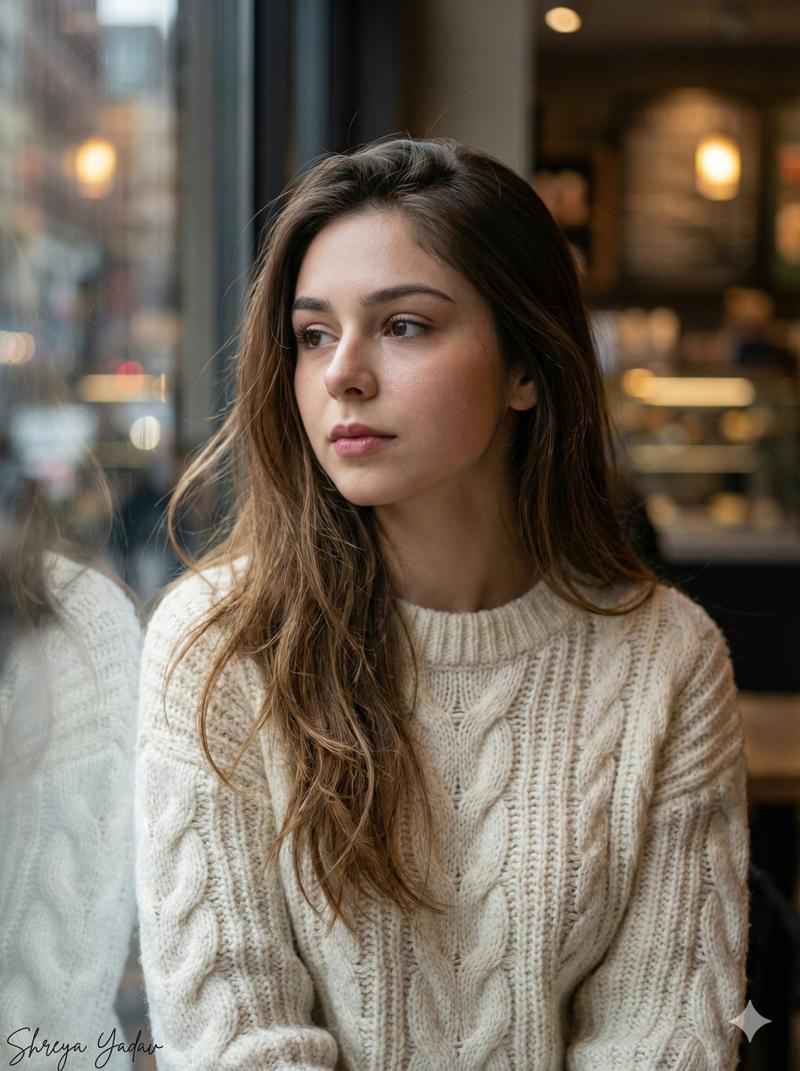
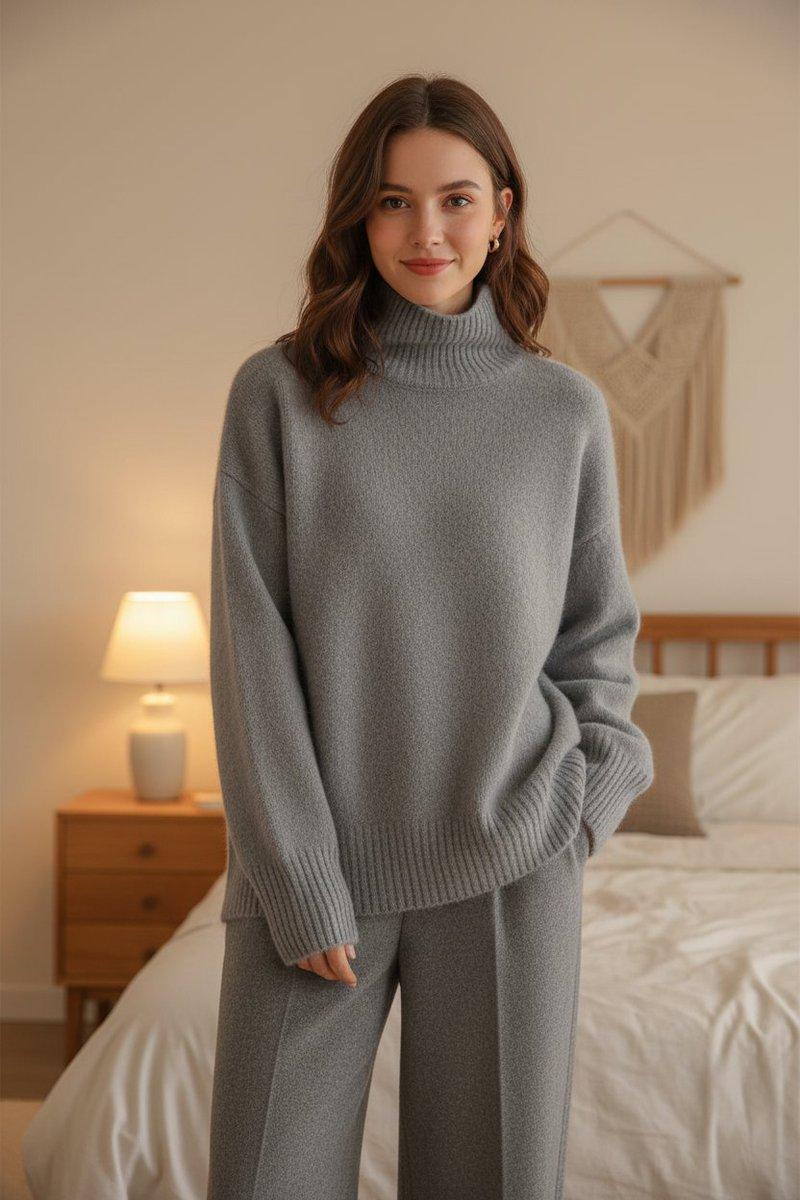
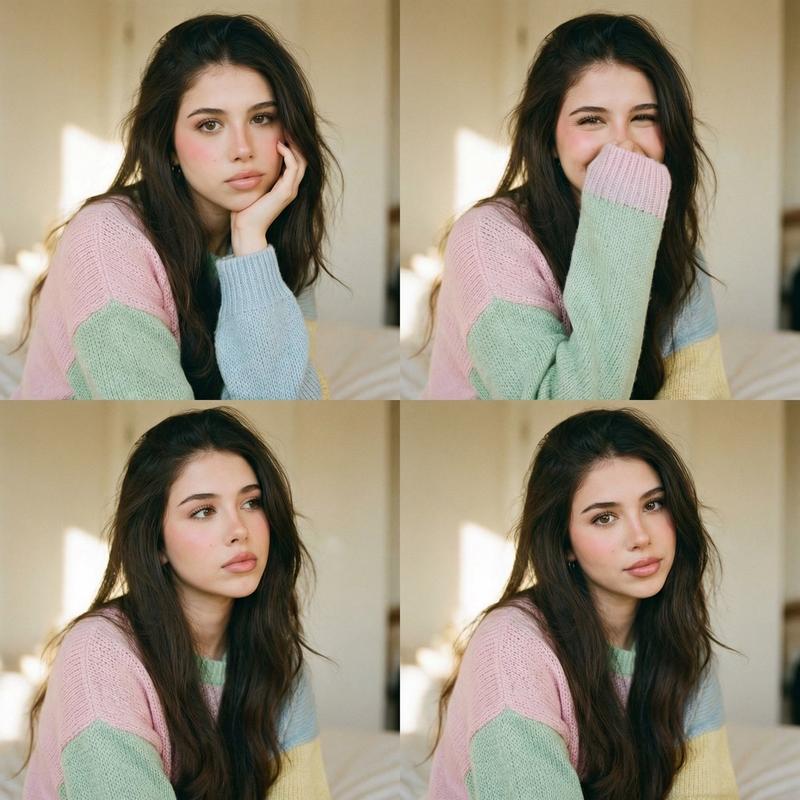
Use the uploaded reference image to **preserve 100% of the facial features, identity, age, skin tone, and expression** of the person. Create a **3D watercolor-style portrait**, blending a softly sculpted semi-realistic form with delicate watercolor textures, pigment diffusion, and soft painterly washes. The person retains exact hair, skin, and expression from the reference. Clothing: casual or neutral outfit ({argument name="outfit type" default="shirt, coat, or reference-inspired"}), rendered with layered watercolor textures and subtle 3D depth. Pose: natural and relaxed, sitting, standing, or casual hand placement. Background: soft watercolor environment, outdoor or indoor, abstract or lightly detailed, with gentle gradients, flowing textures, and subtle atmospheric depth. Soft lighting with gentle highlights and blended shadows. Highly detailed face and upper body, masterpiece quality, cinematic painterly composition.
Category
创意图片
Model
Nano Banana Pro
Views0
Source ID
9d98329a-b941-484c-a60e-0e96e64751be
Published
Mar 8, 2026

Guide

About "三维水彩肖像画,保留身份特征"

What is this prompt for?

"三维水彩肖像画,保留身份特征" AI image prompt for Nano Banana Pro (创意图片). 一个详细的 JSON 提示,用于将上传的参考图像转换为 3D 水彩风格肖像。该提示严格保留了主体 100% 的面部特征和身份,同时将柔和雕塑般的半写实形态与精致的水彩纹理、颜料扩散和柔和的绘画笔触…

The full copyable prompt and example visuals above are ready for AI image generation or one-click recreate in Picva.

How to use this prompt

  1. Step 1

    Open the prompt detail

    Review the example visuals, category, and full prompt text for "三维水彩肖像画,保留身份特征".

  2. Step 2

    Copy the prompt

    Copy the prompt body from this page, or load it directly in Studio.

  3. Step 3

    Pick a model (Nano Banana Pro)

    Prefer Nano Banana Pro. If you switch models, keep subject and composition and tweak style terms.

  4. Step 4

    Generate and export

    Recreate the look in Picva, or export into your workflow for editing and publishing.

FAQ

What is the "三维水彩肖像画,保留身份特征" prompt?
It is an AI image-generation prompt for Nano Banana Pro in the 创意图片 category. This page includes the full prompt text, example visuals, and a one-click recreate path in Picva.
How do I use this prompt to generate an image?
Copy the prompt from this page, or use Generate / Studio. Paste it into a compatible image model, or recreate the look in Picva with optional reference images.
Which model is this prompt for?
This page lists Nano Banana Pro. Most descriptive prompts also transfer to nearby image models such as GPT Image, Flux, or Midjourney with light style tweaks.
Can I use the result commercially?
You can usually copy the prompt for creation, but commercial use of the final image depends on the model terms, reference-image rights, and the generated content. Follow the source author and platform rules.