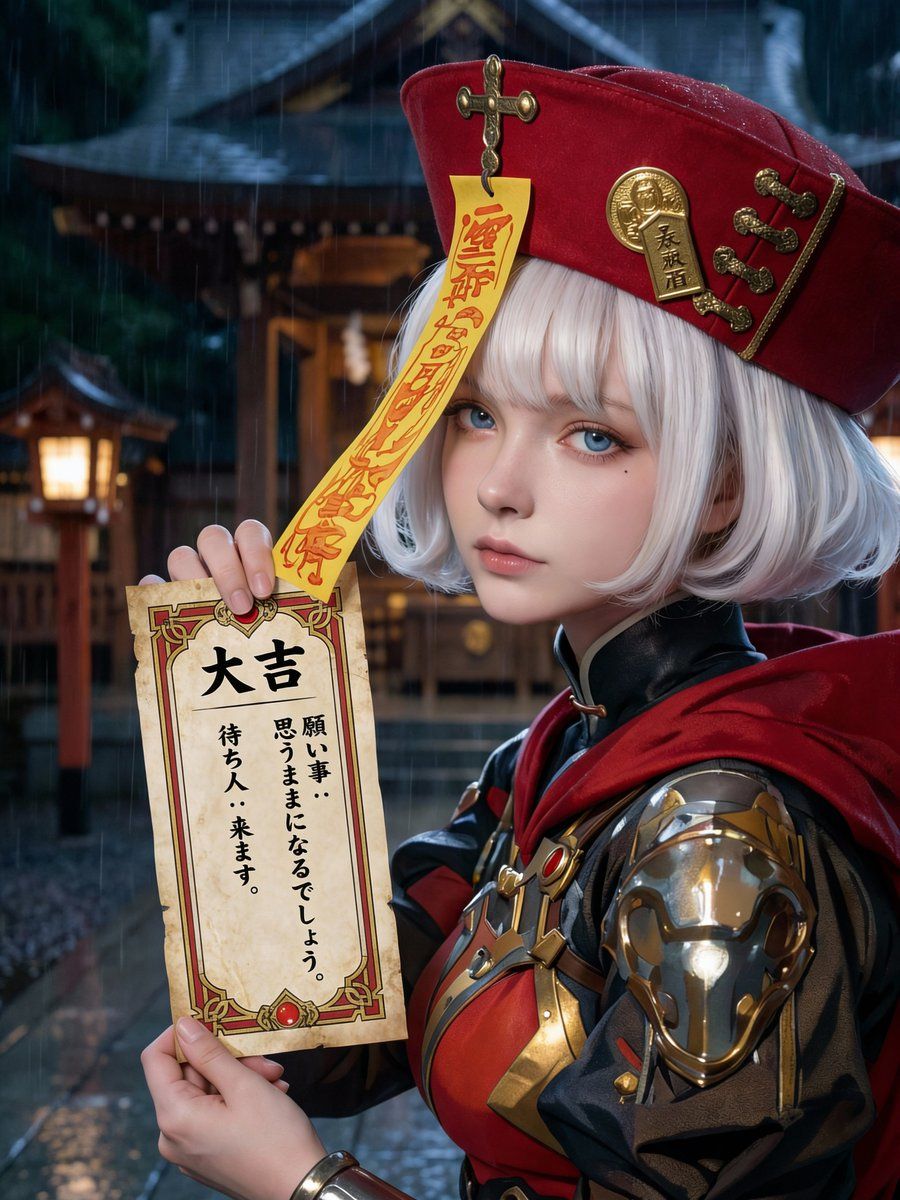
超逼真御神签(求签)设计
Prompt
[Purpose]
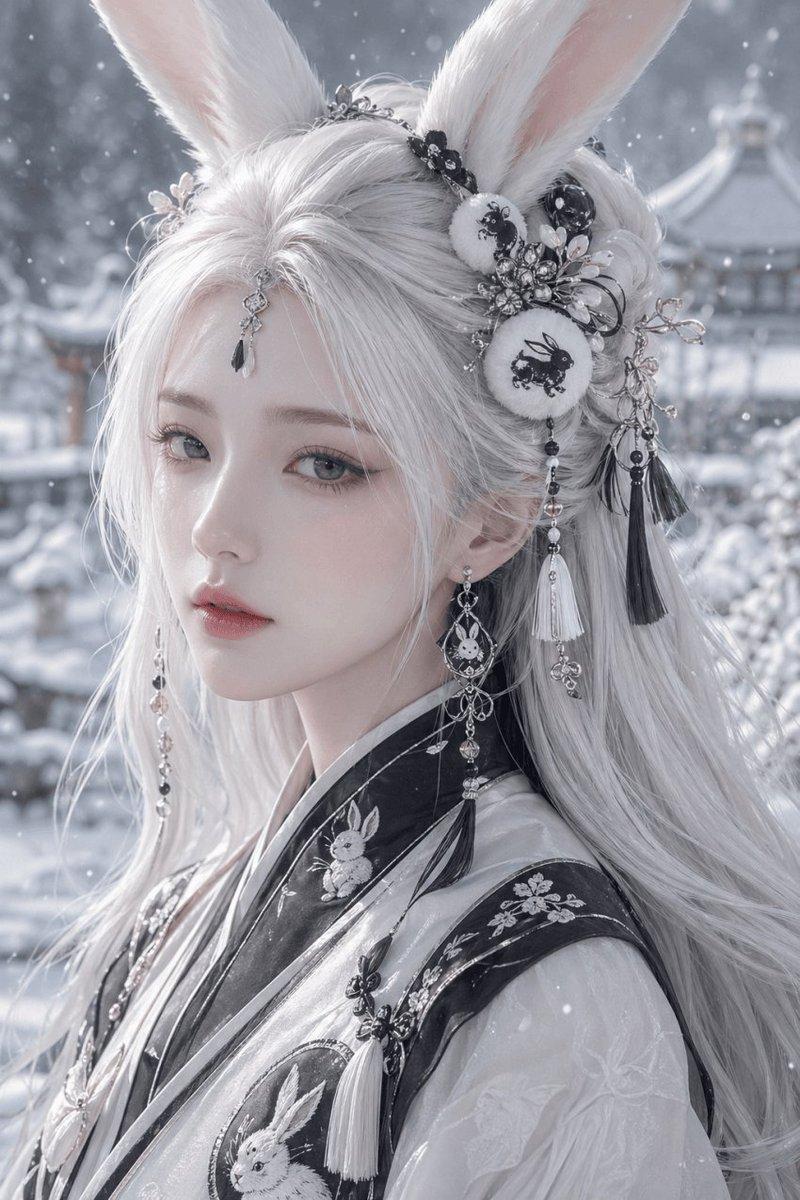
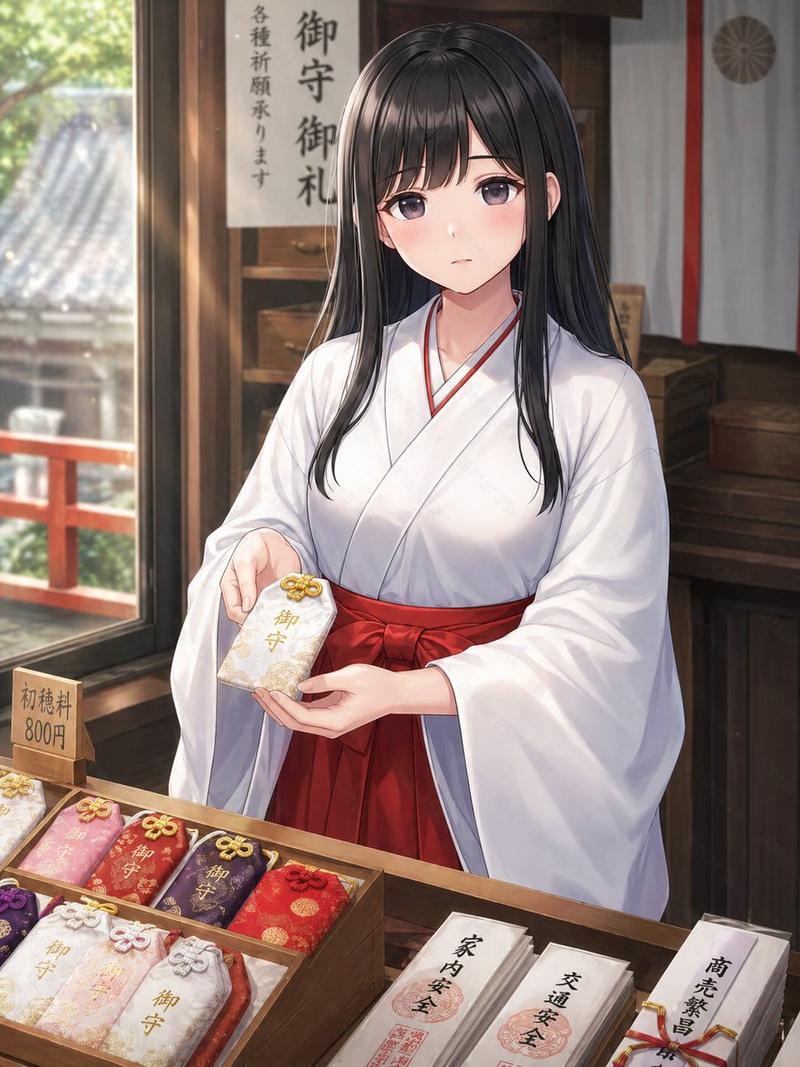
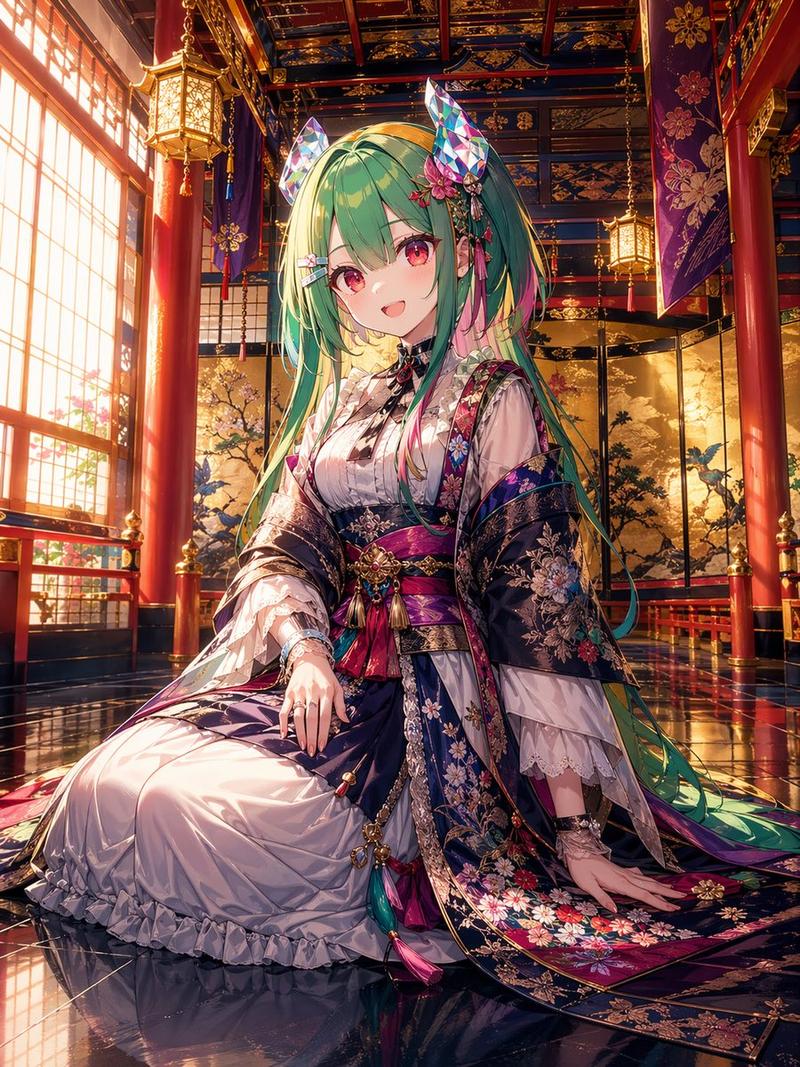
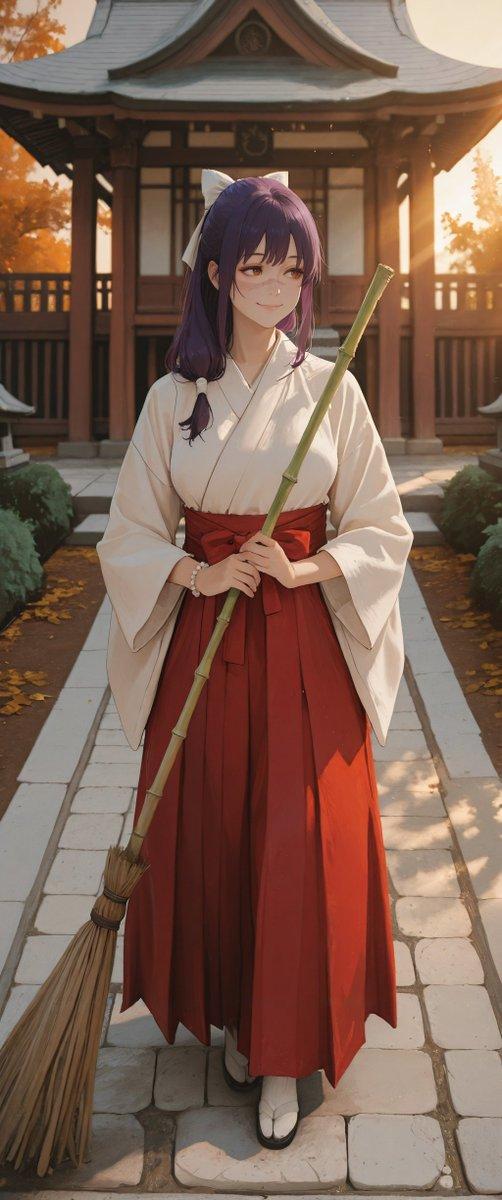
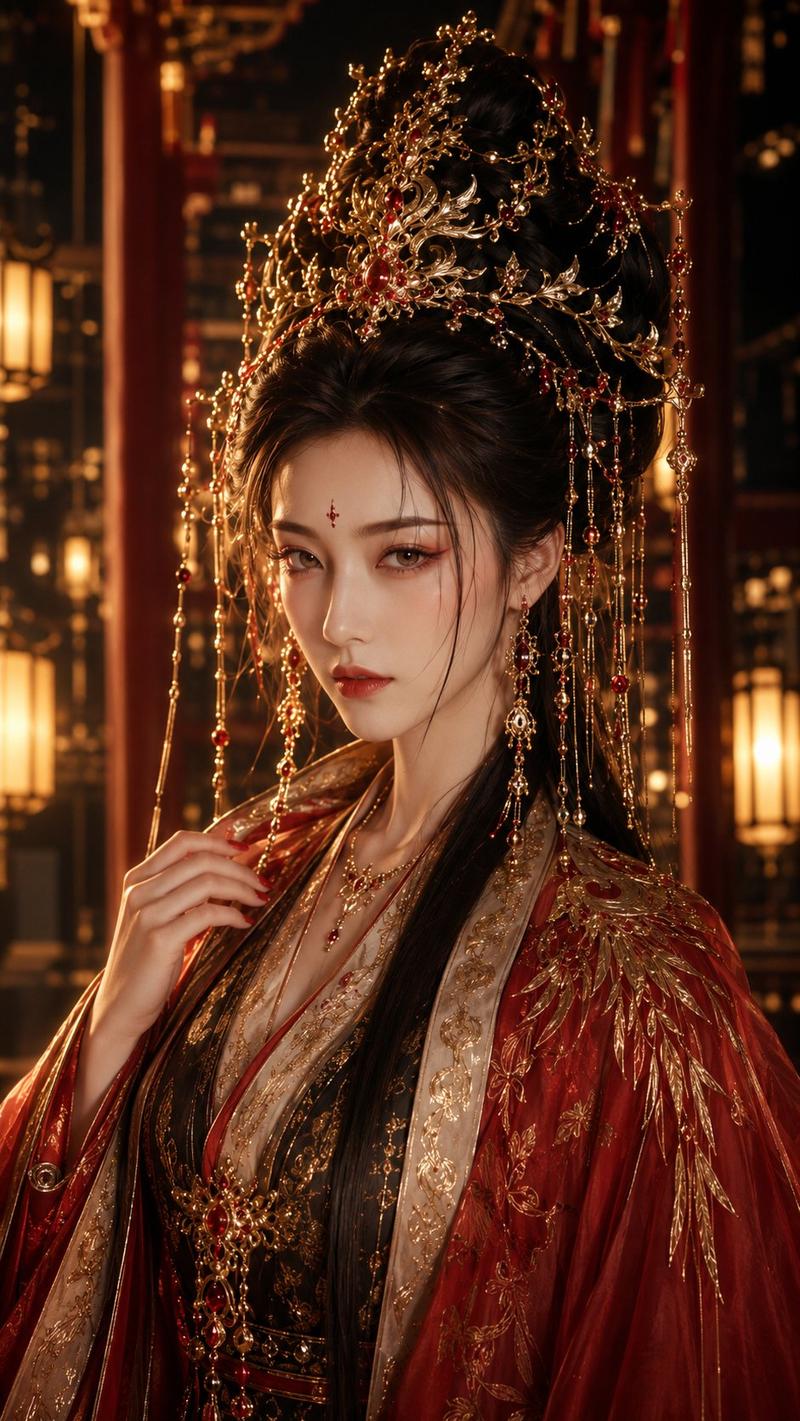
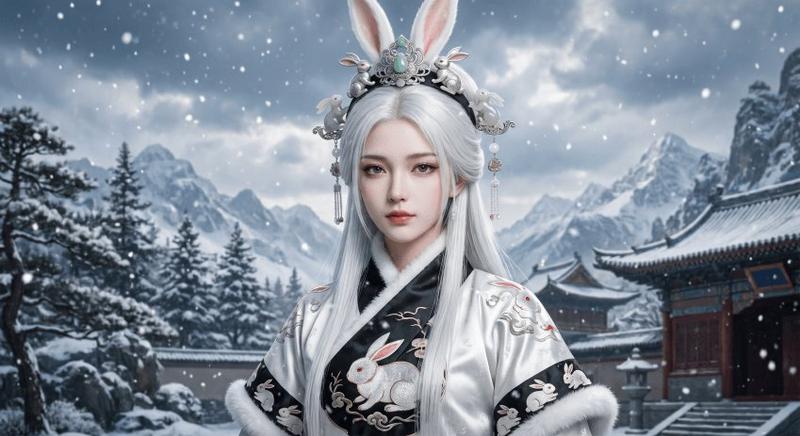
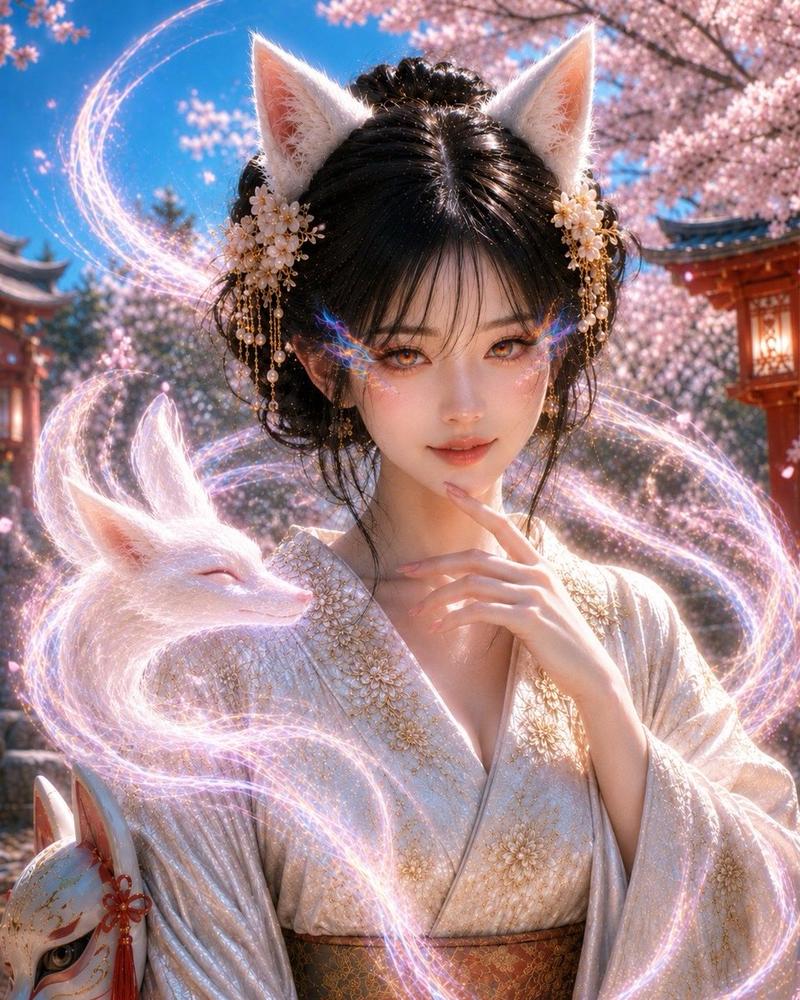
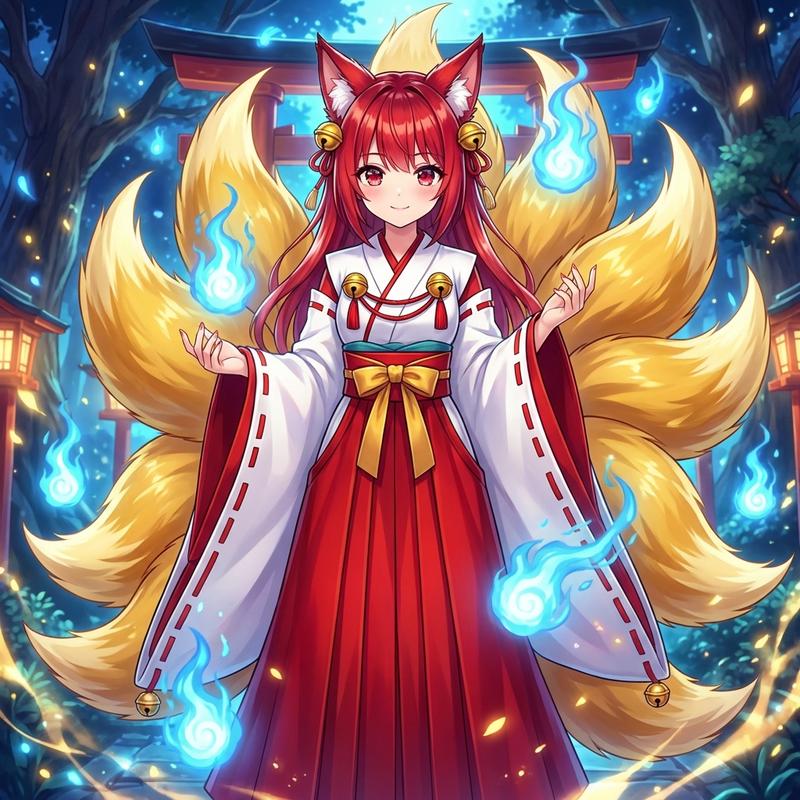
Based on the attached image, generate a completely original visual of a Japanese “omikuji” fortune slip.

[ABSOLUTE PRIORITY RULES]
- Render strictly as photorealistic real-world photography
- Illustration, anime, CG, painterly styles are strictly forbidden
- Real camera optics, natural lighting, realistic depth of field are mandatory
- Skin texture, pores, fine hair, fabric fibers, and paper texture must match real high-resolution photography
- The attached image is used ONLY as a design reference, never as a rendering style reference

[RENDERING METHOD — TOP PRIORITY]
- Photorealistic live-action photograph
- Natural skin tones and realistic light falloff
- No stylization, no exaggerated features

[COMPOSITION]
- Vertical composition
- Omikuji occupies approximately 25–30% of the frame
- Omikuji does not cover the face
- Text surface faces directly forward
- Background softly blurred

[OMIKUJI DESIGN — CRITICAL]
- Omikuji design must be structurally derived from the attached image
- Use the attached image’s main, secondary, and accent colors exactly
- Convert visual motifs into borders, frames, and paper textures
- Generic shrine or template designs are forbidden

[FORTUNE SELECTION — RANDOM]
~Auto reasoning~
Select exactly ONE:
“{argument name="運勢" default="大吉 / 中吉 / 小吉 / 吉 / 末吉 / 凶 / 大凶"}”
~End auto reasoning~

[FORTUNE TITLE]
- Vertical Japanese writing
- Bold, clean traditional-style font
- Placed at the top of the omikuji

[TEXT CONTENT — STRICT ALIGNMENT]
- Content must perfectly match the selected fortune
- 2–4 vertical Japanese lines only
- No mixed or contradictory meanings

[TEXT READABILITY]
- Black ink on white paper
- No glow, no shadow, no overlay
- Clear spacing and legibility

[PEOPLE CONTROL — STRICT]
- A person may appear ONLY if a character exists in the attached image
- The person must be rendered as a real human photographed in real life
- No new characters may be introduced

[BEAUTY & FACIAL QUALITY — CRITICAL]
- The person must be visually beautiful and well-balanced in appearance
- Symmetrical facial structure with harmonious proportions
- Clear skin with healthy texture and natural highlights
- Refined facial features without exaggeration
- Calm, composed, and confident expression
- Clean grooming, well-shaped hair, and tidy overall appearance
- Beauty must feel natural and realistic, not artificial or stylized

[FACE VISIBILITY & QUALITY]
- Face fully visible and unobstructed
- Eyes, nose, mouth, and jawline clearly defined
- Face placed in the upper-center of the frame
- Sharp focus, high resolution
- No blur, deformation, cropping, or collapse

[OBJECT POSITIONING]
- Omikuji held at chest to upper-abdomen height
- Hands visible and natural
- Face and omikuji must not overlap

[CAMERA FRAMING]
- Bust-up or waist-up composition
- Balanced resolution priority between- Category
- 创意图片
- Model
- Nano Banana Pro
- Creator
- とすくん
- Source ID
- bcbd880f-bf77-4e0d-9ada-4bc3f0ca0da9
- Published
- Mar 8, 2026
Views0