18

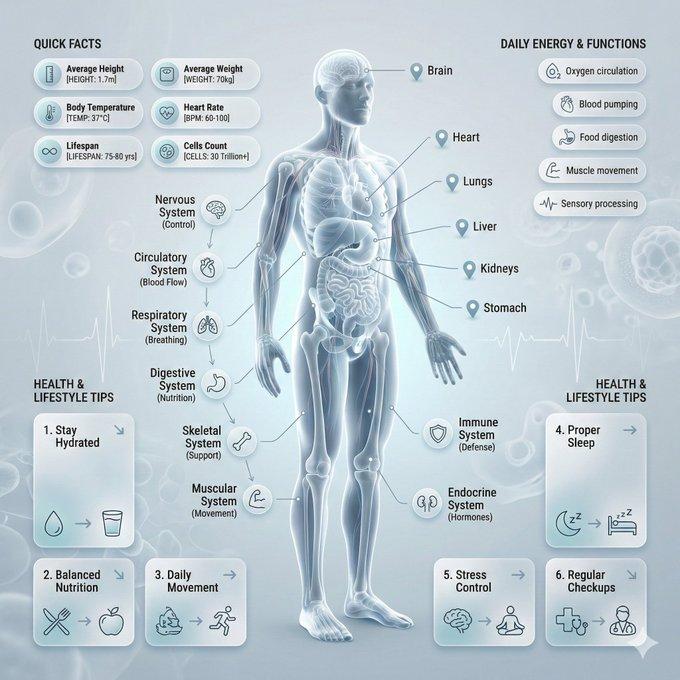
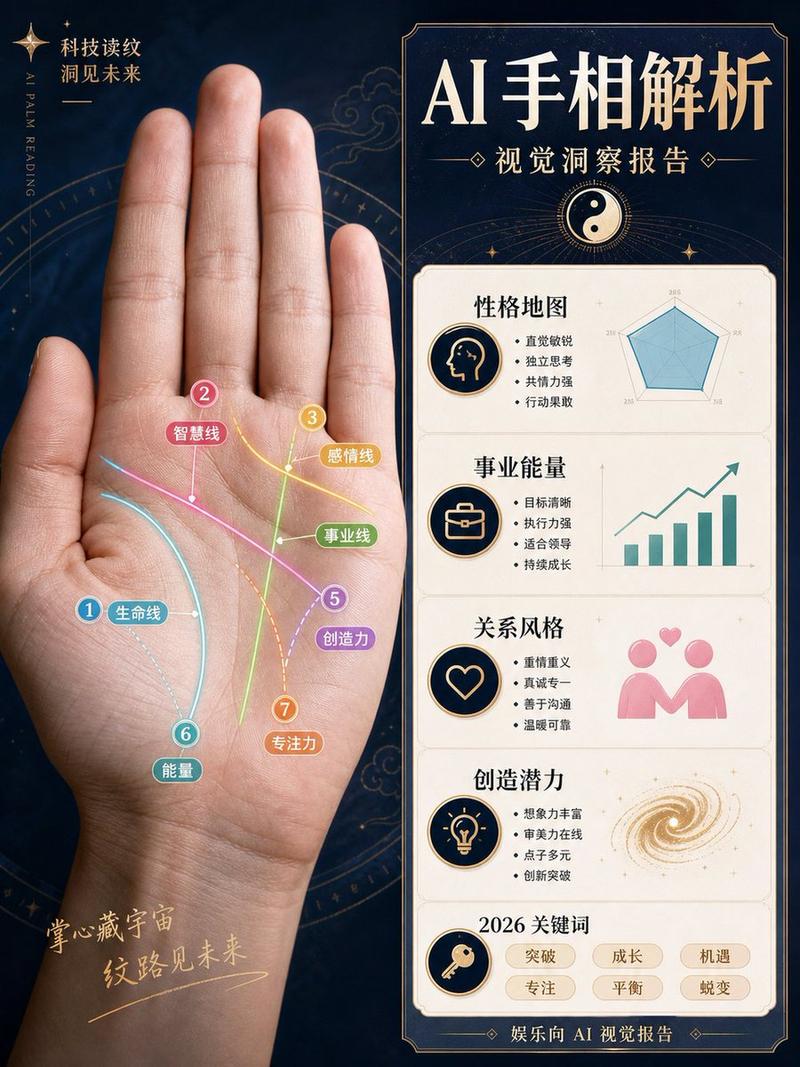
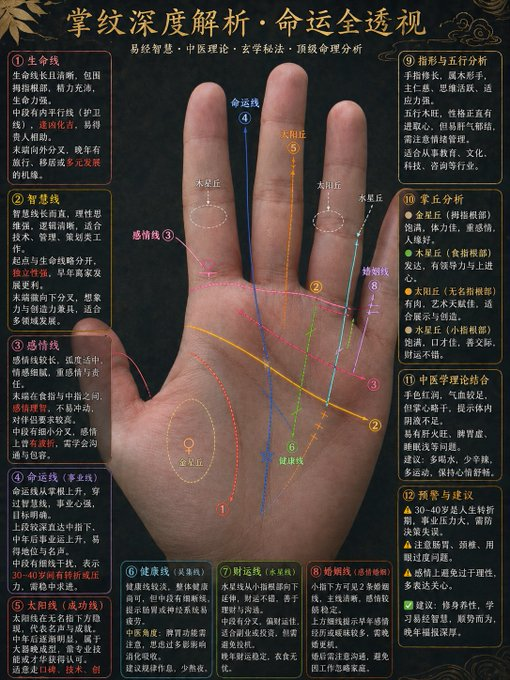
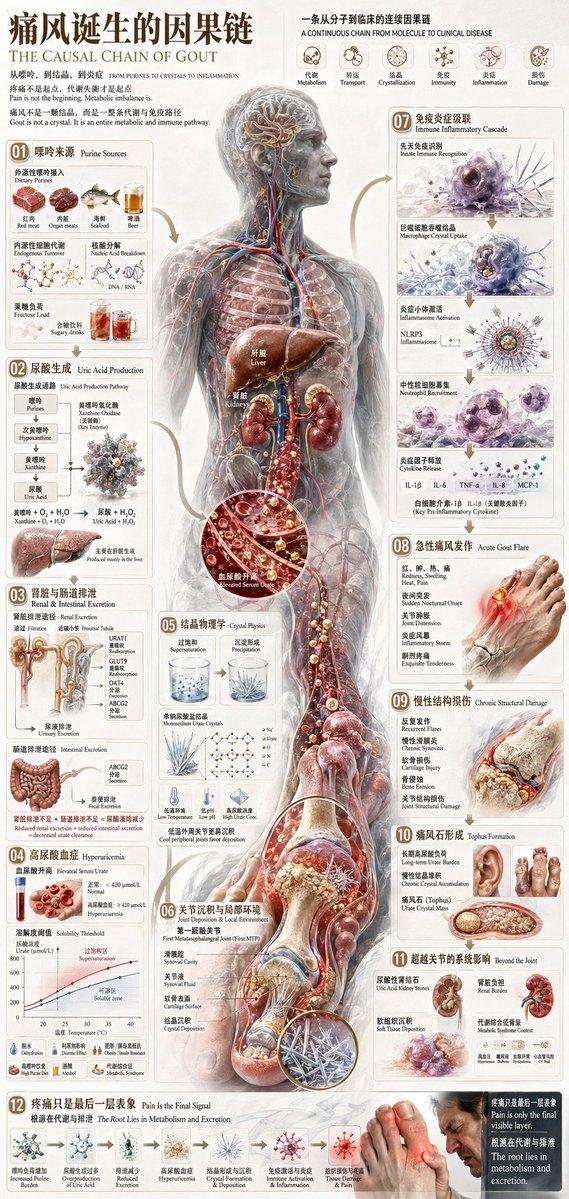
解剖学可视化提示模板(大白鲨示例)
Enlarge

解剖学可视化提示模板(大白鲨示例)

Prompt
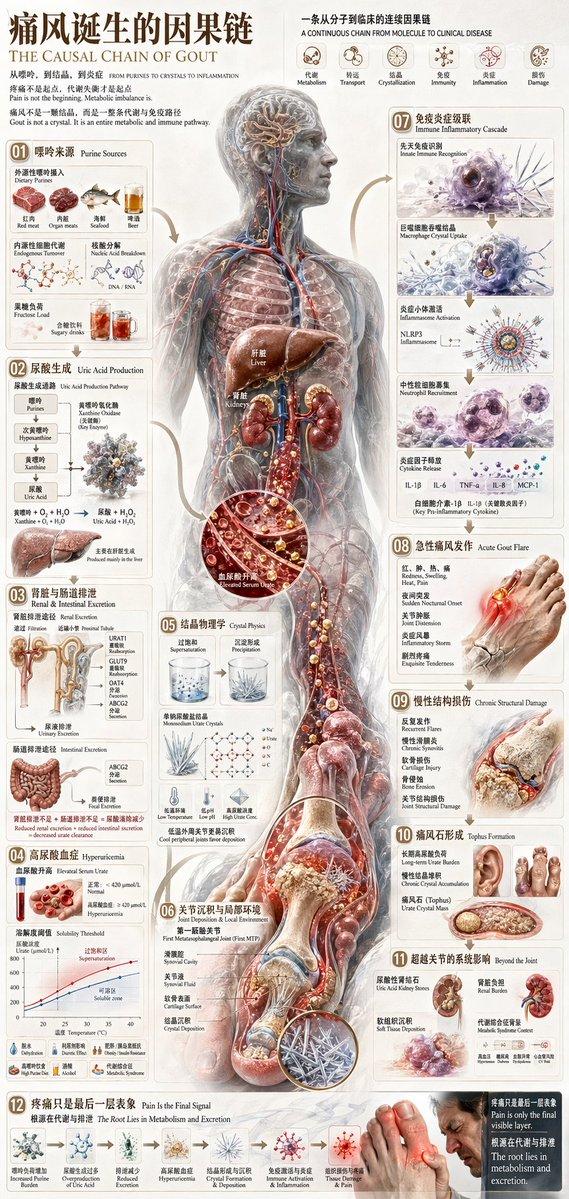
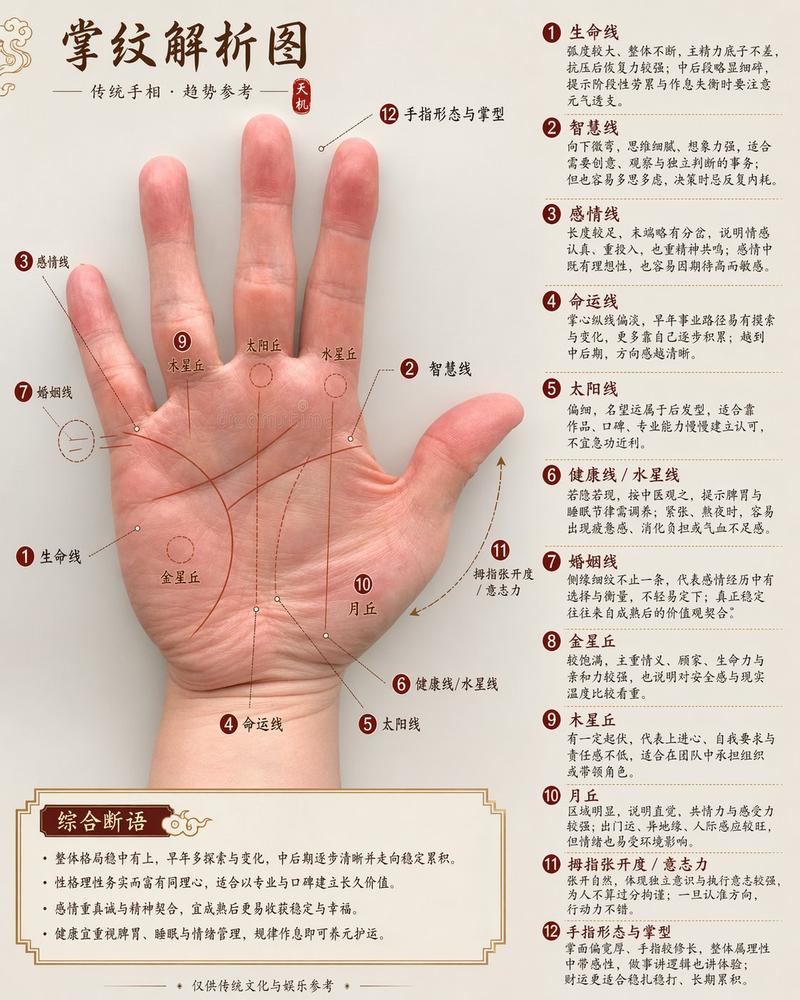
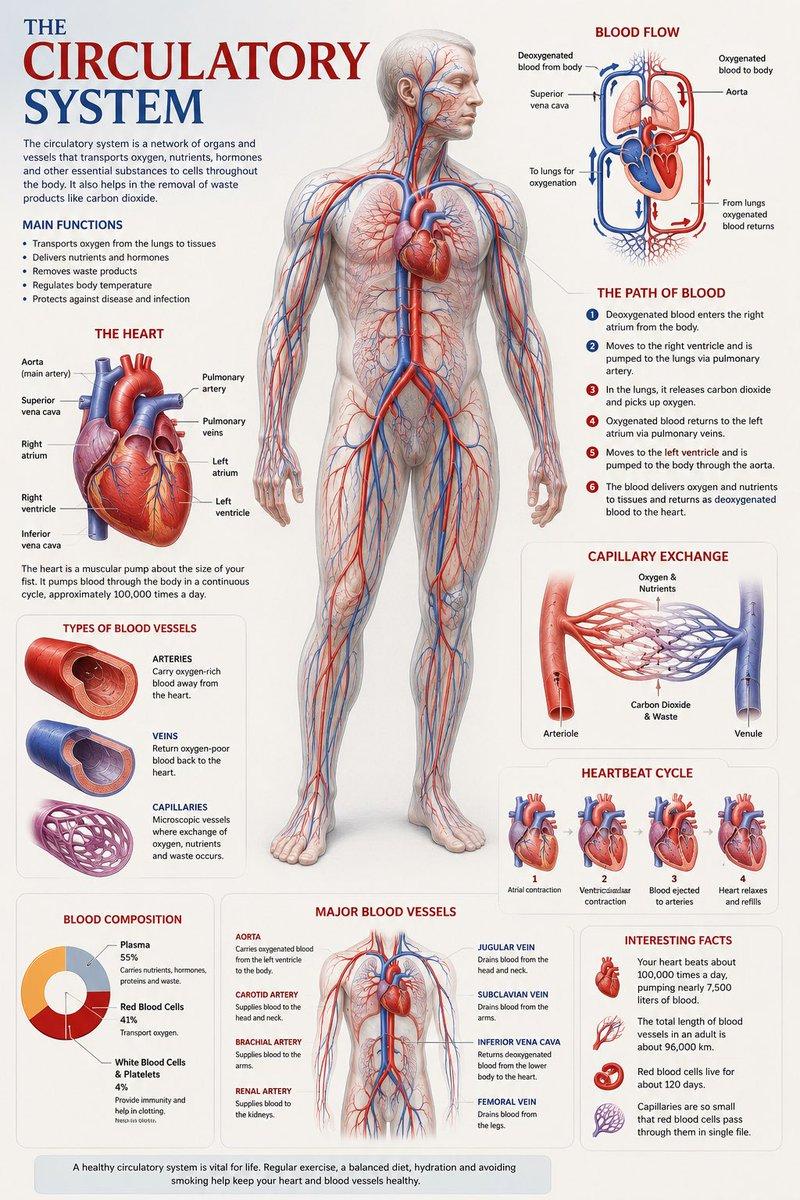
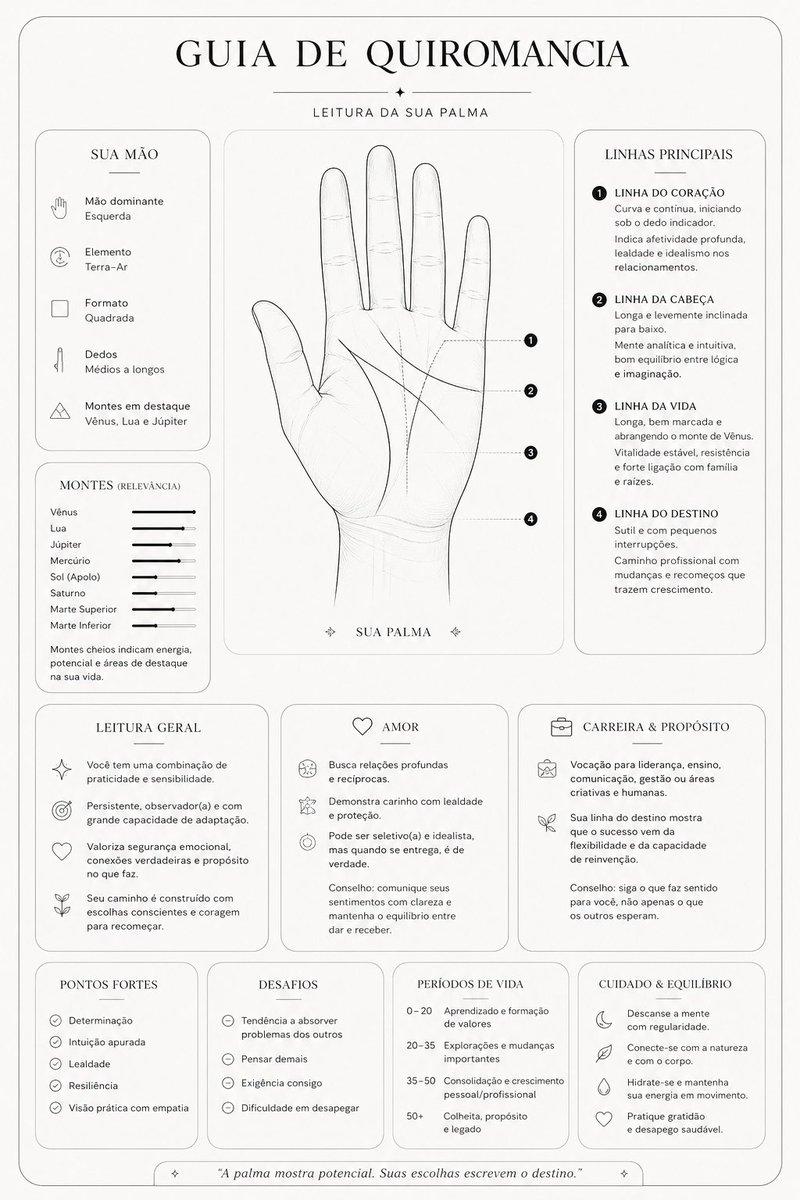
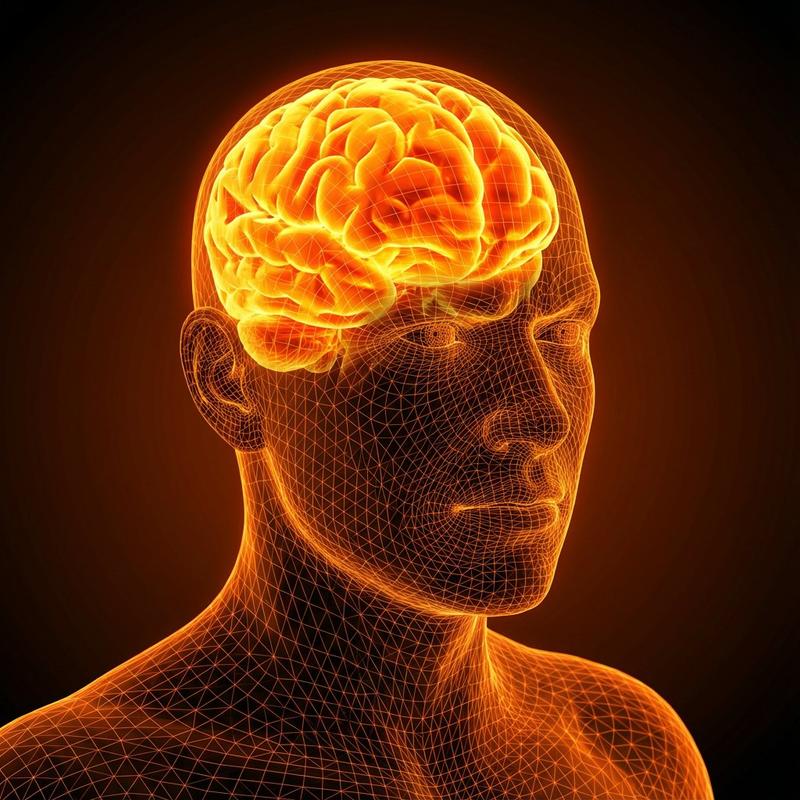
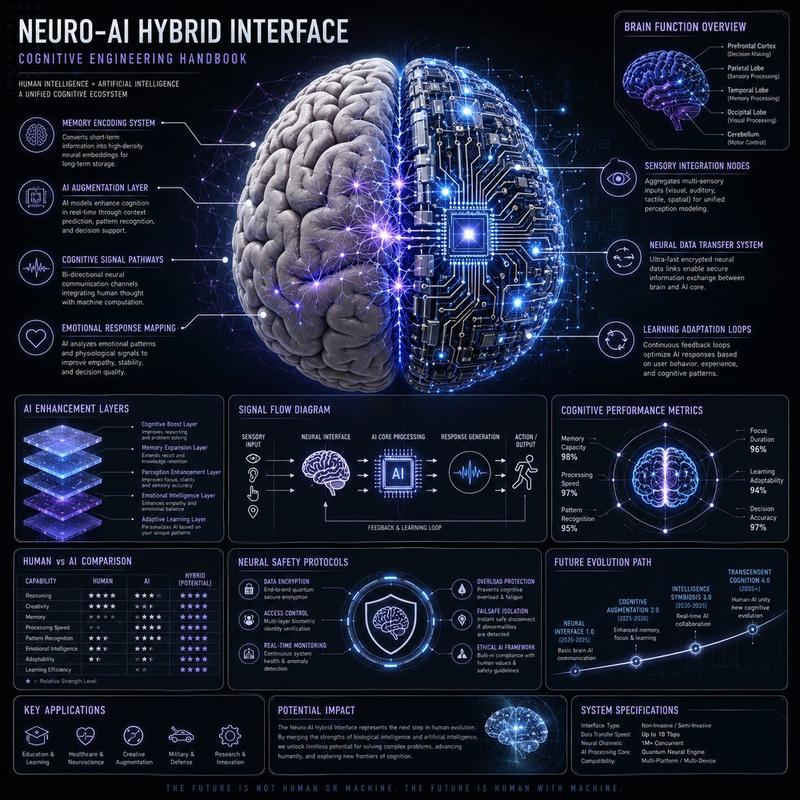
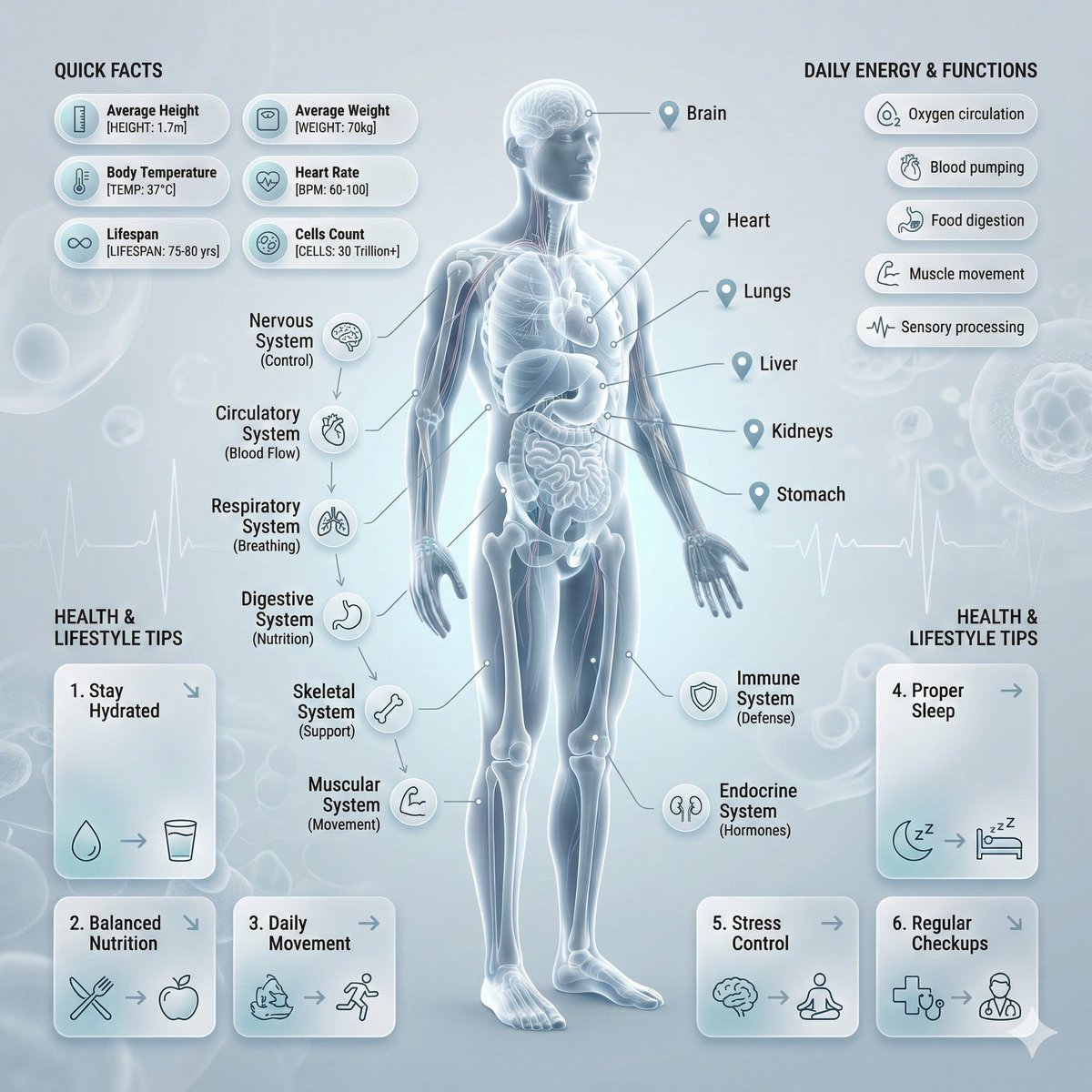
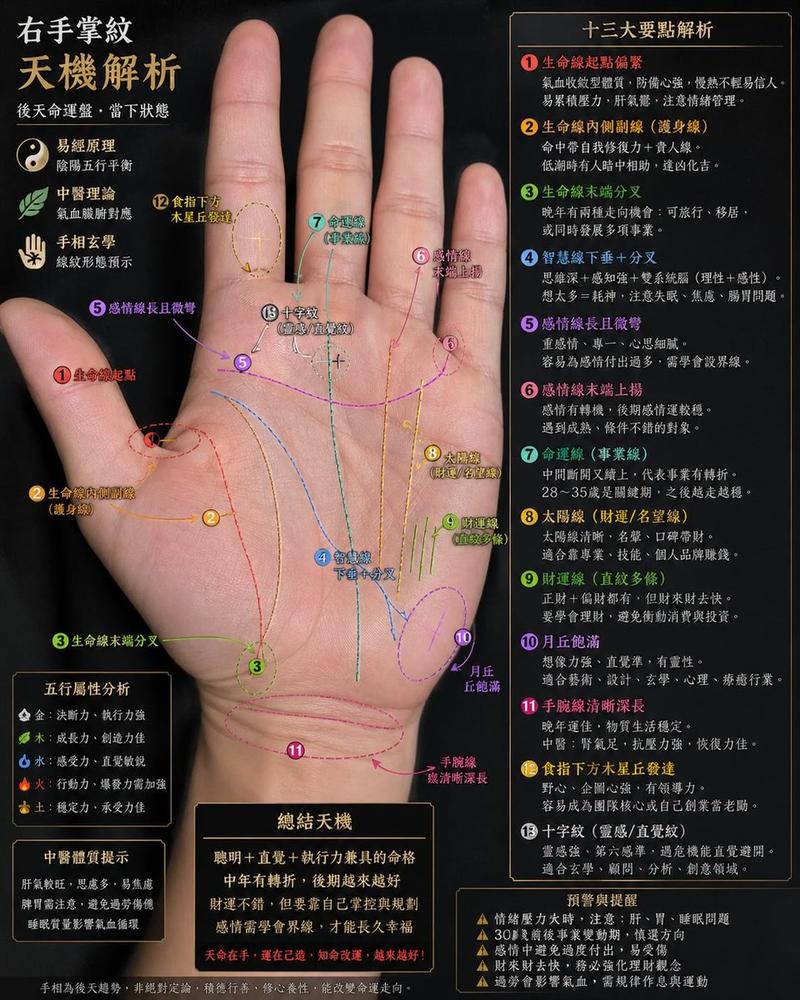
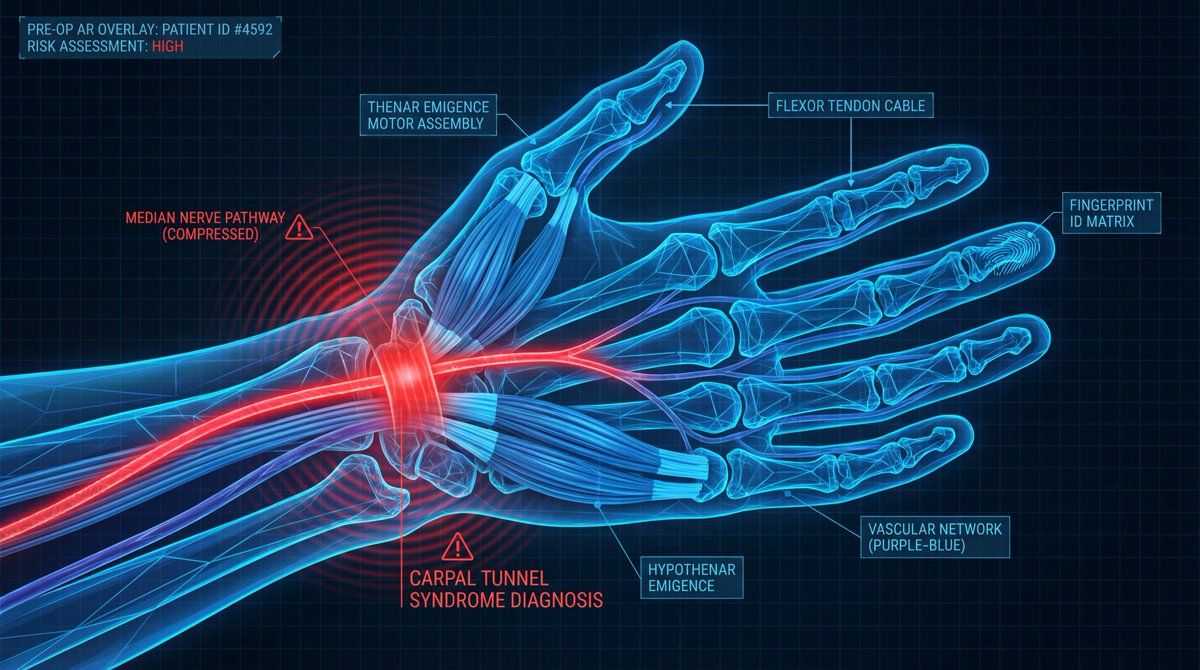
A digital illustration of a {argument name="subject" default="great white shark"} in {argument name="action/state" default="mid-hunting approach"}, portrayed with a network of glowing {argument name="primary color" default="cold bioluminescent blue"} lines mapping its {argument name="system type" default="sensory and predatory anatomy"}. The cartilaginous skeleton is rendered as flexible geometric framework, the lateral line system as a full-body motion detector array. The image is set against abyssal ocean black, depth pressure readings floating at the margins. The {argument name="area of interest" default="ampullae of Lorenzini, hundreds of electroreceptor pores clustered on the snout"}, are emphasized with a pulsing {argument name="accent color" default="red-orange"} glow, indicating {argument name="condition" default="active electromagnetic detection: the prey's heartbeat rendered as intercepted signal waves feeding into the shark's targeting consciousness"}. The teeth are visualized as serrated replacement queues. The style merges marine biology research documentation with military targeting system aesthetics, designed to resemble a naval analysis of nature's most refined predator, clinically respectful of four hundred million years of evolution.
Category
创意图片
Model
Nano Banana Pro
Creator
Umesh
Views0
Source ID
b6fcdeb8-7b01-4e7c-9d94-b6fc250136db
Published
Mar 8, 2026

Guide

About "解剖学可视化提示模板(大白鲨示例)"

What is this prompt for?

"解剖学可视化提示模板(大白鲨示例)" AI image prompt for Nano Banana Pro (创意图片). 一个结构化的提示模板,旨在创建令人惊叹的解剖学可视化效果,特别是使用发光的蓝色线条在深色背景上描绘系统。所提供的示例将此模板应用于一条大白鲨,用脉动的红橙色光芒突出显示其感觉解剖结构(洛伦氏…

The full copyable prompt and example visuals above are ready for AI image generation or one-click recreate in Picva.

How to use this prompt

  1. Step 1

    Open the prompt detail

    Review the example visuals, category, and full prompt text for "解剖学可视化提示模板(大白鲨示例)".

  2. Step 2

    Copy the prompt

    Copy the prompt body from this page, or load it directly in Studio.

  3. Step 3

    Pick a model (Nano Banana Pro)

    Prefer Nano Banana Pro. If you switch models, keep subject and composition and tweak style terms.

  4. Step 4

    Generate and export

    Recreate the look in Picva, or export into your workflow for editing and publishing.

FAQ

What is the "解剖学可视化提示模板(大白鲨示例)" prompt?
It is an AI image-generation prompt for Nano Banana Pro in the 创意图片 category. This page includes the full prompt text, example visuals, and a one-click recreate path in Picva.
How do I use this prompt to generate an image?
Copy the prompt from this page, or use Generate / Studio. Paste it into a compatible image model, or recreate the look in Picva with optional reference images.
Which model is this prompt for?
This page lists Nano Banana Pro. Most descriptive prompts also transfer to nearby image models such as GPT Image, Flux, or Midjourney with light style tweaks.
Can I use the result commercially?
You can usually copy the prompt for creation, but commercial use of the final image depends on the model terms, reference-image rights, and the generated content. Follow the source author and platform rules.