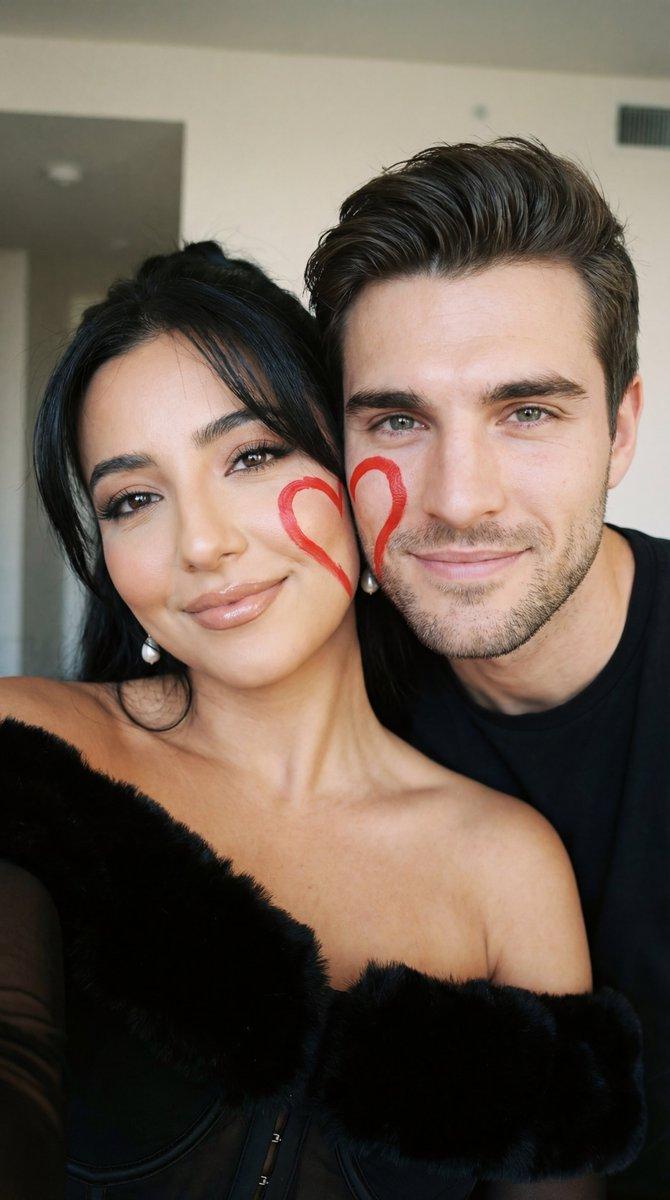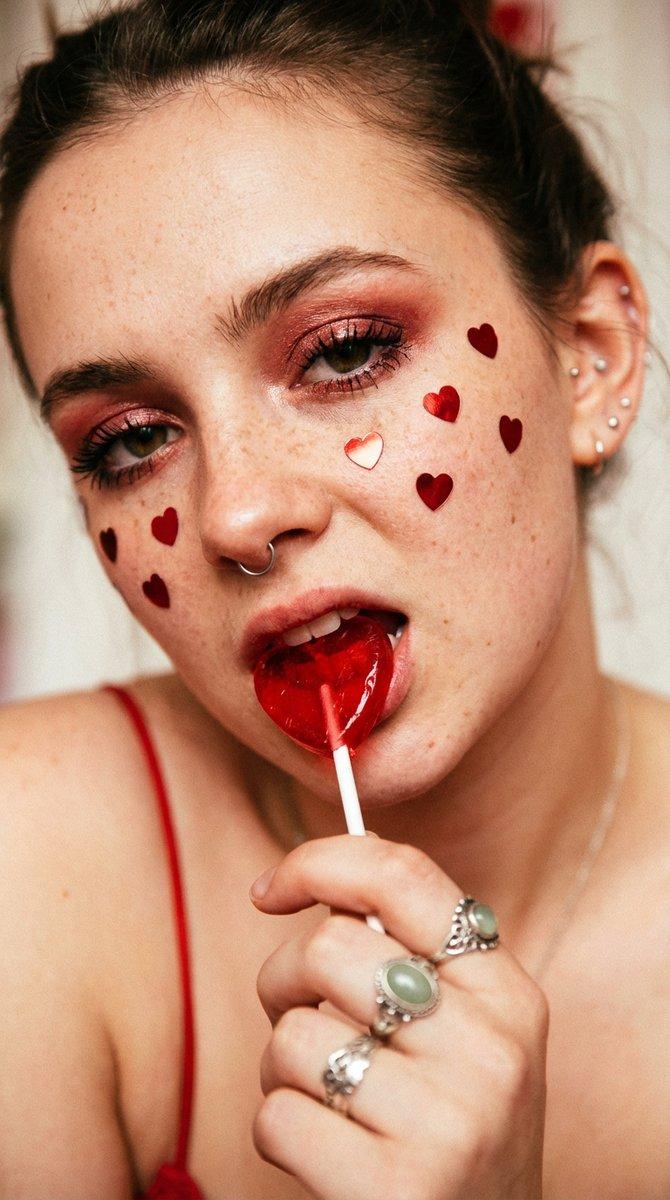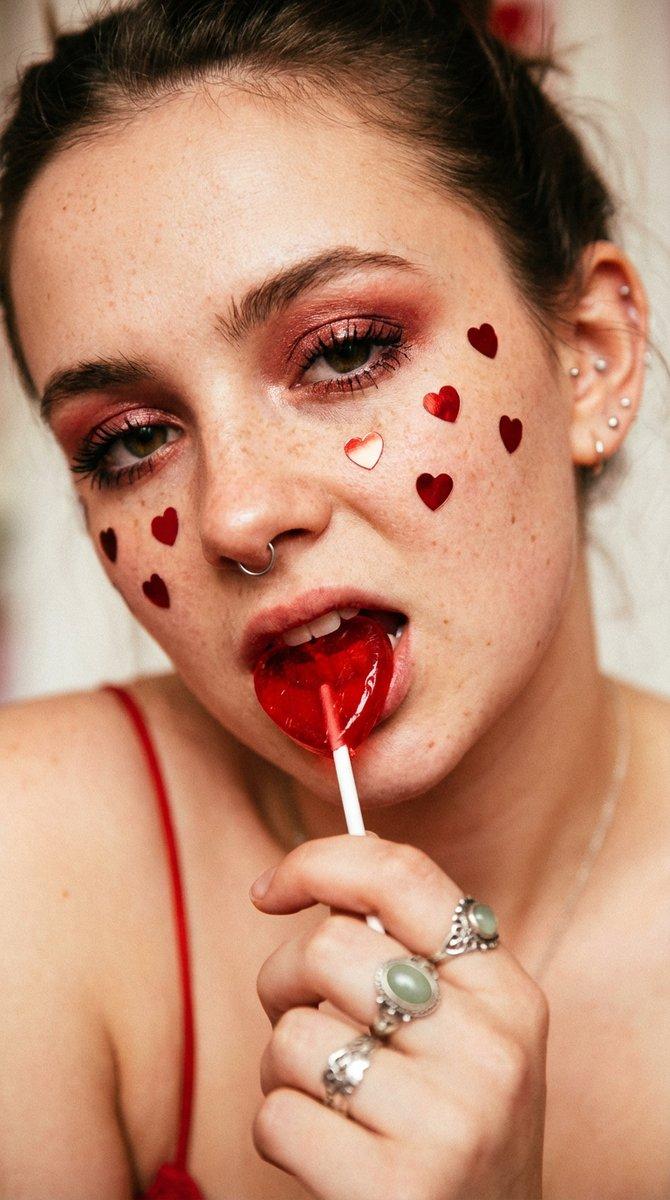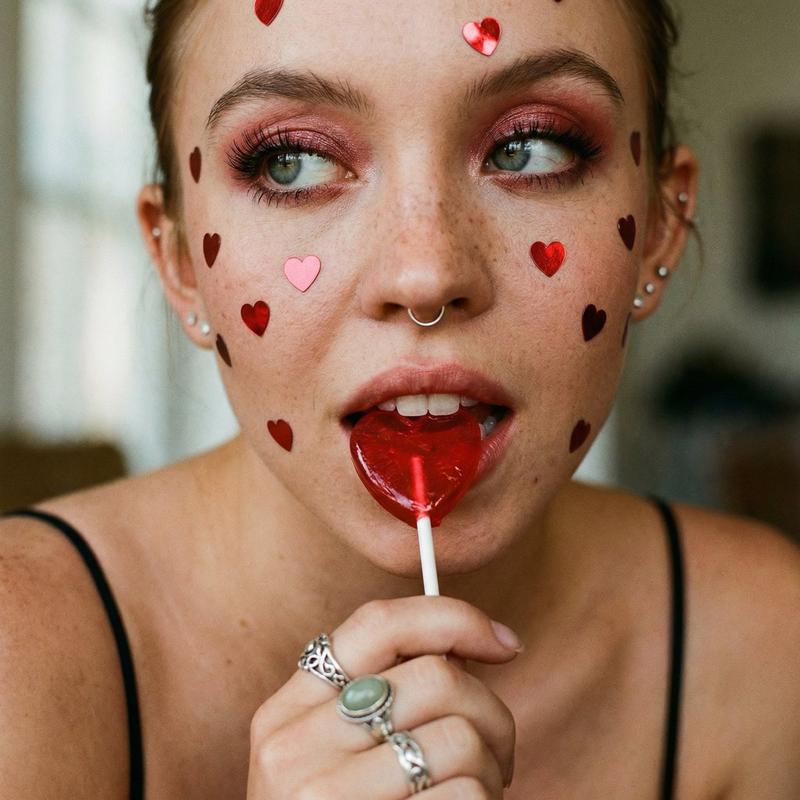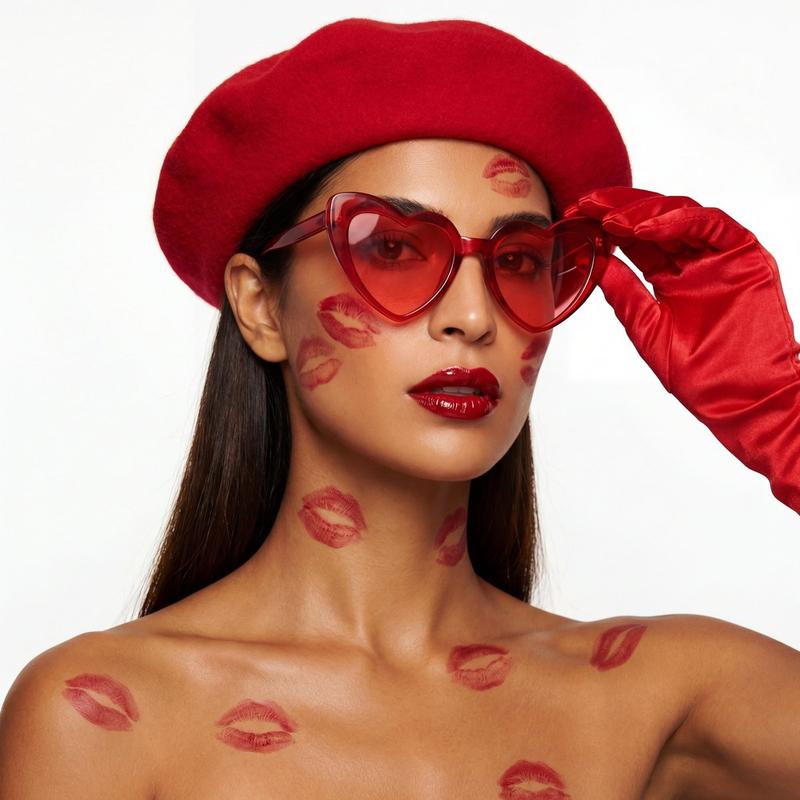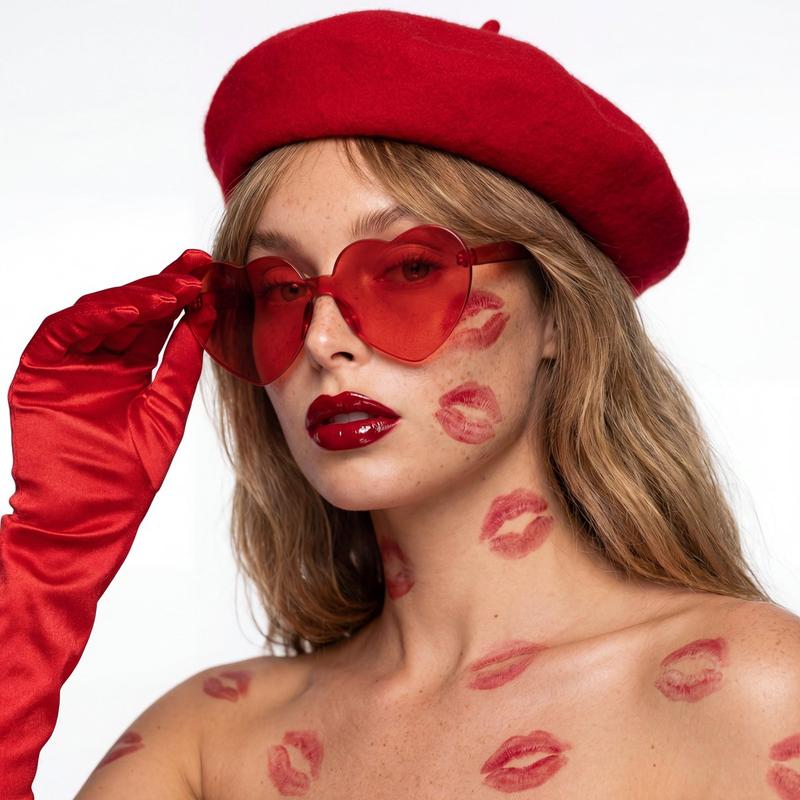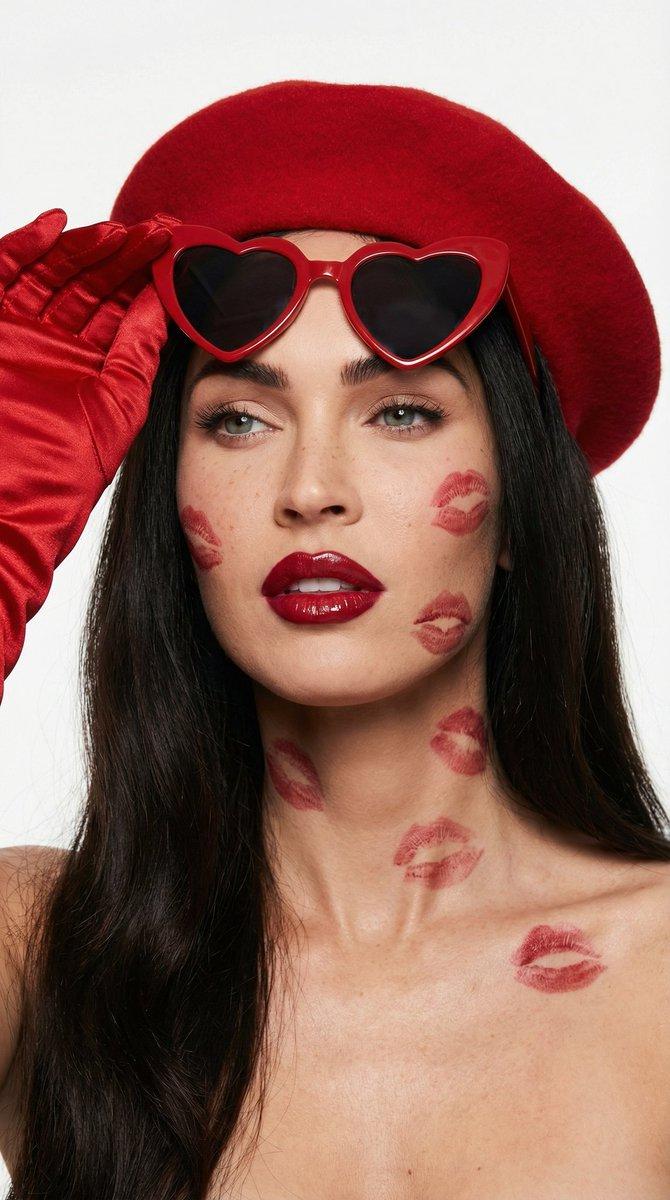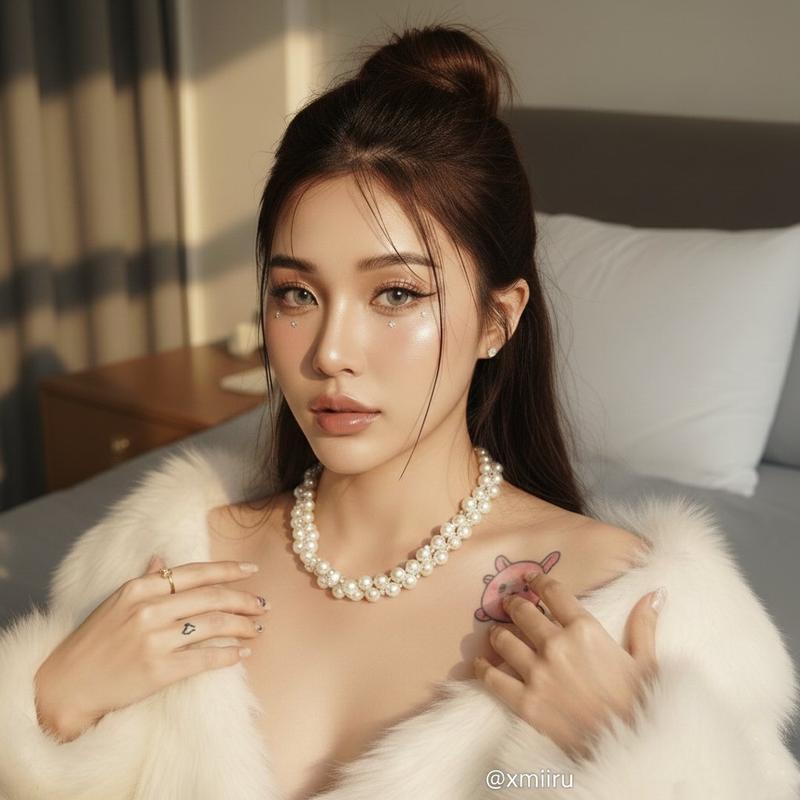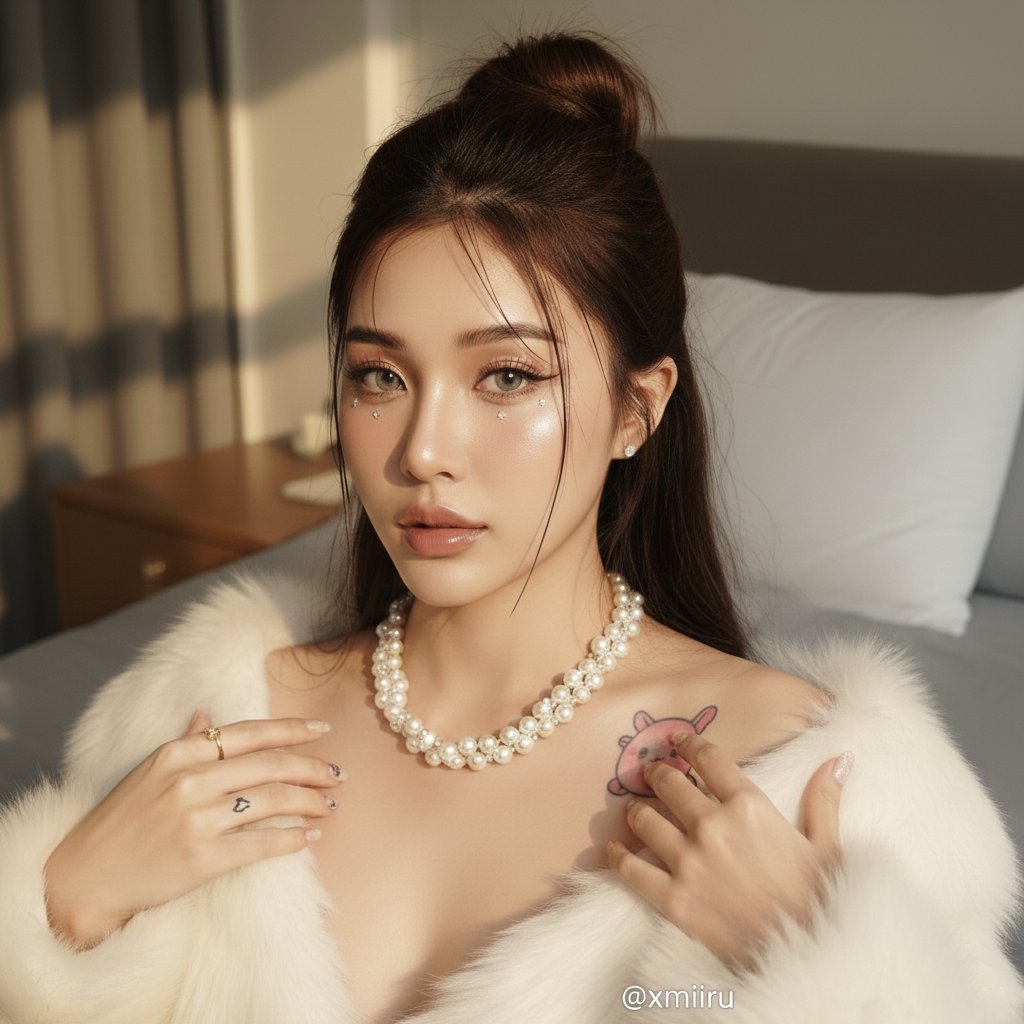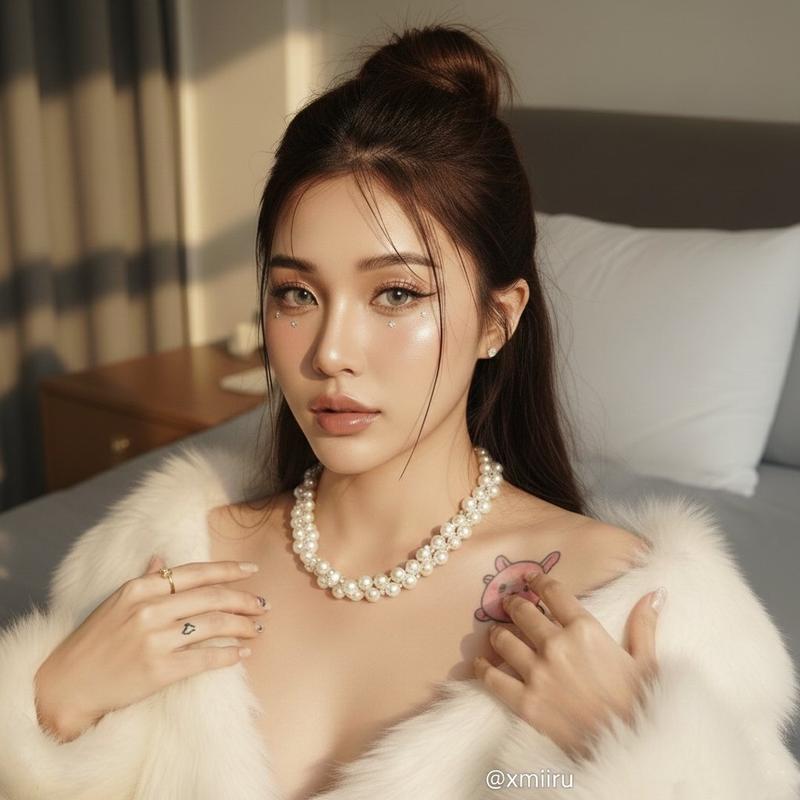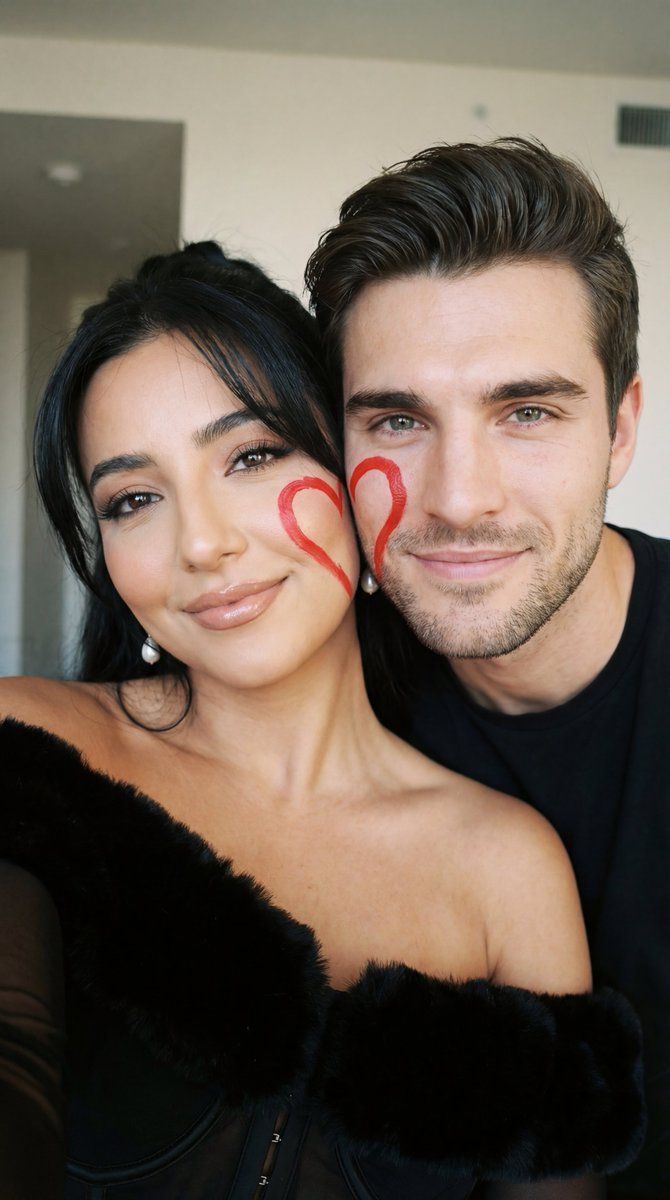
超近景写实情侣自拍,脸颊心形彩绘
Prompt
{
  "generation_request": {
    "meta_data": {
      "tool": "NanoBanana Pro",
      "task_type": "photorealistic_close_couple_selfie",
      "version": "v1.0_SOFT_HEART_CHEEK_SELFIE_MAXLOCK",
      "priority": "high"
    },
    "references": {
      "female_reference_image": "UPLOAD_FEMALE_REFERENCE (REQUIRED)",
      "male_reference_image": "UPLOAD_MALE_REFERENCE (REQUIRED)",
      "reference_rules": {
        "exactly_two_references_only": true,
        "preserve_identity_female": true,
        "preserve_identity_male": true,
        "identity_lock_strength_female": 0.995,
        "identity_lock_strength_male": 0.995,
        "strict_face_match": true,
        "no_identity_drift": true,
        "no_face_morphing": true,
        "no_beautification": true
      }
    },
    "output_settings": {
      "aspect_ratio": "1:1",
      "resolution_target": "ultra_high_res",
      "render_style": "photorealistic_soft_film_selfie",
      "sharpness": "natural",
      "film_grain": "subtle_analog",
      "dynamic_range": "natural_not_hdr"
    },
    "hard_constraints": [
      "Exactly two people only.",
      "Faces must match the uploaded references exactly.",
      "Very close-up framing (faces filling the frame).",
      "No text, no logos, no watermark.",
      "Natural skin texture (no plastic look)."
    ],
    "creative_prompt": {
      "scene_summary": "Ultra-close photorealistic couple selfie. The couple presses their cheeks together, filling the frame. Each has half of a red hand-drawn heart painted on their cheek, forming a complete heart when their faces touch. Soft, intimate, youthful vibe with a nostalgic film aesthetic.",
      "composition": {
        "framing": "extreme close-up, faces cropped at forehead and chin",
        "pose": "cheek-to-cheek, relaxed and affectionate",
        "expression": "soft smiles, calm eyes, natural candid emotion"
      },
      "details": {
        "face_paint": "simple {argument name="heart color" default="red"} heart painted by hand, slightly imperfect, matte texture",
        "skin": "natural pores, light blush on cheeks",
        "lips": "soft coral / peach tone, natural finish",
        "eyes": "natural lashes, minimal makeup"
      },
      "lighting": {
        "type": "soft indoor ambient light",
        "quality": "even, gentle, no harsh shadows",
        "tone": "warm-neutral"
      },
      "style": {
        "look": "90s / Y2K casual selfie",
        "texture": "light film grain, slightly muted colors",
        "retouching": "minimal, authentic"
      }
    },
    "negative_prompt": [
      "identity drift",
      "face swap artifacts",
      "over-smoothed skin",
      "plastic skin",
      "heavy makeup",
      "beauty filter",
      "blurred eyes",
      "deformed facial features",
      "extra people",
      "text",
      "logo",
      "watermark",
      "cartoon",
      "anime",
      "cgi render"
    ]
  }
}- Category
- 创意图片
- Model
- Nano Banana Pro
- Creator
- Özge Döner
- Source ID
- 63a5b8b7-9f6c-491c-b455-f7a01122fdc1
- Published
- Mar 8, 2026
Views0