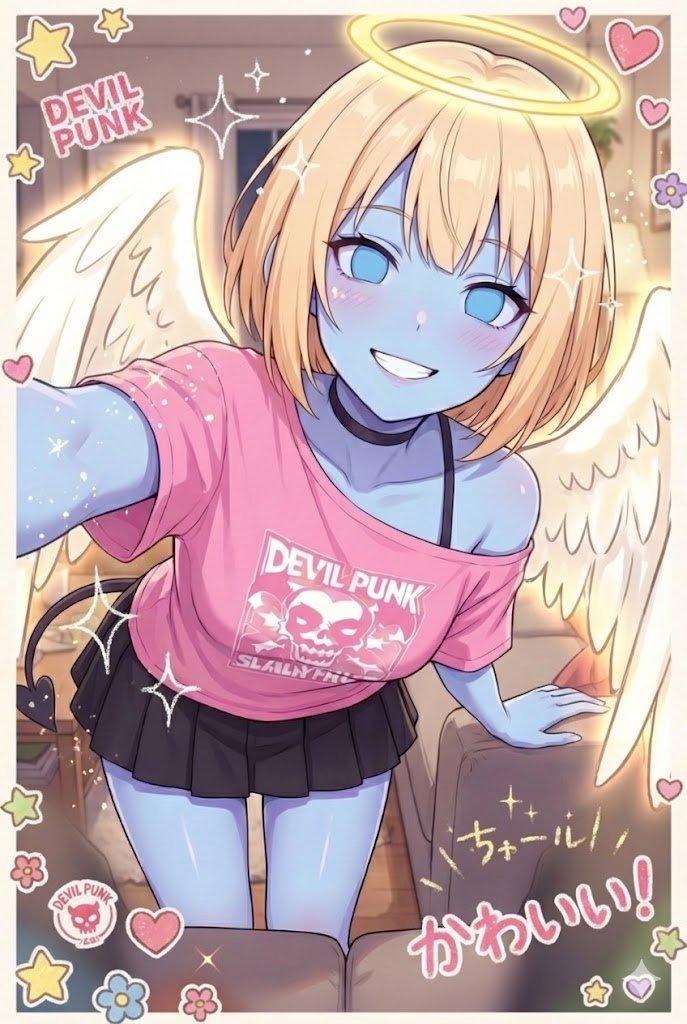
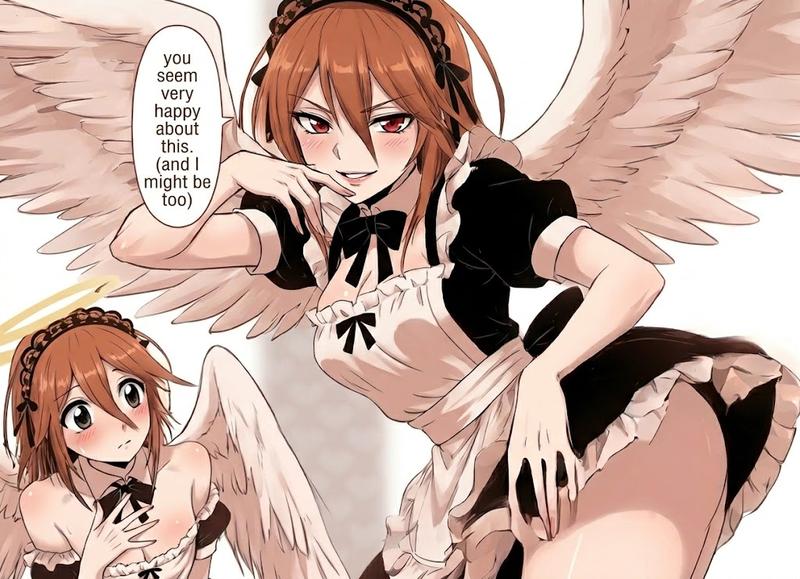
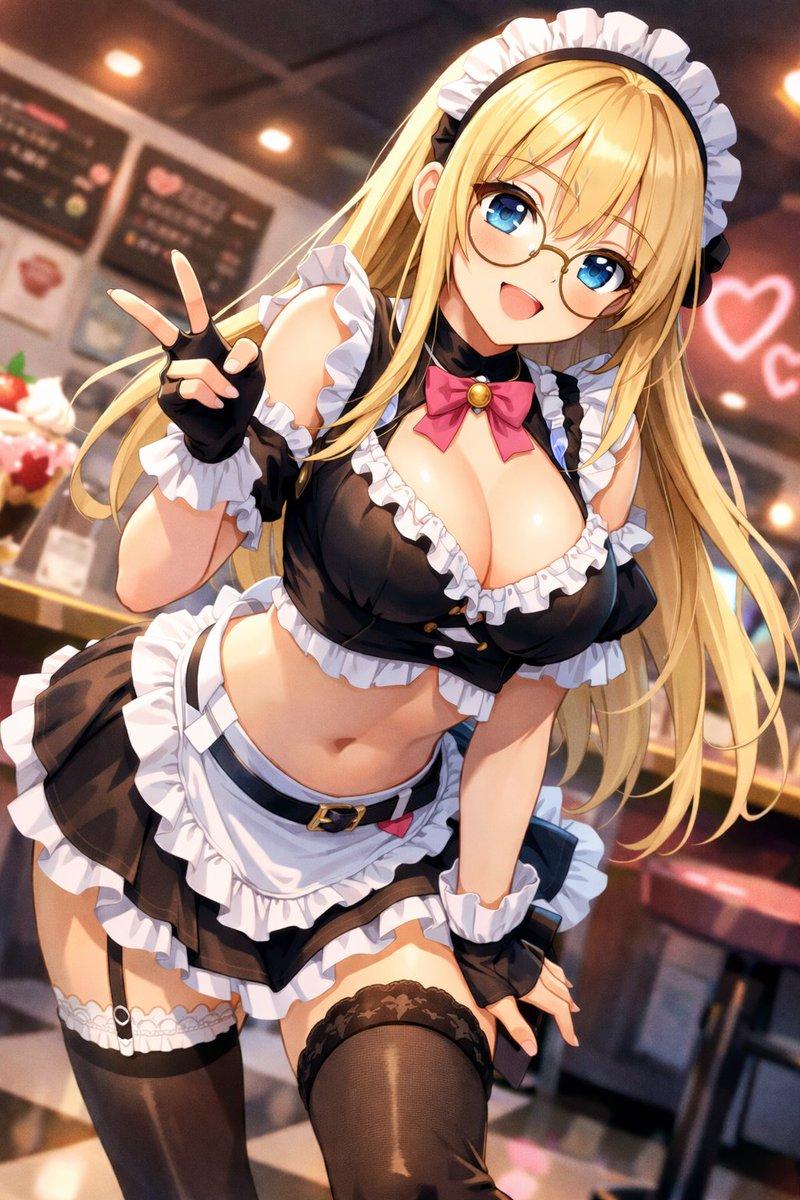
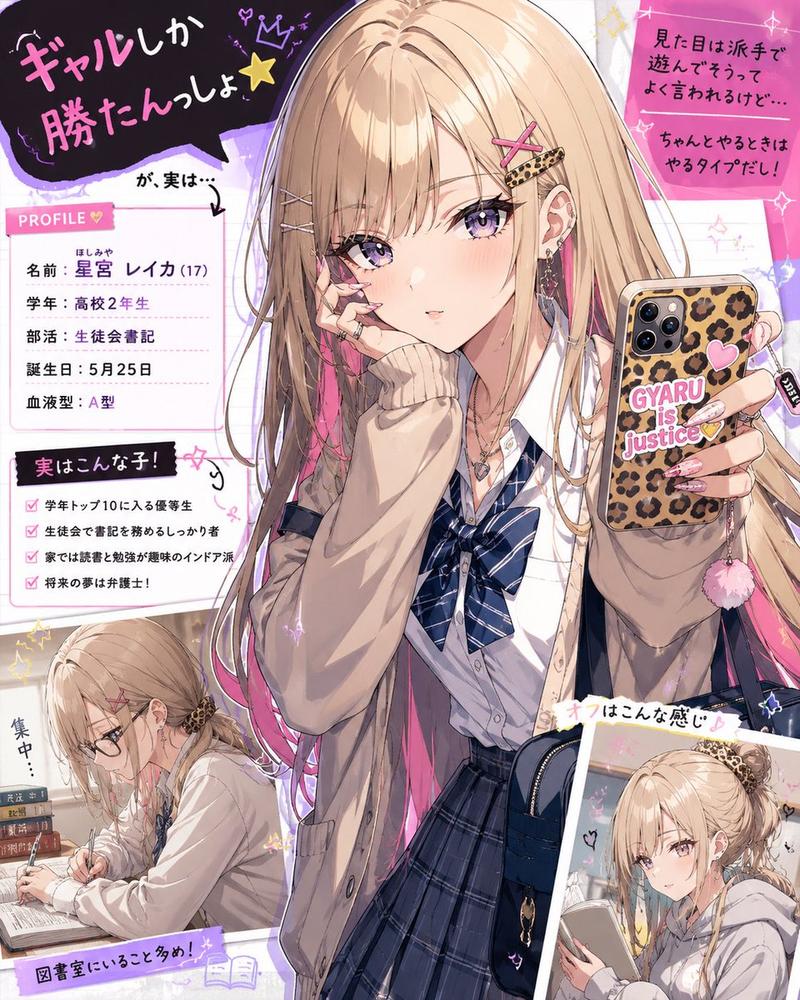
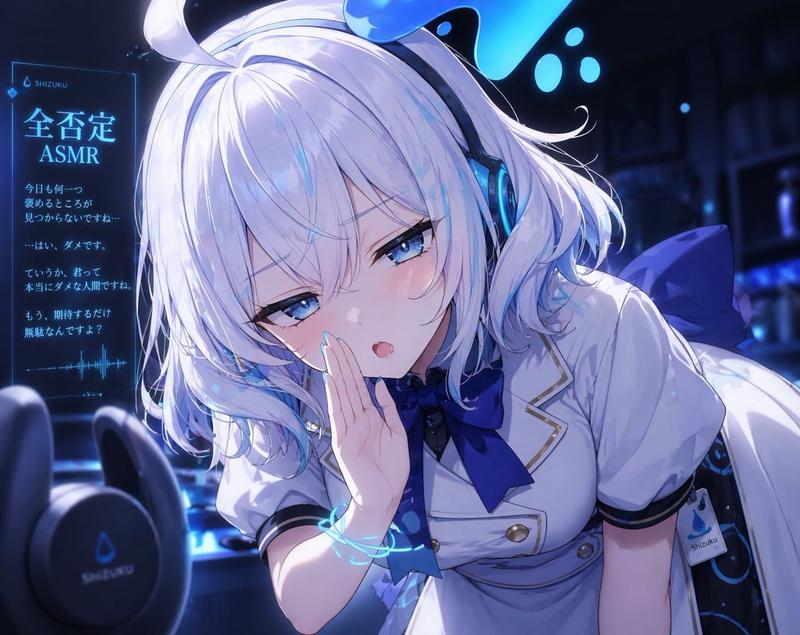
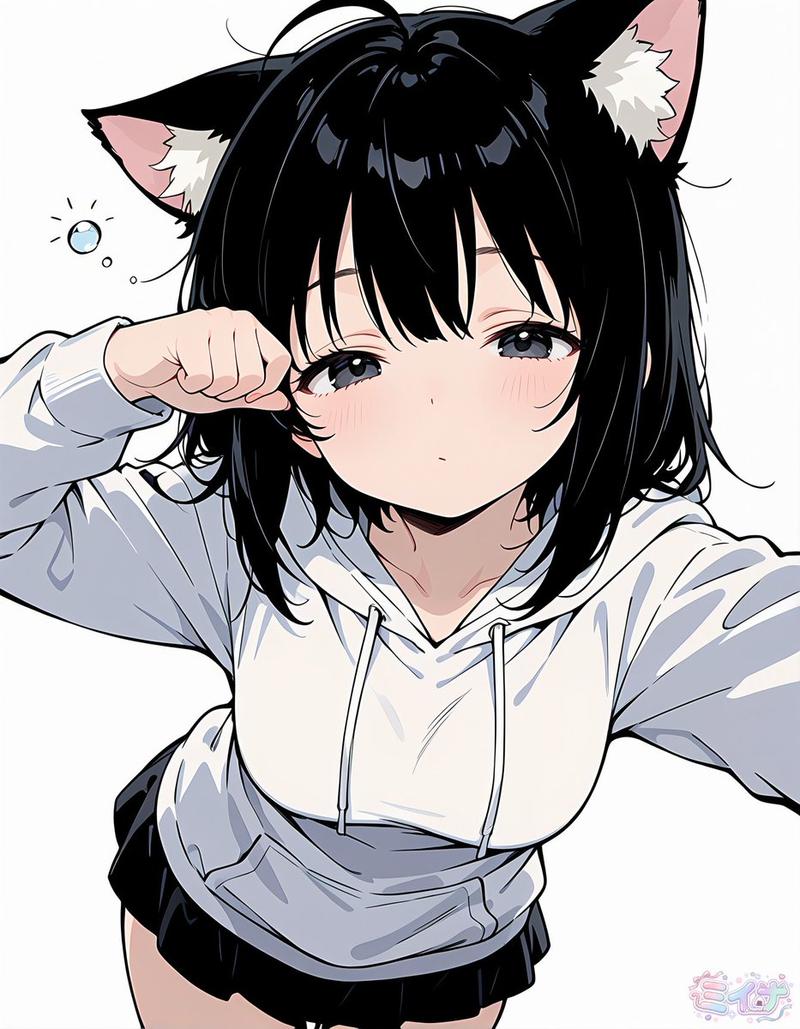
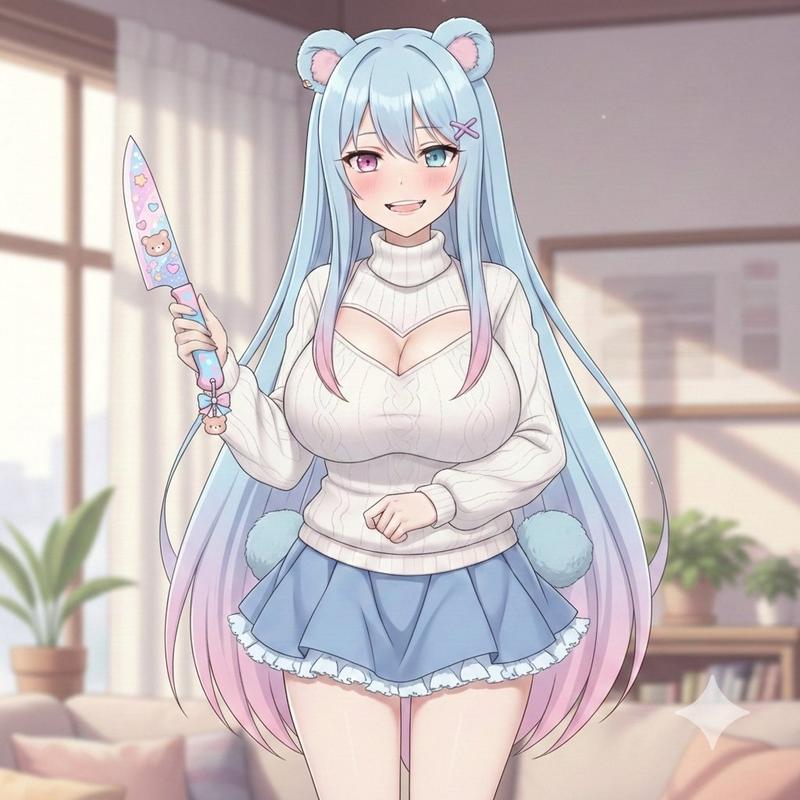
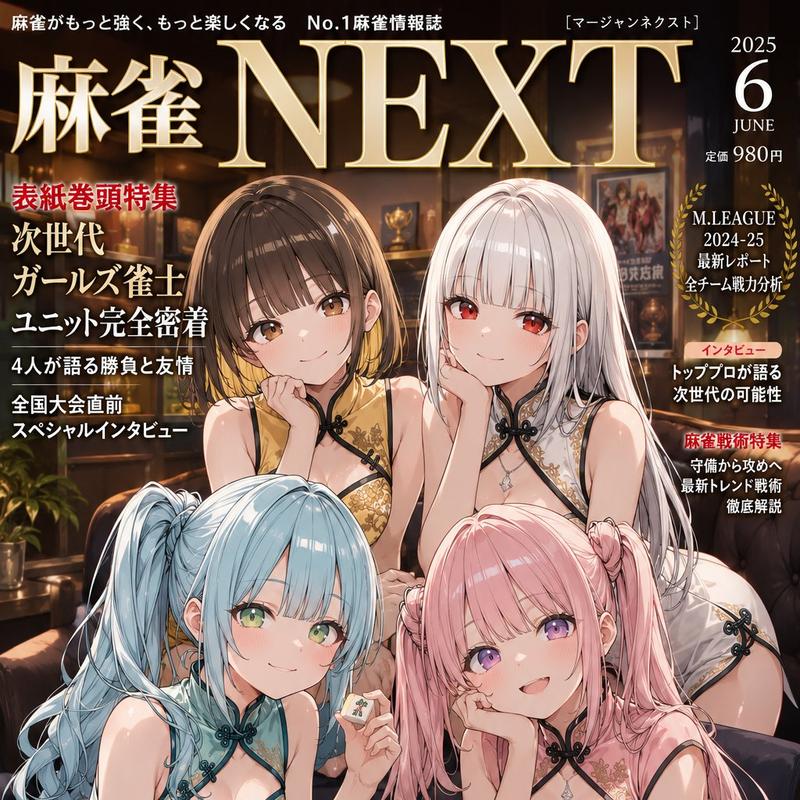
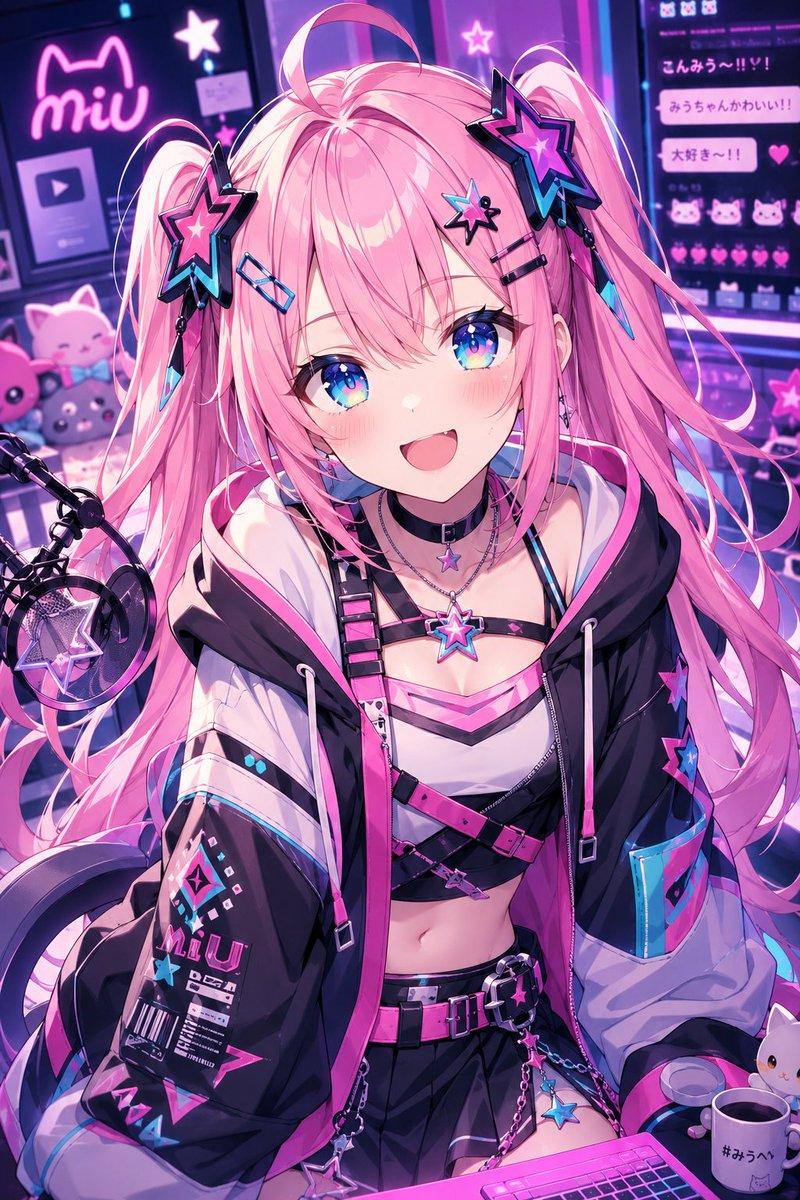
大头贴风格处理和绘制翅膀测试
Prompt
nanobanana proさんはdrawn wings 難しいかも「プリクラ風の加工を加えて」は通りました
- Category
- 创意图片
- Model
- Nano Banana Pro
- Creator
- 百草丸
- Source ID
- d33097a8-96a1-4489-9f2b-6b479d07869f
- Published
- Mar 8, 2026
Views0
19
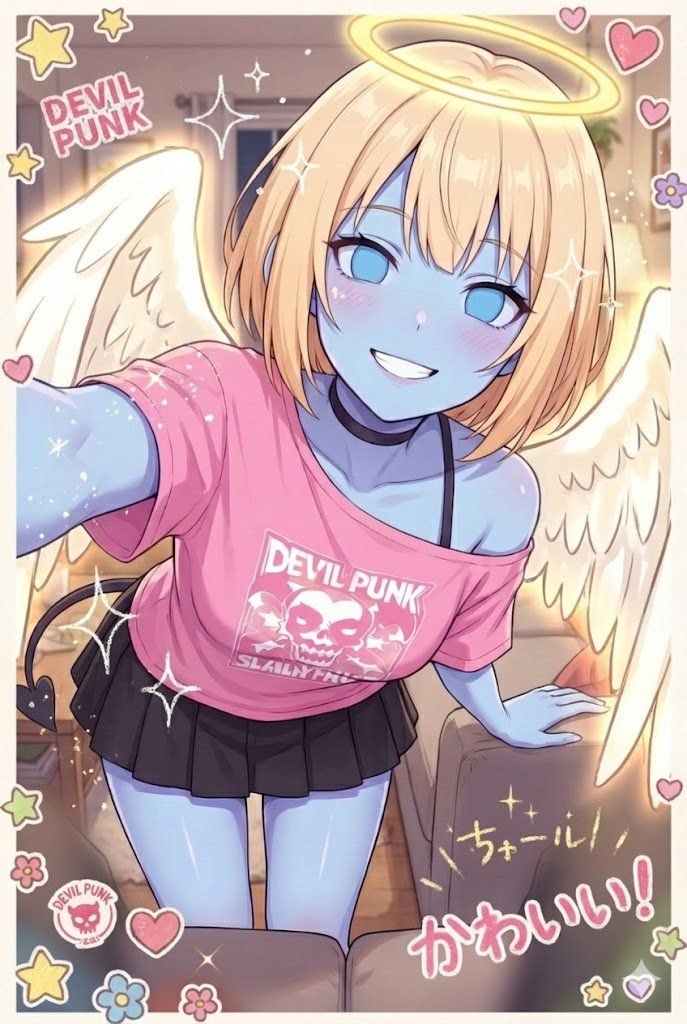
nanobanana proさんはdrawn wings 難しいかも「プリクラ風の加工を加えて」は通りました
Guide
"大头贴风格处理和绘制翅膀测试" AI image prompt for Nano Banana Pro (创意图片). 用户指出 Nano Banana Pro 在生成“手绘翅膀”方面表现不佳,但能成功应用“大头贴风格处理”(日式照相亭风格处理)。 --- Nano Banana Pro 可能会觉得“绘制翅膀”很难…
The full copyable prompt and example visuals above are ready for AI image generation or one-click recreate in Picva.
Step 1
Review the example visuals, category, and full prompt text for "大头贴风格处理和绘制翅膀测试".
Step 2
Copy the prompt body from this page, or load it directly in Studio.
Step 3
Prefer Nano Banana Pro. If you switch models, keep subject and composition and tweak style terms.
Step 4
Recreate the look in Picva, or export into your workflow for editing and publishing.