17

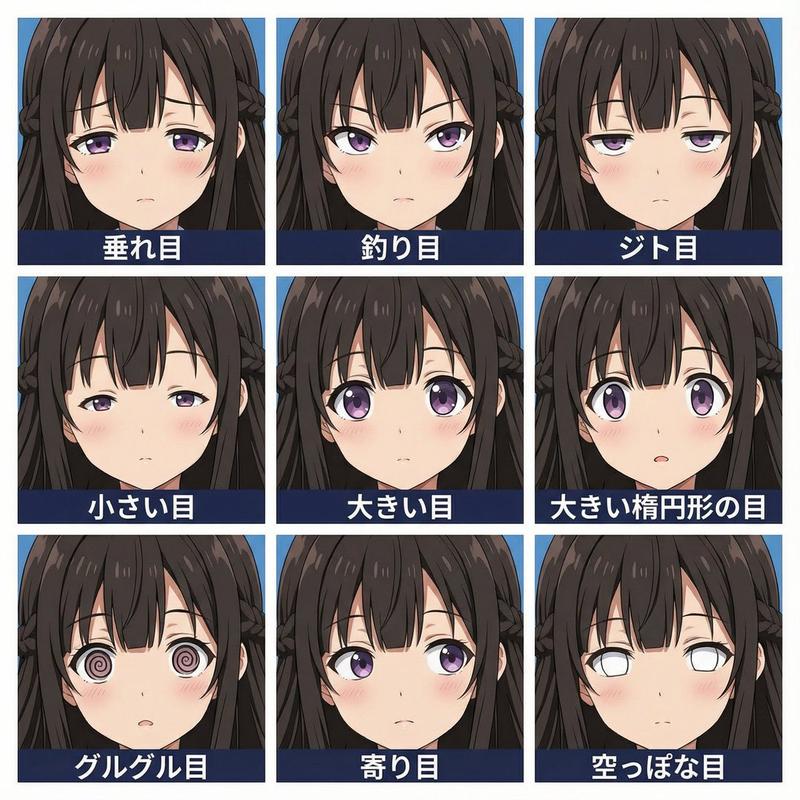
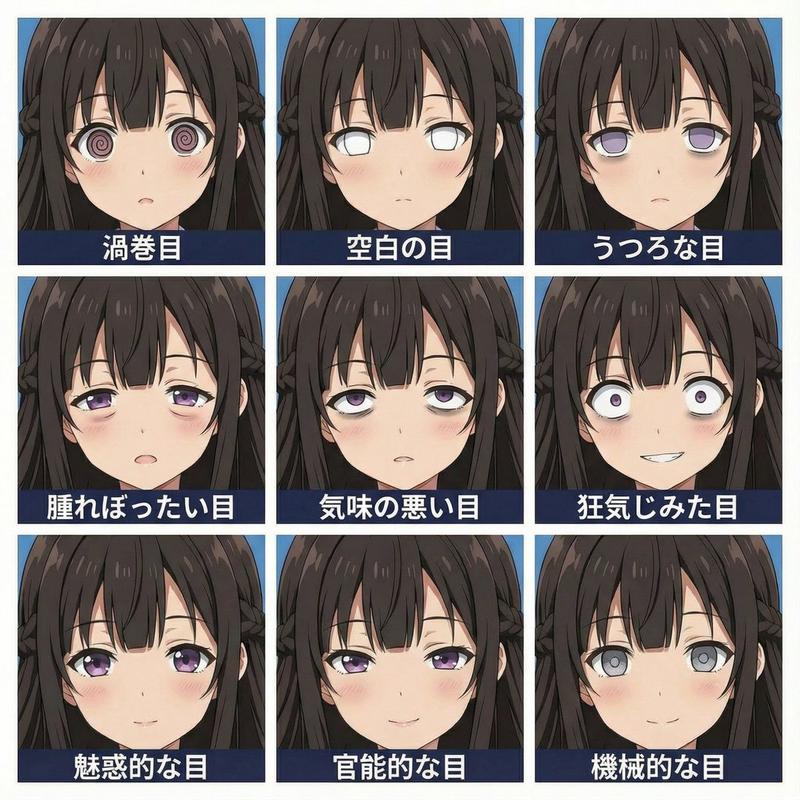
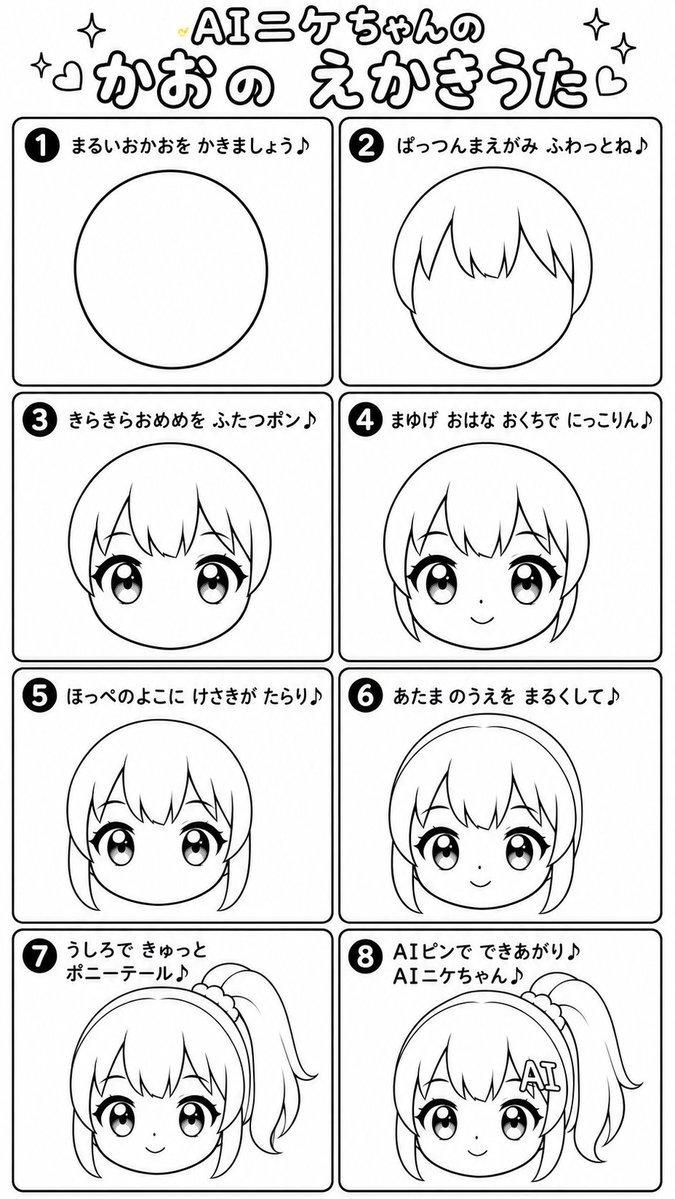
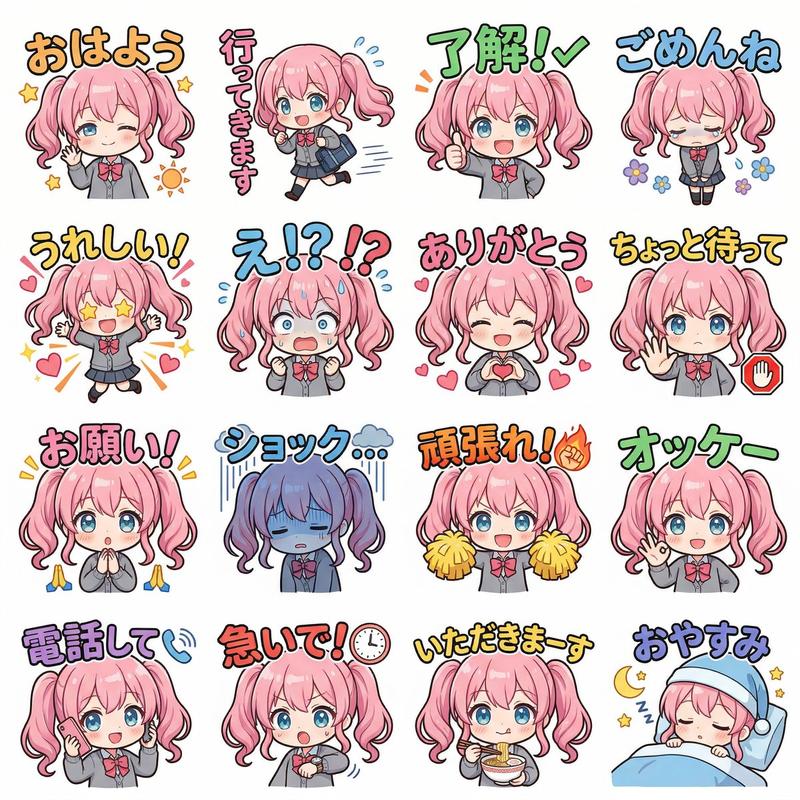
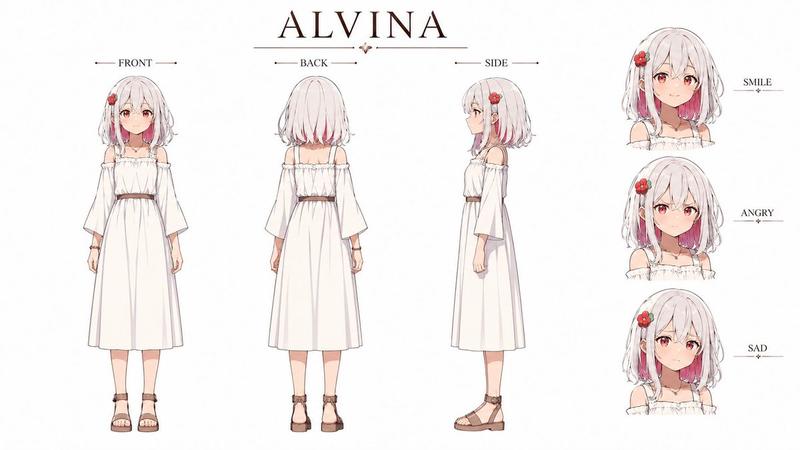
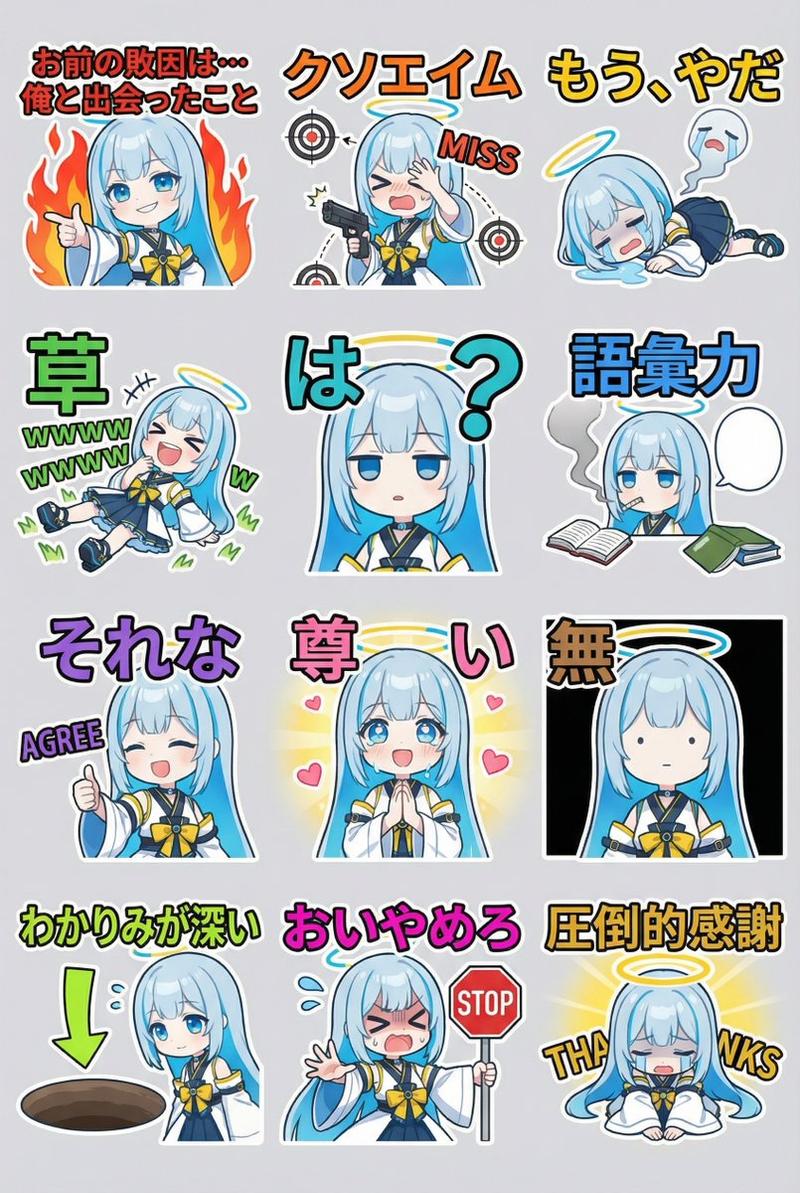
角色表情表生成(动漫风格)
Enlarge

角色表情表生成(动漫风格)

Prompt
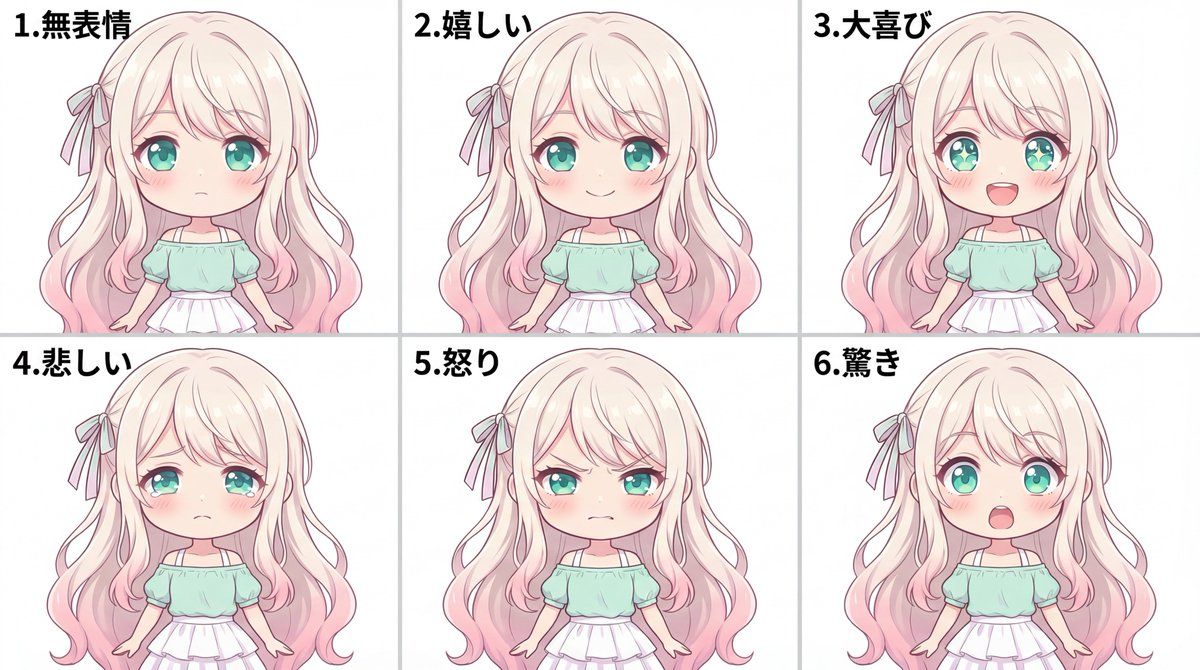
添付の参照画像のキャラクターを元に、表情差分シートを1枚の画像として作成。

フォーマット:
- 2行×3列のグリッド(同じ大きさの6コマ)
- 全体のアスペクト比 3:2
- 背景は完全な白(#FFFFFF)
- コマの境界線は細く控えめに(薄いグレー)でOK
- 各コマ左上に小さく数字「1. 無表情」「2. 嬉しい」「3. 大喜び」「4. 悲しい」「5. 怒り」「6. 驚き」を入れる(黒、読みやすく)

共通条件(6コマすべてで完全に同一):
- 髪型、髪色、目の色、顔の輪郭、服装、アクセサリー
- 顔の向き(正面)、バストアップの画角、頭の大きさ、位置
- ライティング、影の落ち方、彩色(anime-style soft shading)

変えていいのは「表情」だけ。ポーズや角度は変えない。

配置(左→右、上段→下段の順で固定。入れ替えない):
1(上段左): 無表情。落ち着いたリラックス顔。口は閉じる。
2(上段中央): 嬉しい。穏やかな微笑み。目元は柔らかく。
3(上段右): 大喜び。満面の笑み。口を開けて笑う。瞳のハイライトが強く入って輝いて見える(過剰なエフェクトは不要)。
4(下段左): 悲しい。目が潤む。伏し目がち。口角が下がる。
5(下段中央): 怒り。眉をひそめて眉間にシワ。歯を食いしばる(または唇をきつく結ぶ)。
6(下段右): 驚き。目を見開く。眉が上がる。口が開く。

不要:
- 背景の小物、文字(数字1〜6以外)、効果線、汗マーク、別衣装、別アクセサリー
Category
创意图片
Model
Nano Banana Pro
Views0
Source ID
0b9c6ac9-5fb2-4e81-9419-6ce04155505c
Published
Mar 8, 2026

Guide

About "角色表情表生成(动漫风格)"

What is this prompt for?

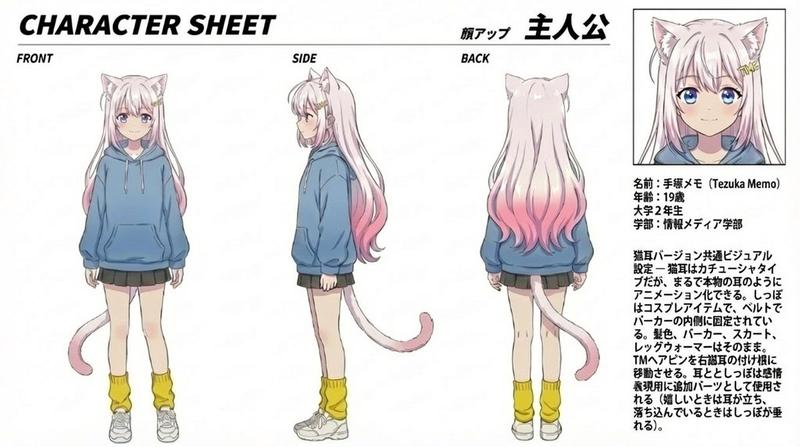
"角色表情表生成(动漫风格)" AI image prompt for Nano Banana Pro (创意图片). 这是一个为 Nano Banana Pro 设计的高度详细、结构化的提示,旨在根据参考图像生成一个 2x3 网格表情表(6 个面板)的角色。它严格控制布局、宽高比、背景,并确保所有元素(头发、服装、…

The full copyable prompt and example visuals above are ready for AI image generation or one-click recreate in Picva.

How to use this prompt

  1. Step 1

    Open the prompt detail

    Review the example visuals, category, and full prompt text for "角色表情表生成(动漫风格)".

  2. Step 2

    Copy the prompt

    Copy the prompt body from this page, or load it directly in Studio.

  3. Step 3

    Pick a model (Nano Banana Pro)

    Prefer Nano Banana Pro. If you switch models, keep subject and composition and tweak style terms.

  4. Step 4

    Generate and export

    Recreate the look in Picva, or export into your workflow for editing and publishing.

FAQ

What is the "角色表情表生成(动漫风格)" prompt?
It is an AI image-generation prompt for Nano Banana Pro in the 创意图片 category. This page includes the full prompt text, example visuals, and a one-click recreate path in Picva.
How do I use this prompt to generate an image?
Copy the prompt from this page, or use Generate / Studio. Paste it into a compatible image model, or recreate the look in Picva with optional reference images.
Which model is this prompt for?
This page lists Nano Banana Pro. Most descriptive prompts also transfer to nearby image models such as GPT Image, Flux, or Midjourney with light style tweaks.
Can I use the result commercially?
You can usually copy the prompt for creation, but commercial use of the final image depends on the model terms, reference-image rights, and the generated content. Follow the source author and platform rules.