17

自定义人物拿铁艺术生成提示
Enlarge

自定义人物拿铁艺术生成提示

Prompt
[キャラクター設定部分]
※以下の【 】内を書き換えてください

【キャラクターの外見的特徴】:
(例:ウィンクをして笑っている、明るい茶色のロングヘアのアニメ風の少女)
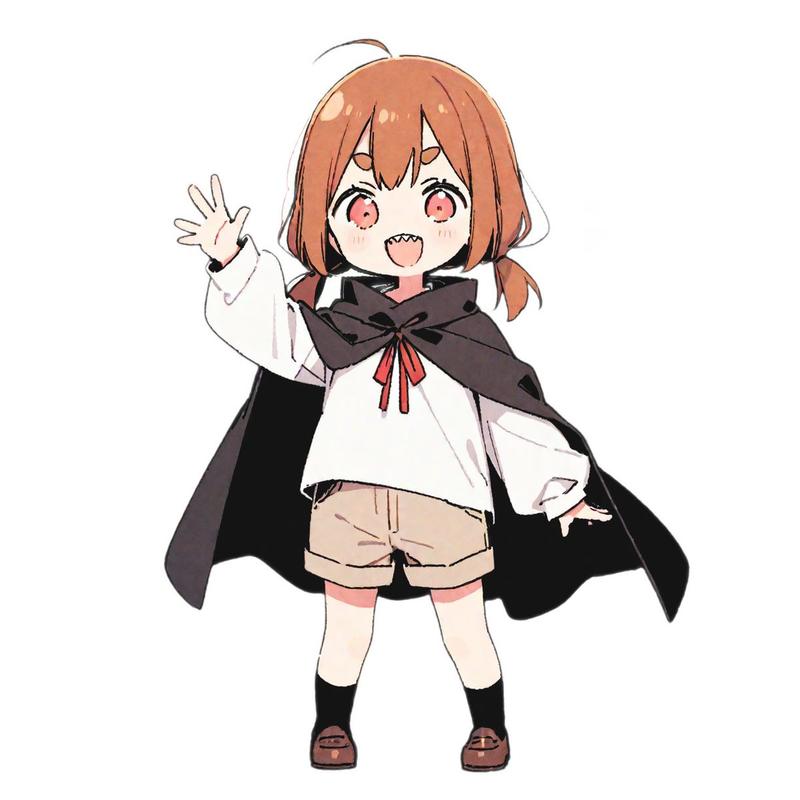
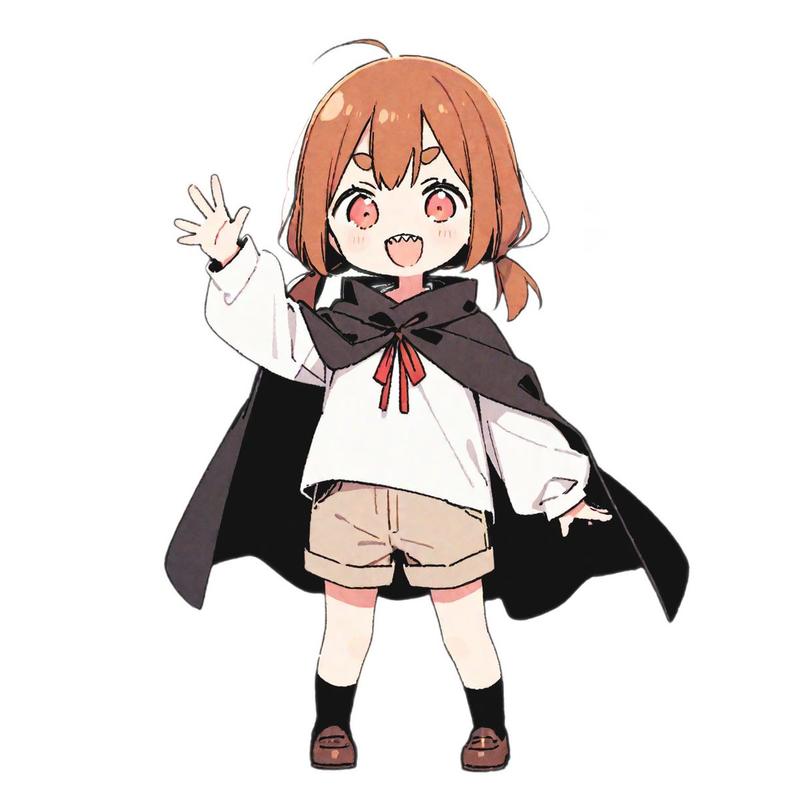
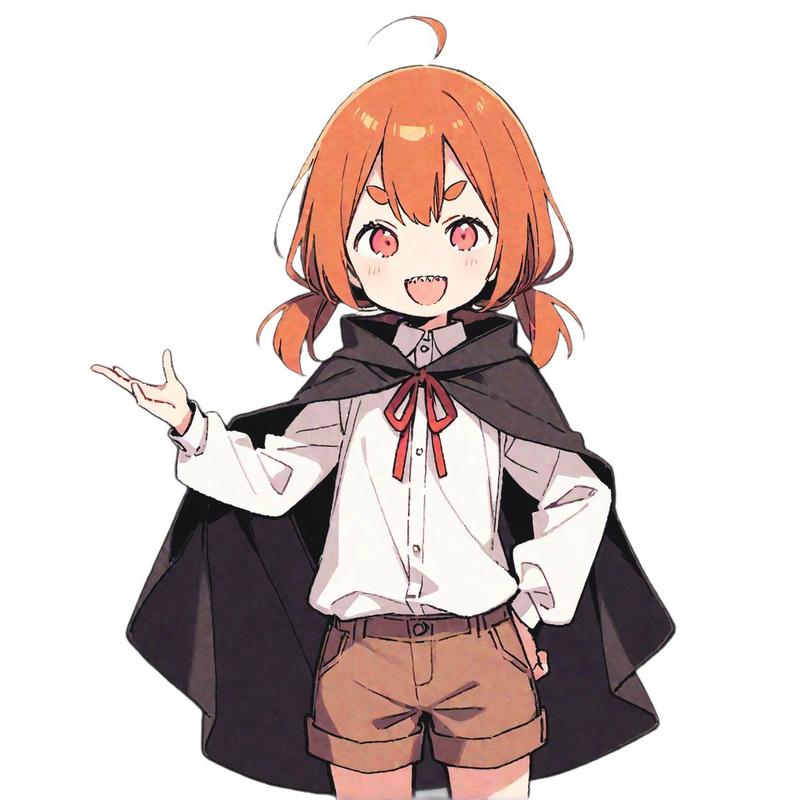
{argument name="キャラクターの外見的特徴" default="茶色の髪、短いツインテール、赤い瞳、少し尖った歯(ギザ歯)。"}

【キャラクターの名前】:
(例:Latte Chan)
{argument name="キャラクターの名前" default="ツノちゃん"}

[固定部分]

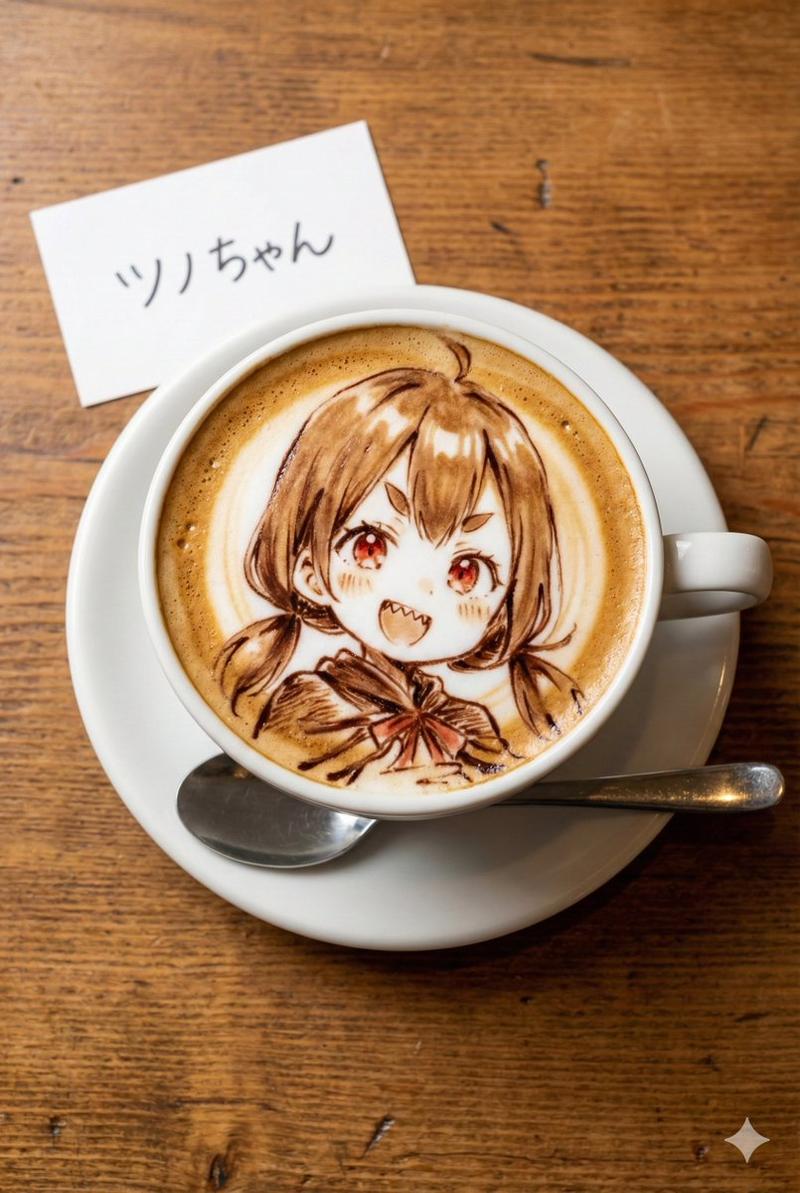
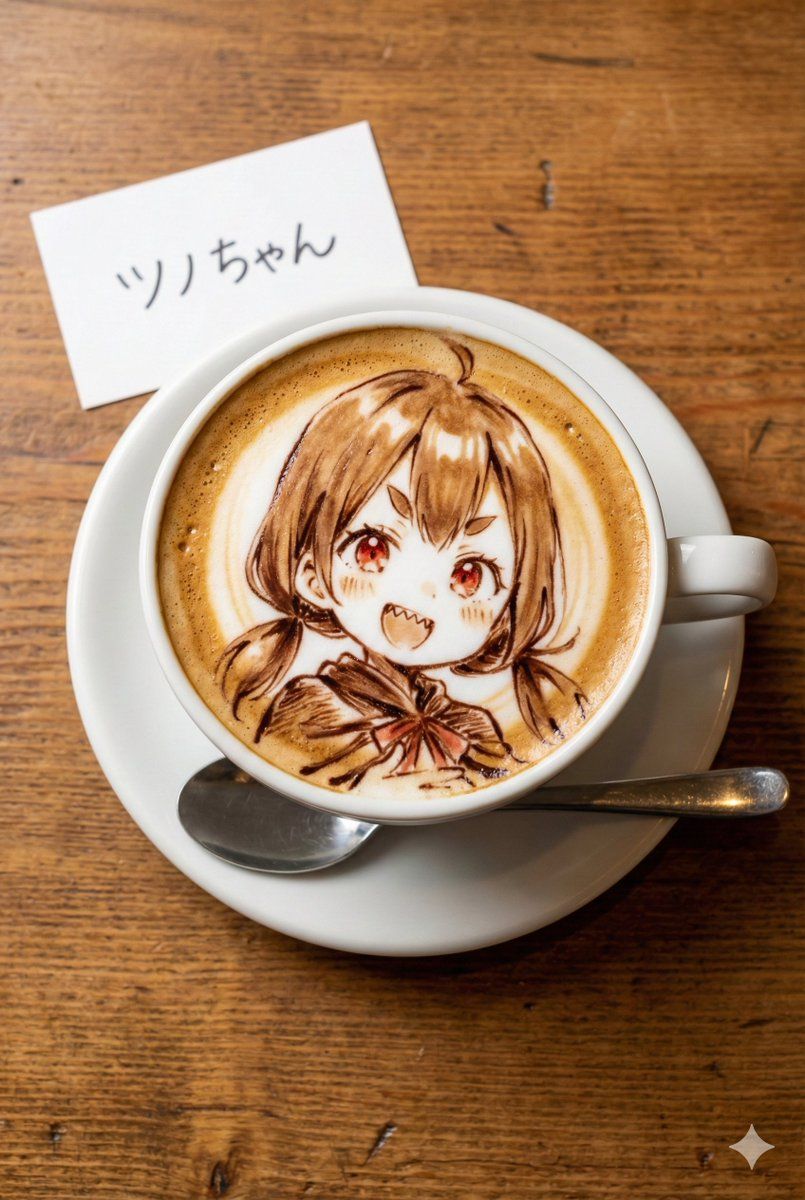
真上から撮影した、木製のテーブルの上に置かれたラテアートの写真。縦長のアスペクト比。

被写体:
白いセラミックのコーヒーカップに入ったカフェラテ。
カップの下には白いソーサーがあり、その横には銀色のスプーンが添えられている。
テーブルは質感のある木目調。

ラテアートの詳細:
カップの表面のきめ細かいミルクの泡には、チョコレートソースとエスプレッソの濃淡を使って、「{argument name="キャラクターの外見的特徴" default="茶色の髪、短いツインテール、赤い瞳、少し尖った歯(ギザ歯)。"}」のイラストが繊細かつ芸術的に描かれている。
線は滑らかな茶色のシロップで描かれ、アニメスタイルの絵柄が再現されている。

小物の詳細:
カップのすぐ横に、小さな白いメモ用紙(またはカード)が置かれている。
そのメモには「{argument name="キャラクターの名前" default="ツノちゃん"}」というテキストが、読みやすい手書き風の文字ではっきりと書かれている。

画質・スタイル:
フォトリアリスティック、高解像度、温かみのあるカフェの照明、美味しそうな質感、フードフォトグラフィー。
Category
创意图片
Model
Nano Banana Pro
Views0
Source ID
cc9fcc17-fa8e-42ba-9d30-dc5f013a1fcc
Published
Mar 8, 2026

Guide

About "自定义人物拿铁艺术生成提示"

What is this prompt for?

"自定义人物拿铁艺术生成提示" AI image prompt for Nano Banana Pro (创意图片). 一个结构化提示词,用于让 Nano Banana Pro 生成一张包含自定义角色的拿铁艺术照片。该提示词包含定义角色外观和名称的部分,以及关于咖啡杯、碟子、勺子、木桌和拿铁艺术风格的固定细节,以确保…

The full copyable prompt and example visuals above are ready for AI image generation or one-click recreate in Picva.

How to use this prompt

  1. Step 1

    Open the prompt detail

    Review the example visuals, category, and full prompt text for "自定义人物拿铁艺术生成提示".

  2. Step 2

    Copy the prompt

    Copy the prompt body from this page, or load it directly in Studio.

  3. Step 3

    Pick a model (Nano Banana Pro)

    Prefer Nano Banana Pro. If you switch models, keep subject and composition and tweak style terms.

  4. Step 4

    Generate and export

    Recreate the look in Picva, or export into your workflow for editing and publishing.

FAQ

What is the "自定义人物拿铁艺术生成提示" prompt?
It is an AI image-generation prompt for Nano Banana Pro in the 创意图片 category. This page includes the full prompt text, example visuals, and a one-click recreate path in Picva.
How do I use this prompt to generate an image?
Copy the prompt from this page, or use Generate / Studio. Paste it into a compatible image model, or recreate the look in Picva with optional reference images.
Which model is this prompt for?
This page lists Nano Banana Pro. Most descriptive prompts also transfer to nearby image models such as GPT Image, Flux, or Midjourney with light style tweaks.
Can I use the result commercially?
You can usually copy the prompt for creation, but commercial use of the final image depends on the model terms, reference-image rights, and the generated content. Follow the source author and platform rules.