17

保持身份的镜像自拍提示
Enlarge

保持身份的镜像自拍提示

Prompt
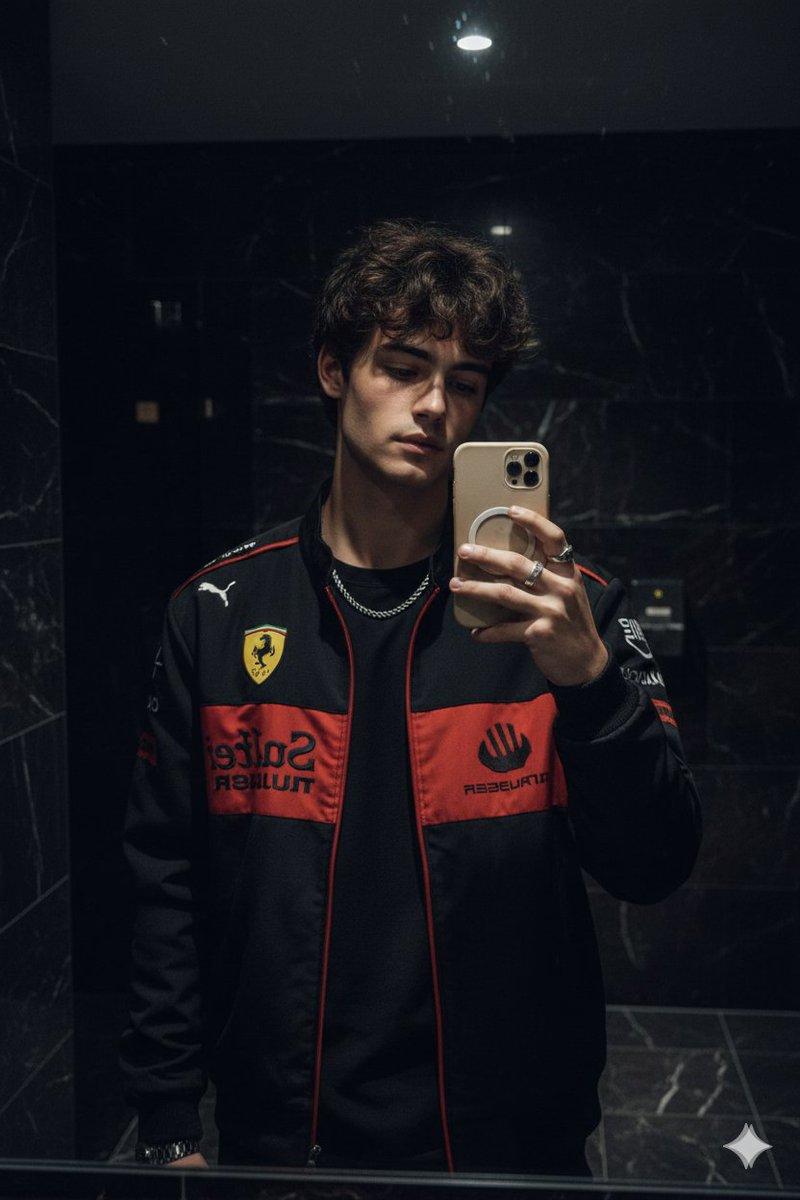
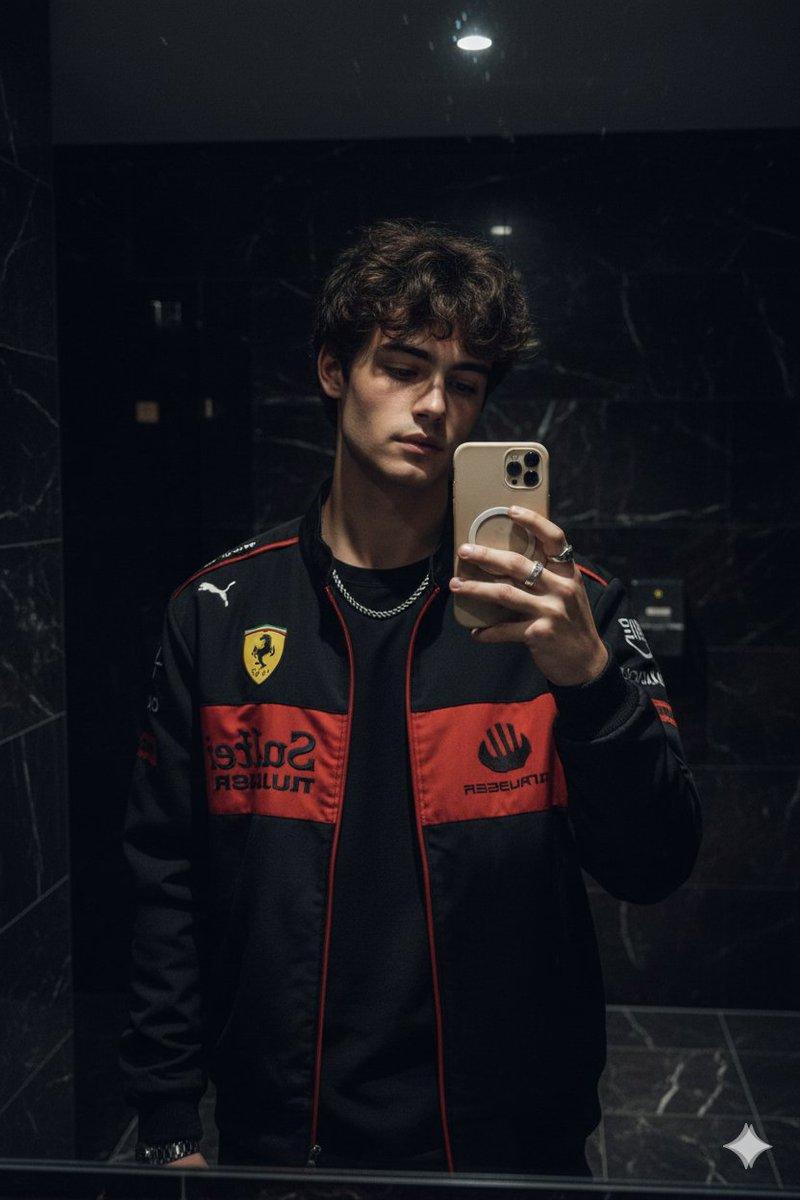
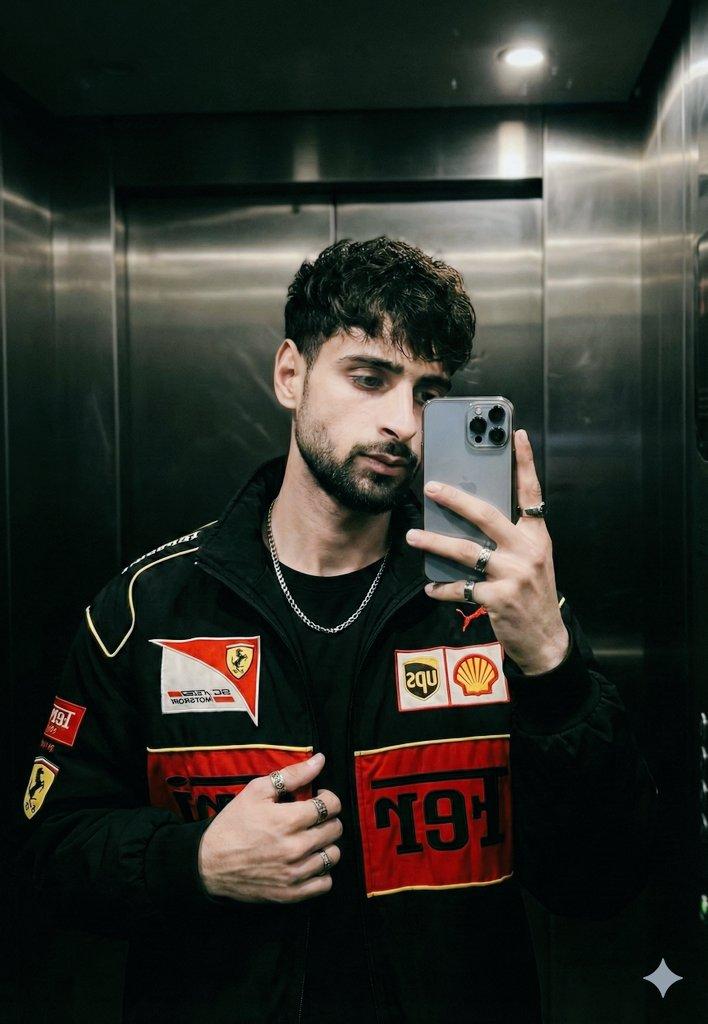
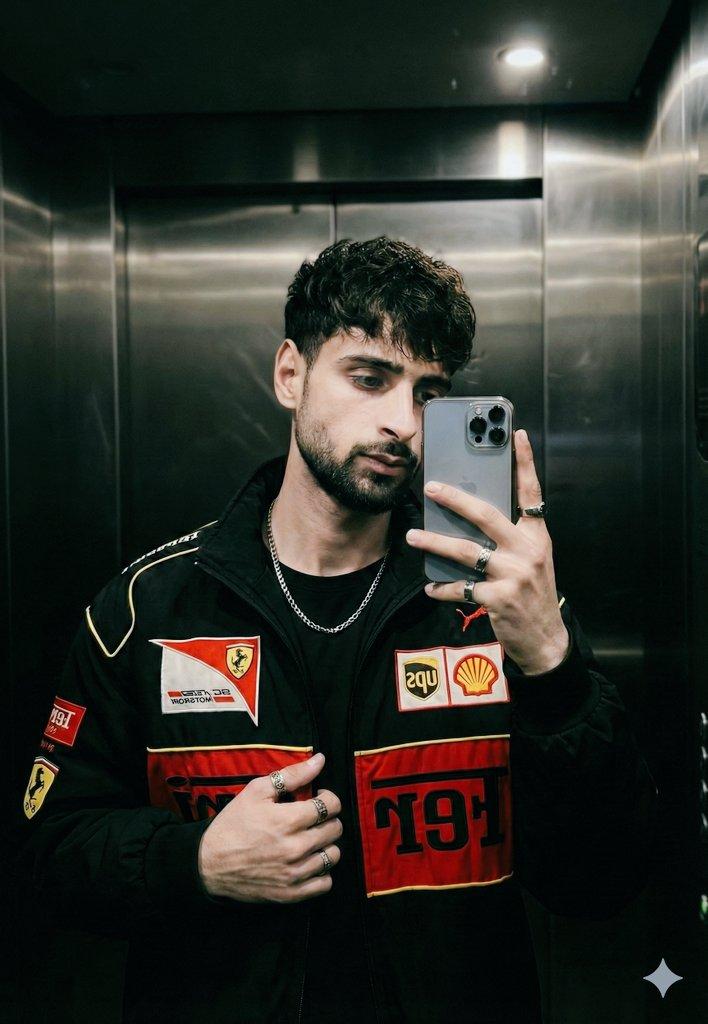
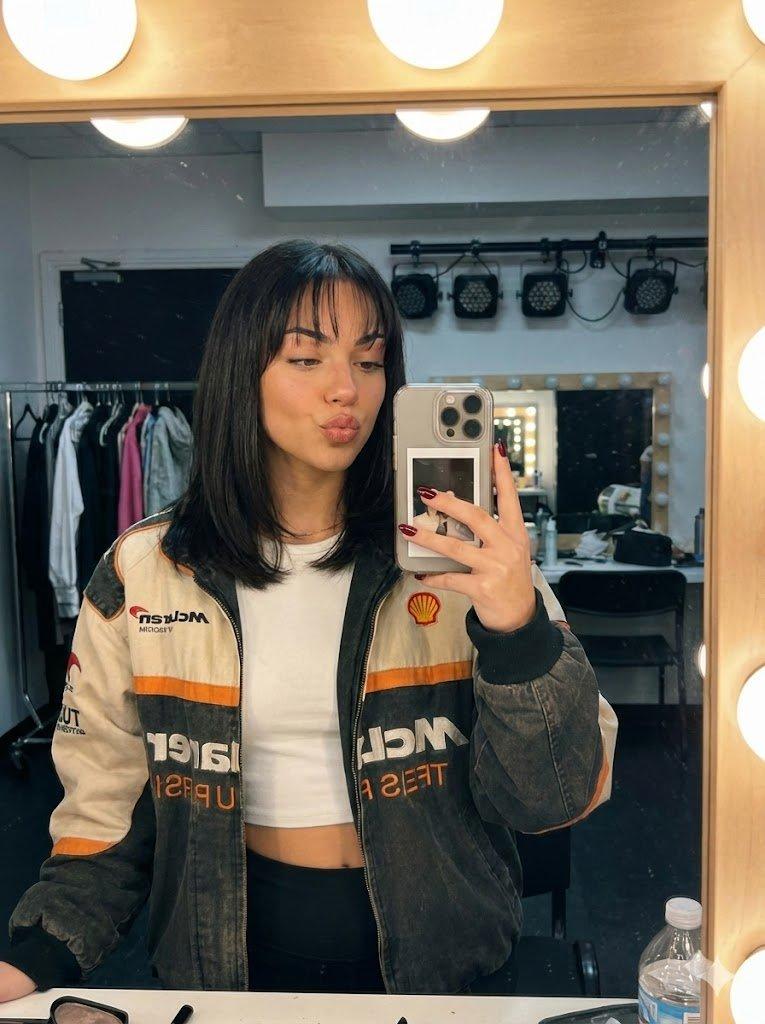
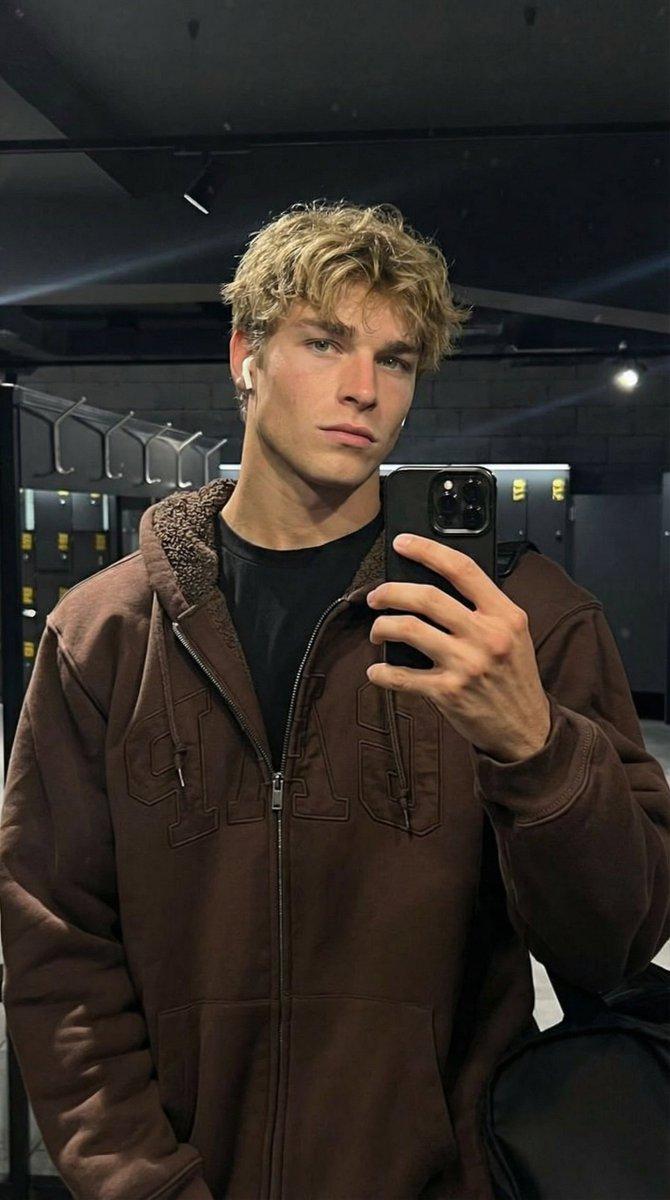
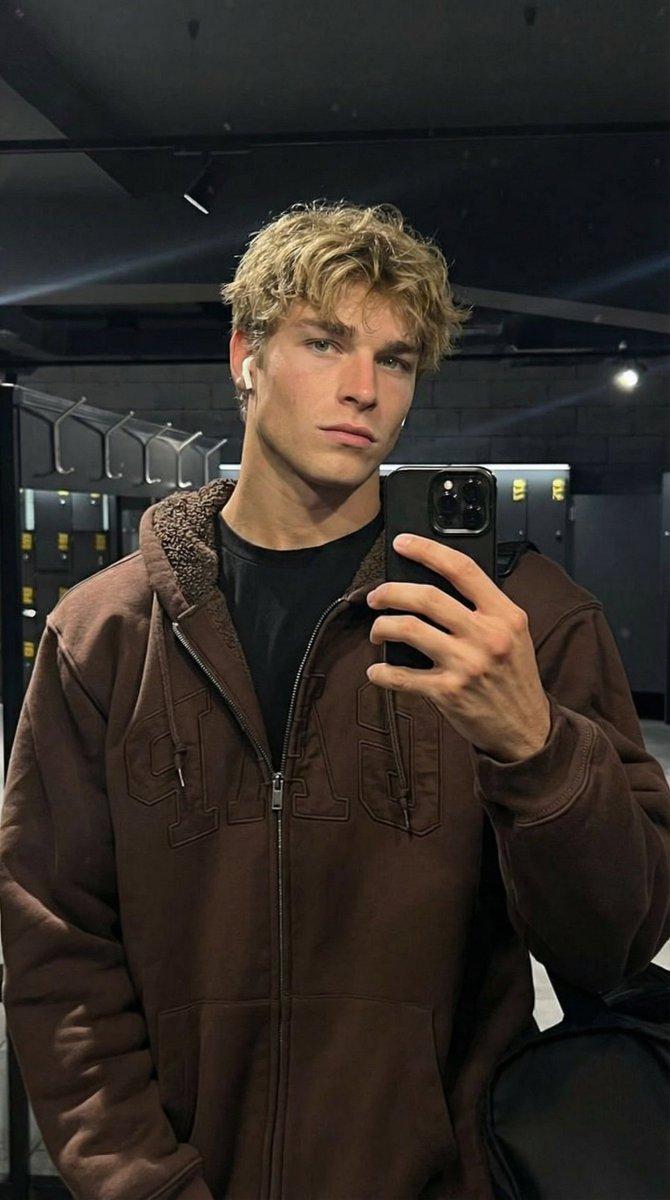
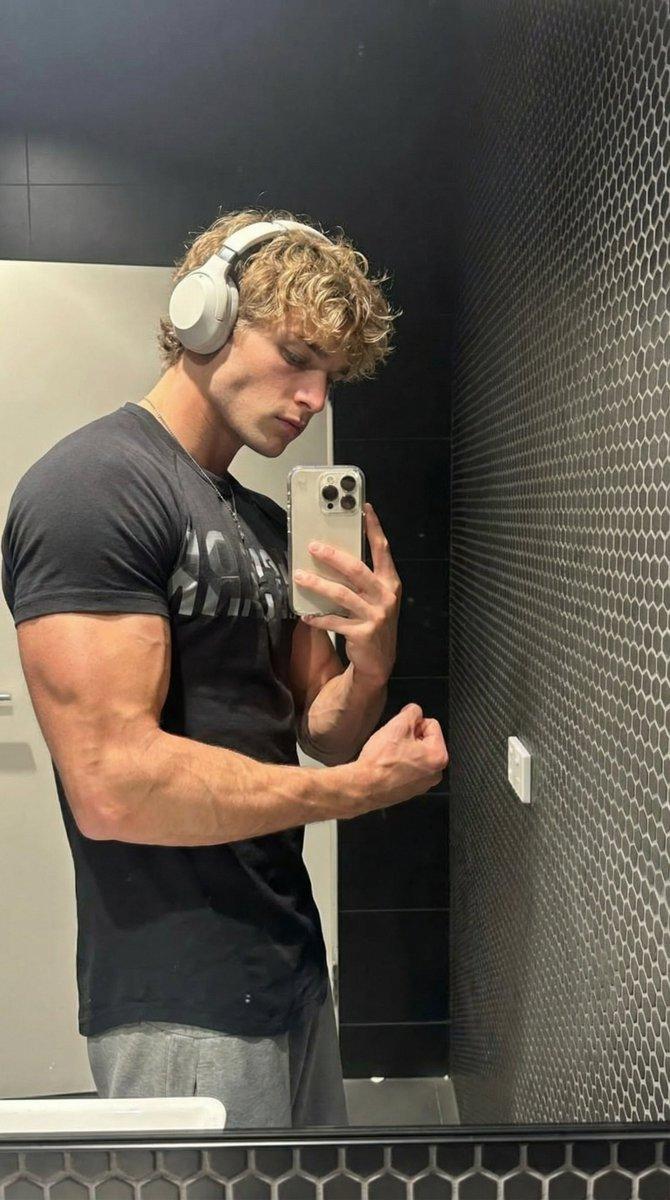
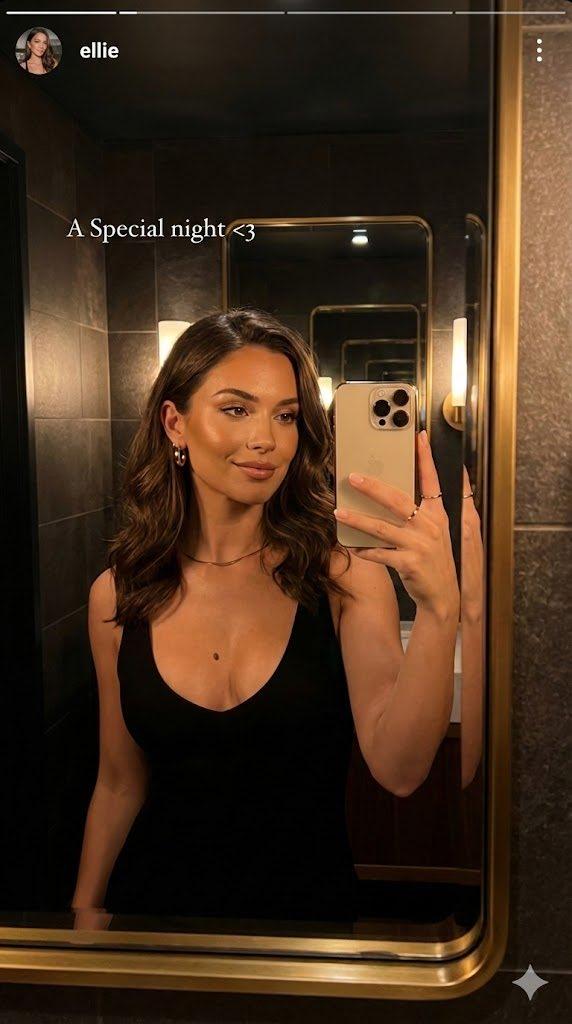
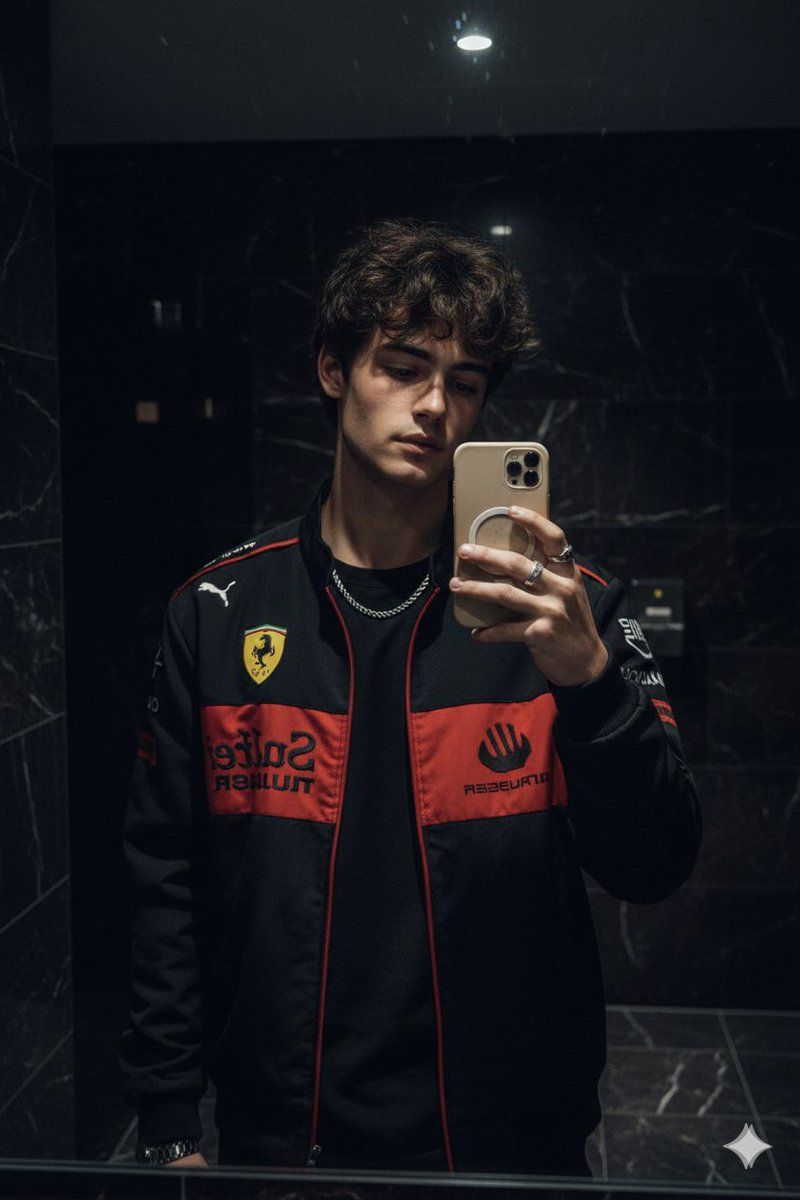
Create a hyper-realistic mirror selfie of me (use my face from the uploaded selfie) wearing the same black Ferrari racing jacket with red and yellow patches, black t-shirt underneath, silver rings, and chain.
I'm holding a phone with a beige
MagSafe case, posing in a dimly lit
modern bathroom with dark marble
walls. The lighting is soft and moody
capturing the same hairstyle, pose,
and reflection angle as in the
reference image - stylish, confident
cinematic vibe. Add a moody filter.
Category
创意图片
Model
Nano Banana Pro
Creator
Harboriis
Views0
Source ID
05b694d2-0a0a-4119-8bd2-d2eb386467e6
Published
Mar 8, 2026

Guide

About "保持身份的镜像自拍提示"

What is this prompt for?

"保持身份的镜像自拍提示" AI image prompt for Nano Banana Pro (创意图片). 一个用于生成超逼真镜面自拍的提示,要求模型使用用户上传自拍中的面部和反射角度。它指定了服装(黑色法拉利赛车夹克)、配饰以及营造氛围的环境(光线昏暗的现代浴室,配有深色大理石墙壁)。 --- 请帮我创作一…

The full copyable prompt and example visuals above are ready for AI image generation or one-click recreate in Picva.

How to use this prompt

  1. Step 1

    Open the prompt detail

    Review the example visuals, category, and full prompt text for "保持身份的镜像自拍提示".

  2. Step 2

    Copy the prompt

    Copy the prompt body from this page, or load it directly in Studio.

  3. Step 3

    Pick a model (Nano Banana Pro)

    Prefer Nano Banana Pro. If you switch models, keep subject and composition and tweak style terms.

  4. Step 4

    Generate and export

    Recreate the look in Picva, or export into your workflow for editing and publishing.

FAQ

What is the "保持身份的镜像自拍提示" prompt?
It is an AI image-generation prompt for Nano Banana Pro in the 创意图片 category. This page includes the full prompt text, example visuals, and a one-click recreate path in Picva.
How do I use this prompt to generate an image?
Copy the prompt from this page, or use Generate / Studio. Paste it into a compatible image model, or recreate the look in Picva with optional reference images.
Which model is this prompt for?
This page lists Nano Banana Pro. Most descriptive prompts also transfer to nearby image models such as GPT Image, Flux, or Midjourney with light style tweaks.
Can I use the result commercially?
You can usually copy the prompt for creation, but commercial use of the final image depends on the model terms, reference-image rights, and the generated content. Follow the source author and platform rules.