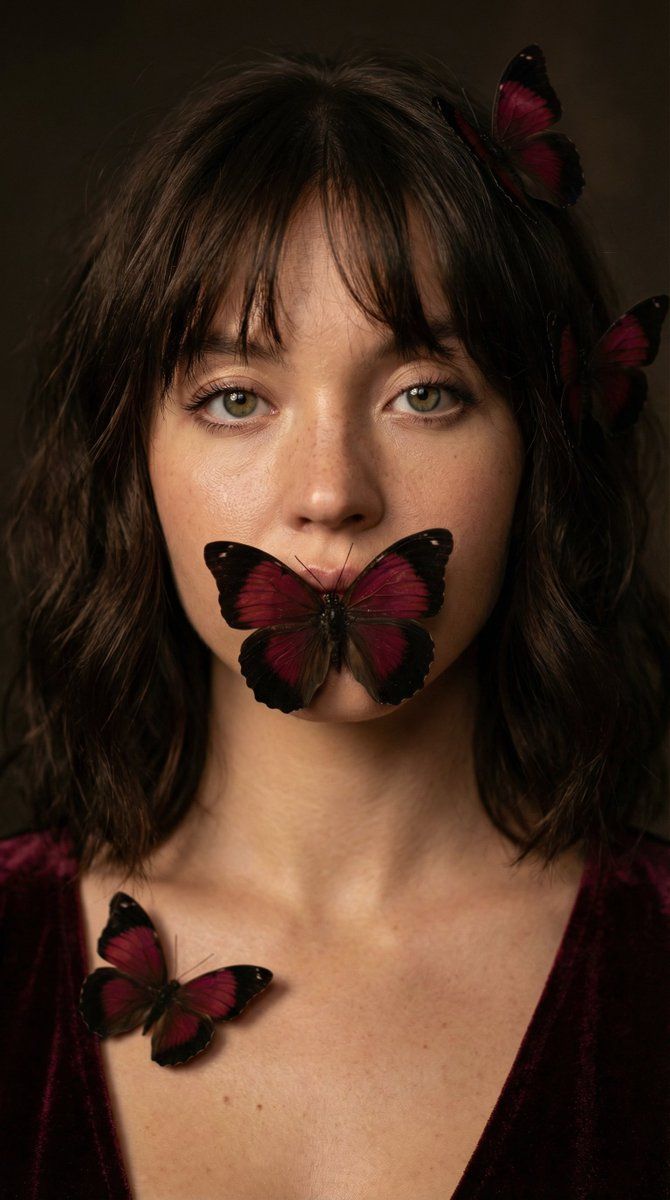
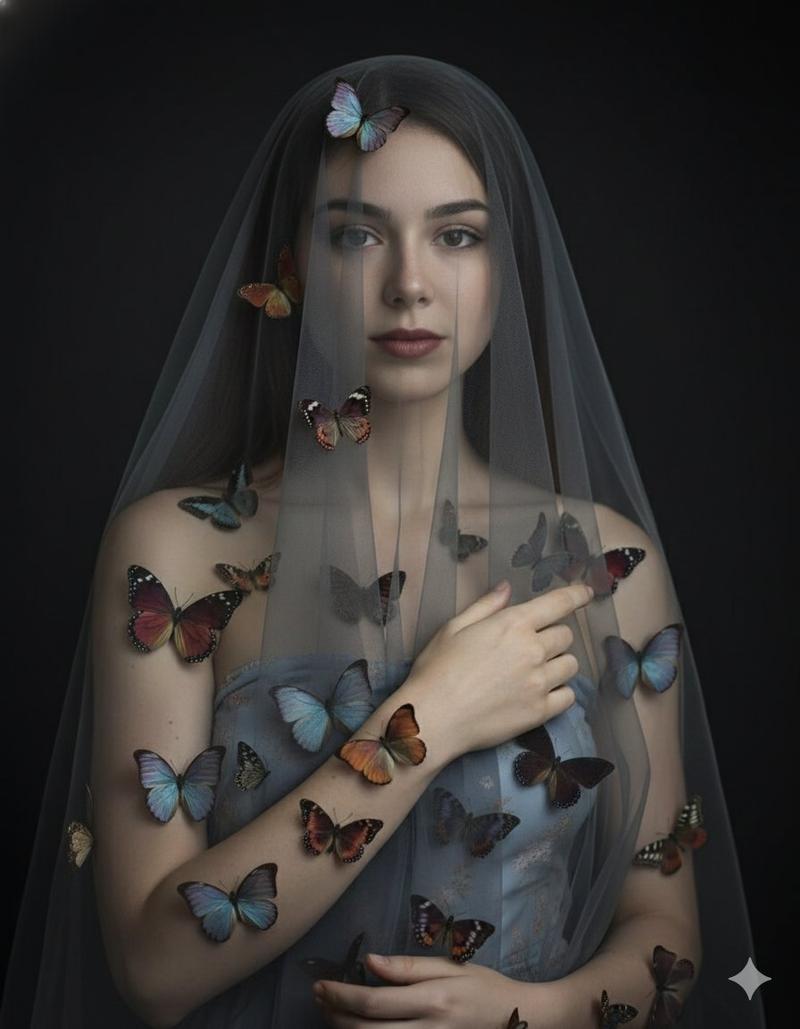
蝴蝶遮住嘴巴的写实肖像(副本)
Prompt
{
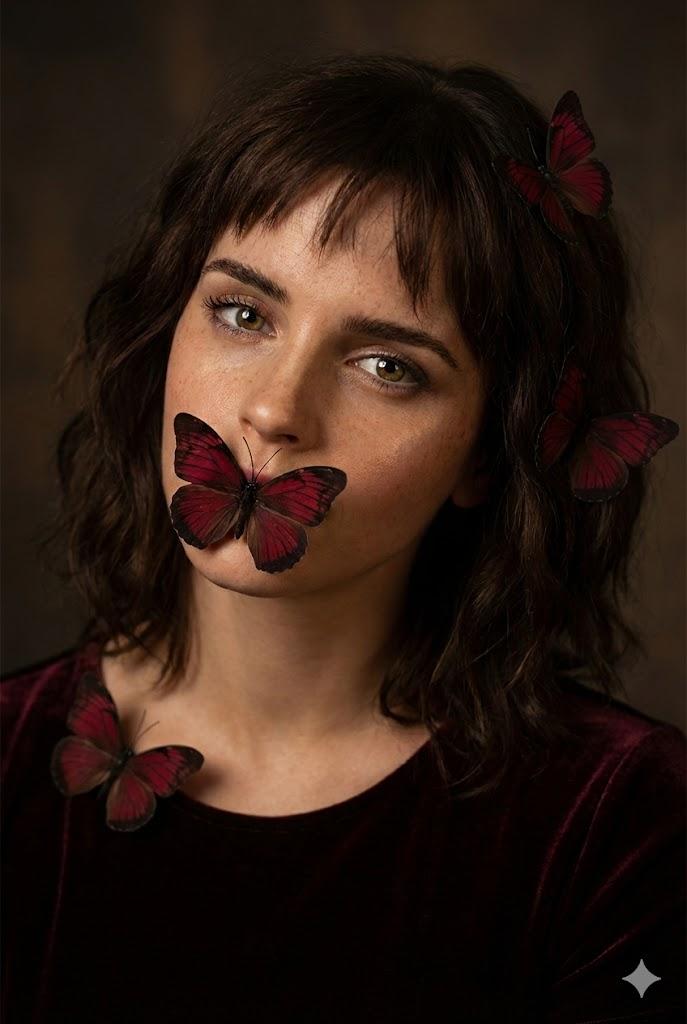
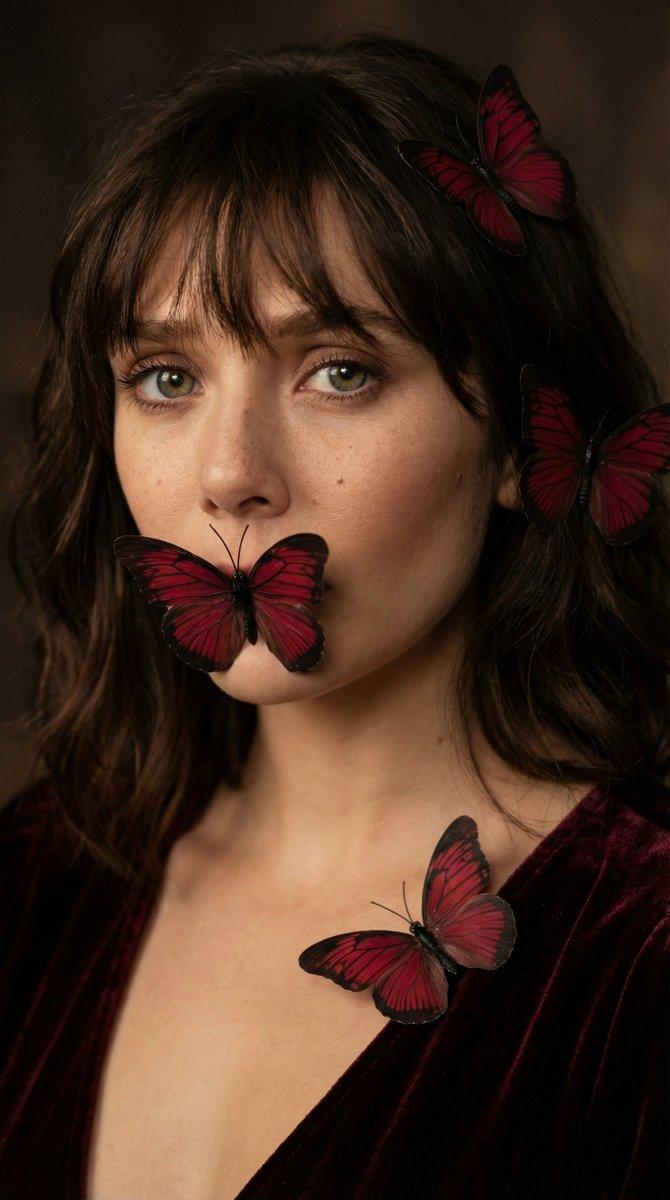
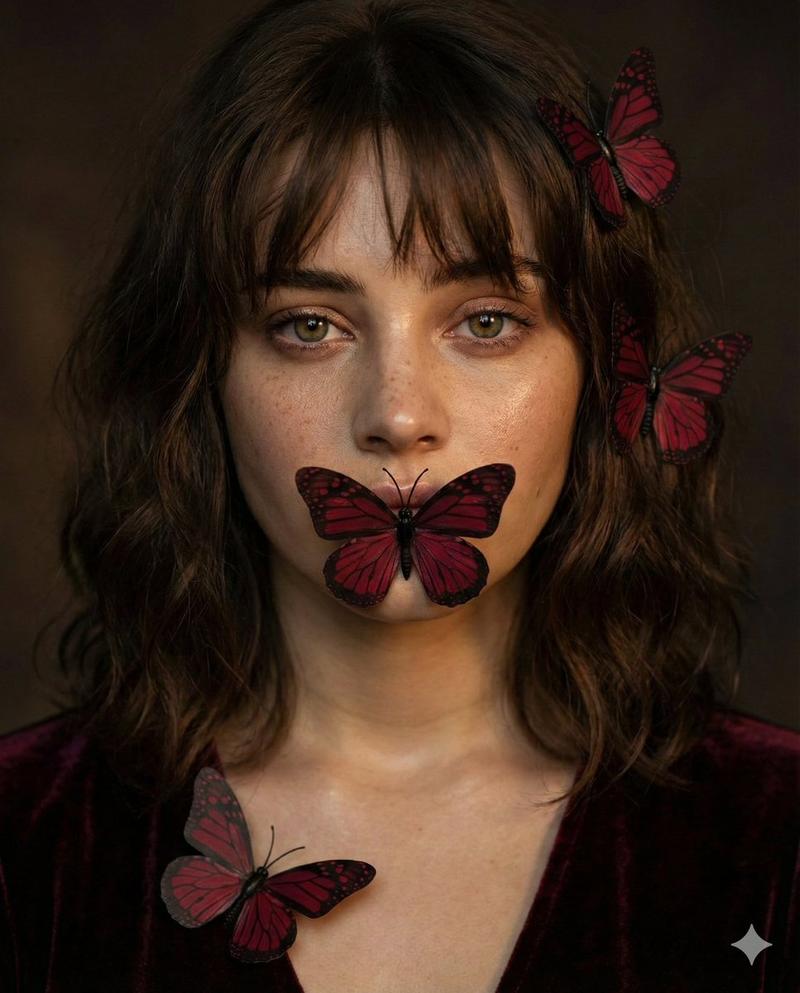
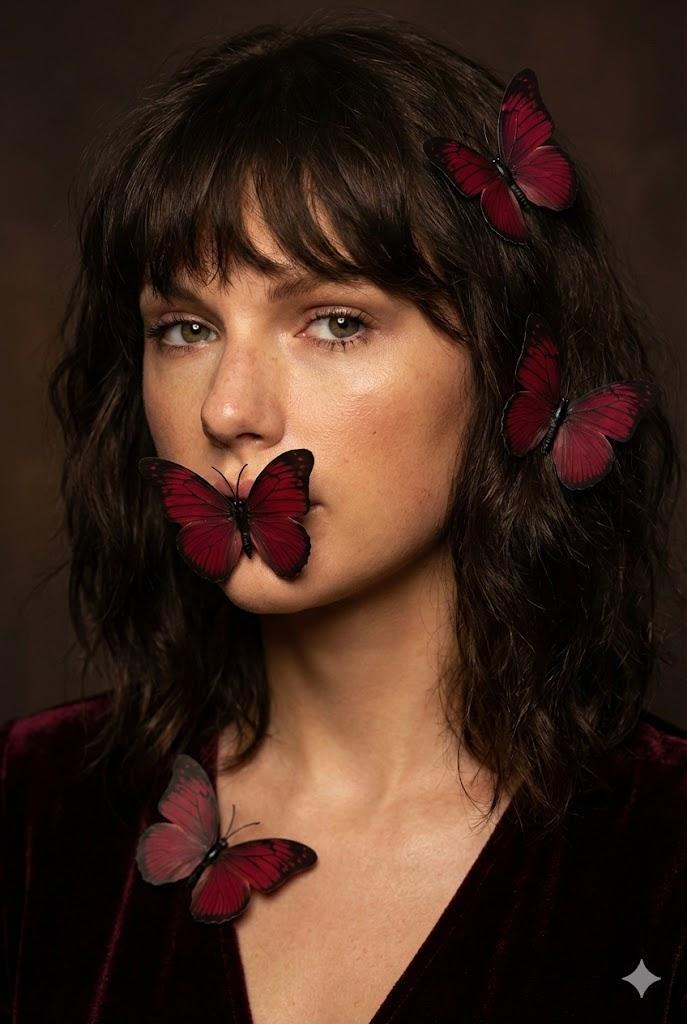
  "subject": {
    "type": "Woman",
    "age": "Young adult",
    "appearance": {
      "hair": {
        "color": "Dark brown",
        "style": "Medium length, with messy bangs",
        "texture": "Wavy"
      },
      "eyes": {
        "color": "Hazel",
        "gaze": "Directly at camera"
      },
      "skin": {
        "texture": "Natural, with freckles and a warm glow",
        "makeup": "Minimal, dewy finish"
      },
      "features": "Full lips, prominent cheekbones"
    },
    "pose": "Portrait, close-up, neutral expression, head slightly tilted"
  },
  "styling": {
    "clothing": {
      "type": "Top",
      "material": "Velvet",
      "color": "Dark burgundy/maroon"
    },
    "accessories": {
      "type": "Butterflies",
      "color": "Dark red with black veining",
      "placement": [
        "One covering the mouth",
        "Two in the hair on the right side",
        "One on the left collarbone"
      ]
    }
  },
  "environment": {
    "type": "Studio",
    "background": "Dark, blurred, muted brown tones",
    "setting": "Indoors, low-key"
  },
  "lighting": {
    "type": "Soft, warm, directional",
    "source": "From the front-left",
    "effect": "Creates gentle shadows, highlights skin texture and butterfly wings"
  },
  "mood": {
    "atmosphere": "Mysterious, serene, slightly melancholic, intimate"
  },
  "photography": {
    "style": "Photorealistic portrait",
    "shot_type": "Close-up",
    "depth_of_field": "Shallow, sharp focus on eyes and butterflies",
    "camera": {
      "type": "DSLR",
      "lens": "85mm portrait lens",
      "aperture": "f/1.8"
    }
  }
}- Category
- 创意图片
- Model
- Nano Banana Pro
- Creator
- Melisa♡
- Source ID
- 66433056-f33d-41a9-b5cd-6e0c9205efbc
- Published
- Mar 8, 2026
Views0


![🎨 NEON SPLASH ABSTRACT 🎨 Base prompt : [SUBJECT] reimagined in a Neon Splash A](https://cdn.pixshop.app/prompt-library/tweet-2013144408393232824/primary-0-1769095420427-h8v6lhyx.jpeg)