17

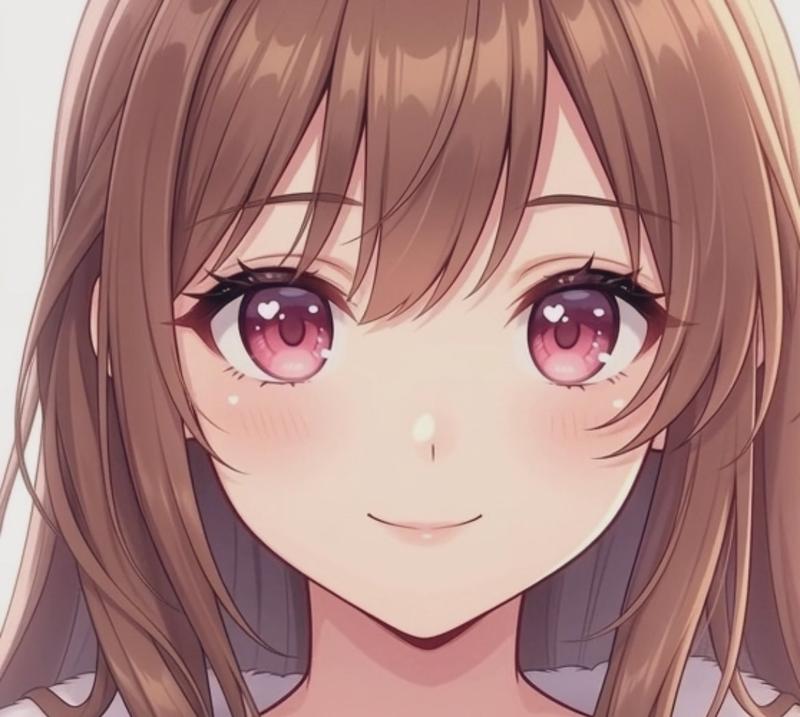
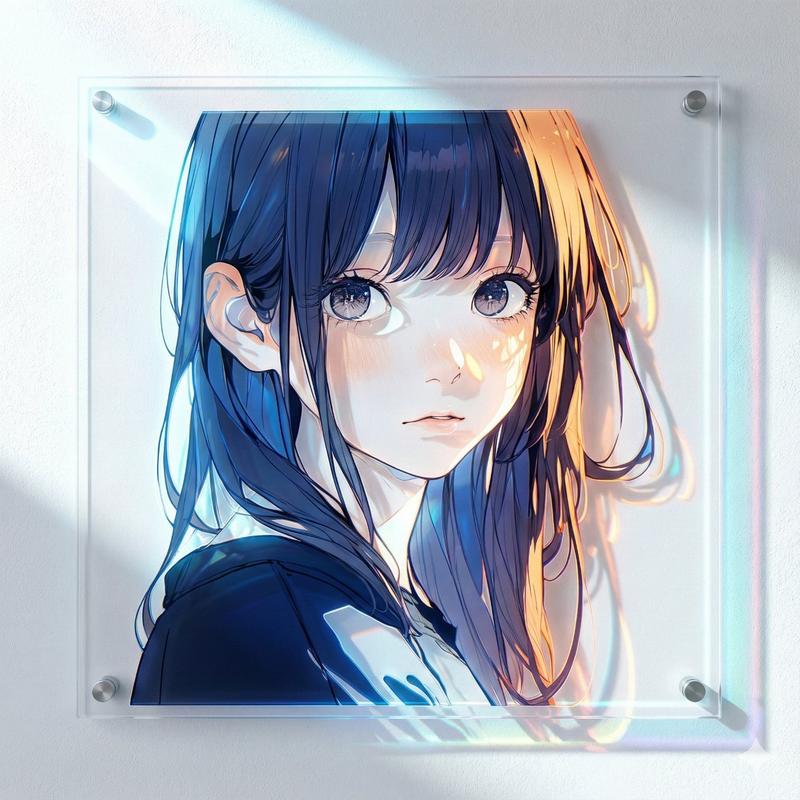
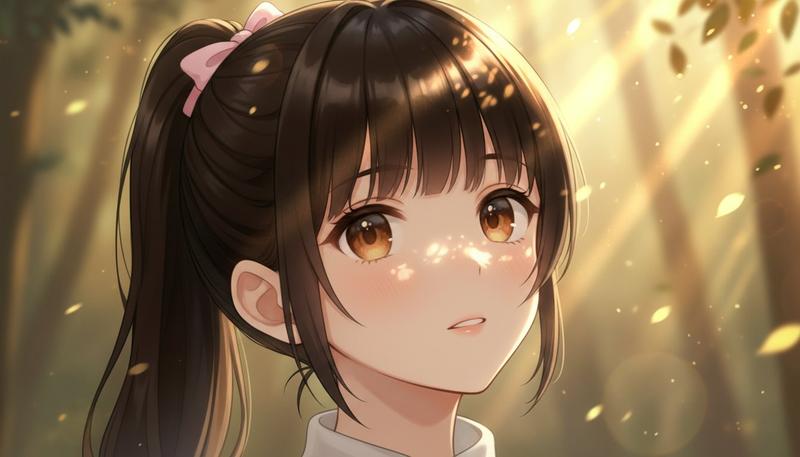
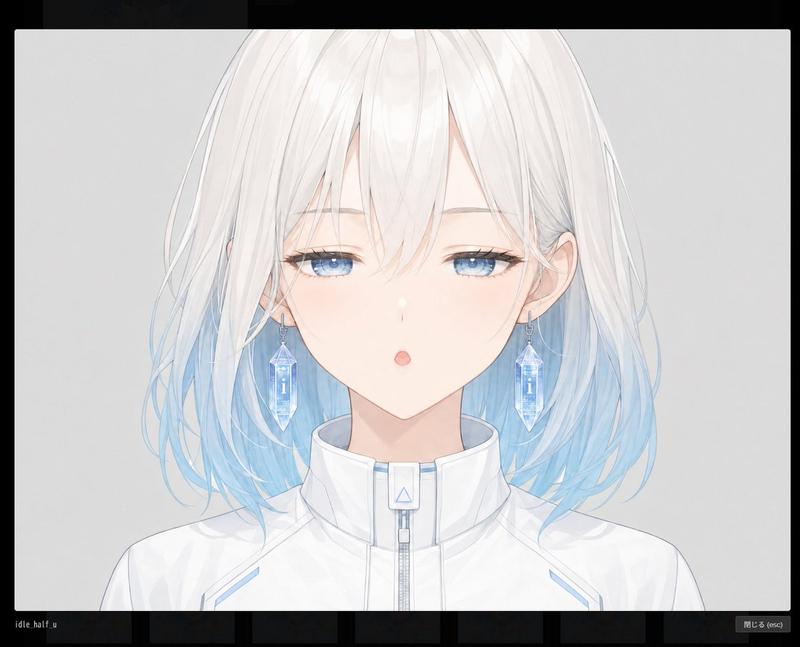
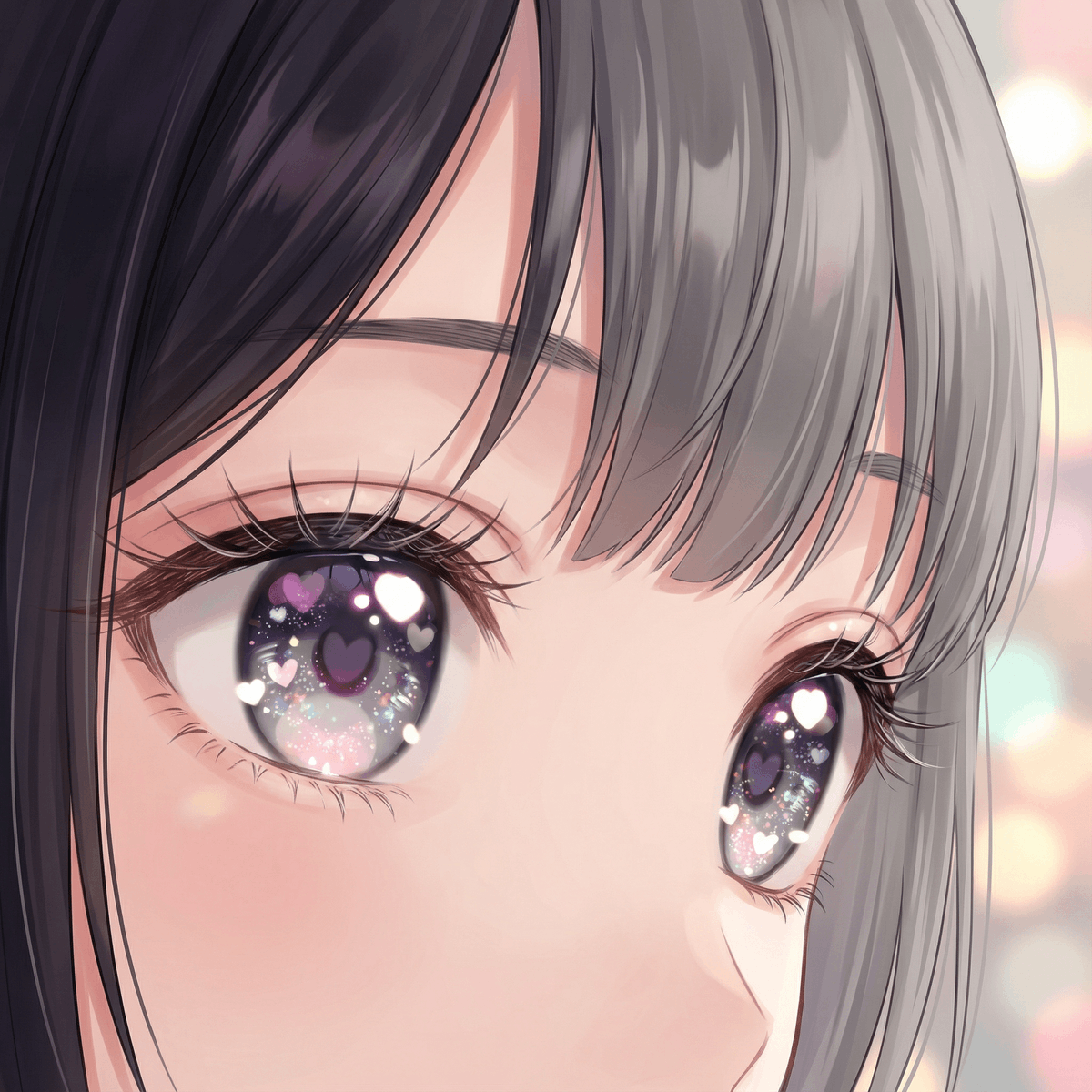
萌系动漫插画提示词(眼睛特写)
Enlarge

萌系动漫插画提示词(眼睛特写)

Prompt
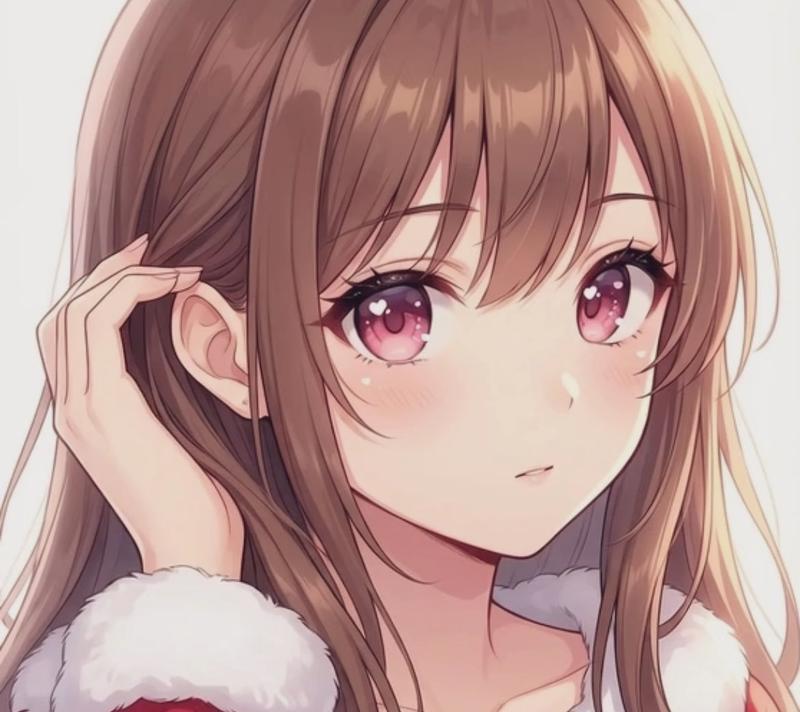
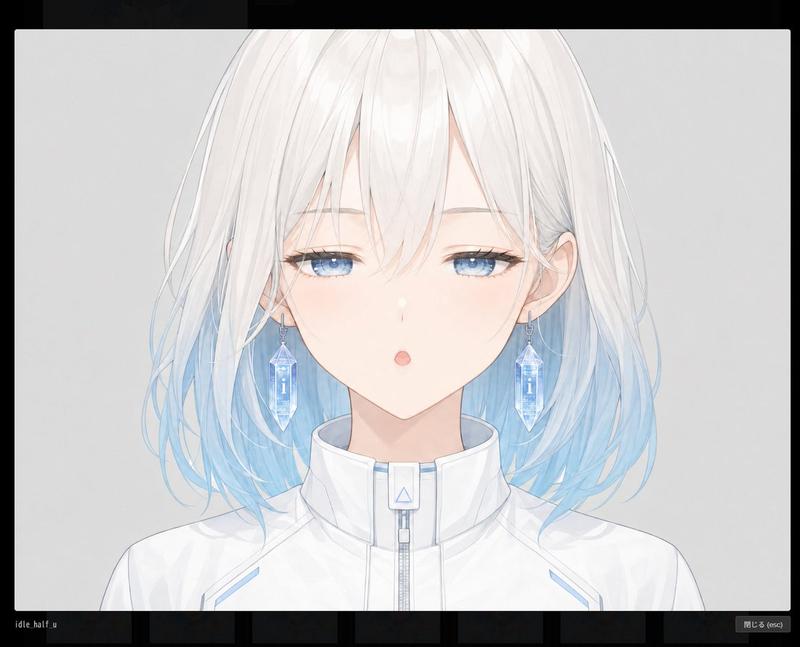
{ "action": "generate_image", "action_input": "modern moe style anime illustration, close-up of a teenage female character's eyes, cute round eye shape, numerous fine eyelashes with a soft and faint appearance, dense but airy and light-weight lashes drawn with a fine brush without clumps, long eyelashes slightly overlapping and covering the eyes, downcast look, vibrant irises filled with glittering particles and heart-shaped highlights, lovely expression, (framing bangs overlapping the eyes are left {argument name="左側の前髪の色" default="black"} and right {argument name="右側の前髪の色" default="ash-grey"}), polished finish with soft focus background bokeh, 4k, ultra high resolution, --ar 3:2 --no realistic, --no horror, --no low quality, --no sketch, --no blurry" }
Category
创意图片
Model
Nano Banana Pro
Views0
Source ID
cbace238-de06-4489-9dec-d9da0db34f4e
Published
Mar 8, 2026

Guide

About "萌系动漫插画提示词(眼睛特写)"

What is this prompt for?

"萌系动漫插画提示词(眼睛特写)" AI image prompt for Nano Banana Pro (创意图片). 为 Nano Banana Pro 生成一张特写动漫插画的详细提示,描绘一位少女角色的眼睛,采用现代萌系风格。它着重于实现高质量的手绘线条和上色效果,具体细化了眼睛的形状、睫毛的浓密程度和外观、…

The full copyable prompt and example visuals above are ready for AI image generation or one-click recreate in Picva.

How to use this prompt

  1. Step 1

    Open the prompt detail

    Review the example visuals, category, and full prompt text for "萌系动漫插画提示词(眼睛特写)".

  2. Step 2

    Copy the prompt

    Copy the prompt body from this page, or load it directly in Studio.

  3. Step 3

    Pick a model (Nano Banana Pro)

    Prefer Nano Banana Pro. If you switch models, keep subject and composition and tweak style terms.

  4. Step 4

    Generate and export

    Recreate the look in Picva, or export into your workflow for editing and publishing.

FAQ

What is the "萌系动漫插画提示词(眼睛特写)" prompt?
It is an AI image-generation prompt for Nano Banana Pro in the 创意图片 category. This page includes the full prompt text, example visuals, and a one-click recreate path in Picva.
How do I use this prompt to generate an image?
Copy the prompt from this page, or use Generate / Studio. Paste it into a compatible image model, or recreate the look in Picva with optional reference images.
Which model is this prompt for?
This page lists Nano Banana Pro. Most descriptive prompts also transfer to nearby image models such as GPT Image, Flux, or Midjourney with light style tweaks.
Can I use the result commercially?
You can usually copy the prompt for creation, but commercial use of the final image depends on the model terms, reference-image rights, and the generated content. Follow the source author and platform rules.