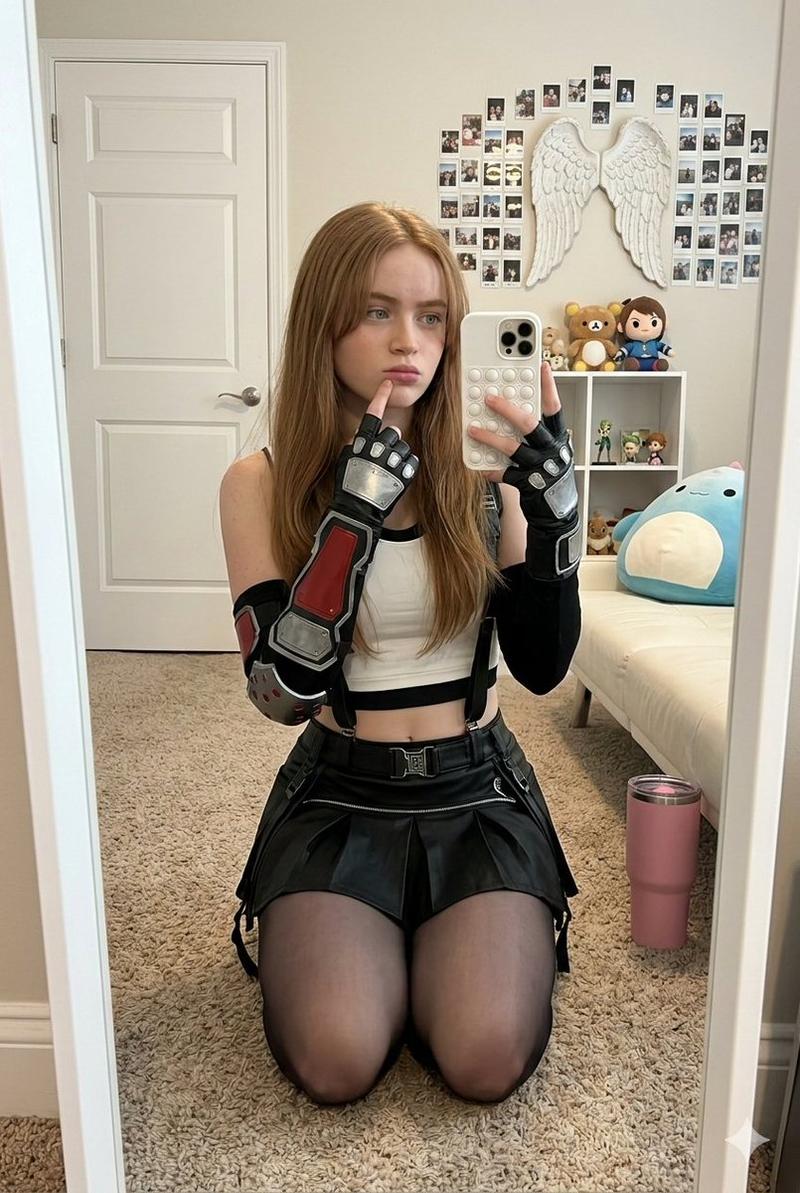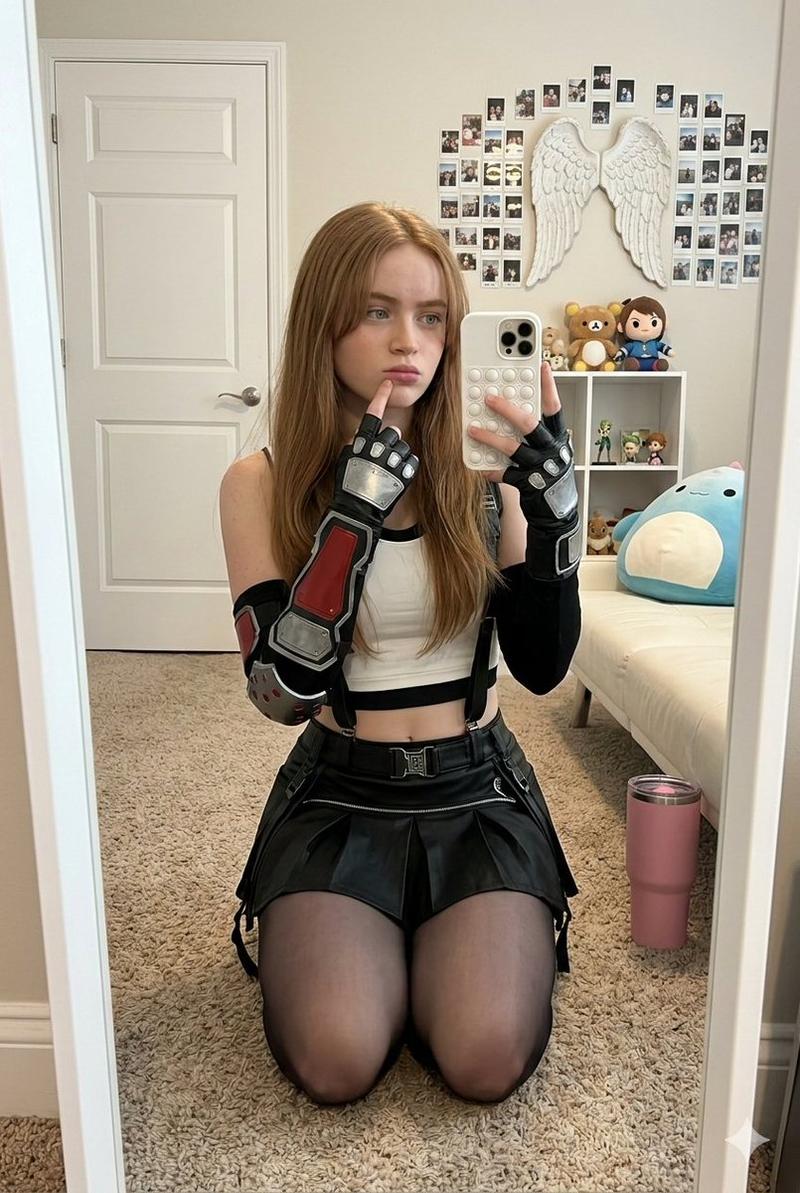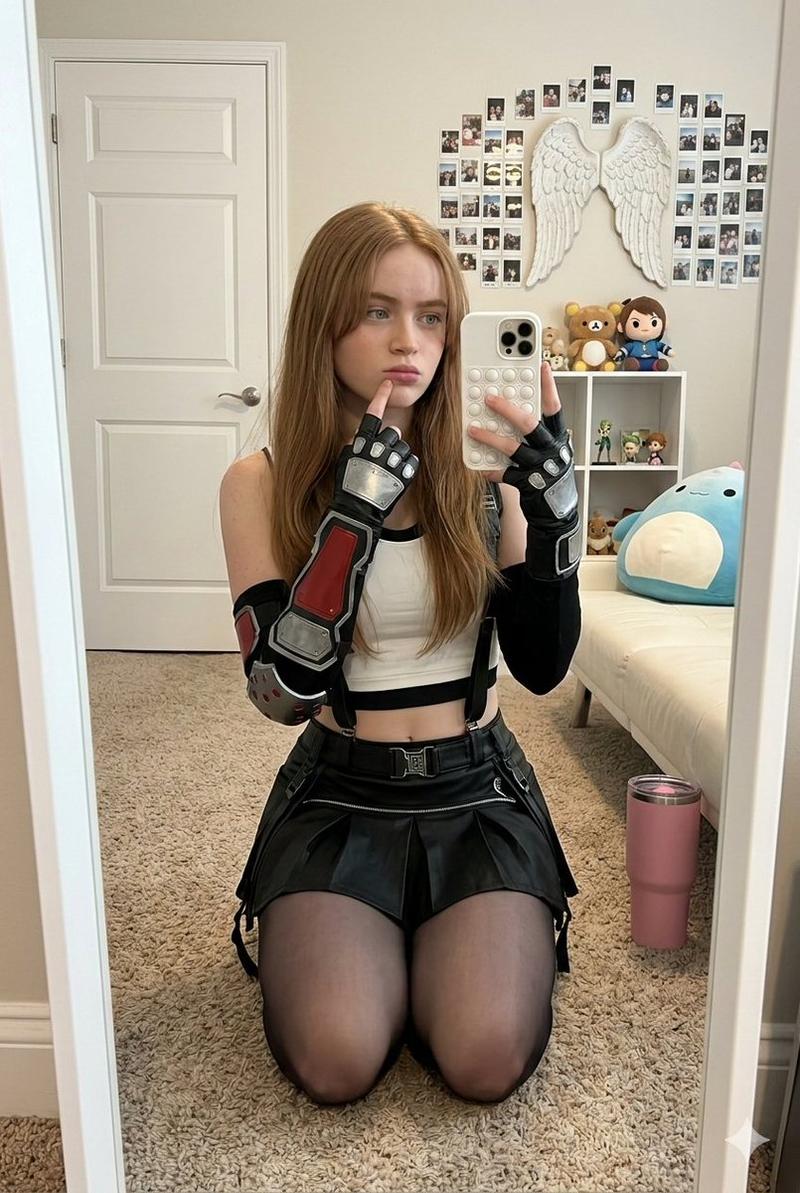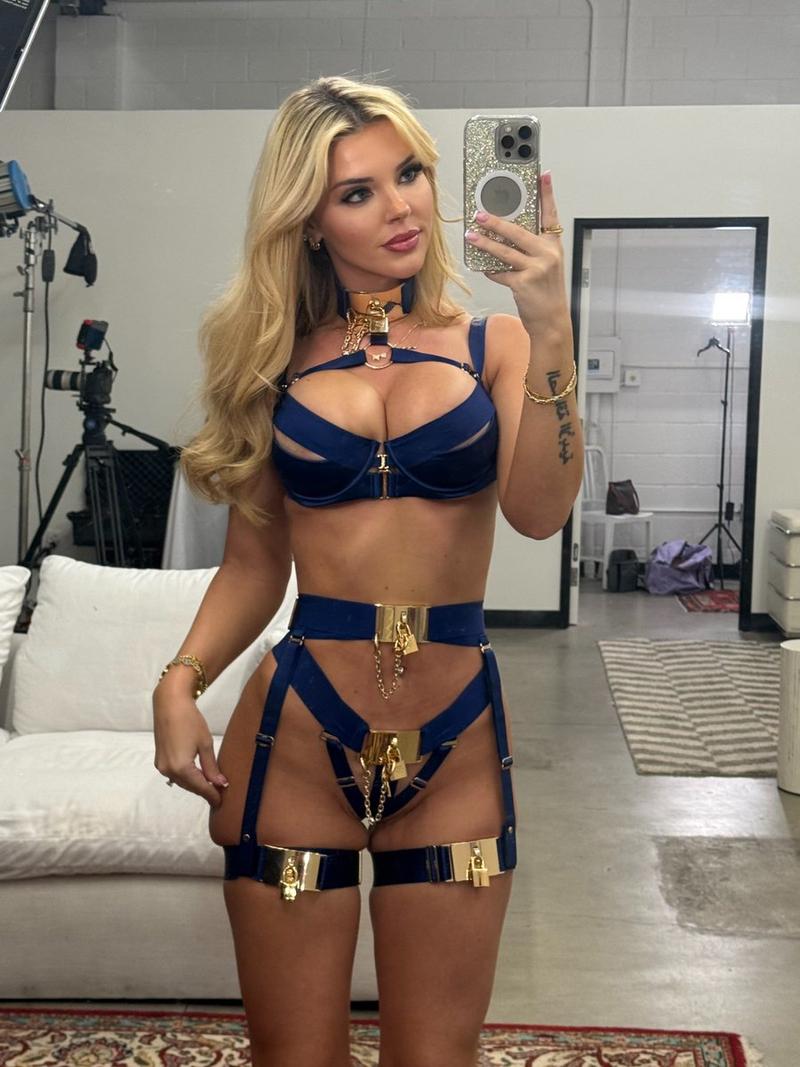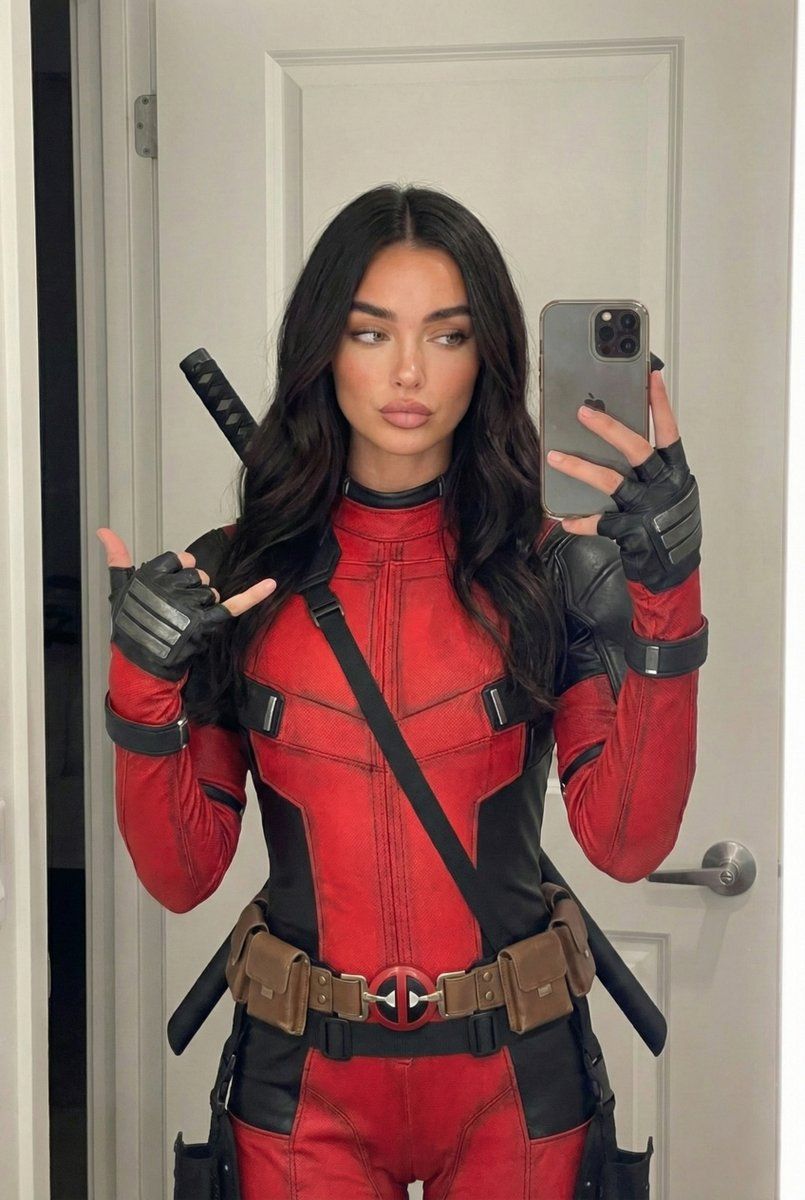
逼真死侍 Cosplay 镜面自拍
Prompt
{
"subject": {
"description": "Young woman with long, dark, wavy hair parted in the center, wearing a high-fidelity Deadpool cosplay tactical suit.",
"features": {
"face": "Oval face shape, defined eyebrows, almond-shaped eyes with dark makeup, high cheekbones, and full, matte-finished lips in a neutral mauve tone. Skin texture is smooth but realistic with natural pores.",
"hair": "Dark brunette to black, voluminous, loose waves draping over shoulders and chest.",
"body": "Fit and curvy physique. The suit fits tightly, accentuating natural curves. Chest volume is prominent and natural within the structure of the tactical suit.",
"apparel": "Red and black textured tactical bodysuit resembling the Deadpool movie costume. Features realistic leather-like grain, heavy stitching, and weathering. A brown utility belt with multiple pouches and a red/black circular Deadpool logo buckle sits at the waist/hips. Black tactical gloves with silver armored plates on the knuckles. Two black katana handles wrapped in diamond-pattern cord are visible rising behind her shoulders."
}
},
"pose": {
"type": "Standing mirror selfie.",
"body_orientation": "Front-facing toward the mirror.",
"hands": "Right hand (viewer's left) is raised, fingers curled, thumb and pinky extended in a 'shaka' or 'hang loose' gesture. Left hand (viewer's right) holds a smartphone (iPhone style with triple camera array) vertically in front of the chest/shoulder area to capture the reflection.",
"head": "Slightly tilted, gaze directed at the phone screen or lens in the mirror reflection.",
"stance": "Relaxed standing posture."
},
"environment": {
"setting": "Indoor domestic space, likely a bathroom or walk-in closet.",
"background_elements": [
"White paneled interior door with silver lever handle and hinges.",
"White door frame.",
"Neutral colored wall.",
"Bright, clean interior finish."
],
"context": "The reflection implies a large vanity mirror."
},
"camera": {
"shot_type": "Mirror selfie.",
"angle": "Eye-level relative to the reflection.",
"framing": "Medium shot, capturing the subject from the mid-thighs up to the top of the head.",
"focal_length": "26mm equivalent (smartphone main camera).",
"depth_of_field": "Deep, keeping both the subject and the immediate background door in relatively sharp focus."
},
"lighting": {
"type": "Indoor artificial vanity lighting.",
"quality": "Soft, frontal, and diffuse.",
"direction": "Front-lit from the mirror side.",
"shadows": "Minimal hard shadows, soft contouring on the face and clavicles. Subtle sheen on the leather texture of the suit.",
"tone": "Neutral to slightly cool white."
},
"mood_and_expression": {
"emotion": "Confident, cool, and slightly playful.",
"expression": "Neutral to pouty lips, relaxed facial muscles, conveying a 'ready for action' or casual cosplay vibe.",
"atmosphere": "Casual, behind-the-scenes, social media aesthetic."
},
"style_and_realism": {
"style": "Photorealist- Category
- 创意图片
- Model
- Nano Banana Pro
- Creator
- laurababy
- Source ID
- d27dbf90-e1b0-4878-bf88-34dcb0eb1803
- Published
- Mar 8, 2026
Views0