编辑肖像联系表美学
Prompt
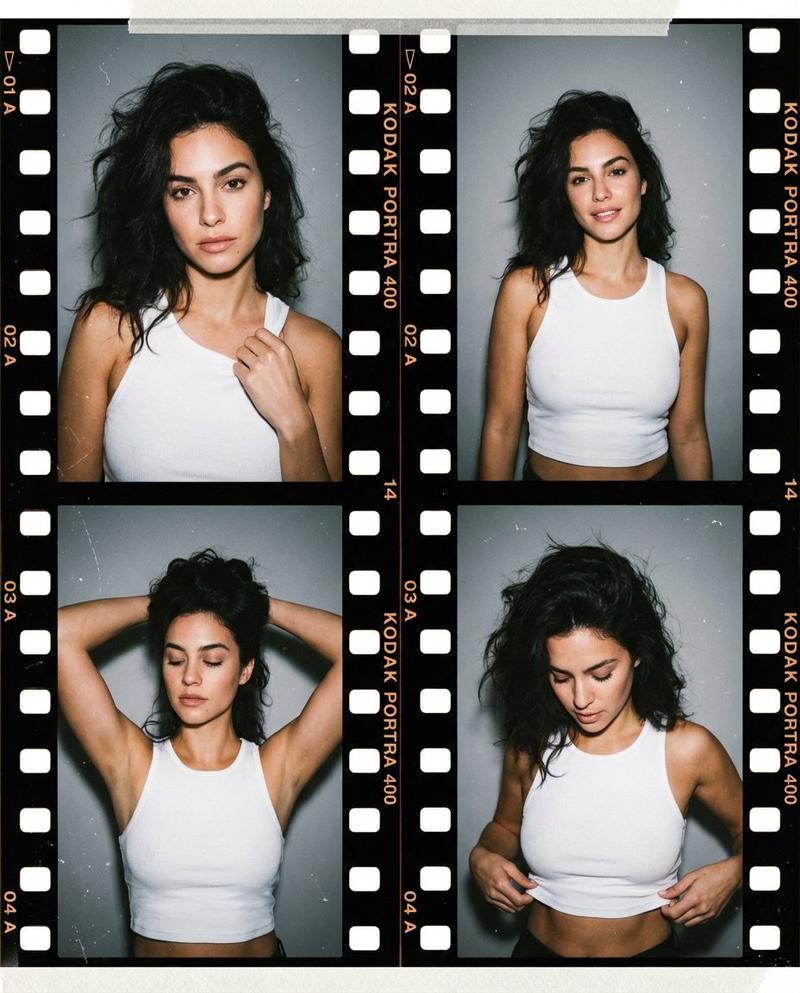
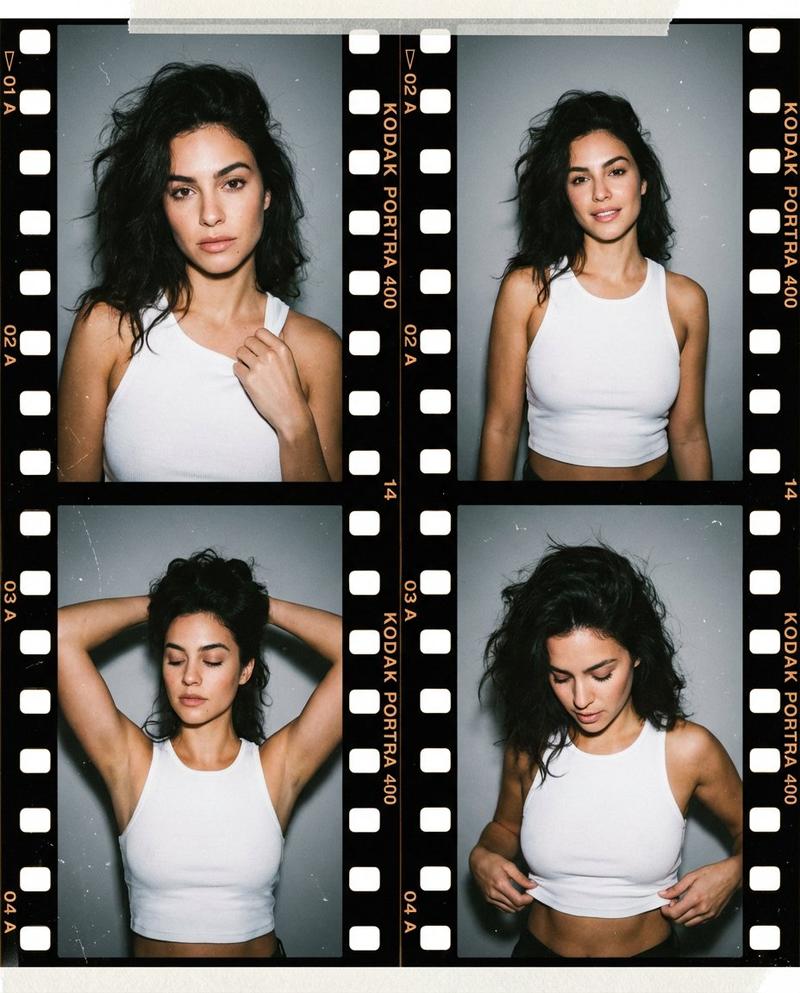
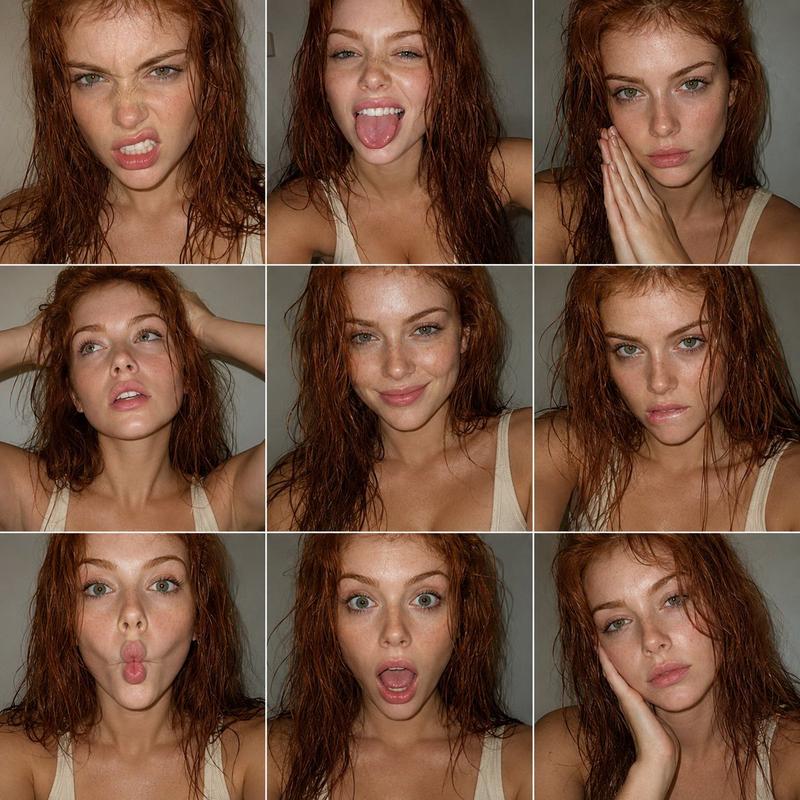
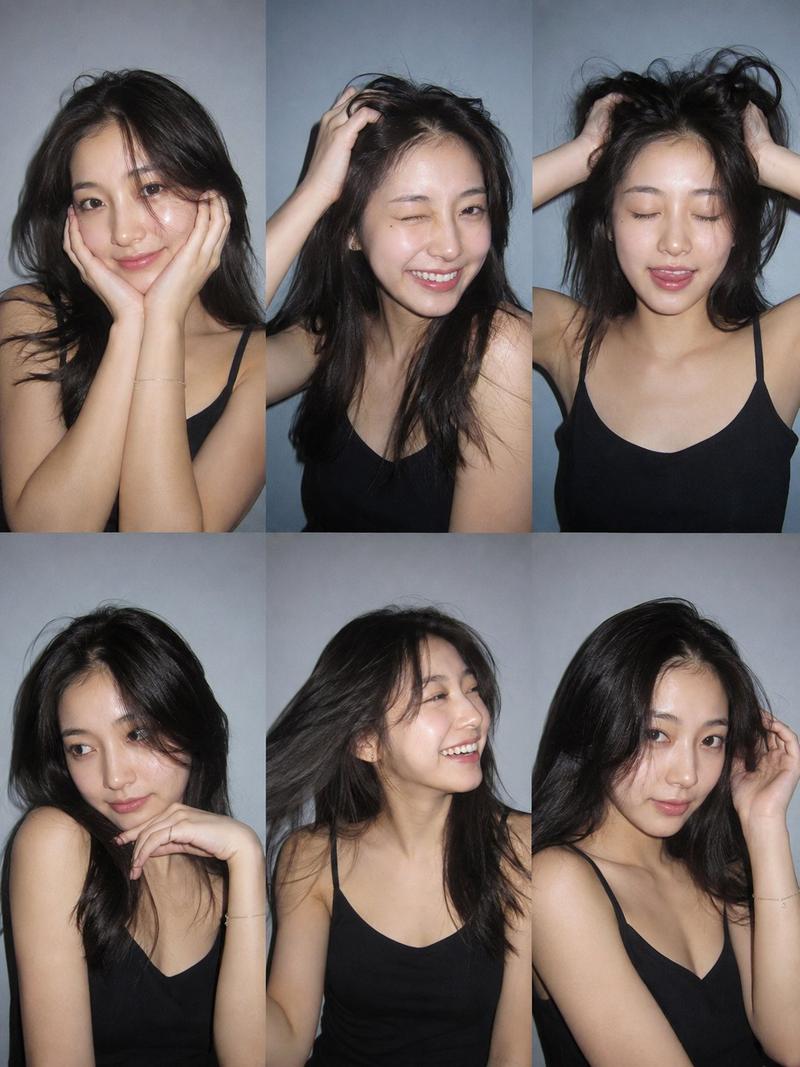
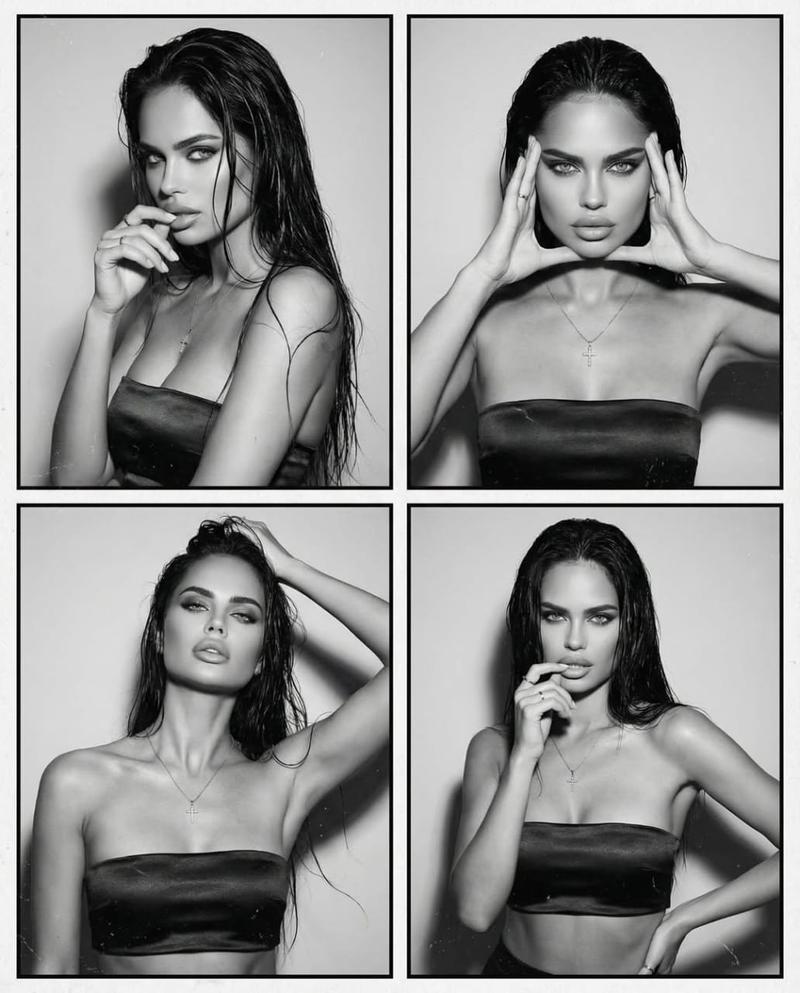
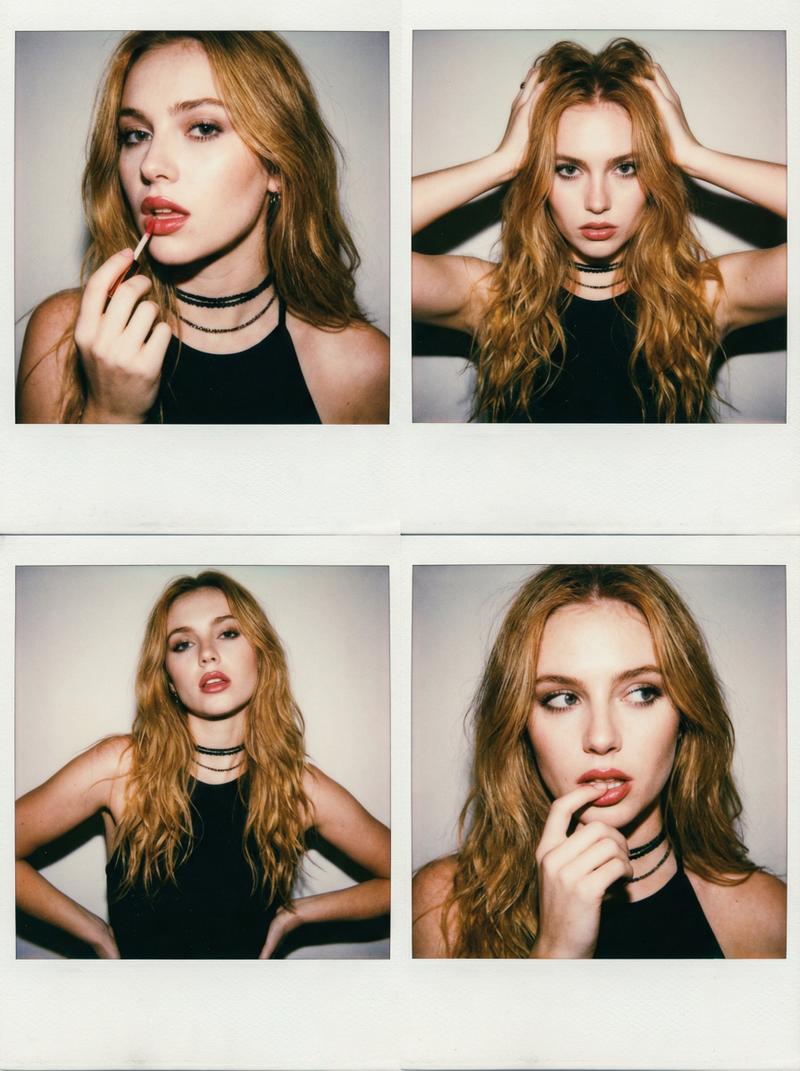
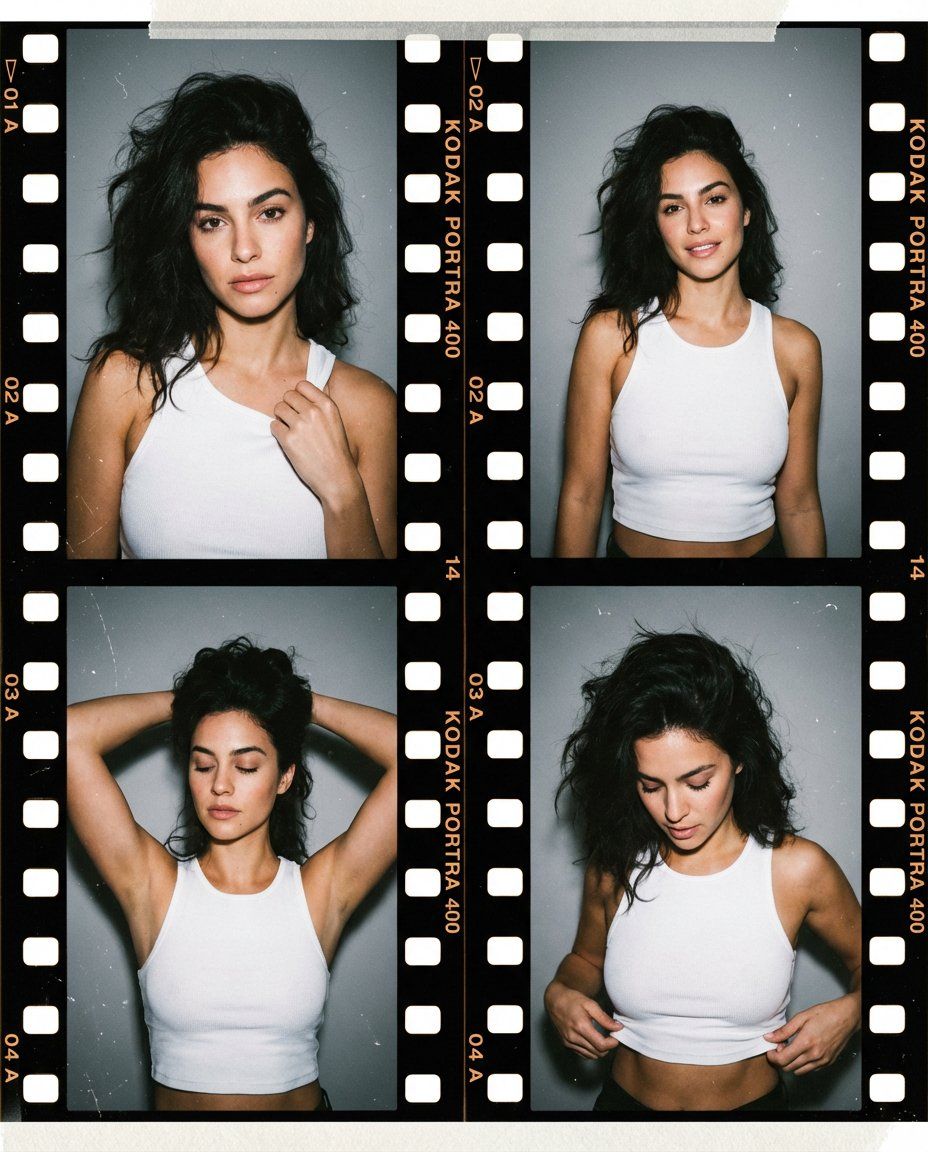
A photorealistic editorial-style portrait composed as a four-frame grid, resembling a contact sheet from a film photoshoot. Each frame features the same young woman posing against a neutral gray studio wall, captured in slightly different natural poses and expressions.
She has voluminous dark hair styled loose with soft movement, strong brows, defined cheekbones, and natural glam makeup emphasizing her eyes and lips. She is wearing a fitted white tank top with a deep neckline, cropped just above the waist, revealing subtle midriff in some frames.
Across the frames, her poses vary: one with a hand lightly gripping the fabric near her chest, another standing straight with relaxed shoulders, another with arms raised above her head, and one adjusting the hem of the top. Her expressions range from calm and confident to softly introspective.
The lighting is soft but direct, similar to on-camera flash, creating gentle highlights on skin and fabric while preserving natural texture. The image includes visible film grain, dust, and minor imperfections, enhancing a vintage analog photography aesthetic. The overall mood is confident, sensual in a restrained editorial way, and timeless.

Style & Quality Cues
Photorealistic, fashion editorial photography, film contact sheet aesthetic, subtle grain, natural skin texture, high detail, minimal retouching

Lighting
Soft direct flash, even illumination, low ambient shadows, realistic contrast

Camera
Medium portrait framing, eye-level angle, shallow depth of field, 35mm film look

Negative Prompt
 exaggerated anatomy, glossy commercial lighting, heavy retouching, plastic skin, cartoon or illustration style, AI artifacts, distortion
- Category
- 创意图片
- Model
- Nano Banana Pro
- Creator
- Keskin
- Source ID
- a155a619-c04e-42fa-881c-cc50f53ca832
- Published
- Mar 8, 2026
Views0