14

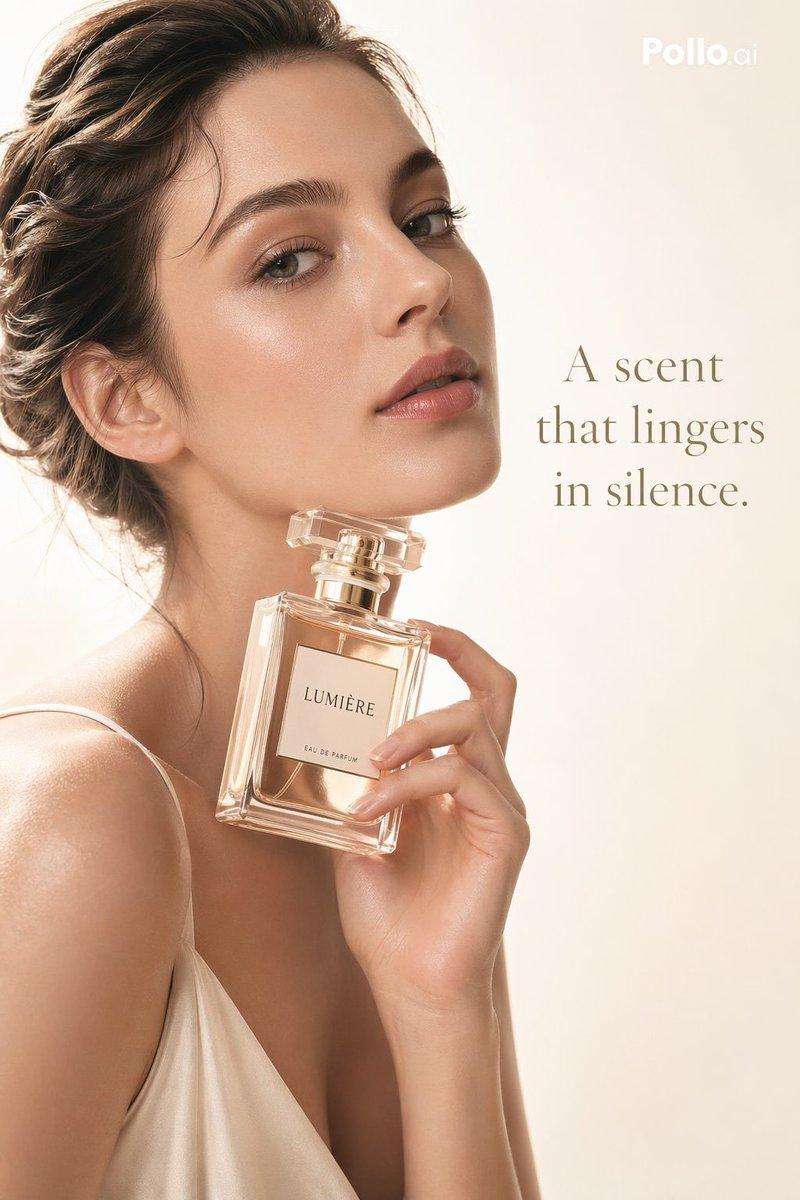
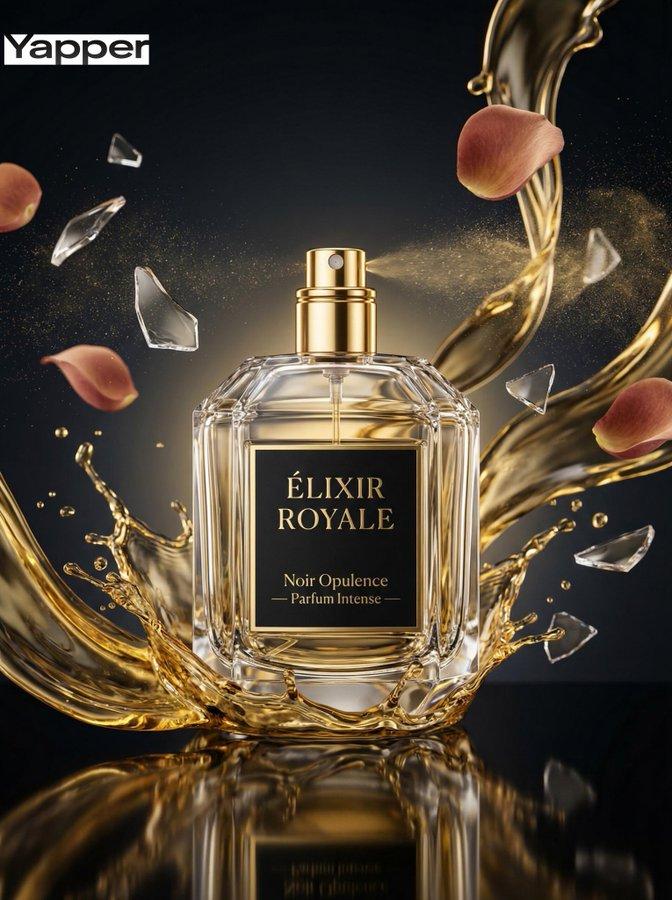
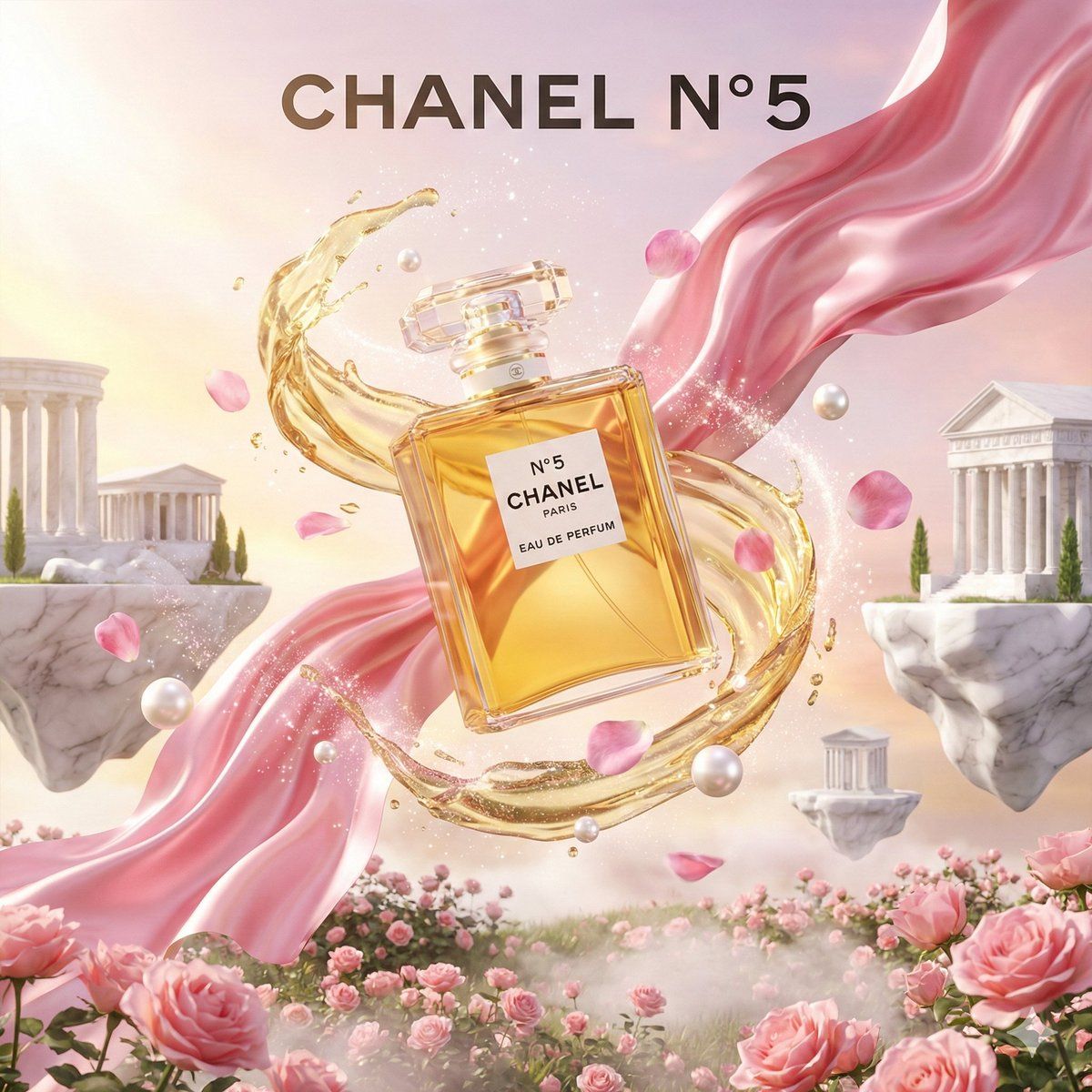
3D 广告海报模板提示
Enlarge

3D 广告海报模板提示

Prompt
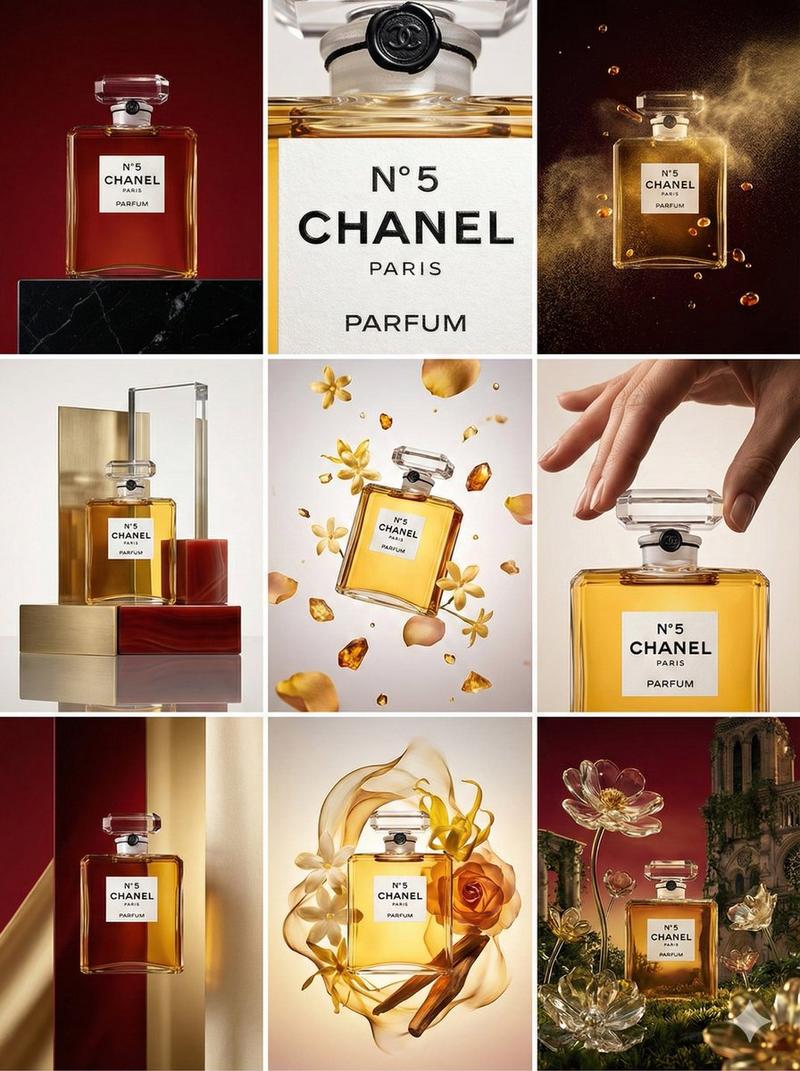
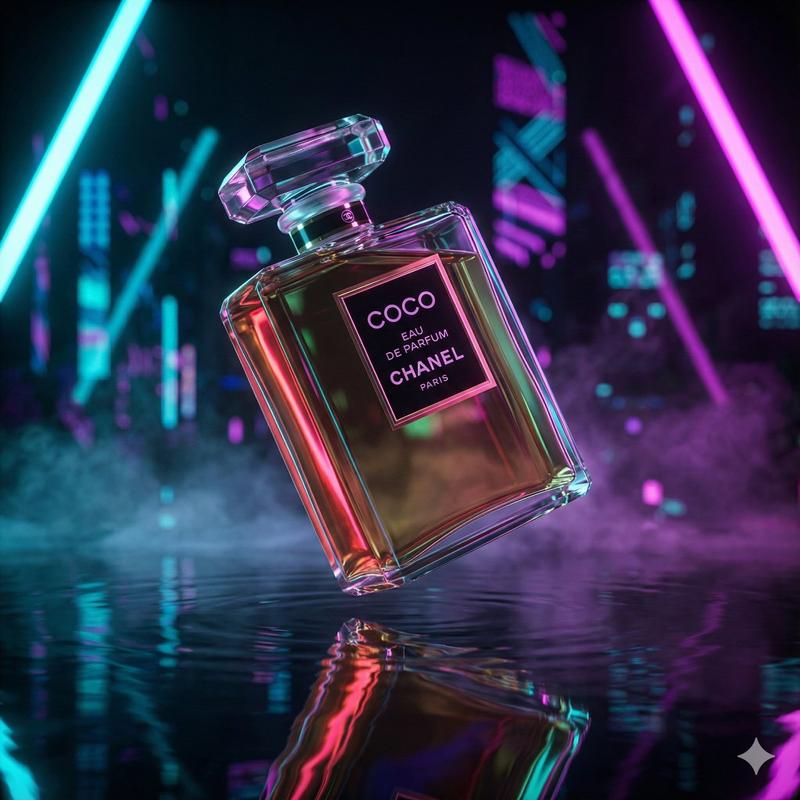
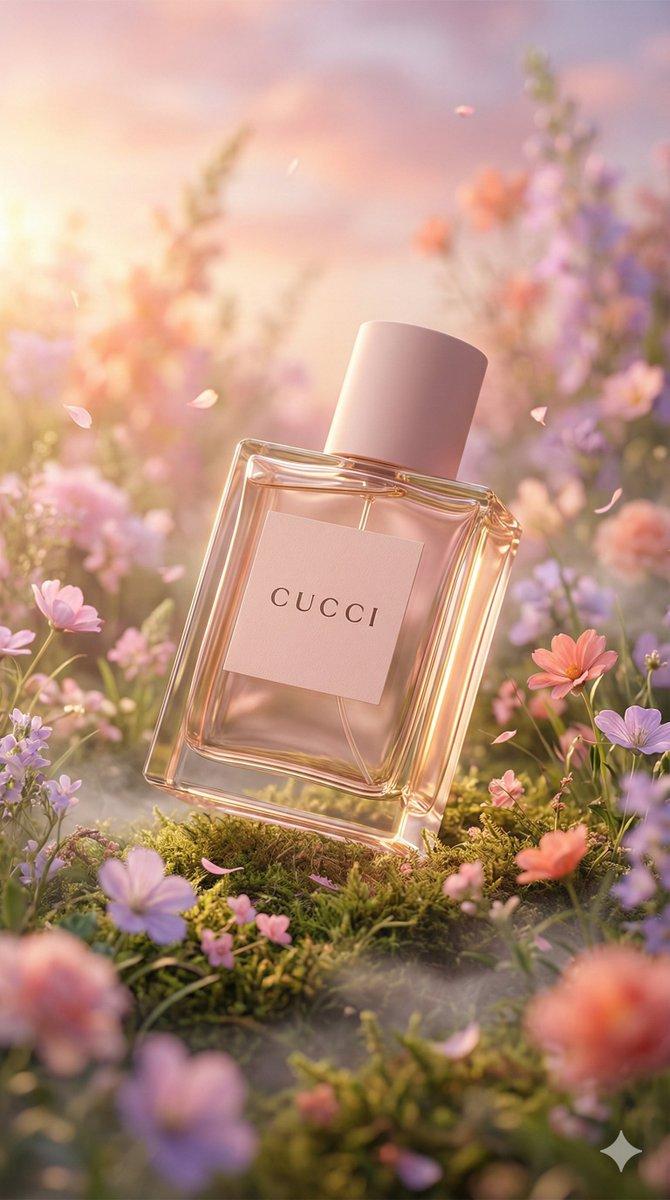
High-end 3D advertising poster for {argument name="product name" default="[INSERT PRODUCT NAME]"}. A realistic [INSERT PRODUCT DESCRIPTION] is floating in the center of a magical fantasy landscape. The product is surrounded by a dynamic swirling vortex of [INSERT LIQUID OR ELEMENT] mixed with glowing magical sparkles and floating [INSERT INGREDIENTS]. Background features surreal floating islands made of [INSERT MATERIAL] hovering over a [INSERT LANDSCAPE]. Hyper-realistic CGI render, Octane render, bright cinematic lighting, magical atmosphere. At the bottom center, bold white typography text reads "{argument name="tagline" default="[INSERT YOUR TAGLINE HERE]"}". Advertising photography style, 8k resolution --ar 2:3 --v 6.0
Category
创意图片
Model
Nano Banana Pro
Creator
Iqra Saifi
Views0
Source ID
c40babcc-10ad-4b9c-a5ae-3584af1cd248
Published
Mar 8, 2026

Guide

About "3D 广告海报模板提示"

What is this prompt for?

"3D 广告海报模板提示" AI image prompt for Nano Banana Pro (创意图片). 一个可定制的模板提示,用于生成高端、超逼真的 3D 广告海报,海报中产品漂浮在神奇、超现实的奇幻景观中,并带有动态元素和醒目的排版。 --- {argument name="product name"…

The full copyable prompt and example visuals above are ready for AI image generation or one-click recreate in Picva.

How to use this prompt

  1. Step 1

    Open the prompt detail

    Review the example visuals, category, and full prompt text for "3D 广告海报模板提示".

  2. Step 2

    Copy the prompt

    Copy the prompt body from this page, or load it directly in Studio.

  3. Step 3

    Pick a model (Nano Banana Pro)

    Prefer Nano Banana Pro. If you switch models, keep subject and composition and tweak style terms.

  4. Step 4

    Generate and export

    Recreate the look in Picva, or export into your workflow for editing and publishing.

FAQ

What is the "3D 广告海报模板提示" prompt?
It is an AI image-generation prompt for Nano Banana Pro in the 创意图片 category. This page includes the full prompt text, example visuals, and a one-click recreate path in Picva.
How do I use this prompt to generate an image?
Copy the prompt from this page, or use Generate / Studio. Paste it into a compatible image model, or recreate the look in Picva with optional reference images.
Which model is this prompt for?
This page lists Nano Banana Pro. Most descriptive prompts also transfer to nearby image models such as GPT Image, Flux, or Midjourney with light style tweaks.
Can I use the result commercially?
You can usually copy the prompt for creation, but commercial use of the final image depends on the model terms, reference-image rights, and the generated content. Follow the source author and platform rules.