20

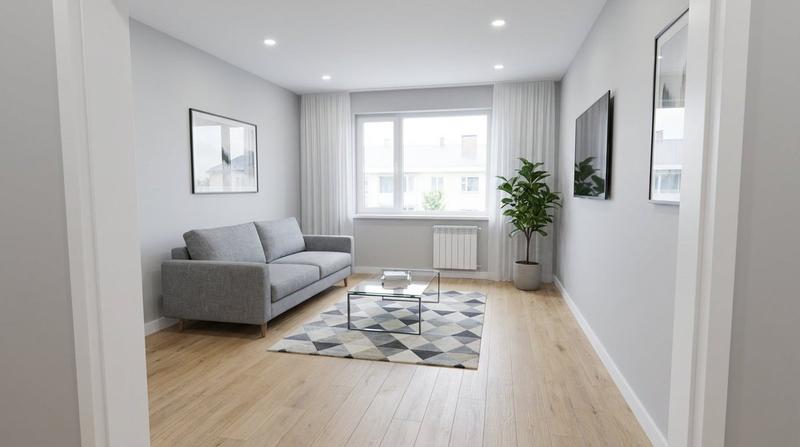
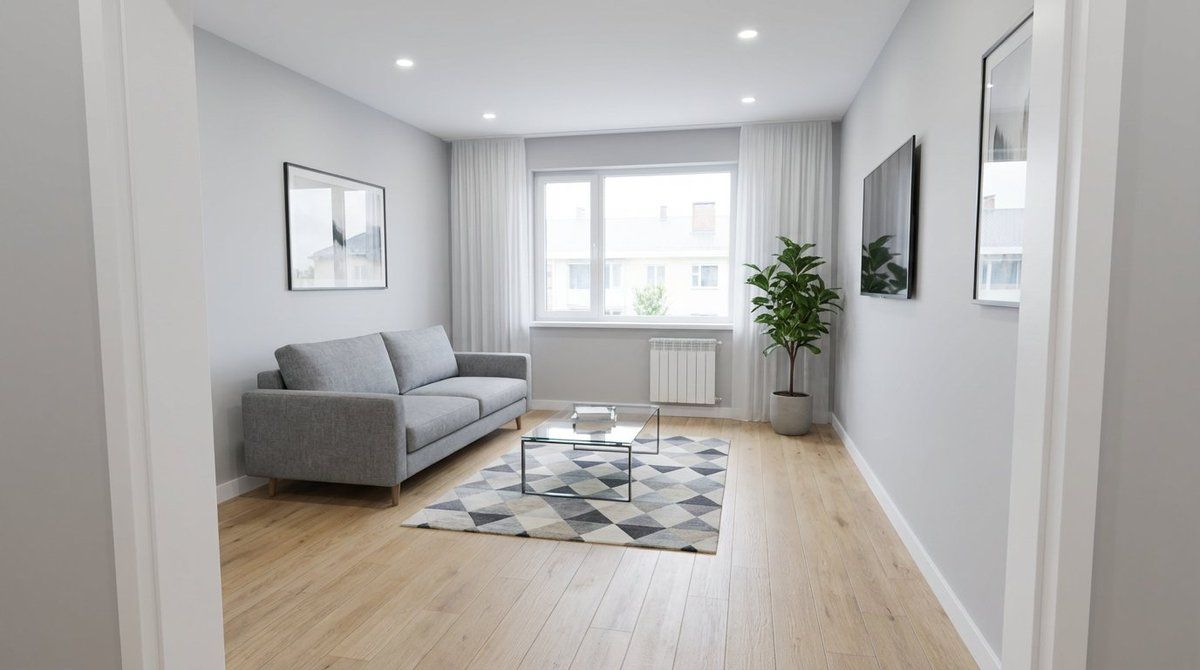
翻新可视化:After Frame
Enlarge

翻新可视化:After Frame

Prompt
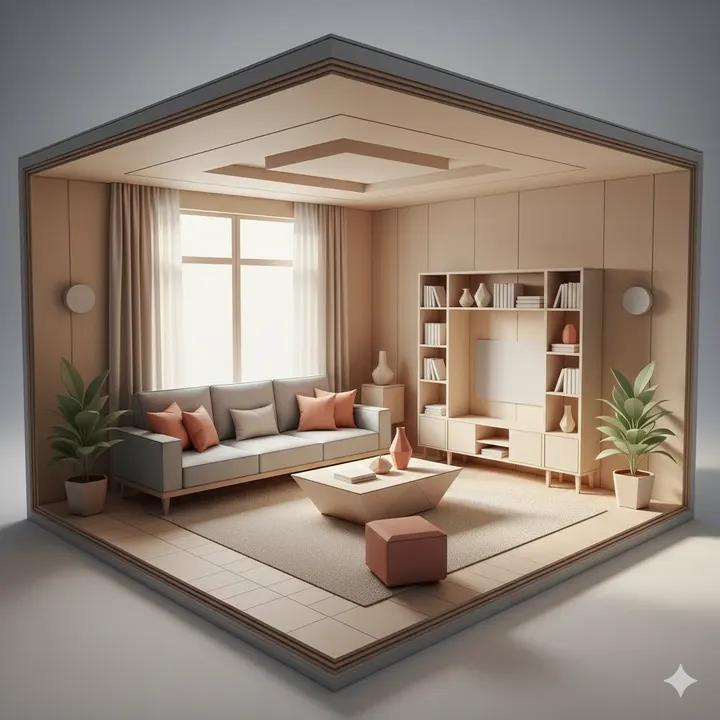
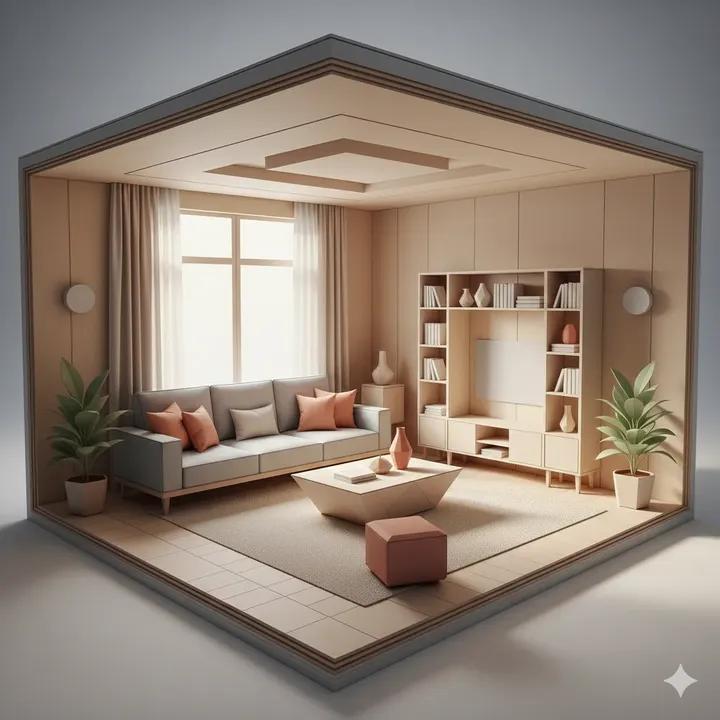
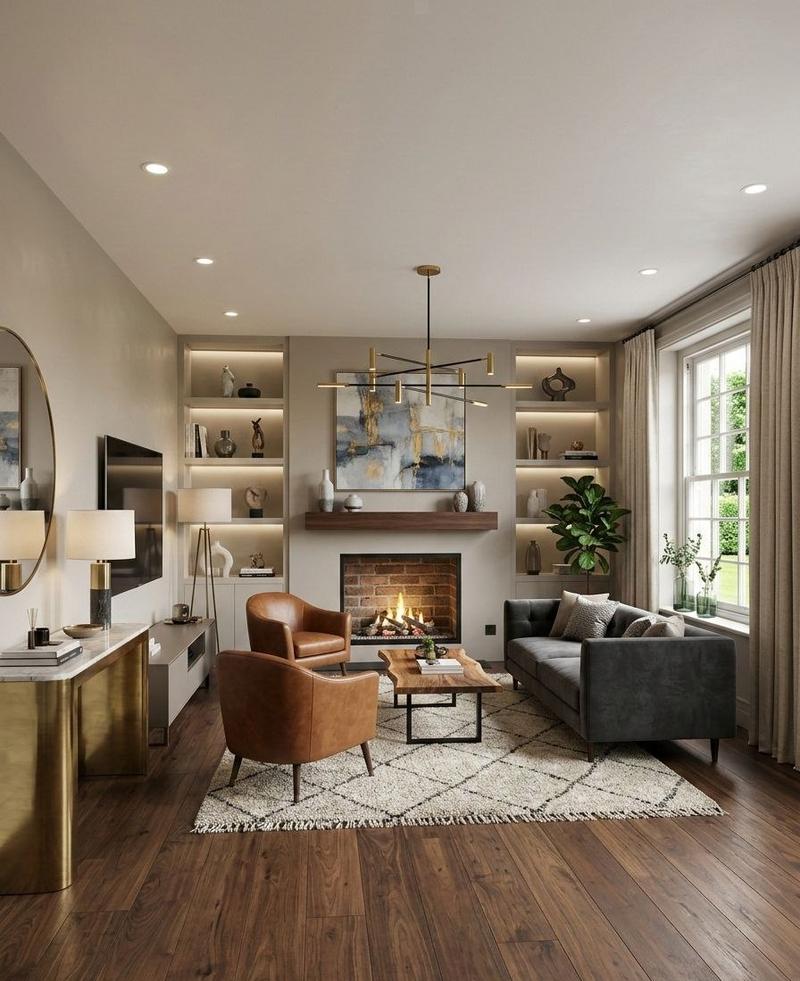
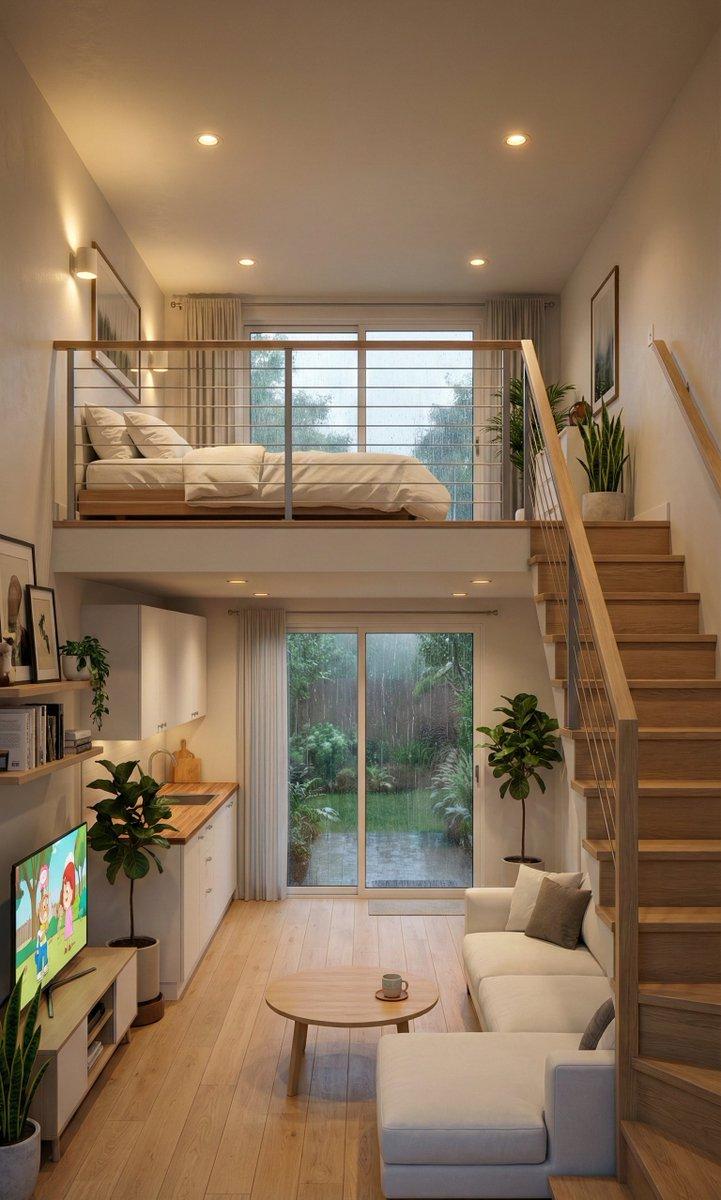
Use the EXACT same camera position, lens and composition as the before image (doorway viewpoint, 24mm wide-angle, same window/door/ceiling lines). Transform the space into a beautifully renovated modern minimalist living room: clean smooth walls in warm off-white, new light oak wood flooring, recessed ceiling with soft cove lighting, elegant curtains, subtle decor, bright natural daylight, premium real-estate photography look, ultra clean, high-end details, 9:16, photorealistic.
Negative:
cartoon, CGI, fisheye, messy, mold, stains, debris, people, text, watermark, logo
Category
创意图片
Model
Nano Banana Pro
Creator
underwood
Views0
Source ID
e2b9a6be-4f26-4414-b347-715a76eaa2f2
Published
Mar 8, 2026

Guide

About "翻新可视化:After Frame"

What is this prompt for?

"翻新可视化:After Frame" AI image prompt for Nano Banana Pro (创意图片). 这是两步式装修可视化提示的第二部分,旨在生成“之后”的图像。它指示 AI 使用之前生成的“之前”图像(可能是一个凌乱的房间)的精确相机参数和构图,并将空间改造为一个装修精美、现代简约、细节考…

The full copyable prompt and example visuals above are ready for AI image generation or one-click recreate in Picva.

How to use this prompt

  1. Step 1

    Open the prompt detail

    Review the example visuals, category, and full prompt text for "翻新可视化:After Frame".

  2. Step 2

    Copy the prompt

    Copy the prompt body from this page, or load it directly in Studio.

  3. Step 3

    Pick a model (Nano Banana Pro)

    Prefer Nano Banana Pro. If you switch models, keep subject and composition and tweak style terms.

  4. Step 4

    Generate and export

    Recreate the look in Picva, or export into your workflow for editing and publishing.

FAQ

What is the "翻新可视化:After Frame" prompt?
It is an AI image-generation prompt for Nano Banana Pro in the 创意图片 category. This page includes the full prompt text, example visuals, and a one-click recreate path in Picva.
How do I use this prompt to generate an image?
Copy the prompt from this page, or use Generate / Studio. Paste it into a compatible image model, or recreate the look in Picva with optional reference images.
Which model is this prompt for?
This page lists Nano Banana Pro. Most descriptive prompts also transfer to nearby image models such as GPT Image, Flux, or Midjourney with light style tweaks.
Can I use the result commercially?
You can usually copy the prompt for creation, but commercial use of the final image depends on the model terms, reference-image rights, and the generated content. Follow the source author and platform rules.