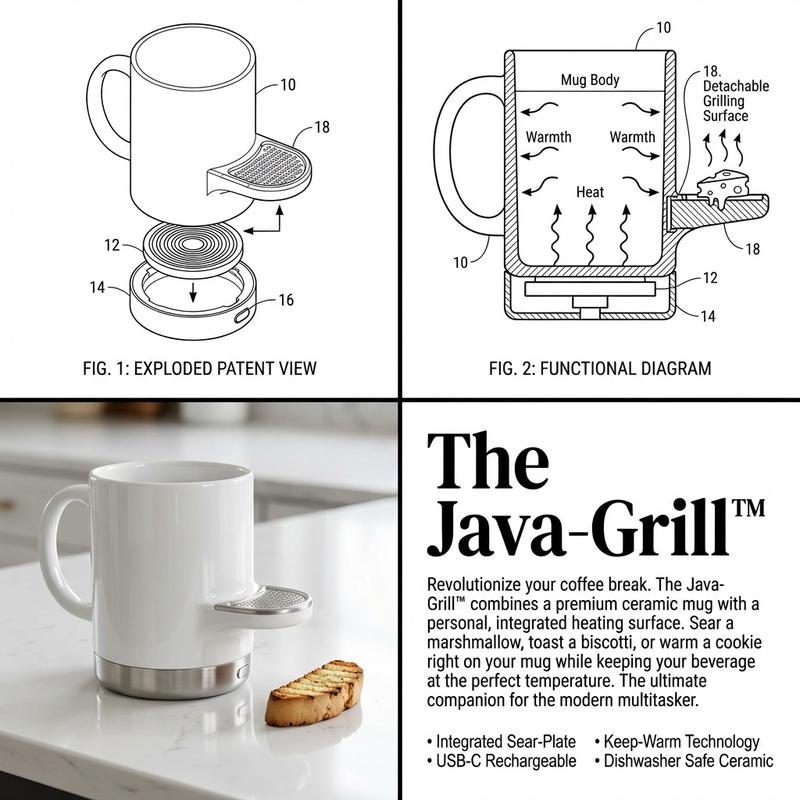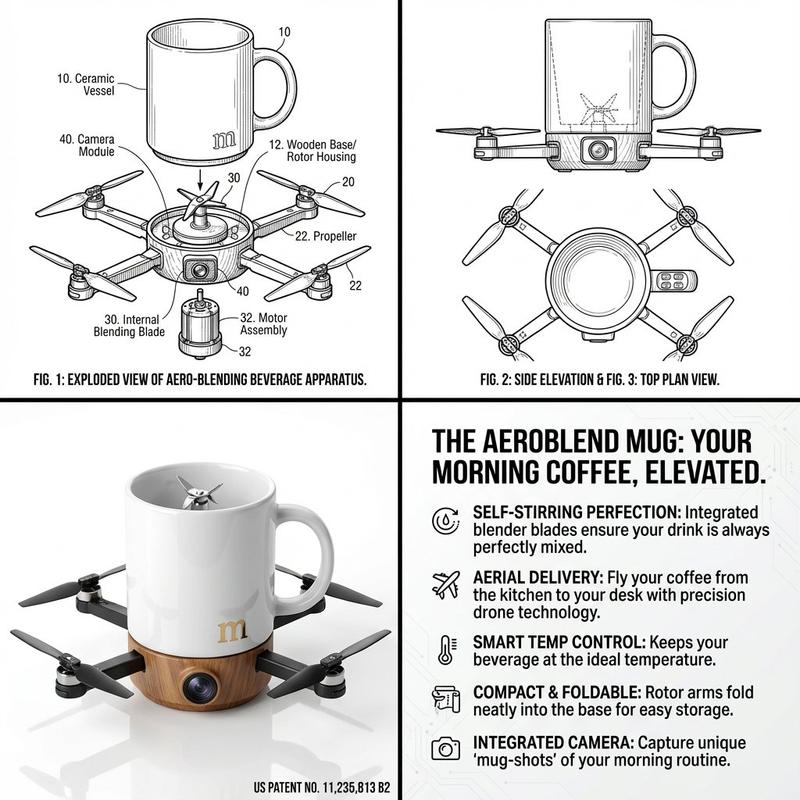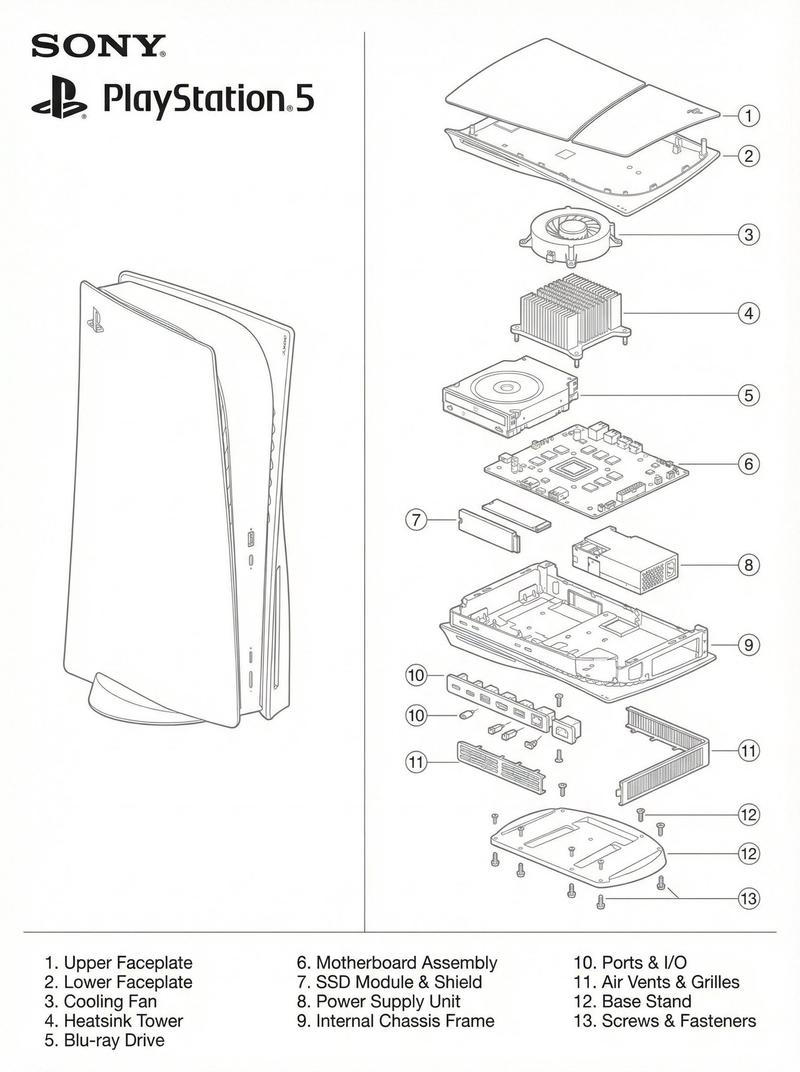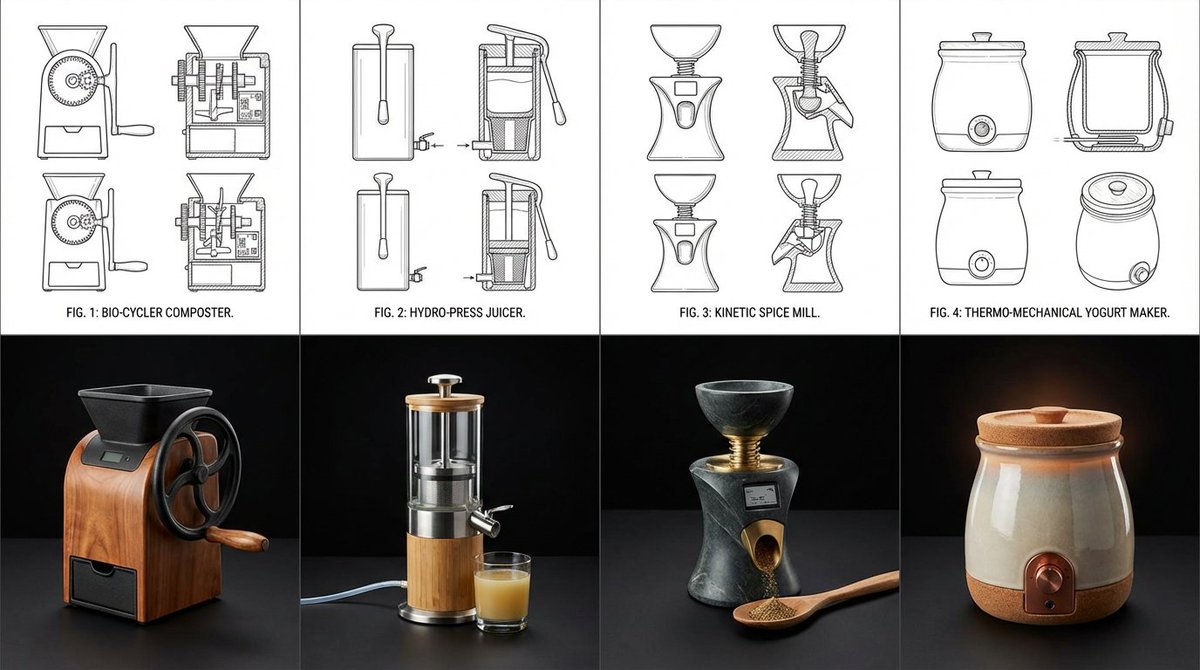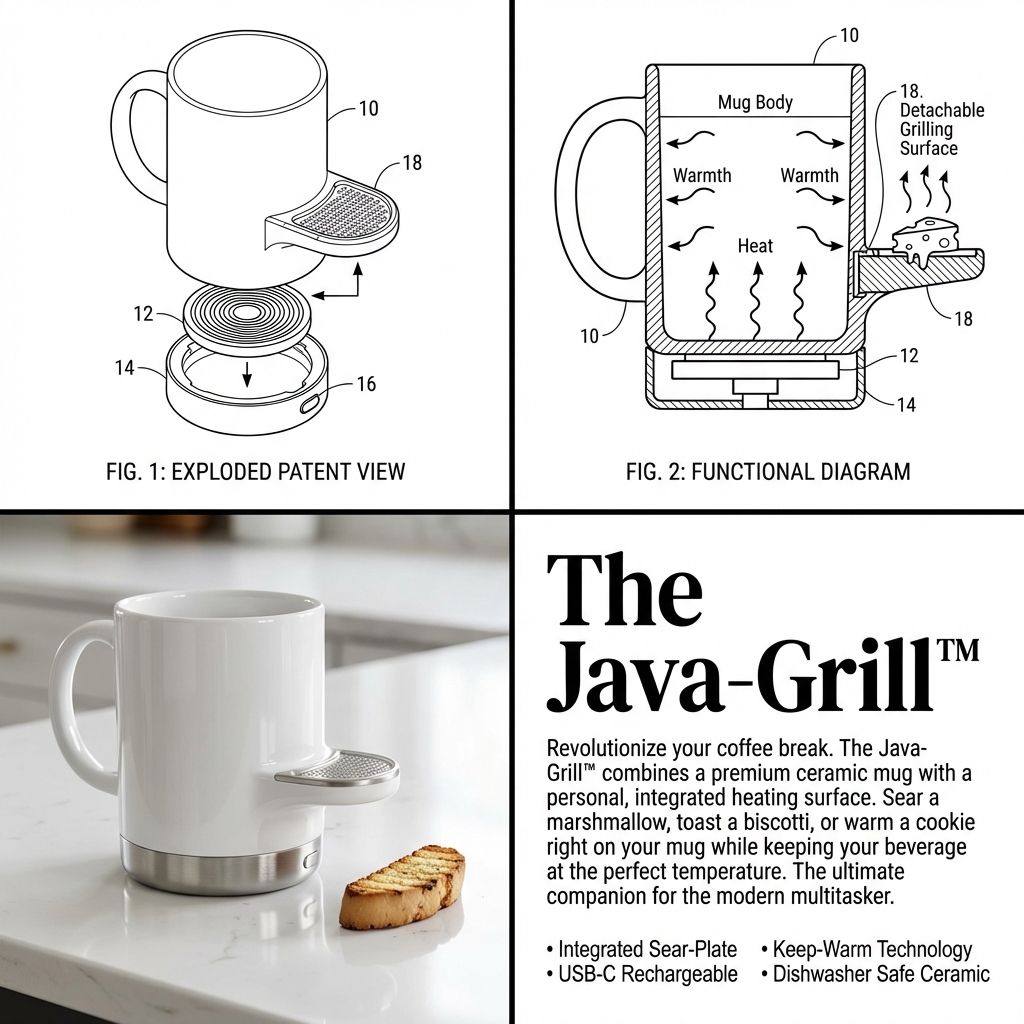
2x2 网格产品发明可视化(专利/营销)
Prompt
Input Variable: {argument name="input objects" default="[INSERT 1 or 2 OBJECTS]"}
Instruction:
Act as a Visionary Industrial Designer and Patent Clerk. Create a 2x2 Grid visualizing the invention of a new product based on the Input.
 Innovation Logic  :
Analyze Functions: Identify the primary utility of Input A and Input B.
The Fusion: Combine them into a single, cohesive device that solves a specific (niche) problem.
If 2 Inputs: Hybridize them (e.g., Mug + Grater = A self-cooling mug with a garnish shaver).
If 1 Input: Evolve it (e.g., Toothbrush = A self-sanitizing, toothpaste-injecting smart wand).
The Branding: Generate a catchy, corporate product name (e.g., "The Breeze-Grate™", "Solar-Brella Pro").
The Visual Structure (The 2x2 Grid):
CRITICAL: The image must be split into 4 distinct quadrants with different visual styles.
Panel 1 (Top Left): The Exploded Patent View
Style: Black & White Technical Line Art. Thin distinct lines, no shading.
Content: An isometric "Exploded View" of the device, showing the internal motor, battery, or mechanism separated from the shell.
Detail: Add Numbered Leader Lines (10, 12, 14) pointing to specific parts.
Panel 2 (Top Right): The Functional Diagram
Style: Black & White Schematic with bold arrows.
Content: A cross-section or "In-Use" drawing showing how how the device works. Use Action Arrows to show airflow, rotation, or liquid movement.
Detail: Show the "Result" (e.g., cheese falling, water spraying).
Panel 3 (Bottom Left): The Product Render
Style: High-End Studio Photography. Color, Glossy, "Apple/Braun" Design Aesthetic.
Content: The final physical product sitting on a white reflective surface. It should look sleek, using materials like White Ceramic, Brushed Aluminum, or Matte Plastic.
Context: Include a small prop to show scale (e.g., a block of cheese, a coffee bean, a hand).
Panel 4 (Bottom Right): The Marketing Pitch
Style: Editorial Magazine Layout. White background, black text.
Typography:
Headline: Large, Bold Serif Text displaying the [Invention Name].
Body: A block of clean "Lorem Ipsum" or readable text describing the "Revolutionary Features."
Bullets: A small list of specs (e.g., "Dishwasher Safe," "USB-C").
Visual Syntax:
Cohesion: The product design in Panel 3 must perfectly match the line art in Panel 1.
Design Language: Minimalist, Ergonomic, Consumer Electronics aesthetic. Even if the idea is silly, the design must look expensive.
Output: 2x2 Grid, Mixed Media (Line Art vs. Photorealism), 8k Resolution, "Kickstarter Campaign" Aesthetic.- Category
- 创意图片
- Model
- Nano Banana Pro
- Creator
- Gadgetify
- Source ID
- 5d8c8676-3502-46f2-a4e6-f2e66c9d8d81
- Published
- Mar 8, 2026
Views0