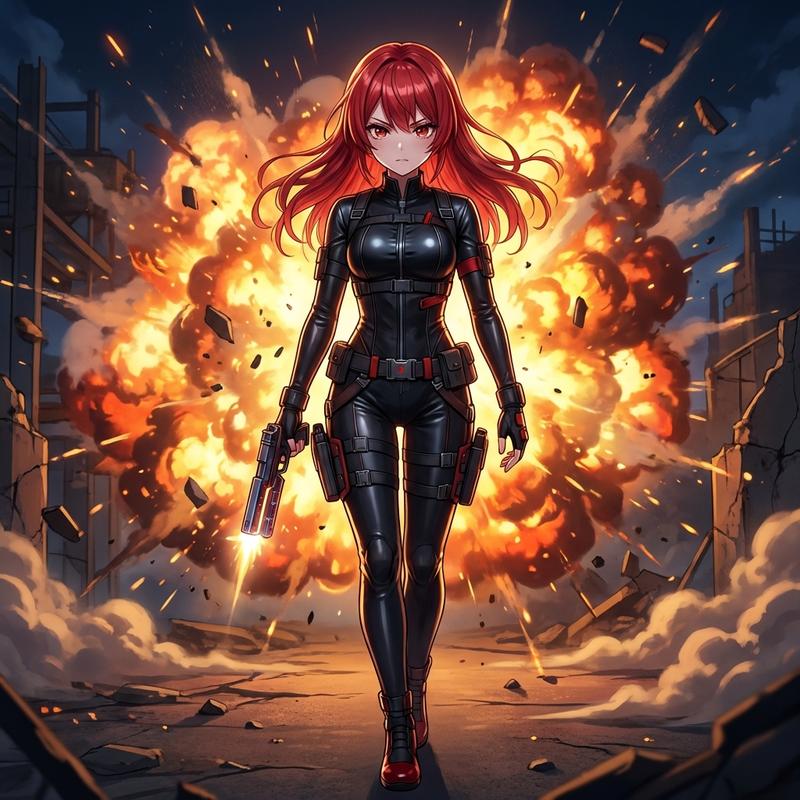
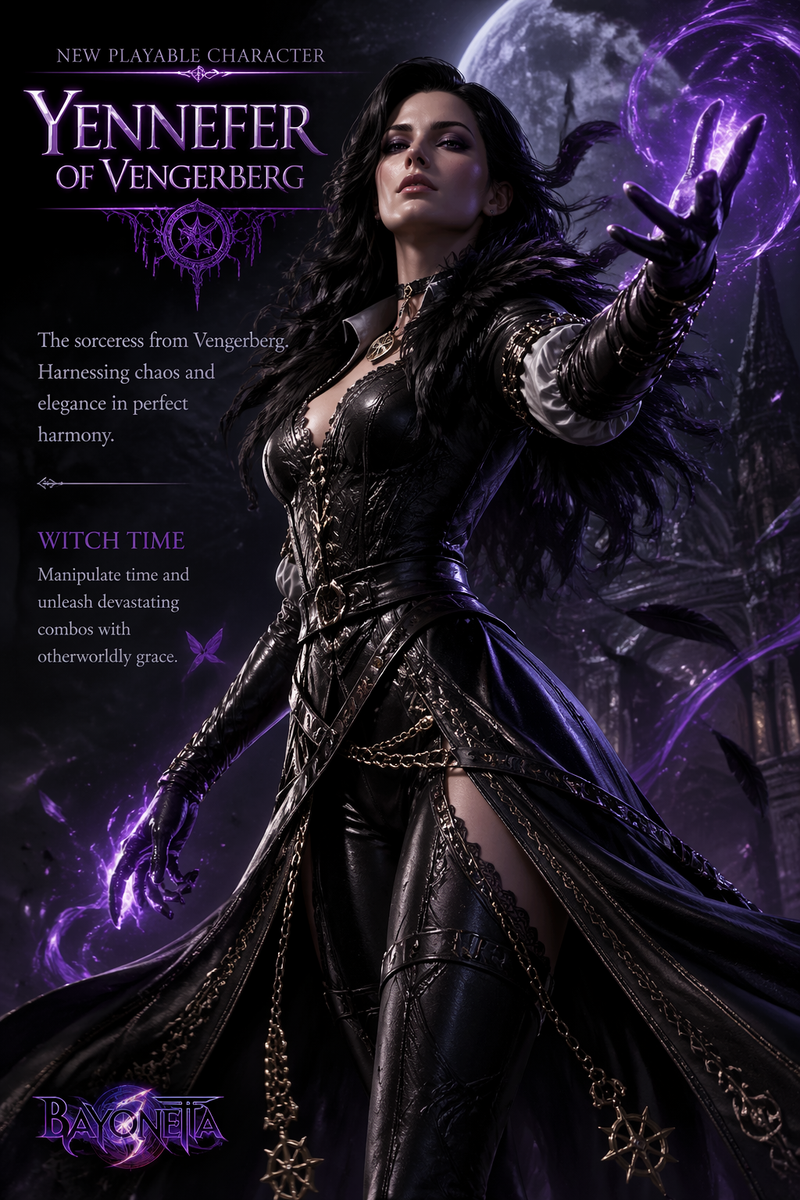
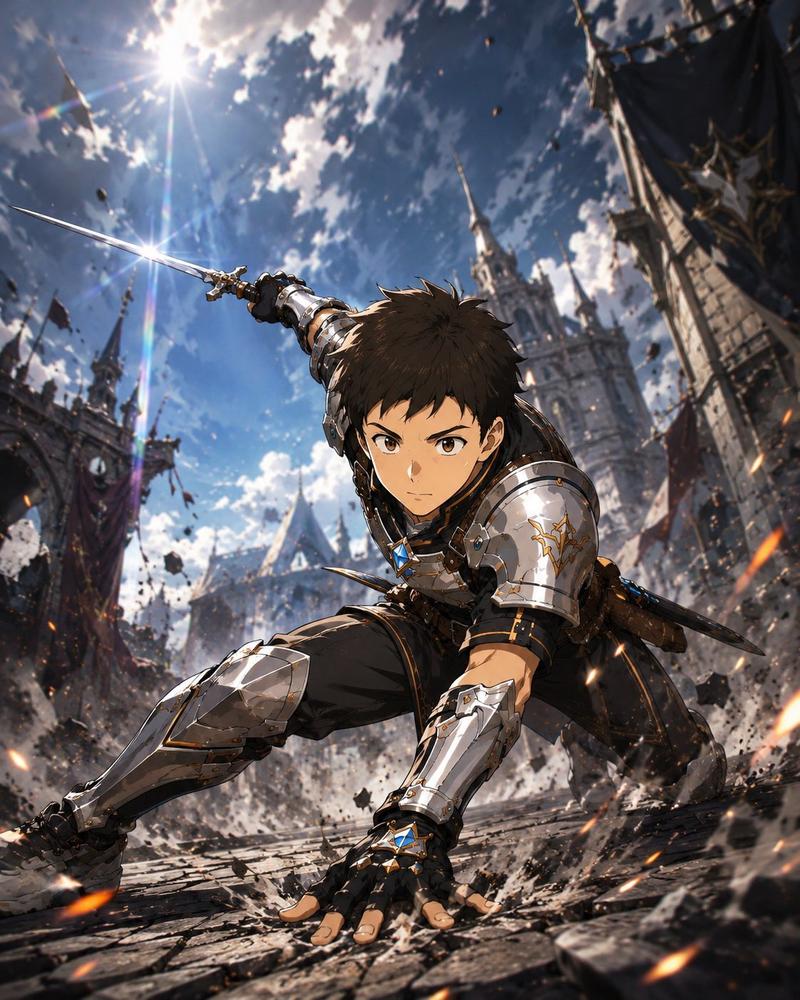
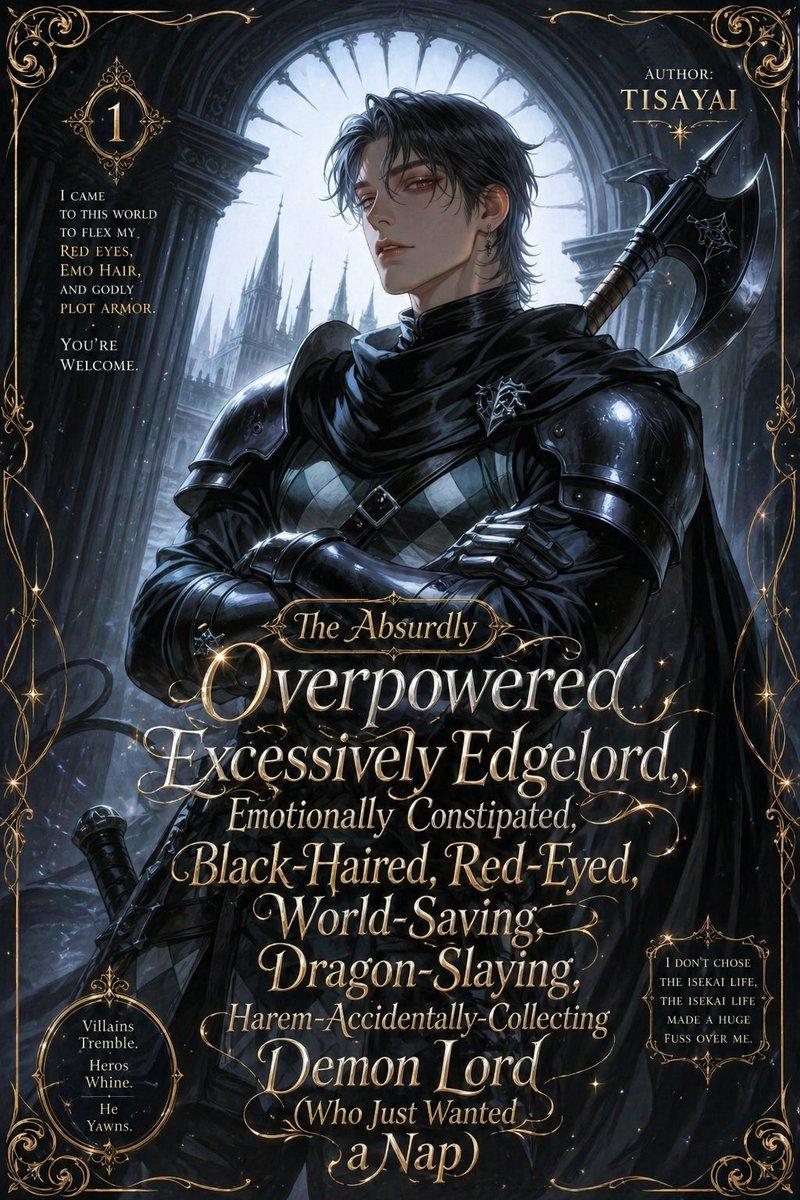
刺客风格转换提示词(日文)
Prompt
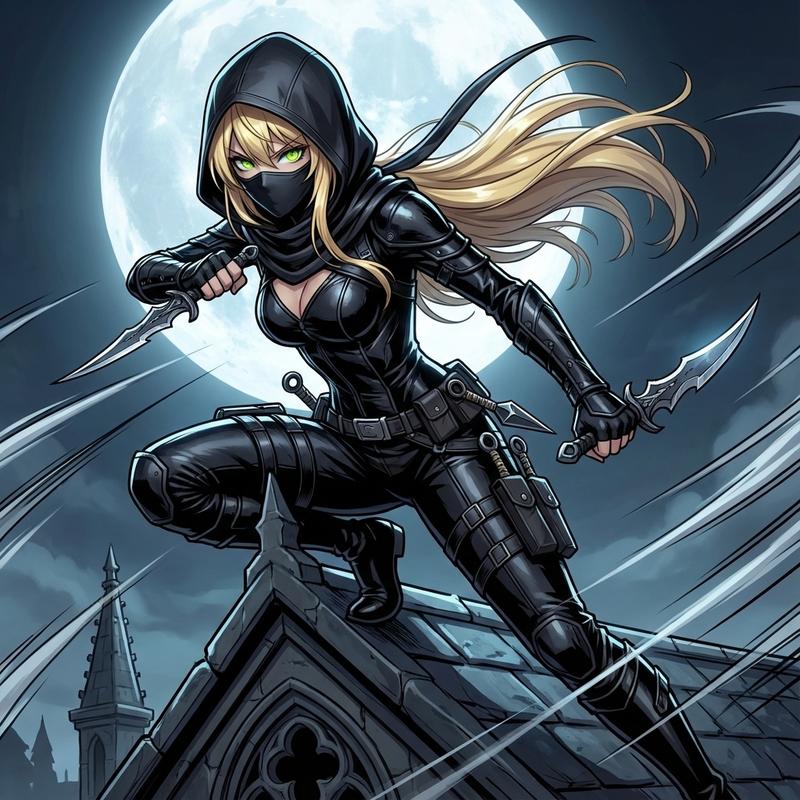
月夜に舞う影!
フードの下から覗く瞳がクールすぎる🌙
- Category
- 创意图片
- Model
- Nano Banana Pro
- Creator
- ちゃろん
- Source ID
- e6352d8c-990b-402e-b4dd-d463b50ee3b1
- Published
- Mar 8, 2026
Views0
17
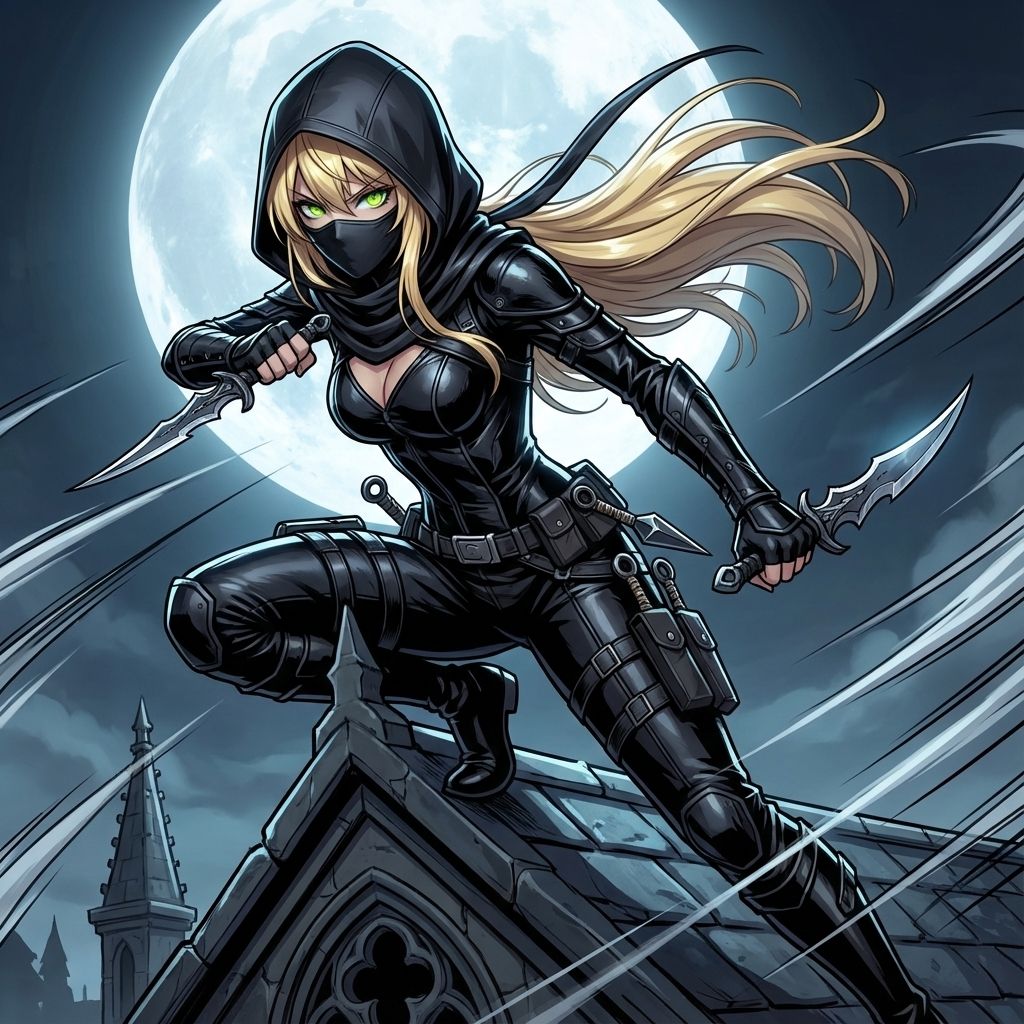
月夜に舞う影! フードの下から覗く瞳がクールすぎる🌙
Guide
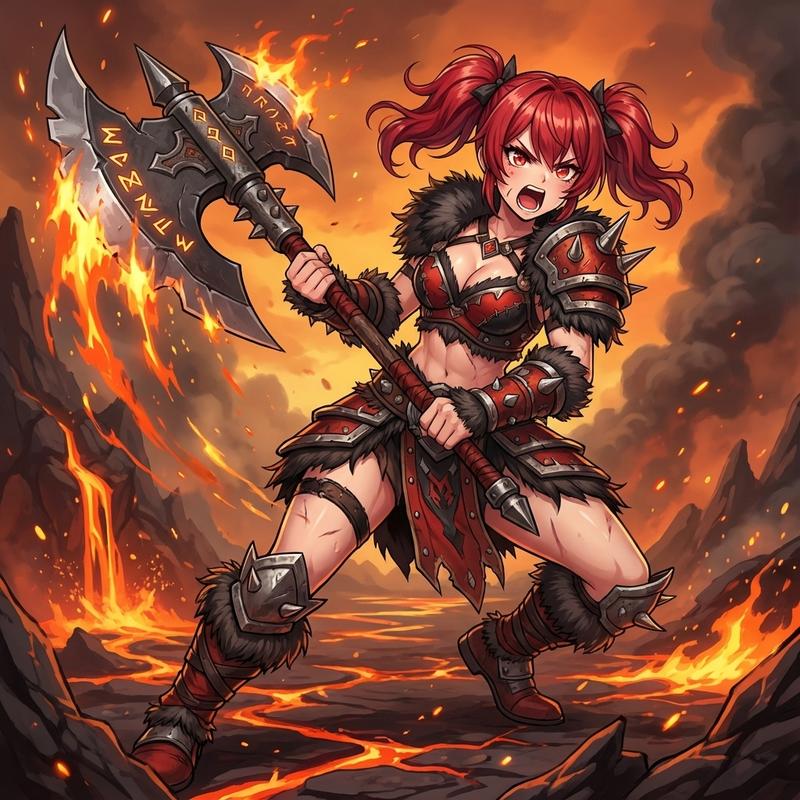
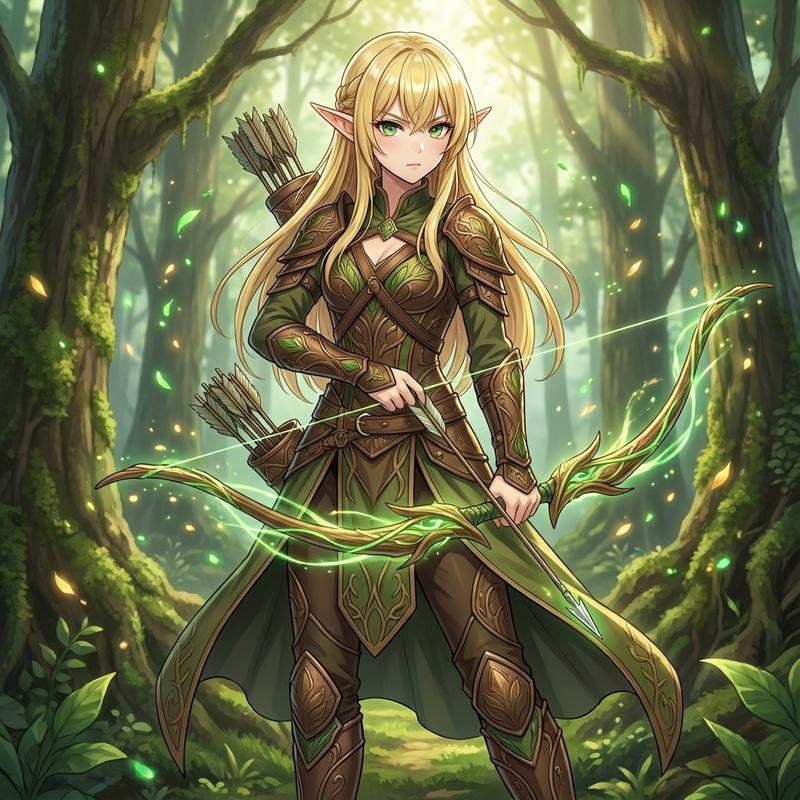
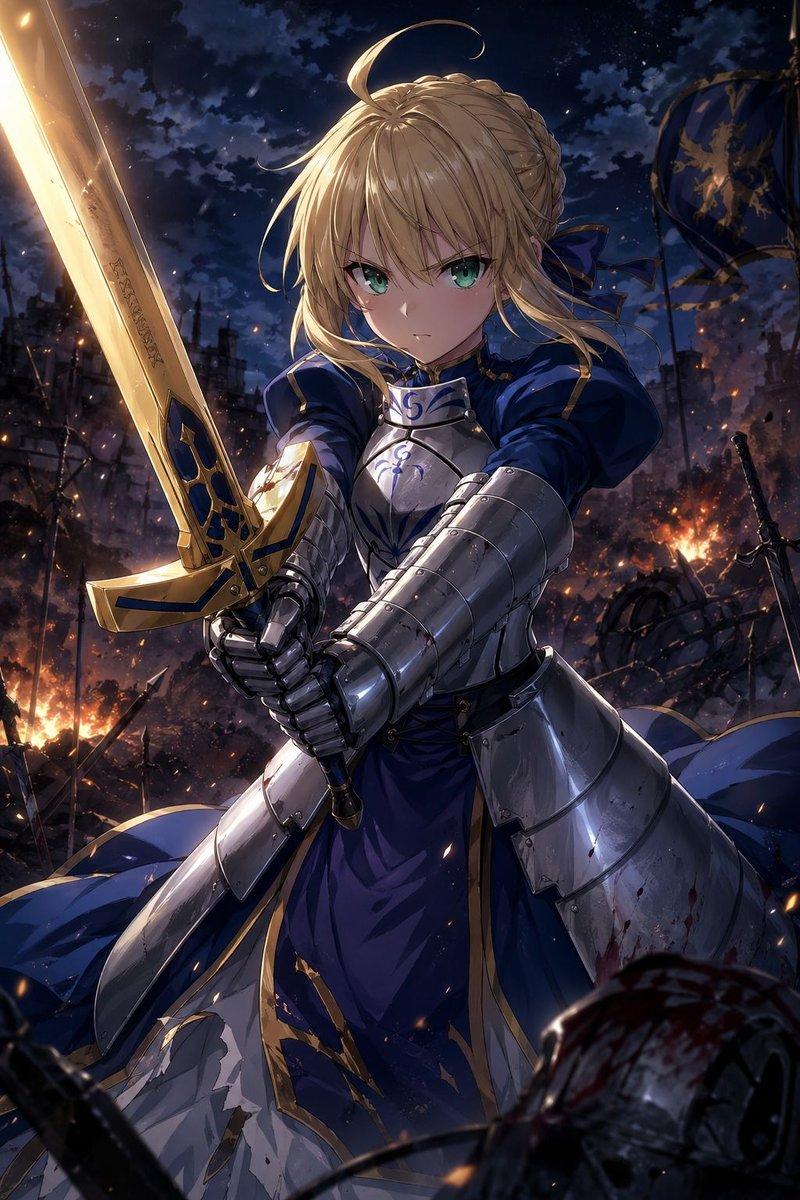
"刺客风格转换提示词(日文)" AI image prompt for Nano Banana Pro (创意图片). 一个日文提示,用于将图像转换为“刺客风格”插画,强调月光下酷炫的外观,眼睛从兜帽下窥视。提示本身在 ALT 文本中提及,但未提供,因此内容是从主描述中提取的。 --- 月光下,魅影婆娑! 兜帽下那双…
The full copyable prompt and example visuals above are ready for AI image generation or one-click recreate in Picva.
Step 1
Review the example visuals, category, and full prompt text for "刺客风格转换提示词(日文)".
Step 2
Copy the prompt body from this page, or load it directly in Studio.
Step 3
Prefer Nano Banana Pro. If you switch models, keep subject and composition and tweak style terms.
Step 4
Recreate the look in Picva, or export into your workflow for editing and publishing.