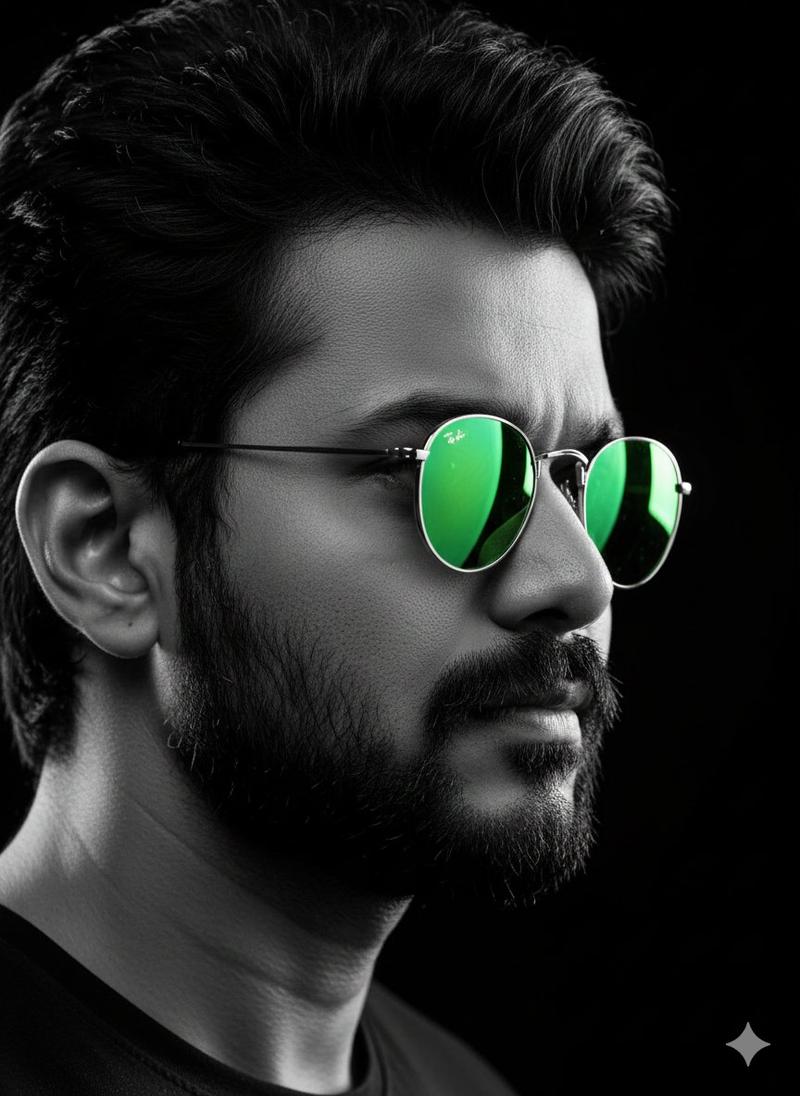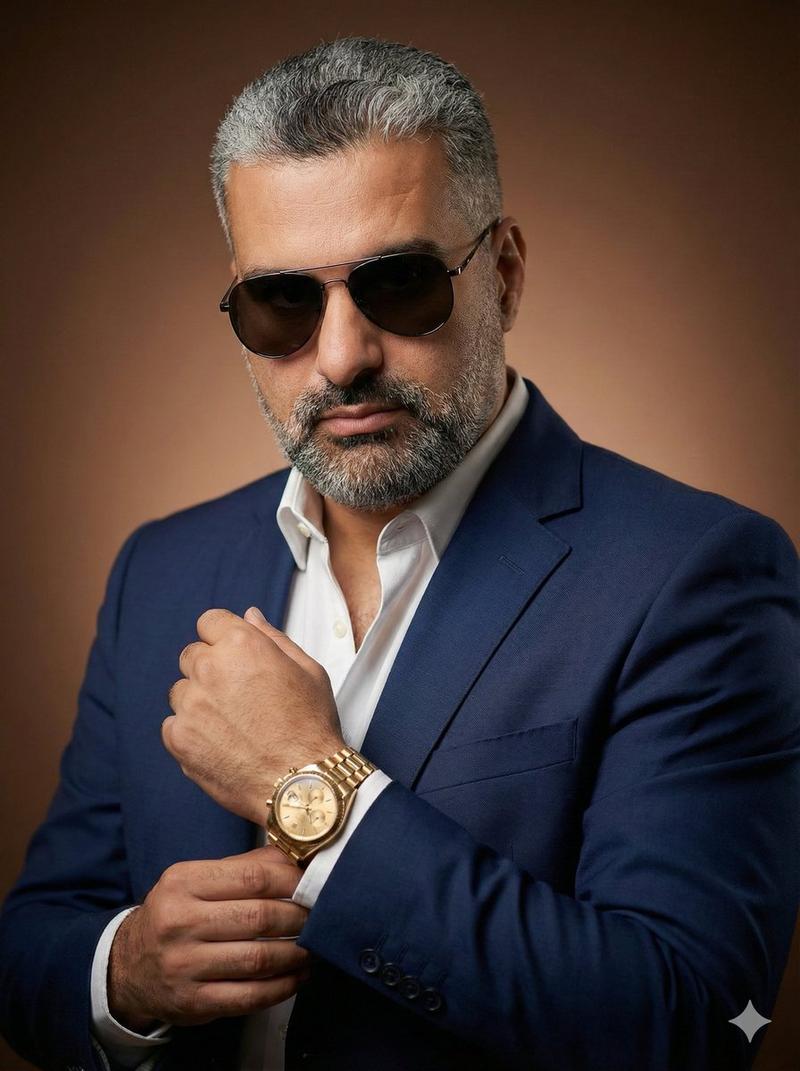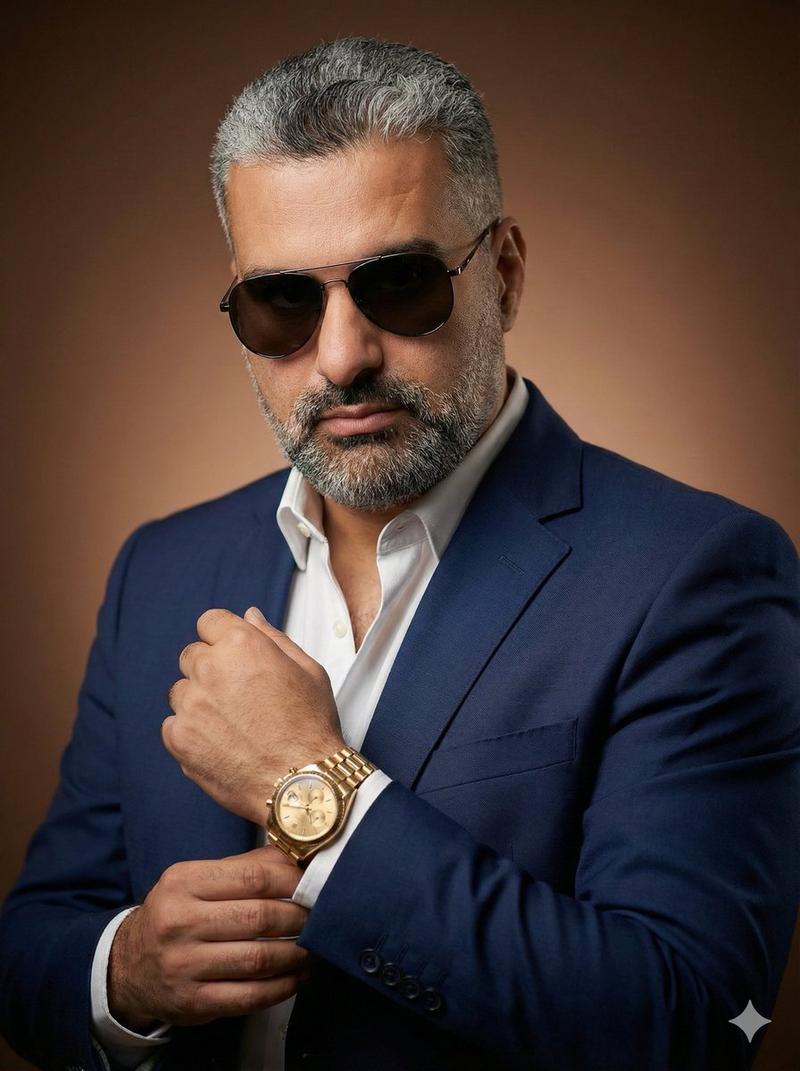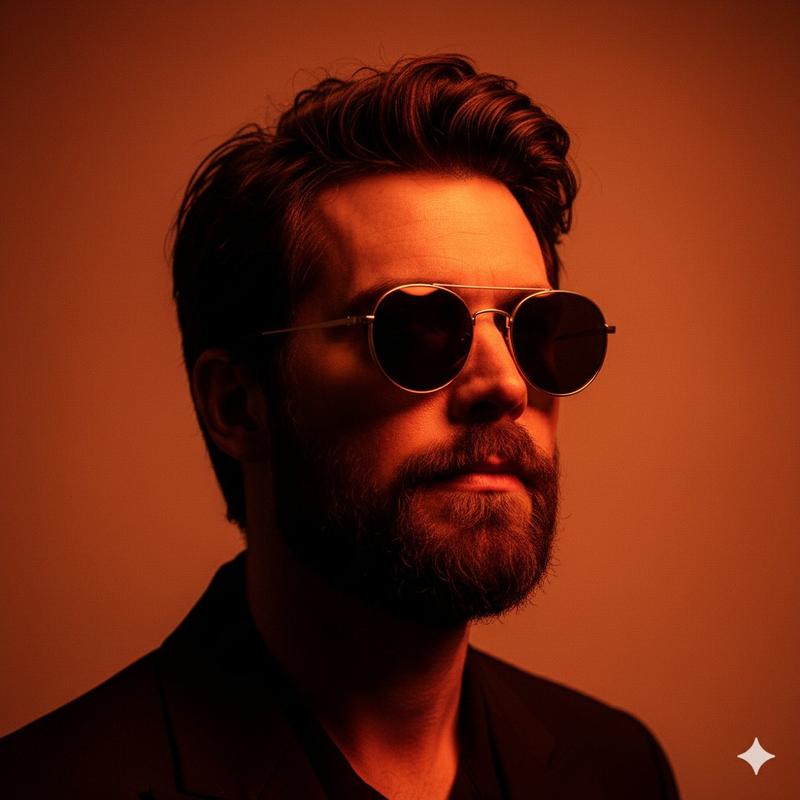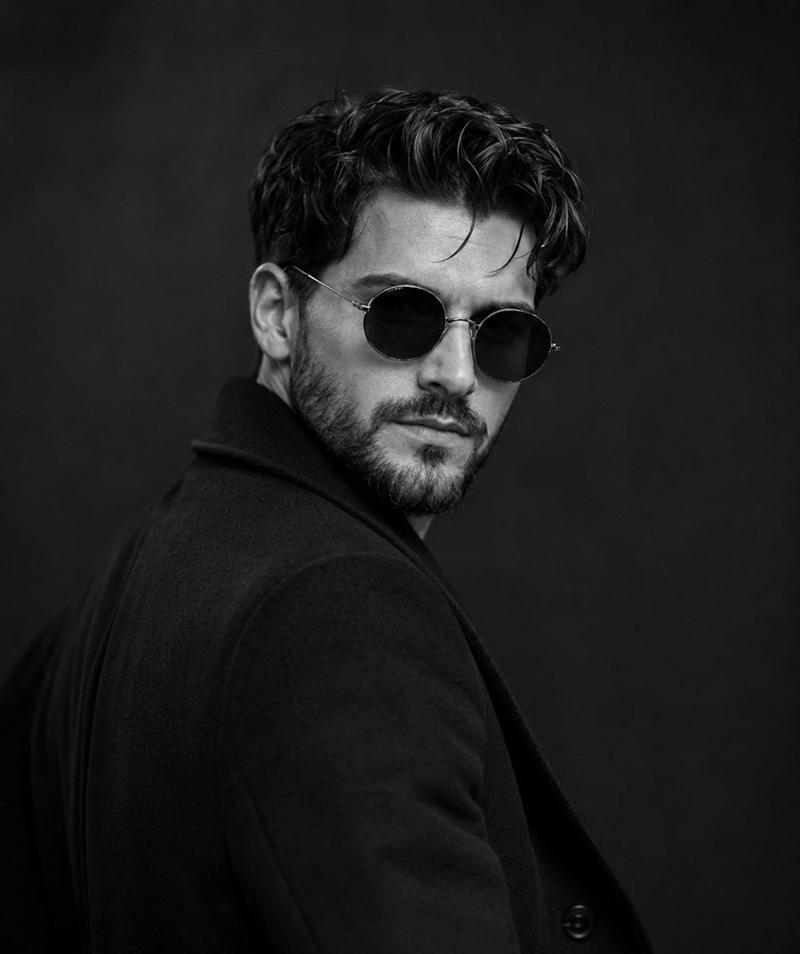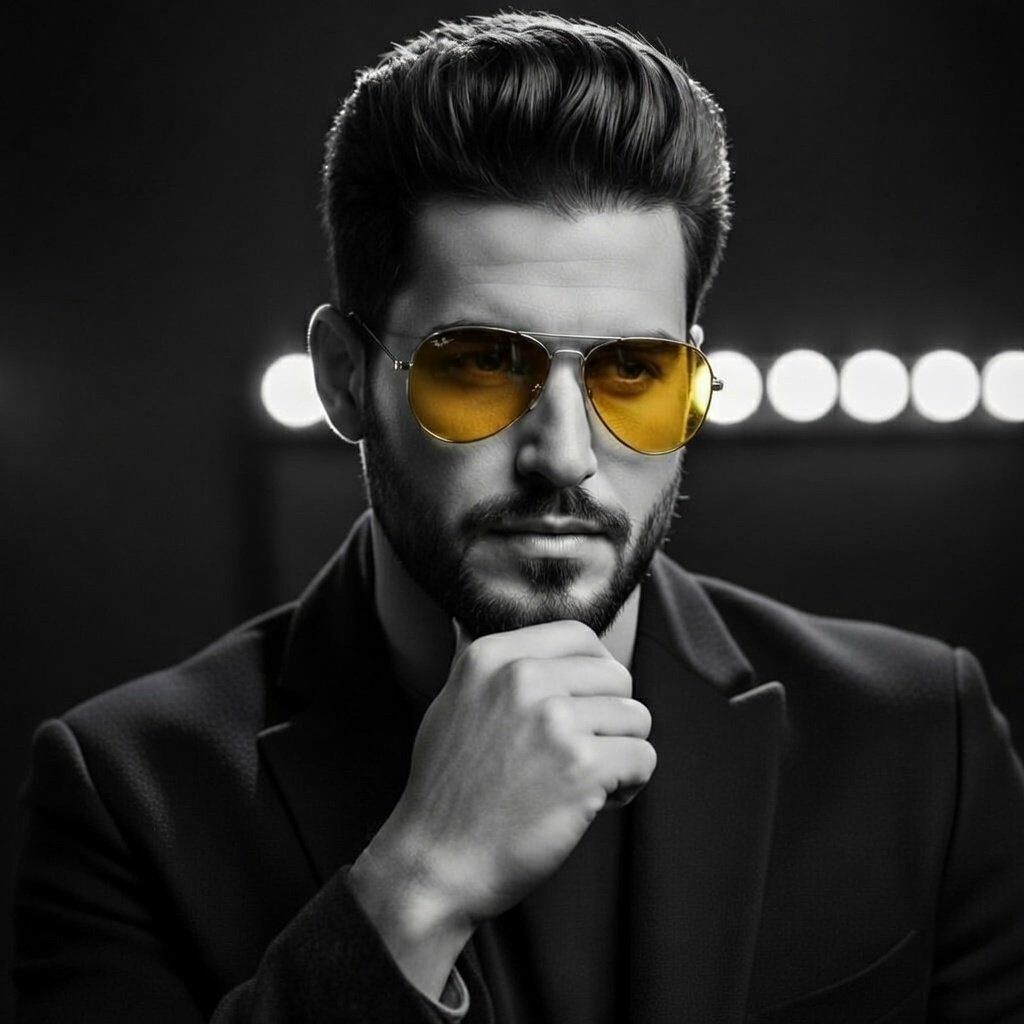
时尚男士的高对比度电影感肖像
Prompt
{
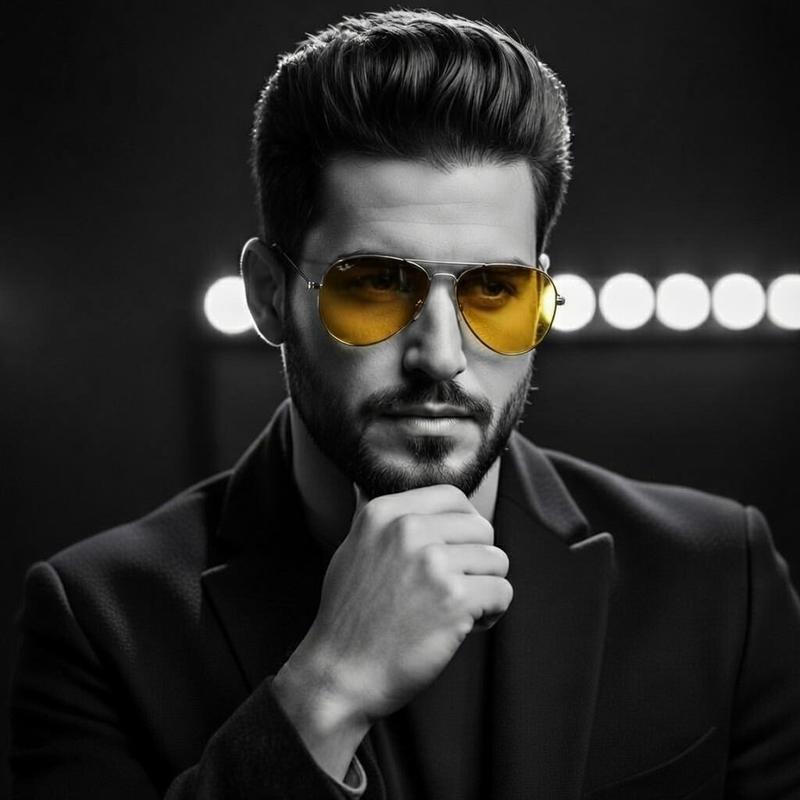
  "objective": "Create a dramatic, high-contrast cinematic portrait of a stylish young man in a premium black suit with selective warm lighting and intense mood",
  "subject": {
    "type": "Young adult male",
    "age_appearance": "25-30",
    "hair": "Black, voluminous, slicked back pompadour style, perfectly styled with high shine",
    "facial_hair": "Well-groomed short boxed beard and mustache",
    "expression": "Intense, confident, serious, slightly mysterious",
    "pose": "Hand under chin thoughtful/contemplative pose, looking directly at camera",
    "accessories": {
      "sunglasses": "Classic aviator style, gold metal frame, strong {argument name="sunglasses lens color" default="yellow/orange"} tinted lenses",
      "clothing": {
        "outerwear": "Premium matte {argument name="suit color" default="black"} tailored blazer/jacket, sharp lapels, high-end luxurious fabric texture",
        "innerwear": "Dark charcoal or black crew-neck t-shirt"
      }
    }
  },
  "lighting": {
    "style": "Cinematic studio lighting",
    "main": "Strong side and rim lighting creating deep shadows and dramatic highlights",
    "background": "Dark gradient with circular warm spotlight array (vanity/makeup studio lights)",
    "contrast": "Very high contrast, deep blacks, bright highlights on face and hair",
    "mood": "Moody, masculine, powerful, film-noir inspired"
  },
  "composition": {
    "framing": "Tight mid-close-up portrait, head and shoulders",
    "angle": "Slightly below eye level for commanding presence",
    "depth_of_field": "Shallow, sharp focus on face and sunglasses, soft background"
  },
  "color_palette": {
    "dominant": "Black & deep charcoal",
    "accents": "Warm yellow-orange from sunglasses lenses and background lights",
    "skin_tone": "Natural with subtle cinematic glow"
  },
  "style_references": [
    "Modern film-noir",
    "High-end fashion editorial",
    "Hollywood dramatic portrait",
    "David LaChapelle meets classic menswear advertising"
  ],
  "image_quality": {
    "resolution": "Ultra-high detail, 8K",
    "sharpness": "Crisp facial features, hair strands visible",
    "texture": "Detailed skin pores, fabric weave, hair shine"
  },
  "negative_prompt": [
    "low quality",
    "blurry",
    "overexposed",
    "underexposed",
    "cartoon",
    "anime",
    "distorted face",
    "extra limbs",
    "bad anatomy",
    "logo",
    "text",
    "watermark",
    "bright colored clothing",
    "casual outfit"
  ],
  "aspect_ratio": "2:3 (portrait orientation)"
}- Category
- 创意图片
- Model
- Nano Banana Pro
- Creator
- Abhishek Singh
- Source ID
- 7ffabc83-0a40-4faf-a13d-e79263bd8046
- Published
- Mar 8, 2026
Views0