11

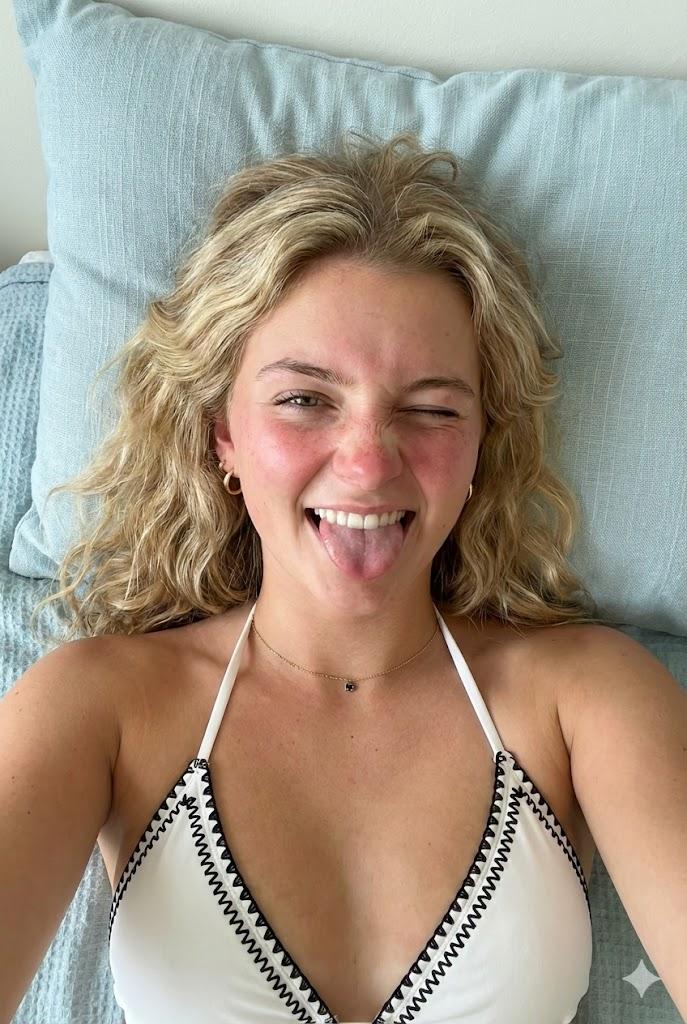
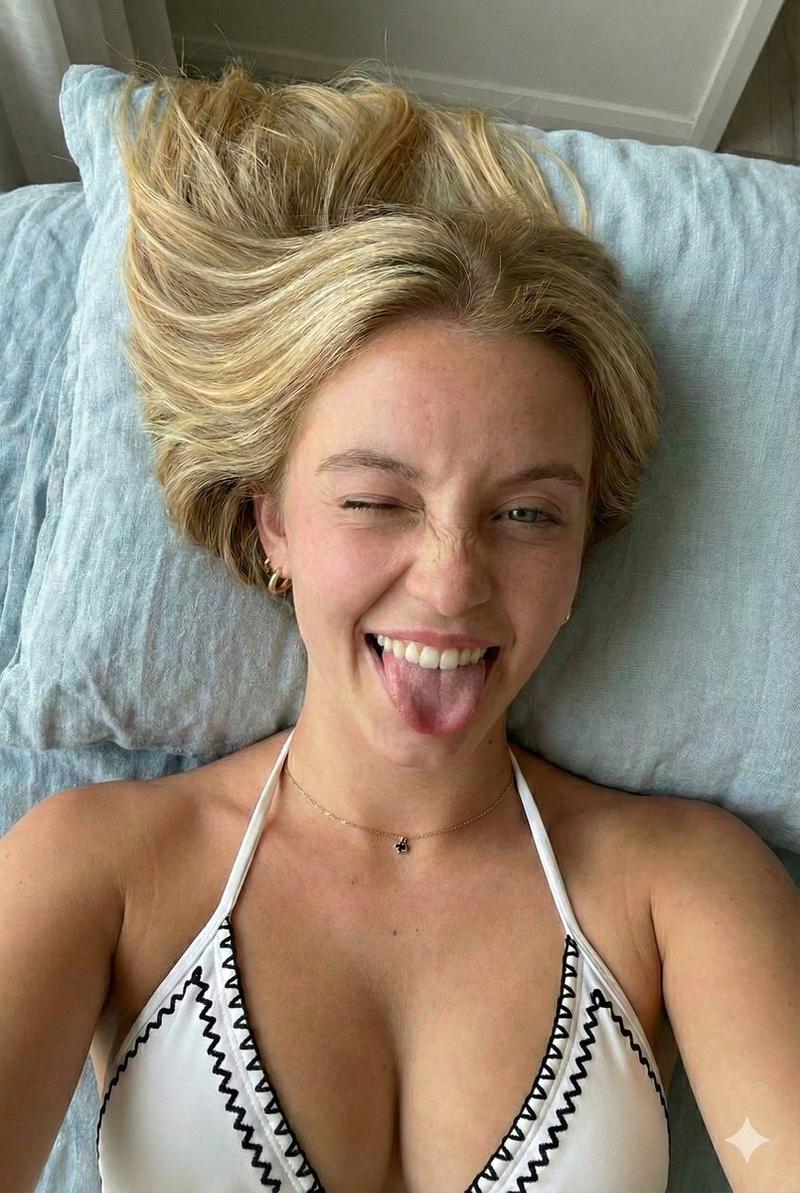
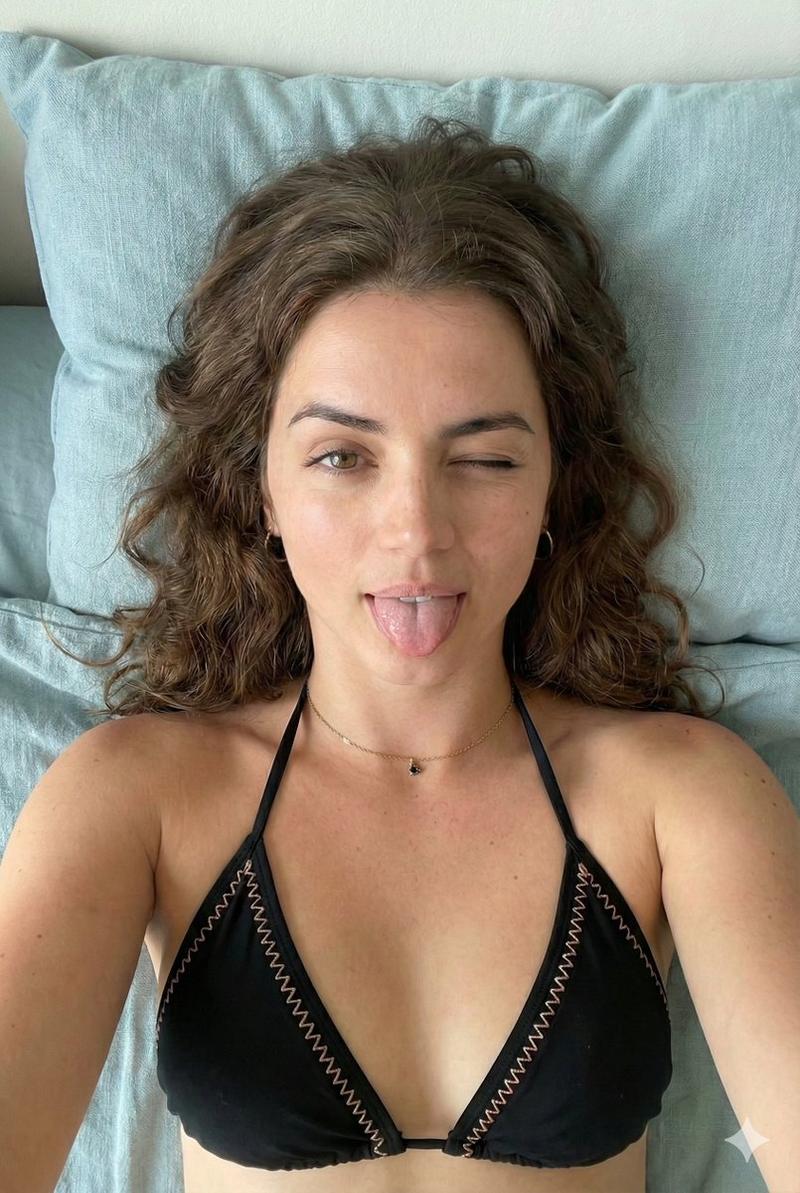
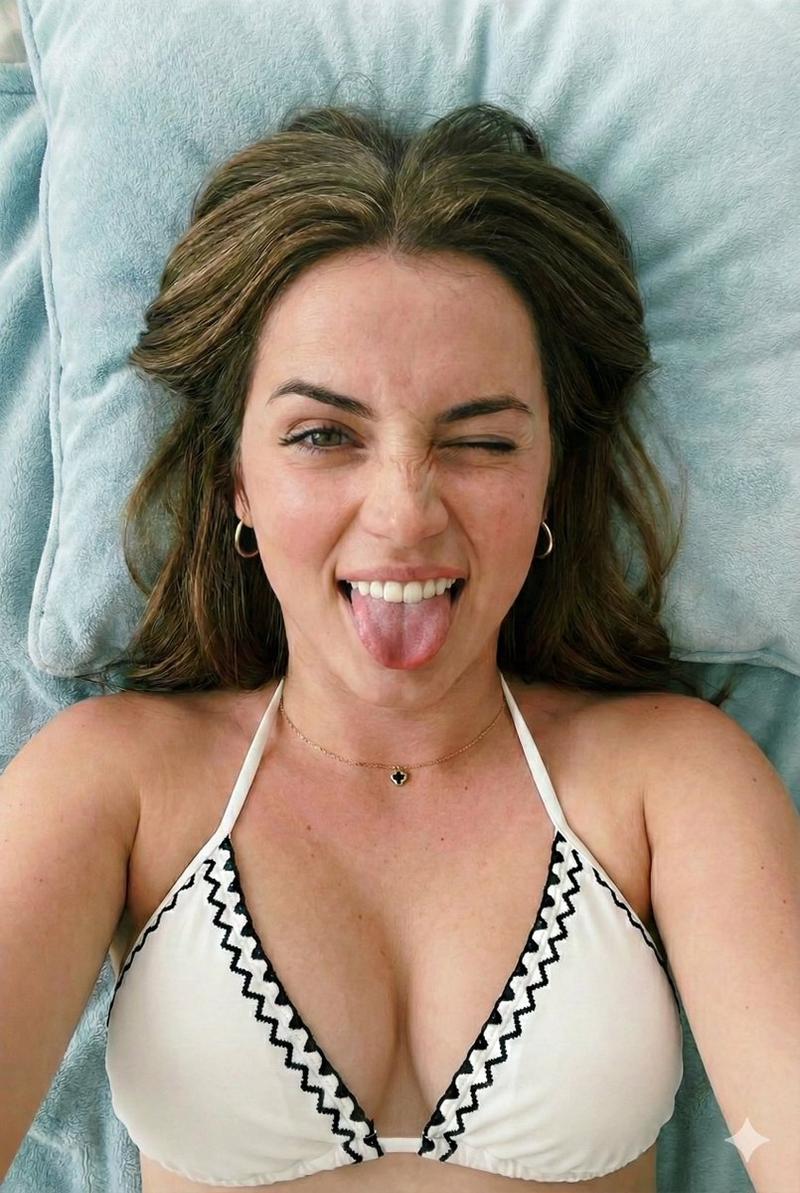
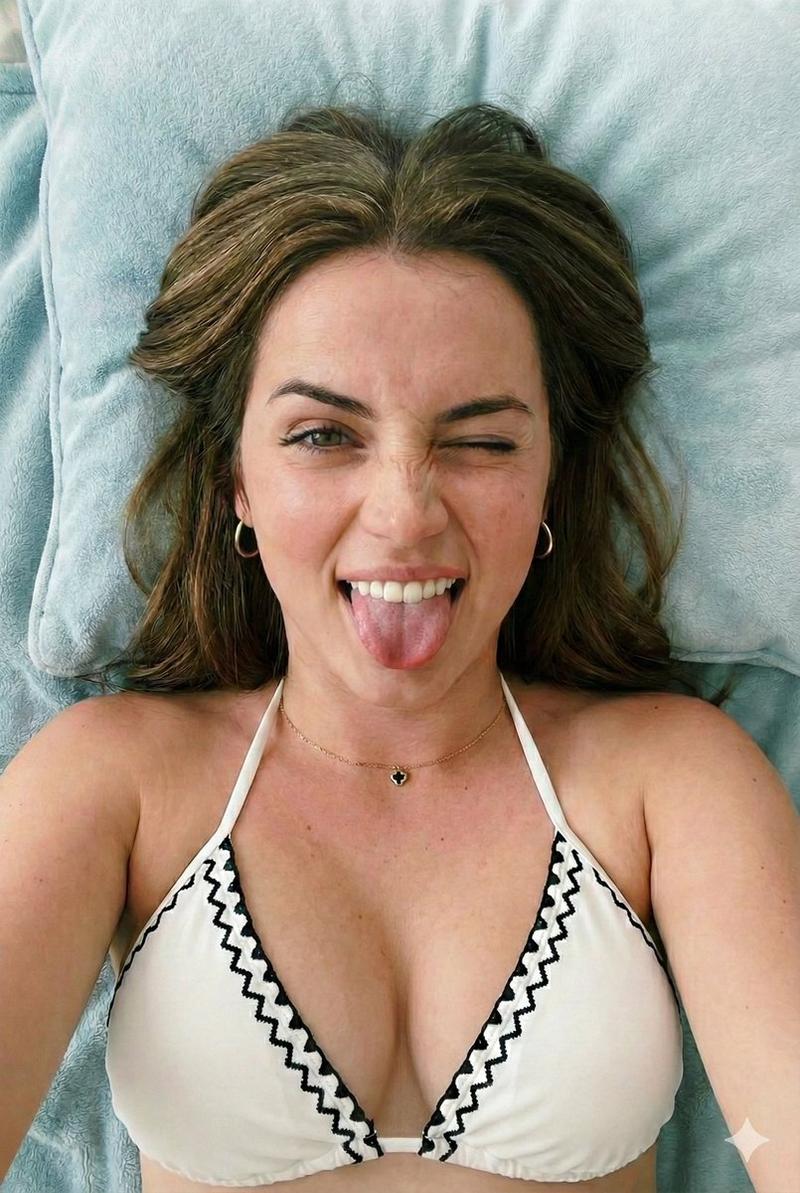
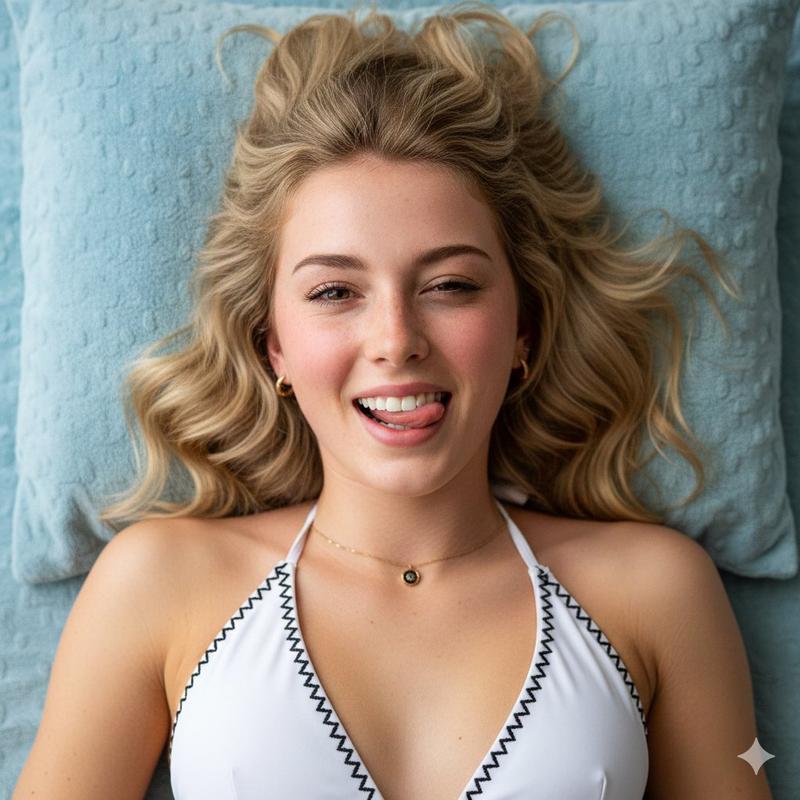
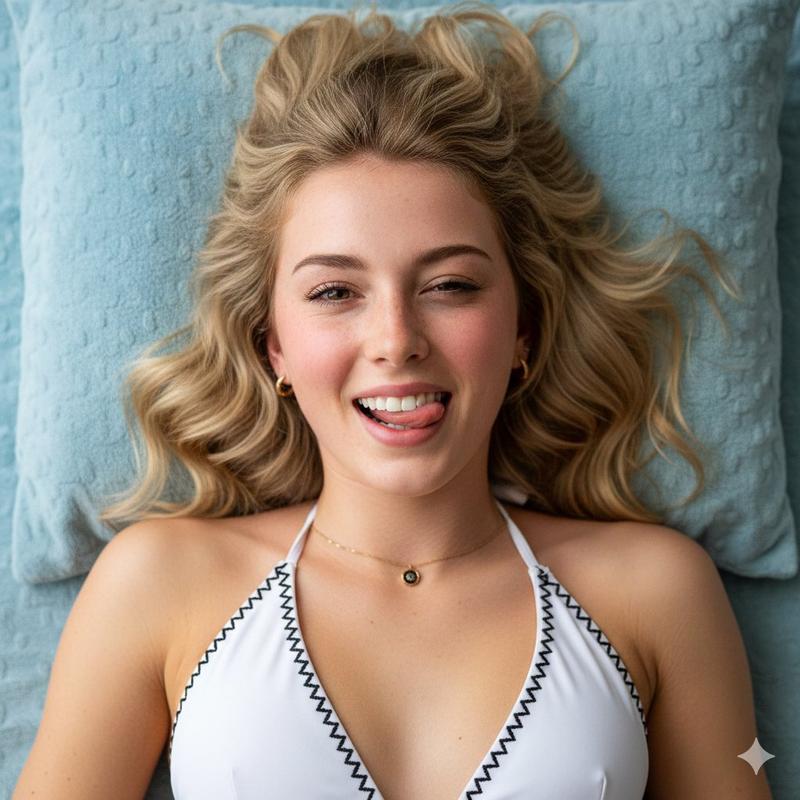
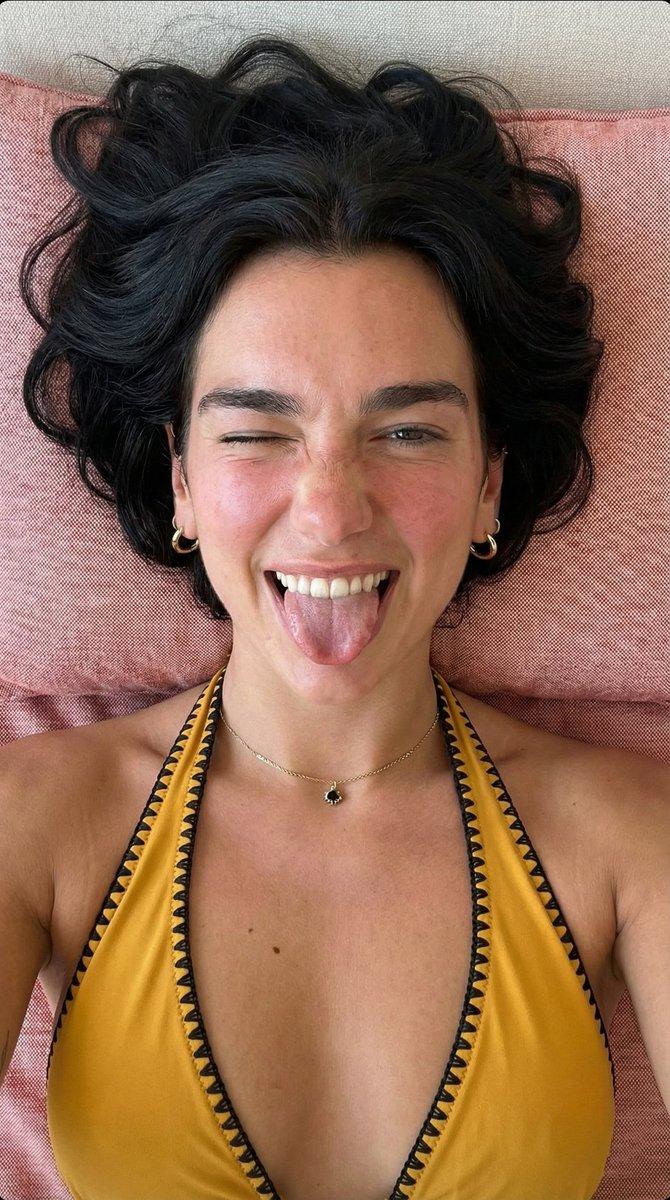
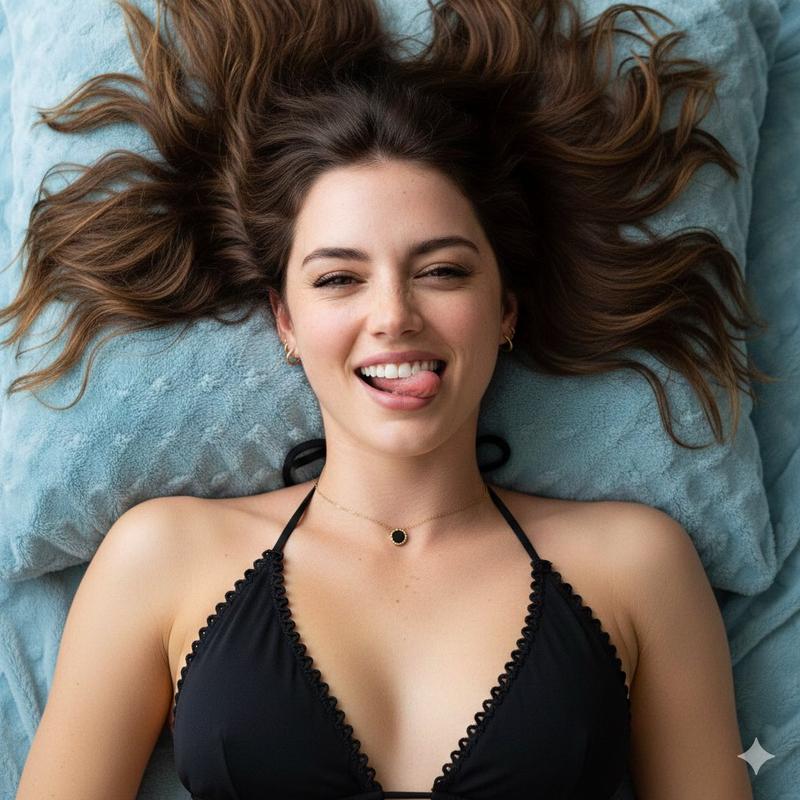
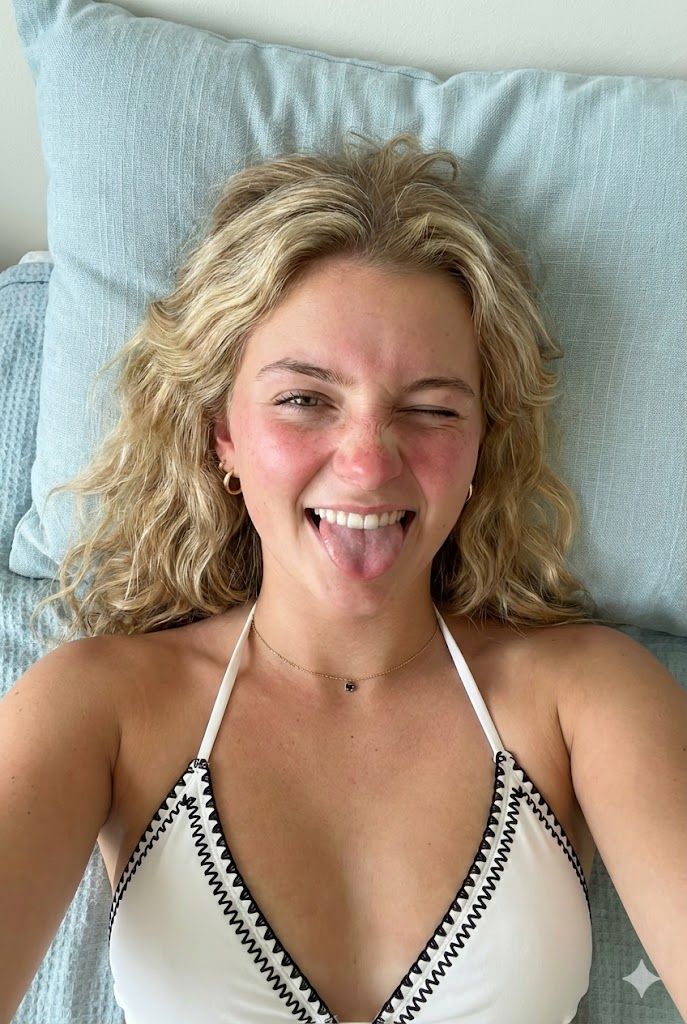
俯视眨眼比基尼肖像提示
Enlarge

俯视眨眼比基尼肖像提示

Prompt
{
  "aspect_ratio": "2:3",
  "subject": {
    "type": "Woman",
    "age": 19,
    "position": "Lying on back, overhead view"
  },
  "expression": {
    "action": "Winking right eye, sticking out tongue",
    "smile": "Broad, showing teeth",
    "nose": "Wrinkled"
  },
  "features": {
    "skin_tone": "Fair with visible freckles on cheeks and nose",
    "cheeks": "Flushed pink",
    "lips": "Natural pink, tongue extended",
    "eyes": "Left brown eye open, right winking",
    "hair": "Blonde, wavy, spread out above head"
  },
  "attire": {
    "bikini_top": "{argument name="bikini color" default="White"} halter-neck with black embroidered zig-zag trim along edges"
  },
  "accessories": {
    "earrings": "Small gold hoop earrings",
    "necklace": "Delicate gold chain with a small, dark charm"
  },
  "environment": {
    "background": "Light blue textured fabric pillow and blanket",
    "lighting": "Soft, natural indoor light"
  }
}
Category
创意图片
Model
Nano Banana Pro
Creator
sammy
Views0
Source ID
9e11ac45-6202-4fdc-a065-8e17b079b887
Published
Mar 8, 2026

Guide

About "俯视眨眼比基尼肖像提示"

What is this prompt for?

"俯视眨眼比基尼肖像提示" AI image prompt for Nano Banana Pro (创意图片). 一个结构化的 JSON 提示词,用于生成一张年轻女性仰卧的俯视肖像,她正做出俏皮的表情(眨眼并吐舌)。提示词详细描述了她的外貌(雀斑、金色波浪发、白色露背比基尼)以及在浅蓝色纹理背景下的柔和室内光线。…

The full copyable prompt and example visuals above are ready for AI image generation or one-click recreate in Picva.

How to use this prompt

  1. Step 1

    Open the prompt detail

    Review the example visuals, category, and full prompt text for "俯视眨眼比基尼肖像提示".

  2. Step 2

    Copy the prompt

    Copy the prompt body from this page, or load it directly in Studio.

  3. Step 3

    Pick a model (Nano Banana Pro)

    Prefer Nano Banana Pro. If you switch models, keep subject and composition and tweak style terms.

  4. Step 4

    Generate and export

    Recreate the look in Picva, or export into your workflow for editing and publishing.

FAQ

What is the "俯视眨眼比基尼肖像提示" prompt?
It is an AI image-generation prompt for Nano Banana Pro in the 创意图片 category. This page includes the full prompt text, example visuals, and a one-click recreate path in Picva.
How do I use this prompt to generate an image?
Copy the prompt from this page, or use Generate / Studio. Paste it into a compatible image model, or recreate the look in Picva with optional reference images.
Which model is this prompt for?
This page lists Nano Banana Pro. Most descriptive prompts also transfer to nearby image models such as GPT Image, Flux, or Midjourney with light style tweaks.
Can I use the result commercially?
You can usually copy the prompt for creation, but commercial use of the final image depends on the model terms, reference-image rights, and the generated content. Follow the source author and platform rules.