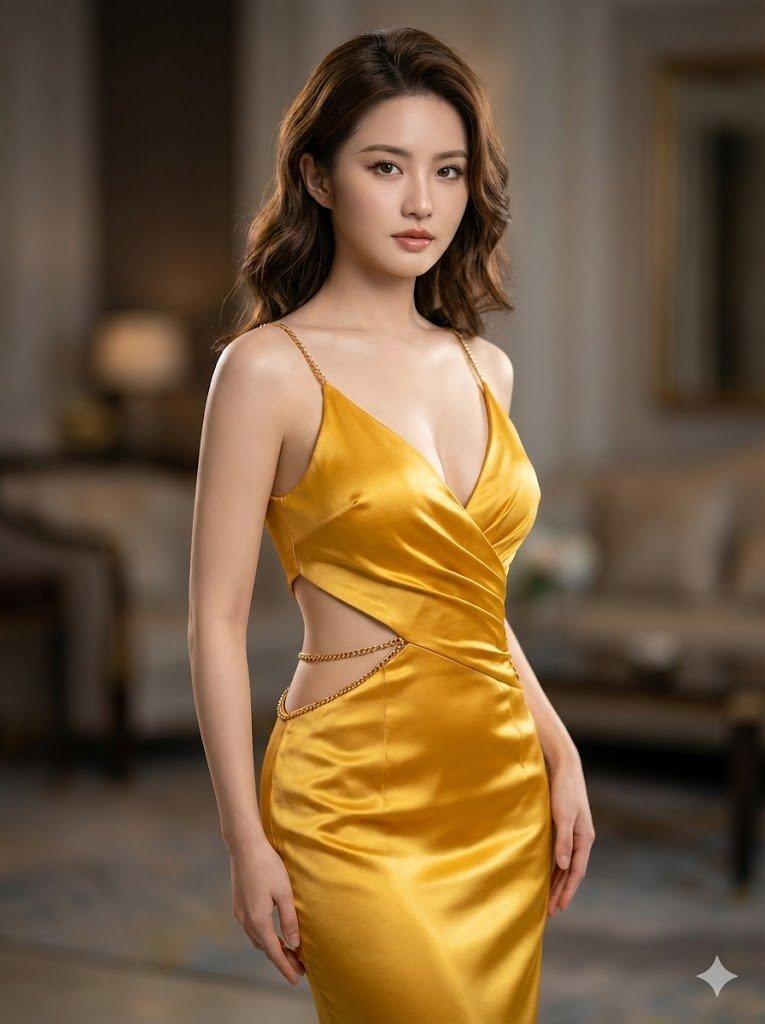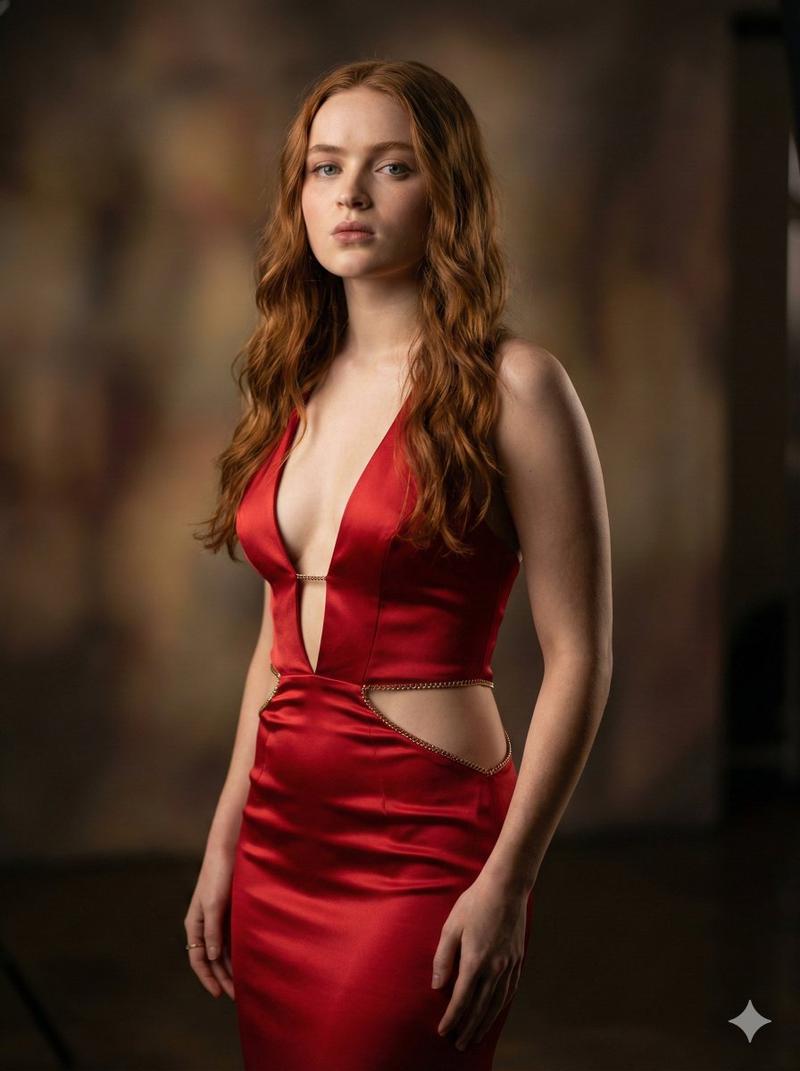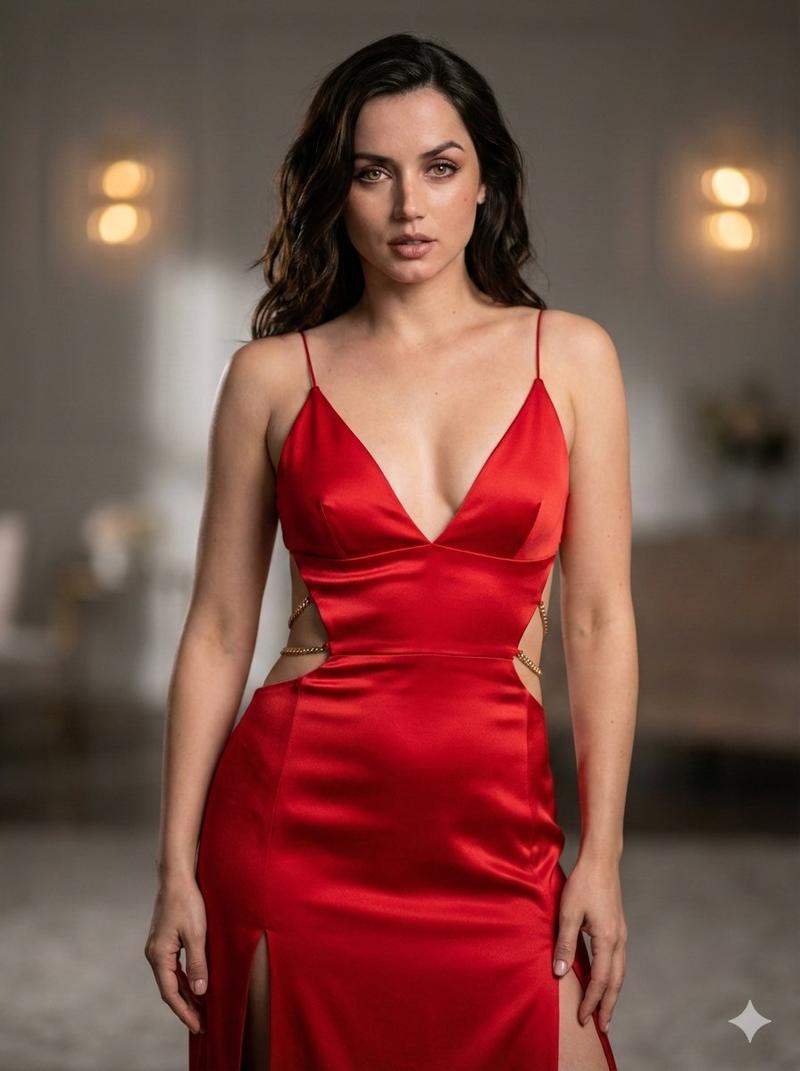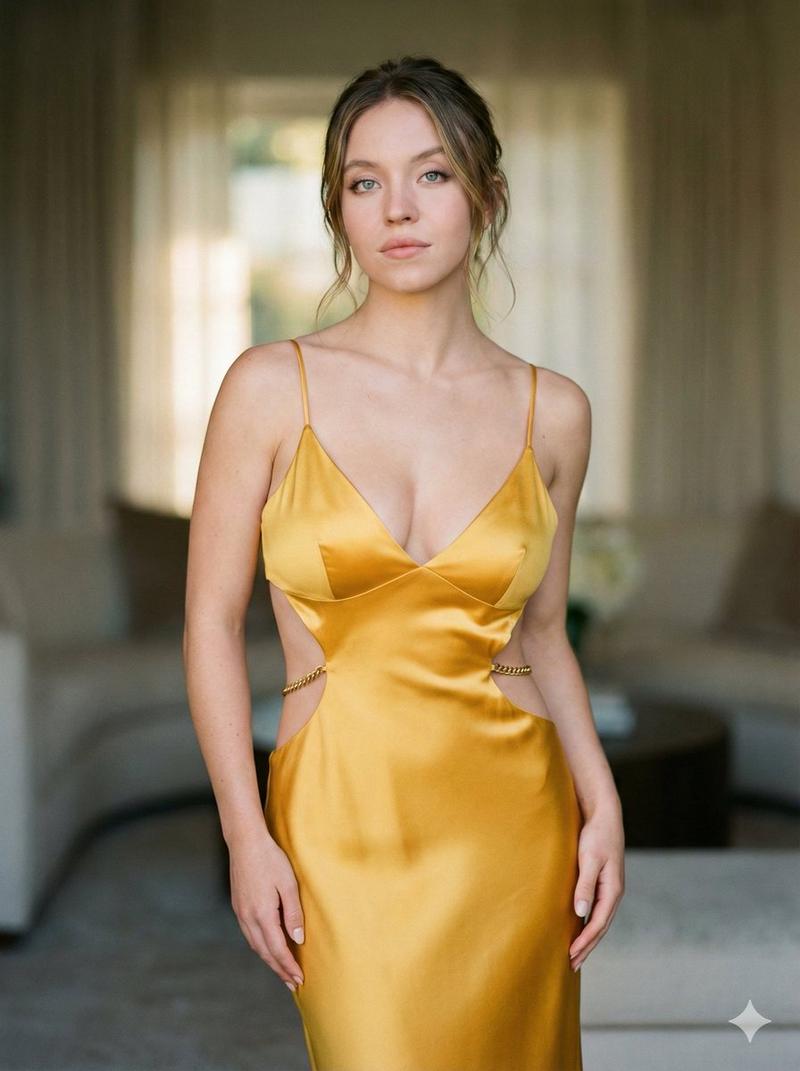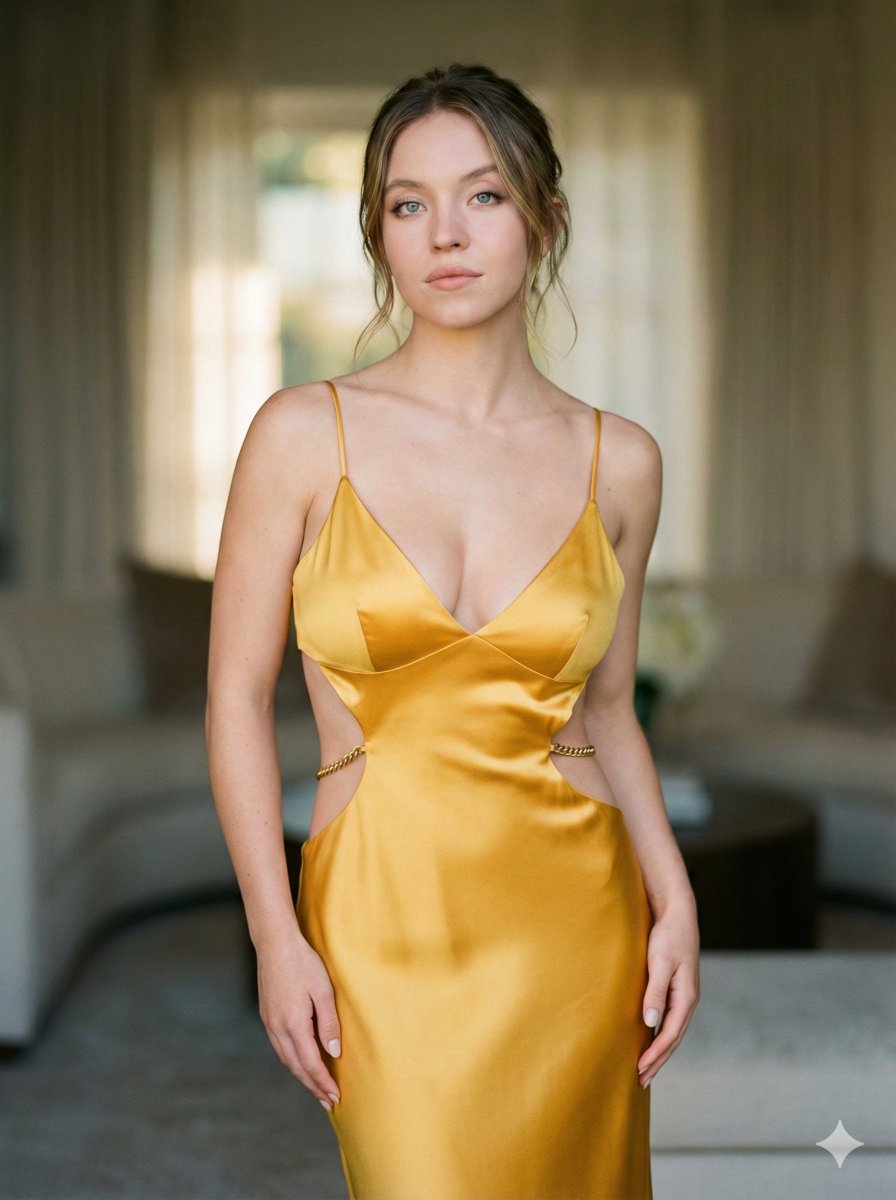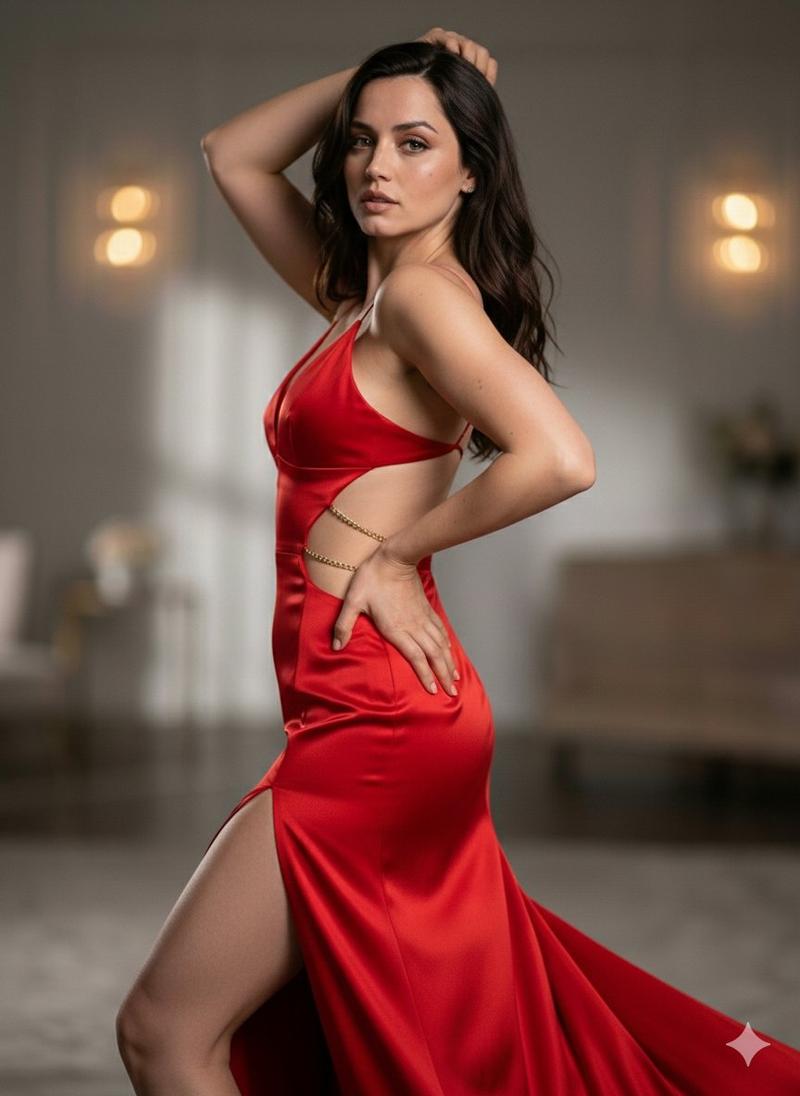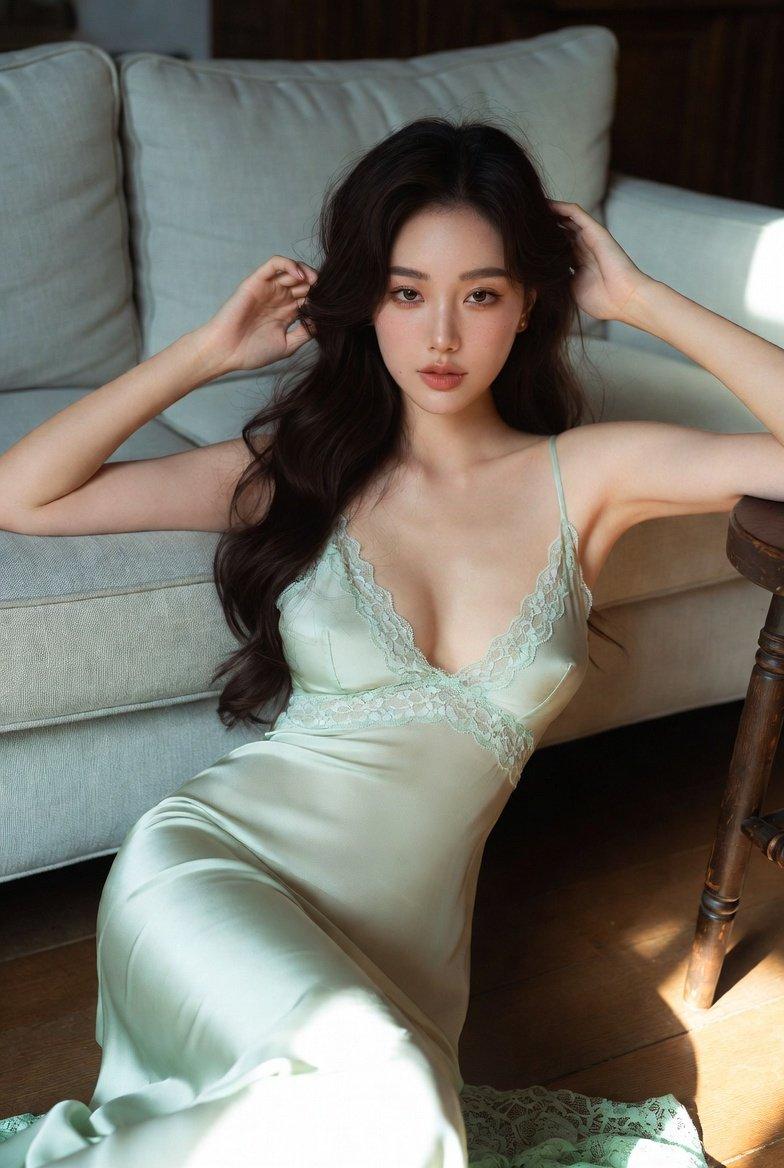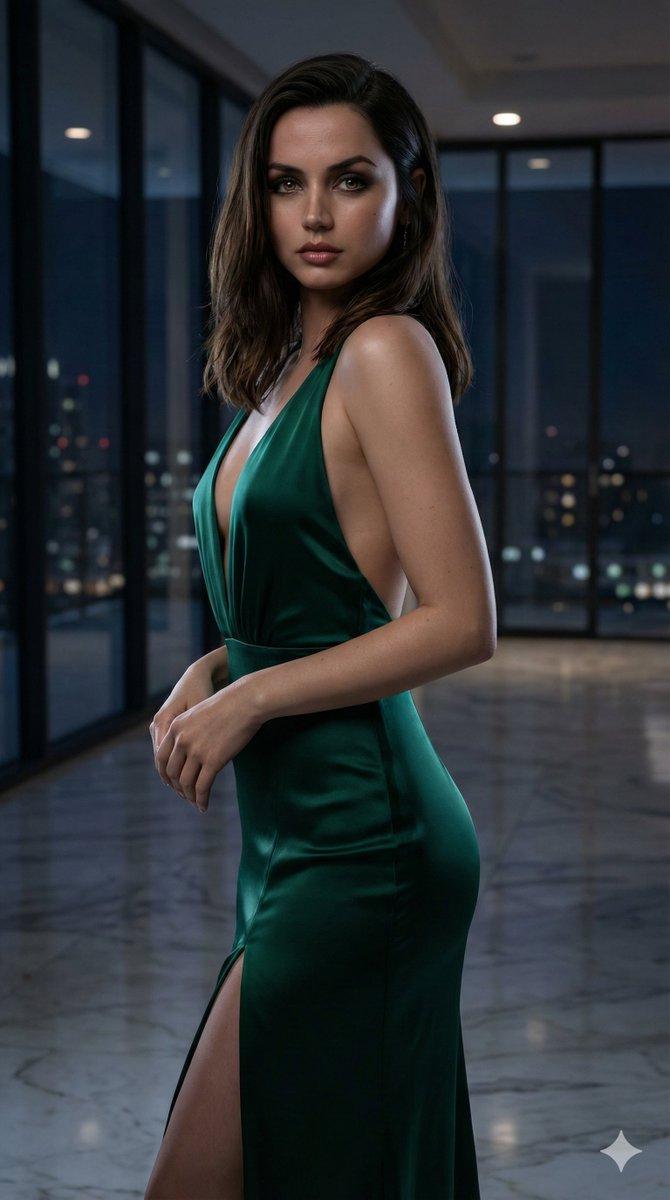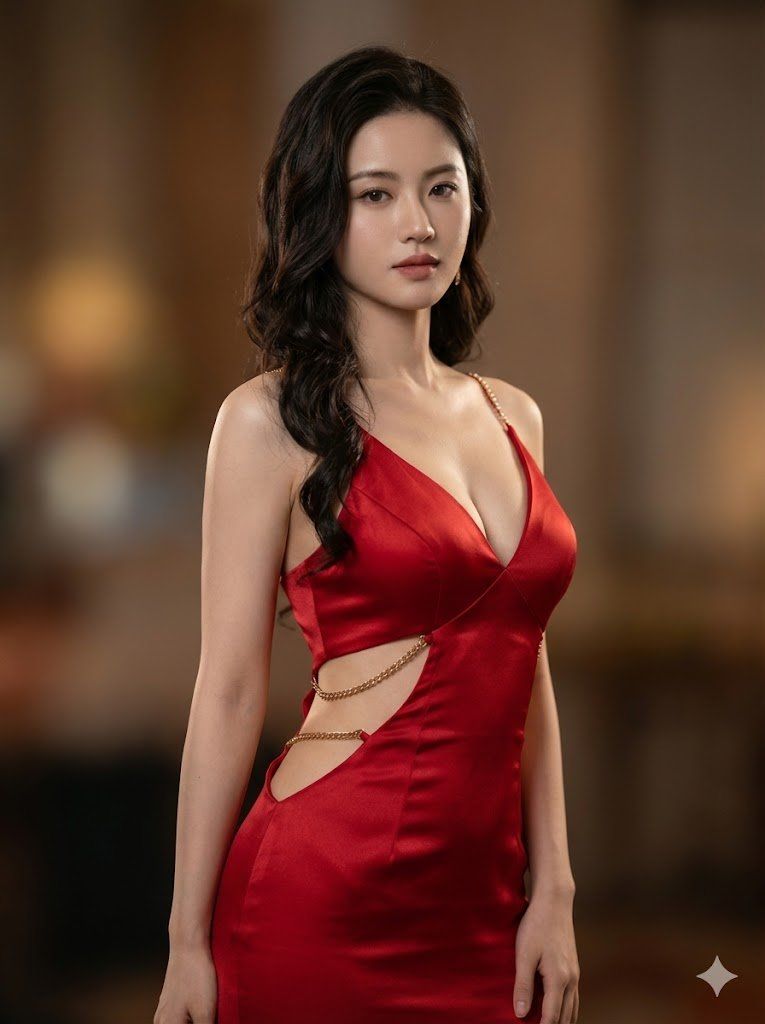
金色丝绸缎面礼服中的超逼真电影肖像
Prompt
{
  "image_generation_request": {
    "configuration": {
      "type": "text_to_image_prompt",
      "output_specifications": {
        "aspect_ratio": "3:4",
        "resolution": "8K UHD",
        "format_quality": "RAW",
        "stylization": "Ultra-realistic Cinematic Portrait"
      }
    },
    "subject_definition": {
      "identity": {
        "reference": "the person I uploaded",
        "demographic": "Adult Female",
        "representation": "Photorealistic likeness"
      },
      "physique_and_pose": {
        "body_type": "Curvy, fit",
        "pose": "Elegant, high-fashion editorial stance",
        "skin_rendering": {
          "texture": "Natural pores, high fidelity skin tones",
          "finish": "Soft glow"
        }
      },
      "facial_details": {
        "expression": "Alluring, sophisticated, poised",
        "eye_contact": "Engaging or slightly averted (editorial style)",
        "makeup": "Glamorous, enhancing natural features"
      }
    },
    "fashion_and_attire": {
      "garment_construction": {
        "type": "Evening Gown",
        "silhouette": "Form-fitting, draped",
        "neckline": {
          "style": "Deep V-neckline",
          "structure": "Softly draped",
          "support": "Thin delicate straps"
        },
        "cutout_details": {
          "placements": [
            "Waist/Side",
            "Hip"
          ],
          "construction": "Open skin reveal",
          "hardware_integration": "Refined golden chains connecting fabric sections"
        }
      },
      "material_physics": {
        "fabric_type": "Silk Satin",
        "color_palette": "Bright Golden",
        "surface_properties": {
          "sheen": "High gloss, shiny",
          "reflection": "Anisotropic reflections catching light",
          "texture": "Smooth, liquid-like drape"
        }
      }
    },
    "cinematography_and_environment": {
      "camera_settings": {
        "lens_type": "85mm Prime Portrait Lens",
        "aperture": "f/1.8 (Wide Open)",
        "depth_of_field": "Shallow",
        "focus_point": "Sharp focus on eyes/face"
      },
      "background_elements": {
        "style": "Soft Bokeh",
        "detail_level": "Blurred to prioritize subject isolation",
        "ambience": "Neutral or complimentary tones to the gold dress"
      },
      "lighting_design": {
        "setup": "Studio or Cinematic location lighting",
        "quality": "Soft but directional",
        "highlights": "Accentuating the curves of the body and the sheen of the satin fabric"
      }
    },
    "post_processing_simulation": {
      "color_grading": "Editorial fashion grade",
      "contrast": "Balanced for realism",
      "details": "Sharpness enhanced on jewelry and eyes"
    }
  }
}- Category
- 创意图片
- Model
- Nano Banana Pro
- Creator
- Adam也叫吉米
- Source ID
- 451f3d6a-90ac-49d3-8e39-c665a00fb51f
- Published
- Mar 8, 2026
Views0