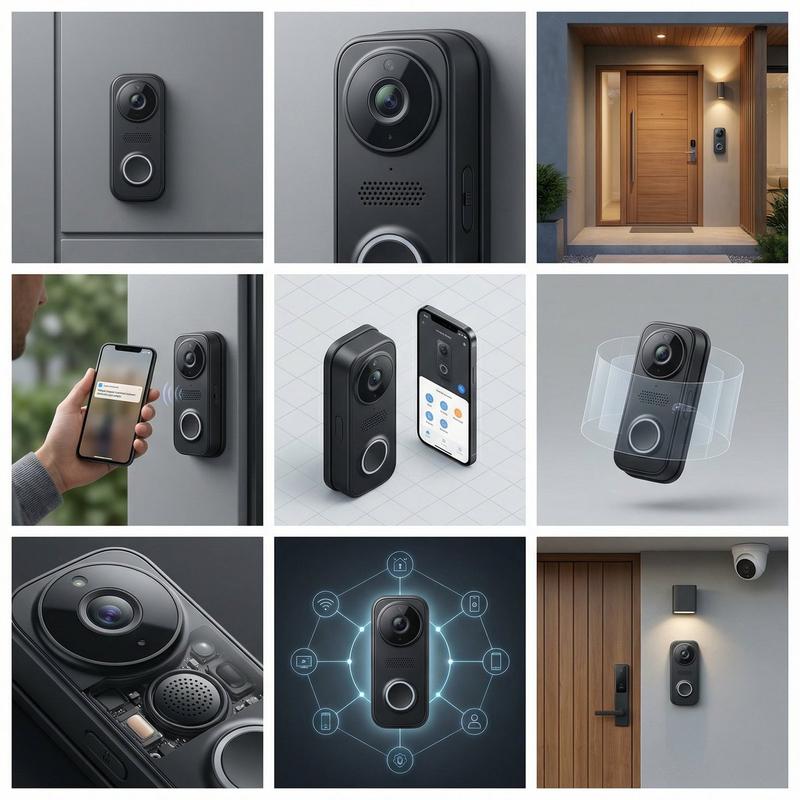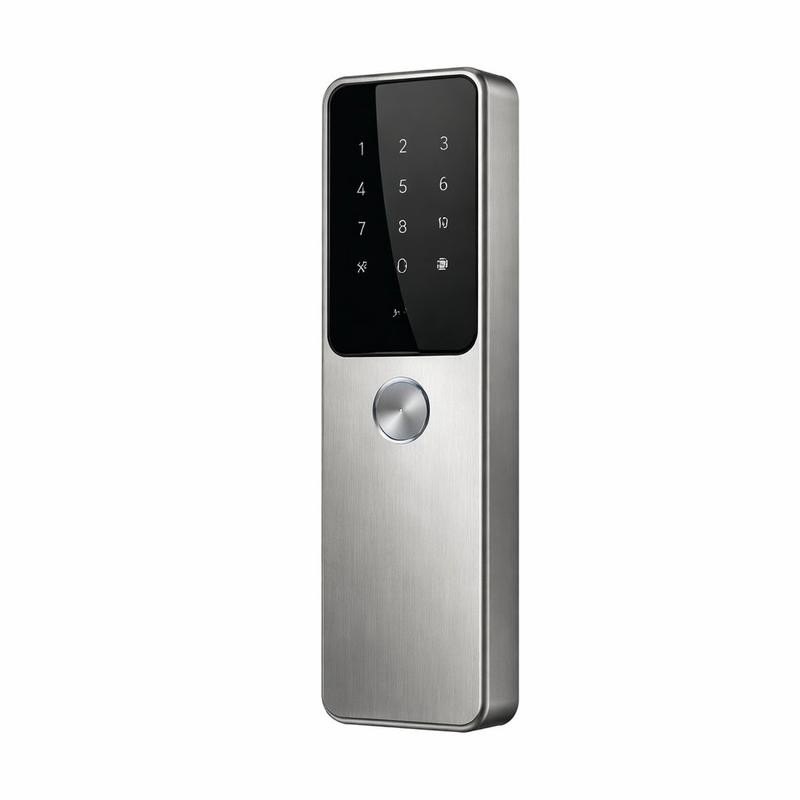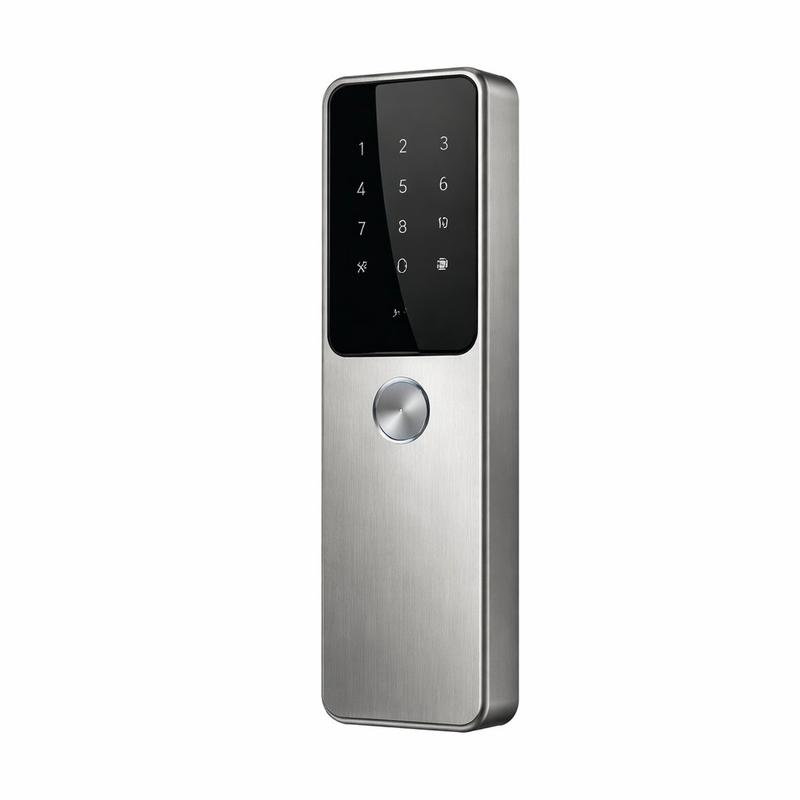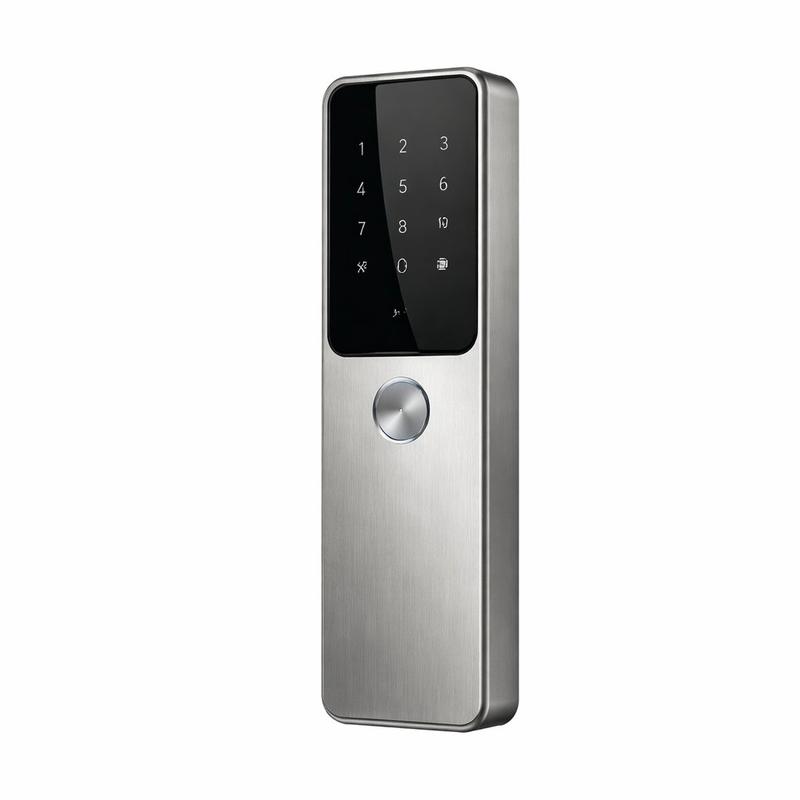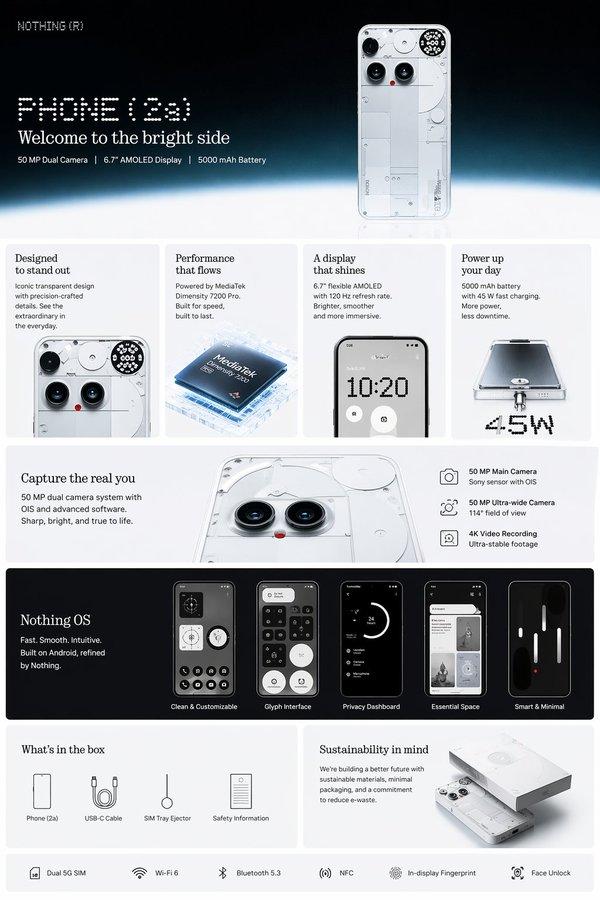
智能门铃产品可视化拼贴提示
Prompt
{
  "ProductReference": "{argument name="Product Features" default="Smart doorbell with facial recognition, two-way audio, night vision, motion detection, weather-resistant, sleek design, app control"}",
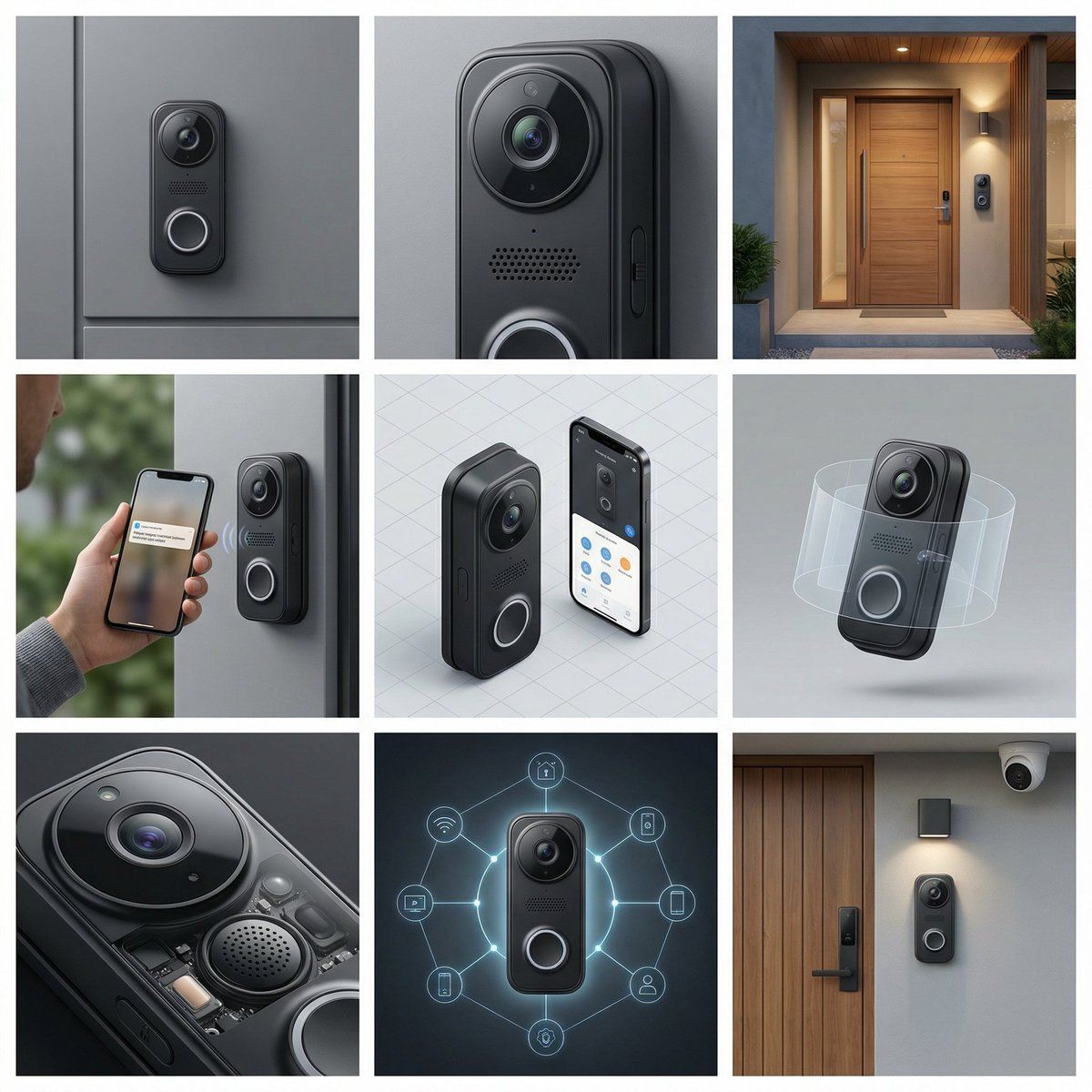
  "Frame1_HeroShot": {
    "Product": "Doorbell mounted on entry, lens centered",
    "Background": "Modern entry seamless gray"
  },
  "Frame2_CloseUp": {
    "Focus": "Camera lens clarity, microphone grille, button mechanism, weather seal, LED indicator lights, mounting bracket"
  },
  "Frame3_BrandEnvironment": {
    "Setting": "Smart home entry aesthetic, modern security",
    "Props": {
      "Background": "Front door texture",
      "Surface": "Porch area"
    }
  },
  "Frame4_InUse": {
    "Interaction": "Homeowner receiving notification on phone, two-way conversation gesture",
    "Styling": "Smart home security interaction"
  },
  "Frame5_IsometricGrid": {
    "Count": "Doorbell with app interface display",
    "Arrangement": "Smart entry system formation"
  },
  "Frame6_Levitating": {
    "Concept": "Doorbell floating with security zone visualization"
  },
  "Frame7_DetailExtreme": {
    "Focus": "Facial recognition sensor, microphone quality, speaker output, battery backup, WiFi antenna, motion sensor range"
  },
  "Frame8_EditorialUnexpected": {
    "Concept": "Doorbell as home guardian, security network visualization",
    "Materials": "Smart security ecosystem"
  },
  "Frame9_WideUseScenario": {
    "Location": "Complete smart home entry with security",
    "Props": ["Smart lock", "Entry light", "Door mat", "Planters", "Door hardware", "Security camera"]
  },
  "CameraStyle": {
    "ColorPalette": "Doorbell black, camera lens blue, LED lights, door color",
    "Mood": "Smart security, home entry, modern convenience"
  }
}- Category
- 创意图片
- Model
- Nano Banana Pro
- Creator
- 松果先森
- Source ID
- 7c38ecf4-e94a-4c8a-82cd-f38bad669fa1
- Published
- Mar 8, 2026
Views0