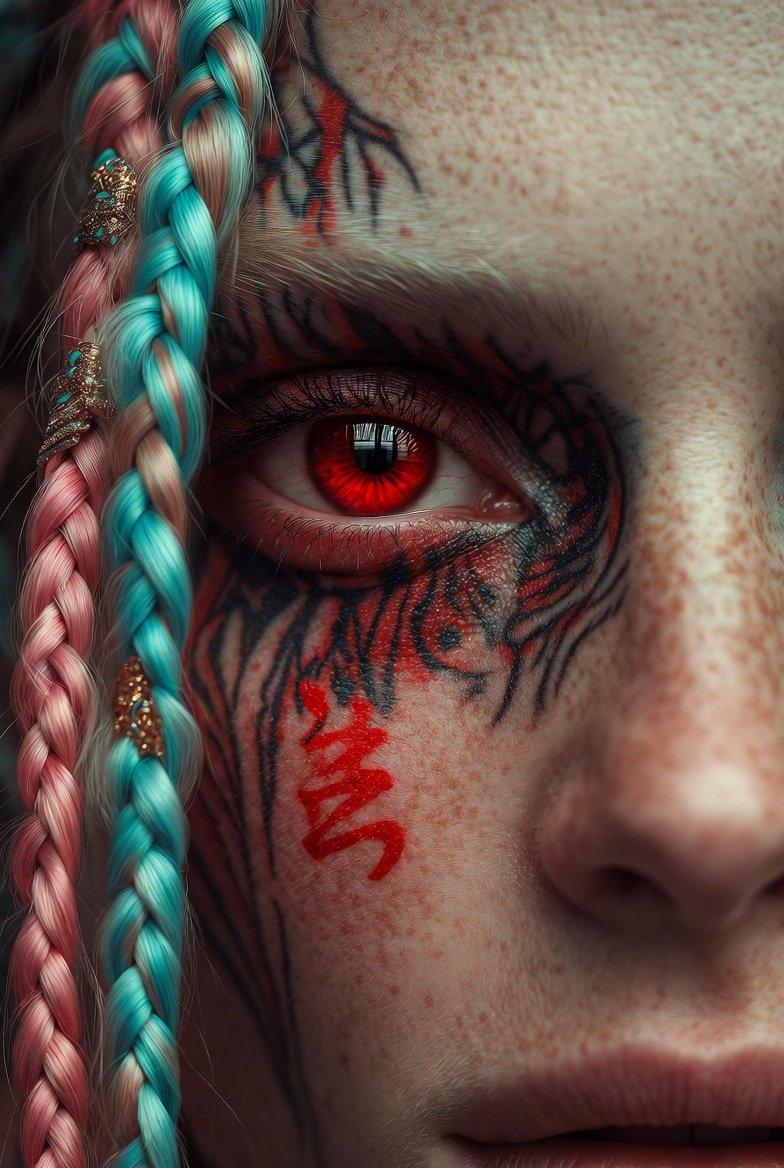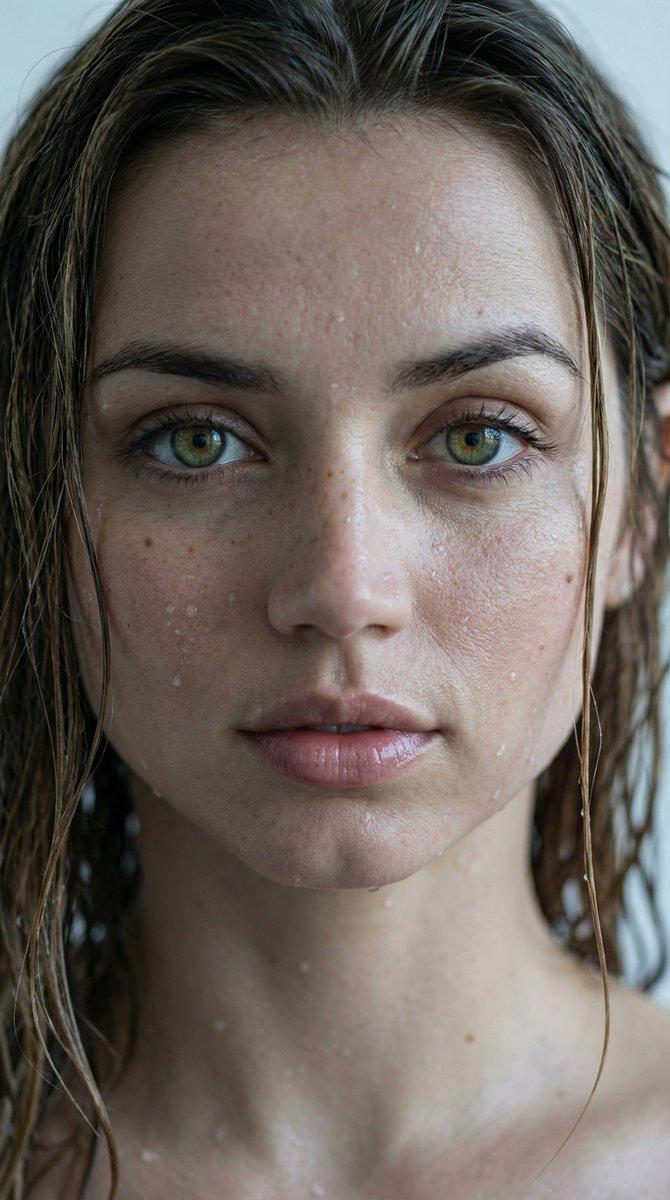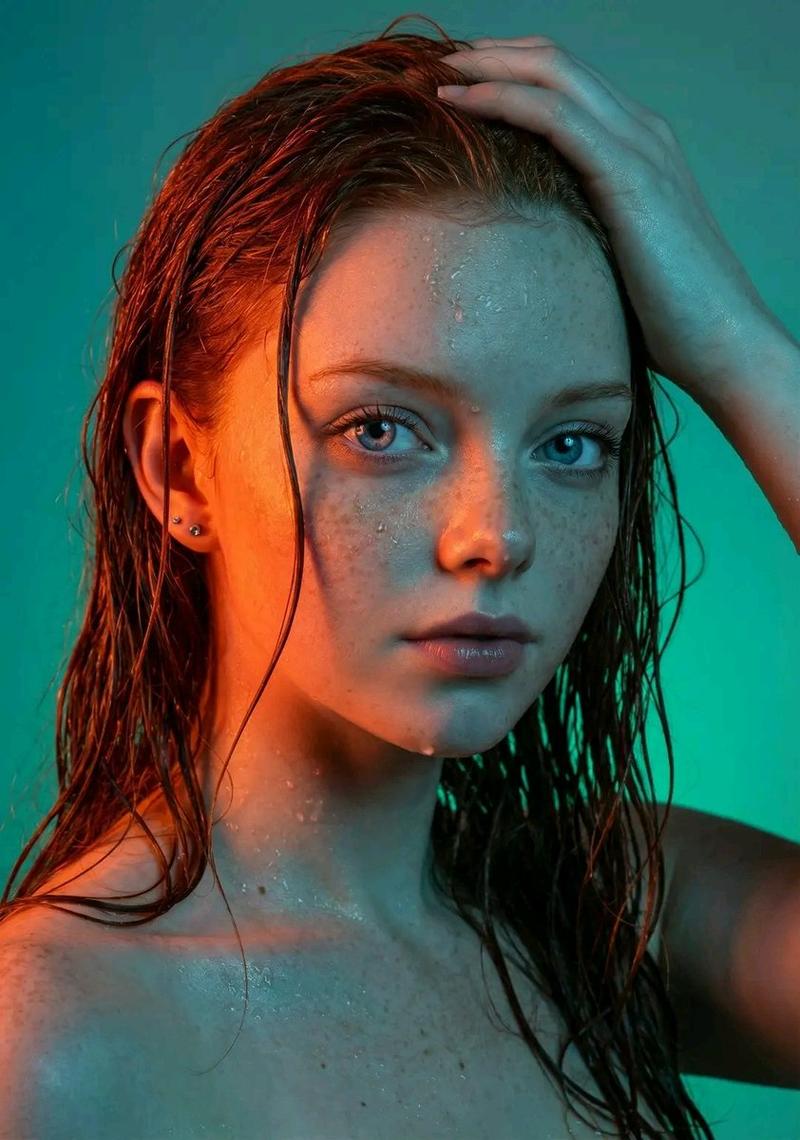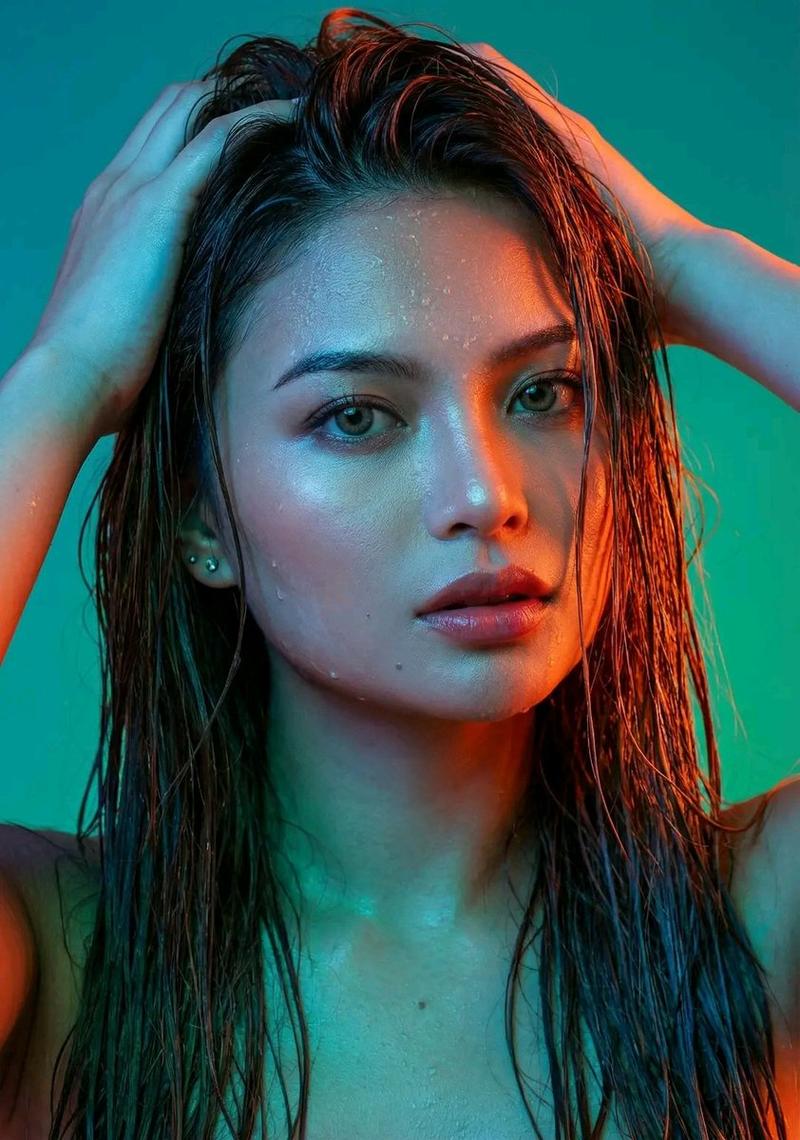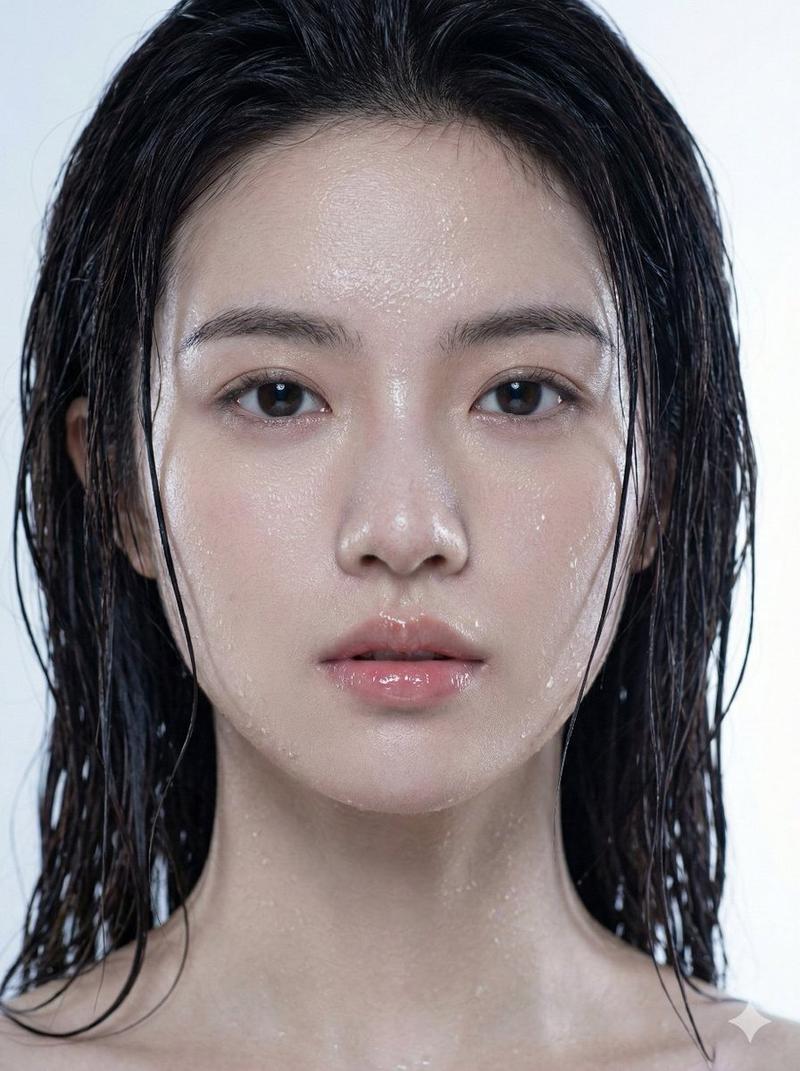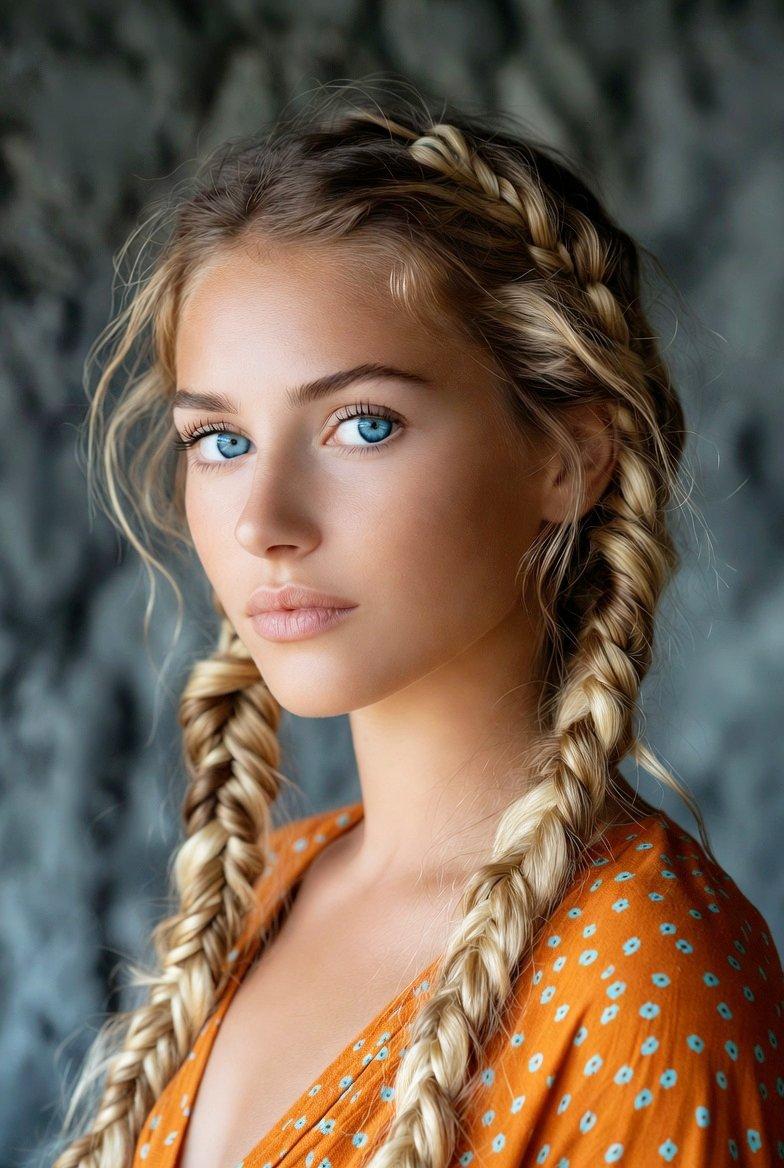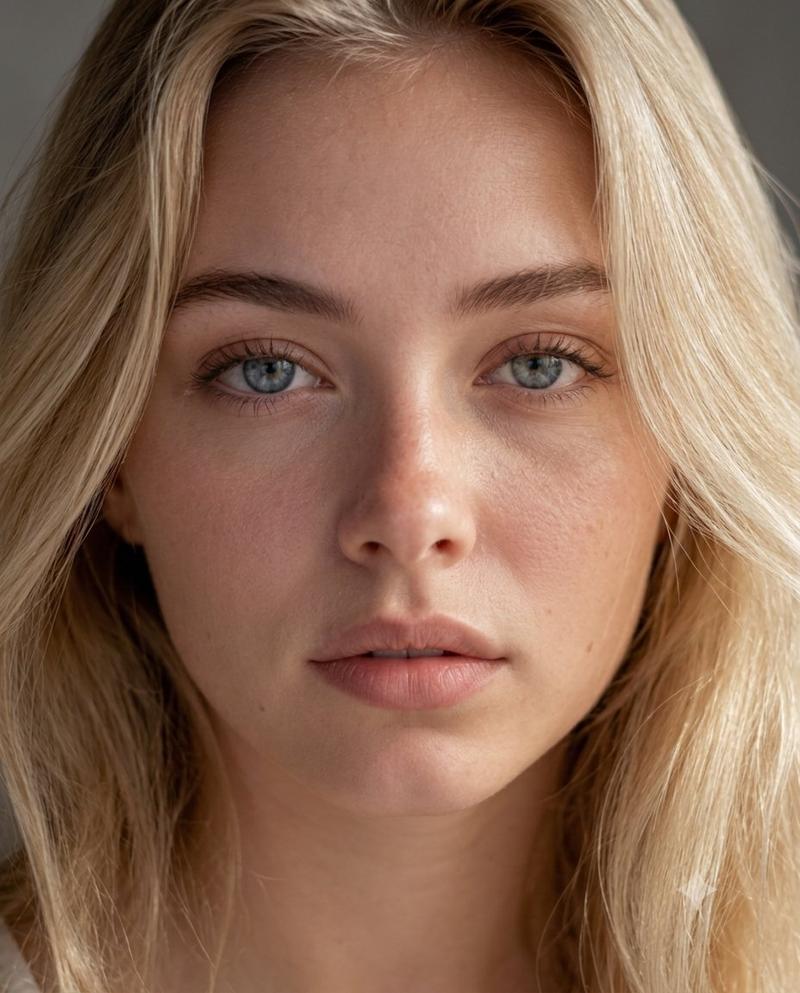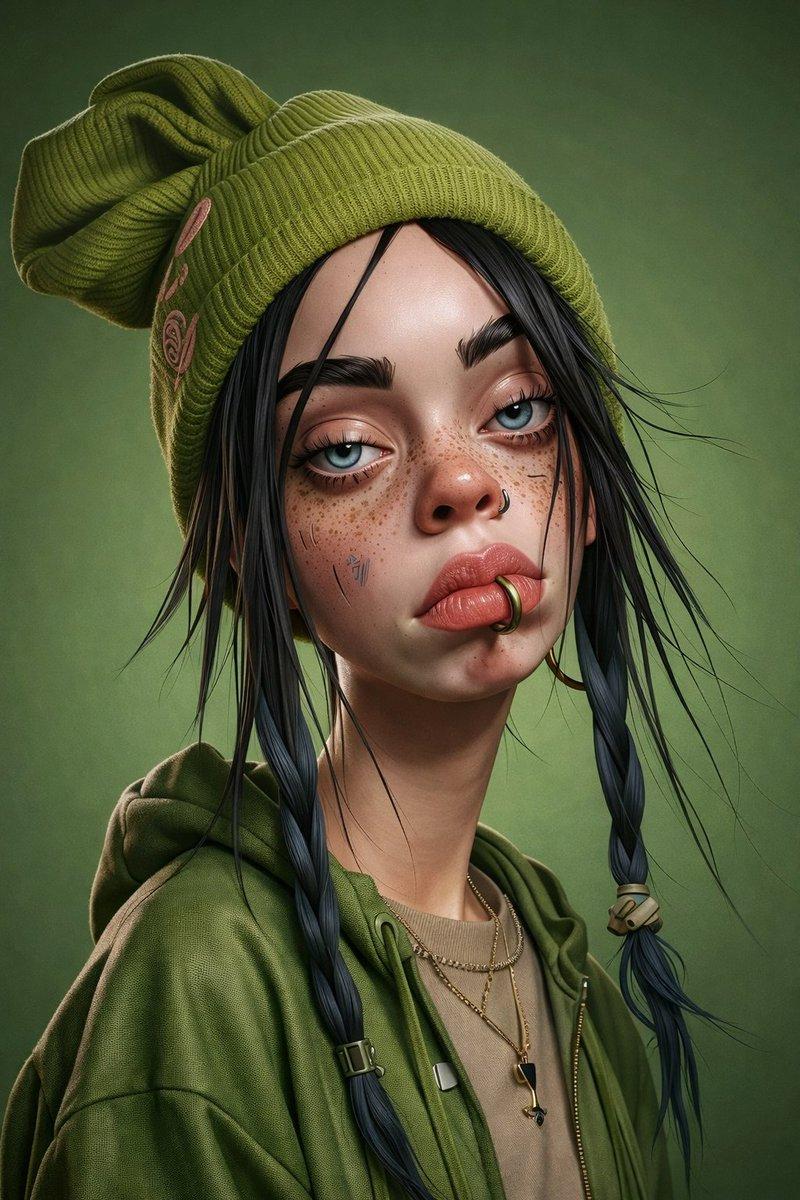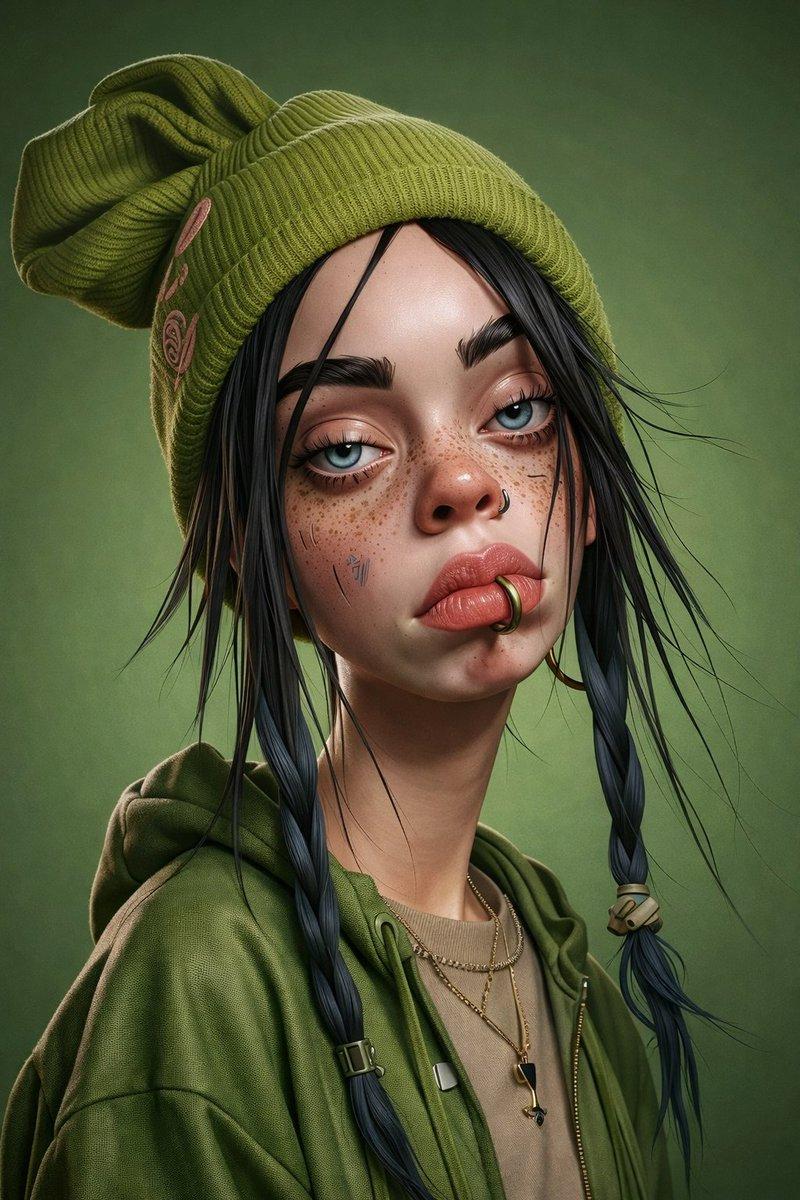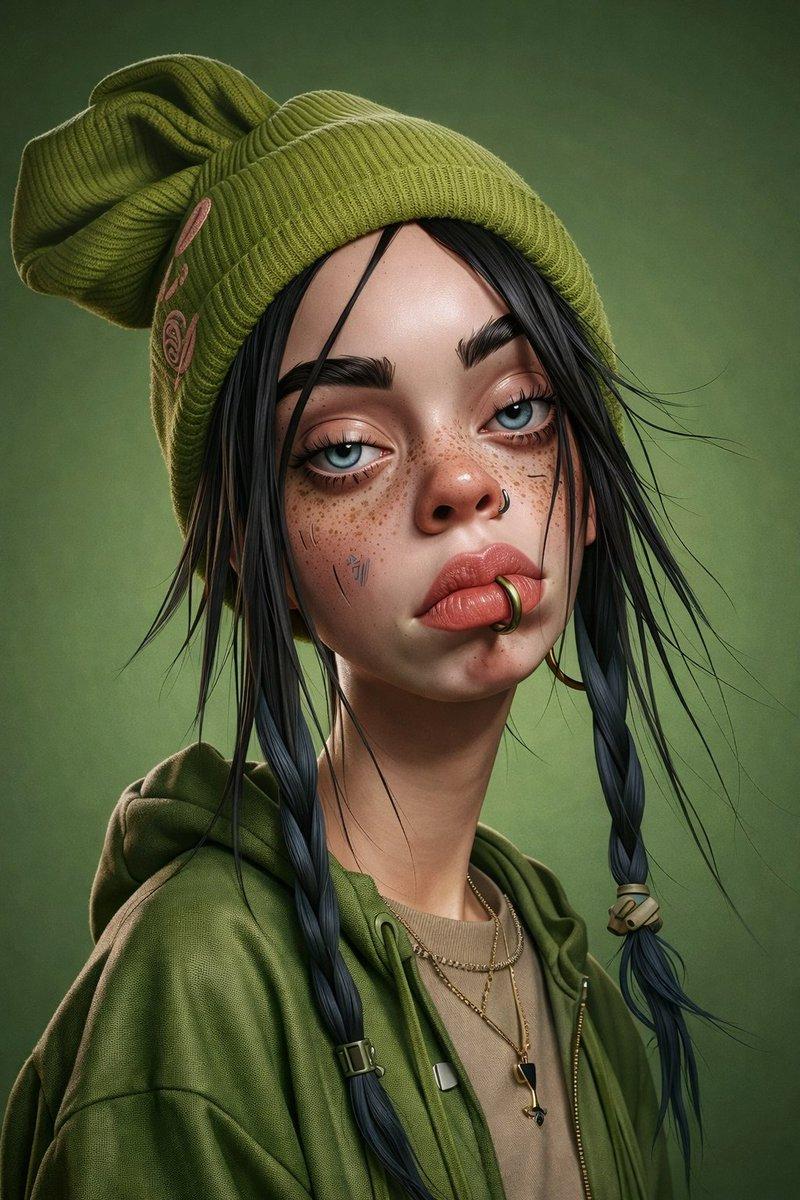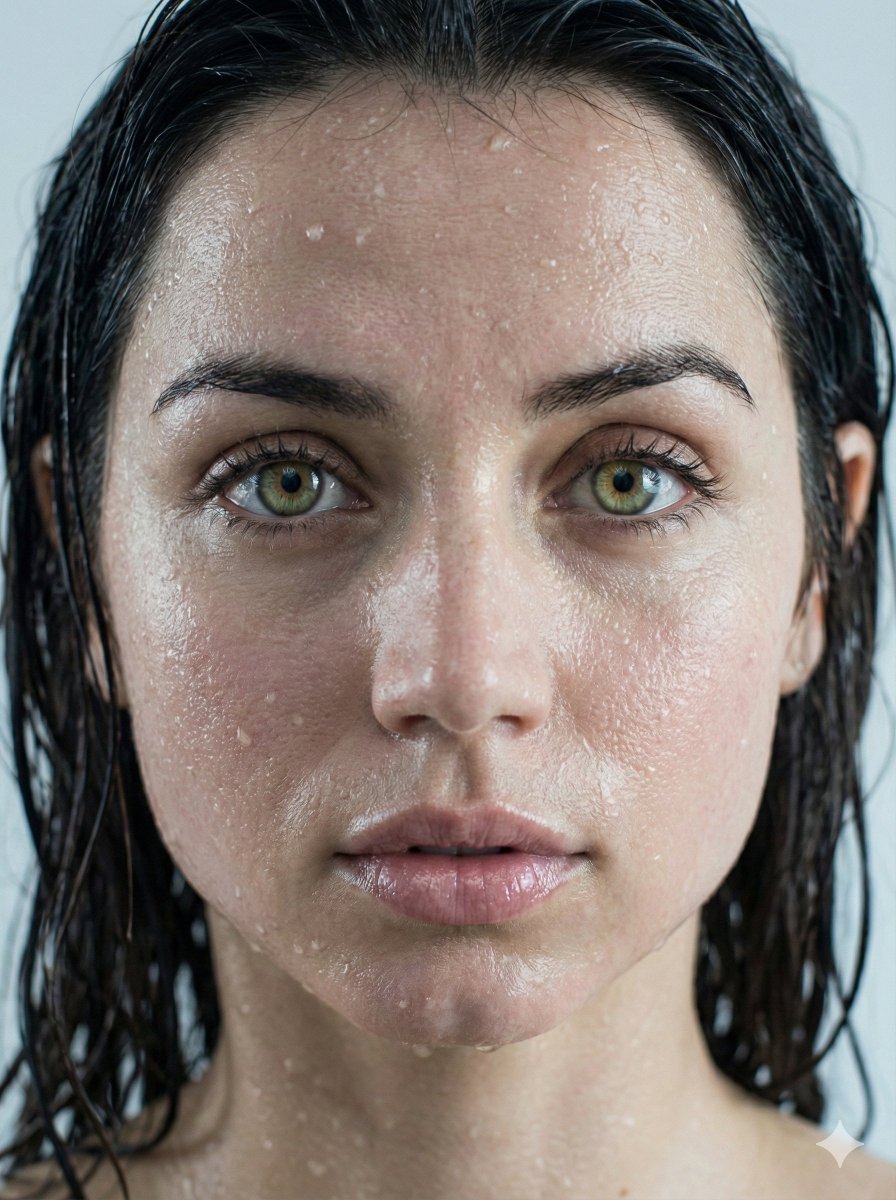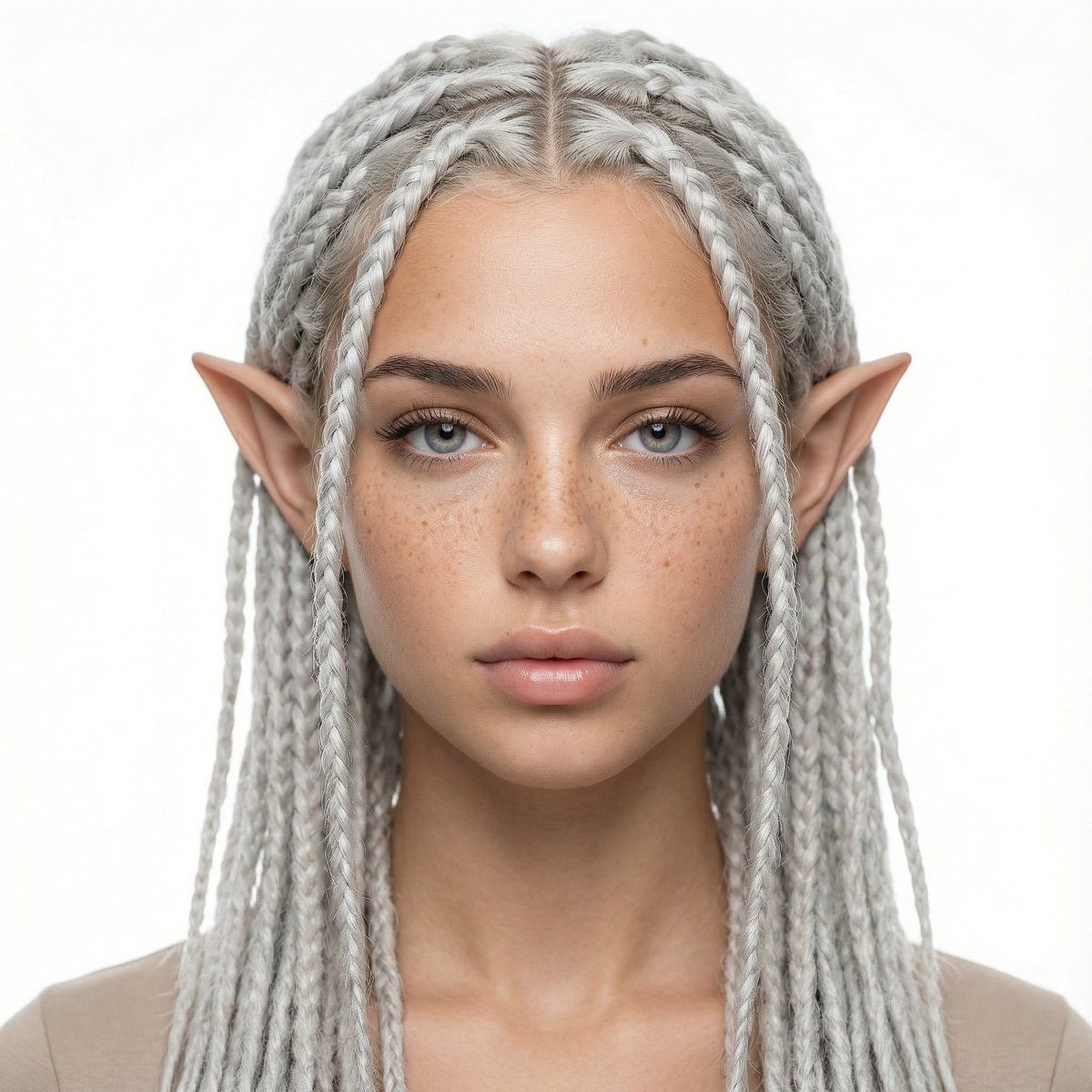
头像女孩工作室肖像转换提示
Prompt
{
  "JOB_TYPE": "image_generation",
  "LANGUAGE": "en",
  "REFERENCE_IMAGES": {
    "REF_1_SUBJECT_IDENTITY": "Use the FIRST reference image as the ONLY source for the woman's identity (face, skin texture, freckles, eye area, nose, lips, jawline, proportions). Keep her identity unchanged.",
    "REF_2_OPTIONAL": "If a second reference is used, it is ONLY for mood/lighting. Do not change identity."
  },
  "LOCKS": {
    "IDENTITY_LOCK": "The woman’s identity MUST match REF_1 exactly. Do not change age, ethnicity, facial structure, freckles pattern, eye shape, nose, lips, or skin texture.",
    "STUDIO_LOCK": "Must look like a professional studio portrait with a pure white seamless background.",
    "FRAMING_LOCK": "Waist-up portrait. Head fully visible. Centered composition."
  },
  "SCENE": {
    "SETTING": "professional photo studio",
    "BACKGROUND": "pure white seamless backdrop, clean and shadow-minimized",
    "LIGHTING": "softbox key light + gentle fill, high-key studio lighting, even exposure, soft shadows",
    "CAMERA": {
      "SHOT_TYPE": "waist-up portrait",
      "ANGLE": "eye-level",
      "LENS_LOOK": "portrait lens look, natural perspective, sharp focus on eyes",
      "QUALITY": "ultra high resolution, crisp details, natural skin texture"
    }
  },
  "SUBJECT": {
    "POSE": "neutral relaxed posture, shoulders natural, head slightly tilted if needed, calm confident expression",
    "GAZE": "looking into the camera",
    "CLOTHING": "simple minimal top (neutral tone), no logos, studio-appropriate"
  },
  "TRANSFORMATIONS": {
    "AVATAR_EARS": {
      "DESCRIPTION": "Replace human ears with elegant fantasy avatar ears: elongated, slightly pointed, smooth organic shape, natural attachment to the head, realistic skin blending and shading, symmetrical, proportional to the face."
    },
    "HAIR": {
      "COLOR": "{argument name="hair color" default="near-white silver gray (very light), cool-toned"}",
      "STYLE": "neatly done rasta braids (dreadlock braids), thin-to-medium thickness, clean scalp parting lines, tidy edges, professional braiding, consistent braid length, natural fall around head and shoulders",
      "DETAILS": "high strand definition, no frizz, realistic fiber texture"
    }
  },
  "RENDERING_STYLE": {
    "LOOK": "photorealistic studio portrait with subtle fantasy features",
    "SKIN": "keep natural pores and freckles, no plastic skin, no over-smoothing",
    "COLOR_GRADING": "clean neutral, high-key studio tones"
  },
  "NEGATIVE_PROMPT": [
    "different person",
    "face changed",
    "extra ears",
    "deformed ears",
    "asymmetrical ears",
    "blurry",
    "low resolution",
    "cartoon",
    "anime",
    "over-smooth skin",
    "heavy makeup",
    "harsh shadows",
    "colored background",
    "busy background",
    "text",
    "watermark",
    "logo",
    "cropped head",
    "out of frame"
  ],
  "OUTPUT": {
    "ASPECT_RATIO": "1:1",
    "STYLE_STRENGTH": "medium",
"REA- Category
- 创意图片
- Model
- Nano Banana Pro
- Creator
- manolya
- Source ID
- c718278a-ab6d-46a9-8643-3a808f795cd1
- Published
- Mar 8, 2026
Views0