18

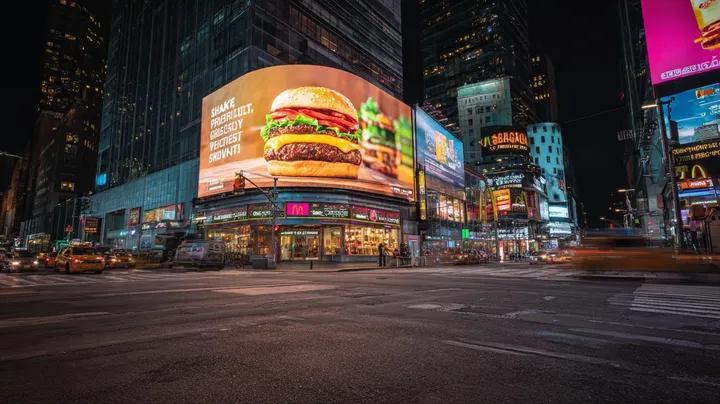
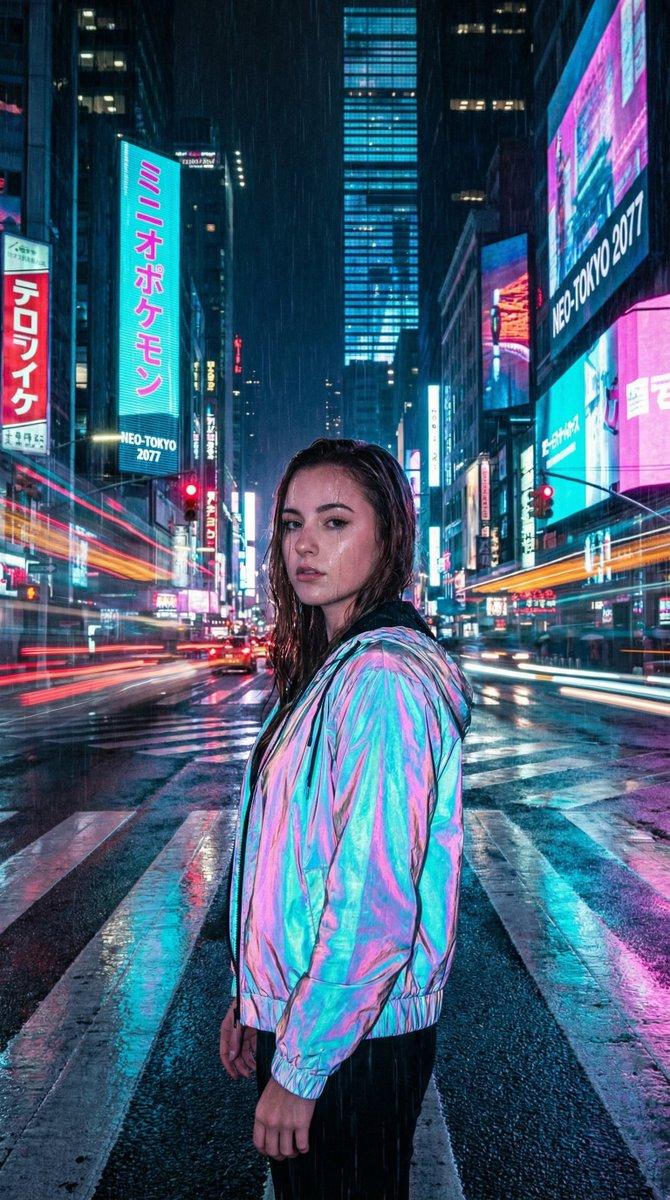
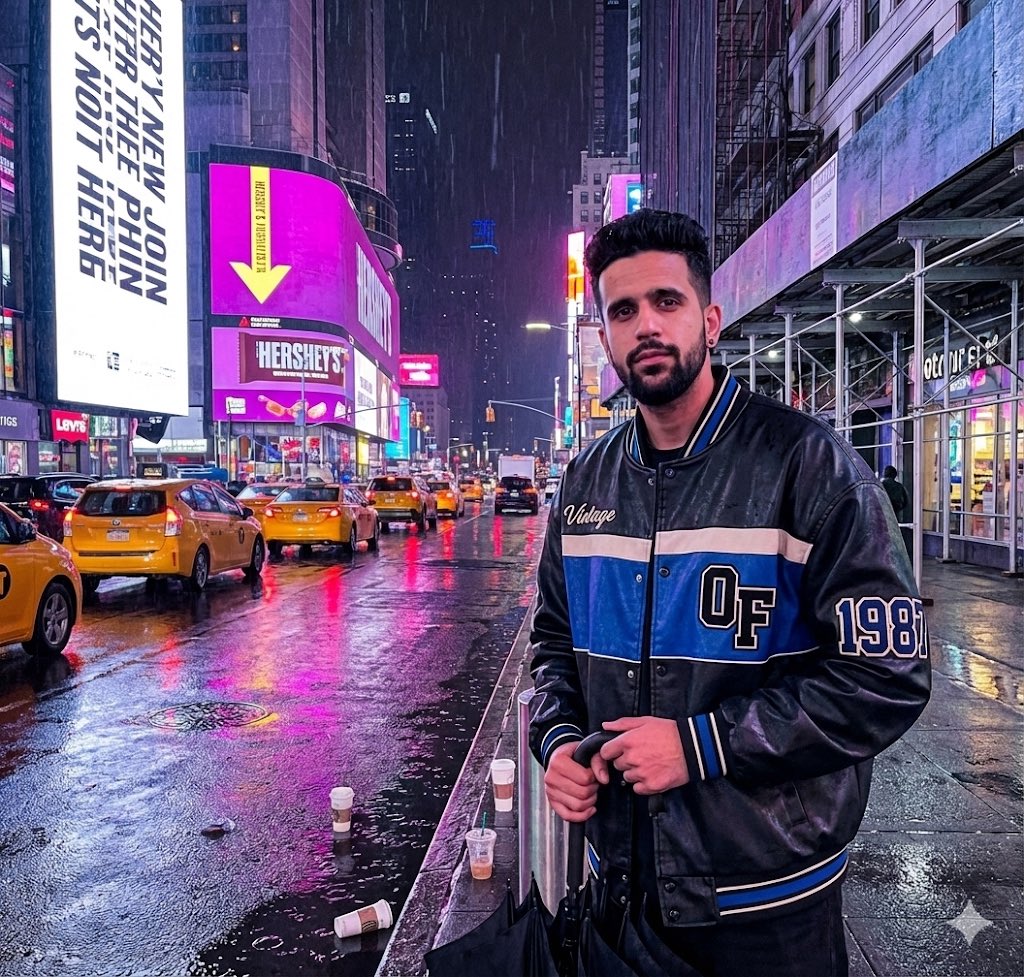
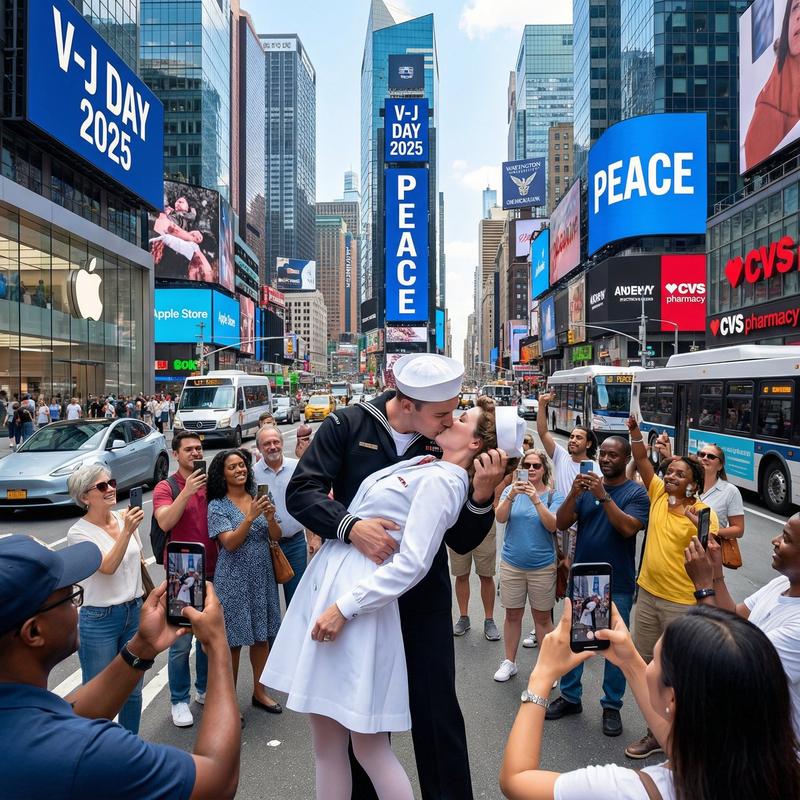
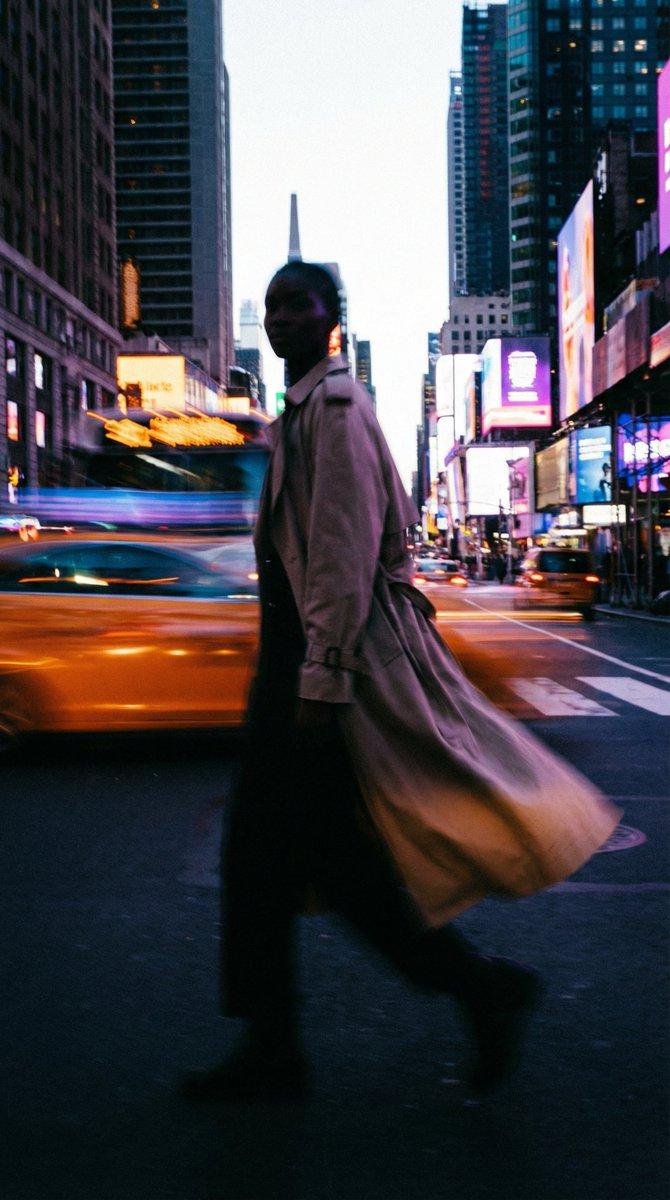
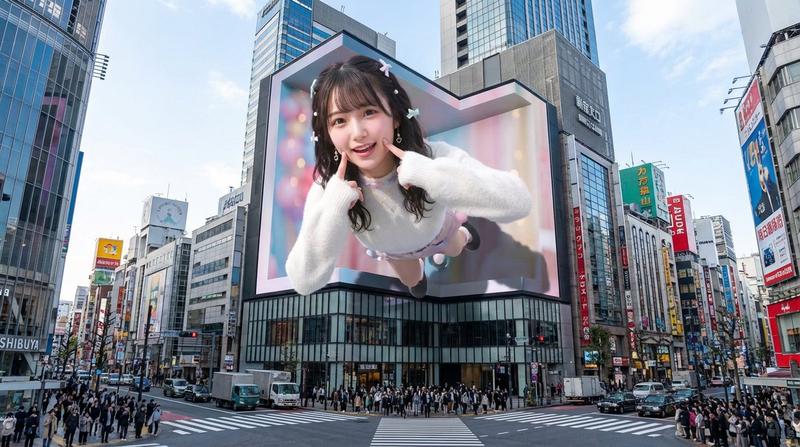
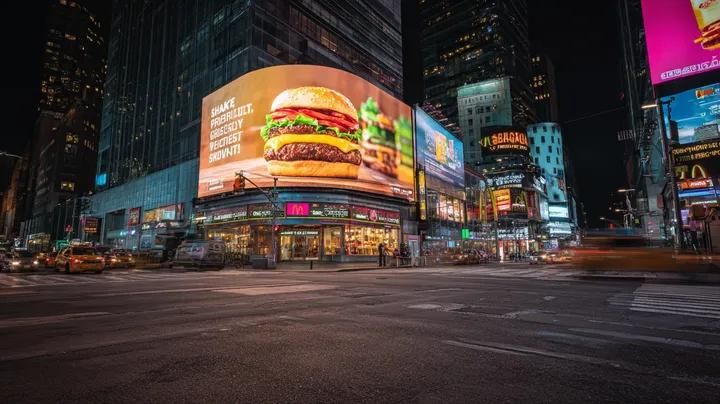
赛博都市夜景,超现实主义广告牌
Enlarge

赛博都市夜景,超现实主义广告牌

Prompt
Ultra-realistic cinematic night cityscape inspired by Times Square, New York. A wide-angle street-level view of a busy urban intersection at night with wet asphalt reflecting neon lights. Massive curved LED billboard on a corner building displaying a hyper-realistic gourmet burger advertisement, glowing vividly and dominating the scene. Surrounding skyscrapers covered with bright digital screens, brand signage, and colorful ads. Motion-blurred traffic trails from passing cars, subtle pedestrians near sidewalks, dramatic contrast between dark sky and illuminated buildings. Cyber-urban atmosphere, commercial advertising aesthetic, long-exposure photography look, sharp architectural details, realistic lighting and reflections, ultra-high resolution, 8K photorealism, cinematic depth, no text overlay.
Category
创意图片
Model
Nano Banana Pro
Creator
𝐌
Views1
Source ID
f30994f1-e121-41fc-a2d9-3ee08b0afdf0
Published
Mar 8, 2026

Guide

About "赛博都市夜景,超现实主义广告牌"

What is this prompt for?

"赛博都市夜景,超现实主义广告牌" AI image prompt for Nano Banana Pro (创意图片). 一个用于生成超现实、电影感夜间城市景观图像的提示,重点是一个受时代广场启发的繁忙城市十字路口。场景中一个巨大的 LED 广告牌占据主导地位,上面播放着超逼真的美食汉堡广告,捕捉了赛博朋克都市美学…

The full copyable prompt and example visuals above are ready for AI image generation or one-click recreate in Picva.

How to use this prompt

  1. Step 1

    Open the prompt detail

    Review the example visuals, category, and full prompt text for "赛博都市夜景,超现实主义广告牌".

  2. Step 2

    Copy the prompt

    Copy the prompt body from this page, or load it directly in Studio.

  3. Step 3

    Pick a model (Nano Banana Pro)

    Prefer Nano Banana Pro. If you switch models, keep subject and composition and tweak style terms.

  4. Step 4

    Generate and export

    Recreate the look in Picva, or export into your workflow for editing and publishing.

FAQ

What is the "赛博都市夜景,超现实主义广告牌" prompt?
It is an AI image-generation prompt for Nano Banana Pro in the 创意图片 category. This page includes the full prompt text, example visuals, and a one-click recreate path in Picva.
How do I use this prompt to generate an image?
Copy the prompt from this page, or use Generate / Studio. Paste it into a compatible image model, or recreate the look in Picva with optional reference images.
Which model is this prompt for?
This page lists Nano Banana Pro. Most descriptive prompts also transfer to nearby image models such as GPT Image, Flux, or Midjourney with light style tweaks.
Can I use the result commercially?
You can usually copy the prompt for creation, but commercial use of the final image depends on the model terms, reference-image rights, and the generated content. Follow the source author and platform rules.