16

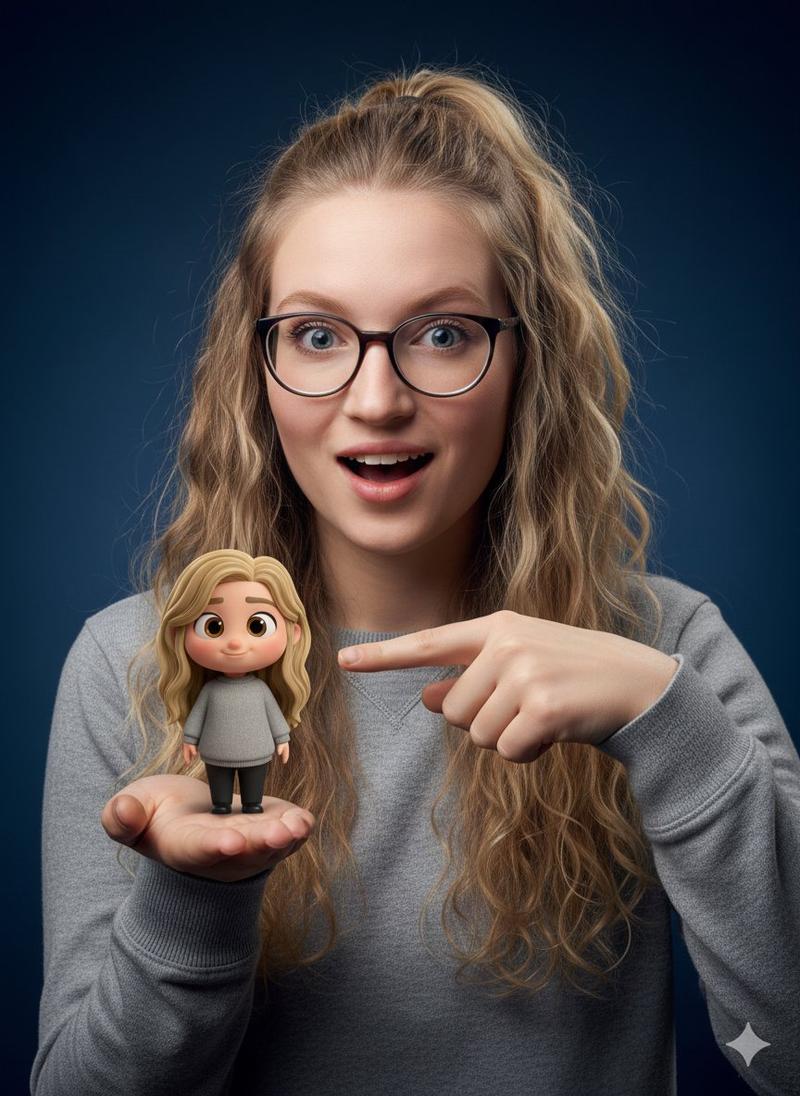
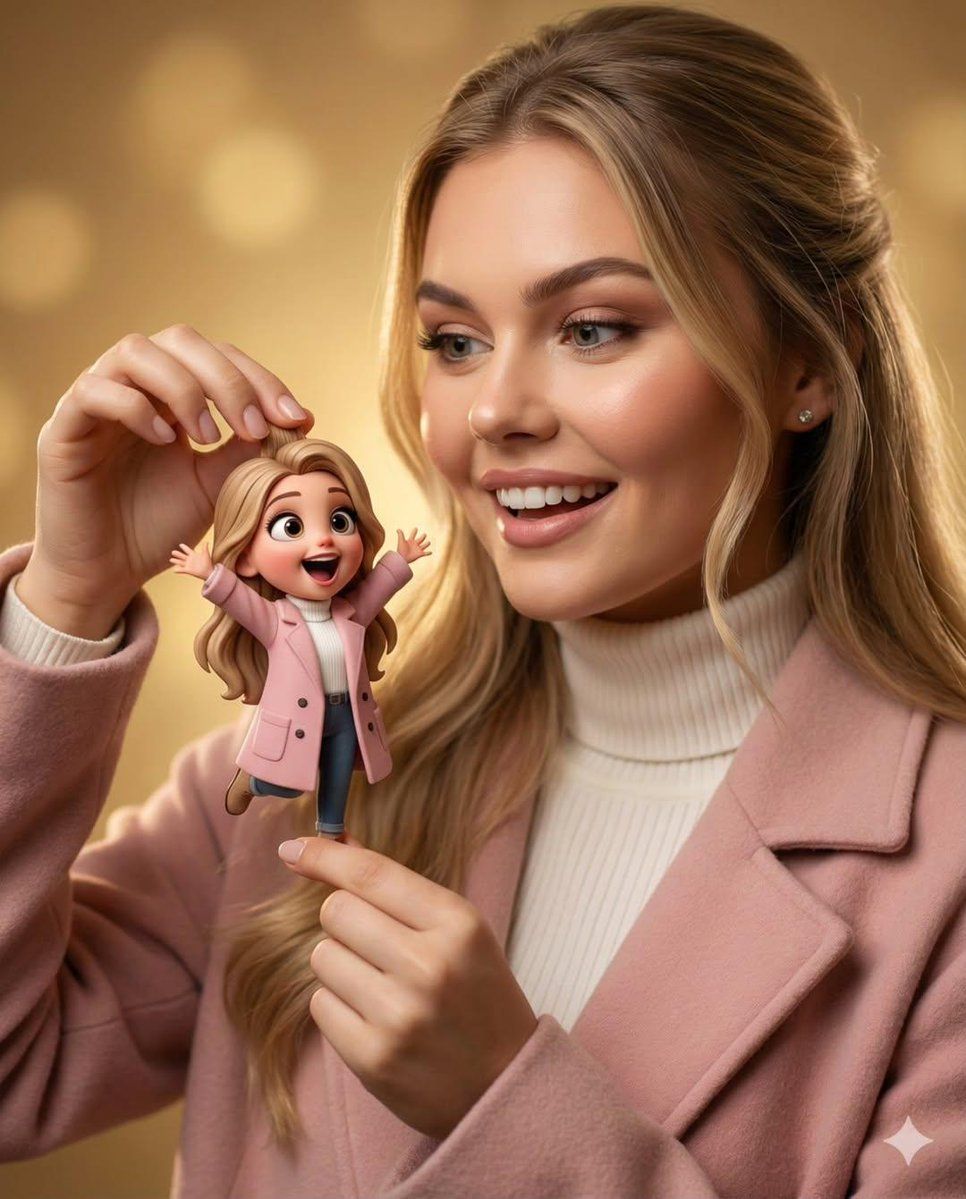
异想天开的 3D 角色互动肖像
Enlarge

异想天开的 3D 角色互动肖像

Prompt
{
  "action": "image_generation",
  "input": {
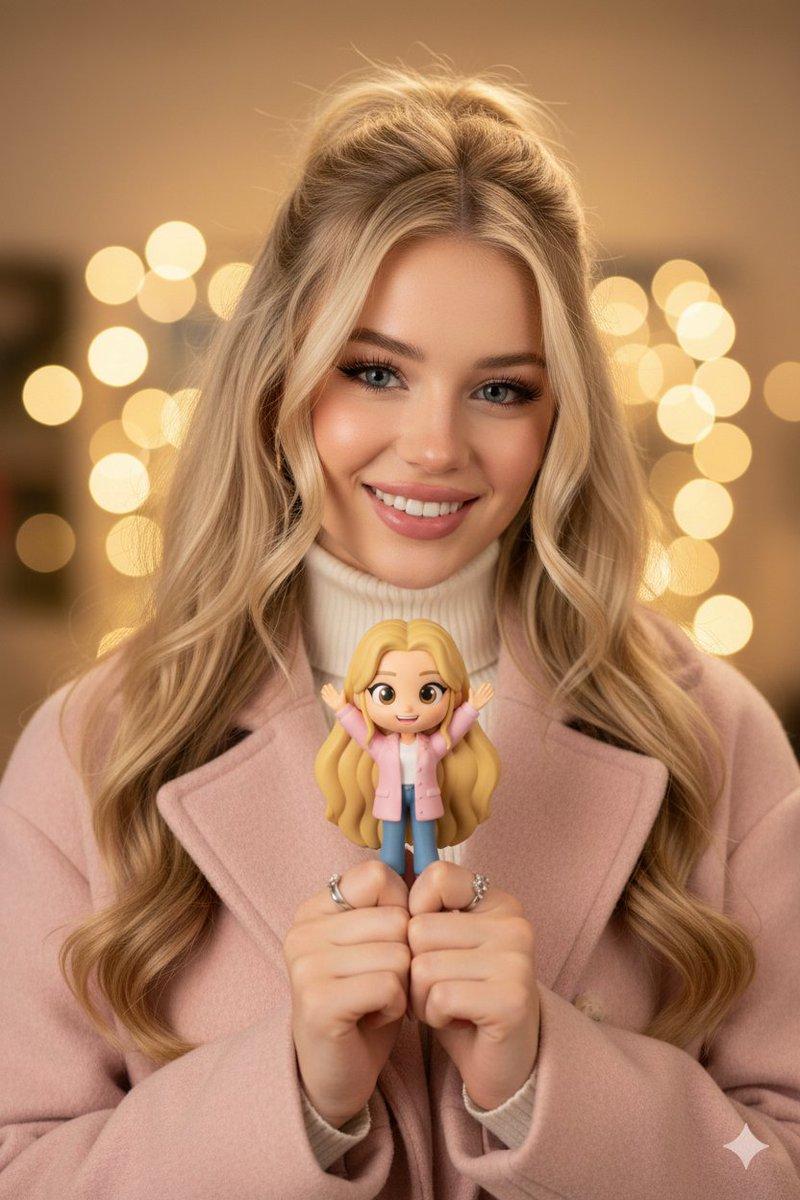
    "prompt": "A warm, cinematic portrait of a smiling young woman with soft blonde hair, wearing a blush pink coat over a cream turtleneck sweater. She is gently holding a tiny, adorable 3D cartoon girl between her fingers. The miniature character features a Pixar-style design with oversized expressive eyes, long blonde hair, a pink coat, white top, blue jeans, and boots, with arms raised in excitement. The woman gazes at the character with delight. Background consists of soft golden bokeh and cozy studio lighting with a shallow depth of field. High-contrast textures blending ultra-realistic human skin with whimsical 3D character design. Magical realism, heartwarming atmosphere, high detail, 8K resolution, cinematic composition.",
    "aspect_ratio": "2:3"
  }
}
Category
创意图片
Model
Nano Banana Pro
Creator
Taaruk
Views0
Source ID
178738c8-a15c-40f1-a20c-68e14b1eb8d3
Published
Mar 8, 2026

Guide

About "异想天开的 3D 角色互动肖像"

What is this prompt for?

"异想天开的 3D 角色互动肖像" AI image prompt for Nano Banana Pro (创意图片). 一个提示,用于生成一张温暖、电影感的肖像,描绘一位年轻女性用手指捏着一个迷你可爱的皮克斯风格 3D 卡通女孩,将超现实的人体纹理与异想天开的 3D 设计以魔幻现实主义风格融合。 --- ```j…

The full copyable prompt and example visuals above are ready for AI image generation or one-click recreate in Picva.

How to use this prompt

  1. Step 1

    Open the prompt detail

    Review the example visuals, category, and full prompt text for "异想天开的 3D 角色互动肖像".

  2. Step 2

    Copy the prompt

    Copy the prompt body from this page, or load it directly in Studio.

  3. Step 3

    Pick a model (Nano Banana Pro)

    Prefer Nano Banana Pro. If you switch models, keep subject and composition and tweak style terms.

  4. Step 4

    Generate and export

    Recreate the look in Picva, or export into your workflow for editing and publishing.

FAQ

What is the "异想天开的 3D 角色互动肖像" prompt?
It is an AI image-generation prompt for Nano Banana Pro in the 创意图片 category. This page includes the full prompt text, example visuals, and a one-click recreate path in Picva.
How do I use this prompt to generate an image?
Copy the prompt from this page, or use Generate / Studio. Paste it into a compatible image model, or recreate the look in Picva with optional reference images.
Which model is this prompt for?
This page lists Nano Banana Pro. Most descriptive prompts also transfer to nearby image models such as GPT Image, Flux, or Midjourney with light style tweaks.
Can I use the result commercially?
You can usually copy the prompt for creation, but commercial use of the final image depends on the model terms, reference-image rights, and the generated content. Follow the source author and platform rules.