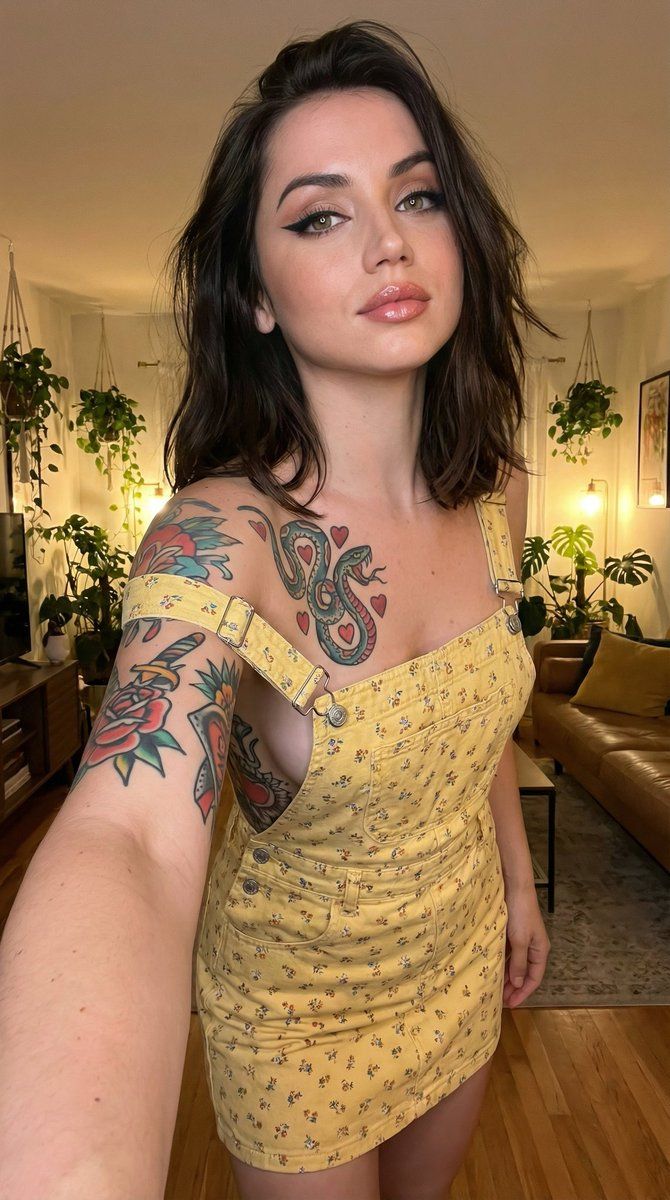
逼真的纹身自拍肖像(结构化 JSON)
Prompt
{
  "prompt_type": "photorealistic selfie portrait",
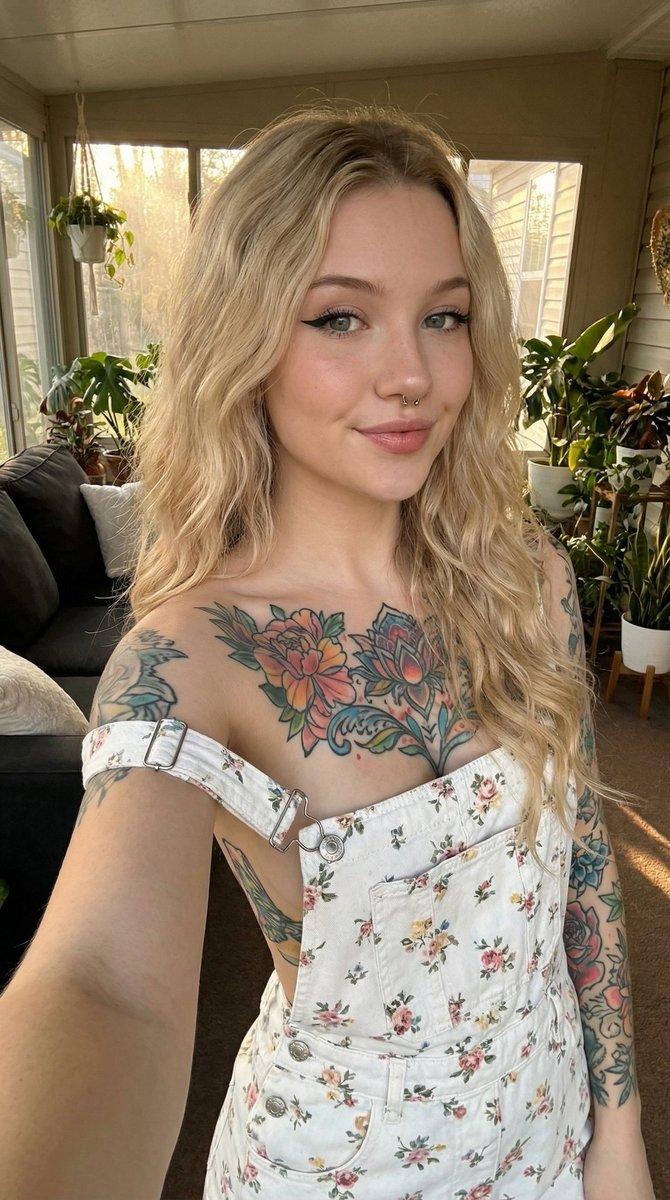
  "main_composition": "close-up selfie view of a single young woman holding her phone at arm's length, looking directly at the camera with a subtle confident expression, one strap of her overall dress unfastened and slipped down her shoulder revealing extensive chest and arm tattoos, relaxed casual pose in a cozy plant-filled indoor living space, warm ambient lighting with lush greenery and furniture in soft blurred background",
  "subject": {
    "description": "beautiful young woman in her early 20s, attractive feminine features with bold alternative makeup (sharp dark winged eyeliner, long lashes, contoured cheeks, glossy nude or pink lips), large expressive eyes, fair smooth skin with healthy glow, long loose wavy dark brown or black hair with natural volume and slight tousle falling over shoulders",
    "clothing": "white denim overall mini dress with delicate small floral print throughout, thin straps with metal buckles—one strap intentionally unfastened and slipped off shoulder exposing upper chest, no visible top underneath",
    "details": "extensive visible colorful tattoos including large floral dagger/rose design on chest, detailed traditional style flowers and patterns on both full arms and hands, small neck tattoo, silver septum nose ring, manicured hands with dark painted nails holding phone, confident subtle pout or smile with direct eye contact, hair naturally wavy with soft strands framing face"
  },
  "environment": {
    "foreground": "woman's arms and phone in sharp focus, visible tattoo details",
    "midground": "woman centered in frame",
    "background": "cozy modern indoor living room or sunroom filled with lush green houseplants (monstera, trailing vines, potted varieties), dark couch with yellow pillow on left, wooden elements and warm ambient lighting suggesting relaxed home atmosphere, no clutter in focus"
  },
  "lighting_and_atmosphere": "warm soft indoor ambient lighting (likely from off-frame window or lamps) creating gentle golden glow on skin, hair, white denim fabric, and tattoo colors, subtle shadows enhancing facial contours and body curves, intimate casual confident vibe with high contrast between bright subject and darker cozy background, photorealistic detail evoking relaxed alternative beauty",
  "technical_quality": "highly detailed, sharp focus on tattoo ink colors and linework, denim fabric texture with floral print, hair strands, skin glow, nose ring reflection, and phone case details, 8k resolution, realistic material sheen on denim and subtle makeup details, professional selfie photography style with natural depth of field softly blurring background plants and furniture",
"negative_prompt_suggestions": "blurry, deformed, extra limbs, harsh flash lighting, overexposed skin, underexposed tattoos, low quality, cartoon, anime, text water- Category
- 创意图片
- Model
- Nano Banana Pro
- Creator
- KeorUnreal
- Source ID
- c69ea7b7-87b5-47ee-a626-b2c5963b2f17
- Published
- Mar 8, 2026
Views0