19

90 年代时尚大片,以马匹和身份锁为主题的提示词
Enlarge

90 年代时尚大片,以马匹和身份锁为主题的提示词

Prompt
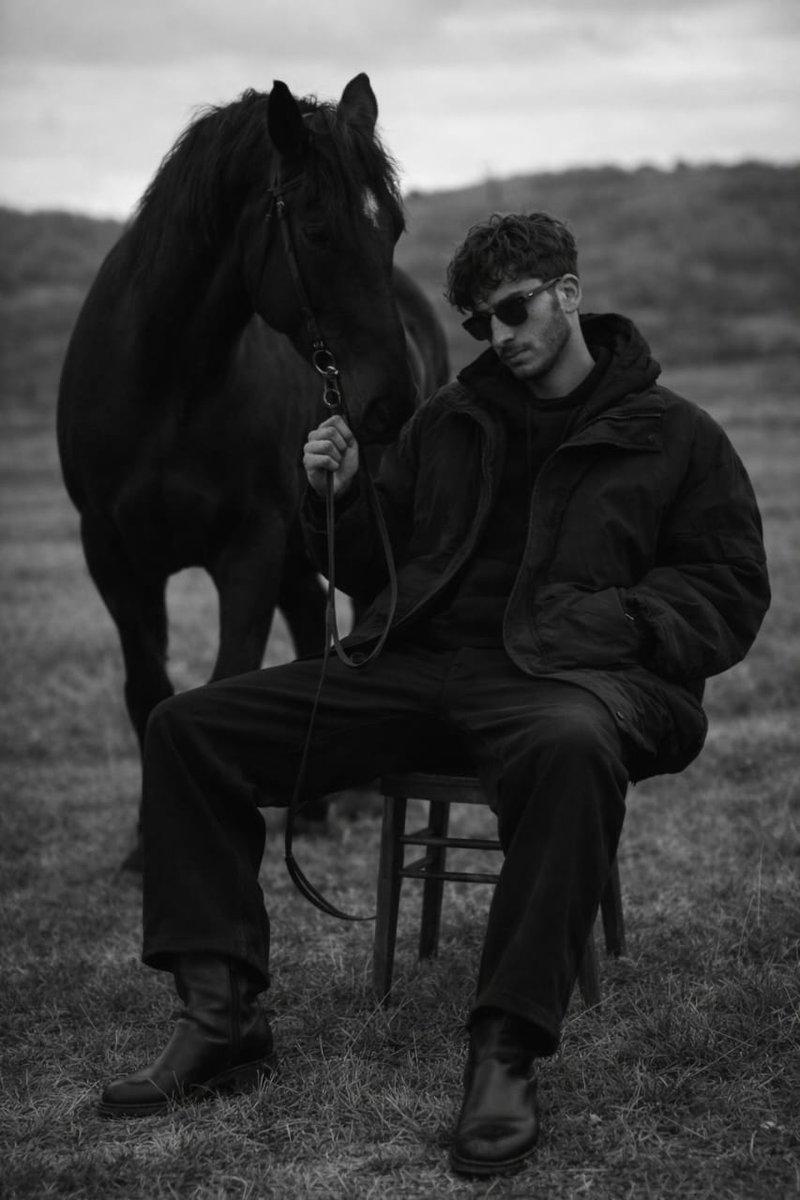
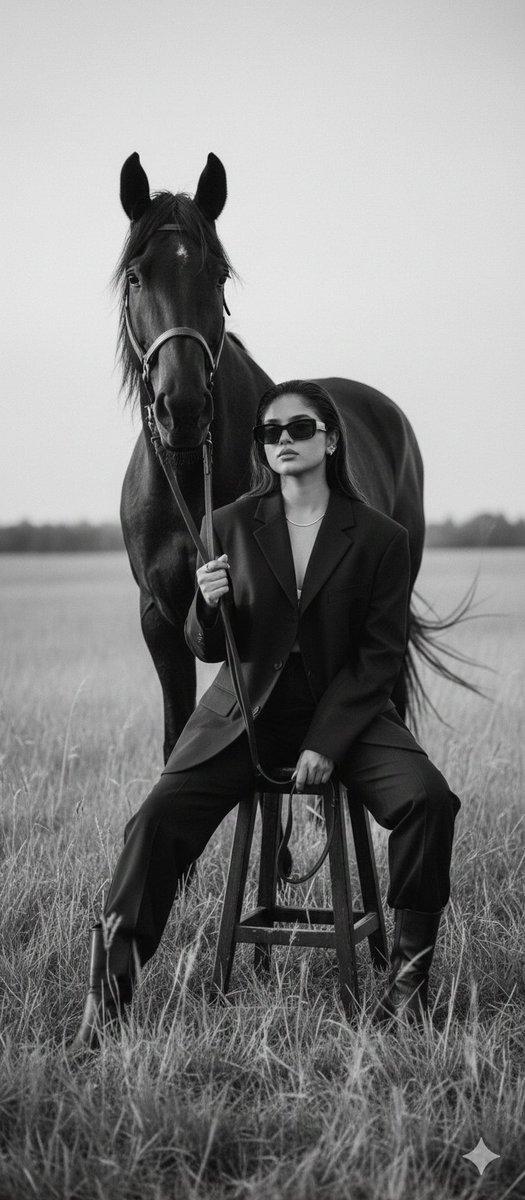
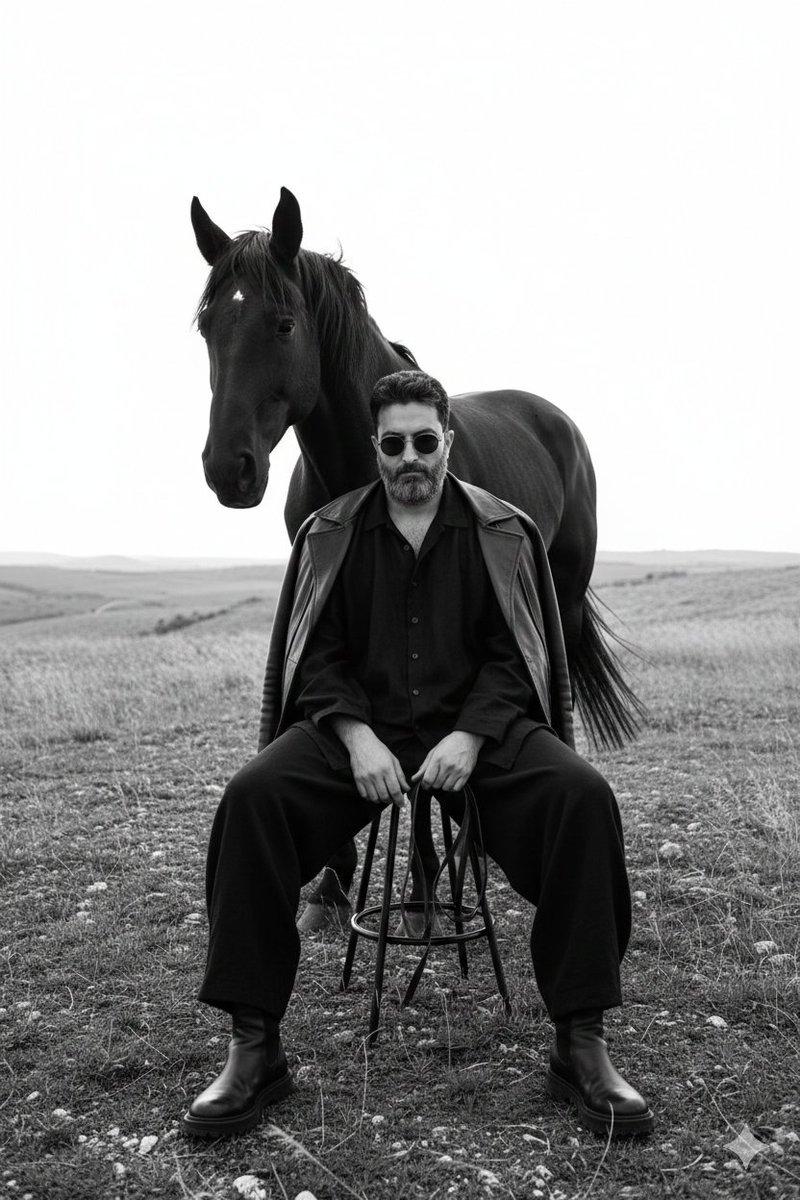
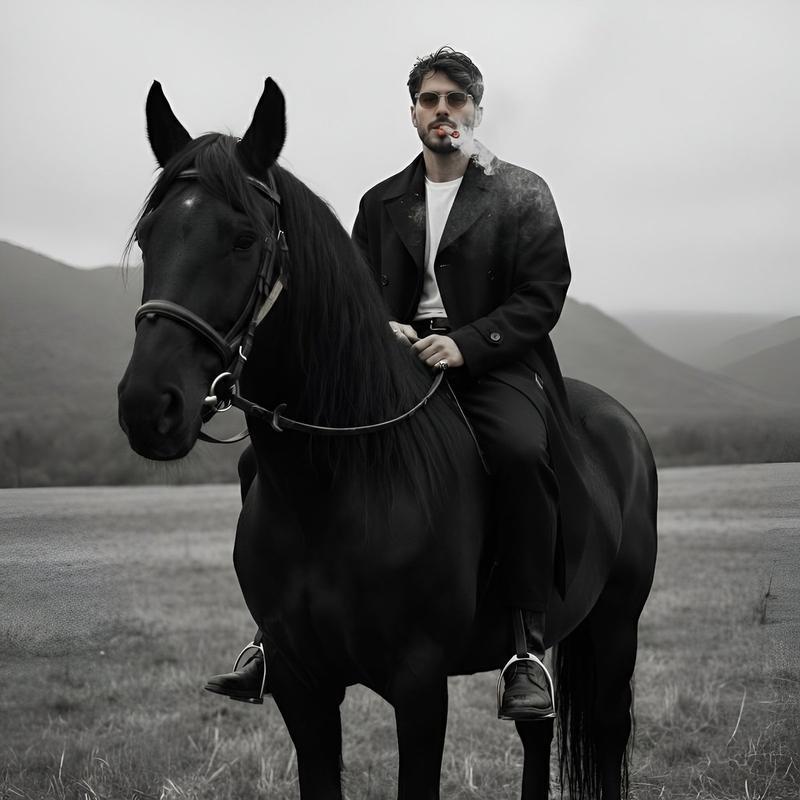
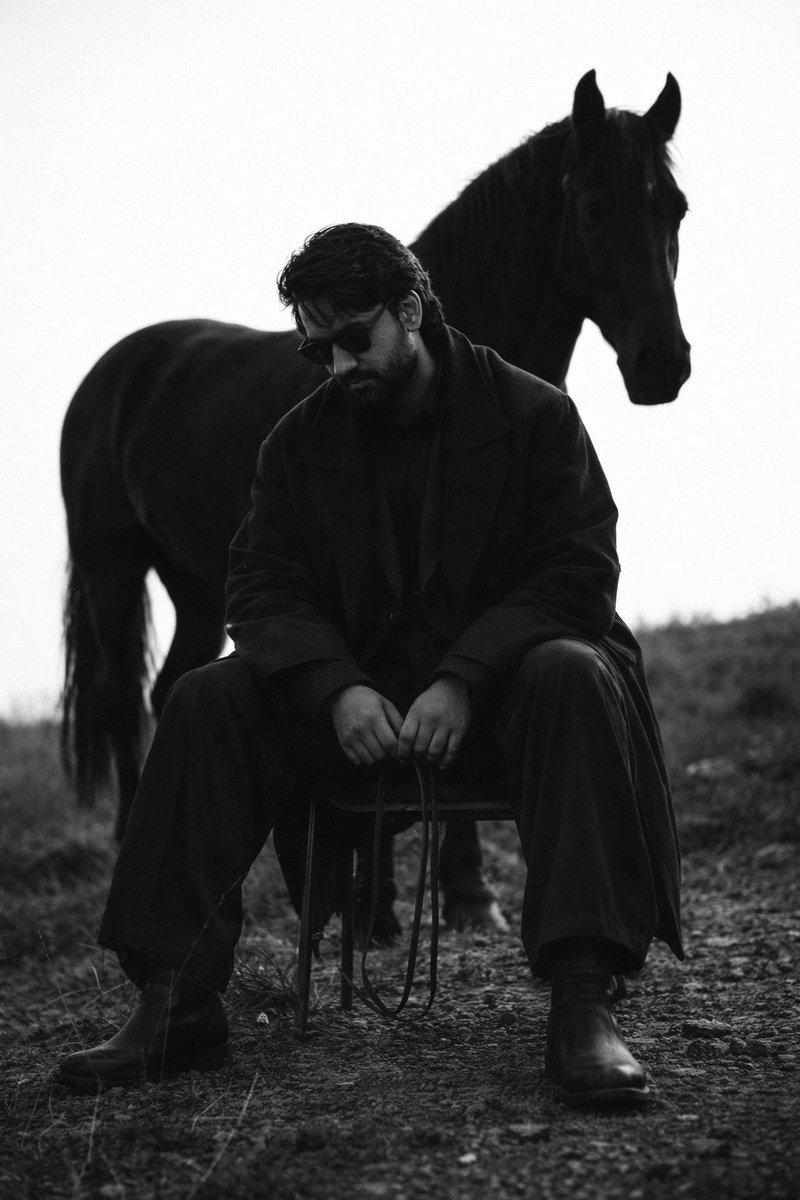
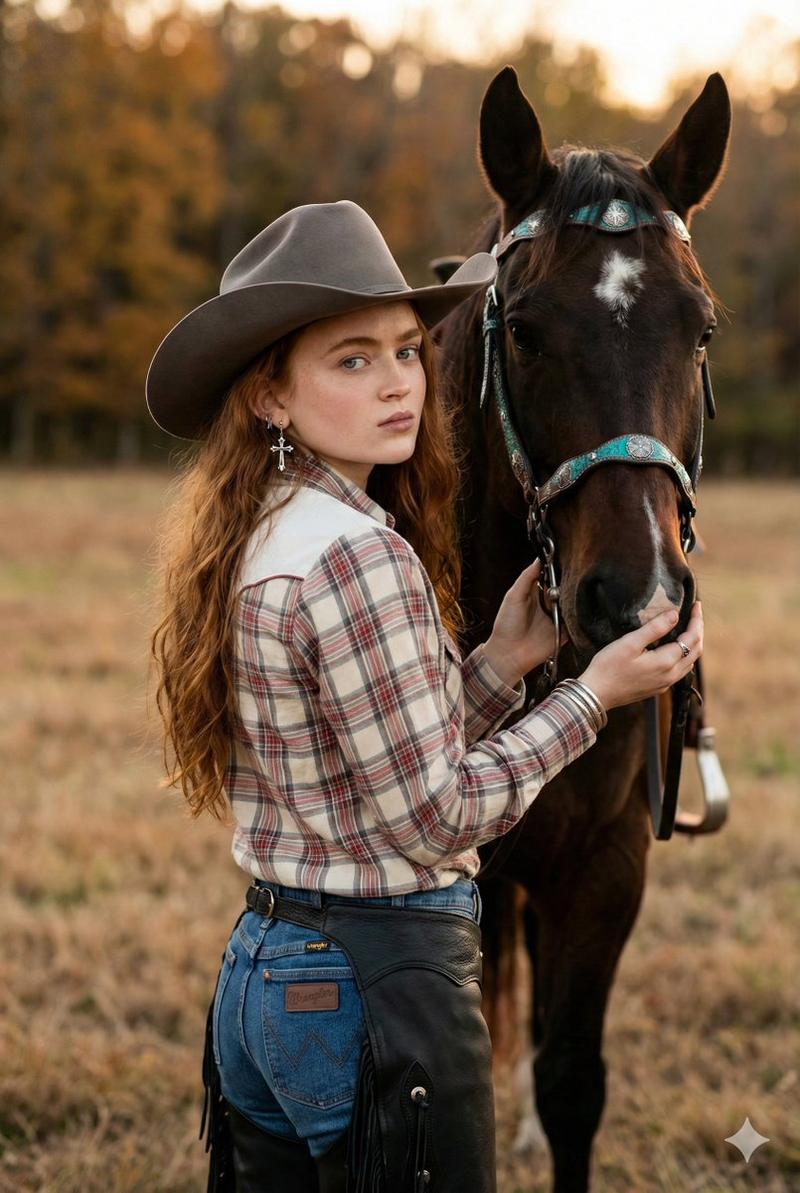
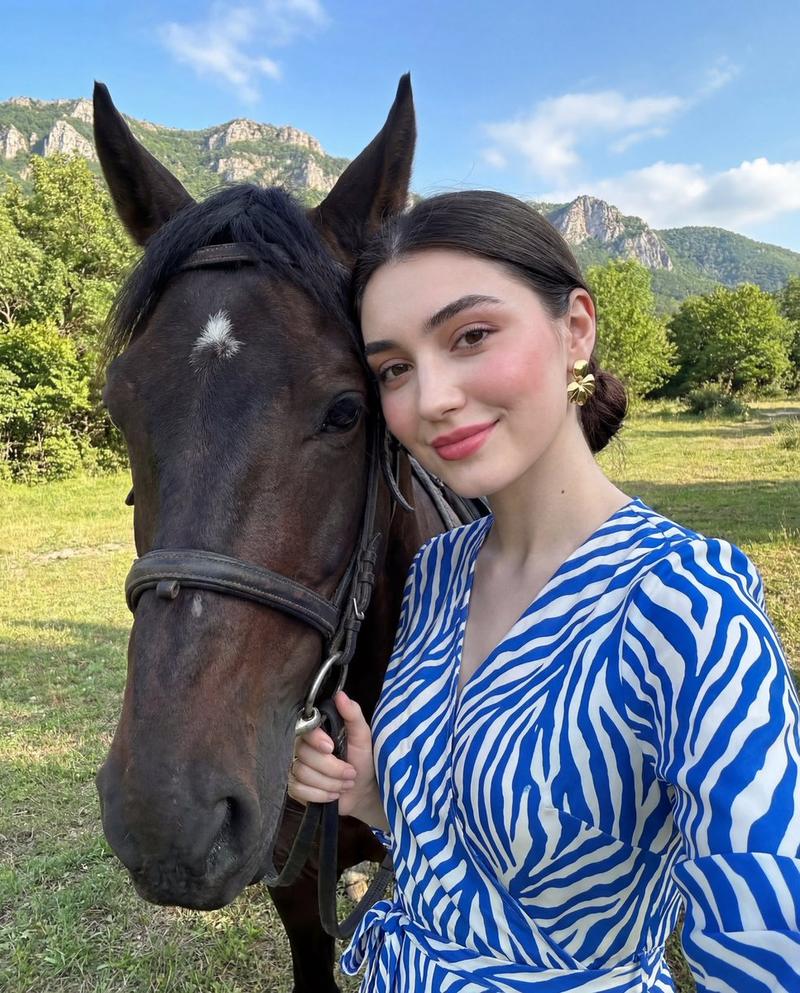
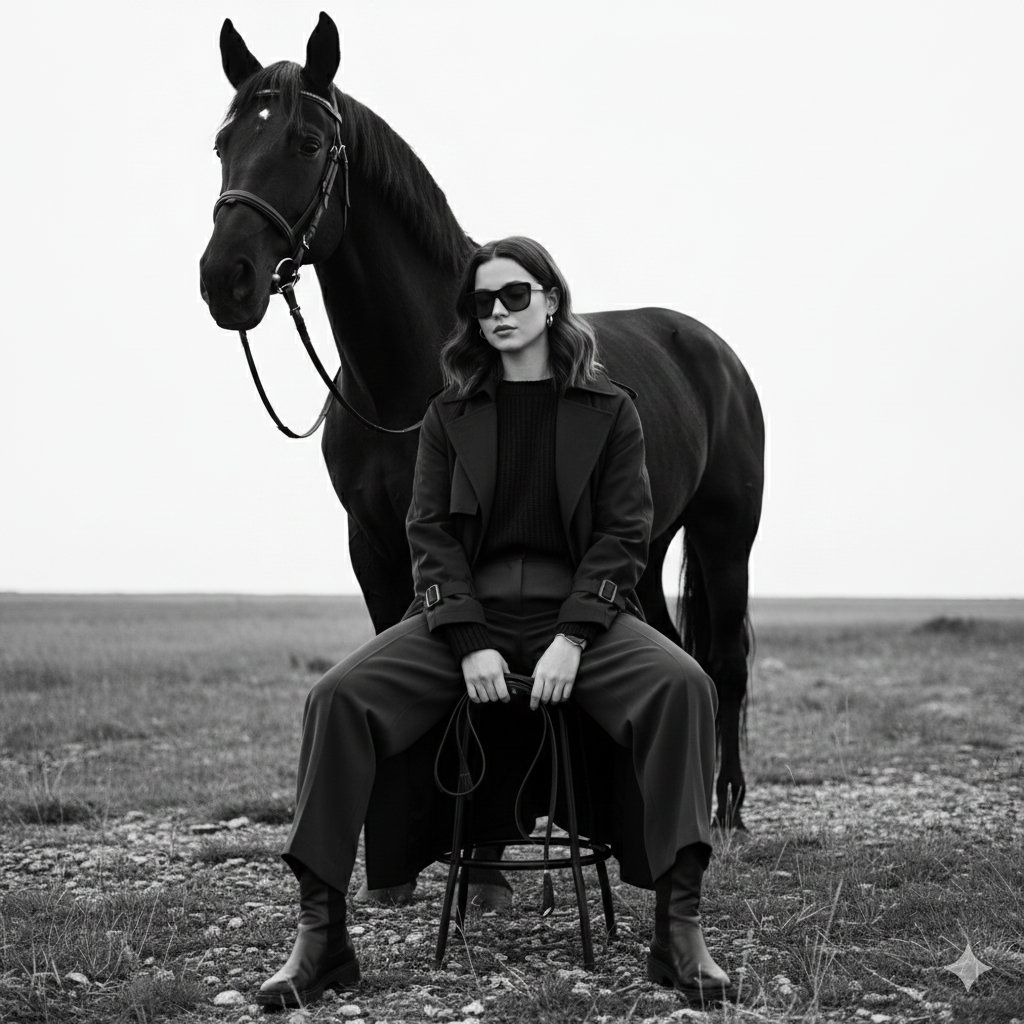
Without changing the face from the reference image. Monochrome fine-art fashion editorial photograph of the woman with wavy hair, now wearing dark sunglasses and dark oversized layered clothing with wide-leg trousers and leather boots. She is sitting low on a minimalist metal stool, legs spread forward in a relaxed, grounded pose, with one hand loosely resting between her knees holding thin leather reins. A strong black horse stands closely behind her, partially overlapping her silhouette. The setting is an open natural landscape with rough ground, wild grass, and a bright overexposed sky creating strong negative space. High contrast lighting with deep blacks, soft highlights, and a matte texture. Timeless cinematic mood, medium-format film look with subtle grain.
Category
创意图片
Model
Nano Banana Pro
Views0
Source ID
0c6fbcc0-1160-4c12-b4c9-c6a1af8e12e2
Published
Mar 8, 2026

Guide

About "90 年代时尚大片,以马匹和身份锁为主题的提示词"

What is this prompt for?

"90 年代时尚大片,以马匹和身份锁为主题的提示词" AI image prompt for Nano Banana Pro (创意图片). 一个用于生成具有 90 年代美学的单色艺术时尚社论照片的提示。它要求保留参考图像中的面部,将主体(穿着宽松深色服装和太阳镜)置于极简主义凳子上,身后是一匹强壮的黑马,背景是高对…

The full copyable prompt and example visuals above are ready for AI image generation or one-click recreate in Picva.

How to use this prompt

  1. Step 1

    Open the prompt detail

    Review the example visuals, category, and full prompt text for "90 年代时尚大片,以马匹和身份锁为主题的提示词".

  2. Step 2

    Copy the prompt

    Copy the prompt body from this page, or load it directly in Studio.

  3. Step 3

    Pick a model (Nano Banana Pro)

    Prefer Nano Banana Pro. If you switch models, keep subject and composition and tweak style terms.

  4. Step 4

    Generate and export

    Recreate the look in Picva, or export into your workflow for editing and publishing.

FAQ

What is the "90 年代时尚大片,以马匹和身份锁为主题的提示词" prompt?
It is an AI image-generation prompt for Nano Banana Pro in the 创意图片 category. This page includes the full prompt text, example visuals, and a one-click recreate path in Picva.
How do I use this prompt to generate an image?
Copy the prompt from this page, or use Generate / Studio. Paste it into a compatible image model, or recreate the look in Picva with optional reference images.
Which model is this prompt for?
This page lists Nano Banana Pro. Most descriptive prompts also transfer to nearby image models such as GPT Image, Flux, or Midjourney with light style tweaks.
Can I use the result commercially?
You can usually copy the prompt for creation, but commercial use of the final image depends on the model terms, reference-image rights, and the generated content. Follow the source author and platform rules.