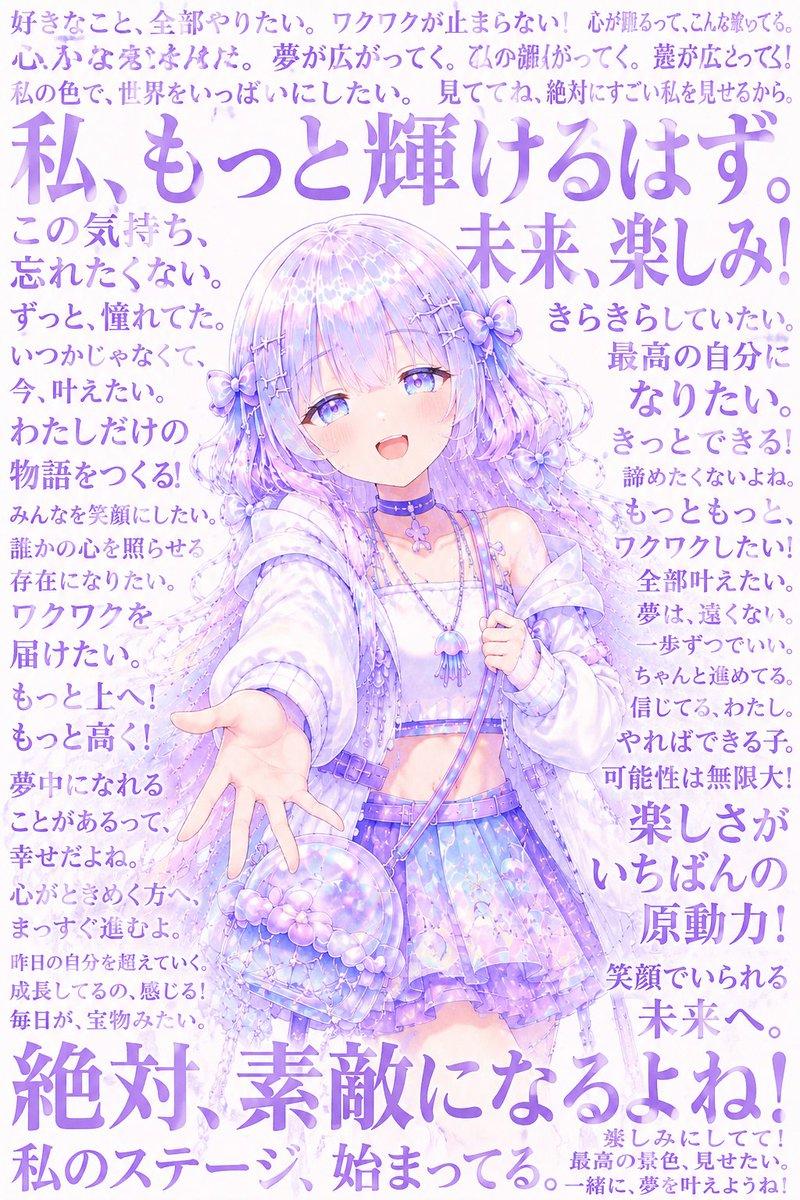
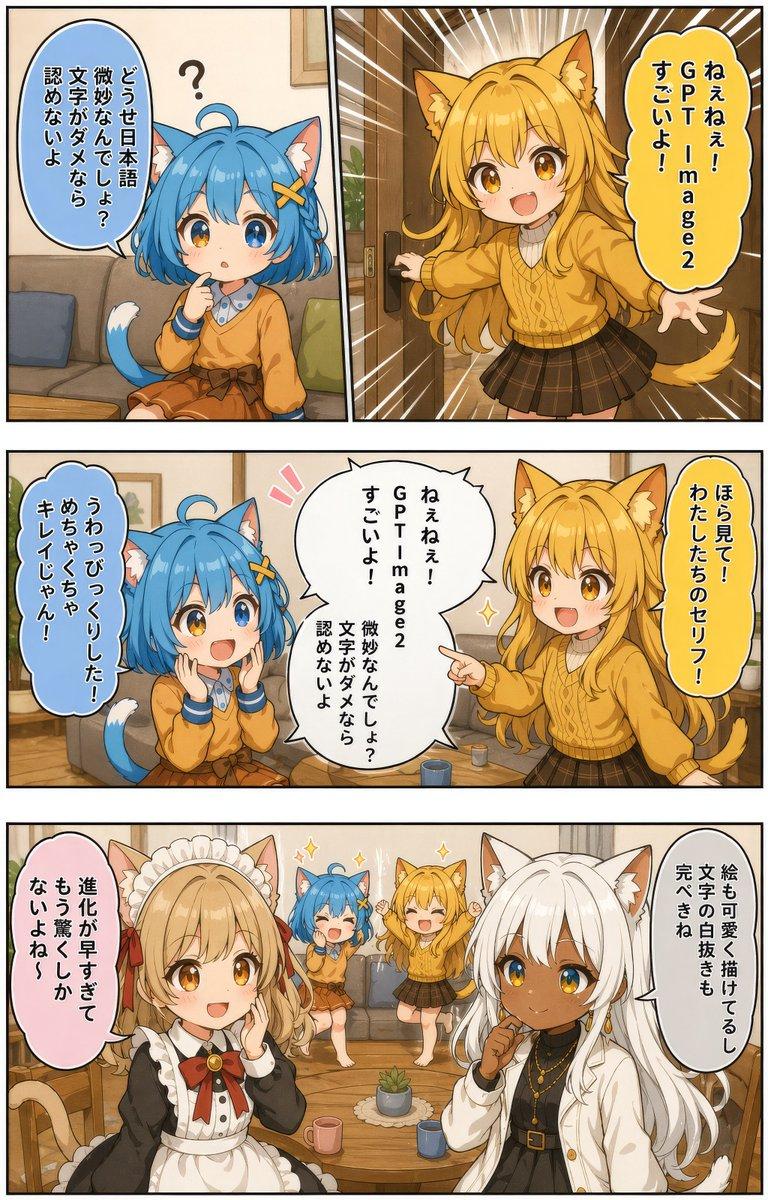
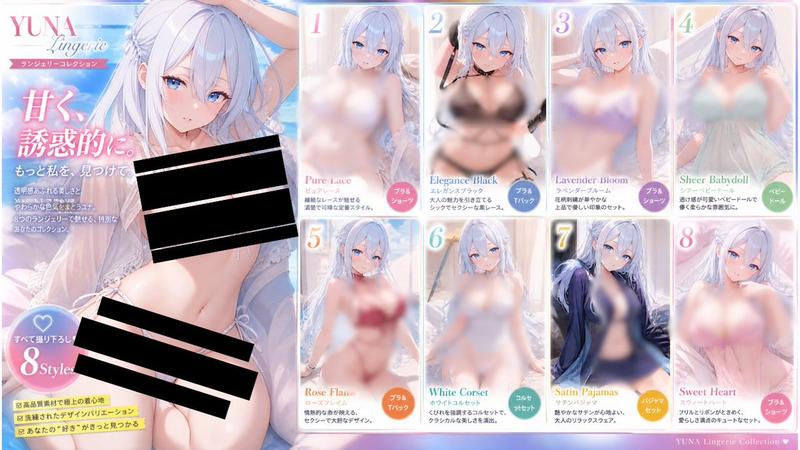
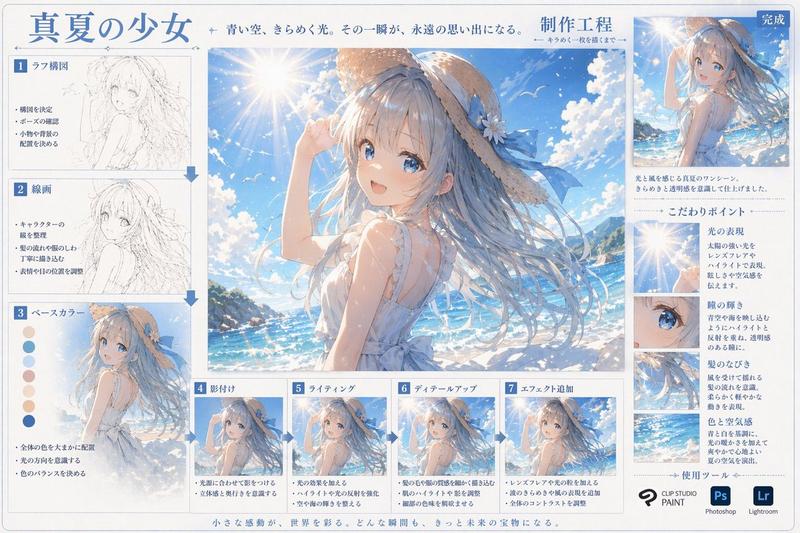
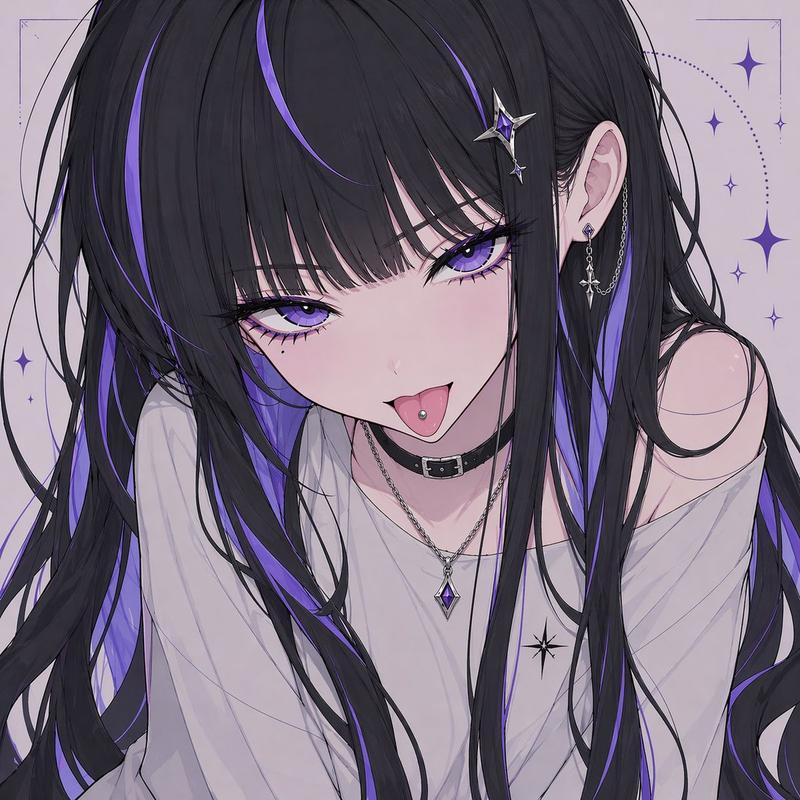
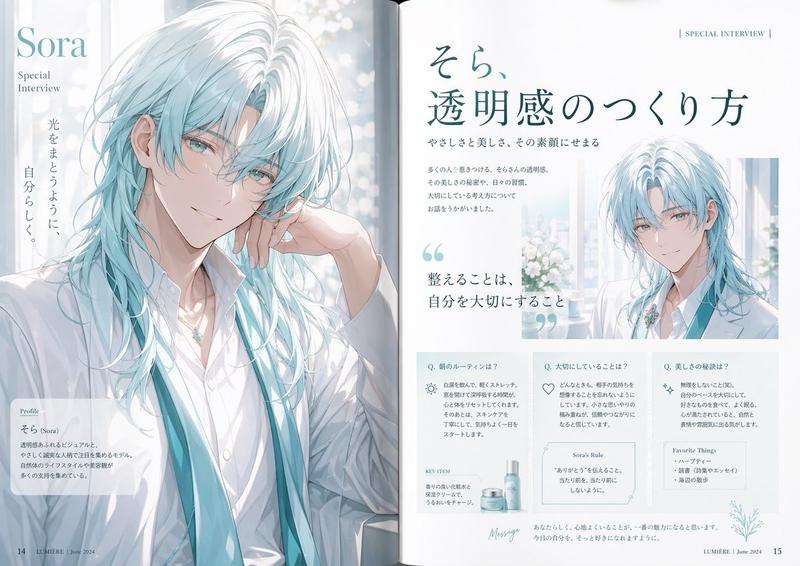
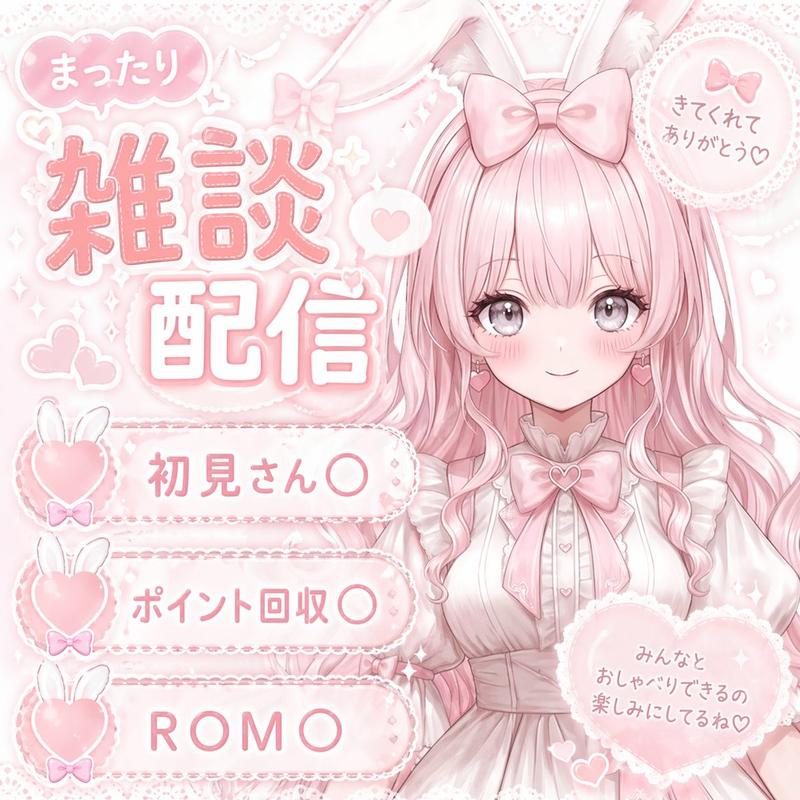
基于上传素材的图像生成指令
Prompt
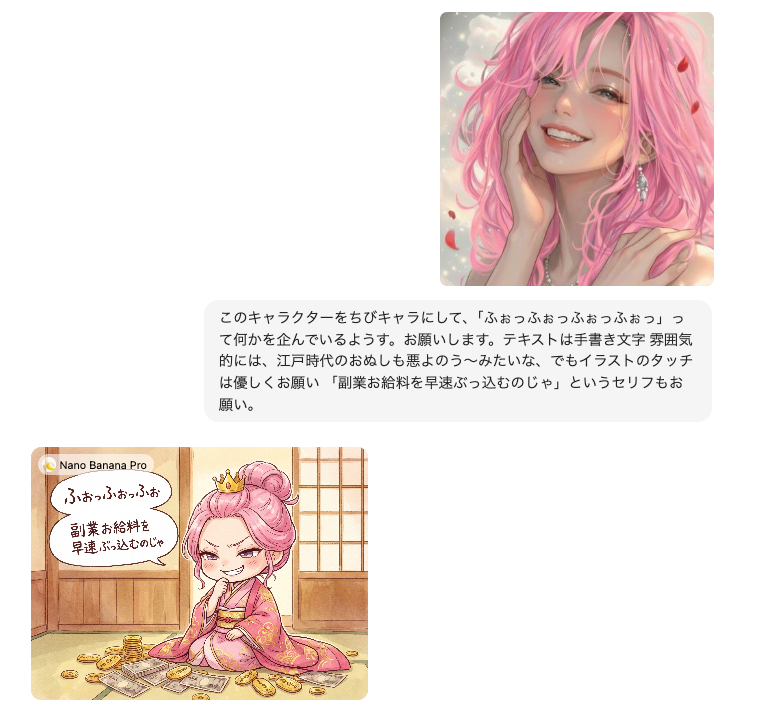
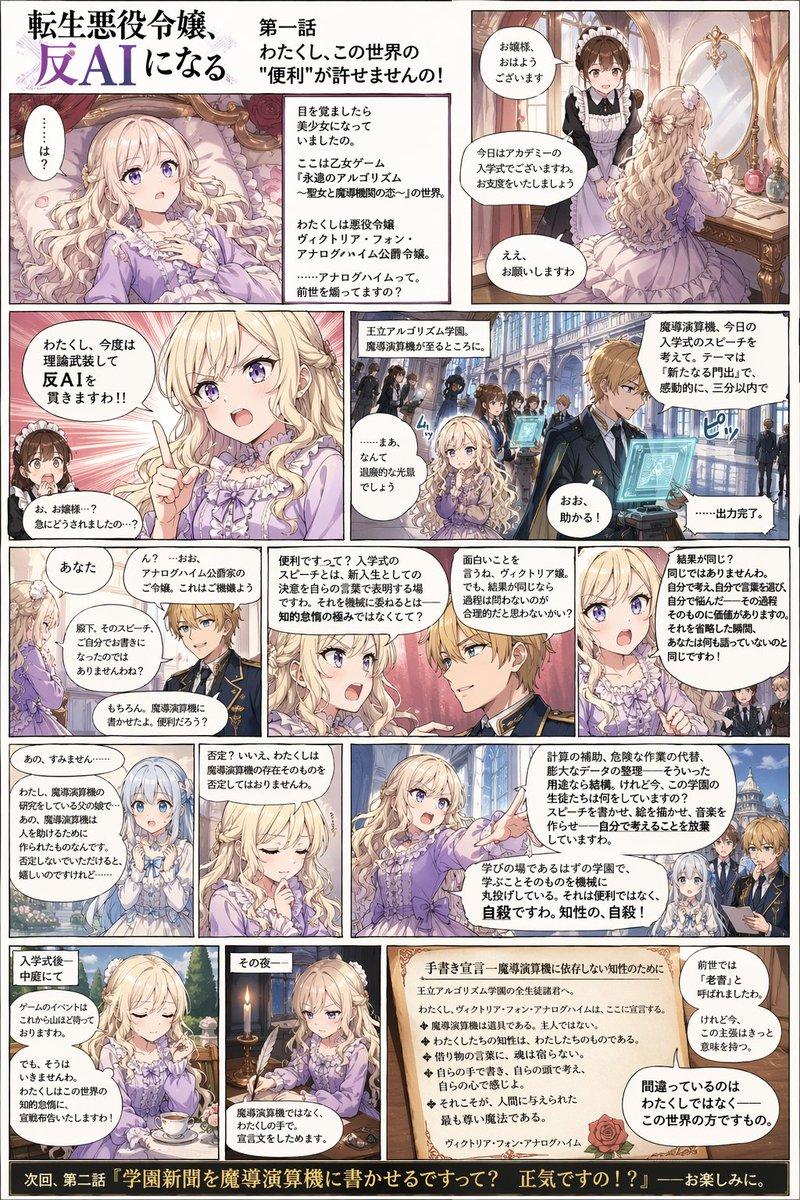
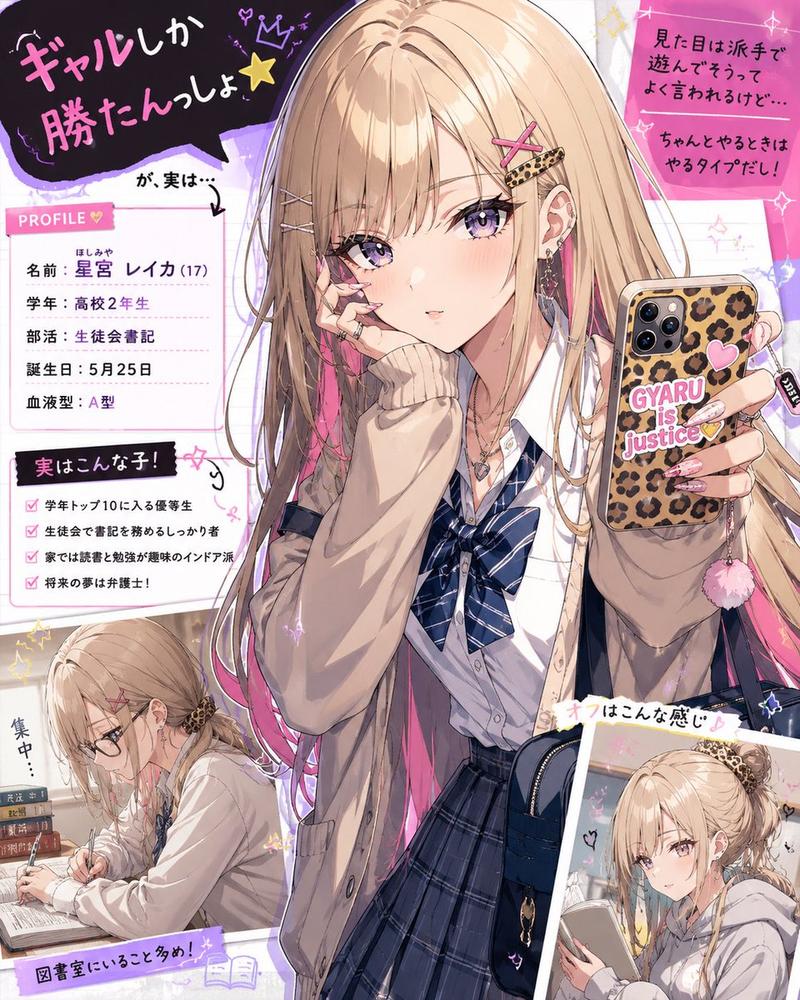
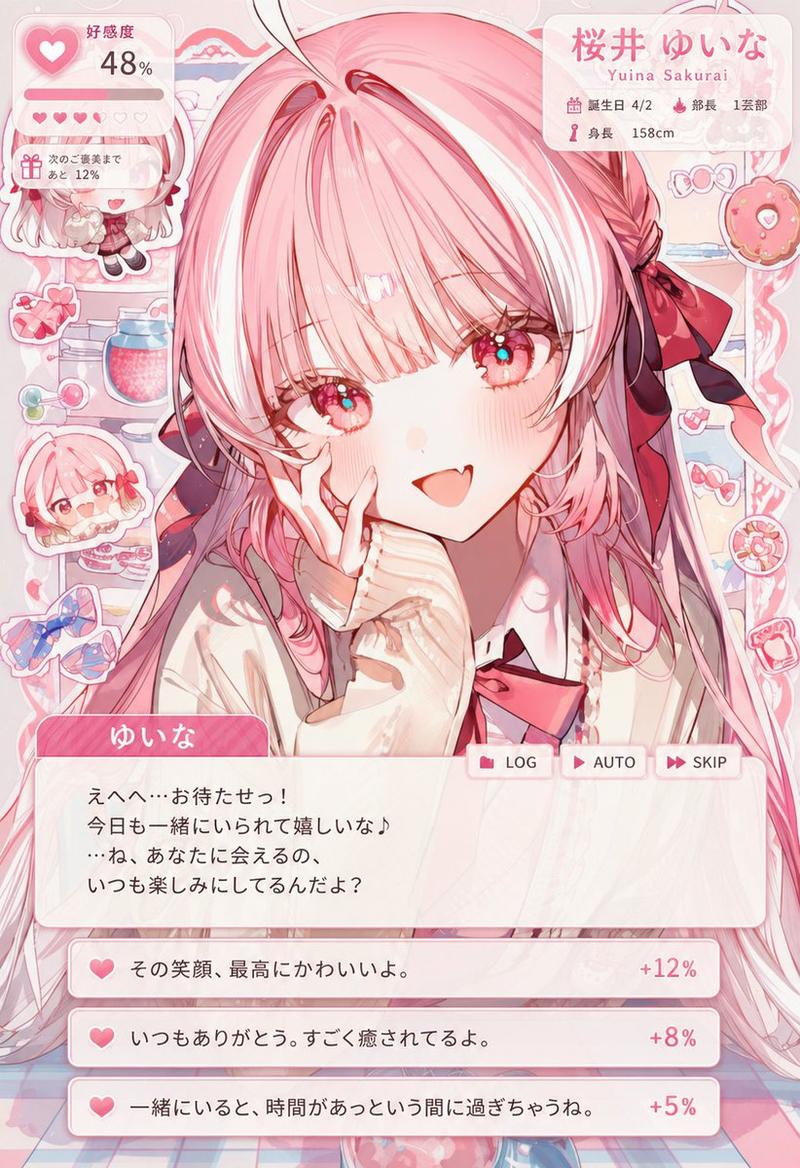
素材をアップして、こんな感じで指示だしたら作れますよ〜。
- Category
- 创意图片
- Model
- Nano Banana Pro
- Creator
- うらさん@AIに沼る占い師
- Source ID
- f679b5c7-9642-495a-a197-2375fbf1551d
- Published
- Mar 8, 2026
Views0
18
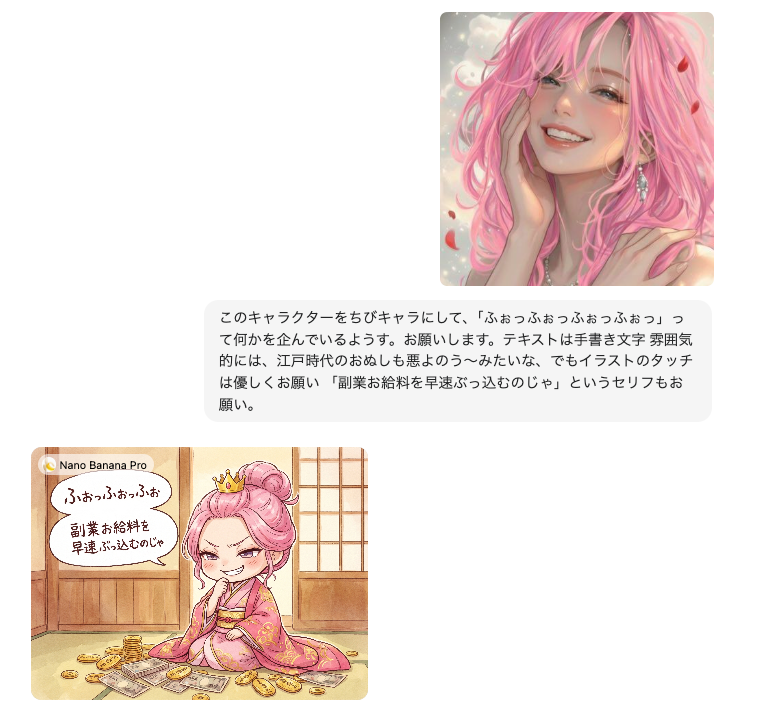
素材をアップして、こんな感じで指示だしたら作れますよ〜。
Guide
"基于上传素材的图像生成指令" AI image prompt for Nano Banana Pro (创意图片). 这条推文表明 Nano Banana Pro 可以根据上传的源材料和具体指令生成图像,这意味着它具有多模态提示结构,但实际的指令文本并未完全提供。 --- 上传素材并给出类似这样的指令,即可创建。…
The full copyable prompt and example visuals above are ready for AI image generation or one-click recreate in Picva.
Step 1
Review the example visuals, category, and full prompt text for "基于上传素材的图像生成指令".
Step 2
Copy the prompt body from this page, or load it directly in Studio.
Step 3
Prefer Nano Banana Pro. If you switch models, keep subject and composition and tweak style terms.
Step 4
Recreate the look in Picva, or export into your workflow for editing and publishing.