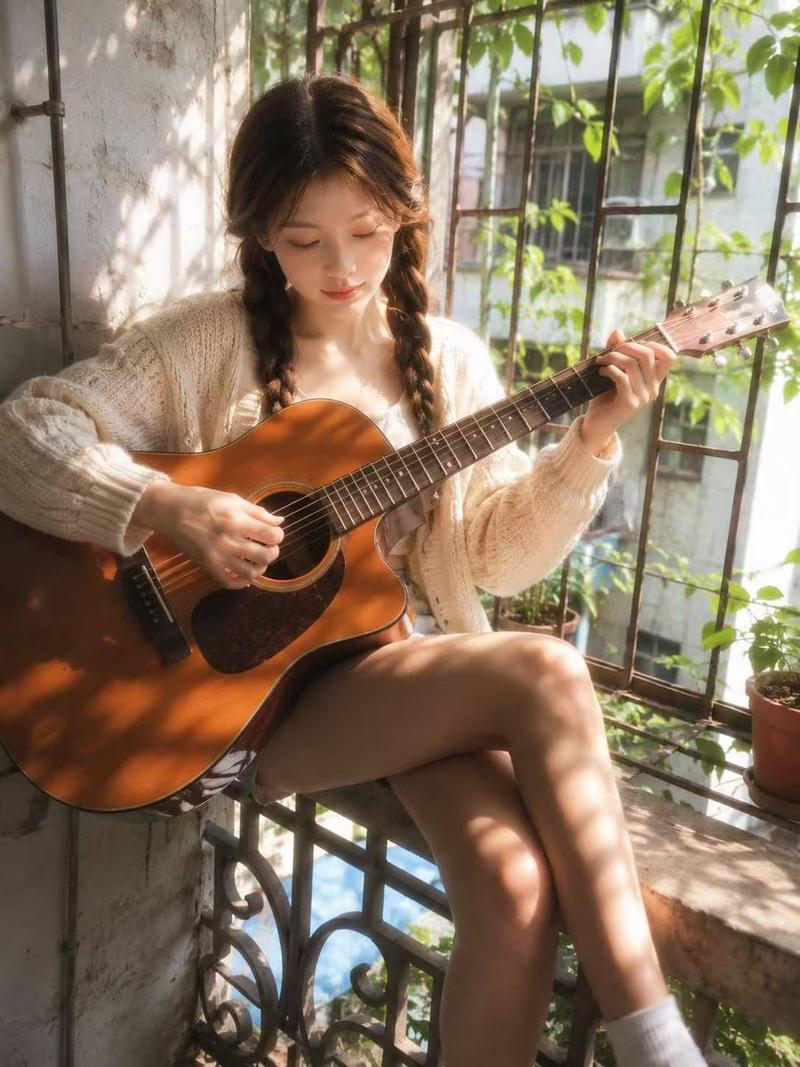
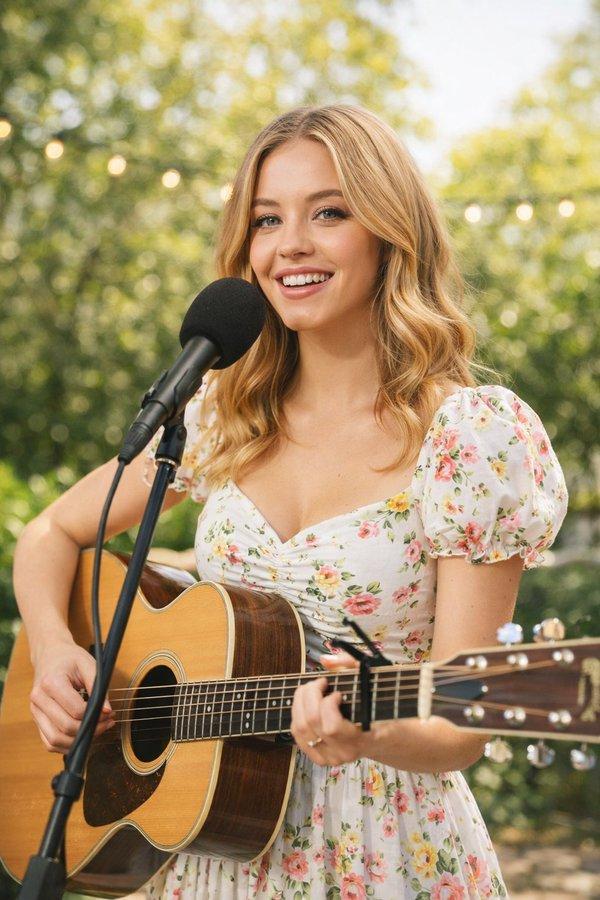
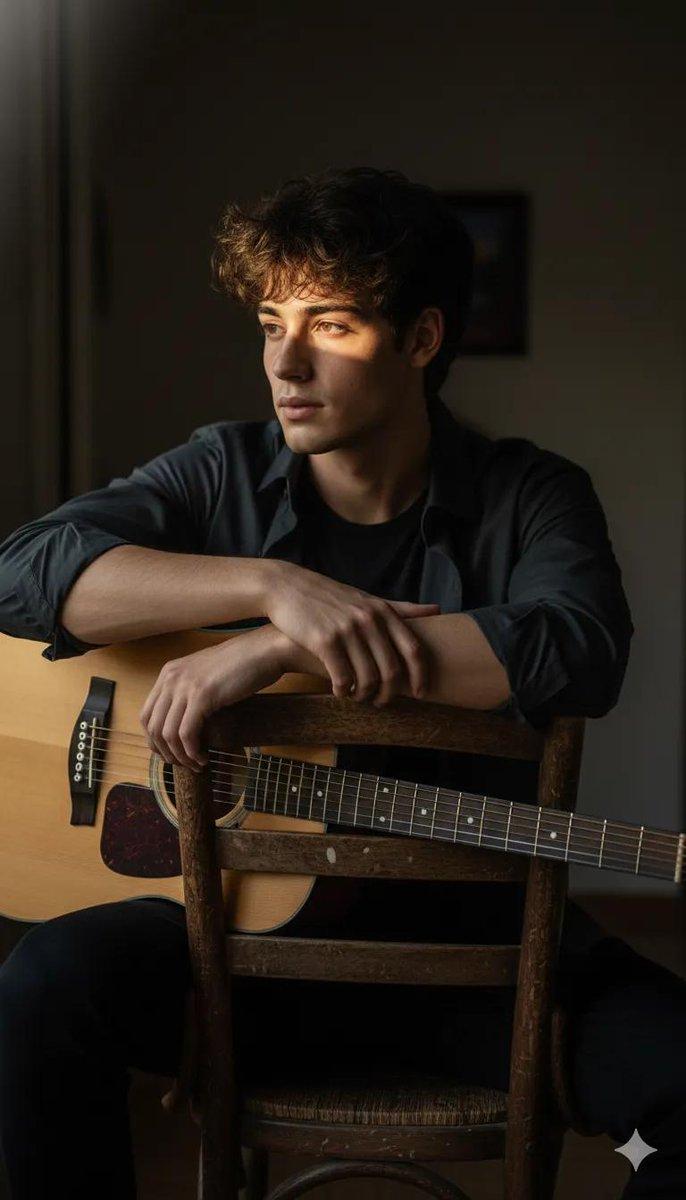
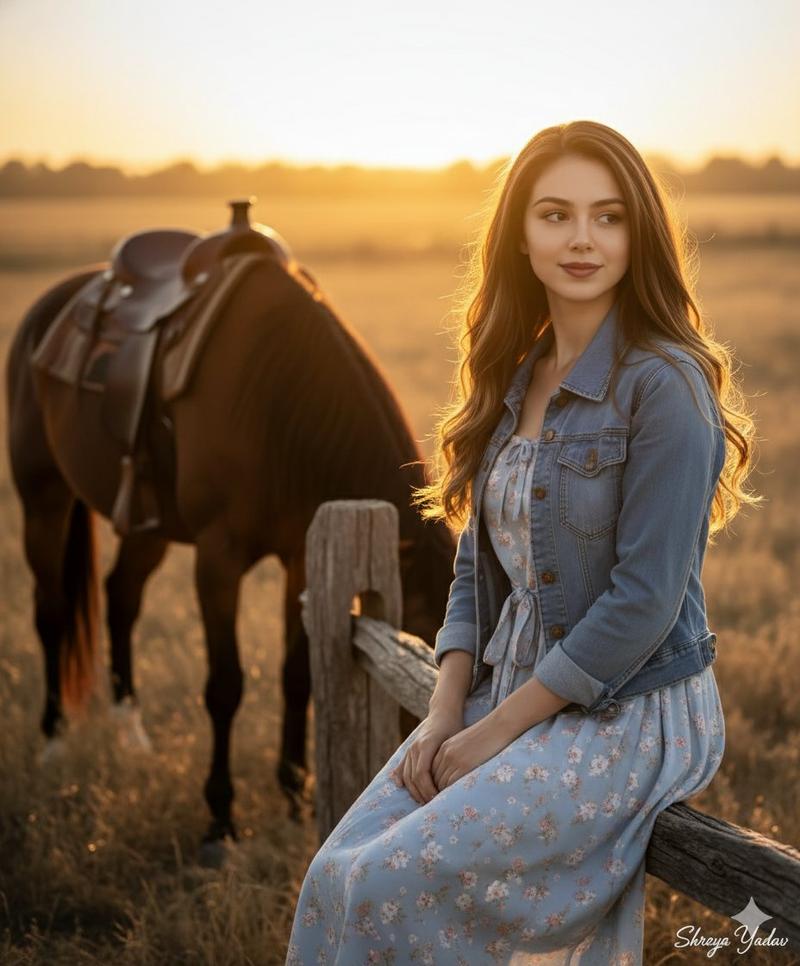
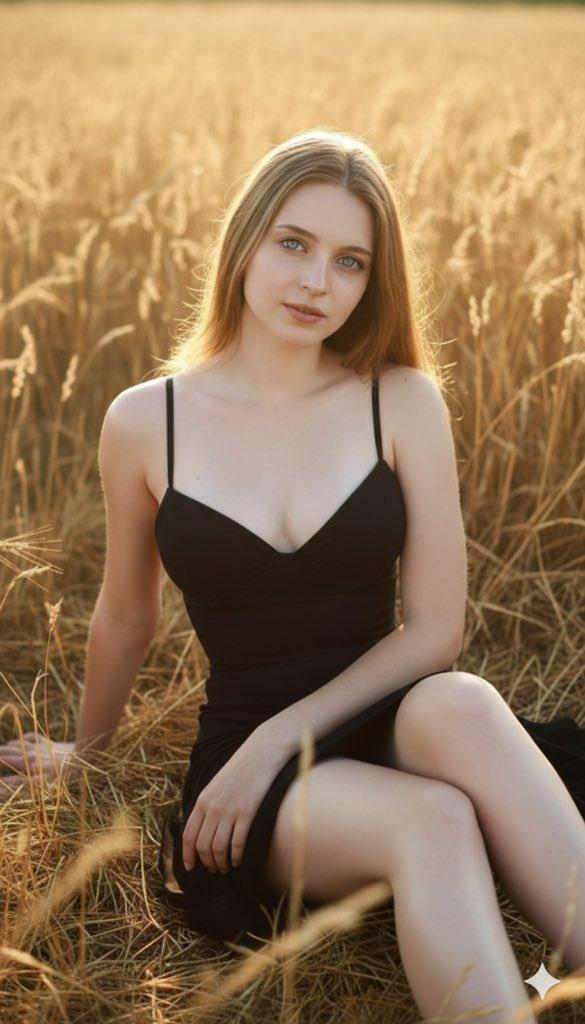
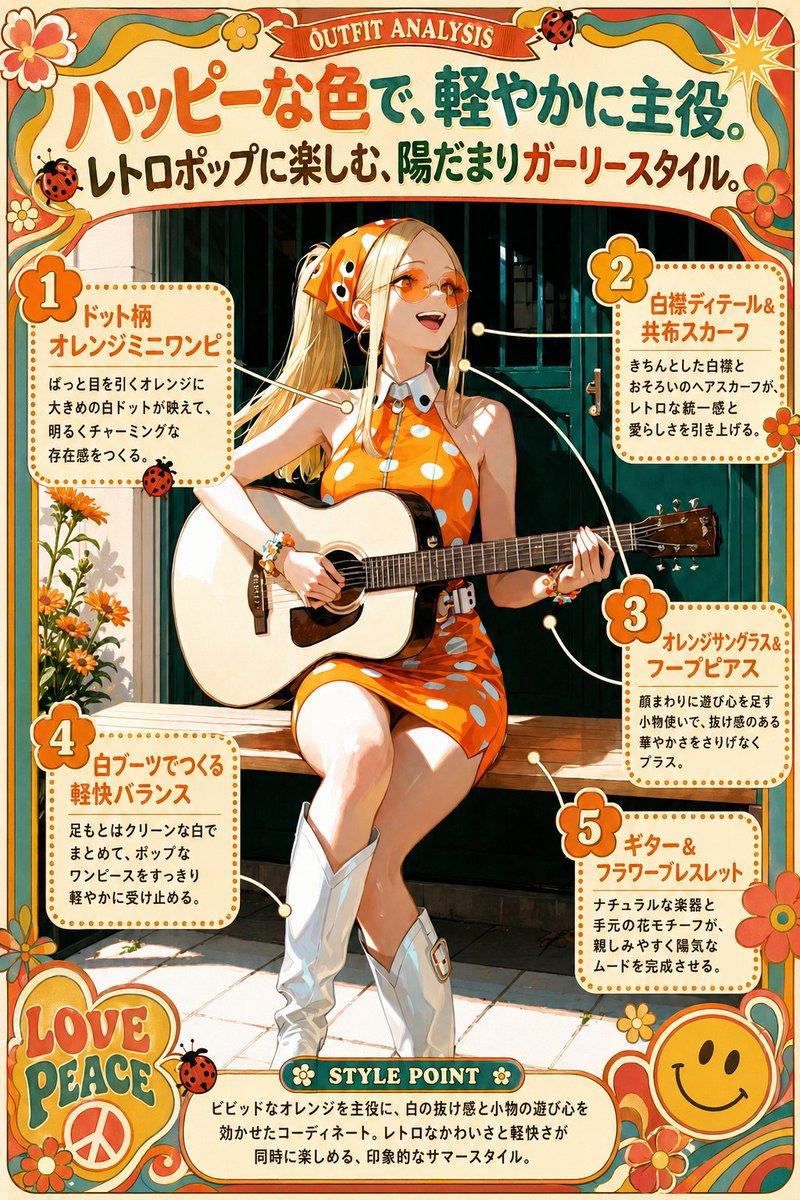
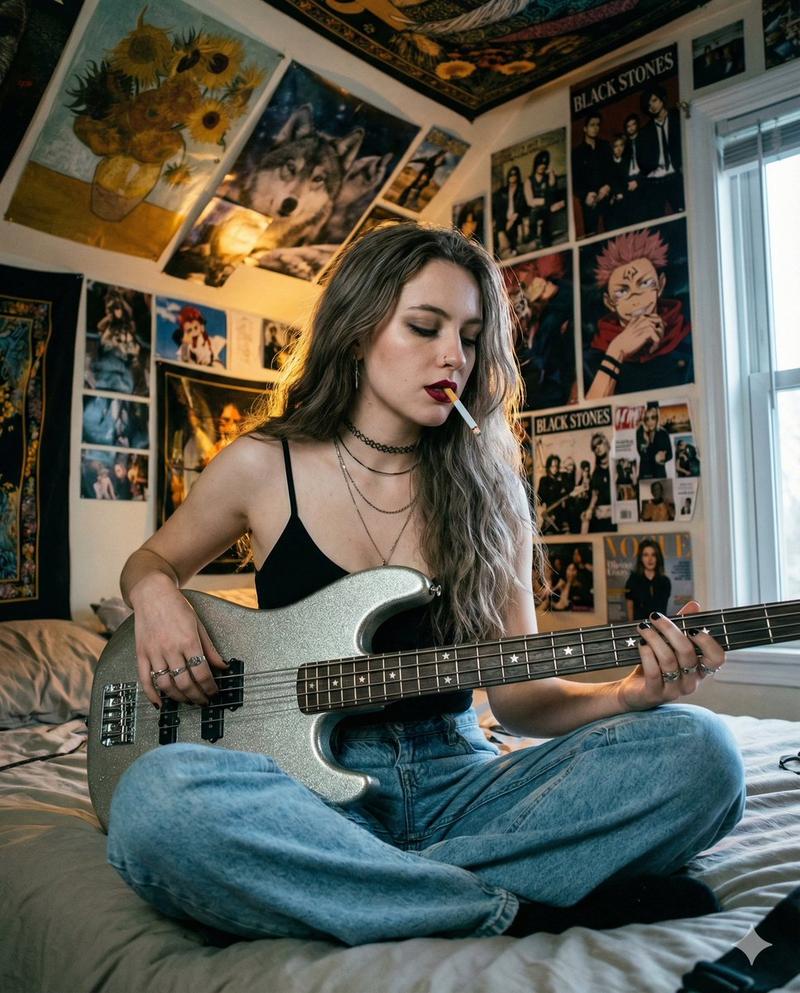
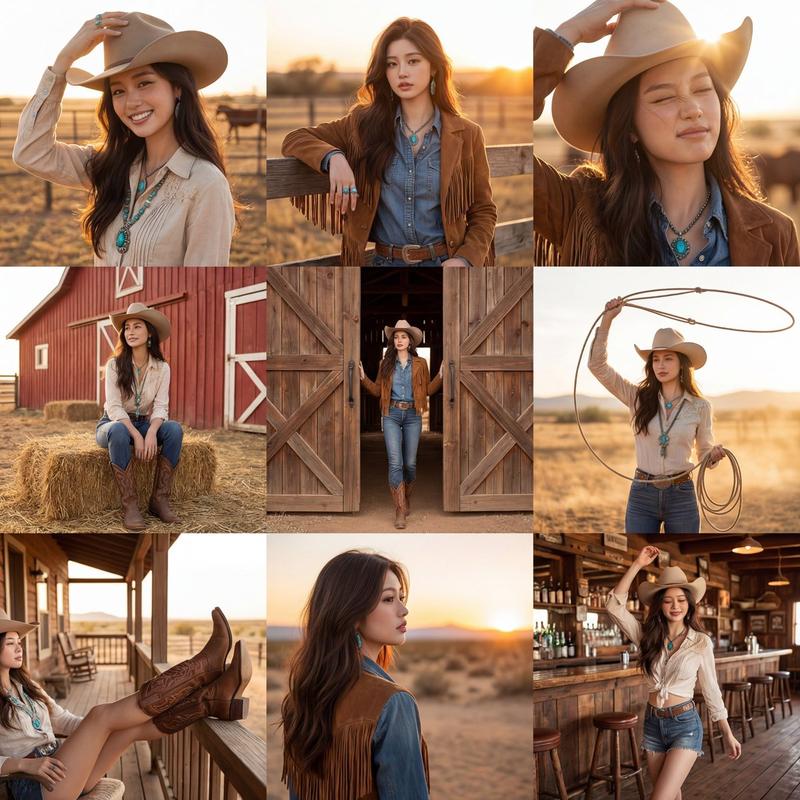
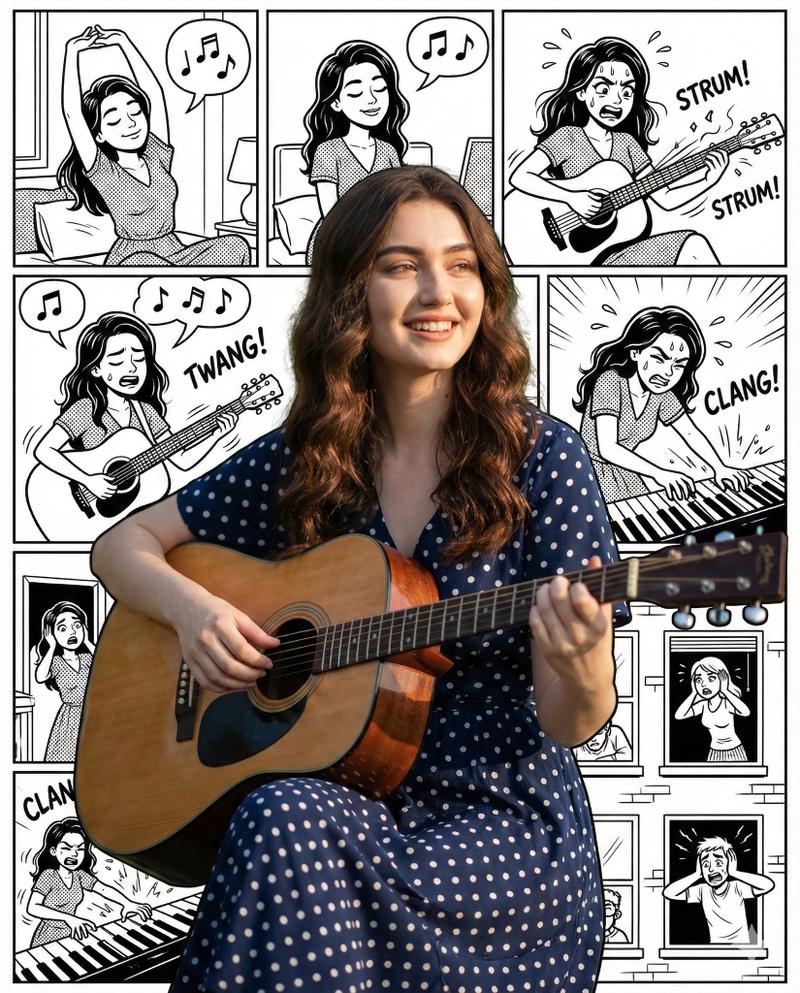
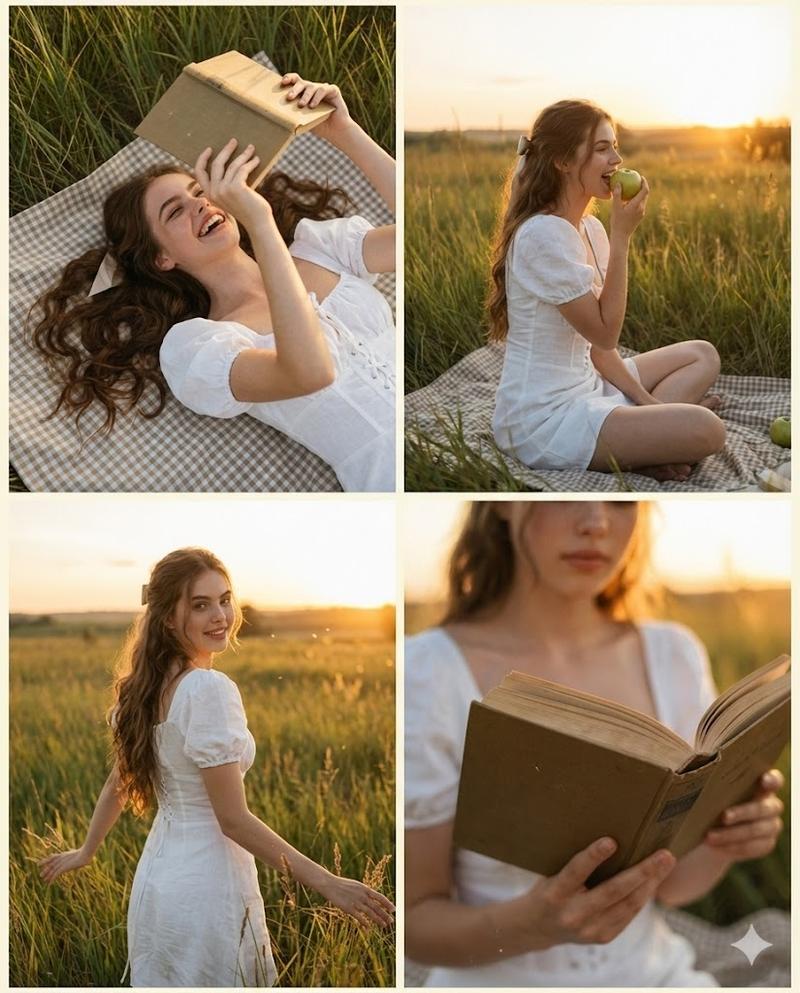
乡村歌手风格转换(图像到图像)
Prompt
🪕🌾 AIでカントリーシンガーに変換してみた

夕暮れの牧場でギターを爪弾く…🌇
のんびりした時間が流れてるね😊
- Category
- 创意图片
- Model
- Nano Banana Pro
- Creator
- ちゃろん
- Source ID
- e00f6561-6109-45fd-849a-f096c685d0ed
- Published
- Mar 8, 2026
Views0
20

🪕🌾 AIでカントリーシンガーに変換してみた 夕暮れの牧場でギターを爪弾く…🌇 のんびりした時間が流れてるね😊
Guide
"乡村歌手风格转换(图像到图像)" AI image prompt for Nano Banana Pro (创意图片). 在 Nano Banana Pro 中用于图像到图像转换的提示,将主体转换为在日落时分田园风光中弹吉他的乡村歌手,营造出轻松的氛围。 --- 🪕🌾 尝试用 AI 变成乡村歌手 在夕阳下的牧场…
The full copyable prompt and example visuals above are ready for AI image generation or one-click recreate in Picva.
Step 1
Review the example visuals, category, and full prompt text for "乡村歌手风格转换(图像到图像)".
Step 2
Copy the prompt body from this page, or load it directly in Studio.
Step 3
Prefer Nano Banana Pro. If you switch models, keep subject and composition and tweak style terms.
Step 4
Recreate the look in Picva, or export into your workflow for editing and publishing.