13

超精细 3D 风格化角色设计提示
Enlarge

超精细 3D 风格化角色设计提示

Prompt
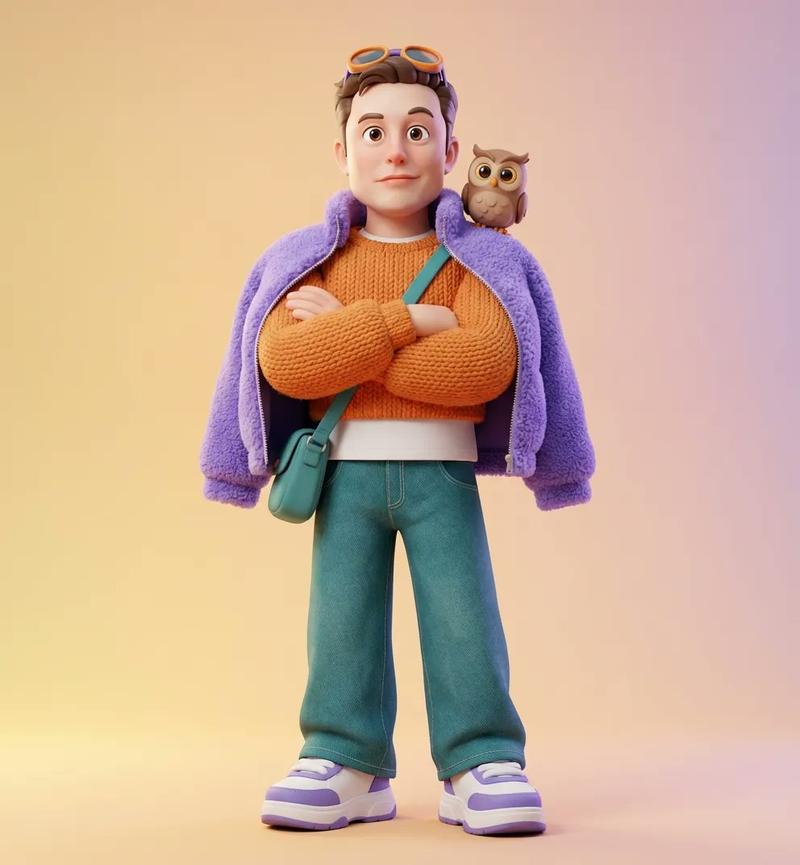
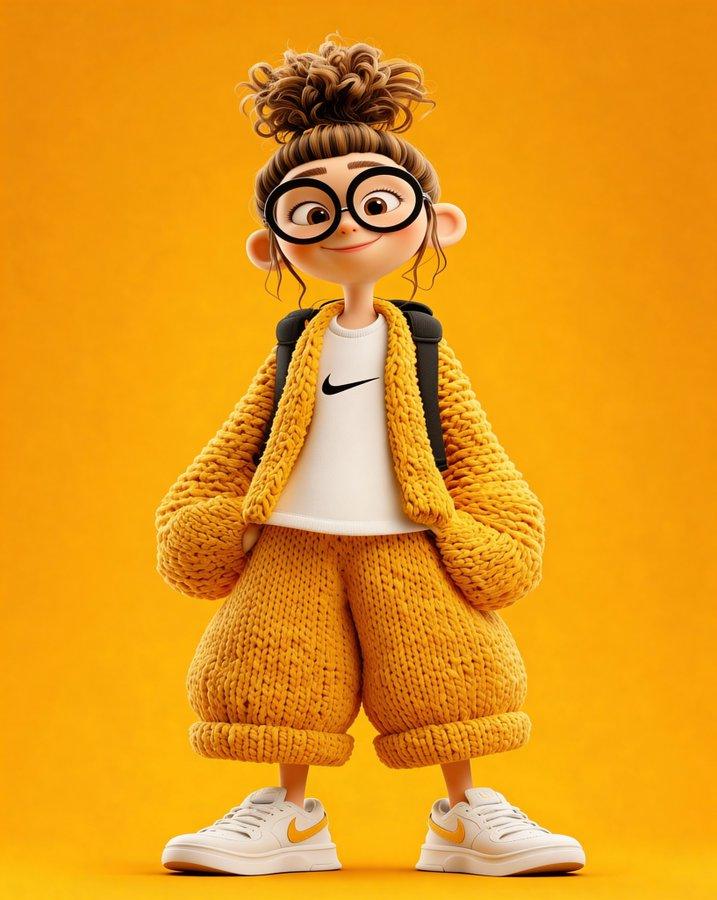
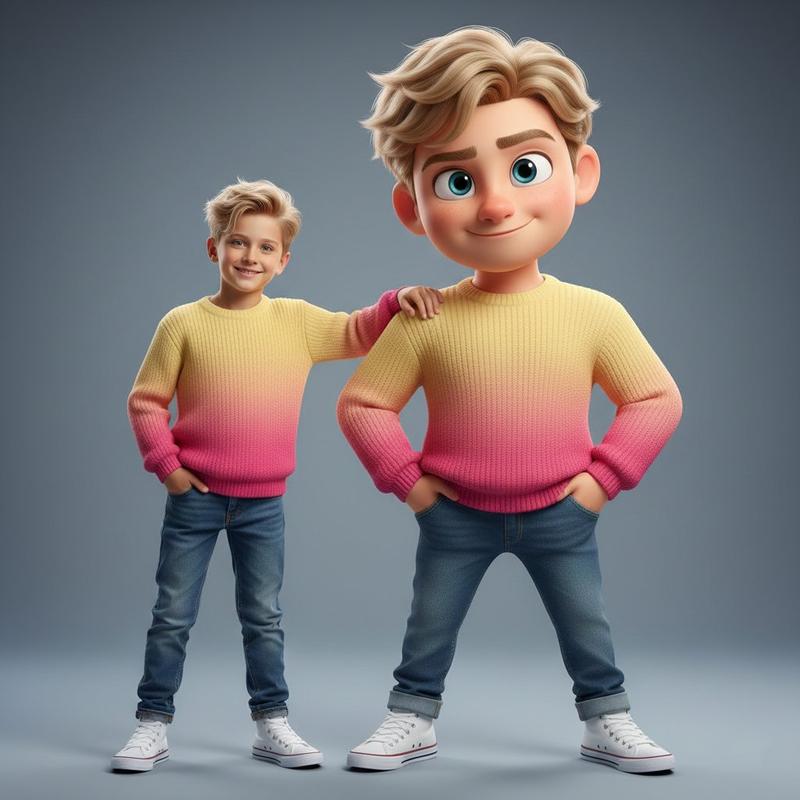
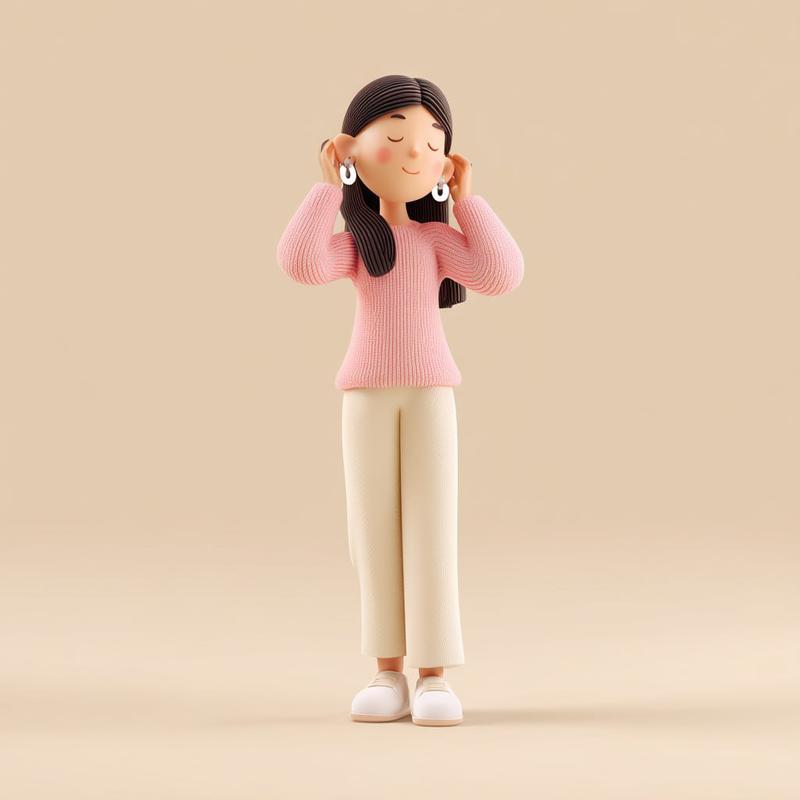
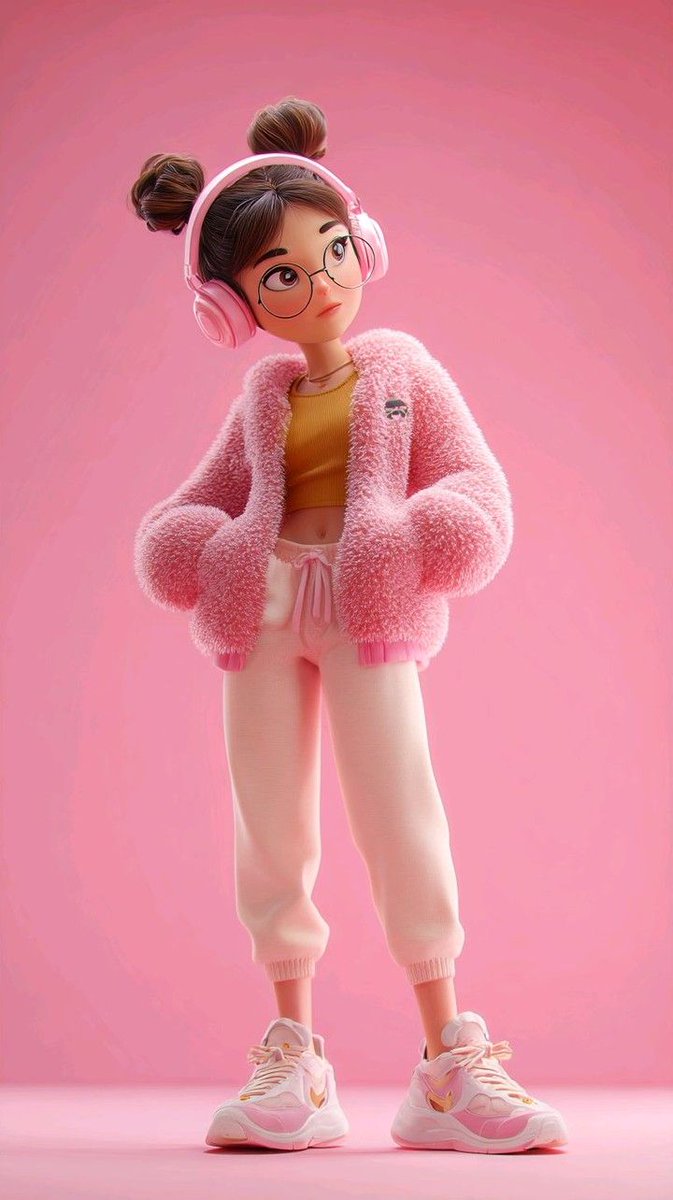
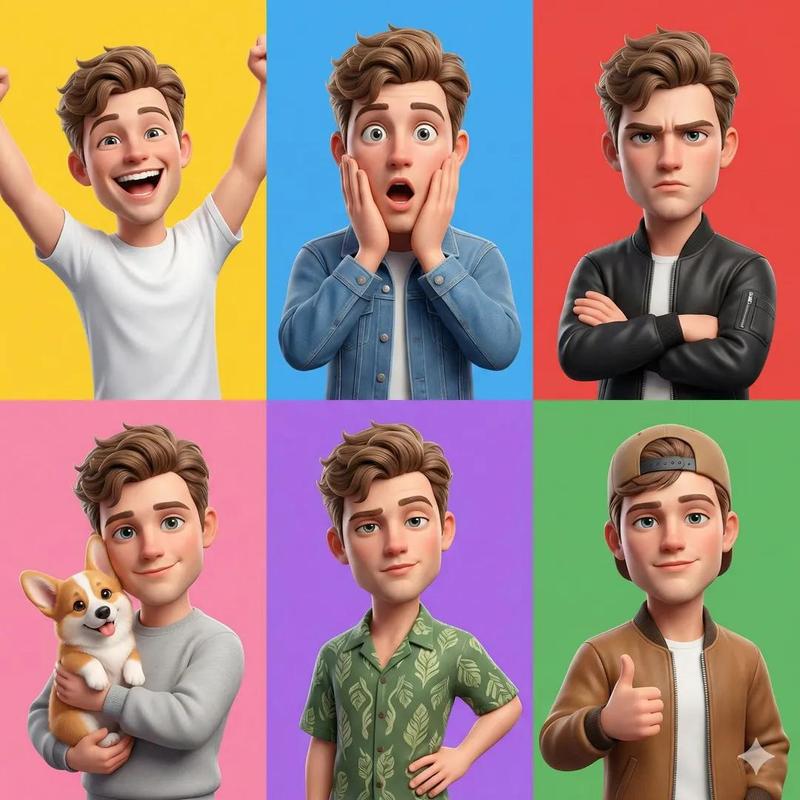
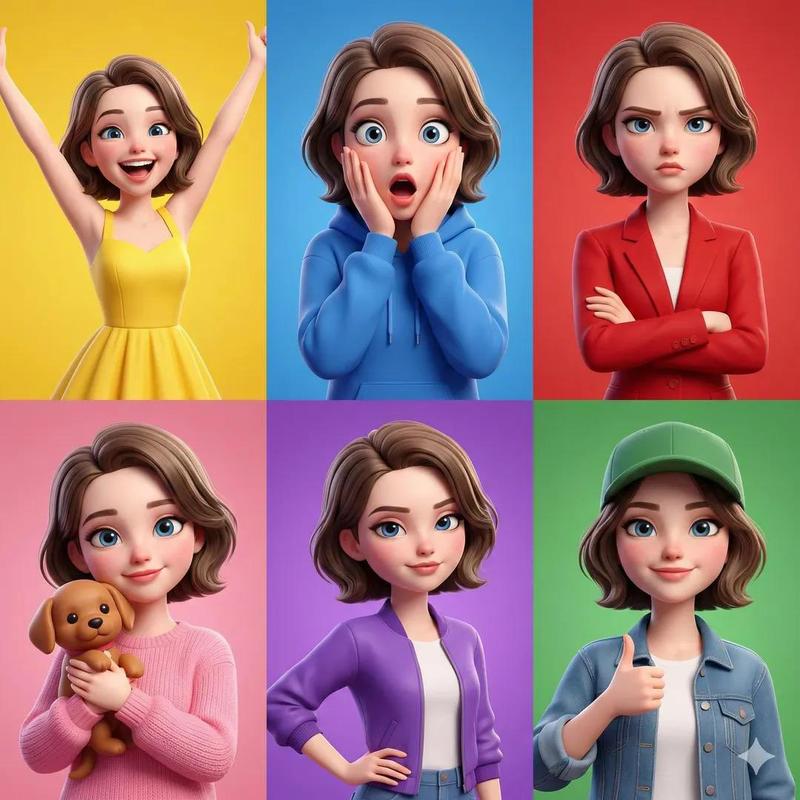
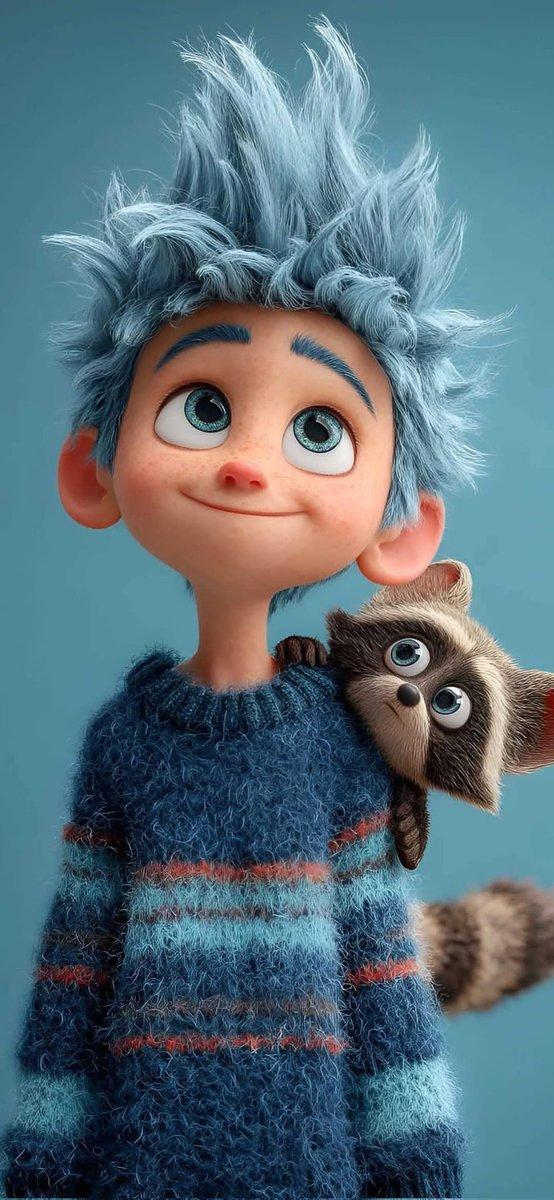
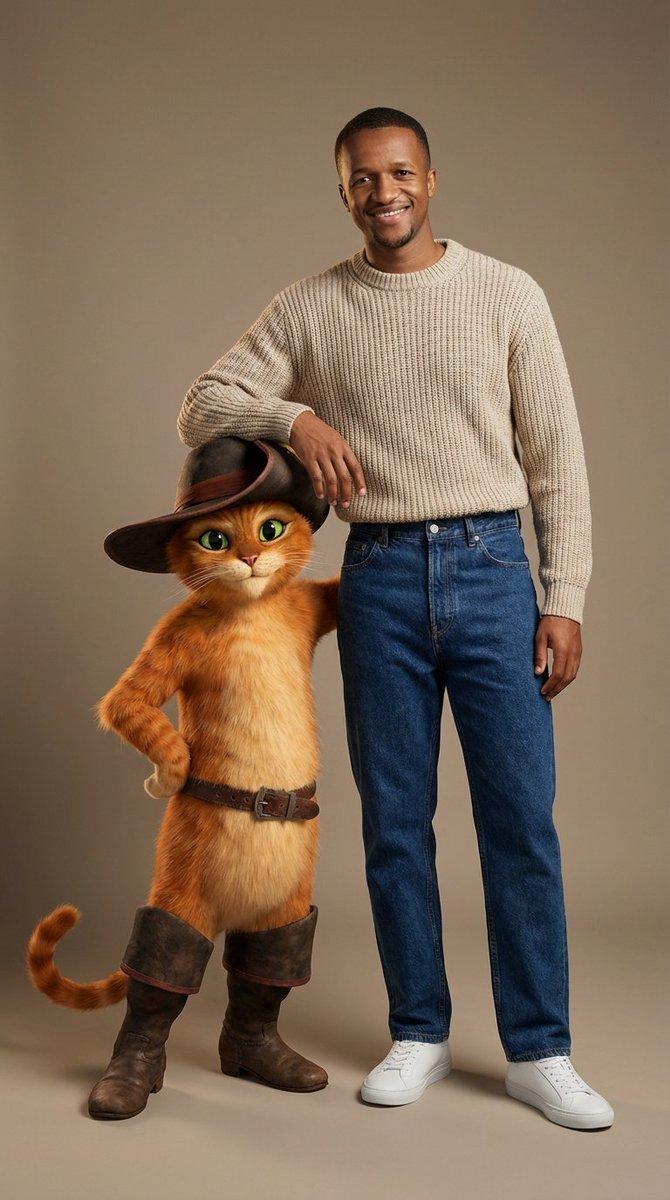
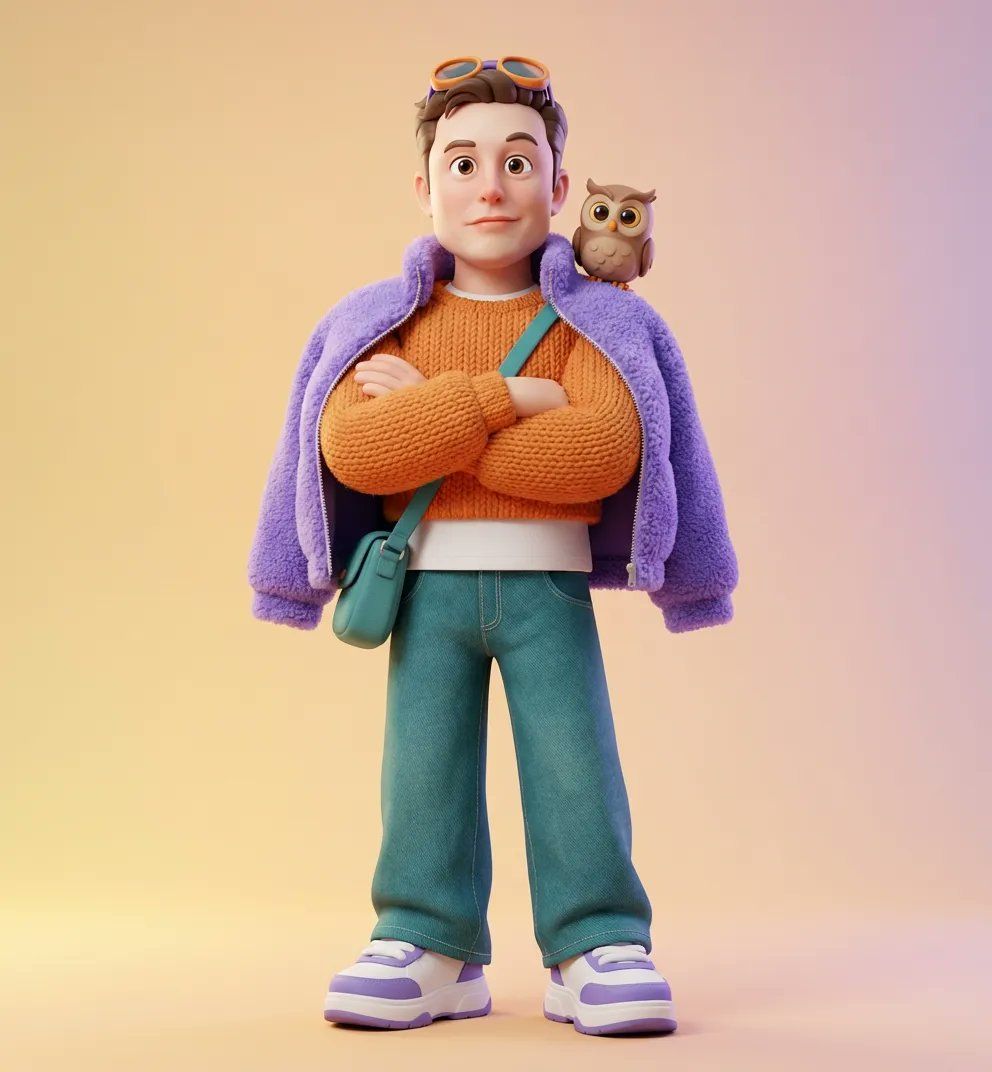
Use Reference figuire1 Create Ultra-detailed 3D stylized character design of a cute with a Pixar/Disney-inspired look, soft rounded facial features, big expressive eyes, smooth porcelain skin, and playful proportions.
Outfit is cozy-chic and modern: oversized knitted sweaters, fluffy jackets, cropped tops, skirts or wide-leg jeans, textured fabrics like wool, fleece, and knit, paired with chunky sneakers or plush boots. Warm color palette with pastel and vibrant tones ({argument name="Color Palette" default="orange, teal, purple, yellow"}).
Accessories include a small backpack or sling bag, headphones or goggles, and a cute animal companion (like a {argument name="Animal Companion" default="tiny owl"}) resting on person shoulder. Confident yet relaxed pose, fashion-model stance or playful walking motion.
Rendered in ultra-high-quality 3D, soft studio lighting, smooth gradients, clean solid background colors, shallow depth of field, cinematic composition, highly detailed fabric textures, realistic subsurface scattering, polished toy-like finish, adorable and wholesome aesthetic, premium character art, 8K resolution, Octane/Arnold style render.
Category
创意图片
Model
Nano Banana Pro
Views0
Source ID
2e5e4e00-1439-4fb6-b9fb-7a64d6e80d81
Published
Mar 8, 2026

Guide

About "超精细 3D 风格化角色设计提示"

What is this prompt for?

"超精细 3D 风格化角色设计提示" AI image prompt for Nano Banana Pro (创意图片). 一个详细的提示,用于生成一个皮克斯/迪士尼风格的 3D 风格化角色,重点突出柔和的特征、富有表现力的眼睛、舒适时尚的现代服装,以及 Octane/Arnold 风格和 8K 分辨率等高质量渲染…

The full copyable prompt and example visuals above are ready for AI image generation or one-click recreate in Picva.

How to use this prompt

  1. Step 1

    Open the prompt detail

    Review the example visuals, category, and full prompt text for "超精细 3D 风格化角色设计提示".

  2. Step 2

    Copy the prompt

    Copy the prompt body from this page, or load it directly in Studio.

  3. Step 3

    Pick a model (Nano Banana Pro)

    Prefer Nano Banana Pro. If you switch models, keep subject and composition and tweak style terms.

  4. Step 4

    Generate and export

    Recreate the look in Picva, or export into your workflow for editing and publishing.

FAQ

What is the "超精细 3D 风格化角色设计提示" prompt?
It is an AI image-generation prompt for Nano Banana Pro in the 创意图片 category. This page includes the full prompt text, example visuals, and a one-click recreate path in Picva.
How do I use this prompt to generate an image?
Copy the prompt from this page, or use Generate / Studio. Paste it into a compatible image model, or recreate the look in Picva with optional reference images.
Which model is this prompt for?
This page lists Nano Banana Pro. Most descriptive prompts also transfer to nearby image models such as GPT Image, Flux, or Midjourney with light style tweaks.
Can I use the result commercially?
You can usually copy the prompt for creation, but commercial use of the final image depends on the model terms, reference-image rights, and the generated content. Follow the source author and platform rules.